
Business Models Keynote Charts
Formerly known as business models keynote charts templates - this collection now includes ready-to-use business model diagrams, strategy charts, and framework slides for Keynote.
Our business model Keynote templates offer structured layouts for typical strategy communication tasks. Managers and executives rely on them when preparing materials for investor pitches or planning workshops where message clarity is critical.
Take a startup founder preparing the business model overview for investors. The template includes dedicated slides for value proposition, customer segments, and revenue streams, allowing the presenter to focus on the story rather than layout decisions.
Opting for these templates over default Keynote shapes saves time and ensures visual consistency throughout the deck. The designs have been refined based on real-world feedback from business environments.
Review the available options to find the best match for your next presentation.
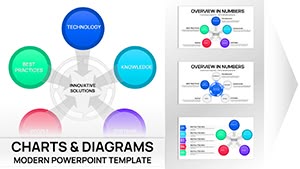 (9)
(9) Keynote Innovative Solutions Charts - Editable Keynote | ImagineLayoutID: #KC01114$18.00
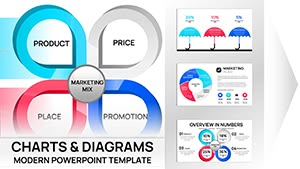 (12)
Marketing Mix Keynote Charts - Fully Editable | ImagineLayoutID: #KC01108$20.00
(12)
Marketing Mix Keynote Charts - Fully Editable | ImagineLayoutID: #KC01108$20.00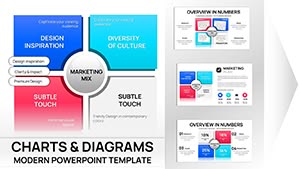 (11)
Marketing Mix Keynote Charts Template - Fully Editable | Instant Download | ImagineLayoutID: #KC01090$15.00
(11)
Marketing Mix Keynote Charts Template - Fully Editable | Instant Download | ImagineLayoutID: #KC01090$15.00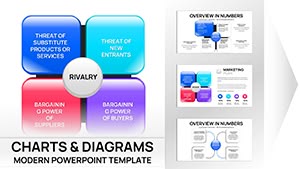 (13)
(13) Porter's Diamond Charts Keynote Template - Fully Editable | Instant Download | ImagineLayoutID: #KC01089$15.00
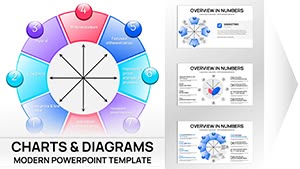 (8)
Bowman's Strategy Clock Keynote Template - 42 Fully Editable Slides | ImagineLayoutID: #KC01088$16.00
(8)
Bowman's Strategy Clock Keynote Template - 42 Fully Editable Slides | ImagineLayoutID: #KC01088$16.00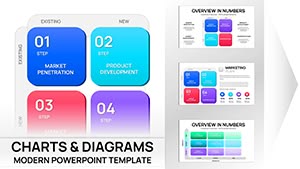 (14)
Ansoff Matrix Chart Keynote - Editable PPTX | ImagineLayoutID: #KC01082$20.00
(14)
Ansoff Matrix Chart Keynote - Editable PPTX | ImagineLayoutID: #KC01082$20.00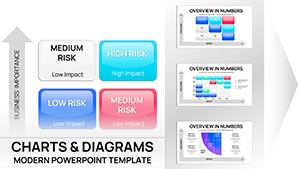 (14)
Risk Matrix Charts Template for Keynote | Fully Editable | Instant DownloadID: #KC01080$18.00
(14)
Risk Matrix Charts Template for Keynote | Fully Editable | Instant DownloadID: #KC01080$18.00 (15)
Marketing Charts Template for Keynote: Editable and ProfessionalID: #KC01038$20.00
(15)
Marketing Charts Template for Keynote: Editable and ProfessionalID: #KC01038$20.00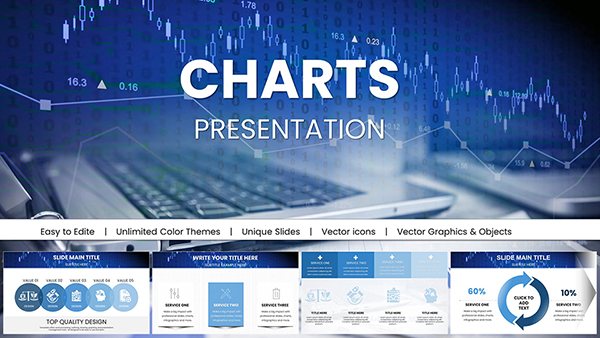 (130)
(130) Marketing Strategies Keynote Template - Professional ChartsID: #KC01026$22.00
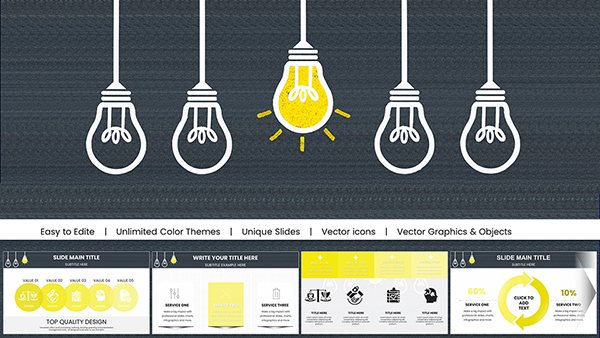 (579)
Creative Marketing Keynote Charts Template - Fully Editable | Instant DownloadID: #KC01022$15.00
(579)
Creative Marketing Keynote Charts Template - Fully Editable | Instant DownloadID: #KC01022$15.00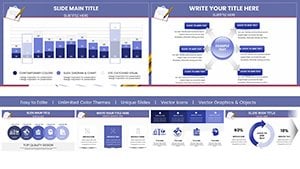 (605)
Business Correspondence Keynote Charts TemplateID: #KC00957$20.00
(605)
Business Correspondence Keynote Charts TemplateID: #KC00957$20.00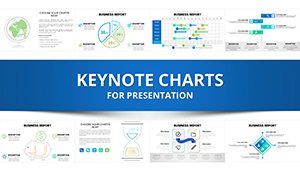 (445)
Business Analysis Solution Keynote ChartsID: #KC00941$25.00
(445)
Business Analysis Solution Keynote ChartsID: #KC00941$25.00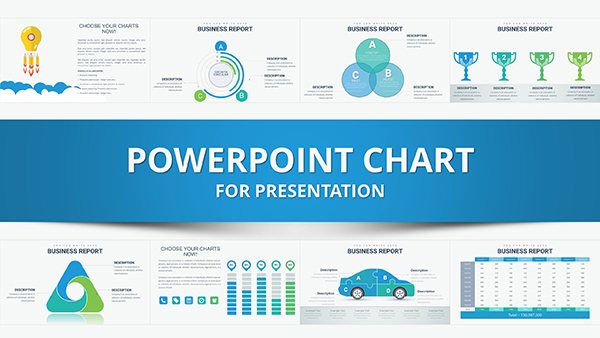 (830)
Best Choice Keynote Charts TemplateID: #KC00939$25.00
(830)
Best Choice Keynote Charts TemplateID: #KC00939$25.00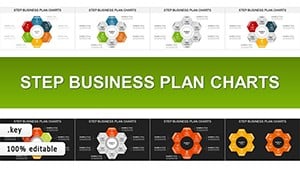 (1112)
Step Business Plan Cycles: Keynote Chart Mastery for Ambitious BuildersID: #KC00916$23.00
(1112)
Step Business Plan Cycles: Keynote Chart Mastery for Ambitious BuildersID: #KC00916$23.00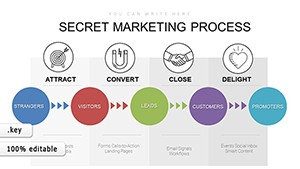 (526)
Inbound Marketing Keynote Charts: Strategy VisualsID: #KC00890$18.00
(526)
Inbound Marketing Keynote Charts: Strategy VisualsID: #KC00890$18.00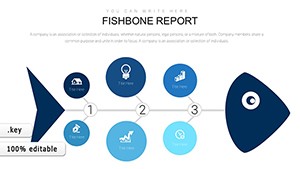 (56)
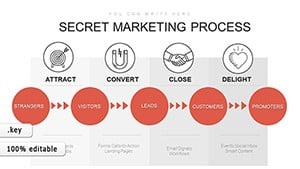
(56) Fishbone Diagram Keynote Template: Root Cause AnalysisID: #KC00889$20.00
 (341)
Inbound Marketing Process Keynote Charts: Streamline Your Strategy VisualsID: #KC00884$18.00
(341)
Inbound Marketing Process Keynote Charts: Streamline Your Strategy VisualsID: #KC00884$18.00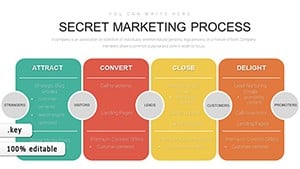 (1114)
Inbound Marketing Methodology Keynote Charts: Strategize for SuccessID: #KC00882$15.00
(1114)
Inbound Marketing Methodology Keynote Charts: Strategize for SuccessID: #KC00882$15.00 (137)
Business Infographic Keynote Charts for Compelling Data NarrativesID: #KC00875$20.00
(137)
Business Infographic Keynote Charts for Compelling Data NarrativesID: #KC00875$20.00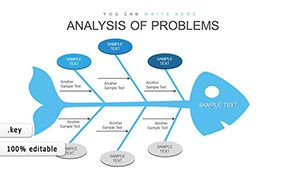 (395)
Ishikawa Fishbone Analysis: Master Problem Solving with Keynote ChartsID: #KC00861$18.00
(395)
Ishikawa Fishbone Analysis: Master Problem Solving with Keynote ChartsID: #KC00861$18.00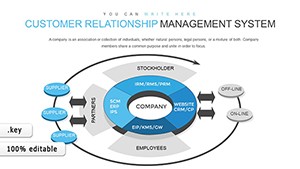 (1096)
Customer Relationship Management Keynote Charts: Revolutionize Your StrategyID: #KC00860$18.00
(1096)
Customer Relationship Management Keynote Charts: Revolutionize Your StrategyID: #KC00860$18.00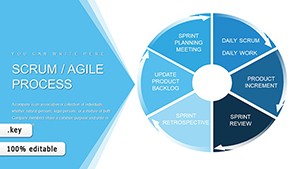 (963)
Scrum Agile Development Process: Keynote Charts for Efficient TeamsID: #KC00856$18.00
(963)
Scrum Agile Development Process: Keynote Charts for Efficient TeamsID: #KC00856$18.00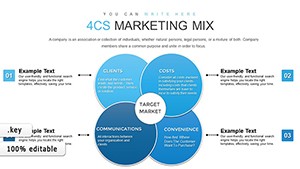 (607)
4Cs & 7Ps Marketing Mix Keynote Charts TemplateID: #KC00833$15.00
(607)
4Cs & 7Ps Marketing Mix Keynote Charts TemplateID: #KC00833$15.00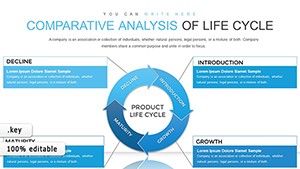 (386)
Life Cycle Analysis Keynote Charts for ManagersID: #KC00832$15.00
(386)
Life Cycle Analysis Keynote Charts for ManagersID: #KC00832$15.00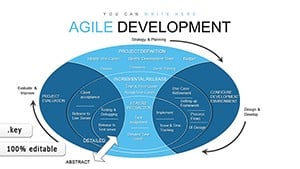 (840)
Agile Methodology Keynote Charts: 45 SlidesID: #KC00831$13.00
(840)
Agile Methodology Keynote Charts: 45 SlidesID: #KC00831$13.00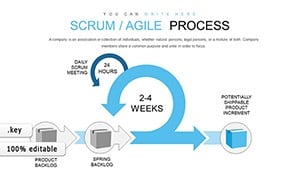 (871)
Agile Scrum Development Process Keynote ChartsID: #KC00830$15.00
(871)
Agile Scrum Development Process Keynote ChartsID: #KC00830$15.00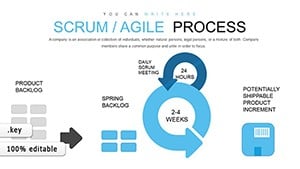 (770)
Agile Scrum Methodology Process Flow Keynote Charts TemplateID: #KC00829$18.00
(770)
Agile Scrum Methodology Process Flow Keynote Charts TemplateID: #KC00829$18.00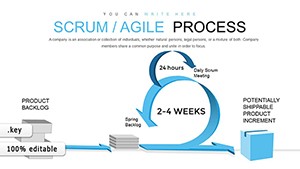 (593)
Scrum Agile Process Keynote Charts TemplateID: #KC00828$18.00
(593)
Scrum Agile Process Keynote Charts TemplateID: #KC00828$18.00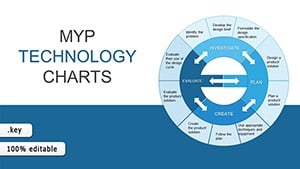 (951)
MYP Technology Keynote Charts TemplateID: #KC00813$20.00
(951)
MYP Technology Keynote Charts TemplateID: #KC00813$20.00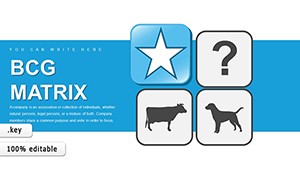 (350)
Revolutionize Corporate Strategy with BCG Matrix Keynote ChartsID: #KC00807$18.00
(350)
Revolutionize Corporate Strategy with BCG Matrix Keynote ChartsID: #KC00807$18.00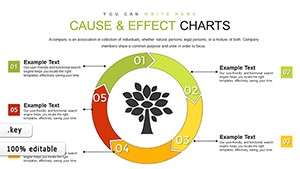 (739)
Cause and Effect Tree Keynote ChartsID: #KC00800$24.00
(739)
Cause and Effect Tree Keynote ChartsID: #KC00800$24.00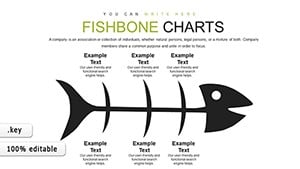 (1131)
Fishbone Keynote Charts - Fully Editable | ImagineLayoutID: #KC00799$15.00
(1131)
Fishbone Keynote Charts - Fully Editable | ImagineLayoutID: #KC00799$15.00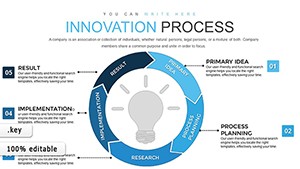 (838)
Innovation Process Steps Keynote Template: Fuel Your Business GrowthID: #KC00798$18.00
(838)
Innovation Process Steps Keynote Template: Fuel Your Business GrowthID: #KC00798$18.00
Use Cases
These templates fit a variety of strategy situations across industries. A strategy consultant at a management consulting firm uses them to map client business models, including canvas diagrams and growth charts. This setup supports clear delivery during workshops with client leadership teams.
In the technology industry, a startup founder employs them for pitch decks aimed at potential investors. The charts cover value streams, key activities, and cost structures in a logical sequence.
A product manager in the SaaS sector prepares business model updates for executive review. The layouts include sections for customer relationships and revenue projections.
Business analysts in finance companies utilize them for market entry modeling sessions. The visual structures help explain partnership options and resource allocation.
Operations leaders in e-commerce companies apply them for value chain analysis updates during board meetings. Each scenario demonstrates how the templates align with specific job requirements and industry demands.
Comparison vs. Default Keynote Shapes or Blank Slides
Starting with blank slides or basic shapes requires considerable effort to achieve balanced layouts and coherent design. Templates provide pre-arranged elements that maintain alignment and spacing automatically. This difference becomes evident when time is limited before an important meeting.
Default options often lead to inconsistent font sizes and color usage across slides. The category templates enforce a unified look that reinforces brand identity. Data visualization in templates uses optimized chart styles that improve readability for audiences in conference rooms.
Blank slides force the user to decide on hierarchy for every element. Templates guide the user with proven structures that direct attention to key messages. The result is a deck that appears cohesive and prepared. In practice, this approach reduces revision rounds from stakeholders who might otherwise comment on design issues.
Templates also include placeholder text and image areas sized appropriately, avoiding the common problem of overcrowded slides. Overall, the structured approach leads to better outcomes in business communication.
Best-Practice Advice for Using the Templates in This Category
Begin by selecting a template that matches the presentation objective, whether it is a model review or a decision-seeking discussion. Adapt the color scheme to match your company branding from the start to maintain consistency. Limit text to key points on each slide and move supporting details to speaker notes.
Test the deck on the actual presentation equipment to check visibility from the back of the room. Use animation only when it serves to reveal information progressively rather than for decoration. Review the flow to ensure one main idea per slide. Share the file with a colleague for feedback before the final meeting. These steps help maximize the value of the template.
Technical Tip for Business Model Keynote Templates
Use the interactive chart tools in Keynote to link external data sources for automatic updates when numbers change. Select the chart, open the data editor, and connect to your spreadsheet file. This feature ensures your business model metrics remain accurate without manual re-entry, which is particularly useful for recurring strategy reviews.
Why ImagineLayout Business Model Keynote Templates Differ from Competitors
Our collection stands out because each template draws from practical frameworks used in consulting and corporate strategy work. The layouts prioritize message delivery over decoration, resulting in decks that hold attention during long meetings. Unlike many options on other platforms that feel generic, these are built to address specific decision-making moments in business.
While our general business PowerPoint templates cover a wide range of corporate topics, this collection of business model Keynote templates focuses exclusively on chart-based frameworks for strategy mapping, offering Apple-native design precision that the broader PowerPoint selection does not prioritize.
FAQ
Are these templates compatible with the latest Keynote versions?
Yes, all templates are saved in the standard .key format and tested with Keynote 12 and newer on macOS and iOS devices. They open without issues on Apple hardware. You can edit text, colors, and charts using standard tools in the software.
What licensing options are available for the templates?
The licensing allows use for both personal and commercial purposes after purchase. You can incorporate the slides into client work or internal company presentations. Redistribution of the original files is not permitted but modified versions for specific projects are fine.
Can I customize the templates extensively?
Yes, the templates are fully editable. You can change colors, fonts, images, and rearrange elements as needed. Grouped objects and master slides make global changes across the deck quick and consistent. This flexibility supports adaptation to any brand guideline.
Do the templates work with Google Slides?
The primary format is Keynote and does not import directly into Google Slides. Export to PowerPoint first if cross-platform use is required. Some chart animations may need adjustment after conversion due to platform differences.
How do I download and start using a template?
After selecting a template, complete the purchase process and the file will be available in your account dashboard immediately. Download the .key file and open it in Keynote. Replace the placeholder content with your own data and text to customize it for your needs.


