Big Typography in Presentations: When Huge Text Actually Works
Huge text can make a presentation memorable—but only when its size has a job. Learn when oversized typography strengthens a slide and when it overwhelms it.
Design tips, tutorials, product updates, and industry insights.
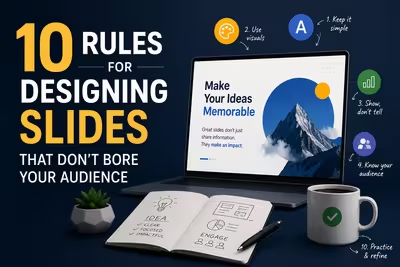
Tired of blank stares during your presentations? These 10 practical slide design rules help you keep attention without gimmicks or clutter.

Learn what separates pitch decks investors fund from ones that get ignored — structure, pacing, and the slides founders usually get wrong.
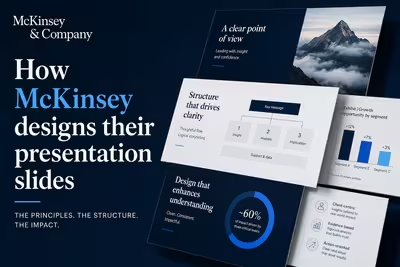
McKinsey's slide design isn't about polish — it's a structured argument system. Here's how the Pyramid Principle actually works in practice.
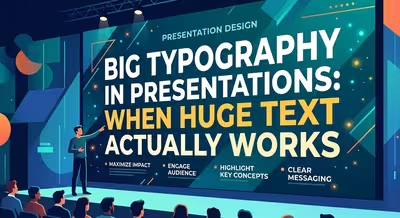
Huge text can make a presentation memorable—but only when its size has a job. Learn when oversized typography strengthens a slide and when it overwhelms it.
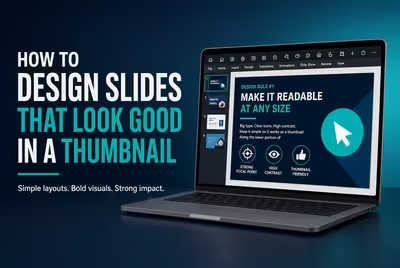
A slide can look polished at full size and still fail as a thumbnail. Learn how to design slides whose message survives at a glance.

Google I/O shows how product presentations can become complete audience experiences through narrative, reveals, demos, visuals, and pacing.
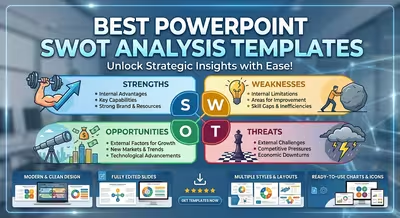
Compare practical SWOT PowerPoint templates by presentation purpose, from fast executive summaries to detailed strategic analysis decks.
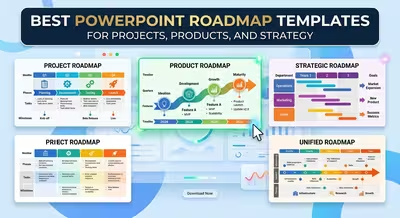
Explore practical PowerPoint roadmap templates for project plans, product releases, strategic initiatives, and implementation presentations.
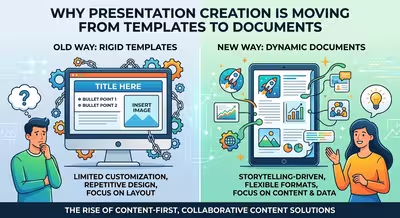
Presentation creation is shifting from filling fixed templates to transforming documents, data, and ideas into flexible visual outputs.
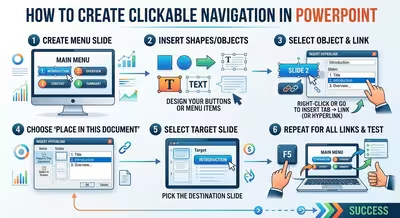
Turn a standard PowerPoint deck into a clickable presentation with practical navigation, hyperlinks, Action Buttons, Zoom, and reliable return paths.
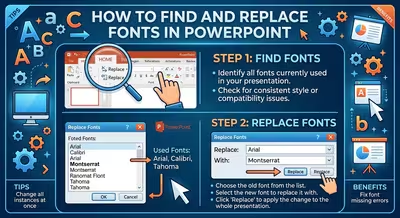
Find inconsistent fonts in a PowerPoint deck and replace them efficiently, with practical fixes for Slide Masters, layouts, and stubborn text boxes.
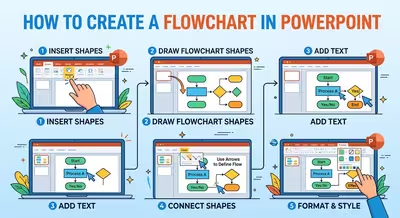
Learn how to create a clear, editable PowerPoint flowchart using SmartArt or shapes, with practical guidance for decisions, connectors, and complex processes.