The Difference Between a Beautiful Slide and an Effective Slide
A beautiful PowerPoint slide can attract attention, but an effective slide makes the audience understand the message. Learn how to tell the difference.
Design tips, tutorials, product updates, and industry insights.

Tired of blank stares during your presentations? These 10 practical slide design rules help you keep attention without gimmicks or clutter.

Learn what separates pitch decks investors fund from ones that get ignored — structure, pacing, and the slides founders usually get wrong.
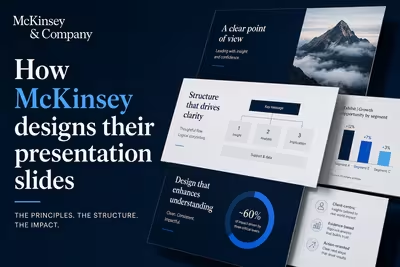
McKinsey's slide design isn't about polish — it's a structured argument system. Here's how the Pyramid Principle actually works in practice.
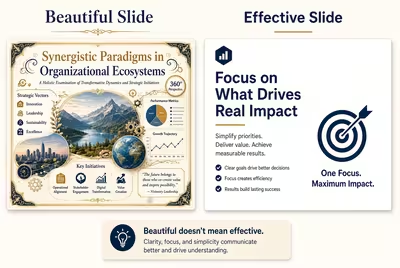
A beautiful PowerPoint slide can attract attention, but an effective slide makes the audience understand the message. Learn how to tell the difference.
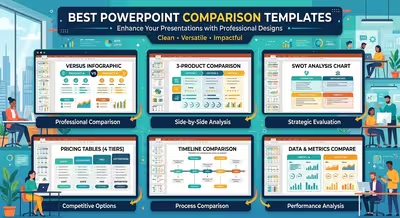
Explore PowerPoint comparison templates for budgets, competitors, market data, KPIs, and other business information that needs a clear side-by-side view.
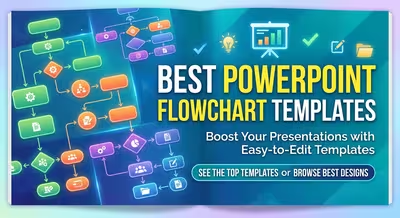
Explore the best PowerPoint flowchart templates for workflows, business processes, decision paths, and step-by-step presentations.
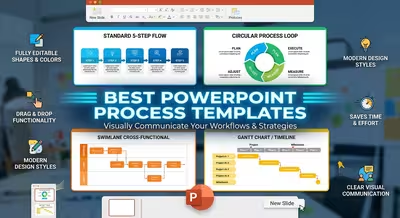
Explore practical PowerPoint process templates for workflows, business operations, project stages, decision paths, and sequential presentations.
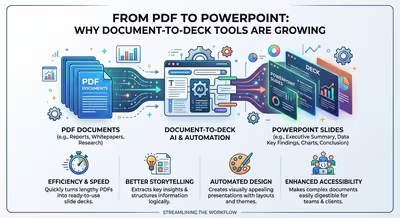
Microsoft's own guidance says PDF conversion can't process the charts in your file, so here is why document-to-deck tools keep growing anyway and how to plan around the gap.

AI and live co-editing made the first draft fast, so why does the sign-off still take two more days?

A giant number on a slide is easy to make and easy to get wrong. Here's how to pick the right number, size it, and give it context so it lands.

A 68-page booklet from 1951 grew into a publication printed in around 200 million copies, and the reason it worked has less to do with furniture than with context.
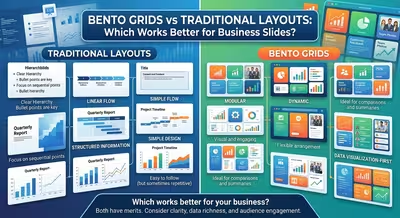
Bento grids look modern, but traditional layouts often communicate business decisions more clearly. Here is how to choose between them slide by slide.