How to Use Slide Master in PowerPoint: A Practical Guide
Learn how to use Slide Master in PowerPoint to control layouts, placeholders, typography, and recurring elements without rebuilding every slide manually.
Design tips, tutorials, product updates, and industry insights.
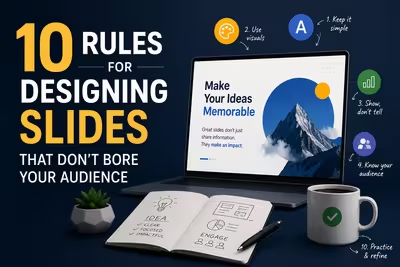
Tired of blank stares during your presentations? These 10 practical slide design rules help you keep attention without gimmicks or clutter.

Learn what separates pitch decks investors fund from ones that get ignored — structure, pacing, and the slides founders usually get wrong.
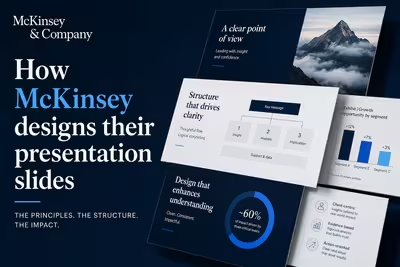
McKinsey's slide design isn't about polish — it's a structured argument system. Here's how the Pyramid Principle actually works in practice.
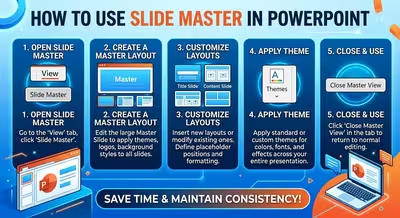
Learn how to use Slide Master in PowerPoint to control layouts, placeholders, typography, and recurring elements without rebuilding every slide manually.

Your PowerPoint can be polished, modern, and completely forgettable. Here is why that happens — and how to build a visual system with a point of view.

A polished presentation can still fail to communicate when visual decisions make the audience work harder to find, interpret, or remember the message.
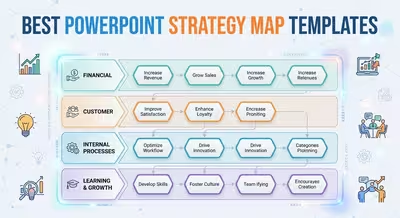
Find the best PowerPoint strategy map templates for business planning, goals, tactics, roadmaps, risks, and strategic presentations.

AI is moving beyond generating individual slides. Here's how autonomous presentation systems are changing the way decks are planned, designed, reviewed, and edited.

Tesla's product launches show how a reveal can become the structure of an entire presentation, building context and anticipation before the product appears.
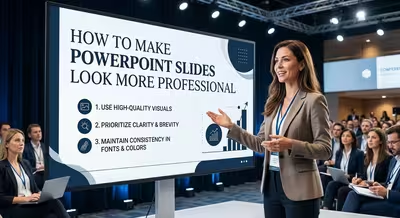
Make PowerPoint slides look more professional with practical advice on hierarchy, typography, spacing, images, charts, color, and reusable layouts.

Learn how to create a PowerPoint template from scratch using Slide Master, custom layouts, theme settings, placeholders, and reusable design rules.
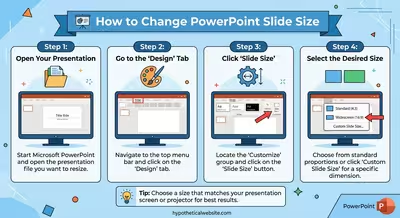
Need to change your PowerPoint slide dimensions? Learn how to switch to 16:9, 4:3, or custom size and protect your existing layout.