Google Slides for Teams: How to Collaborate Without Stepping on Each Other’s Work
Google Slides makes simultaneous editing easy, but good team collaboration requires clear ownership, review rules, and a workflow that prevents accidental changes.
Design tips, tutorials, product updates, and industry insights.

Google Slides makes simultaneous editing easy, but good team collaboration requires clear ownership, review rules, and a workflow that prevents accidental changes.
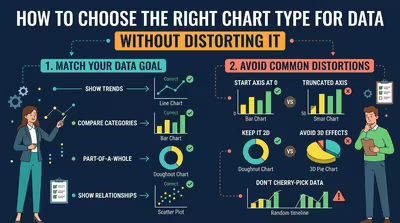
The right chart does more than make data readable — it preserves the relationships, proportions, and differences that actually exist in the numbers.

Learn how to make a clean PowerPoint diagram in five minutes using simple shapes, connectors, alignment, and a few deliberate design decisions.
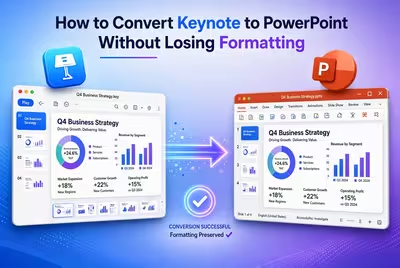
Converting Keynote to PowerPoint is easy; keeping the slides intact requires a careful export, font check, and post-conversion review.

A corporate Google Slides presentation can use your real brand and still look generic. Here’s how to build a visual system that feels intentional.

The wrong Google Slides permission can turn a private deck into a shareable file. Here is how to configure access without blocking legitimate collaboration.

A practical workflow for teams that edit, review, and approve Google Slides without creating a maze of conflicting versions.

Your slides can look perfect on the laptop and still fail on the projector. Here are the PowerPoint settings worth checking before you present.
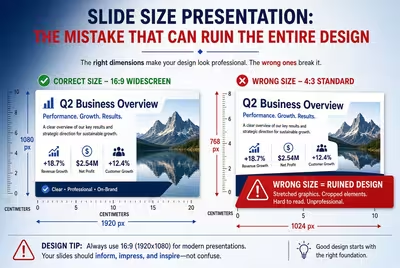
A presentation can have excellent typography and visuals yet still look wrong because the slide size was chosen too late.