How to Convert Keynote to PowerPoint Without Losing Formatting
Converting Keynote to PowerPoint is easy; keeping the presentation looking right requires the right export workflow and a careful compatibility check.
Design tips, tutorials, product updates, and industry insights.
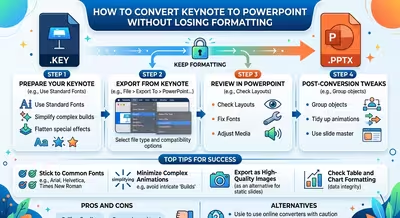
Converting Keynote to PowerPoint is easy; keeping the presentation looking right requires the right export workflow and a careful compatibility check.
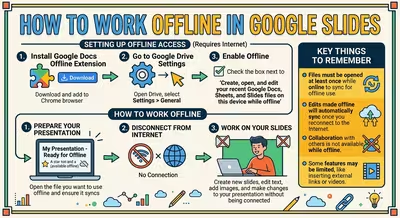
Learn how to set up Google Slides for offline work, make presentations available without internet, and avoid problems when your connection disappears.
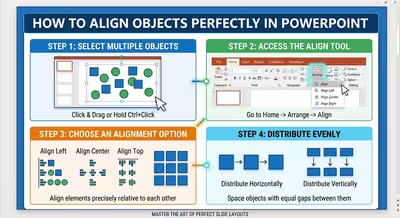
Learn how to align objects perfectly in PowerPoint using Align, Distribute, guides, grouping, and optical alignment for cleaner, more consistent slides.
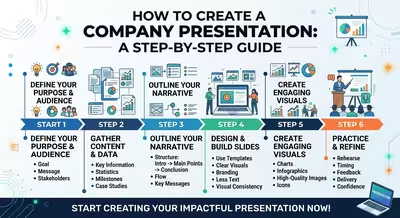
Learn how to create a company presentation that explains what your business does, proves why it matters, and gives the audience a clear reason to continue the conversation.
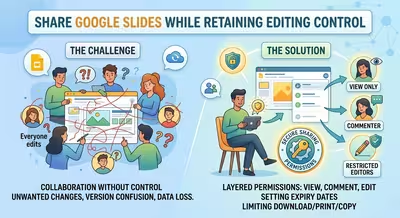
Sharing a Google Slides deck should not mean giving everyone the ability to change it. Here is how to control editing, reviewing, downloading, and access.
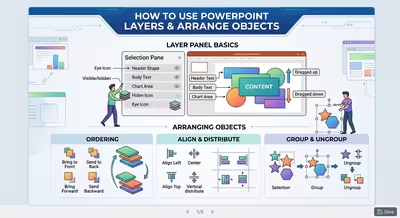
Learn how PowerPoint layers, Arrange commands, and the Selection Pane help you control overlapping objects and build cleaner, easier-to-edit slides.
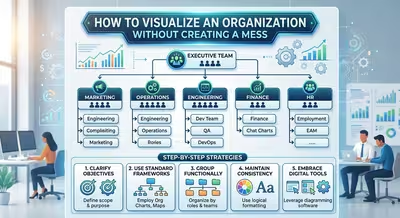
A practical guide to showing hierarchy, teams, responsibilities, and relationships without turning an organizational slide into a wall of boxes and lines.
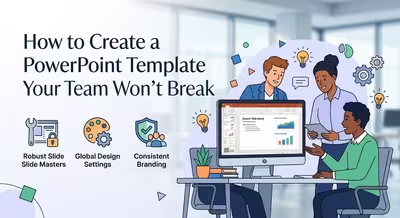
A practical guide to building PowerPoint templates that survive real team editing, from long headlines and bad images to duplicated slides and layout drift.

Learn how to create a project roadmap in PowerPoint that connects phases, milestones, deliverables, and timing without turning the slide into a task list.