Management Process Keynote Charts - Editable | ImagineLayout


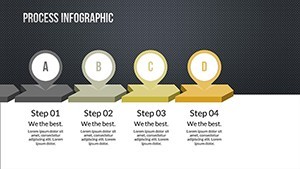
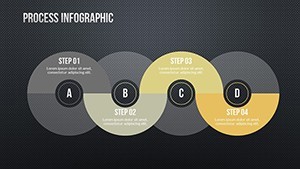
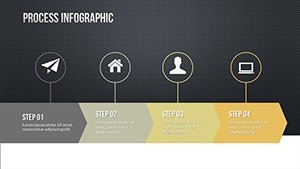

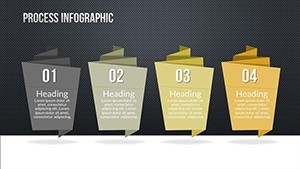
Package Contents
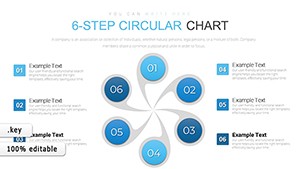
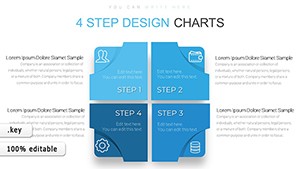
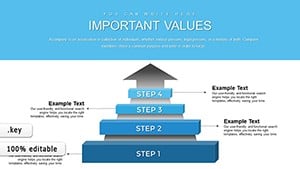
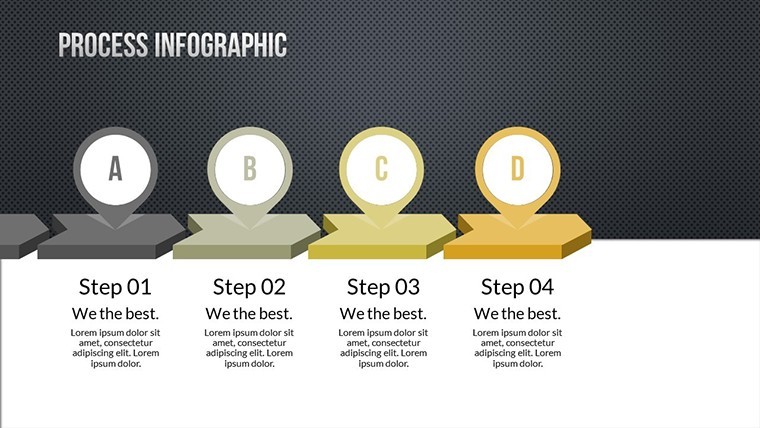
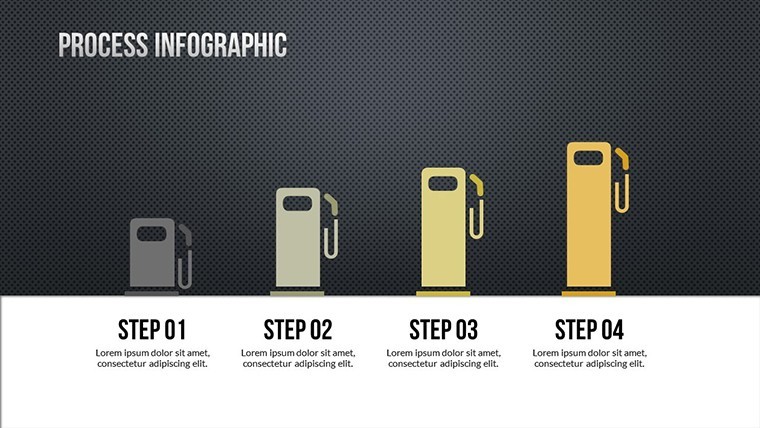
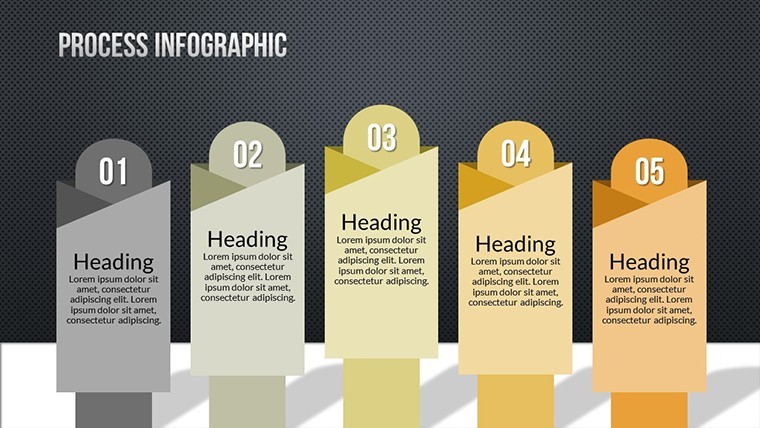
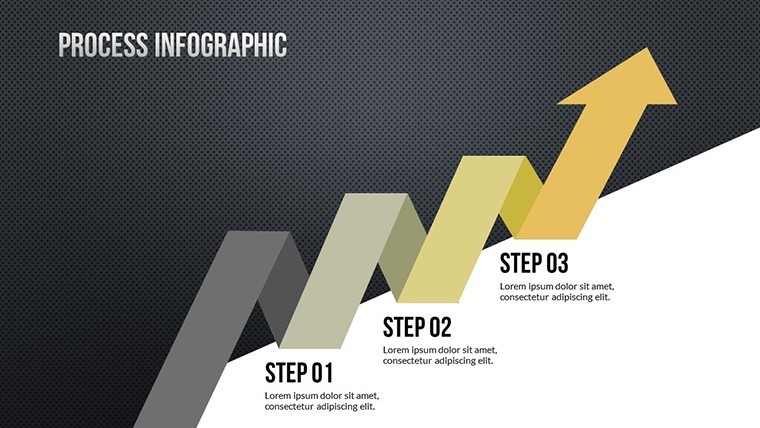
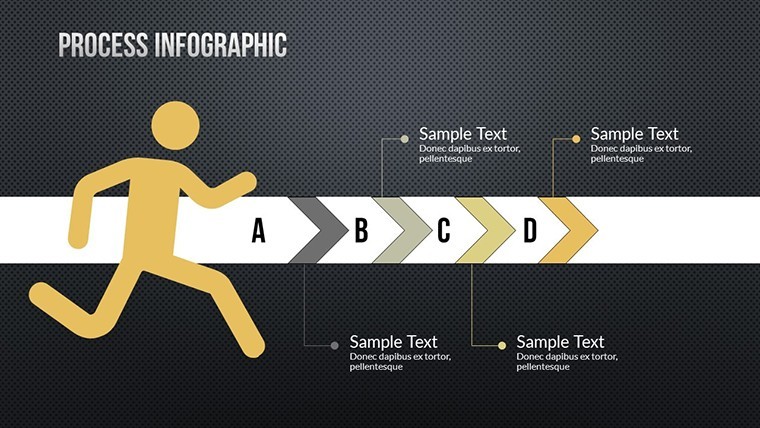
The download delivers a single .key file with 18 editable infographic slides.
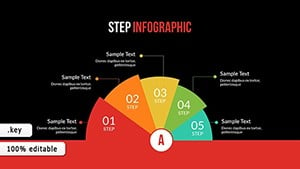
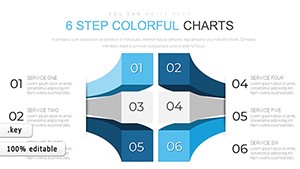
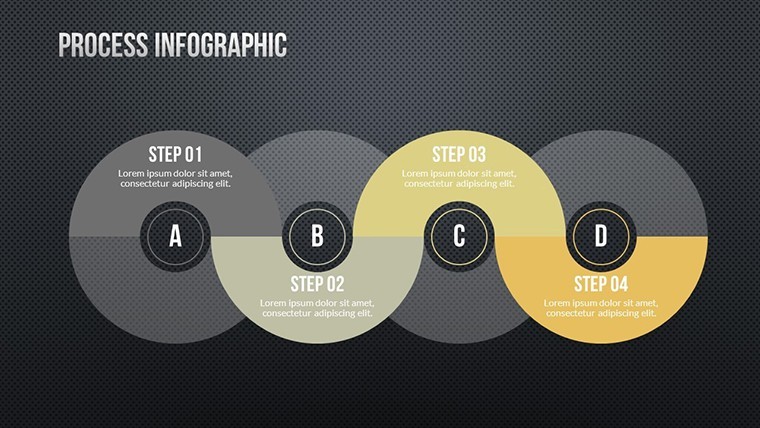
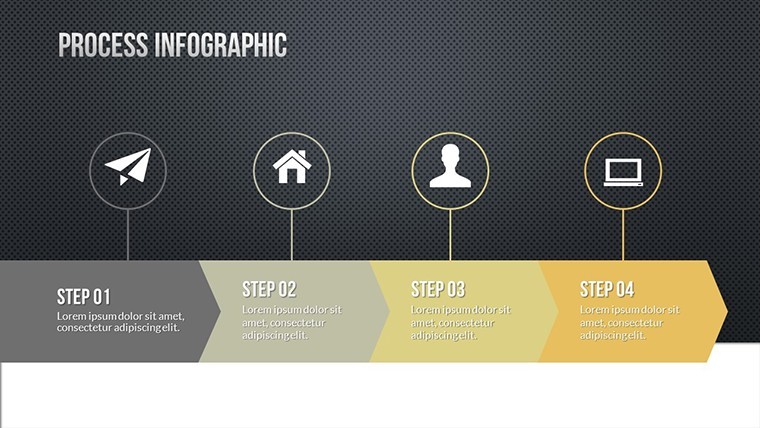
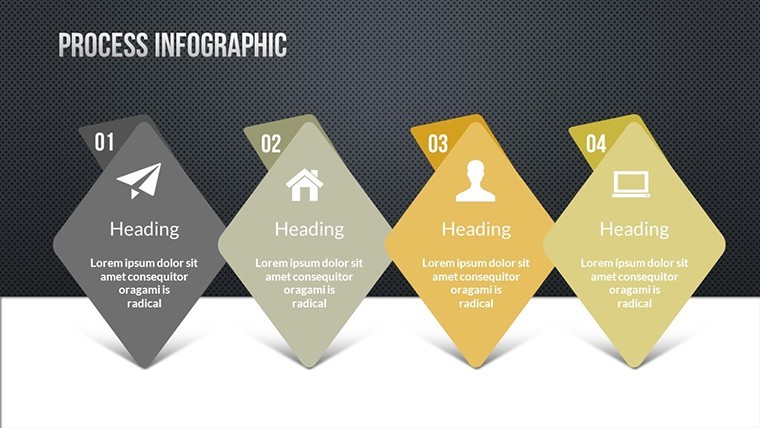
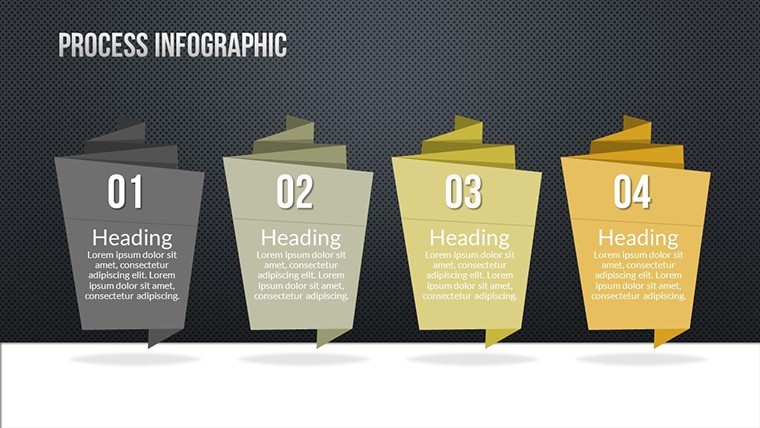
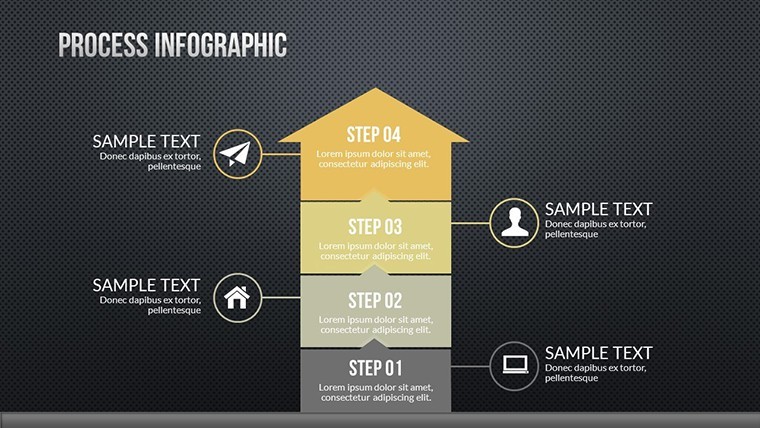
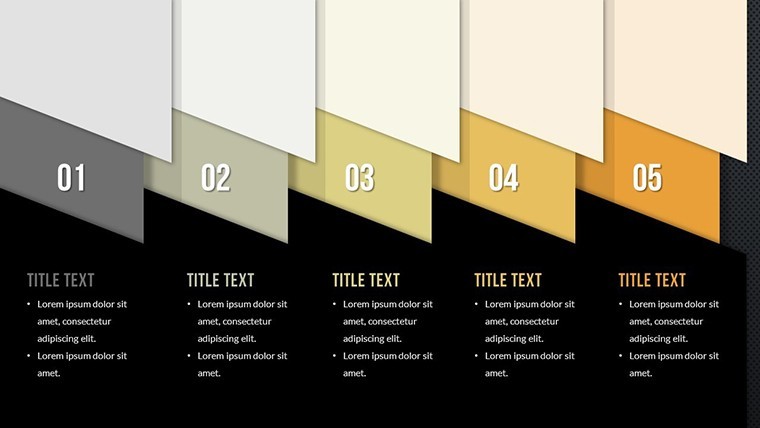
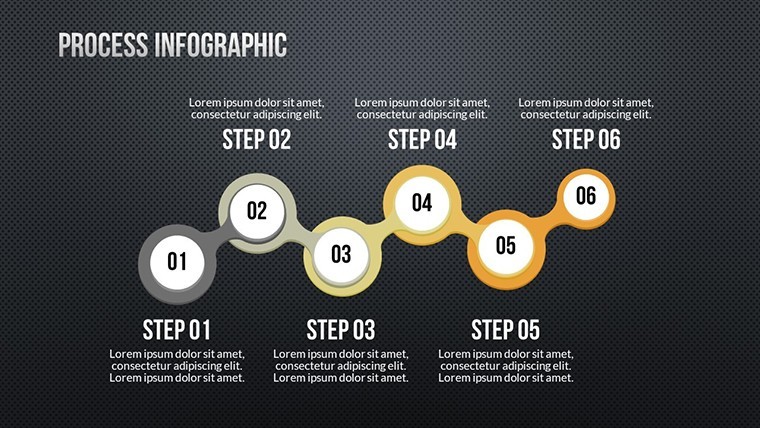
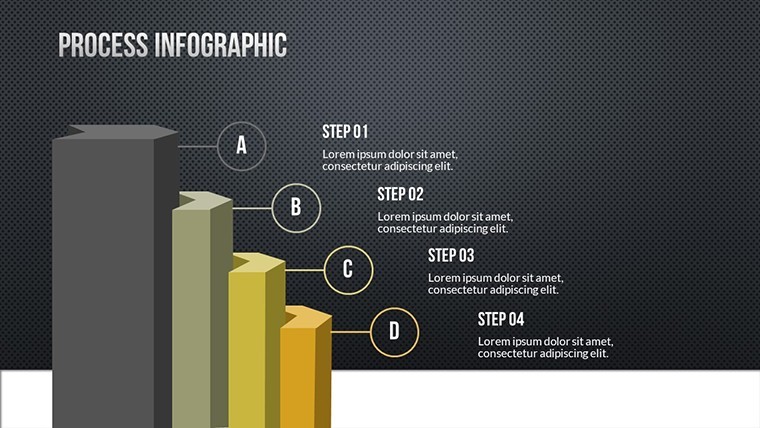
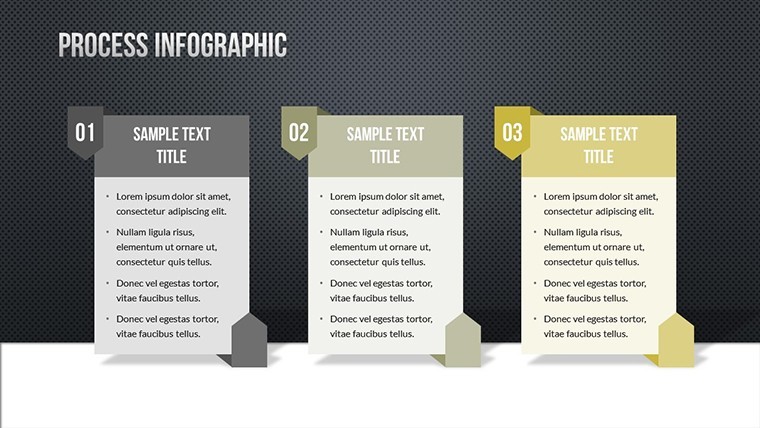
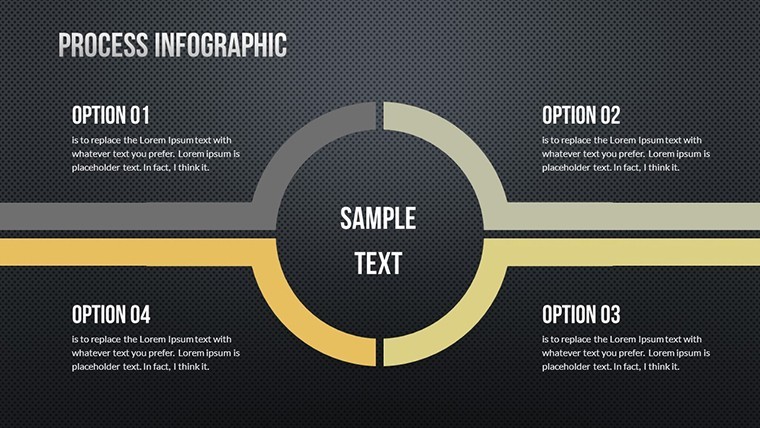
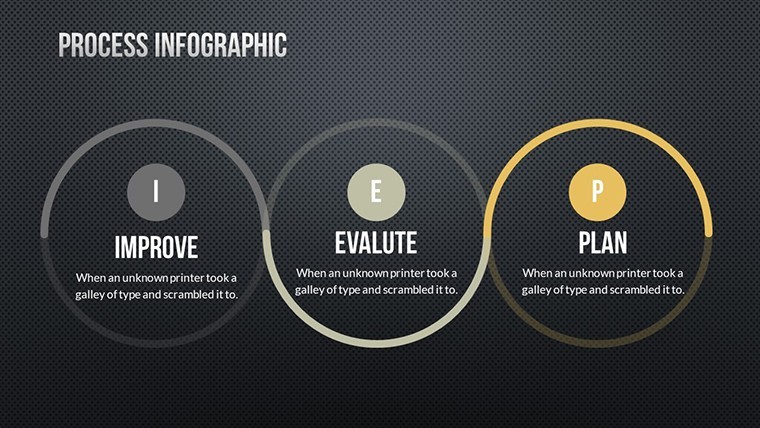
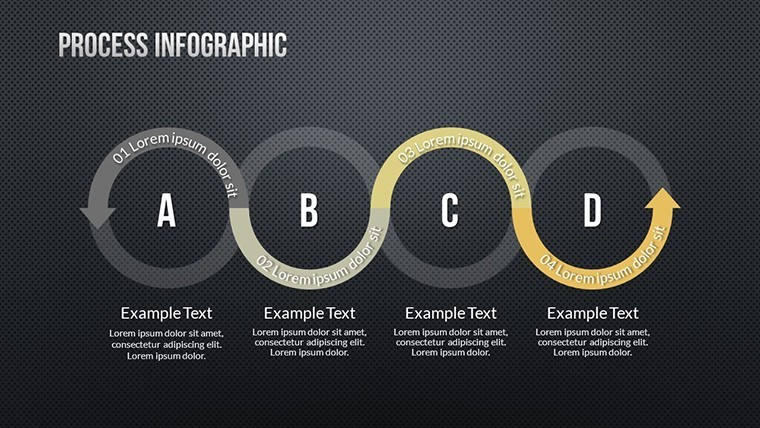
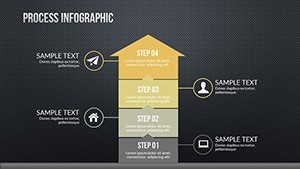
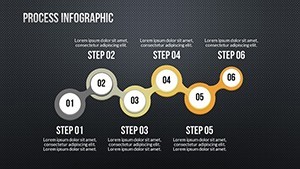
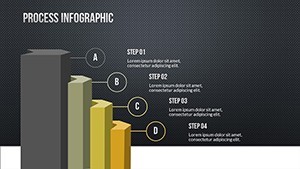
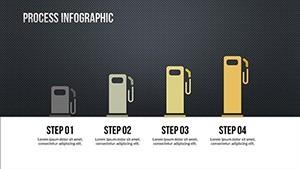
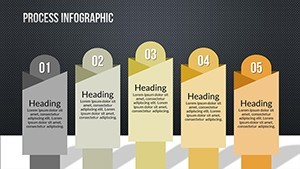
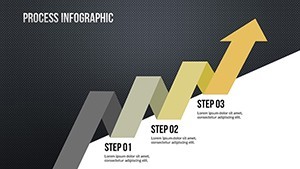
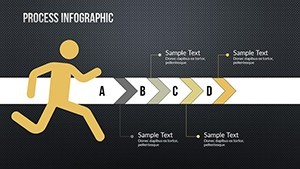
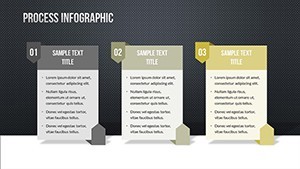
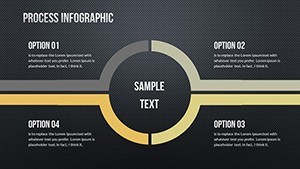
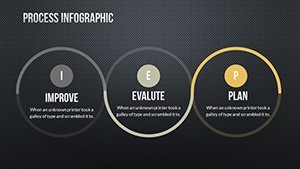
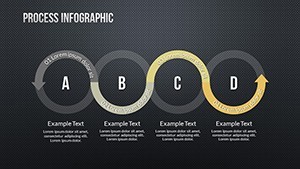
Slides cover planning through performance review phases with connected diagrams that link each step into a complete process overview.
Unlike isolated workflow sets, this collection integrates the full management journey into one file with clear flow direction and zone segmentation that supports strategy meetings without extra effort.
Key Specifications
| Feature | Details |
|---|---|
| Slides included | 18 fully editable infographics |
| Diagram categories | process stages with arrow connectors |
| Editable elements | shapes resize and recolor independently |
| Aspect ratio | standard 16:9 for presentations |
| PowerPoint compatibility | Keynote only on macOS |
| Color themes | fully adjustable via format pane |
| Animation support | basic transitions available |
Who Reaches for This Template
Executive in Manufacturing
A senior executive prepares a quarterly review deck and maps the full management process. The outcome cuts preparation from three hours to 45 minutes by swapping labels only.
Management Consultant in Finance
Consultants build client strategy decks and reuse the file across three reports after color theme adjustments. Analysts often pair these with a step diagram Keynote template for extended reports.
Download now to prepare your next board briefing in minutes.
Customization in 4 Steps
Moderate skill users complete branding in under 15 minutes with Keynote.
- Open the .key file directly in Keynote 12 or newer (1 minute).
- Replace placeholder text labels (3 minutes).
- Adjust colors through the format sidebar (2 minutes).
- Export as PDF for distribution (1 minute).
Many professionals combine it with an arrows Keynote charts category page when scaling to full strategy decks.
Why This Template, Not a Blank Slide
Building equivalent stages from scratch takes four hours and requires advanced alignment skills. Manual versions often suffer from inconsistent arrow weights and poor readability on screens.
Labels sit outside diagram shapes with thin connectors. This layout ensures clarity during live investor decks without increasing editing complexity.
Download the file and start your next strategy meeting with ready visuals.
Which Keynote versions does this template support?
The file opens perfectly in Keynote 12 and newer on macOS. Older versions may need an update to unlock all editable layers. Open the .key file from Downloads to test compatibility right away. Keynote's repair tools fix most version issues in seconds.
How do I change the color scheme in Keynote?
Select any shape or arrow then open the format pane on the right. Pick a new fill color or apply a preset theme to all slides at once. The slide master updates connected elements automatically. Save a custom palette for future decks in under two minutes.
What does the license allow for client work?
You may use the slides in paid client presentations and consulting decks. The license covers commercial projects but prohibits resale or redistribution of the original .key file. Modify content freely for each engagement. Sublicensing the template itself remains forbidden.
How does the paid version differ from the free version?
The paid version unlocks the complete 18 editable slides without watermarks. Free previews offer only three sample diagrams with locked layers. Paid buyers receive full icon layers and connector adjustments. This difference saves hours when building complete process decks.
What software is required and what formats are included?
Apple Keynote on macOS is required to open the .key file. No other formats ship with the download. Export options include PDF and images after editing. The single file structure keeps everything organized in one place.
What is the refund policy?
Refunds are available within 30 days if the file fails to open in supported Keynote versions. Contact support with your order details and a screenshot of the issue. Approved cases process within 48 hours. Technical support remains available before any refund request.