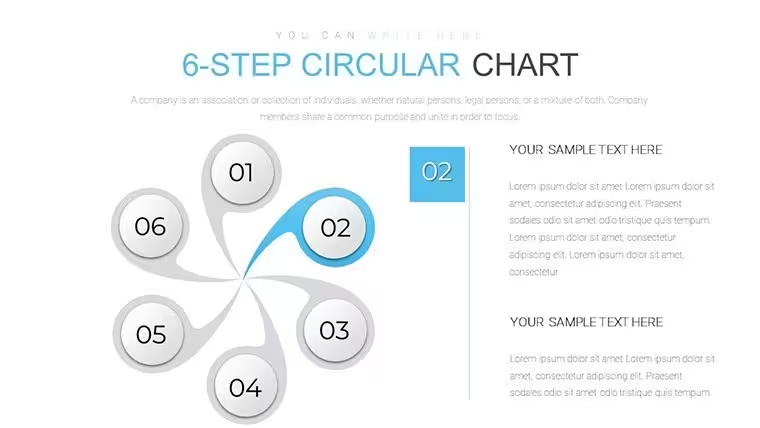
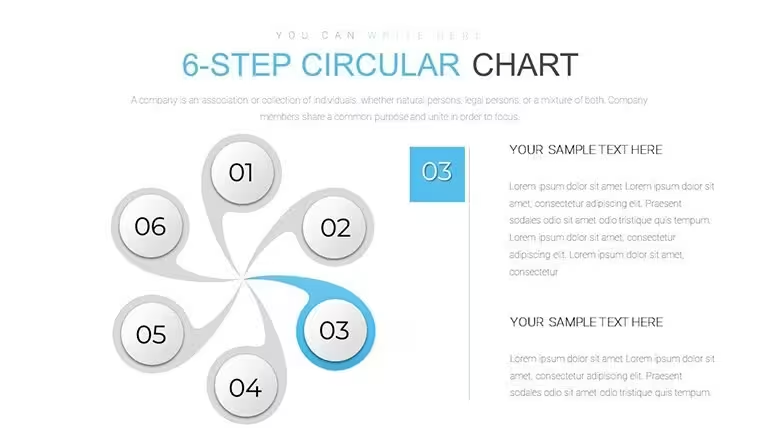
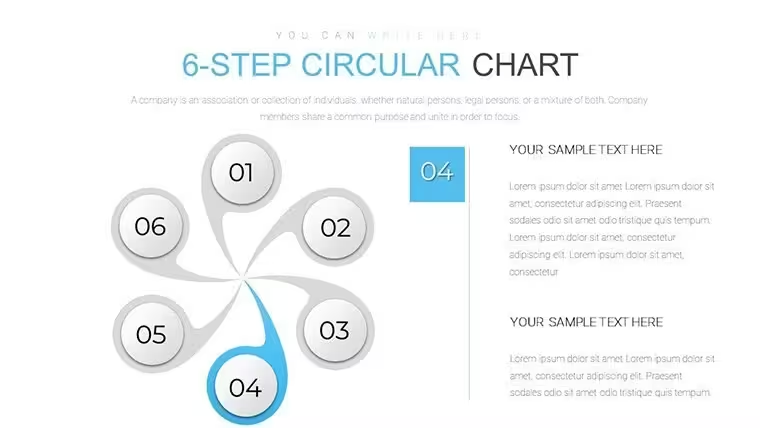
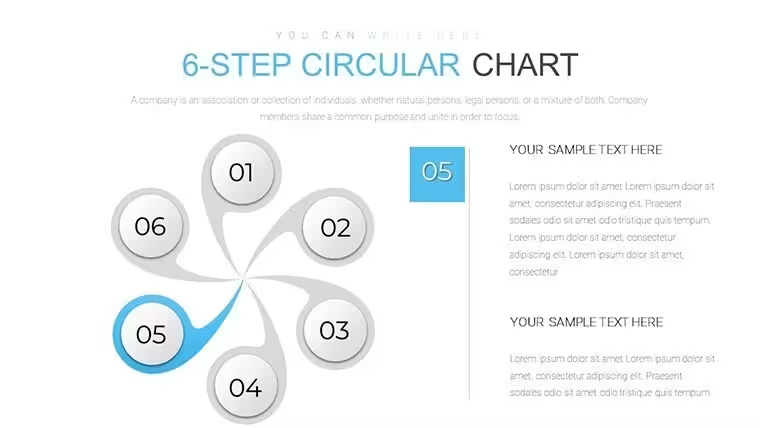
 Click to zoom
6-Step Circular Charts Keynote - Fully Editable | ImagineLayout
| Format | .pptx |
| Slides | 18 unique layouts |
| Aspect ratio | 16:9 |
| Compatibility | PowerPoint |
| Animated | No |
| Language | English |
| License | Commercial |
| File size | — |
| Version | v1.0 |
| Last updated | September 2026 |
What's inside
Editable 6-Step Circular Charts Keynote Template
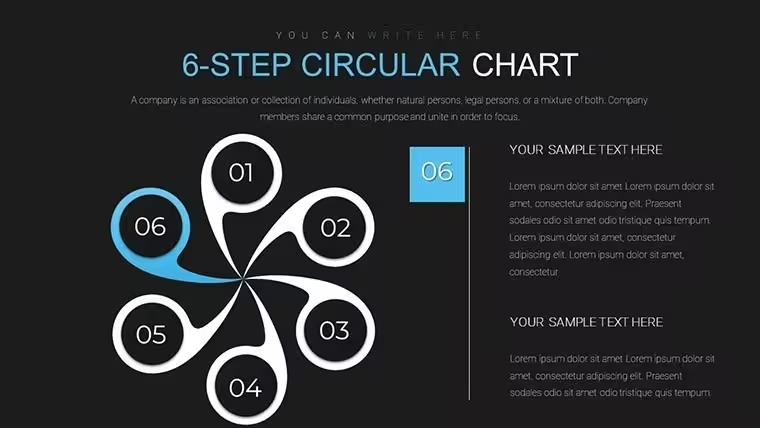
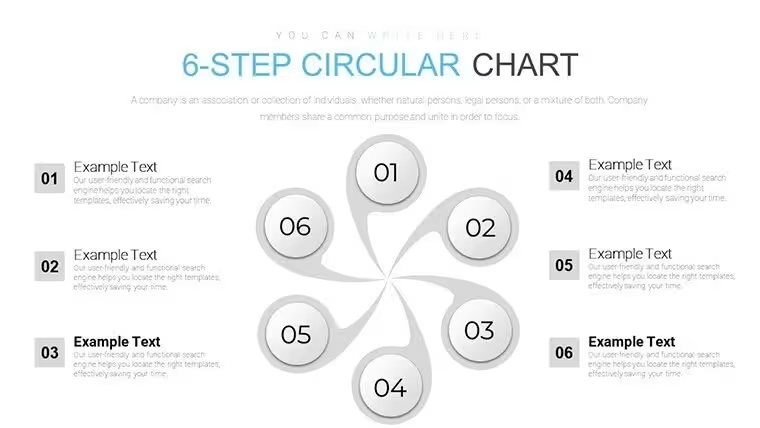
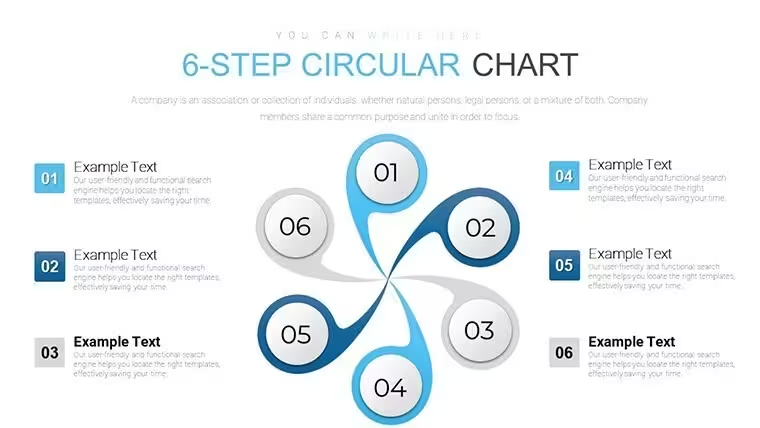
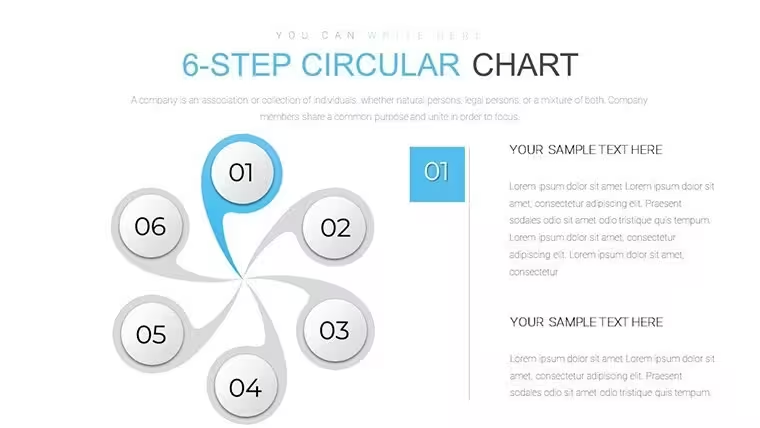
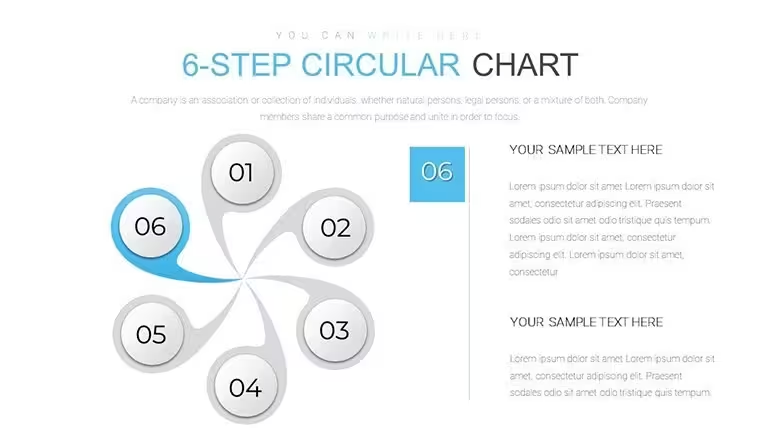
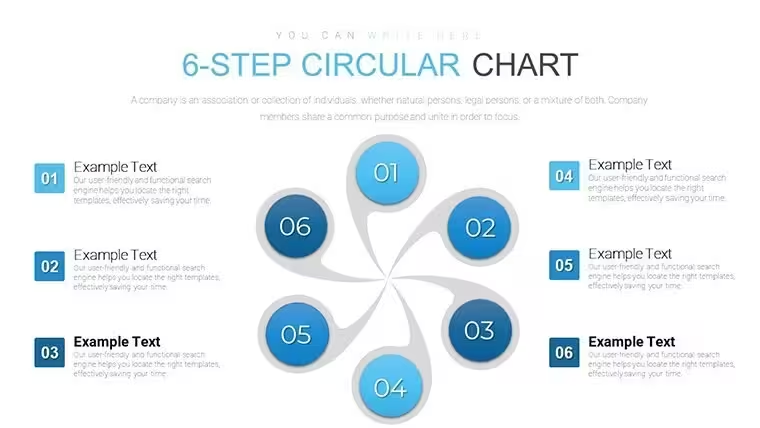
For mapping 6-step cycles in business workflows the radial layouts in the KEY file deliver ready structure.
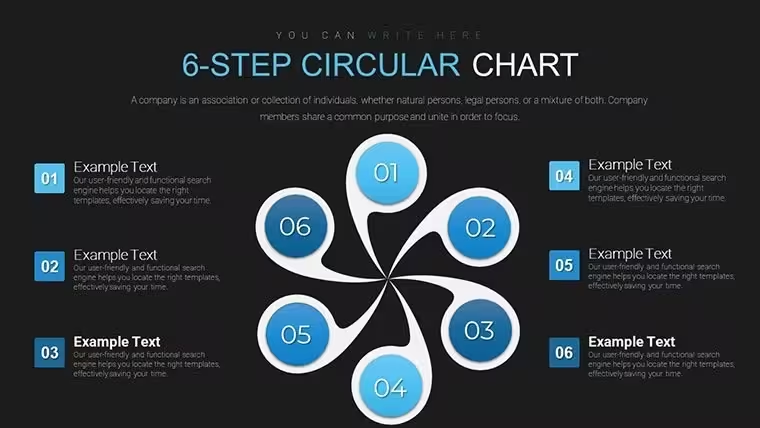
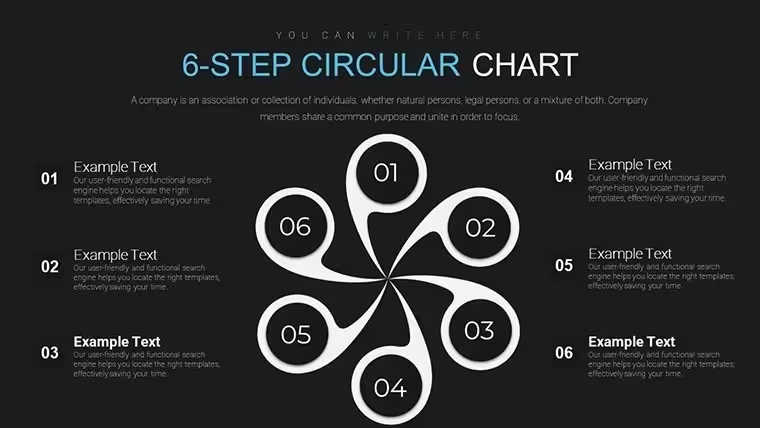
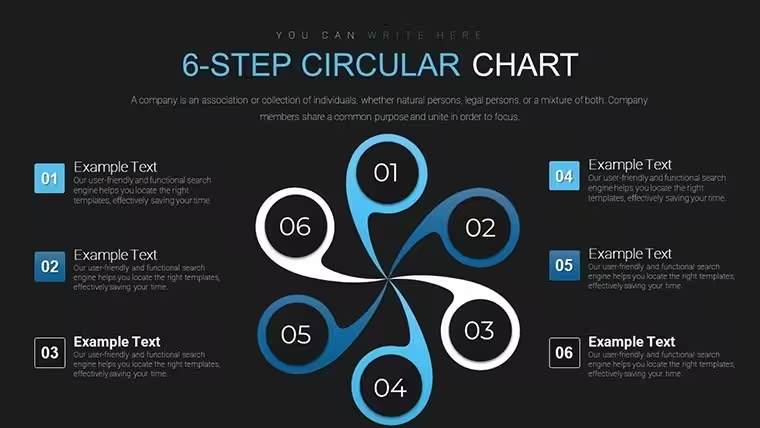
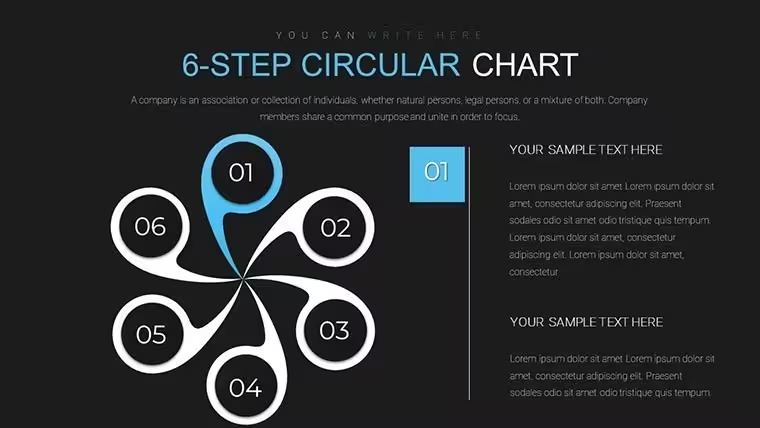
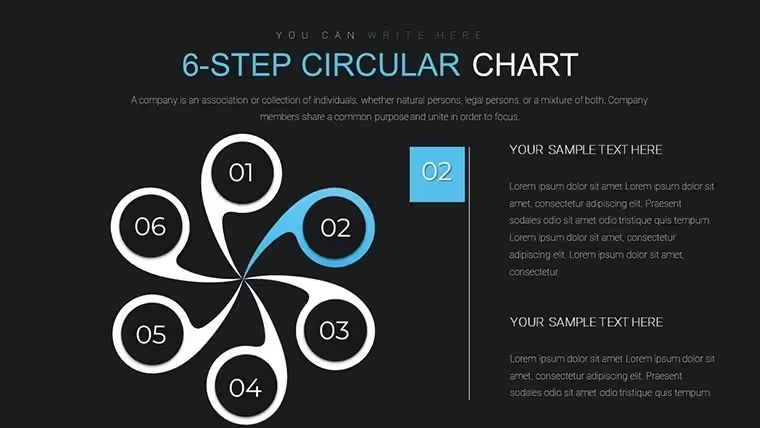
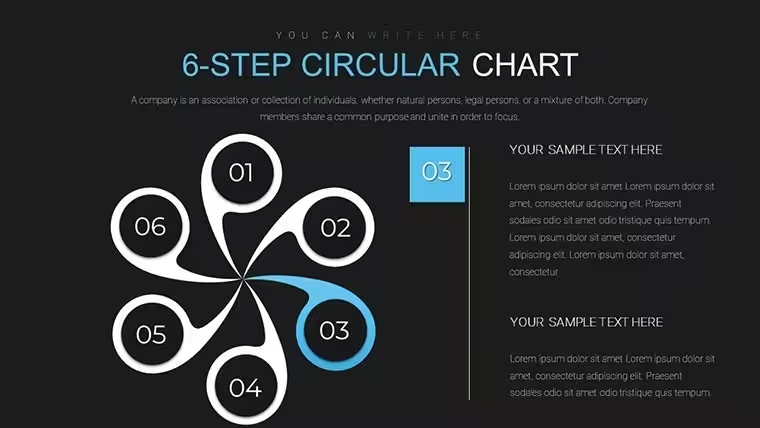
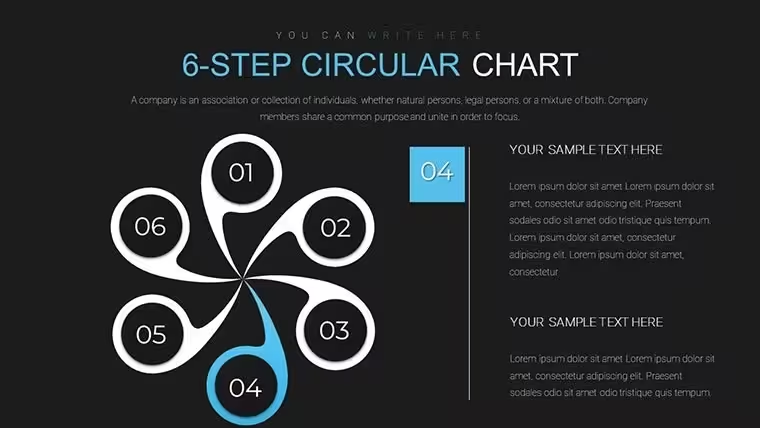
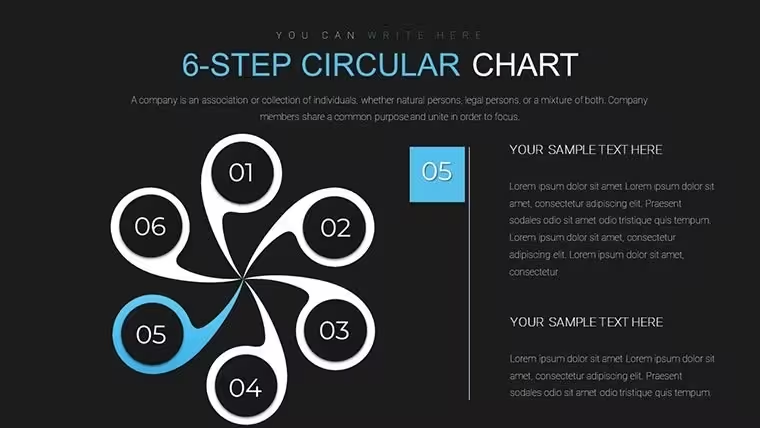
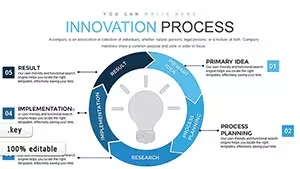
Segmented circles with central hubs and color-coded steps show workflows or customer journeys while icon variants add clarity to each phase.
No setup needed.
The paid version gives you all 18 editable slides so you skip manual creation and the file supports recurring presentations across campaigns.
Balanced negative space around the radial segments prevents overcrowding even when you add detailed text.
When you need to present product onboarding steps to clients the circular charts organize the sequence in one view instead of building diagrams manually.
Use this instead of building diagrams manually in Keynote.
The predefined radial structure keeps everything aligned so you avoid adjusting spacing slide by slide.
This Keynote diagram template supports process breakdown analysis and after viewing the cycle the team can identify bottlenecks or missing phases.
The layouts work across multiple reports and typically teams reuse the same diagram for quarterly planning.
In most cases you only replace text and adjust colors.
It works best for cycle-based data and is not ideal for linear timelines.
This file suits product managers who explain workflows regularly yet is not designed for highly creative open-ended storytelling.
Check related options like the Steps to Action: Keynote Charts for Effective Campaign Planning or Infographic Design Keynote Charts: Cycles and Puzzles Unleashed.
FeatureDetailsSlides / diagrams18 radial 6-step circular charts with icons and summary variantsFile formatKEYSoftware versionKeynote 12+Color schemesCustomizable via slide master with instant palette switchEditable elementsSegments, icons and text placeholders resize or recolor independentlyAspect ratio16:9Free vs PaidPaid version delivers all 18 editable slides; no free full version listedMasters / BackgroundsSingle master slide for consistent cycle stylingEverything is already structured.
Download and start editing immediately
What Keynote version and macOS is required?The template works in Keynote 12 and newer.
It requires macOS 13 or later for full compatibility.
Older versions may show minor alignment issues but the core diagrams remain editable.
How do I change colors via slide master?Open View > Master Slides in Keynote.
Select the master slide and update the color palette in the Format panel.
Close the master view and the change applies to every slide instantly.
Does the license allow client work?Yes the license permits use in client projects.
You can deliver the customized deck to your client but cannot resell the original template files.
One license covers one user account.
What is the difference between free and paid?The paid version provides the complete set of 18 editable slides.
No free version is listed on the page but previews show sample layouts.
The full download unlocks all elements for immediate use.
What are the refund conditions?Refunds are available within 14 days if the template does not meet your needs.
Contact support with your order number to start the process.
Full details appear in the purchase confirmation email.
Good for
- Project roadmaps and sprint plans
- Product launch timelines
- Quarterly or annual review decks
- Company history and milestone summaries
Licence
reviews
Slides feel clean but very basic
It did what I needed without problems
I used it for a meeting and it kept things simple
Charts are readable and not overloaded with details
I just swapped numbers and it was ready
FAQ
Will it work in Google Slides?
Are fonts embedded?
Can I use this for client work?
What's the refund policy?
Do you update the template after purchase?
Similar templates
See all Keynote Charts →
All 18 slides