 Click to zoom
Steps to Action Campaign Keynote Charts - Editable Keynote
| Format | .pptx |
| Slides | 30 unique layouts |
| Aspect ratio | 16:9 |
| Compatibility | PowerPoint |
| Animated | No |
| Language | English |
| License | Commercial |
| File size | — |
| Version | v1.0 |
| Last updated | August 2026 |
What's inside
30 Slides With Timeline and 3D Structures for Campaign Planning
For campaign managers, event coordinators, and nonprofit strategists who need to show a step-by-step action plan - not just describe it - this Keynote chart template (KC00723, $15.00) delivers 30 editable slides in .key format. The file sits in both the Timelines and 3D Keynote Charts categories, which reflects what the layouts actually do: sequence actions across time and add visual depth to engagement stages.
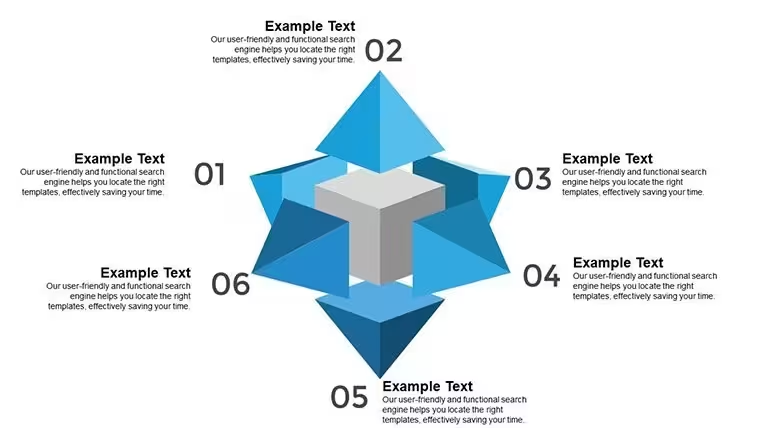
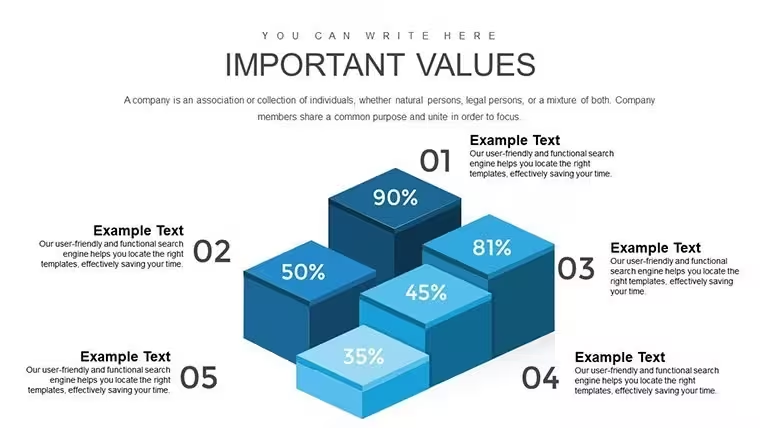
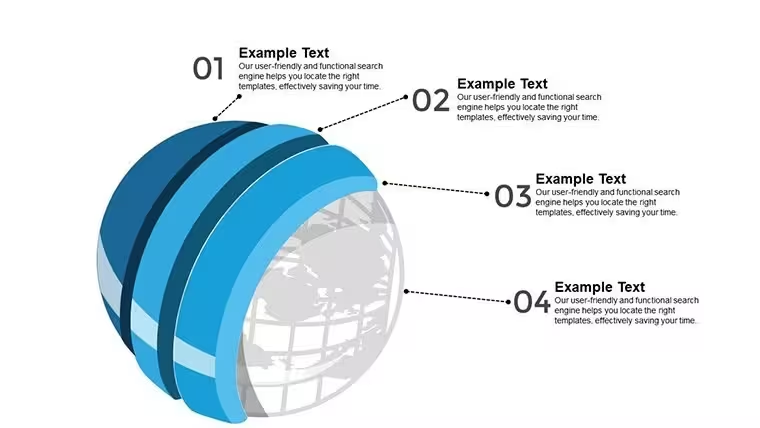
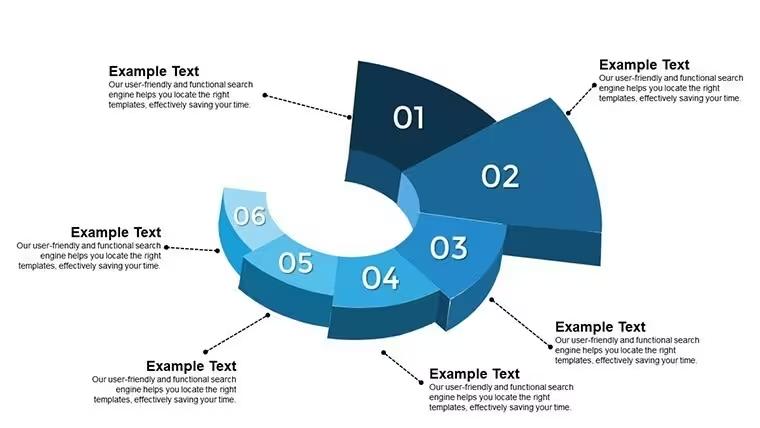
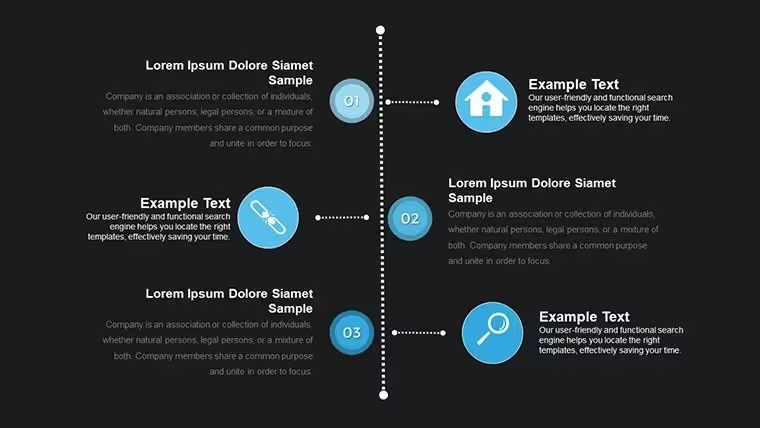
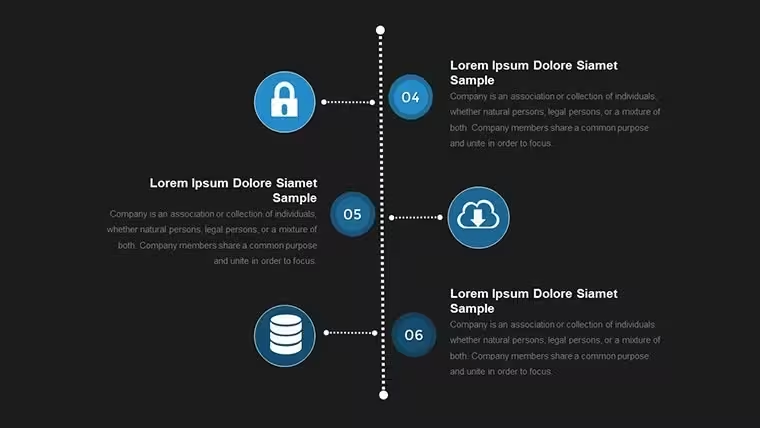
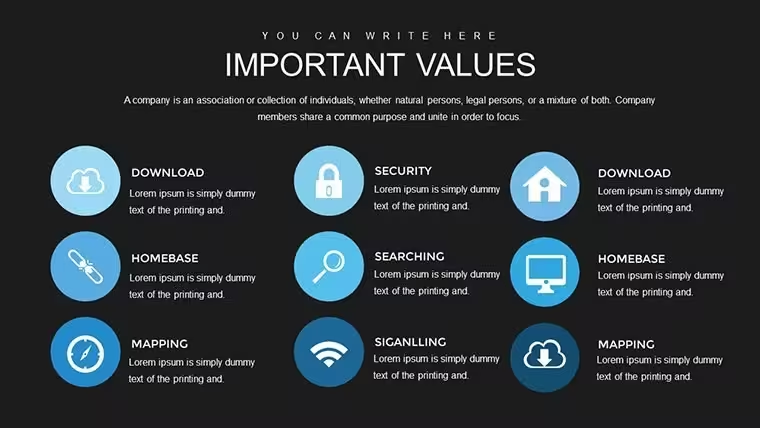
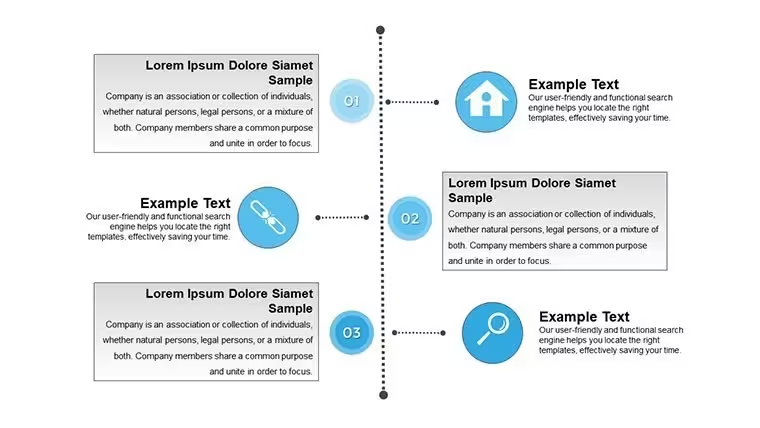
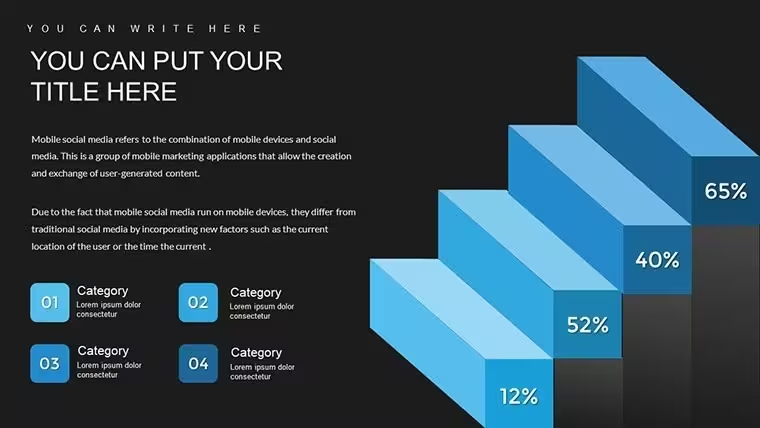
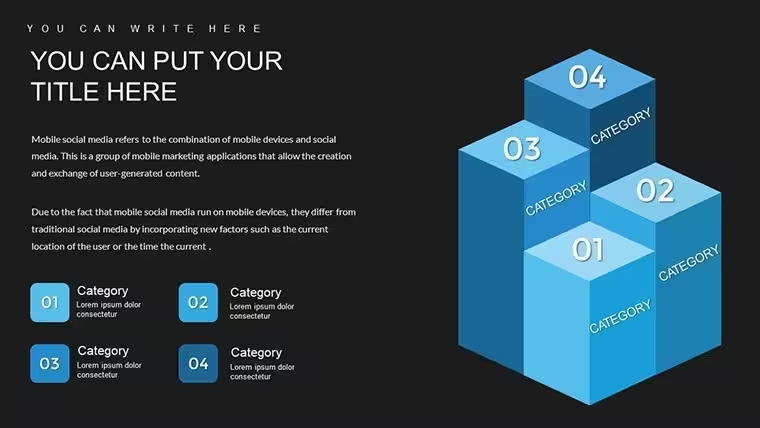
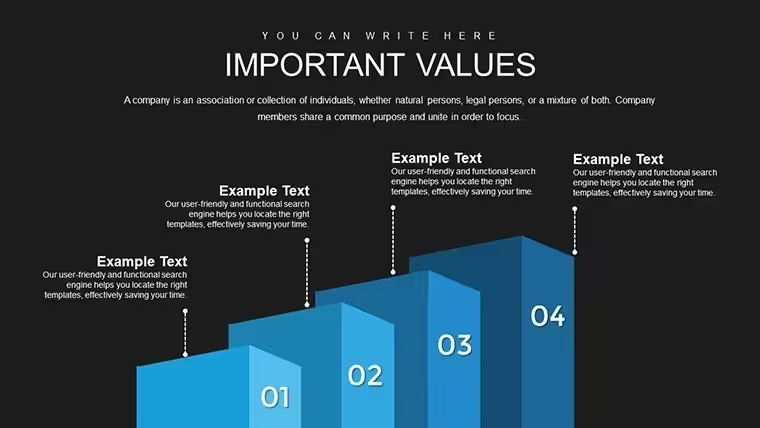
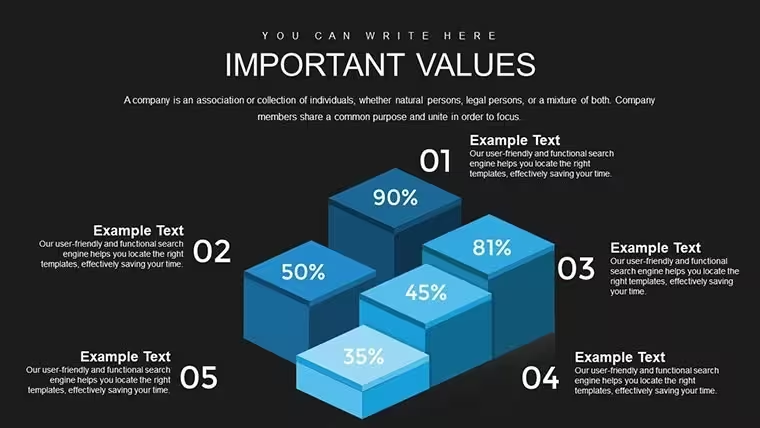
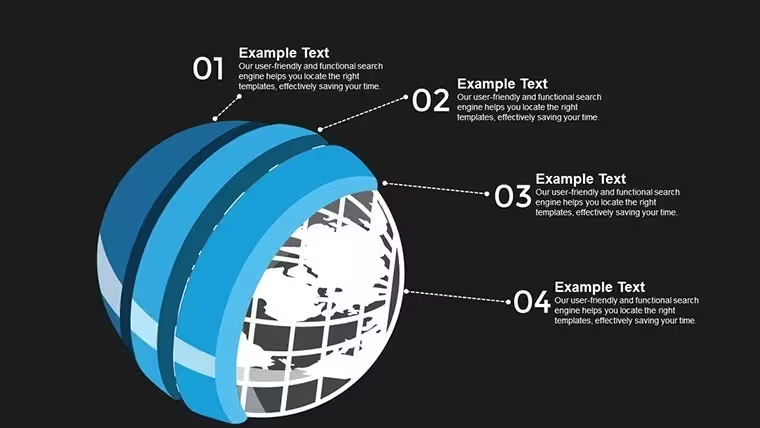
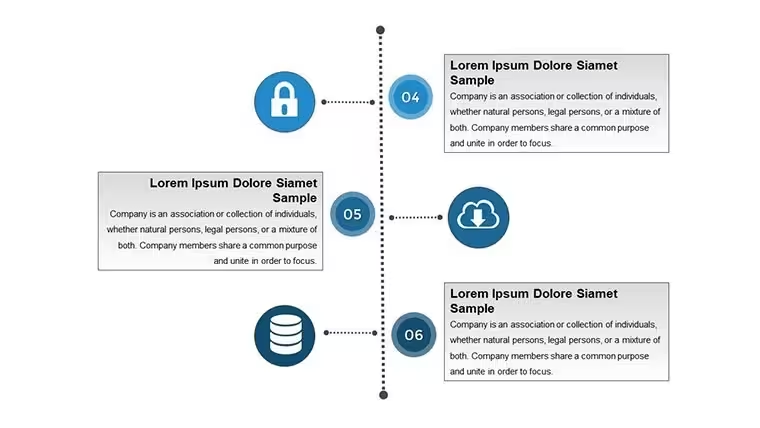
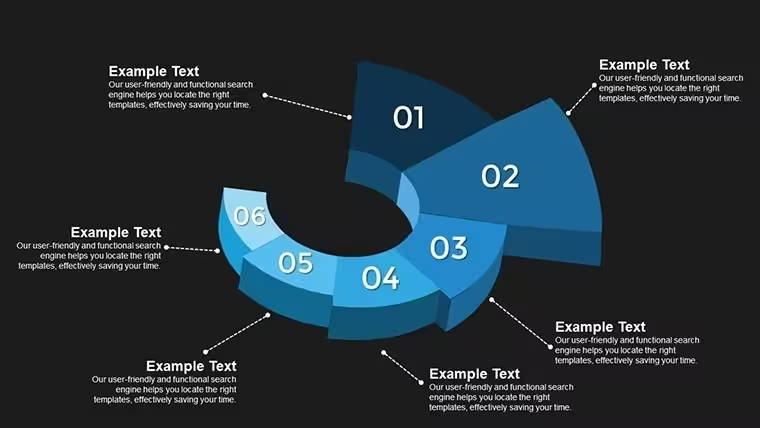
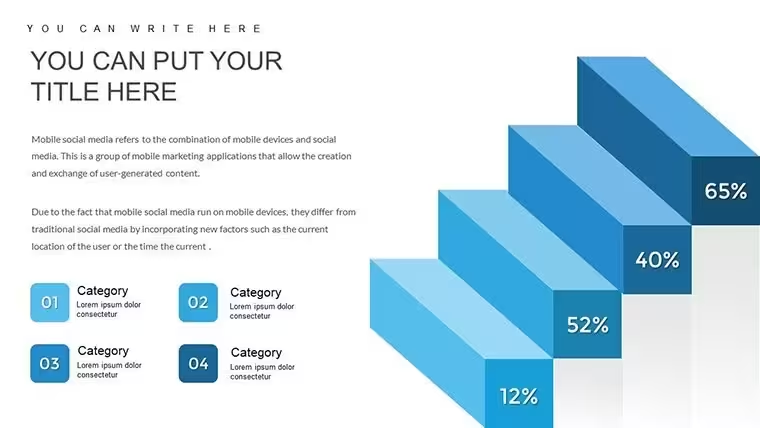
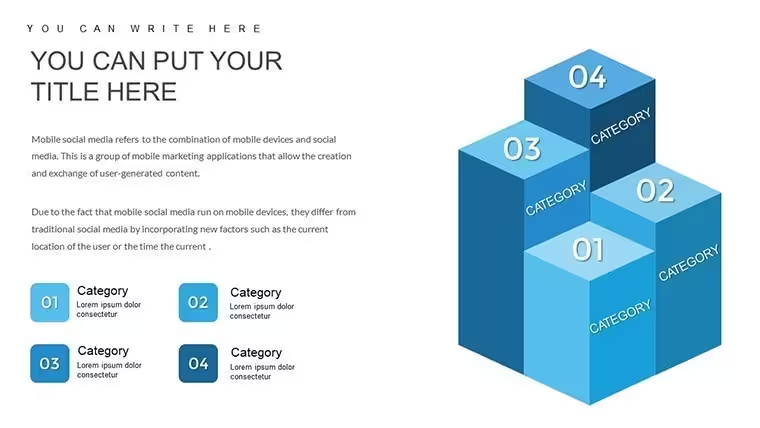
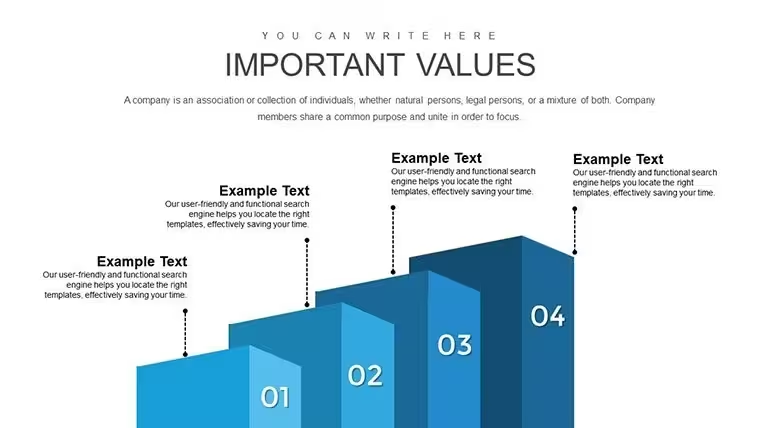
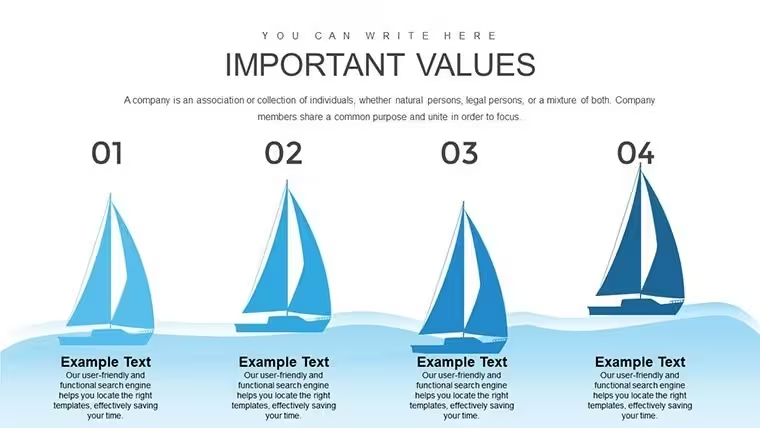
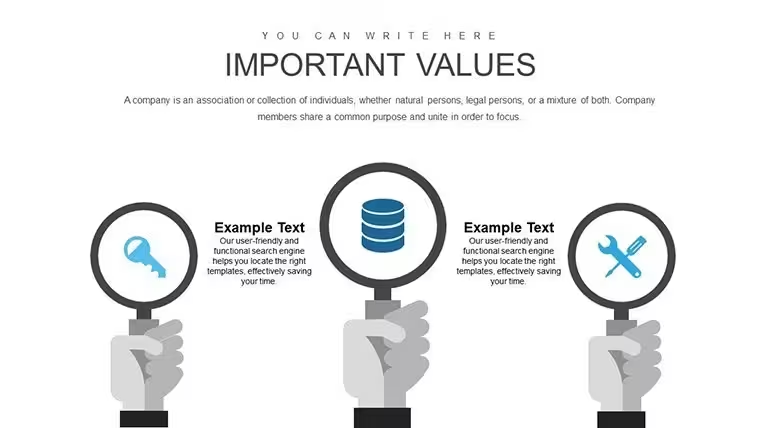
Visually, the deck uses horizontal timeline structures that read left to right, with numbered milestone markers and labeled phase blocks. The 3D elements appear as raised chart bars and layered circle structures - not photographic textures, but geometric depth that separates one stage from another on the same slide. Icon style is flat with outlined fills. Layout density is moderate: each slide holds enough information to represent one campaign phase without overcrowding, which works well for presentations where each slide advances one argument.
The primary use here is sequential planning communication. When you need to show a stakeholder group how a campaign moves from audience awareness through to active participation - and what happens at each handoff point - the timeline slides handle that structure out of the box. You label each phase, define the action required, and drop in milestone dates. No need to manually align shapes or redraw the sequence. Teams typically reuse the same timeline layout across recurring campaign cycles by duplicating the slide group and updating labels.
The file includes step-by-step guide slides, progress tracker layouts, and review slides alongside the timeline structures - so the deck covers planning, execution, and post-campaign evaluation in one file. Color changes work via the slide master in Keynote: update the primary color once and it pushes across all 30 slides. Individual 3D chart colors can be adjusted by selecting the chart element and editing fill properties in the Format panel.
Widescreen 16:9 format is confirmed on the product page. The file is .key only - Keynote on macOS or iOS required. The page notes export compatibility to PowerPoint and Google Slides for teams not entirely on Apple tools. No specific Keynote version is listed, but the standard .key format is compatible with current Keynote installations.
Not designed for data-heavy reporting slides where precise chart values or live data connections matter. Works best for persuasion-oriented presentations where the goal is to move an audience through a clear narrative of action steps - not to display raw analytics.
Everything is already structured. Download and start editing immediately
How do I edit the timeline dates and milestone labels in Keynote?Timeline text in this file is standard editable text boxes - click any date label or phase name and type to replace it. Milestone markers are shapes: drag to reposition along the timeline axis if your phase durations differ. For color changes across all timeline slides, go to View > Edit Master Slides and update the accent fill there. Changes at the master level push to all slides using that layout, so you don't need to update each timeline frame one by one.
Can I use this template for client campaign deliverables?The standard ImagineLayout license covers personal and internal business use. If the presentation is delivered to a client or forms part of a paid campaign planning service, check the licensing terms at imaginelayout.com/terms/ before sharing the file externally. Contact ImagineLayout support to confirm whether client-facing use requires a different license tier.
Is there a free version of this 30-slide campaign template?No free version is listed for KC00723. The full 30-slide .key file is available for $15.00 as a one-time purchase. If you need a free Keynote chart option to evaluate format and structure, ImagineLayout does offer some free templates in the Keynote Charts category - browse at imaginelayout.com/keynote_charts-templates/ to compare.
What is the refund policy if the file doesn't open or is missing content?ImagineLayout's refund terms are published at imaginelayout.com/refund-policy/. Digital files are generally non-refundable once downloaded, but technical problems - file corruption, missing slides, or a file that doesn't match the listed product - are reviewed individually. Report the issue to support as soon as possible after download and include your order number for faster resolution.
Which Keynote version do I need, and can I export to PowerPoint?The page does not specify a minimum Keynote version, but the standard .key format is compatible with current Keynote on macOS and iOS - Keynote 12 or later is recommended. The page explicitly notes export compatibility with PowerPoint and Google Slides, making it usable for mixed-platform teams. 3D chart elements may render differently after export to .pptx, so review the exported file before sharing it externally.
Good for
- Project roadmaps and sprint plans
- Product launch timelines
- Quarterly or annual review decks
- Company history and milestone summaries
Licence
reviews
I used the process diagrams for a training session at work.
The icons were basic but readable.
Honestly I downloaded it because I had no time left.
The graphs were easier to edit than I expected.
A couple pages looked repetitive but still usable.
FAQ
Will it work in Google Slides?
Are fonts embedded?
Can I use this for client work?
What's the refund policy?
Do you update the template after purchase?
Similar templates
See all Keynote Charts →
All 30 slides