Business Process Flowchart Keynote Template - Fully Editable Slides

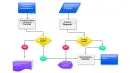
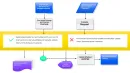
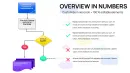
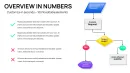
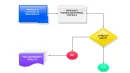
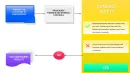
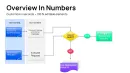
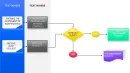
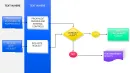
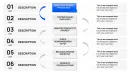
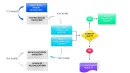
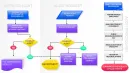

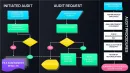



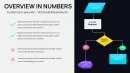





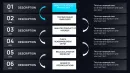

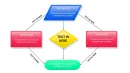
Download our professional business process flowchart Keynote template with 26 fully editable slides. Ideal for mapping workflows, operations, and project processes in Keynote. Save time and deliver clear presentations. Instant download.
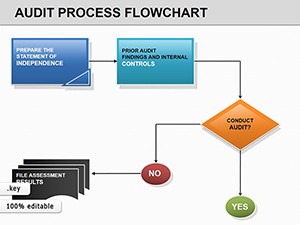
Visualize complex business processes, workflows, and decision trees with professional clarity using our Process Flowchart Keynote Template. This template allows you to present sequential steps and operational flows in a way that engages your audience and drives better understanding.
Benefits of Process Flowchart Presentations
Effective flowcharts help teams align on procedures, spot potential issues early, and optimize performance. They are particularly valuable in cross-functional meetings where different departments need to see how their work interconnects. By using visual flow diagrams, you reduce the risk of miscommunication and accelerate project approvals.
Professionals in operations, project management, and consulting use these to map everything from customer journeys to internal approval processes.
Key Features
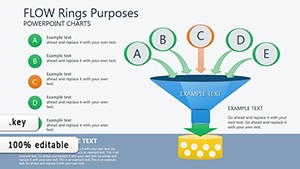
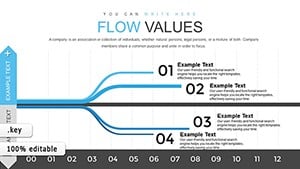
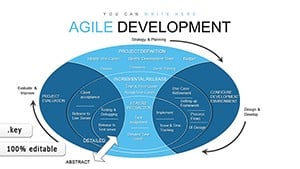
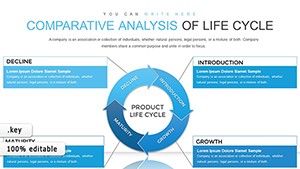
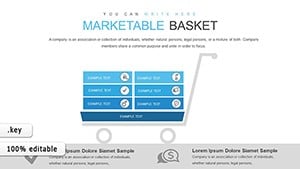
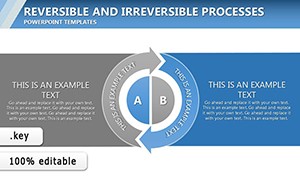
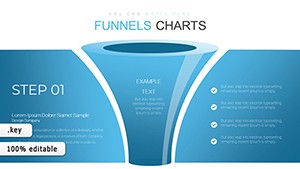
- 26 editable slides with diverse process, flow, table, and analysis designs
- Fully customizable shapes, arrows, colors, and text to match your branding
- Designed for seamless use in Apple Keynote with professional layouts
How to Use This Template
Download the file instantly and open it in Keynote. Identify the flowchart style that best represents your process. Update the labels on each step, adjust arrow directions, and modify colors as needed. Combine multiple slides to create a complete process story for your presentation. The templates are modular so you can tailor them to specific business scenarios like sales pipelines, manufacturing sequences, or HR workflows.
Frequently Asked Questions
How many slides are included in the Process Flowchart Keynote Template?
The template includes 26 editable slides featuring various flowchart and process diagram layouts.
Can I customize the colors and shapes?
Yes, all elements are fully editable directly in Apple Keynote for complete customization.
What are common use cases for this template?
Perfect for business process mapping, project planning, SOPs, and operational presentations in corporate environments.
Is it compatible with the latest version of Keynote?
Yes, it is designed to work with current Apple Keynote versions on Mac and iOS.