4 Sector Gears Keynote Charts - Editable | ImagineLayout



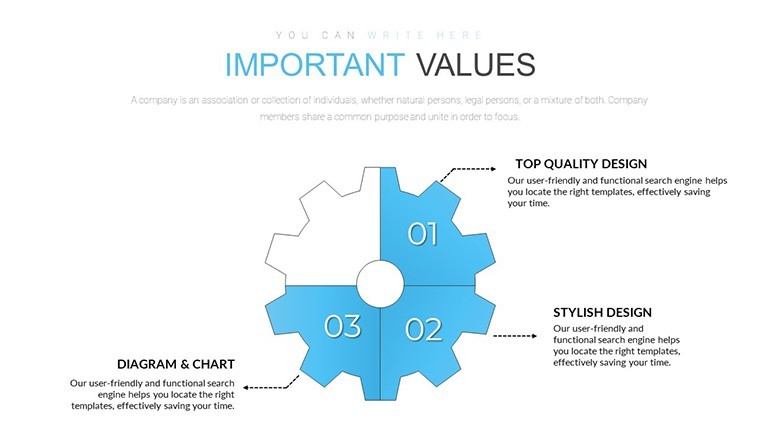
















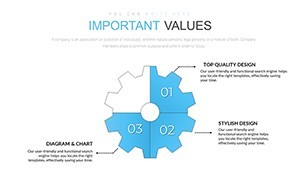
4 Sector Gears Keynote Charts for Interconnected Data
Open the KEY file and you get immediate access to 20 gear diagrams suited for showing dependencies in team workflows.
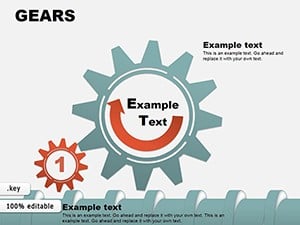
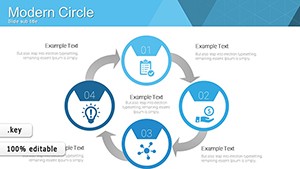
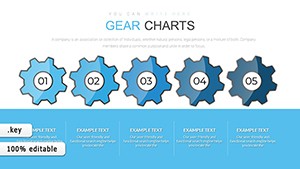
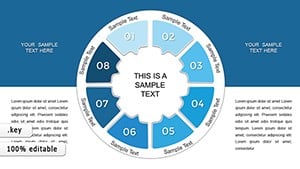
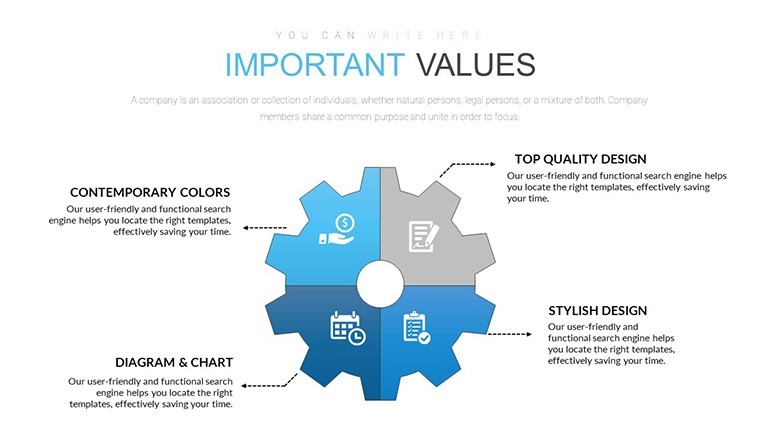
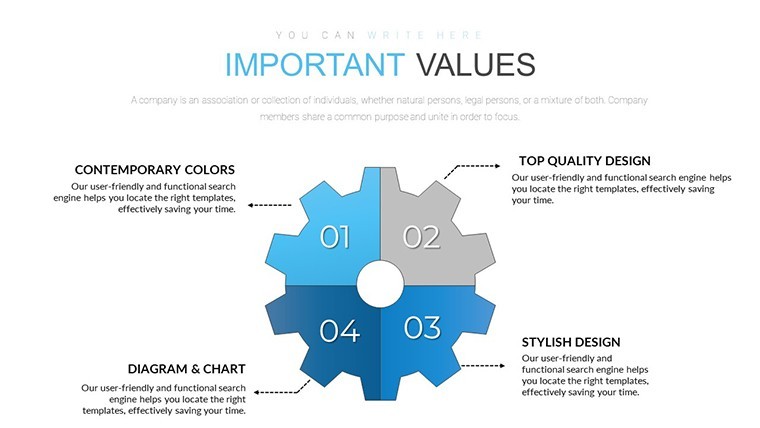
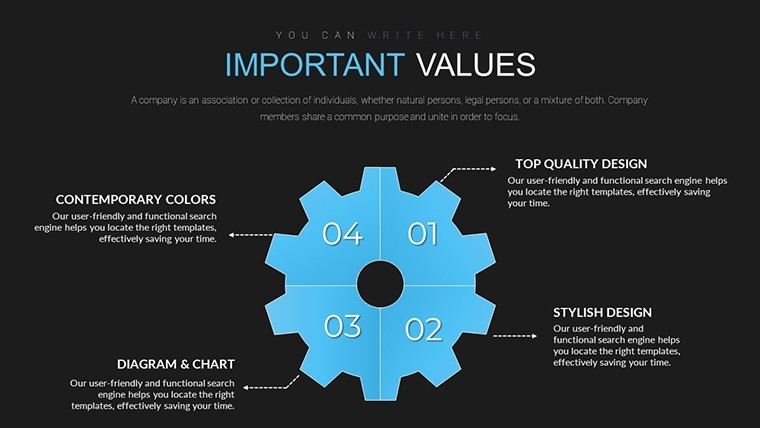
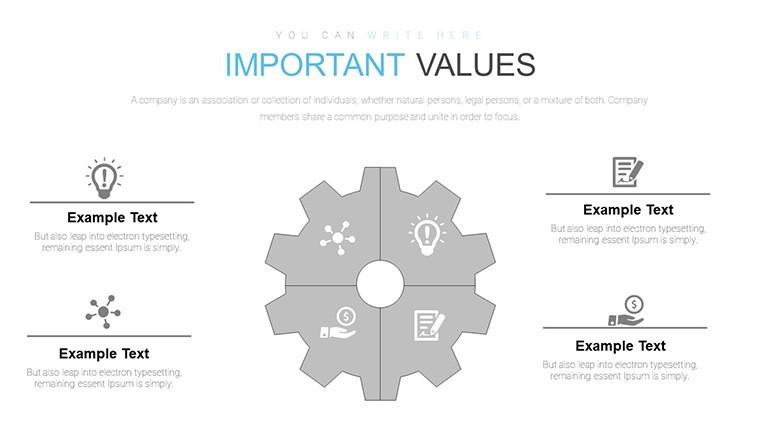
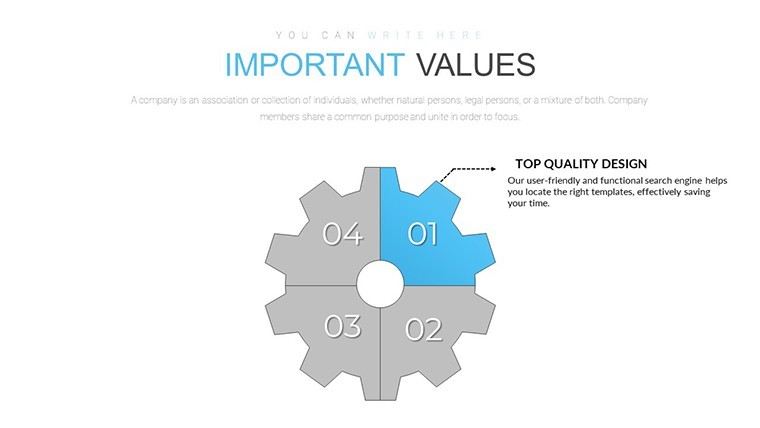
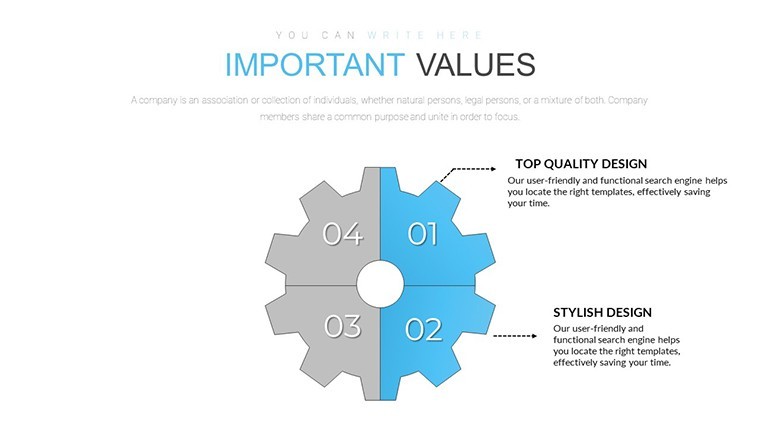
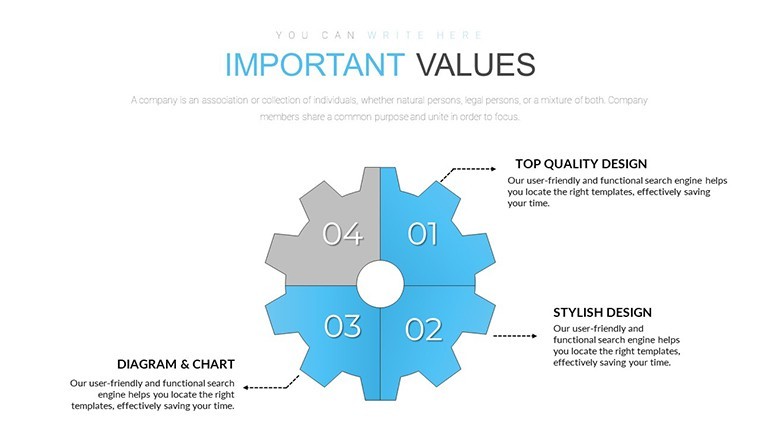
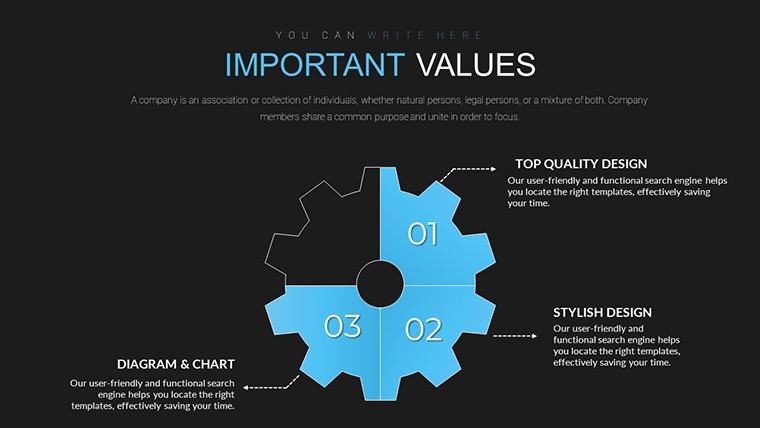
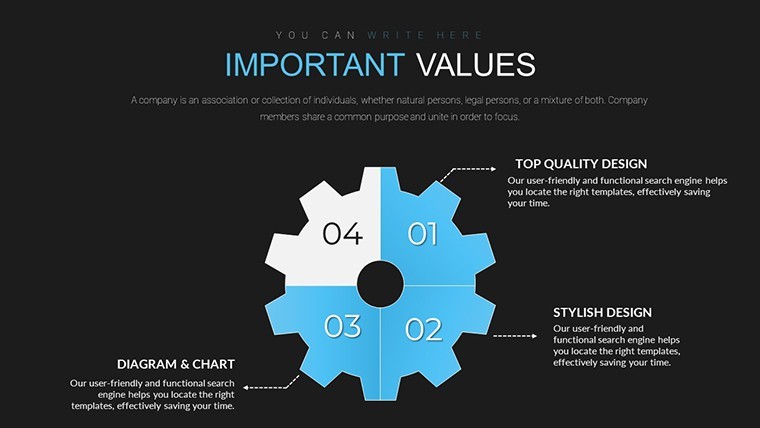
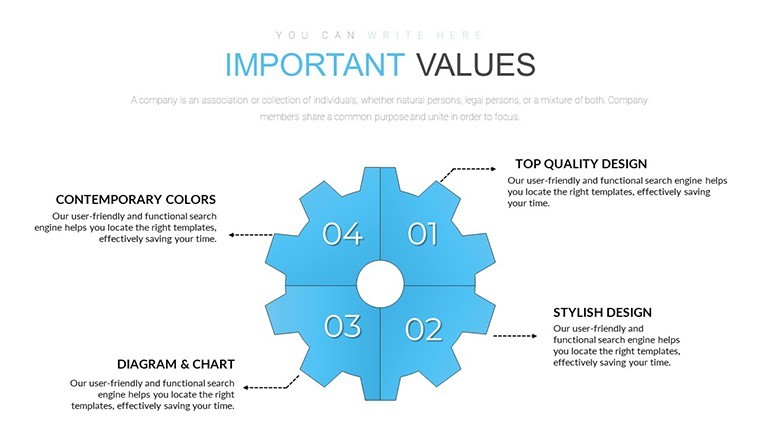
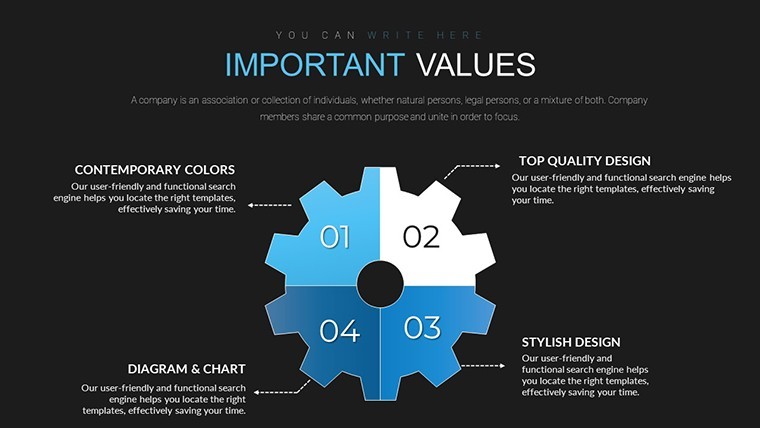
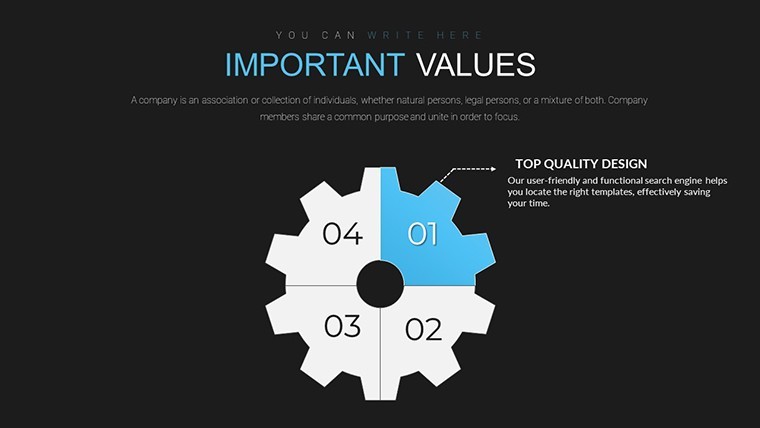
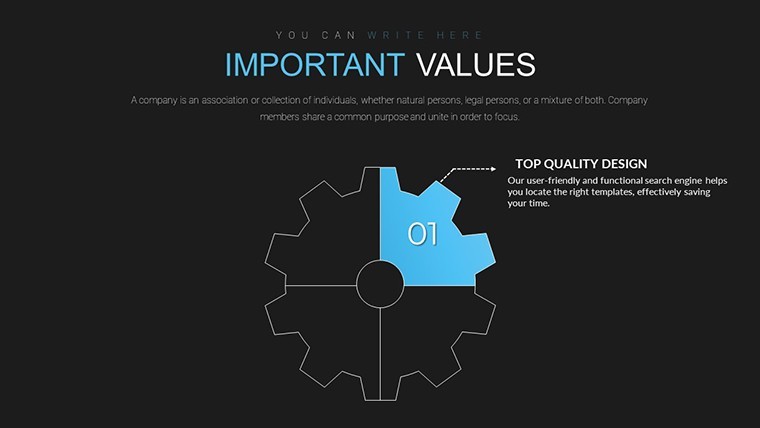
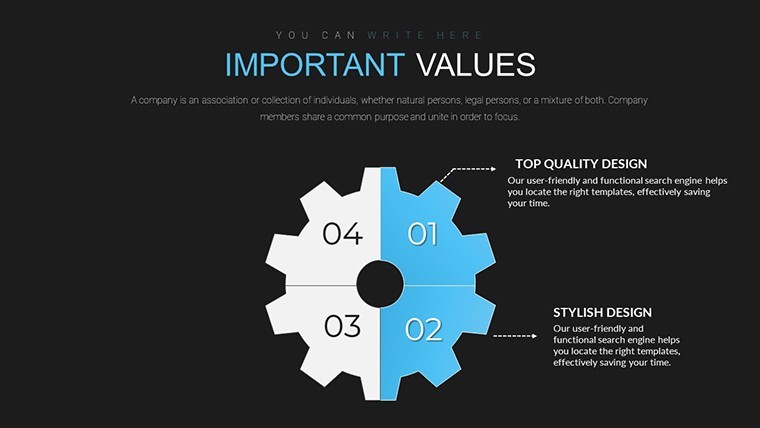
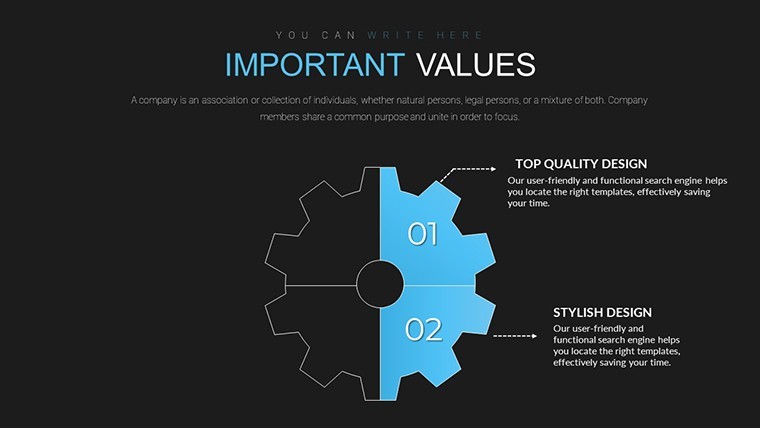
Interlocking gear sectors with four distinct parts form the specific visual detail in every slide.
For quarterly board decks with no designer the four sector gears in this Keynote chart template keep every connection precise so stakeholders see data flow at a glance.
In practice you duplicate slides and reuse the same structure across reports.
The paid version includes all 20 editable slides while free details stay unspecified yet the KEY files remain compatible with current installations.
Color changes happen via slide master without touching individual shapes.
This layout suits operations managers presenting supply chain links to executives.
It represents process breakdown analysis and lets you decide which dependencies need immediate attention after viewing the full cycle.
Typically teams reuse the same diagram across monthly updates.
No complex layouts just structured blocks.
Use this instead of building diagrams manually in Keynote.
The predefined structure keeps everything readable so you avoid adjusting spacing slide by slide.
Best used when multiple moving parts interact yet not designed for static comparison slides without flow.
It works best for structured diagrams not creative storytelling slides.
The page does not list the exact number of color schemes but the files follow standard KEY palettes.
| Feature | Details |
|---|---|
| Slides / diagrams | 20 four-sector gear layouts with radial connections |
| File format | KEY |
| Software version | Keynote 12+ on current macOS |
| Color schemes | Editable via slide master in one step |
| Editable elements | All gears text and colors resize independently |
| Aspect ratio | 16:9 |
| Free vs Paid | Paid includes full 20 slides |
| Masters / Backgrounds | Standard masters for palette switch |
Everything is already structured.
Download and start editing immediately
How do I change colors via slide master?
You change colors via the slide master in Keynote by selecting the master slide first then updating the color scheme there.
This updates all 20 diagrams at once without manual edits per slide.
In practice the change takes under two minutes and works across every gear layout.
Can I use this for client work?
The license allows use for client work as long as the template is not resold or shared as a standalone file.
You can deliver presentations built with the file to clients without extra fees.
One license covers one user for all commercial projects.
What is the difference between free and paid?
The paid version provides the complete set of 20 editable slides with full customization options.
The page does not list free version details but the full file is available upon purchase.
This difference ensures you get all structures without missing elements.
What are the refund conditions?
Refunds are available within 14 days if the file does not work as described in current Keynote.
Contact support with your order number to start the process.
No refunds apply after the file has been downloaded and used.
Which Keynote version and macOS does it require?
The files work in Keynote 12 and newer on macOS Ventura or later.
Older versions may have limited compatibility for some effects.
Test in your version before full use to confirm all gear elements display correctly.
See also Gears Keynote Charts or Spiral Gears Keynote Template.