 Click to zoom
Spiral Gears Keynote Charts Template - Editable Keynote | ImagineLayout
| Format | .pptx |
| Slides | 20 unique layouts |
| Aspect ratio | 16:9 |
| Compatibility | PowerPoint |
| Animated | No |
| Language | English |
| License | Commercial |
| File size | — |
| Version | v1.0 |
| Last updated | September 2026 |
What's inside
20 Keynote Slides with Interlocking Spiral Gear Diagrams
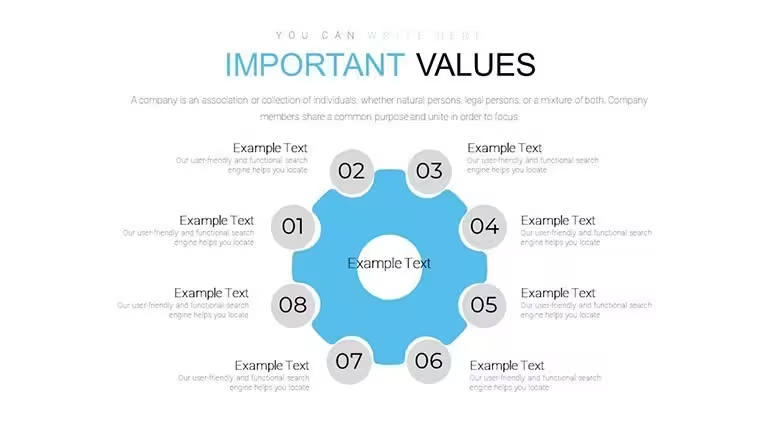
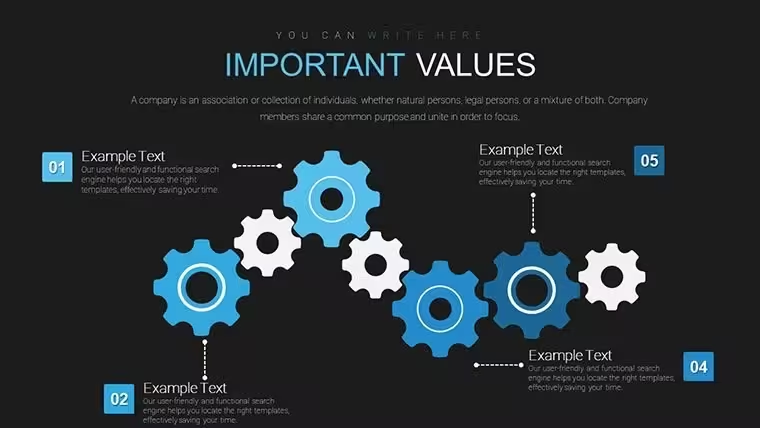
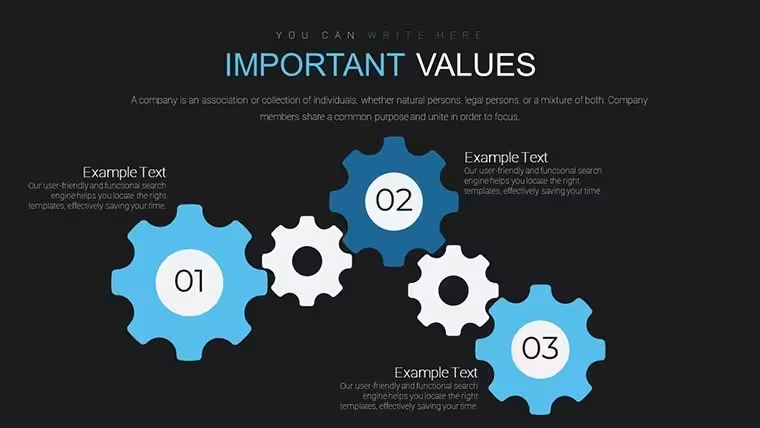
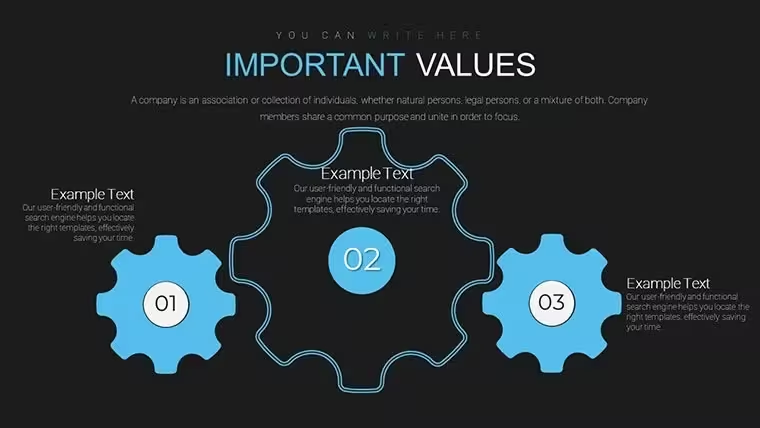
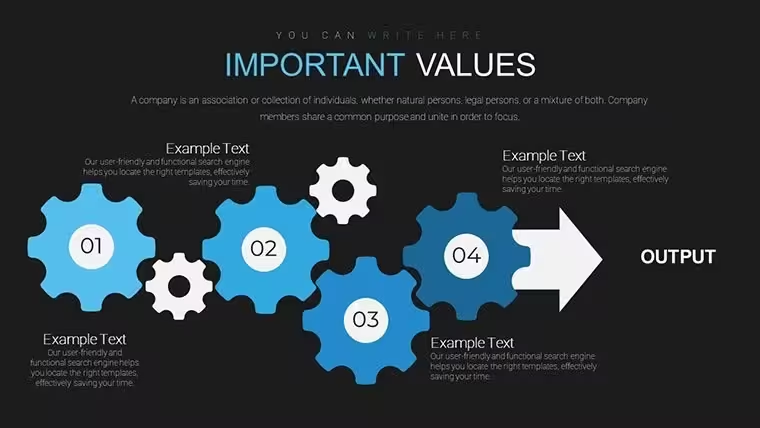
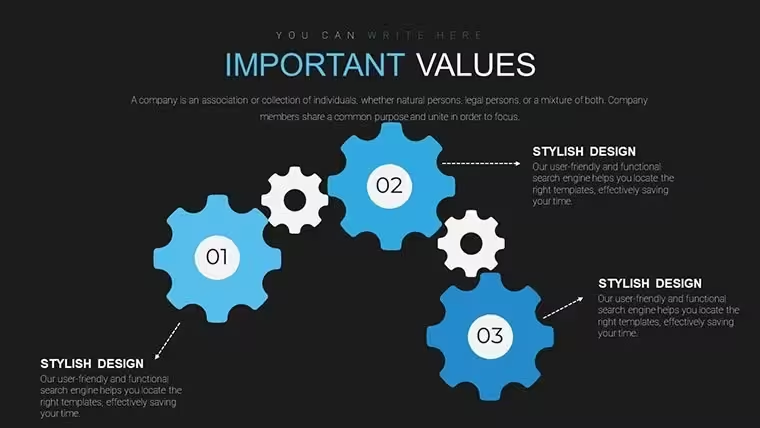
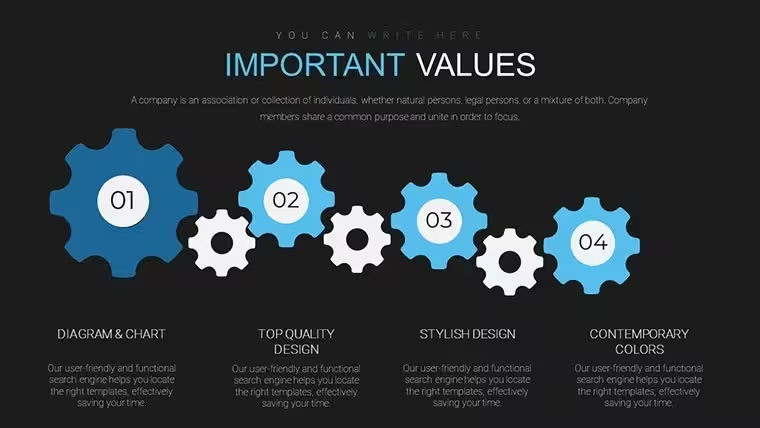
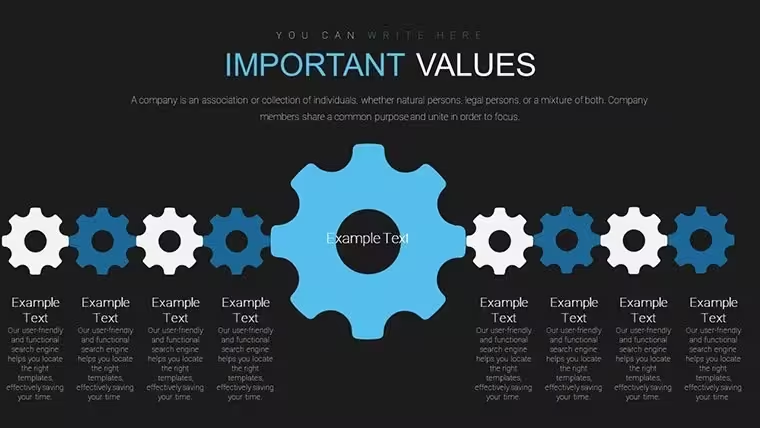
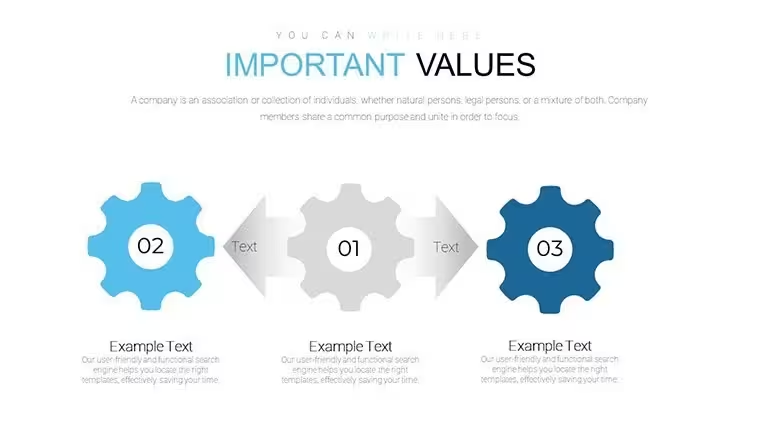
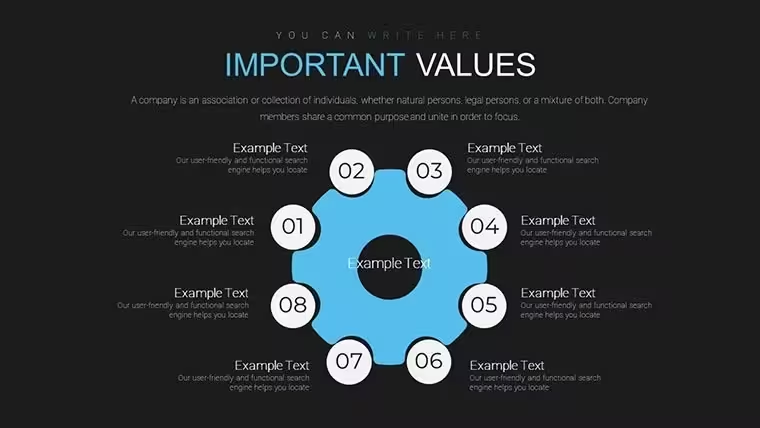
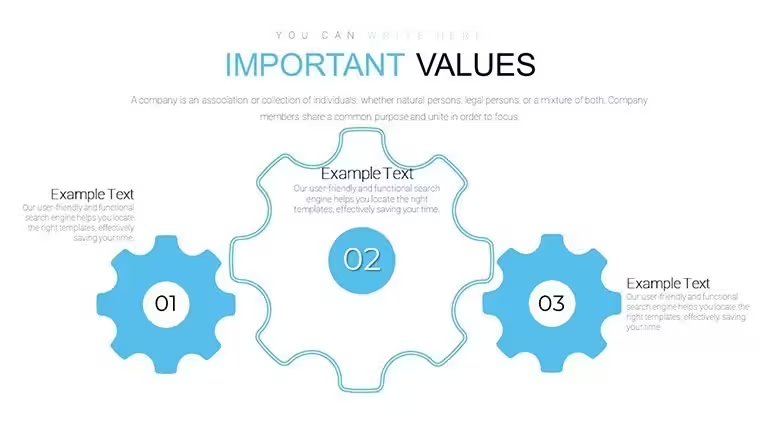
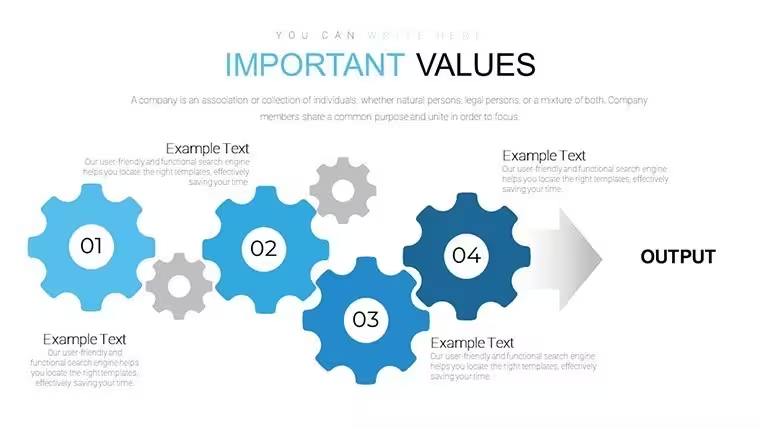
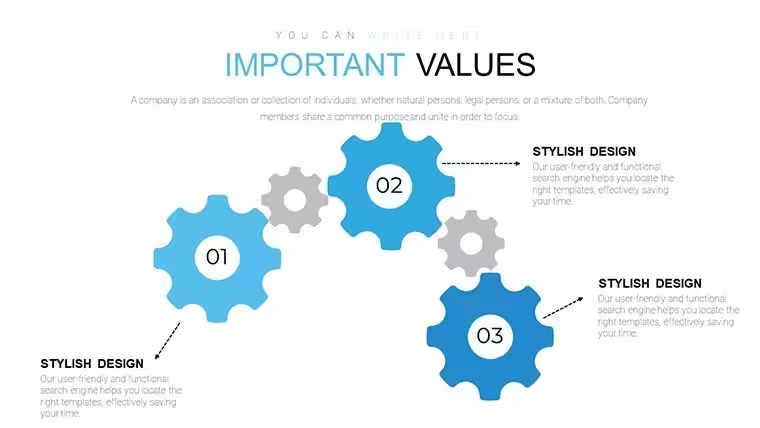
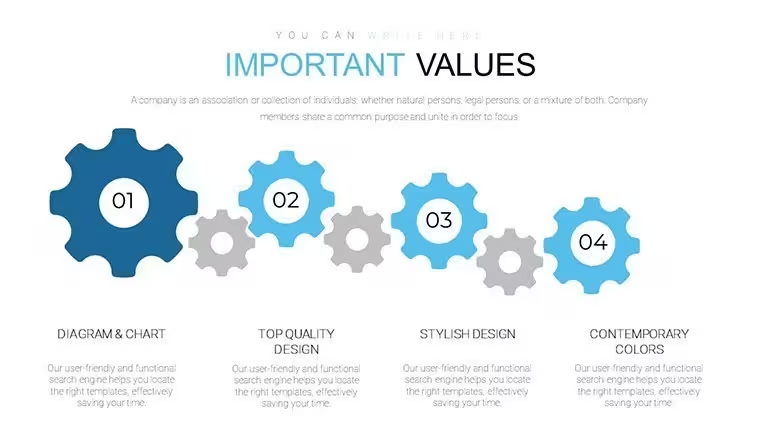
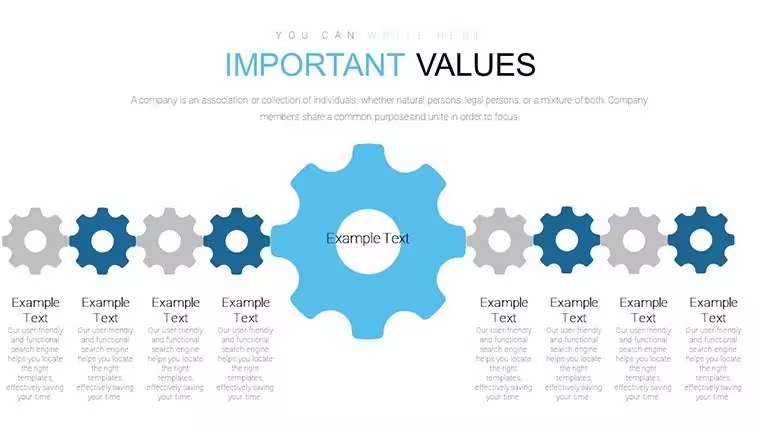
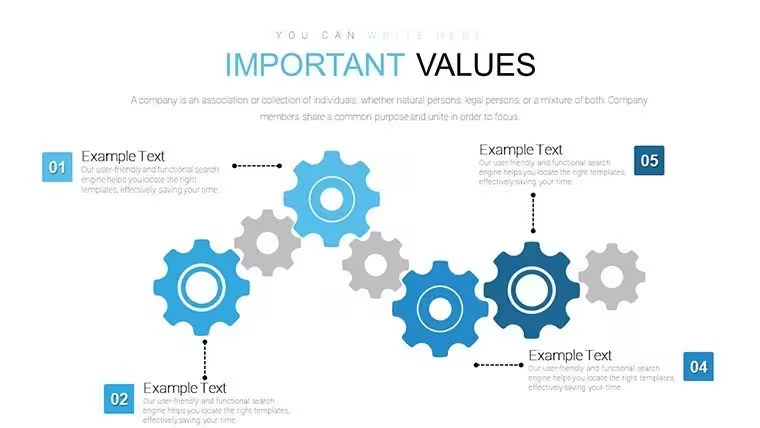
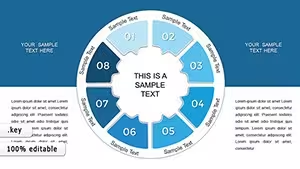
Twenty editable .key slides built around interlocking and spiral gear shapes - a Keynote chart template in the Cycle category, priced at $20.00. The visual logic across the set follows circular and radial structures: gears interconnect to show dependent stages, spirals extend outward to suggest growth or progression, and smaller gear clusters represent parallel sub-processes running simultaneously.
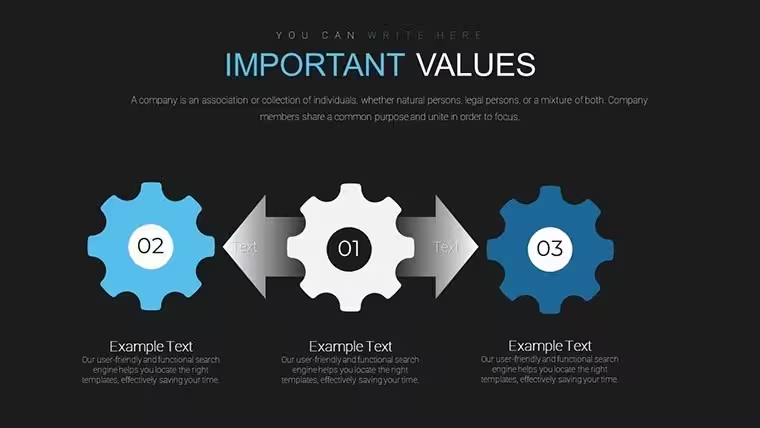
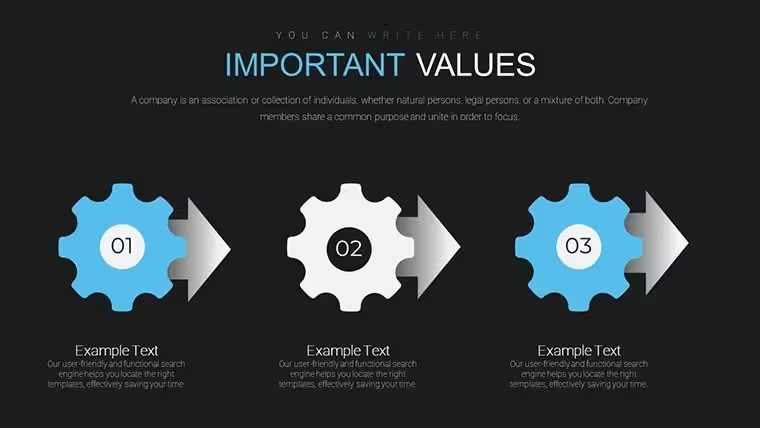
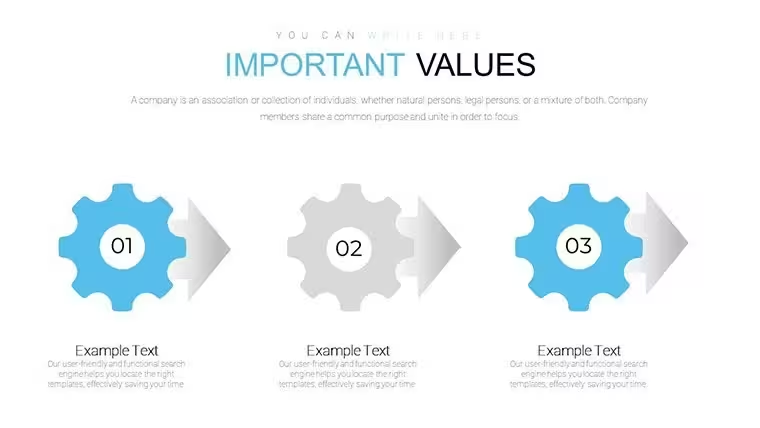
The gear elements use filled vector shapes with defined tooth edges and consistent stroke weights. Layout directions vary by slide: some use a radial arrangement where multiple gears orbit a central hub, while others follow a linear left-to-right interlocking chain suited to sequential process steps. Spacing is structured rather than freeform - gear sizes and gaps follow a fixed visual ratio, so the hierarchy between primary and secondary elements reads clearly without any manual adjustment.
The functional purpose here is process and dependency visualization. When you need to show how multiple operational stages connect - procurement feeding into production, production into QA, QA into delivery - the interlocking gear layout communicates interdependency more directly than a flat flowchart. Each gear carries a text label and can be color-coded to distinguish departments, phases, or ownership. A project lead explaining a delivery pipeline to a non-technical audience, for example, gets a structure that reads immediately without requiring chart literacy.
Use this instead of building circular process diagrams from scratch in Keynote. The predefined gear ratios and connections mean you don't spend time aligning shapes or matching sizes manually - you drop in labels and update fills. Slides 1-5 cover basic gear pairs and small clusters; slides 6-15 move into interconnected multi-stage systems; slides 16-20 combine gear structures with graph-style overlays for hybrid KPI views. You can duplicate slides and reuse the same structure across multiple process documents.
Not ideal for data-heavy presentations that need numeric axes, plotted trend lines, or tabular figures - the gear layouts are conceptual by design, not data-driven charts. Works best for engineering briefings, operations planning decks, or strategy presentations where the relationships between stages matter more than the raw numbers. Typically, teams update only the text labels and color fills.
Everything is already structured. Download and start editing immediately
Specifications
FeatureDetailsSlides20 editable slides - gear pairs, multi-stage clusters, radial and linear layouts, hybrid gear-graph viewsFile format.key (Keynote)Software versionNot specified; standard .key format, compatible with current KeynoteColor schemesNot specified; gear fills and stroke colors editable per element via Format panelEditable elementsGear shape fills, text labels, size, color; motion animation available per slideAspect ratioNot specified on pageFree vs PaidPaid only - $20.00, no free version listedCategoriesCycleFAQ
How do I change gear colors across slides?Select any gear shape on the slide, then use the Format sidebar in Keynote to update the fill color. For consistent color application across multiple gear elements, select them all using Shift+click and apply the fill in one action. The page does not specify a slide master color control, so color updates are applied at the element level. Use the eyedropper to match colors precisely across slides.
Can I use this file in client presentations?A single-license purchase covers use in presentations you build and present, including client-facing decks. The template file itself should not be redistributed or resold. For detailed license conditions, review ImagineLayout's Terms of Use at imaginelayout.com/terms/. Using the slides within a deliverable deck or pitch is the intended use case.
Is there a free version of this template?No free version is listed for this product. The full 20-slide .key file is priced at $20.00. If you want to try a free Keynote file before purchasing, ImagineLayout has free downloads in the Keynote Charts section - including at least one free template available for immediate download - where you can assess the editing experience first.
What is the refund policy?Refund terms are set by ImagineLayout's refund policy, available at imaginelayout.com/refund-policy/. Digital downloads are typically non-refundable once the file has been accessed. If you experience a technical issue with the file after downloading - such as shapes not rendering correctly - contact support at imaginelayout.com/contact-us/ with your Keynote version details.
Which Keynote version is needed for this file?The product page does not list a minimum Keynote version. The file is delivered in standard .key format and opens in current Keynote installations on macOS. Keynote 12 or later is recommended to ensure full support for vector shape editing and any animation effects included in the gear slides. Earlier versions may open the file with limited animation functionality.
Good for
- Project roadmaps and sprint plans
- Product launch timelines
- Quarterly or annual review decks
- Company history and milestone summaries
Licence
reviews
Used this for a school project and the graphs were simple
Added it to a meeting and the flow was easy to follow
Worked fine for basic data presentation
Just used it quickly and it was okay
FAQ
Will it work in Google Slides?
Are fonts embedded?
Can I use this for client work?
What's the refund policy?
Do you update the template after purchase?
Similar templates
See all Keynote Charts →

All 20 slides