 Click to zoom
Top Gear System Keynote Charts - Fully Editable | ImagineLayout
| Format | .pptx |
| Slides | 20 unique layouts |
| Aspect ratio | 16:9 |
| Compatibility | PowerPoint |
| Animated | No |
| Language | English |
| License | Commercial |
| File size | — |
| Version | v1.0 |
| Last updated | September 2026 |
What's inside
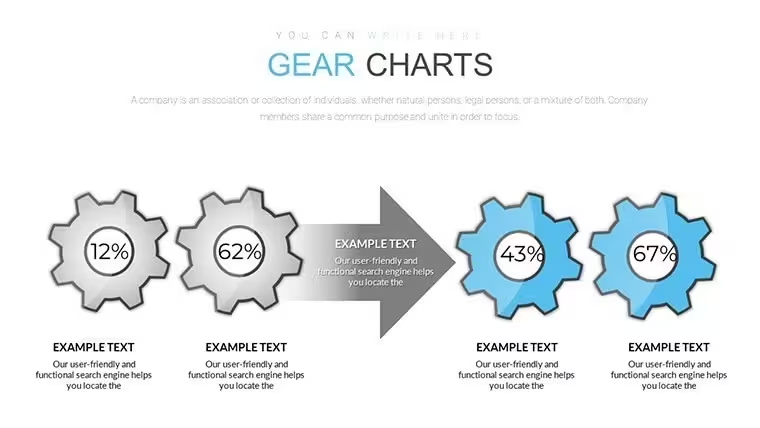
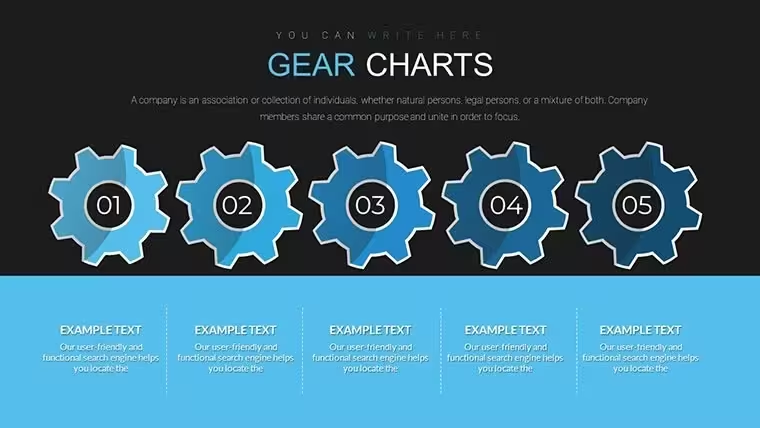
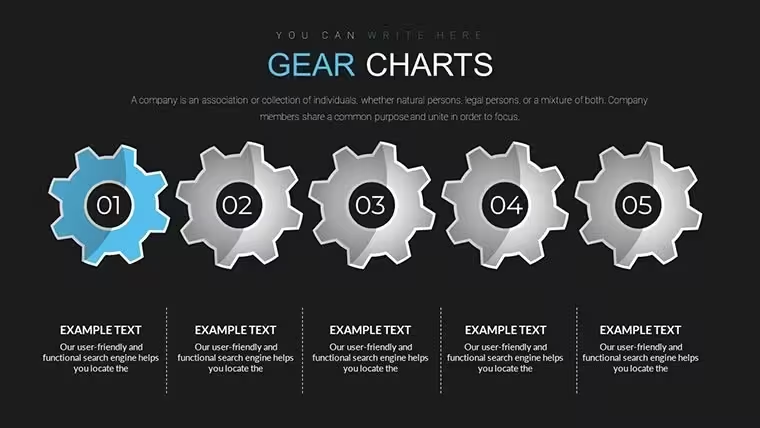
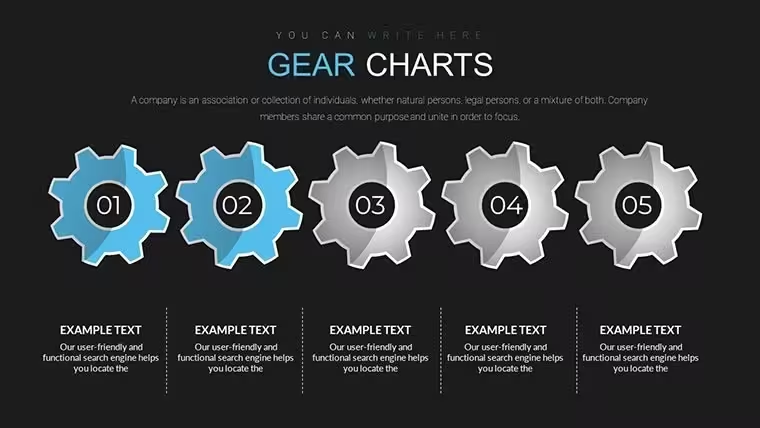
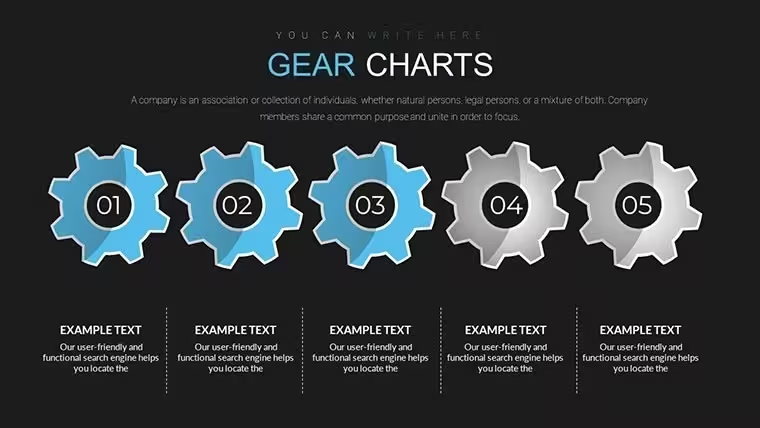
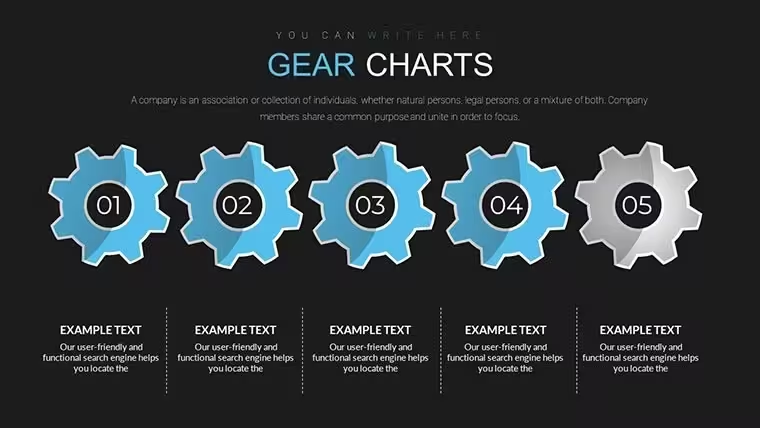
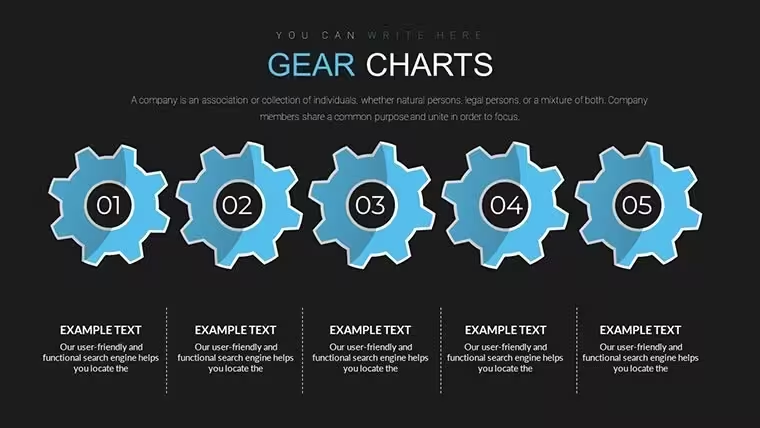
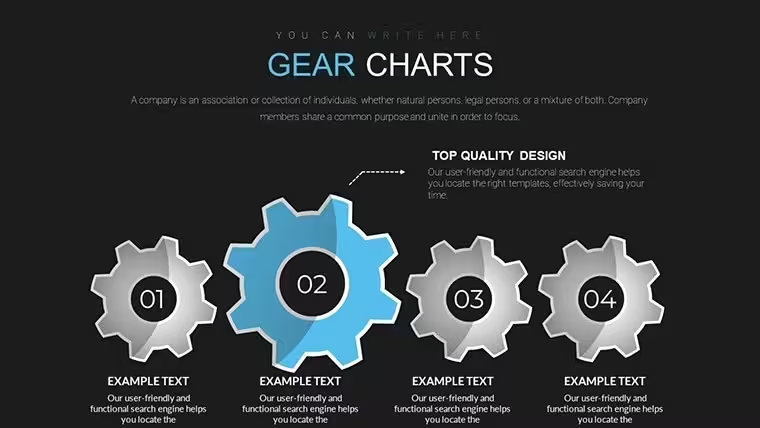
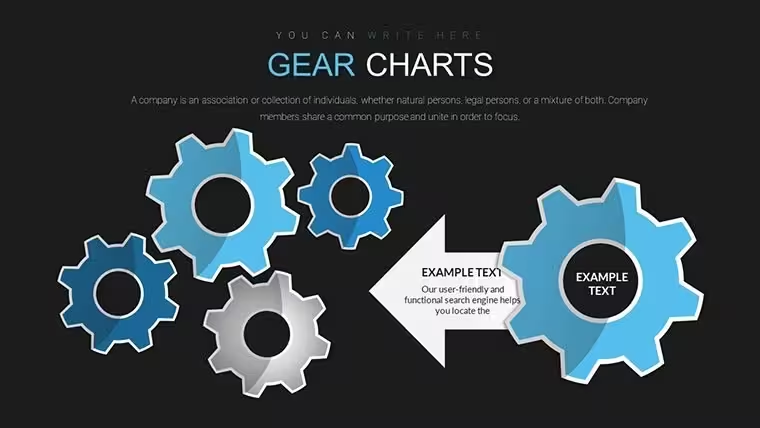
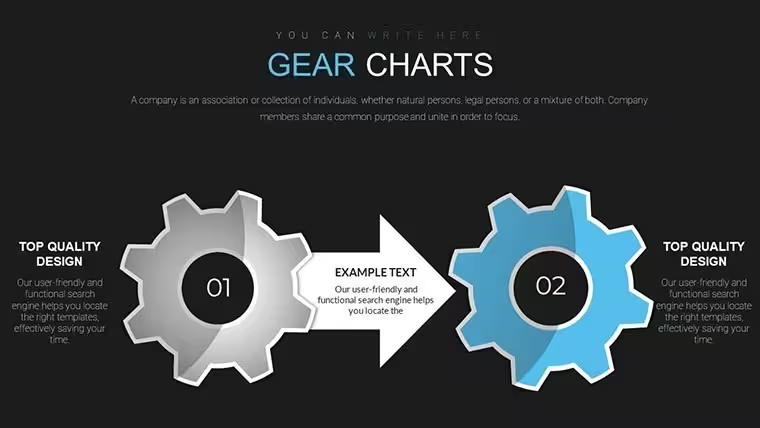
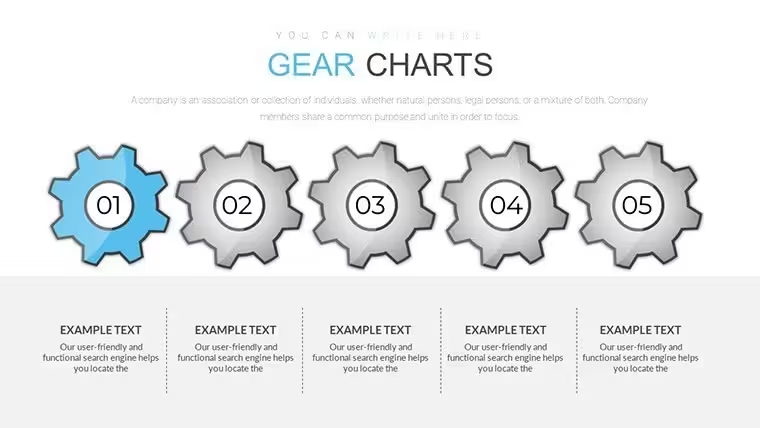
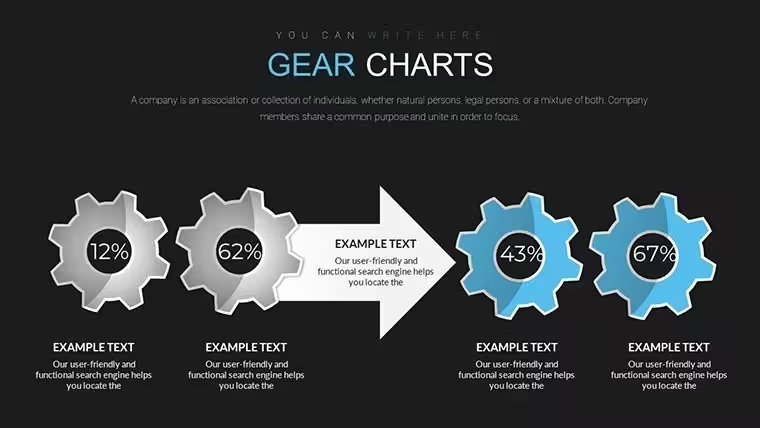
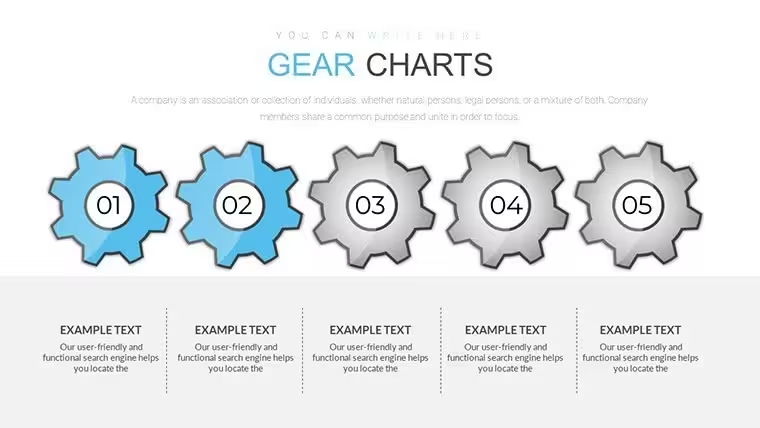
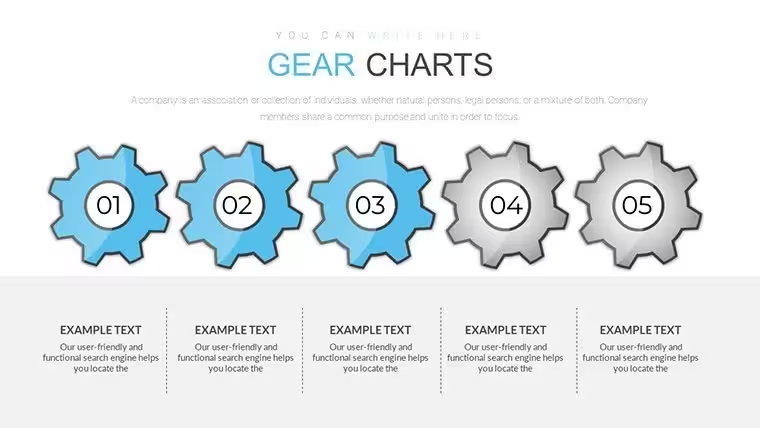
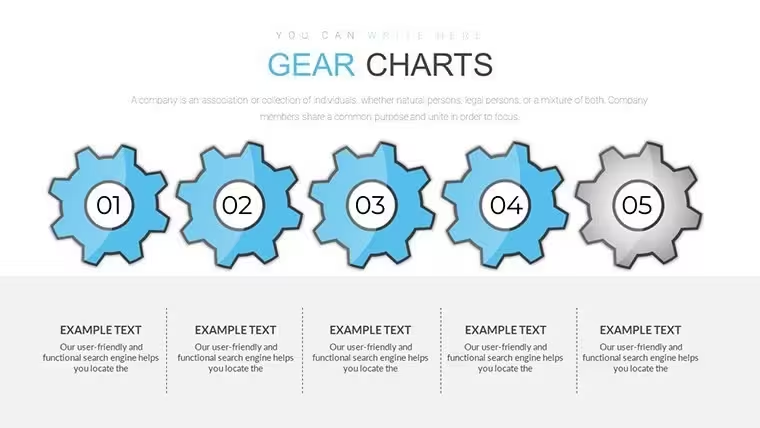
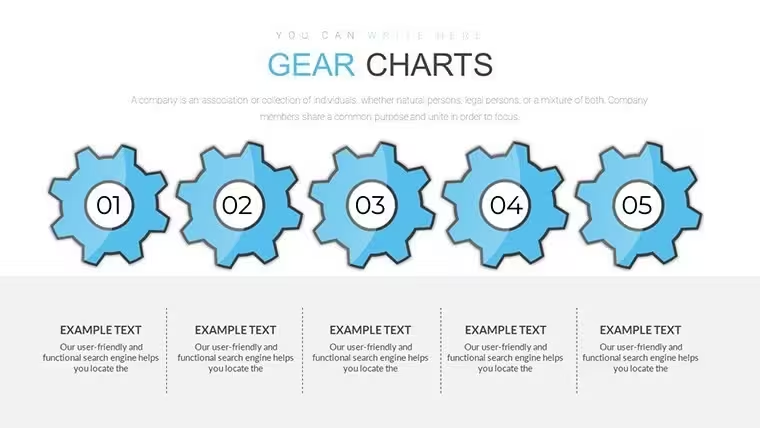
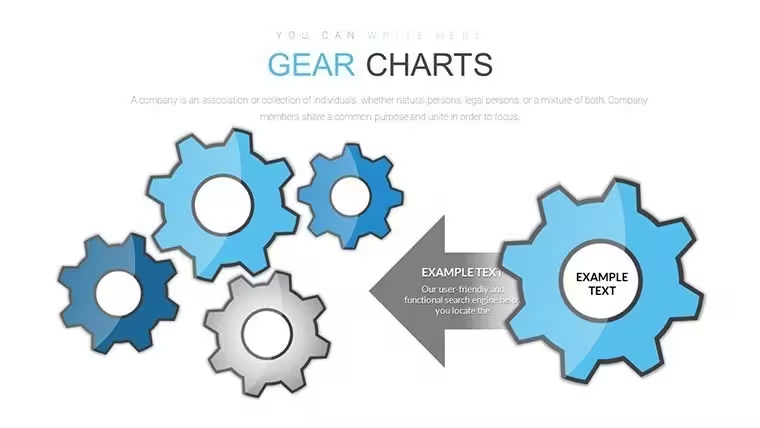
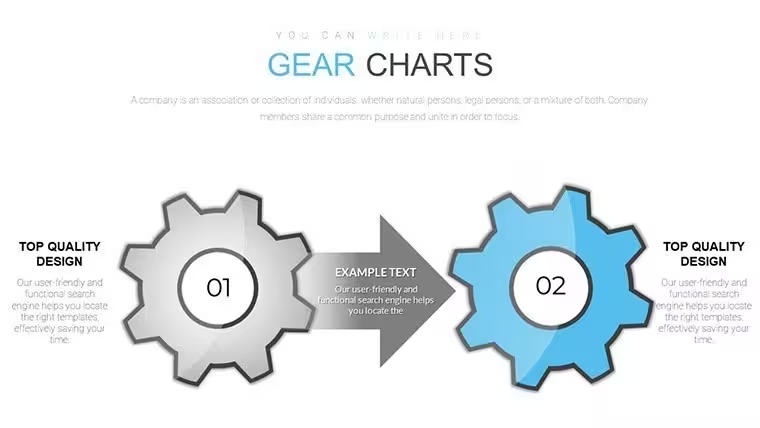
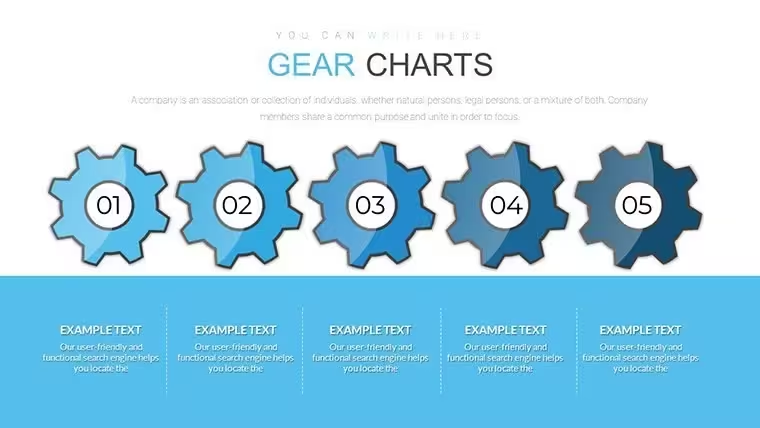
Gear system diagrams for process flow
For system overviews the KEY file supplies 20 editable slides that connect data in motion.
20 diagrams.
Interlocking gear layouts create modular flow for complex relationships.
When you need to present interconnected workflows to operations teams the file replaces manual gear drawing.
The gear structure supports relationship mapping so viewers can trace dependencies and decide on process improvements.
This clarifies priority between multiple options after the review.
For internal reporting on operational efficiency the layouts organize content without overcrowding.
Use this instead of building diagrams manually in Keynote.
The predefined structure keeps everything aligned so you don`t end up adjusting spacing slide by slide.
This suits operations leads mapping system dynamics.
The page does not list a free version but the paid file at $20 includes the complete 20-slide KEY collection compatible with current Keynote installations.
Color changes via slide master update the entire deck in seconds.
It works across multiple reports.
The file keeps structure readable on one slide.
Typically teams reuse the same diagram across monthly operations meetings.
Not ideal for simple linear timelines.
Works best for structured diagrams not creative storytelling slides.
Everything is already structured.
Download and start editing immediately
FeatureDetailsSlides / diagrams20 gear system diagramsFile formatKEYSoftware versionKeynote 12+ on macOSColor schemesFully customizable via masterEditable elementsGears and connectors resize independentlyAspect ratio16:9Free vs PaidPaid delivers full 20 slides no free version listedMasters / BackgroundsSingle master for palette switchHow do I change colors via slide master?Open the file in Keynote then switch to slide master view. Adjust the theme colors once and every gear element updates automatically across all 20 slides. This works in practice for consistent branding without editing each diagram individually.
Does the license allow client work?Yes the single-user license permits use in client projects. You may deliver the edited decks to clients as part of your service. Team use requires separate licenses per user.
What is the difference between free and paid?The page does not list a free version. The paid version at $20 provides the complete 20-slide KEY file with all gear system diagrams. No limited free sample is mentioned.
What are the refund conditions?Refunds are possible within 14 days of purchase if the file does not match your needs. Submit your order number to support for review. Digital nature means refunds exclude cases where the file was already edited and reused.
Apply template to existing presentation?Copy the master slide into your existing file then paste content into the gear layouts. All formatting transfers automatically. This saves time when updating older decks.
Capability Analysis Keynote Charts Template Gears Keynote ChartsGood for
- Project roadmaps and sprint plans
- Product launch timelines
- Quarterly or annual review decks
- Company history and milestone summaries
Licence
reviews
Used this for a school project and the bar charts were easy to read
Added it to an office update and the arrows helped show process
Worked fine for basic presentation use
Just used it for quick reporting and it was fine
FAQ
Will it work in Google Slides?
Are fonts embedded?
Can I use this for client work?
What's the refund policy?
Do you update the template after purchase?
Similar templates
See all Keynote Charts →



All 20 slides