 Click to zoom
Capability Analysis Keynote Charts - Editable | ImagineLayout
| Format | .pptx |
| Slides | 36 unique layouts |
| Aspect ratio | 16:9 |
| Compatibility | PowerPoint |
| Animated | No |
| Language | English |
| License | Commercial |
| File size | — |
| Version | v1.0 |
| Last updated | September 2026 |
What's inside
Capability Analysis Keynote Charts Template
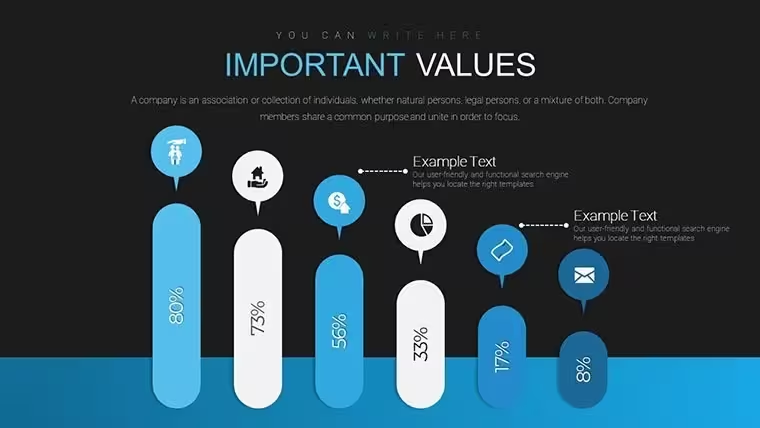
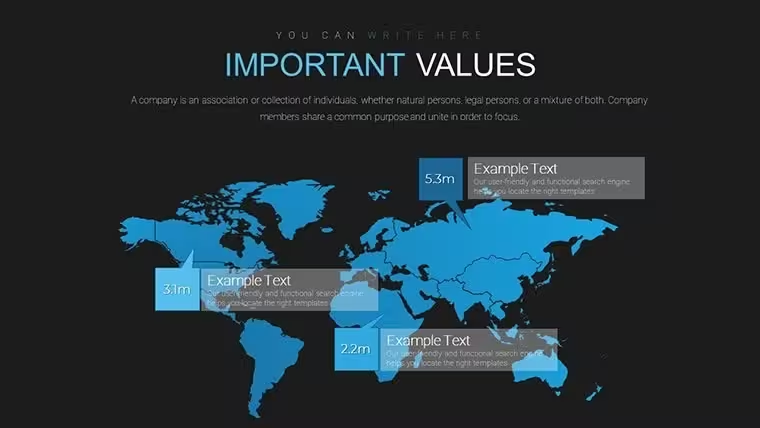
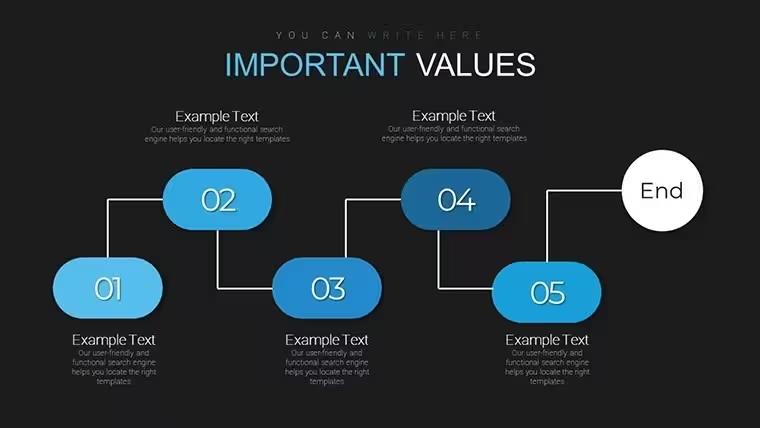
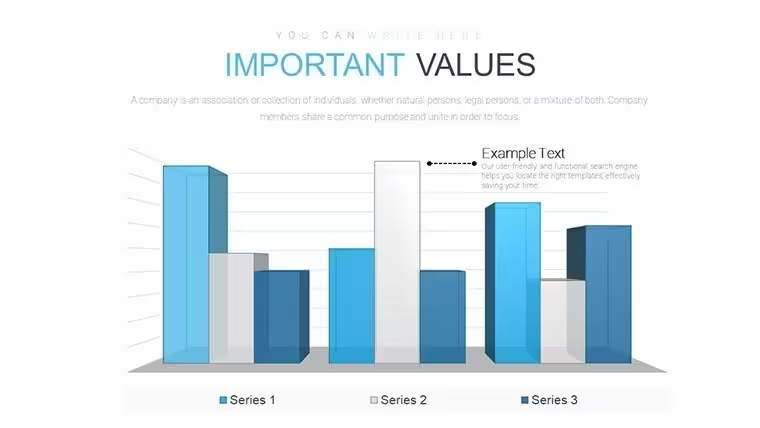
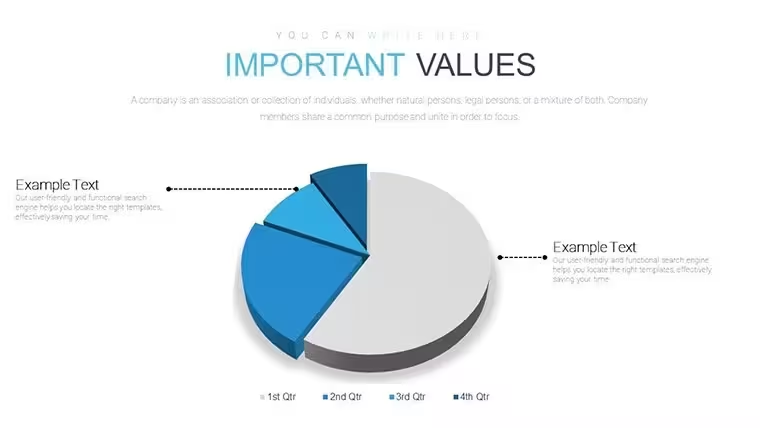
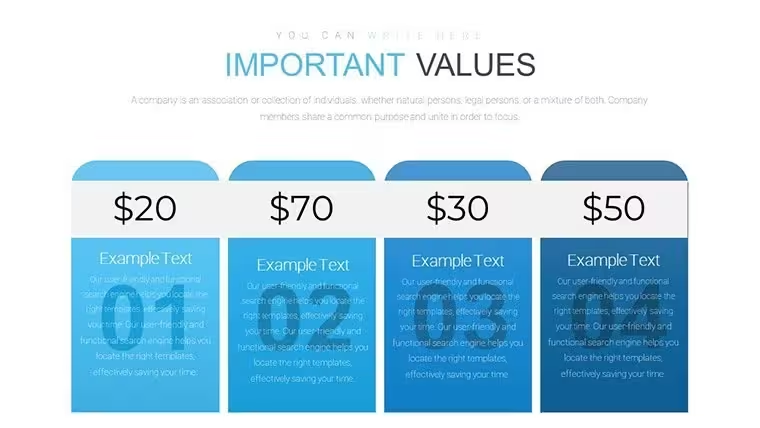
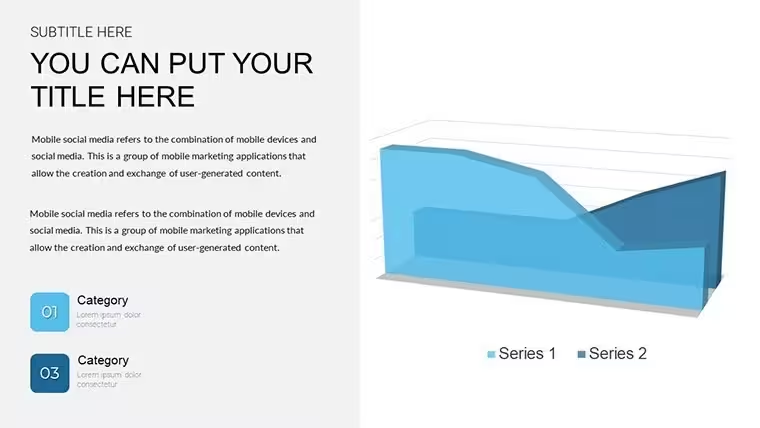
36 editable slides in KEY format give you over 20 customizable charts including radar bar graphs heat maps pie charts and line graphs for capability tasks.
No setup needed.
When you need to compare team skills against targets in a leadership meeting the radar and heat map structures in this Keynote chart template organize the data without manual alignment.
The paid version includes 36 editable slides with the listed chart types while free details stay unspecified on the page yet the files follow standard KEY formats compatible with current installations.
You change colors via the slide master in one step.
Radar charts with multiple axes and heat map grids form the specific visual detail with compact spacing for dense data.
This set suits analysts running performance reviews for department heads.
It supports prioritization analysis so you decide which capability gaps require action after viewing the full set.
In most cases you only replace text and adjust colors.
Typically teams reuse the same diagram across monthly updates.
Use this instead of building diagrams manually in Keynote.
The predefined structure keeps everything readable so you avoid adjusting spacing slide by slide.
Best used when numerical comparison matters yet not designed for purely qualitative idea mapping.
It works best for structured diagrams not creative storytelling slides.
The page does not list the exact number of color schemes but the files follow standard KEY palettes.
FeatureDetailsSlides / diagrams36 slides with radar bar heat maps pie line graphsFile formatKEYSoftware versionKeynote 12+ on current macOSColor schemesEditable via slide master in one stepEditable elementsAll charts text and colors resize independentlyAspect ratio16:9Free vs PaidPaid includes 36 slides and 20+ chartsMasters / BackgroundsStandard masters for palette switchYou open the file and start editing.
Download and start editing immediately
How do I change colors via slide master?You change colors via the slide master in Keynote by selecting the master slide first then updating the color scheme there.
This updates all 36 diagrams at once without manual edits per slide.
In practice the change takes under two minutes and works across every analysis layout.
Can I use this for client work?The license allows use for client work as long as the template is not resold or shared as a standalone file.
You can deliver presentations built with the file to clients without extra fees.
One license covers one user for all commercial projects.
What is the difference between free and paid?The paid version provides 36 editable slides with over 20 customizable charts.
The page does not list free version details but the full file is available upon purchase.
This difference ensures you get all structures without missing elements.
What are the refund conditions?Refunds are available within 14 days if the file does not work as described in current Keynote.
Contact support with your order number to start the process.
No refunds apply after the file has been downloaded and used.
Which Keynote version and macOS does it require?The files work in Keynote 12 and newer on macOS Ventura or later.
Older versions may have limited compatibility for some effects.
Test in your version before full use to confirm all capability charts display correctly.
See also Top Gear System Keynote Charts Template or Analysis & Planning Keynote Charts.
Good for
- Project roadmaps and sprint plans
- Product launch timelines
- Quarterly or annual review decks
- Company history and milestone summaries
Licence
reviews
Used this for a last minute school presentation and the charts were simple to read
Added it to an office report and the arrows helped show process steps
Worked fine for explaining basic data in a clean way
Just used it for a quick slideshow and it was okay overall
Some slides have too many visual elements at once
FAQ
Will it work in Google Slides?
Are fonts embedded?
Can I use this for client work?
What's the refund policy?
Do you update the template after purchase?
Similar templates
See all Keynote Charts →

All 36 slides