
Health - Wellness Keynote Themes
These Keynote files contain slide layouts built around progress trackers, habit calendars and goal pyramids so wellness professionals can show measurable outcomes without building charts from scratch.
A corporate wellness coordinator preparing the annual employee program review can drop quarterly metrics into the pre-built graphs and finish the presentation before the leadership meeting.
Choose the template that matches your program focus and customize the icons and colors in minutes.
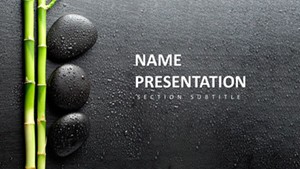 (14)
(14) Serene Wellness Keynote Diagrams - Editable | ImagineLayoutID: #KT03987$10.00
 (8)
Free Fruit Cocktail Keynote Template: Juicy Visuals for Vibrant TalksID: #KT03953free
(8)
Free Fruit Cocktail Keynote Template: Juicy Visuals for Vibrant TalksID: #KT03953free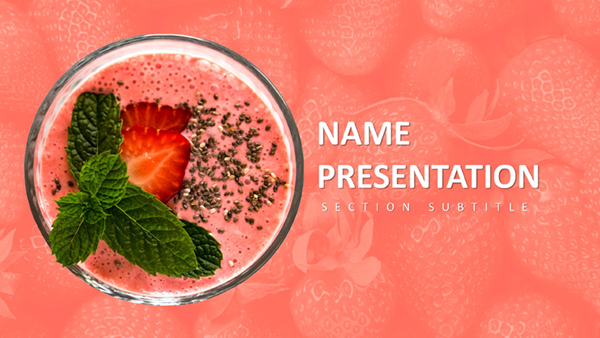 (14)
Berry Keynote Template: Fresh Takes on Healthy Eating NarrativesID: #KT03952$10.00
(14)
Berry Keynote Template: Fresh Takes on Healthy Eating NarrativesID: #KT03952$10.00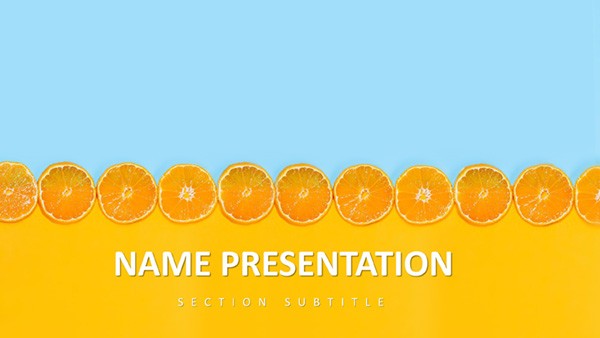 (18)
Citrus Fresh Keynote TemplateID: #KT03912$8.00
(18)
Citrus Fresh Keynote TemplateID: #KT03912$8.00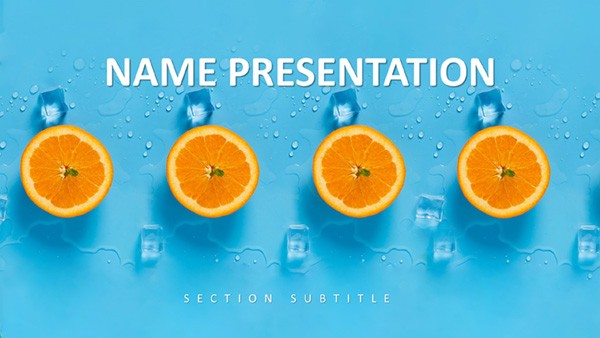 (324)
Tropical Breeze Keynote TemplateID: #KT03911$10.00
(324)
Tropical Breeze Keynote TemplateID: #KT03911$10.00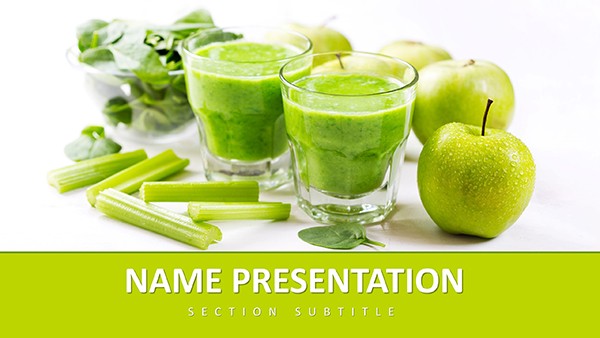 (112)
Healthy Living Keynote Template: Fueling Vitality Through VisualsID: #KT03892free
(112)
Healthy Living Keynote Template: Fueling Vitality Through VisualsID: #KT03892free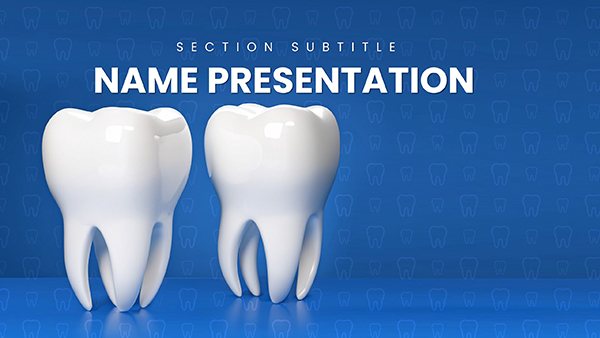 (218)
(218) Dental Keynote Template: Craft Smiles That LastID: #KT03764$12.00
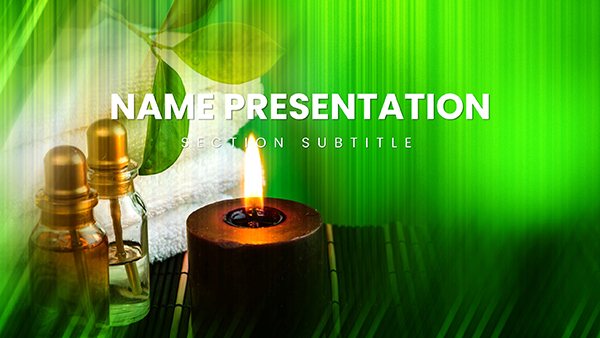 (731)
(731) Professional Spa Procedures Keynote TemplateID: #KT03745$12.00
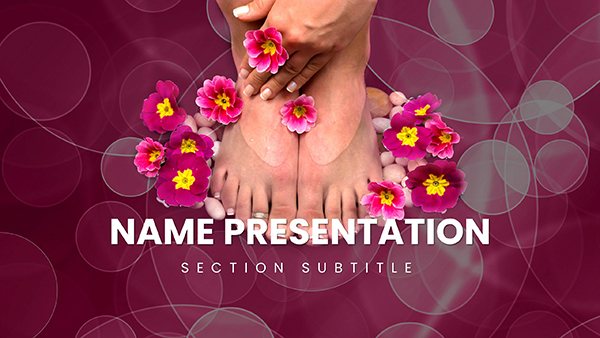 (915)
(915) DIY Home Foot Care, Spa Pedicure Treatment Keynote template for PresentationID: #KT03742$12.00
 (323)
Hands & Feet Spa Treatments Keynote TemplateID: #KT03741$12.00
(323)
Hands & Feet Spa Treatments Keynote TemplateID: #KT03741$12.00 (232)
Sole Soothe Foot Treatment Keynote TemplateID: #KT03740$12.00
(232)
Sole Soothe Foot Treatment Keynote TemplateID: #KT03740$12.00 (617)
DIY Face Mask Spa Keynote Template: Your At-Home Glow GuideID: #KT03735$12.00
(617)
DIY Face Mask Spa Keynote Template: Your At-Home Glow GuideID: #KT03735$12.00 (162)
Vibrant Beauty Makeup Cosmetics Keynote Template: Sparkle in Every SlideID: #KT03734$12.00
(162)
Vibrant Beauty Makeup Cosmetics Keynote Template: Sparkle in Every SlideID: #KT03734$12.00 (464)
Cosmetic Brushes Accessories Keynote Template: Tools of the TradeID: #KT03733$12.00
(464)
Cosmetic Brushes Accessories Keynote Template: Tools of the TradeID: #KT03733$12.00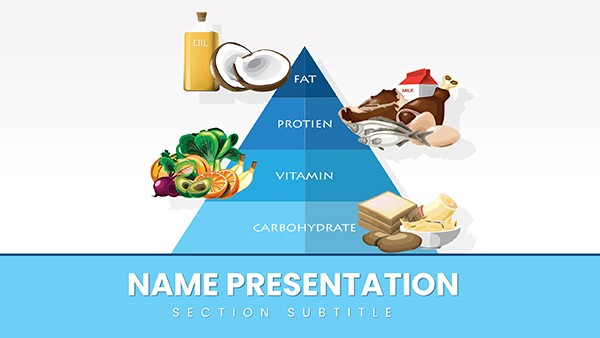 (920)
Healthy Food Pyramid Keynote Template: Stack Your Nutrition Story Layer by LayerID: #KT03719$12.00
(920)
Healthy Food Pyramid Keynote Template: Stack Your Nutrition Story Layer by LayerID: #KT03719$12.00 (671)
Vitamin K Foods Keynote TemplateID: #KT03686$10.00
(671)
Vitamin K Foods Keynote TemplateID: #KT03686$10.00 (288)
Vitamin E Foods Keynote Template: Nourish Your PresentationsID: #KT03685$12.00
(288)
Vitamin E Foods Keynote Template: Nourish Your PresentationsID: #KT03685$12.00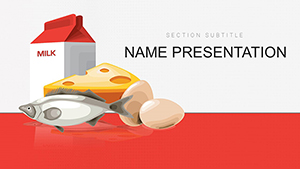 (924)
Vitamin D Nutrition Keynote Template: Wellness DeckID: #KT03684$12.00
(924)
Vitamin D Nutrition Keynote Template: Wellness DeckID: #KT03684$12.00 (242)
Vitamin C Supplements Keynote: Immune Boost SlidesID: #KT03683$8.00
(242)
Vitamin C Supplements Keynote: Immune Boost SlidesID: #KT03683$8.00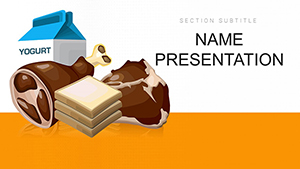 (95)
Vitamin B Essentials Keynote: Diet & Health DeckID: #KT03682$12.00
(95)
Vitamin B Essentials Keynote: Diet & Health DeckID: #KT03682$12.00 (497)
Vitamin A Carotenoids Keynote: Supplement InsightsID: #KT03680$10.00
(497)
Vitamin A Carotenoids Keynote: Supplement InsightsID: #KT03680$10.00 (402)
Carotenoids Vitamin A Keynote Template: Ignite Insightful Health NarrativesID: #KT03679$12.00
(402)
Carotenoids Vitamin A Keynote Template: Ignite Insightful Health NarrativesID: #KT03679$12.00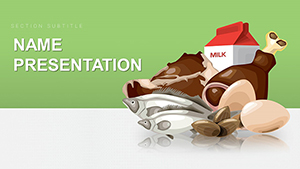 (249)
Healthy Food Keynote TemplateID: #KT03676$12.00
(249)
Healthy Food Keynote TemplateID: #KT03676$12.00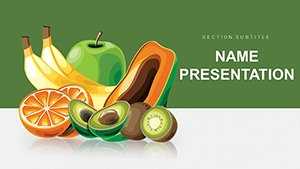 (624)
Vibrant Fruits Keynote Template: Juice Up Your PresentationsID: #KT03675$10.00
(624)
Vibrant Fruits Keynote Template: Juice Up Your PresentationsID: #KT03675$10.00 (526)
Breakfast Muesli Keynote Template for Nourishing NarrativesID: #KT03634$12.00
(526)
Breakfast Muesli Keynote Template for Nourishing NarrativesID: #KT03634$12.00 (377)
Perfect Makeup Wedding Keynote Template: Beauty That BindsID: #KT03450$12.00
(377)
Perfect Makeup Wedding Keynote Template: Beauty That BindsID: #KT03450$12.00 (1125)
Fruit Diet Keynote Template: Harvest Fresh Ideas for Health-Focused TalksID: #KT03446$12.00
(1125)
Fruit Diet Keynote Template: Harvest Fresh Ideas for Health-Focused TalksID: #KT03446$12.00 (101)
Home Fitness Weight Loss Keynote DeckID: #KT03336$12.00
(101)
Home Fitness Weight Loss Keynote DeckID: #KT03336$12.00 (465)
Fitness for Beginners Keynote Template - Download PresentationID: #KT03293$12.00
(465)
Fitness for Beginners Keynote Template - Download PresentationID: #KT03293$12.00 (1128)
Healthy Eating for Weight Loss Keynote template - ThemesID: #KT03197$12.00
(1128)
Healthy Eating for Weight Loss Keynote template - ThemesID: #KT03197$12.00 (426)
Cosmetics and Beauty Spa Keynote Template: Transform Your Wellness PresentationsID: #KT03136$12.00
(426)
Cosmetics and Beauty Spa Keynote Template: Transform Your Wellness PresentationsID: #KT03136$12.00 (270)
Diet Healthy Food Keynote Template: Fuel Thoughtful Nutrition DiscussionsID: #KT03135$12.00
(270)
Diet Healthy Food Keynote Template: Fuel Thoughtful Nutrition DiscussionsID: #KT03135$12.00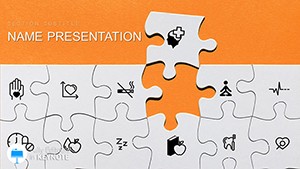 (639)
Healthy Lifestyle Tips Keynote Template for PresentationID: #KT03094$12.00
(639)
Healthy Lifestyle Tips Keynote Template for PresentationID: #KT03094$12.00
How Visual Structure Helps Clients See Progress
When participants see a clean timeline of their habit changes or a pyramid of goal layers, they connect the daily actions to long-term results. The layouts make that connection obvious without extra explanation.
Picking the Best Slide Layout for Your Wellness Topic
Use the habit tracker for daily behavior change programs, the progress pyramid for multi-month coaching packages and the nutrition plate for meal plan overviews. Each style has matching master slides so the entire deck stays visually unified.
Four Wellness Moments These Templates Simplify
A personal trainer presented a 12-week transformation plan to a new client using the milestone slide; the client signed up on the spot because the visual timeline made the journey feel achievable.
A yoga studio owner showed class attendance trends to investors with the built-in line chart; the numbers were clear and the investors approved the expansion loan.
A corporate HR manager rolled out a mindfulness program with the habit calendar slide; employees immediately understood the daily commitment and participation rose 40 percent.
A nutrition coach reviewed a client`s six-month food log using the plate diagram; the before-and-after comparison convinced the client to continue the program.
What Starting from a Blank Deck Actually Costs
You lose the time spent aligning icons to a grid, choosing colors that convey energy without being overwhelming and making sure every progress bar scales the same way. The templates lock those choices so your thinking stays on content.
Non-Obvious Keynote Tricks for Wellness Decks
Group the progress bars and use the "Magic Move" transition between slides to show growth over time. Duplicate the slide master and change only the accent color for different program tiers; the change applies to every chart automatically.
Keynote Detail That Matters for These Files
The icon library uses vector shapes that remain crisp at any zoom level and when exported to video for online classes. Keep animations subtle - the built-in "Fade" builds keep the file size small even with 30 slides.
Why These Wellness Templates Stand Out
Designed by coaches who present every week, the layouts avoid decorative fluff and focus on data display that motivates clients and reassures corporate sponsors.
Combine these with consulting proposals in Word for program outlines or link to relationship Keynote charts when mapping team wellness networks. For farm health records see agriculture animals Word templates.
Select the template that matches your next program, insert your metrics and deliver a session that clients remember.
Do these Keynote wellness templates work on iPad as well as Mac?
Yes, all files open and edit fully in Keynote for iPad. Touch gestures work on grouped charts and the vector icons stay sharp on Retina displays. Export to PDF from the iPad keeps the exact layout for client handouts.
Can I use the templates for online Zoom sessions?
Yes, share the Keynote window or export to PDF and share screen. The layouts are tested at 1080p resolution so text remains readable even when the window is smaller. Use the built-in presenter notes for your script.
Are the progress charts linked to external data?
No external links are required. All charts are native Keynote objects that you edit directly. For live data updates copy numbers from a spreadsheet and paste into the chart data editor - the bars resize instantly.
Can I change the color palette for different client brands?
Yes, edit the slide master once and every chart and icon updates automatically across the deck. The templates use named color variables so your brand colors stay consistent.
Do the templates include printable handouts?
Yes, every pack contains a matching PDF handout layout sized for letter paper. The handout condenses the key slides with space for client notes and prints cleanly from Keynote or exported PDF.


