
America Keynote Themes
America Keynote templates let you incorporate national symbols, flag motifs, and landmark graphics without hunting for stock images or redrawing maps. A history teacher preparing a lesson on civil rights or a business analyst presenting US-EU trade relations can drop in their data and have the theme support the narrative from slide one.
When the audience expects visuals that reflect American values or geography, these files deliver the context before the first bullet appears. The master slides keep every icon and color consistent across the entire deck.
This collection focuses on national symbols and themes. Download any file and the placeholders are ready for your content.
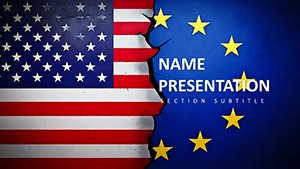 (15)
(15) Geopolitics US-EU Keynote Diagrams - Editable Keynote | ImagineLayoutID: #KT04015$10.00
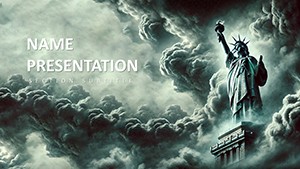 (11)
Civil Liberties Decline Keynote Diagrams - Free Editable Keynote | ImagineLayoutID: #KT04013free
(11)
Civil Liberties Decline Keynote Diagrams - Free Editable Keynote | ImagineLayoutID: #KT04013free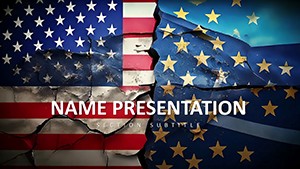 (13)
EU-US Relations Keynote Diagrams - Editable | ImagineLayoutID: #KT04012$10.00
(13)
EU-US Relations Keynote Diagrams - Editable | ImagineLayoutID: #KT04012$10.00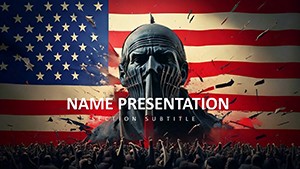 (11)
USA Protests Keynote Diagrams - Editable | ImagineLayoutID: #KT04011free
(11)
USA Protests Keynote Diagrams - Editable | ImagineLayoutID: #KT04011free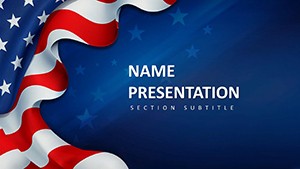 (12)
(12) American Culture Diagrams - Fully Editable | ImagineLayoutID: #KT04010$10.00
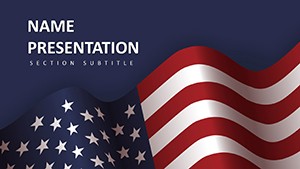 (10)
Patriotic American Keynote Template | 28 Editable Diagrams in 7 Color Schemes - Instant DownloadID: #KT04009$10.00
(10)
Patriotic American Keynote Template | 28 Editable Diagrams in 7 Color Schemes - Instant DownloadID: #KT04009$10.00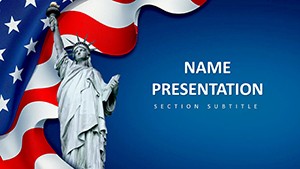 (9)
American Dream and Symbols of Freedom Keynote Template: Ignite AspirationsID: #KT04008$12.00
(9)
American Dream and Symbols of Freedom Keynote Template: Ignite AspirationsID: #KT04008$12.00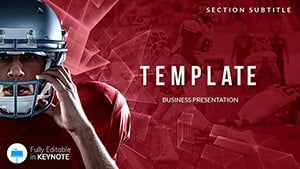 (1084)
 Famous American Football Players Keynote Template PresentationID: #KT02489$12.00
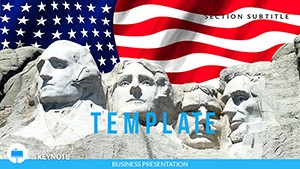 (60)
Monument Presidents USA Keynote templatesID: #KT02481$12.00
(60)
Monument Presidents USA Keynote templatesID: #KT02481$12.00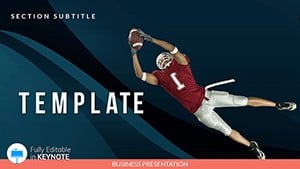 (848)
American Football - Games Keynote templatesID: #KT02281$12.00
(848)
American Football - Games Keynote templatesID: #KT02281$12.00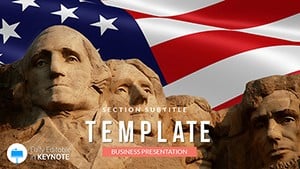 (1041)
States of the USA Keynote Templates PresentationID: #KT02158$12.00
(1041)
States of the USA Keynote Templates PresentationID: #KT02158$12.00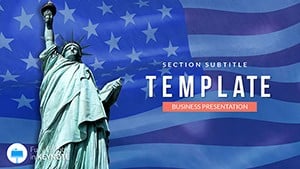 (490)
Background Symbols United States Template for Keynote PresentationID: #KT02157$12.00
(490)
Background Symbols United States Template for Keynote PresentationID: #KT02157$12.00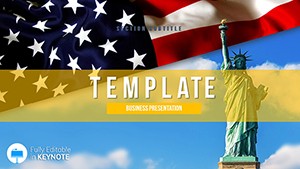 (1142)
Political system USA Keynote templateID: #KT01900$12.00
(1142)
Political system USA Keynote templateID: #KT01900$12.00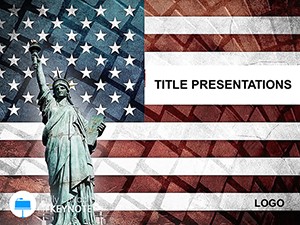 (1170)
USA Independence Day Keynote ThemesID: #KT01212$10.00
(1170)
USA Independence Day Keynote ThemesID: #KT01212$10.00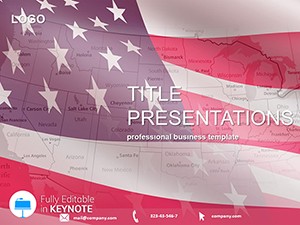 (222)
Map America`s Story: US States Flags KeynoteID: #KT01072$11.00
(222)
Map America`s Story: US States Flags KeynoteID: #KT01072$11.00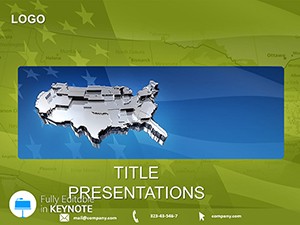 (885)
Dimension Up: 3D USA Map Keynote TemplateID: #KT01071$10.00
(885)
Dimension Up: 3D USA Map Keynote TemplateID: #KT01071$10.00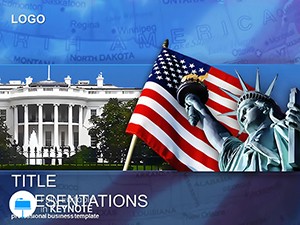 (435)
USA Symbols Keynote Template for Patriotic TalksID: #KT01003$12.00
(435)
USA Symbols Keynote Template for Patriotic TalksID: #KT01003$12.00 (1155)
Patriotic Power: USA Flag Keynote TemplateID: #KT00812$10.00
(1155)
Patriotic Power: USA Flag Keynote TemplateID: #KT00812$10.00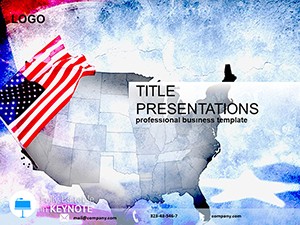 (1101)
USA Flag Territory Keynote TemplateID: #KT00694$10.00
(1101)
USA Flag Territory Keynote TemplateID: #KT00694$10.00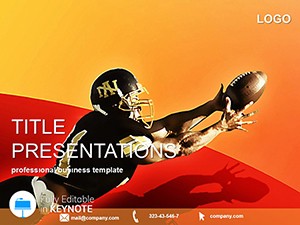 (654)
American Football Keynote Template: Tackle Presentations Like a ProID: #KT00636$10.00
(654)
American Football Keynote Template: Tackle Presentations Like a ProID: #KT00636$10.00 (423)
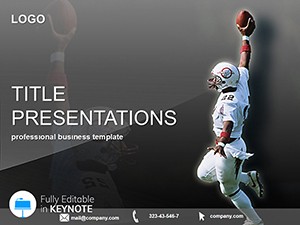
(423) American Football Players Keynote Template: Spotlight Talent DynamicallyID: #KT00635$10.00
 (698)
American Football Keynote TemplateID: #KT00597$10.00
(698)
American Football Keynote TemplateID: #KT00597$10.00 (482)
U.S. Government Keynote TemplateID: #KT00578$10.00
(482)
U.S. Government Keynote TemplateID: #KT00578$10.00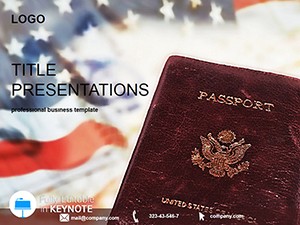 (446)
Editable US Embassy Keynote TemplateID: #KT00577$10.00
(446)
Editable US Embassy Keynote TemplateID: #KT00577$10.00 (1192)
New York City Keynote TemplateID: #KT00573$10.00
(1192)
New York City Keynote TemplateID: #KT00573$10.00 (980)
United States of America Keynote TemplateID: #KT00498$8.00
(980)
United States of America Keynote TemplateID: #KT00498$8.00 (449)
Baseball Clothes Keynote Template KitID: #KT00371$10.00
(449)
Baseball Clothes Keynote Template KitID: #KT00371$10.00 (1012)
Dynamic Baseball Games Keynote DeckID: #KT00370$10.00
(1012)
Dynamic Baseball Games Keynote DeckID: #KT00370$10.00 (860)
Baseball Glove Keynote Template: Score Big with VisualsID: #KT00352$10.00
(860)
Baseball Glove Keynote Template: Score Big with VisualsID: #KT00352$10.00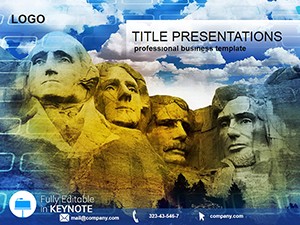 (932)
US Presidential Memorial Keynote TemplateID: #KT00268$10.00
(932)
US Presidential Memorial Keynote TemplateID: #KT00268$10.00 (1038)
Canada Flag Keynote Template: Ignite Patriotic PresentationsID: #KT00248$10.00
(1038)
Canada Flag Keynote Template: Ignite Patriotic PresentationsID: #KT00248$10.00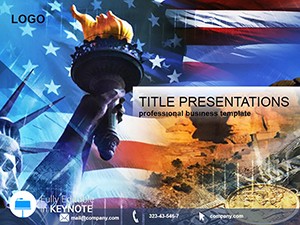 (552)
USA Symbol Keynote Template: Stars and Stripes StorytellingID: #KT00245$10.00
(552)
USA Symbol Keynote Template: Stars and Stripes StorytellingID: #KT00245$10.00 (760)
Ski Keynote Themes: Glide Through Gripping PresentationsID: #KT00238$8.00
(760)
Ski Keynote Themes: Glide Through Gripping PresentationsID: #KT00238$8.00
The power of themed masters in Keynote for American topics
Keynote master slides control the background, fonts, and placeholder positions across every slide. With America themes already built in, you change one master element and the flag motif, eagle icon, or landscape gradient updates everywhere without breaking text alignment.
Will these themes work across current macOS Keynote versions?
Teams hesitate because past themed templates sometimes lost custom elements when opened in newer releases. These files were created and tested in the latest Keynote; the vector shapes and theme colors remain intact even after upgrades.
Real scenarios from education and corporate use
A high-school history teacher presents the civil rights movement. The timeline slide already includes period-appropriate flag motifs; she adds key dates and the visual context reinforces the lesson without extra research.
A policy advisor briefs lawmakers on US-EU relations. The map slide highlights transatlantic connections with built-in icons; the audience sees the geographic and political links at a glance.
A marketing director launches a Fourth of July campaign to partners. The opening slide uses the patriotic color scheme and landmark silhouettes; the team swaps campaign metrics and the deck is ready for the video call.
A university lecturer covers American football history. The player comparison slide uses stadium graphics already placed; adding statistics keeps the focus on the sport`s cultural impact.
One non-obvious tip for Keynote users
Before adding animations to reveal American symbols, group the flag or eagle elements first. Keynote`s magic move transition then respects the group boundaries and creates smoother builds than animating individual pieces. The trick keeps the patriotic feel intact even on slower projectors.
What makes ImagineLayout's America collection different
The themes were built for storytelling, not decoration. Every icon is vector and recolorable through the Keynote theme panel. There are no forced transitions or clip-art overload; the focus is on letting the content carry the message while the American context supports it.
If your next deck needs broader business layouts, check our Keynote templates. For diagram-heavy content, the general PowerPoint diagram templates provide options when switching platforms. Teams mixing formats often start with PowerPoint templates for consistency.
Open the template that matches your topic and begin customizing.
Frequently Asked Questions
Are these America Keynote templates compatible with older versions of Keynote?
The templates are saved in the current .key format and open cleanly in Keynote 10 and all newer versions on macOS and iOS. In versions 9 and earlier some advanced shape effects may need manual adjustment, but the core master slides, vector icons, and theme colors remain fully functional. If you encounter any rendering issue with patriotic symbols, simply select the group and reset the style using the format panel. Most users on corporate Macs report zero changes needed.
Can I share these America Keynote templates with my team or use them for client presentations?
The license included with every download permits unlimited editing and use in both internal company presentations and external client deliverables. There is no limit on the number of users within your organization, and you can distribute the edited decks as PDF exports or live presentations without additional fees. The only restriction is against reselling the original template files themselves as standalone products. This setup works for educational institutions and business development teams alike.
Do the templates support widescreen aspect ratio, and what happens if I need to switch formats?
All templates are designed in the standard 16:9 widescreen format that matches modern projectors and screens. To change aspect ratio, go to Document tab and select a new size; the master slides will scale vector elements proportionally. For any text overflow in landmark graphics, simply adjust the font size or placeholder widths. The change takes under thirty seconds and preserves the visual hierarchy.
Will the themes work if I export the Keynote file to PowerPoint?
Exporting to PPTX preserves the background graphics, text, and most vector icons accurately. Complex grouped objects or custom American symbols may require minor regrouping after import. For best results, finalize edits in Keynote before exporting to PDF for sharing. The embedded fonts remain intact in the PDF route.
How do I update colors across the entire deck using the master slides?
Open the template, go to View > Edit Master Slides, and modify the color scheme or theme colors at the top level. Because every icon and background uses theme colors rather than hard-coded fills, your changes apply instantly to all slides and all placeholders. This is especially useful for branding updates across multiple presentations. The process takes one minute and keeps every patriotic element consistent.


