 Click to zoom
Geopolitics US-EU Keynote Diagrams - Editable Keynote | ImagineLayout
| Format | .pptx |
| Slides | 3 unique layouts |
| Aspect ratio | 16:9 |
| Compatibility | PowerPoint |
| Animated | No |
| Language | English |
| License | Commercial |
| File size | — |
| Version | v1.0 |
| Last updated | April 2026 |
What's inside
For trade policy briefings, alliance analysis decks, or academic lectures on transatlantic relations that need structured visual support without a designer on call - this Keynote diagram template ships with 28 diagrams across 7 color schemes in .key, .kth, and .jpg formats, priced at $10 for the base theme and $25 for the full diagram package.
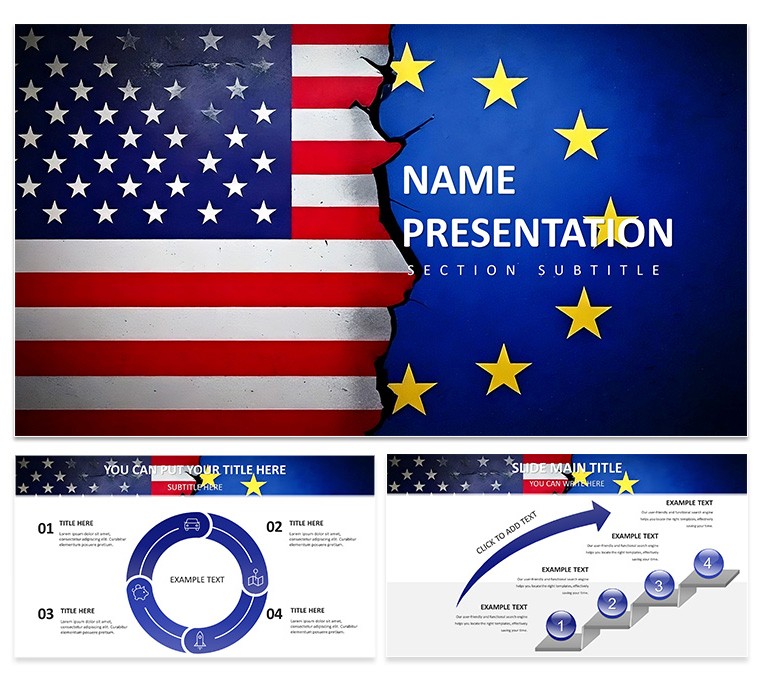
The 28 diagrams cover the range of structures needed for geopolitical content: maps for alliance and trade-route visualization, flow charts for diplomatic process sequences, and comparison charts for economic or policy data across the US and EU. The layout direction is predominantly horizontal with a left-to-right reading structure, consistent with how trade flow and bilateral agreement data is conventionally displayed. Icons use outlined strokes at uniform weight - no fills, no drop shadows - which keeps slides readable at both projection size and PDF export.
File formats are .key, .kth, and .jpg. The .key file opens in Keynote 12+ on macOS 13 Ventura or later. The .kth theme file applies the full palette in a single menu action. Color switching works through the slide master: open View > Master Slides, select a palette thumbnail from the seven included options, and all 28 diagrams reflect the change without any per-slide editing. This is the fastest method when adapting the same file for different audiences - a neutral blue-grey scheme for a government audience, a warmer scheme for a university lecture setting.
The base version at $10 includes 3 masters and 3 backgrounds only. The $25 paid tier adds all 28 diagrams and all 7 color variants in fully editable form. Every text label, connector line, and icon resizes independently, so diagrams scale from a 13-inch laptop screen to a conference room display without layout distortion.
International relations analysts, policy researchers, and university faculty covering EU-US trade, NATO structures, or macroeconomic interdependence are the primary users this diagram set is structured for. The Government Politics Keynote Diagrams template covers broader policy structures if the US-EU focus is too narrow, and the full range of similar options is available in the Business - Global Keynote Theme category.
Download and start editing immediately
Specifications
FeatureDetailsDiagrams28 total - alliance maps, diplomatic flow charts, bilateral comparison chartsFile format.key, .kth, .jpgSoftware versionKeynote 12+ (macOS 13 Ventura or later)Color schemes7 - switch all 28 diagrams simultaneously via View > Master SlidesEditable elementsAll vector icons, connector lines, and text labels resize and recolor independentlyAspect ratio16:9Free vs PaidBase ($10): 3 masters + 3 backgrounds. Full ($25): 28 diagrams + 7 color schemesMasters / Backgrounds3 masters, 3 backgroundsFrequently Asked Questions
What Keynote version and macOS release does this template need?The template opens in Keynote 12 and later. macOS 13 Ventura or newer is required for complete compatibility. Earlier macOS versions may open the .key file but could render certain vector elements or master configurations differently than intended.
How do I switch color schemes across all 28 diagrams?All palette changes go through the slide master, not individual slides. In Keynote, open View > Master Slides, then click the current palette thumbnail and select one of the seven included color options. The change propagates to all 28 diagrams at once. This approach is useful when reusing the same diagram file for different audiences or institutional branding requirements, since no per-slide edits are needed after the master is updated.
Can this template be used in presentations delivered to paying clients?Client work is permitted under the standard license. Presentations built using this template can be delivered to external clients and used in commercial engagements. The license does not allow reselling the template source files or distributing them as an independent design product.
What is the difference between the $10 and $25 versions?The $10 base version contains 3 masters and 3 backgrounds in .key and .kth format - no diagram slides are part of this tier. The $25 version adds the complete 28-diagram set with all 7 color schemes in fully editable files. The choice between the two tiers depends entirely on whether the diagrams or just the theme framework is needed.
What are the refund conditions?Refunds are available when the purchased file fails to open in a supported version of Keynote. Submit a request to ImagineLayout support including the purchase receipt and details of the compatibility issue. The refund is issued once the reported problem is confirmed against the stated software requirements.
Good for
- Project roadmaps and sprint plans
- Product launch timelines
- Quarterly or annual review decks
- Company history and milestone summaries
Licence
reviews
The slide layouts are very practical. Used this for a financial review and the tables were already formatted. The color system updates from the master which saved me time.
Not the most creative template but it is functional. The charts are easy to edit and the flow is logical. Worked fine for a stakeholder update.
The free version gave me a good preview. Ended up buying the paid one for the extra diagram variety. The master slide controls are easy to use once you find them.
The icon style is minimal and consistent. Used this for an operations update and the process flows worked well. The file opened without any issues on my Mac.
The diagram variety is decent. Used it for a quarterly report and the timeline slides were particularly useful. The color schemes are easy to switch in the master.
FAQ
Will it work in Google Slides?
Are fonts embedded?
Can I use this for client work?
What's the refund policy?
Do you update the template after purchase?
Similar templates
See all Keynote templates →



All 1 slides