
Religious - Spiritual Keynote Themes
This collection contains Keynote templates specifically for religious and spiritual presentations. Pastors, retreat leaders, and faith-based organizations use them when time is short and the message needs to come through clearly.
A pastor with a Sunday sermon deadline can open the file and immediately place key verses and discussion points without redoing the slide master or aligning text boxes.
Everything is built around message-first structure. Choose the template below that matches your event and get to work.
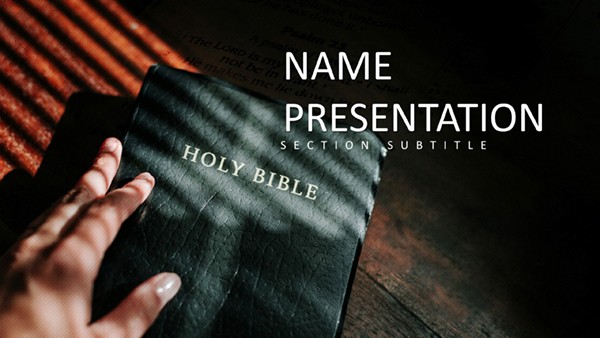 (14)
(14) Word of God: Inspiring Keynote Template for Religious PresentationsID: #KT03947$10.00
 (12)
(12) Biblical Sermon: Dynamic Keynote Template for Spiritual DeliveryID: #KT03946$10.00
 (11)
Jesus Cross Keynote Presentation Template - DownloadID: #KT03945$10.00
(11)
Jesus Cross Keynote Presentation Template - DownloadID: #KT03945$10.00 (8)
Biblical Teaching: Engaging Keynote Template for Lessons and StudiesID: #KT03944$10.00
(8)
Biblical Teaching: Engaging Keynote Template for Lessons and StudiesID: #KT03944$10.00 (16)
Spiritual Keynote Presentation Template - Free Download, Journey of Faith SlidesID: #KT03943free
(16)
Spiritual Keynote Presentation Template - Free Download, Journey of Faith SlidesID: #KT03943free (14)
Free Spiritual Journey Keynote Template for Religious PresentationsID: #KT03942free
(14)
Free Spiritual Journey Keynote Template for Religious PresentationsID: #KT03942free (13)
Miraculous Crucifixion of Jesus Christ Keynote Template: Honor the Sacred StoryID: #KT03941$12.00
(13)
Miraculous Crucifixion of Jesus Christ Keynote Template: Honor the Sacred StoryID: #KT03941$12.00 (16)
Symbol Crucifixion of Lord Jesus Christ and Salvation Keynote Template: Embrace Eternal HopeID: #KT03940$10.00
(16)
Symbol Crucifixion of Lord Jesus Christ and Salvation Keynote Template: Embrace Eternal HopeID: #KT03940$10.00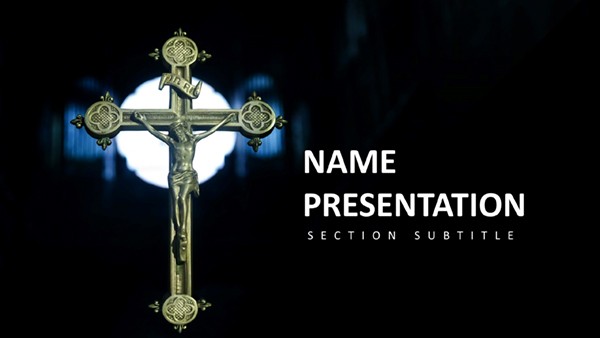 (14)
Exploring the Divine Keynote Template: Unveil Sacred InsightsID: #KT03939$10.00
(14)
Exploring the Divine Keynote Template: Unveil Sacred InsightsID: #KT03939$10.00 (17)
Temporary Altar Keynote Template: Sanctify Your Spiritual MessagesID: #KT03938free
(17)
Temporary Altar Keynote Template: Sanctify Your Spiritual MessagesID: #KT03938free (9)
Symbolism of the Cross Keynote Template for Religious PresentationsID: #KT03937$10.00
(9)
Symbolism of the Cross Keynote Template for Religious PresentationsID: #KT03937$10.00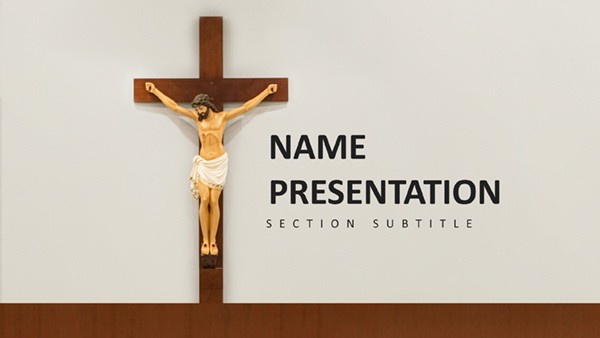 (15)
Sacrifice and Salvation: Understanding the Cross Keynote TemplateID: #KT03936$12.00
(15)
Sacrifice and Salvation: Understanding the Cross Keynote TemplateID: #KT03936$12.00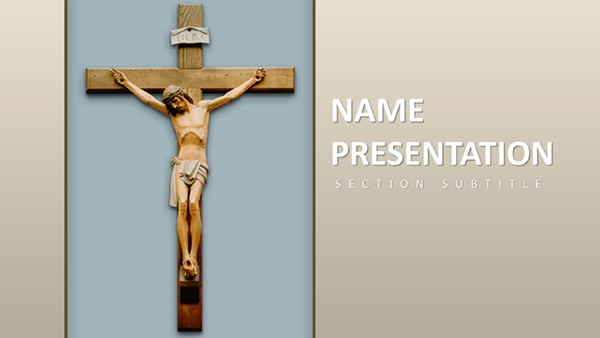 (9)
Divine Inspiration Keynote TemplateID: #KT03935$10.00
(9)
Divine Inspiration Keynote TemplateID: #KT03935$10.00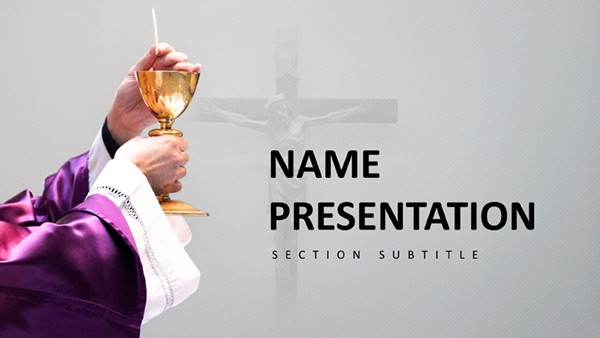 (322)
(322) Eucharistic Adoration Keynote Template for Inspiring Catholic PresentationsID: #KT03934$10.00
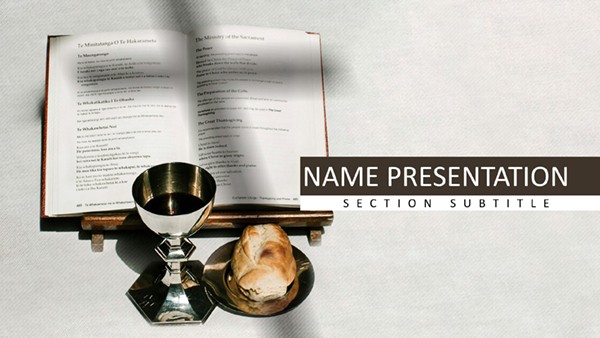 (384)
Divine Liturgy Keynote Template for Religious PresentationID: #KT03933$10.00
(384)
Divine Liturgy Keynote Template for Religious PresentationID: #KT03933$10.00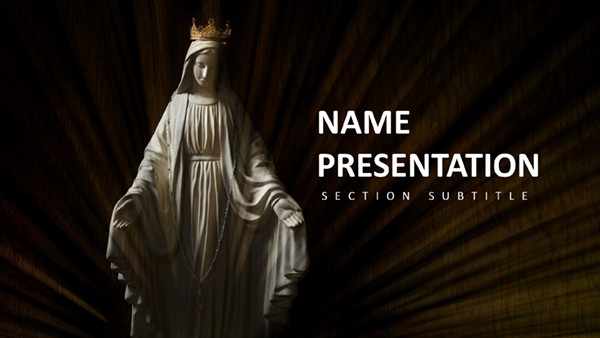 (264)
Under Divine Protection: A Keynote Template for Heartfelt Religious PresentationsID: #KT03932$10.00
(264)
Under Divine Protection: A Keynote Template for Heartfelt Religious PresentationsID: #KT03932$10.00 (175)
Path to Enlightenment: Keynote Template Illuminating Faith JourneysID: #KT03931$10.00
(175)
Path to Enlightenment: Keynote Template Illuminating Faith JourneysID: #KT03931$10.00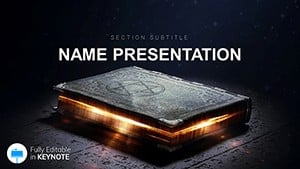 (1046)
 Mystical Occult Witchcraft Keynote TemplateID: #KT03509$12.00
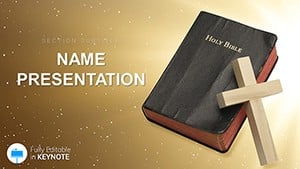 (66)
"Church, Holy Bible, Religion Keynote Template Presentation"ID: #KT03507$10.00
(66)
"Church, Holy Bible, Religion Keynote Template Presentation"ID: #KT03507$10.00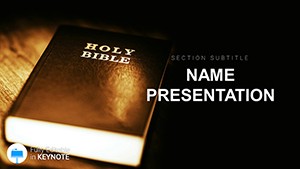 (986)
Holy Bible Scriptures Keynote TemplateID: #KT03506$10.00
(986)
Holy Bible Scriptures Keynote TemplateID: #KT03506$10.00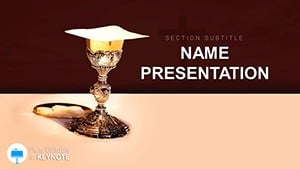 (21)
Holy Vessels: Presentations with Sacred Keynote TemplateID: #KT03505$12.00
(21)
Holy Vessels: Presentations with Sacred Keynote TemplateID: #KT03505$12.00 (506)
Holy Spirit Scriptures Inspiring Keynote SlidesID: #KT03504$12.00
(506)
Holy Spirit Scriptures Inspiring Keynote SlidesID: #KT03504$12.00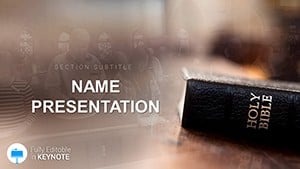 (435)
Church Prayer Liturgy Modern Keynote DesignID: #KT03503$12.00
(435)
Church Prayer Liturgy Modern Keynote DesignID: #KT03503$12.00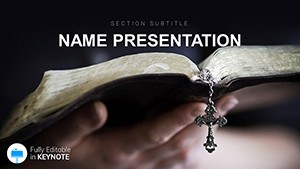 (556)
Bible Gateway Professional Keynote TemplateID: #KT03502$10.00
(556)
Bible Gateway Professional Keynote TemplateID: #KT03502$10.00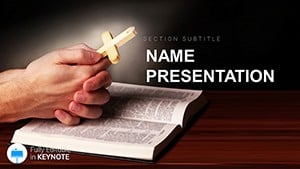 (1181)
Serene Prayer Ministry Keynote Presentation KitID: #KT03501$12.00
(1181)
Serene Prayer Ministry Keynote Presentation KitID: #KT03501$12.00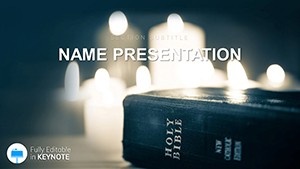 (982)
Holy Bible Online Keynote Template: Elevate Your Spiritual StorytellingID: #KT03500$10.00
(982)
Holy Bible Online Keynote Template: Elevate Your Spiritual StorytellingID: #KT03500$10.00 (908)
Gospel Salvation Through Christ Keynote TemplateID: #KT03488$12.00
(908)
Gospel Salvation Through Christ Keynote TemplateID: #KT03488$12.00 (322)
Holy Cross Keynote Template: Elevate Spiritual NarrativesID: #KT03288$12.00
(322)
Holy Cross Keynote Template: Elevate Spiritual NarrativesID: #KT03288$12.00 (853)
Crucifixion of Jesus Keynote TemplateID: #KT03287$12.00
(853)
Crucifixion of Jesus Keynote TemplateID: #KT03287$12.00 (114)
Gospel Keynote Template: Weave Faith into Every SlideID: #KT03286$12.00
(114)
Gospel Keynote Template: Weave Faith into Every SlideID: #KT03286$12.00 (305)
Sermon and Testimony Keynote TemplateID: #KT03285$12.00
(305)
Sermon and Testimony Keynote TemplateID: #KT03285$12.00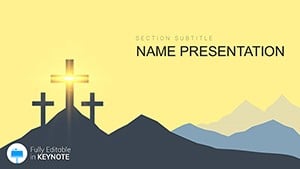 (942)
Salvation, Faith, Hope, and Love: Keynote Template Presentation DownloadID: #KT03227$12.00
(942)
Salvation, Faith, Hope, and Love: Keynote Template Presentation DownloadID: #KT03227$12.00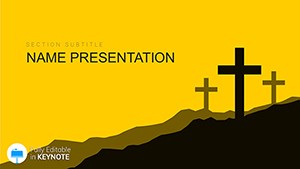 (317)
Religions of World Keynote templateID: #KT03224$12.00
(317)
Religions of World Keynote templateID: #KT03224$12.00
How These Keynote Templates Support Real Faith-Based Scenarios
A pastor at a mid-size congregation spends the morning on administrative tasks and must finalize slides for the 11 a.m. service. The template opens with sections already sized for the opening prayer, three main points drawn from scripture, and a closing call to action. After inserting the verses the layout stays balanced, letting the speaker rehearse delivery instead of fixing spacing. The congregation follows the flow without distraction from mismatched fonts.
The coordinator planning a weekend spiritual retreat for 120 participants needs an agenda that doubles as handouts. The file provides panel layouts for session times, speaker bios, and breakout rooms. Once the details are added the same master exports to PDF for printing, saving the extra step of recreating the document in another program. Attendees leave with a clean reference that reinforces the event theme.
At a memorial service the family requests slides to honor the deceased with dignity. The subdued palette and image placeholders let photos and tributes sit cleanly beside selected readings. The planner avoids last-minute adjustments that could delay the ceremony, and the family notes how the structure keeps the focus on remembrance rather than technical hiccups.
A faith-based nonprofit preparing a donor presentation uses the impact metrics slides to show lives changed. The template includes chart areas sized for before-and-after data and testimonial blocks. The executive director populates the numbers in minutes and the deck reads as a coherent story of mission work, strengthening the ask without visual clutter.
What You Lose When Building These Slides Manually
Starting from a blank file forces decisions on font size for readability in varied lighting conditions, column alignment across every slide for scripture references, and color choices that neither distract nor clash with existing branding. Those choices consume the first hour of preparation time that could have gone toward refining the spiritual argument or practicing transitions. The result is often inconsistent masters that require fixes right before the event.
How Structured Masters Help with Recurring Events
Organizations that run weekly services or quarterly retreats benefit from updating the slide master once and reusing the core layout for months. Attendance trends or donation summaries stay formatted the same way across decks, making it simple for multiple staff members to contribute sections. This turns individual files into a shared library that maintains visual consistency without repeated setup work.
Non-Obvious Editing Tips for These Templates
Experienced users adjust the hymn lyric placeholders so line breaks fall naturally when projected. This small tweak prevents awkward mid-word splits that can pull attention away from the music. The change takes seconds in the master view but improves live flow for the entire congregation.
Technical Tip Specific to Keynote
Before any event confirm the aspect ratio in the document settings. The files default to 16:9 for current projectors, but switching to 4:3 in the slide master resizes all content automatically. After the change export a test PDF to verify how printed handouts will appear, avoiding surprises at the venue.
Why These Templates Prioritize Spiritual Content
The layouts guide the audience through a clear progression - headline claim from scripture, supporting explanation, and practical next step - without added decorative elements that could dilute the message. The design intent keeps the speaker and the content at center stage rather than competing for attention.
If your work leans toward general business storytelling, explore our business presentation templates. For complex data work see the 3D PowerPoint diagram templates. When printed materials are needed the Word templates cover bulletins and programs.
If one of the templates above matches your upcoming event download it now and begin editing.
Frequently Asked Questions
Are these Keynote templates compatible with the latest Apple Keynote versions?
Yes, all files are built and tested in Keynote 14 and above, including the latest updates as of 2026. The slide master is fully editable, and any custom shapes or animations behave consistently. If you're on an older version like Keynote 12, some advanced mask effects may require a simple update, but the core layouts open without issue. Always open in the current version to ensure embedded fonts for special religious symbols render correctly across devices.
Can I share these templates within my church or organization?
The license permits unlimited internal edits and distribution to staff or volunteers for services and events. Multiple users can open the same file on different Macs without additional purchases. External commercial resale is not allowed, but nonprofit faith-based use across teams is supported directly in the terms.
Do the templates work with different aspect ratios?
Yes, the default is 16:9 but the slide master allows an instant switch to 4:3. All text and image placements adjust automatically so nothing is cropped. After the change run a PDF export test to confirm print output for handouts matches the on-screen view.
How do I change colors and fonts in the templates?
Open the slide master view and update the theme colors or replace any font family. The change propagates to every slide instantly. Embedded fonts for scripture and special symbols remain intact during editing and export, preserving appearance on any Mac or when shared as PDF.
Are free starter templates included?
Several starter files are available for immediate download and full use. They contain complete layouts for common needs such as basic sermons and are not watermarked or limited. Paid options add advanced animation sets, but the free files are production-ready right away.


