
Relationship Keynote Diagrams
This collection contains editable relationship diagrams built natively in Apple Keynote. It serves analysts, project managers, and strategy leads who need to communicate reporting lines, decision flows, or dependencies without building the layout from scratch.
A product manager preparing for a cross-functional alignment meeting can open one of these files and drop in current team data instead of spending the evening aligning arrows and text boxes across slides.
Each layout keeps the focus on structure so the audience sees the relationships immediately. Download the version that fits your next review and open it directly in Keynote.
 (121)
(121) Information Keynote Diagrams TemplateID: #KD00205$20.00
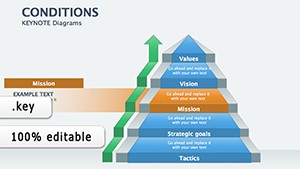 (918)
(918) Decision Flow Keynote Diagram TemplateID: #KD00198$22.00
 (760)
Organic Products Keynote Diagrams: Championing Sustainable ChoicesID: #KD00197$18.69
(760)
Organic Products Keynote Diagrams: Championing Sustainable ChoicesID: #KD00197$18.69 (602)
Social Issues Keynote Diagrams: Illuminating Societal ChallengesID: #KD00196$23.00
(602)
Social Issues Keynote Diagrams: Illuminating Societal ChallengesID: #KD00196$23.00 (158)
(158) Global Demand Keynote Diagrams - Presentation TemplateID: #KD00173$20.00
 (975)
(975) Flow System Analysis Keynote Diagrams: Decode Complexity GracefullyID: #KD00169$25.00
 (798)
Time Management Keynote Diagrams: Presentation TemplateID: #KD00162$22.00
(798)
Time Management Keynote Diagrams: Presentation TemplateID: #KD00162$22.00 (1171)
Various Keynote diagramsID: #KD00160$26.00
(1171)
Various Keynote diagramsID: #KD00160$26.00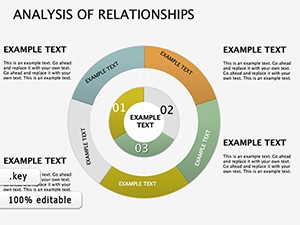 (864)
Analysis Relationships Keynote DiagramsID: #KD00159$25.00
(864)
Analysis Relationships Keynote DiagramsID: #KD00159$25.00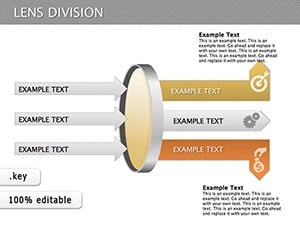 (525)
Lens Division Keynote Diagrams: Organize Ideas BrilliantlyID: #KD00129$25.00
(525)
Lens Division Keynote Diagrams: Organize Ideas BrilliantlyID: #KD00129$25.00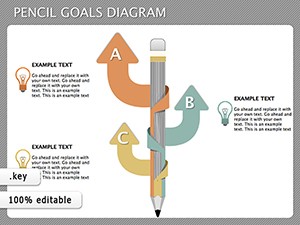 (715)
Pencil Goals Keynote Diagrams - Instant DownloadID: #KD00111$14.00
(715)
Pencil Goals Keynote Diagrams - Instant DownloadID: #KD00111$14.00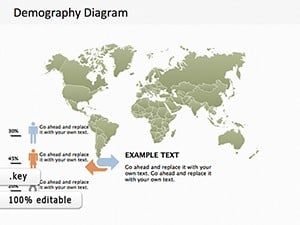 (255)
Map Demography Keynote Diagram TemplateID: #KD00109$18.00
(255)
Map Demography Keynote Diagram TemplateID: #KD00109$18.00 (795)
Winners Podium and Silhouettes Keynote Diagrams TemplateID: #KD00103$22.00
(795)
Winners Podium and Silhouettes Keynote Diagrams TemplateID: #KD00103$22.00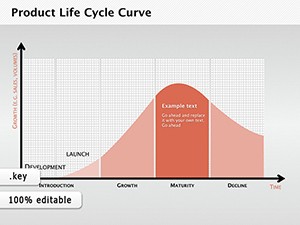 (1040)
Product Life Cycle Curve Keynote DiagramsID: #KD00101$12.69
(1040)
Product Life Cycle Curve Keynote DiagramsID: #KD00101$12.69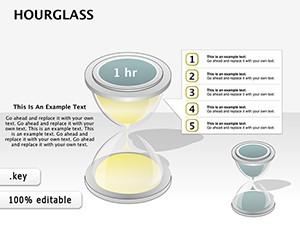 (496)
3D Hourglass Keynote Diagrams: Sand the Sands of StrategyID: #KD00091$26.00
(496)
3D Hourglass Keynote Diagrams: Sand the Sands of StrategyID: #KD00091$26.00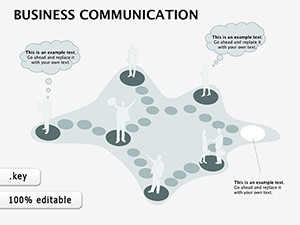 (1182)
Business Communication Keynote Diagrams: Forge Clear Connections in Every PitchID: #KD00080$14.00
(1182)
Business Communication Keynote Diagrams: Forge Clear Connections in Every PitchID: #KD00080$14.00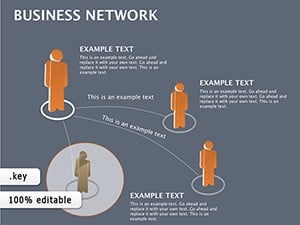 (860)
Business Network Keynote diagramsID: #KD00071$22.00
(860)
Business Network Keynote diagramsID: #KD00071$22.00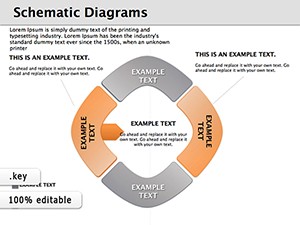 (848)
Schematic Keynote Diagrams TemplateID: #KD00050$20.00
(848)
Schematic Keynote Diagrams TemplateID: #KD00050$20.00 (73)
Workflow Keynote Diagrams: Chart Your Path to EfficiencyID: #KD00039$27.00
(73)
Workflow Keynote Diagrams: Chart Your Path to EfficiencyID: #KD00039$27.00 (822)
BCG Matrix Keynote diagram templateID: #KD00037$24.00
(822)
BCG Matrix Keynote diagram templateID: #KD00037$24.00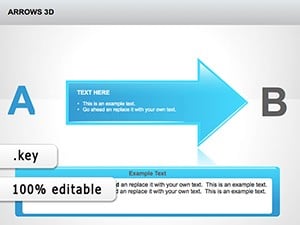 (287)
3D Arrows Keynote Template for Impactful FlowsID: #KD00034$24.00
(287)
3D Arrows Keynote Template for Impactful FlowsID: #KD00034$24.00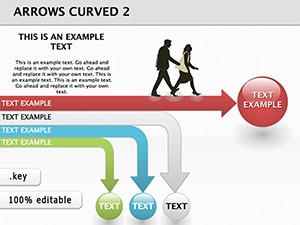 (1031)
Direction Arrows Keynote Diagrams - Fully Editable | ImagineLayoutID: #KD00032$14.00
(1031)
Direction Arrows Keynote Diagrams - Fully Editable | ImagineLayoutID: #KD00032$14.00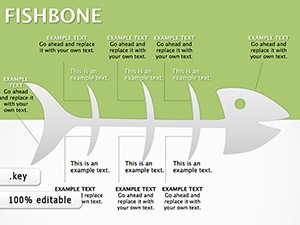 (913)
Fishbone Keynote Diagrams: Decode Complex ProblemsID: #KD00029$20.00
(913)
Fishbone Keynote Diagrams: Decode Complex ProblemsID: #KD00029$20.00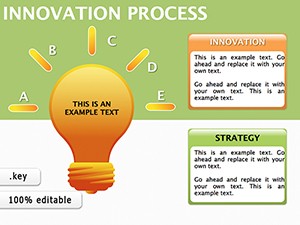 (7)
Innovation Process Keynote Diagrams - Editable .key | ImagineLayoutID: #KD00028$18.00
(7)
Innovation Process Keynote Diagrams - Editable .key | ImagineLayoutID: #KD00028$18.00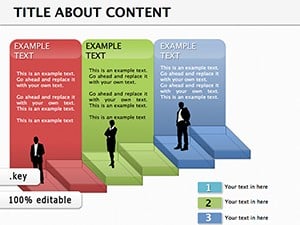 (319)
Manager Keynote Diagrams: Chart Leadership Paths with EaseID: #KD00023$24.00
(319)
Manager Keynote Diagrams: Chart Leadership Paths with EaseID: #KD00023$24.00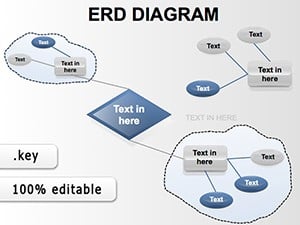 (268)
ERD Keynote Templates: Master Data Models EffortlesslyID: #KD00018$18.00
(268)
ERD Keynote Templates: Master Data Models EffortlesslyID: #KD00018$18.00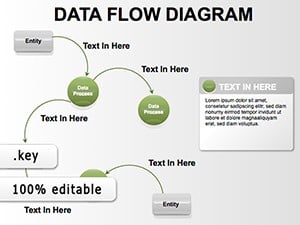 (1039)
Data Flow Keynote Diagrams - Fully Editable KeynoteID: #KD00017$20.00
(1039)
Data Flow Keynote Diagrams - Fully Editable KeynoteID: #KD00017$20.00
Why Relationship Diagrams Turn Complex Structures Into Immediate Understanding
When you show a slide with reporting lines or decision flows, the audience should grasp the hierarchy in seconds, not after you explain the arrows. These Keynote layouts embed that hierarchy in the slide master so every element snaps into place the moment you replace placeholder text.
In practice this means a finance director can update last quarter`s org chart for the CFO review and still have time to rehearse the narrative instead of fixing misaligned connectors at 11 p.m.
Named Frameworks That Live Inside These Relationship Layouts
BCG Matrix Keynote Diagram
The BCG Matrix template positions business units by market growth and share using four fixed quadrants. Because the axes and labels are grouped on the slide master, you can drag data points without breaking the visual balance. Executives see the cash cows versus question marks at a glance, which shortens discussion time on portfolio strategy.
Fishbone Keynote Diagram
Root-cause analysis slides use the fishbone layout to separate categories and sub-causes along angled spines. The template keeps spine angles consistent across slides so a quality manager can update multiple process reviews in the same deck without reformatting every branch.
ERD and Data Flow Layouts
Entity-relationship diagrams and data flow templates use native Keynote connectors that remain linked when you move tables. An IT analyst updating system architecture for the steering committee can move one entity and watch the relationships update automatically.
Four Moments These Templates Actually Move Projects Forward
A strategy consultant has 48 hours to prepare a merger integration map for the combined leadership team. Instead of drawing 12 relationship slides, the consultant opens the collection, selects the network diagram layout, and spends the saved time pressure-testing assumptions with the deal team.
An HR director rolling out a new matrix reporting structure to 300 employees opens the organizational relationship template, inserts the new dotted lines, and exports to PDF for the all-hands deck. The slide master already handles the 16:9 aspect ratio and embedded fonts so nothing shifts in the final export.
A supply-chain manager presenting vendor dependency risks to the operations committee uses the multi-level flow diagram. The layout already balances the number of nodes per tier, preventing the common problem of overcrowded quadrants that weaken the risk message.
During a quarterly business review, the regional director swaps last quarter`s performance data into the relationship matrix. The consistent column widths and color palette across the entire 45-slide deck let the executive team focus on variances instead of questioning why one slide looks different.
What You Lose When You Build These Slides Manually in Keynote
You lose the slide master settings that already lock column widths, connector styles, and font stacks. You lose the grouped objects that maintain quadrant balance when you add or remove items. Most importantly, you lose the thinking time that should have gone into the recommendation instead of the layout.
Non-Obvious Configuration Tricks Specific to Relationship Diagrams
When distributing items across quadrants or tiers, avoid manual center alignment; instead select all shapes and use the Keynote Arrange > Align > Distribute Horizontally command after grouping. This keeps visual weight balanced even when the number of elements changes between versions.
For multi-slide decks, copy the relationship group from the first slide and paste it onto the slide master of the entire presentation. Future updates then propagate automatically when you update the master.
How These Layouts Fit Recurring Corporate Reporting Cycles
Once the slide master is set for a quarterly review deck, every department can reuse the same relationship templates. The consistent visual language across 60 slides lets leadership compare data month-over-month without relearning the layout each time.
Departments that share the file via cloud link can update their section independently while the overall hierarchy stays intact.
If your next deck also needs standard chart comparisons, the keynote charts templates pair naturally with these relationship layouts. For a wider set of diagram options, explore the parent keynote diagrams templates. When you move from slides to documents, the word templates handle the supporting one-pagers.
Download the collection that matches your current project. The file opens directly in Keynote with everything already grouped and ready to edit.
Are these relationship Keynote diagrams compatible with the current version of Apple Keynote?
Yes. Every file was created and tested in the latest stable release of Apple Keynote. The layouts use only native shapes, connectors, and text boxes that remain fully editable. If you are on an older version, the slide master may show minor spacing differences, but the content still imports cleanly. After opening the file, run Keynote`s Update All Slides command once to sync any master changes.
Can I change the number of branches or quadrants in the relationship layouts?
Absolutely. All shapes are ungrouped by default or grouped in logical layers on the slide master. Select the entire quadrant group, duplicate or delete individual shapes, then use Arrange > Distribute to rebalance automatically. The connectors stay attached because they were created with Keynote`s native connection points. This works for the BCG Matrix, Fishbone, and multi-tier flow templates alike.
How do I adjust the BCG Matrix template for my specific business units?
Open the BCG Matrix slide, select the four quadrant labels, and replace the placeholder text with your product or division names. Drag the data circles to the correct growth/share position; the background grid remains locked on the master so axes stay perfectly square. If you need a fifth category, duplicate one quadrant group, rename it, and reposition using the ruler guides already placed on the master. The color palette updates globally when you change the theme colors in Keynote.
What file format do the templates use and do they include embedded fonts?
Each download is a single .key file in native Keynote format. Fonts are embedded where possible and the slide master includes the exact font stack used in the preview. When you export to PDF the text remains crisp at any zoom level because Keynote handles the embedding automatically. No additional font installation is required on Mac or when sharing via iCloud.
Is team sharing allowed under the license for client or internal presentations?
Yes. The license permits unlimited use inside your organization and in client-facing presentations. You can share the .key file with colleagues on the same team or upload it to your company`s shared drive. The only restriction is resale or redistribution of the original template files themselves. Exporting the finished presentation as PDF or video is fully allowed.


