Training Courses Keynote Charts: Animated Toolkit
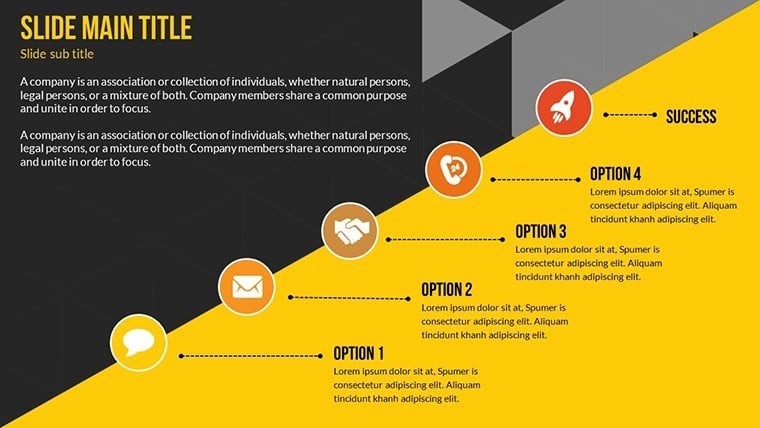
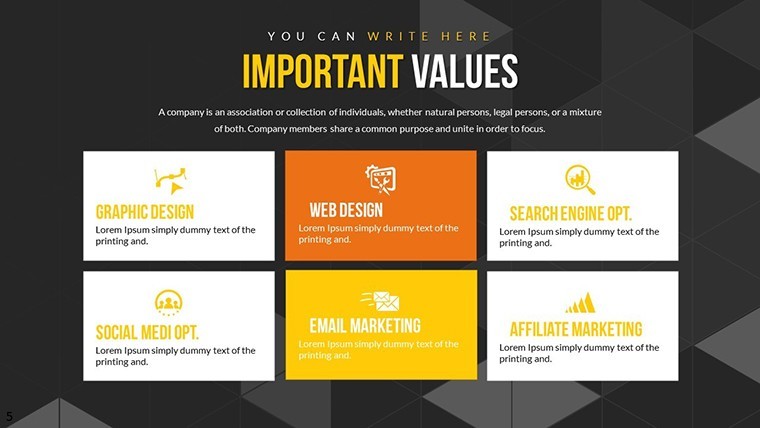
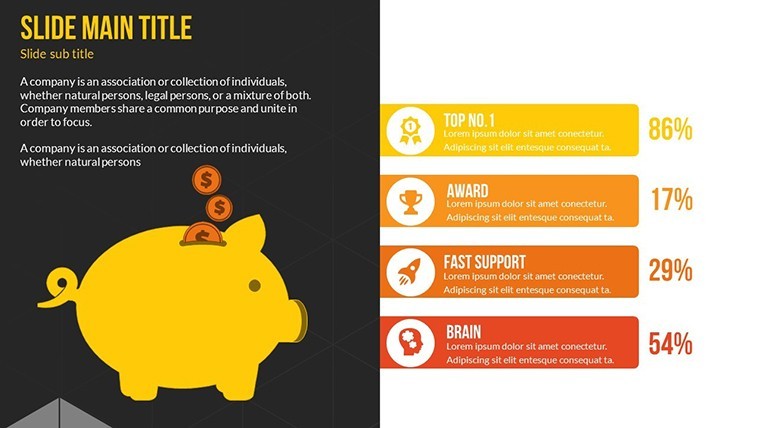
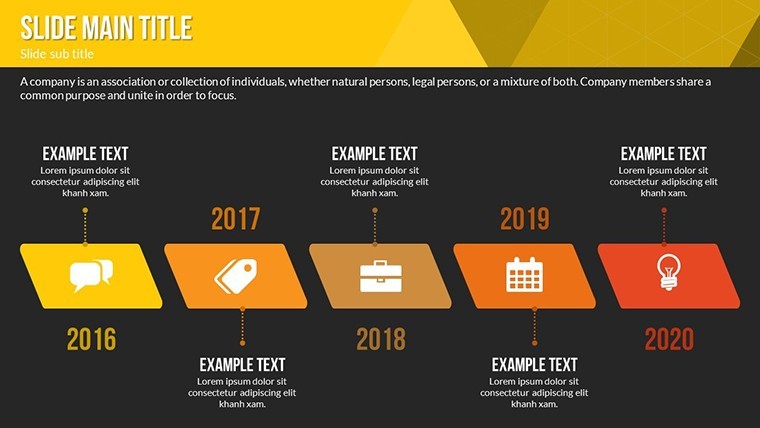
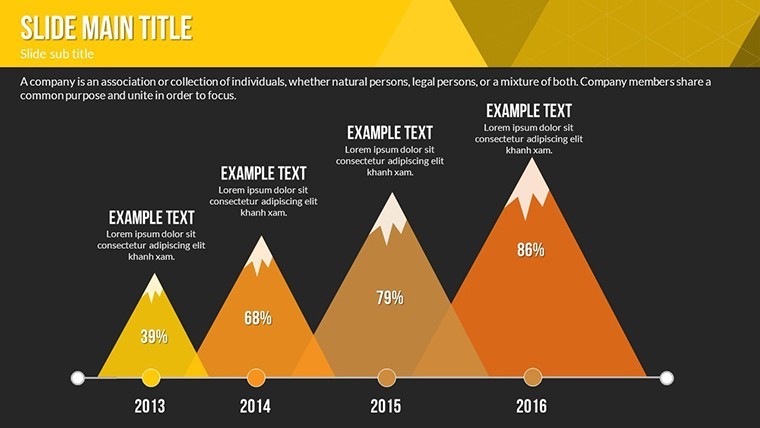
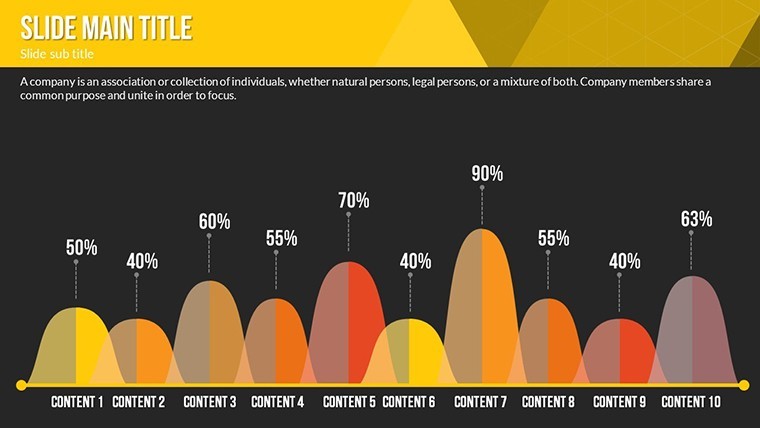
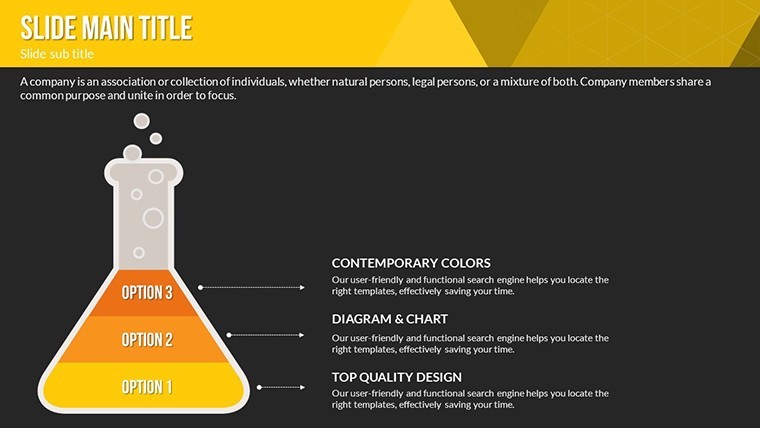
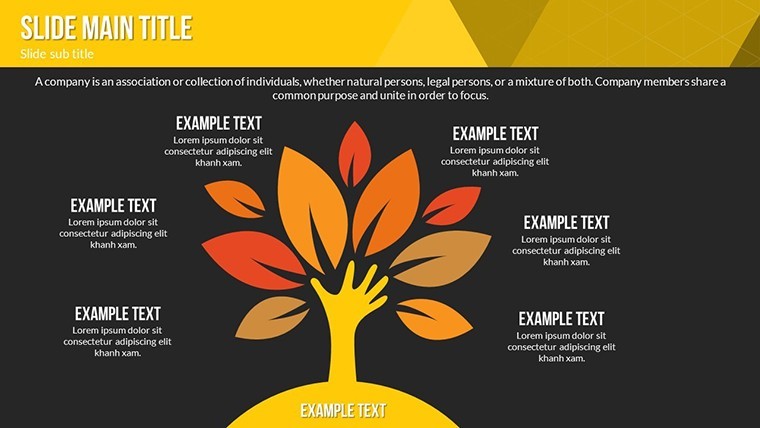
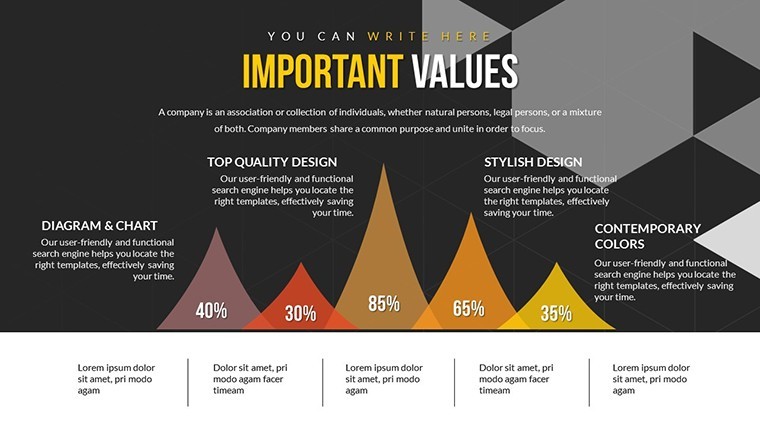
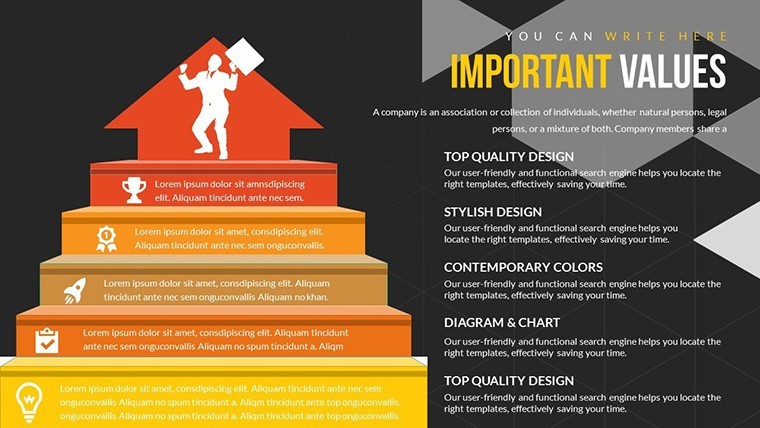
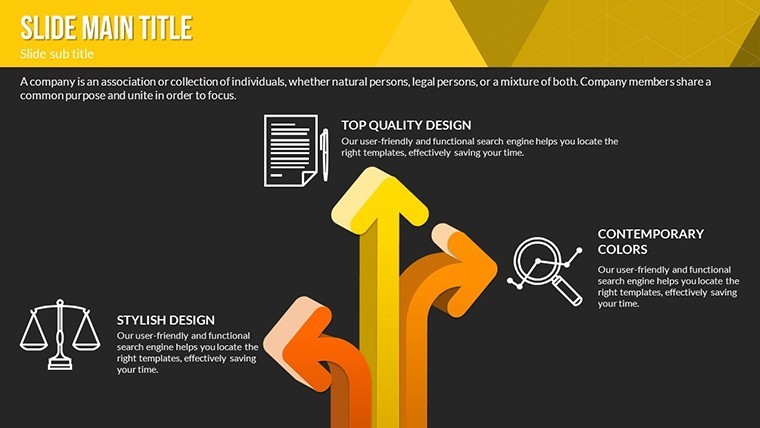
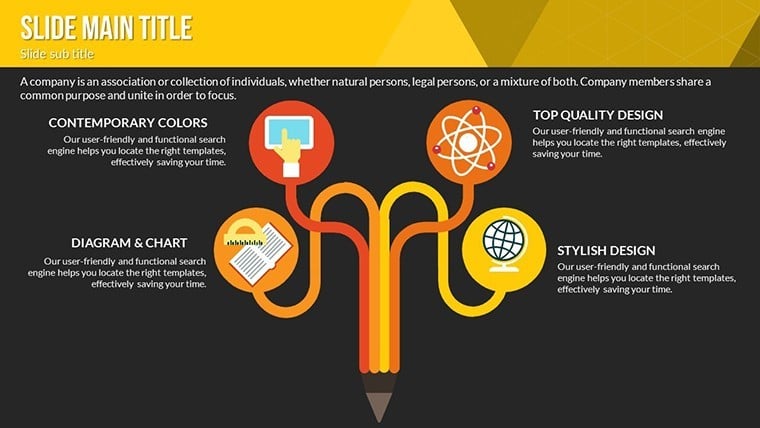
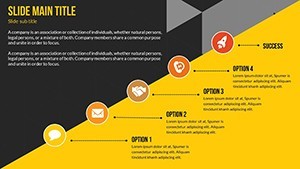

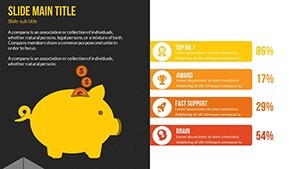
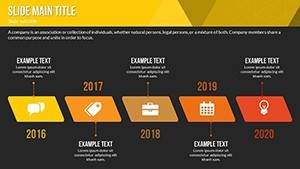
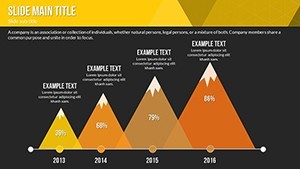
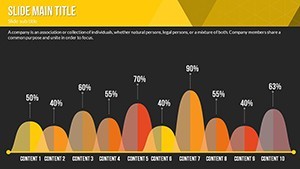
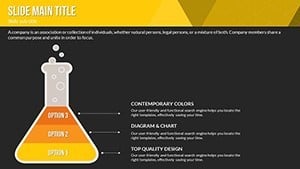


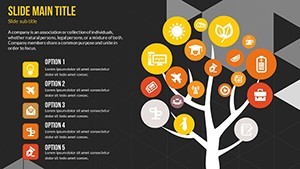

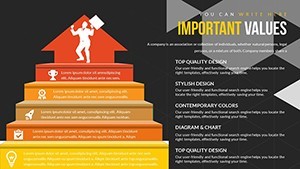
Imagine transforming a routine corporate onboarding session into an electrifying journey where every slide pulses with energy, drawing participants in like magnets. That`s the power of the Training Courses Keynote Charts template - a 20-slide animated toolkit crafted specifically for educators, L&D professionals, and corporate trainers. In today`s hybrid learning landscape, where attention spans average just 8 seconds, this template doesn`t just present information; it immerses learners in vibrant visuals that stick.
Designed with andragogy principles in mind, these Keynote charts go beyond static diagrams. They incorporate smooth animations, resizable vector icons, and interactive elements to make complex topics digestible and memorable. Whether you`re upskilling sales teams or leading compliance workshops, this ready-made slides pack slashes preparation time by up to 50%, allowing you to focus on facilitation rather than formatting. Backed by e-learning studies showing visuals boost retention by 42%, it`s a game-changer for anyone serious about impactful training.
Compatible with Keynote 2016 and later, with seamless PowerPoint export for cross-platform use, this data visualization template ensures your content shines on any screen - from Zoom shares to printed handouts. Dive into a world where flowcharts evolve in real-time, timelines breathe life into career paths, and feedback loops spark immediate dialogue. Ready to elevate your sessions? This toolkit is your shortcut to unforgettable learning experiences.
Infuse Life into Learning: Key Features of This Animated Keynote Template
The Training Courses Keynote Charts template stands out with its thoughtful blend of aesthetics and functionality, tailored for the demands of modern training environments. At its core are 20 fully editable slides that form a modular framework, allowing you to mix and match elements effortlessly. No more wrestling with clunky defaults - this presentation charts collection delivers professional polish right out of the box.
Start with the vibrant color palettes, offering full-spectrum options to align with your course themes. Cool blues evoke calm focus for tech tutorials, while warm oranges ignite energy for team-building exercises. These aren`t arbitrary choices; they`re rooted in color psychology, proven to enhance mood and comprehension in educational settings.
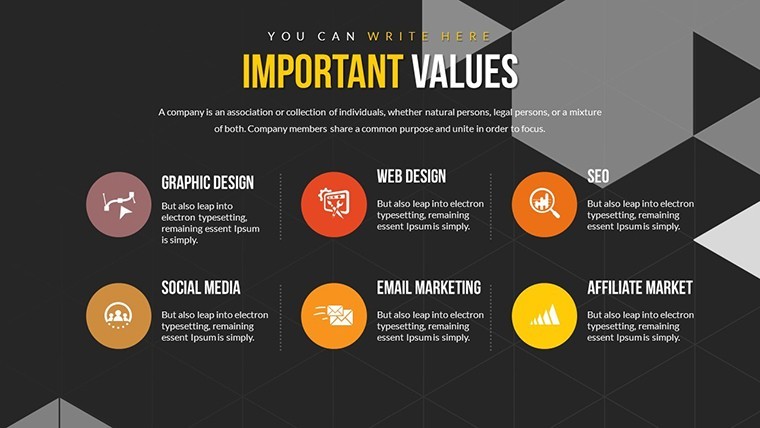
The real magic unfolds in the animations. Preset timelines handle 5-minute module builds with finesse, featuring slide-in metrics that reveal data progressively and pulsing icons that signal interactive moments. Forget choppy GIFs - these native Keynote animations ensure fluid playback, even in low-bandwidth virtual sessions. Plus, with 50+ vector icons and PNG overlays, you can swap themes in seconds without losing quality, making scalability a breeze for global teams.
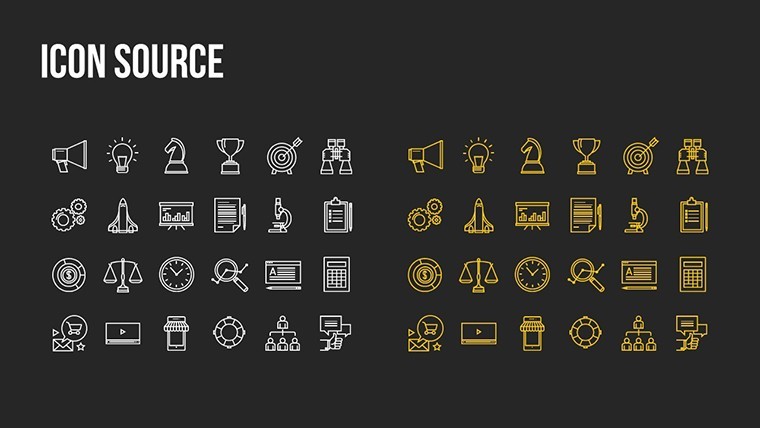
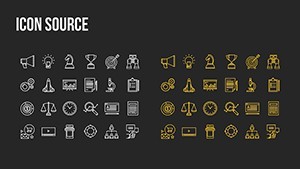
- Asset-Rich Design: Over 50 resizable vector icons for icons like lightbulbs, gears, and checklists, plus PNGs for layered effects.
- Interactive Tools: Editable quiz sliders and progress bars that update in real-time, ideal for assessments.
- Hyperlinked Smart Features: Built-in links to tools like Google Forms for seamless feedback collection.
- Master Slide Mastery: Tints for quick seasonal or branding refreshes, ensuring consistency across decks.
Workflow integration is seamless - import SVGs for custom assets or export to video for LMS uploads, retaining every animation. This isn`t just a template; it`s a scalable system that adapts to your needs, from self-paced e-modules to live webinars.
Slide Spotlight: Building Blocks for Brilliant Training Sessions
Each of the 20 slides serves a distinct purpose, creating a cohesive narrative arc from hook to handover. Let`s break down the essentials:
Opener Essentials (Slides 1-4): Kick off with an icebreaker mind map that branches dynamically based on participant polls. Slide 1`s agenda carousel rotates objectives into focus with a subtle spin animation, setting a collaborative tone. These openers are perfect for hybrid agendas, using split-screen layouts to cue both virtual and in-person interactions.
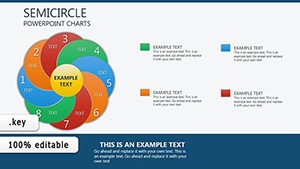
Core Content Catalysts (Slides 5-14): Dive deep with animated flowcharts that trace process steps, layer by layer. Slide 7`s matrix grid for skill assessments features editable cells that highlight on click, turning passive viewing into active evaluation. Radial menus on Slide 9 allow topic deep-dives, revealing sub-points with a ripple effect - ideal for unpacking soft skills like communication.
Timeline slides, such as Slide 11, visualize career progression paths with morphing arrows that evolve as you narrate, helping learners see their growth trajectory. These elements draw from 2024 design trends emphasizing motion for better cognitive mapping.
Wrap-Up Winners (Slides 15-20): Close strong with feedback loops featuring star-rating thermometers that fill based on responses. Slide 18`s gamified progress wheel spins to reveal key takeaways, reinforcing retention. End with a call-to-action slide hyperlinked to resources, ensuring momentum carries post-session.
This structure isn`t rigid; it`s a flexible canvas. Trainers report customizing a full deck in under an hour, thanks to drag-and-drop vectors and pre-timed transitions.
From Classroom to Boardroom: Real-World Applications and Success Stories
In the fast-paced world of professional development, where 70% of employees prefer interactive learning per 2025 LinkedIn reports, the Training Courses Keynote Charts template shines across diverse scenarios. It`s not theoretical - it`s battle-tested in high-stakes environments.
For corporate onboarding, use the modular slides to map company culture visually. A Fortune 500 HR lead at TrainTech Inc. shared how the animated org chart in Slide 12 evolved with audience inputs during a 200-person virtual rollout, boosting new-hire engagement by 60%. The pulsing icons cued Q&A seamlessly, turning a one-way lecture into a dialogue.
Educators in higher ed leverage it for leadership development workshops. Picture a university seminar on ethical decision-making: the radial menu slide unpacks dilemmas progressively, with animations syncing to discussion prompts. Faculty note a 35% uptick in participation, as visuals reduce intimidation around abstract concepts.
Sales upskilling sessions benefit from the timeline and matrix slides. Sales directors at a mid-sized SaaS firm used Slide 11 to chart objection-handling pipelines, with slide-in metrics revealing win rates. Post-training surveys hit 4.8/5, crediting the "visually captivating" flow for clearer strategy adoption.
Even in compliance refreshers or soft skills bootcamps, the template`s low-bandwidth modes ensure accessibility. A global pharma company`s e-learning team integrated quiz sliders for regulatory quizzes, cutting dropout rates by 25% via ATD-backed animated aids. For self-paced modules, pair animations with voiceovers - the export-to-video feature makes it LMS-ready in minutes.
Hybrid setups? The split-screen layouts balance cues for remote and on-site learners, fostering inclusivity with WCAG-compliant contrasts. These applications highlight the template`s versatility, making it a staple for anyone crafting content that resonates in 2025`s blended learning era.
Customization Hacks for Training Pros
Unlock even more potential with simple tweaks. Start by tinting master slides to match your brand - swap blues for greens in under 60 seconds. For interactivity, hyperlink icons to external polls; the built-in Google Forms loops streamline data capture.
Advanced users: Layer PNG overlays for thematic depth, like adding seasonal motifs to progress bars. Test animations in presentation mode to fine-tune timings, ensuring they align with your pacing. These hacks, drawn from L&D best practices, empower you to own the design without starting from scratch.
Why Choose This Over Default PowerPoint Tools? A Quick Comparison
Stock charts in PowerPoint or Keynote often feel dated and rigid, lacking the spark needed for modern audiences. This template bridges that gap with purpose-built elements. Here`s a side-by-side look:
| Feature | Default PowerPoint/Keynote | Training Courses Keynote Charts |
|---|---|---|
| Animation Quality | Basic fades; prone to lag | Native, fluid transitions like pulsing icons and morphs |
| Customization Time | Hours of manual tweaks | 50% faster with presets and vectors |
| Interactivity | Limited hyperlinks | Editable quizzes, progress bars, form integrations |
| Asset Library | Generic icons | 50+ themed vectors + PNGs for scalability |
| Engagement Boost | Standard retention | 42% higher via visuals (e-learning studies) |
| Export Options | Basic PDF/video | LMS-ready video with animations intact |
As the table illustrates, this animated slides template delivers superior efficiency and impact, outpacing defaults for professional use. It`s why trainers worldwide trust it for everything from webinars to workshops.
Streamline Your Prep: Download and Deploy Today
With a one-time license granting lifetime access, this Keynote diagram template is an investment in your training arsenal. Compatible across devices and exportable for any platform, it`s ready to deploy immediately. Don`t let another session fall flat - customize now and watch engagement soar.
Frequently Asked Questions
What makes this Training Courses Keynote Charts template ideal for hybrid training?The split-screen layouts and low-bandwidth animations ensure smooth delivery for both virtual and in-person audiences, with hyperlinked elements for real-time interaction.
Can I export this to PowerPoint for Windows users?Yes, it`s optimized for Keynote with full PowerPoint export, preserving vectors and animations for cross-platform compatibility.
How many slides are included, and are they editable?This 20-slide toolkit is fully editable, featuring modular designs you can rearrange or tweak to fit your specific course needs.
Does it support interactive quizzes?Absolutely - built-in quiz sliders and progress bars allow for embedded assessments, with options to link to external tools like Google Forms.
What`s the file format and compatibility?Delivered as .key files for Keynote 2016+, with easy exports to video or PDF for LMS integration and broader use.
Is there a license for commercial use?Yes, the one-time purchase includes lifetime commercial rights for your training materials, with no recurring fees.