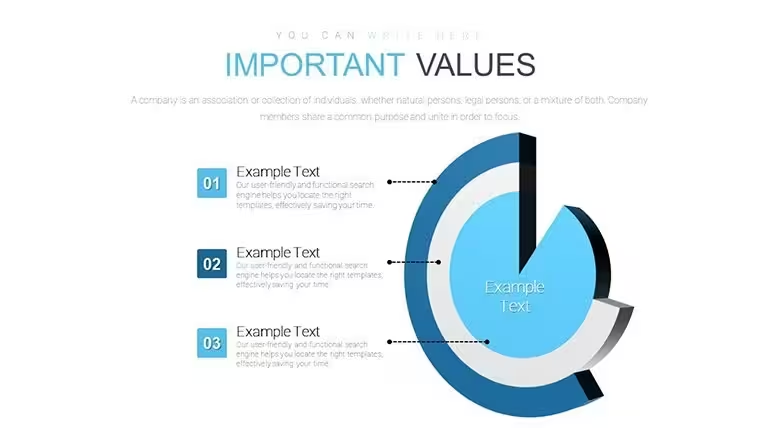
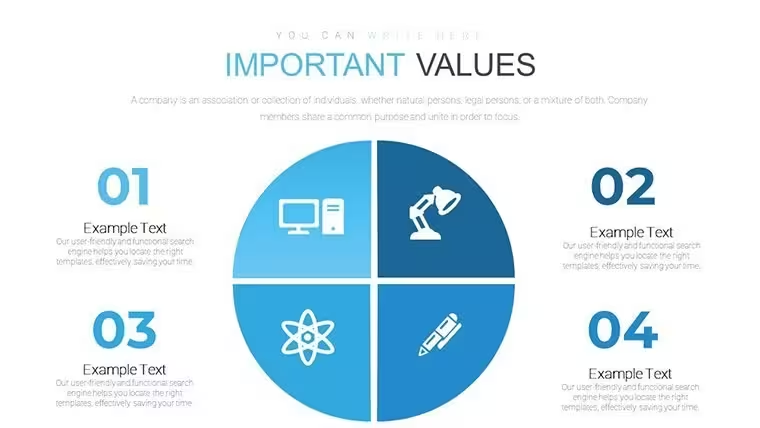
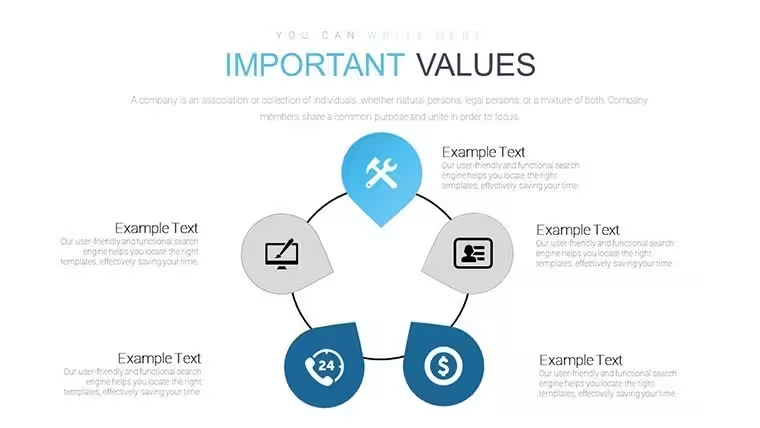
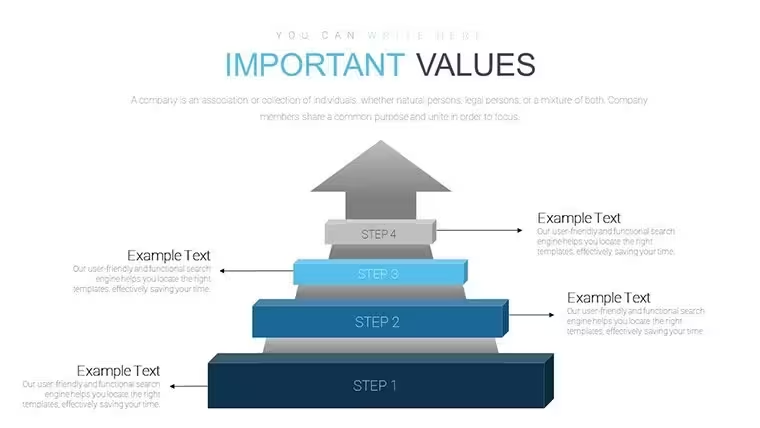
 Click to zoom
Preference Charts Keynote Template - Editable Keynote | ImagineLayout
| Format | .pptx |
| Slides | 28 unique layouts |
| Aspect ratio | 16:9 |
| Compatibility | PowerPoint |
| Animated | No |
| Language | English |
| License | Commercial |
| File size | — |
| Version | v1.0 |
| Last updated | September 2026 |
What's inside
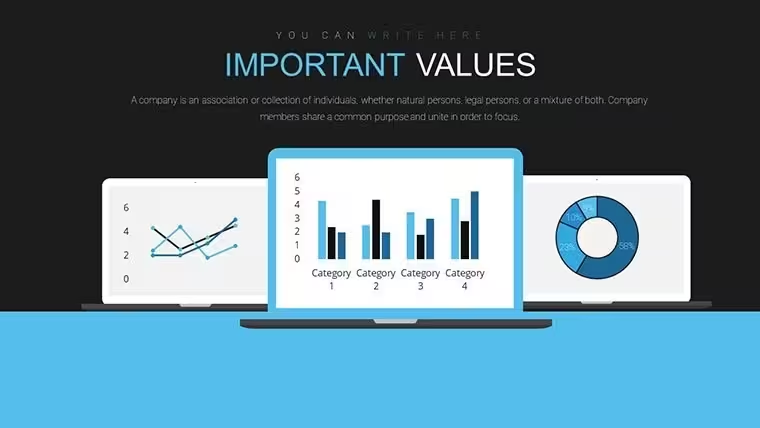
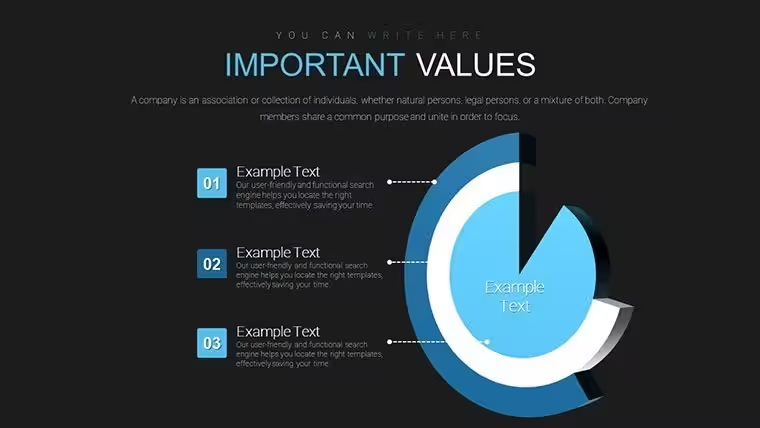
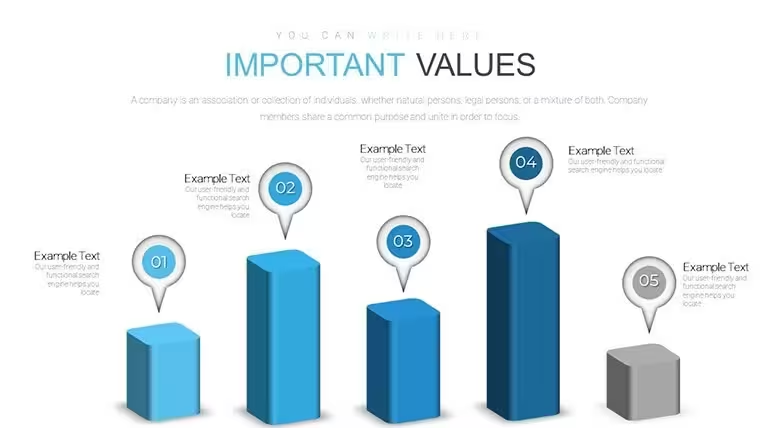
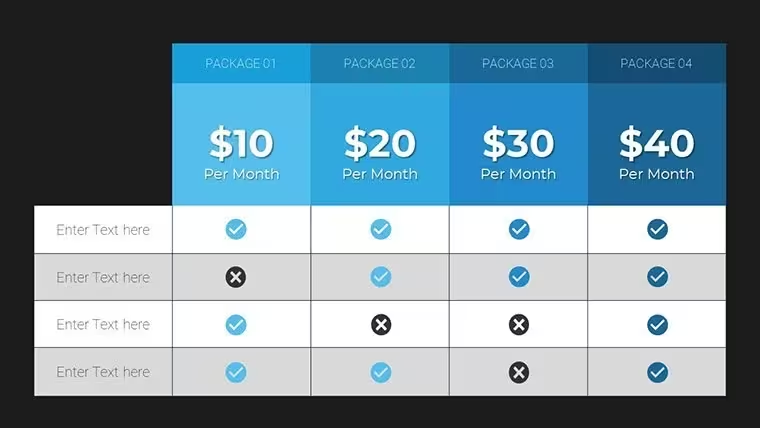
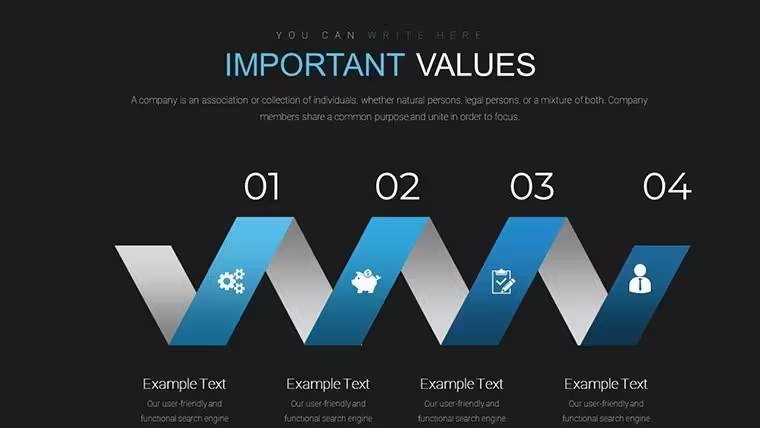
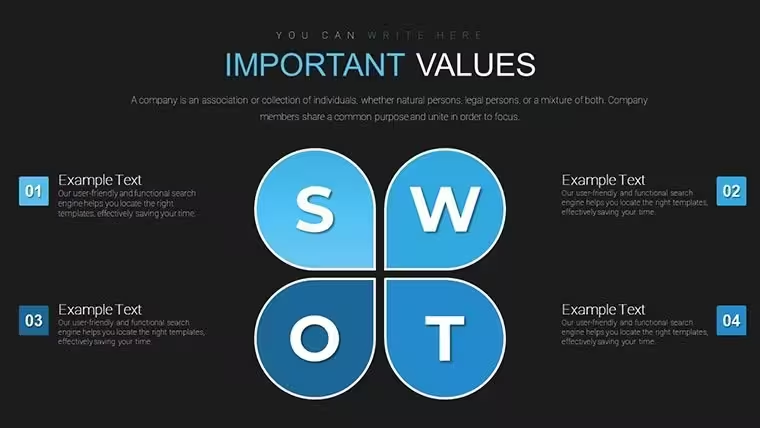
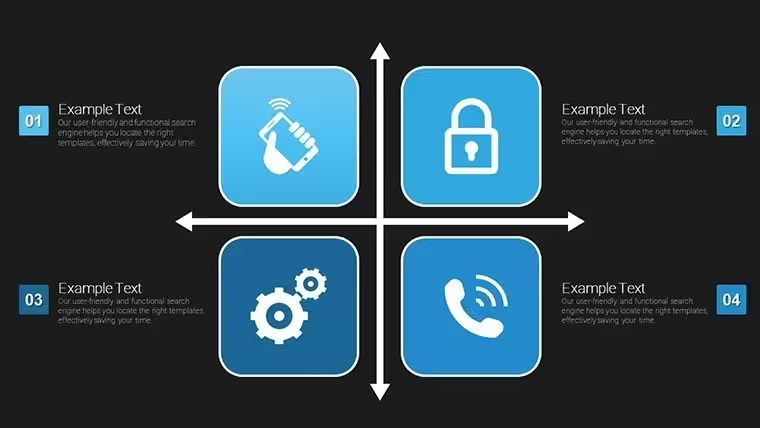
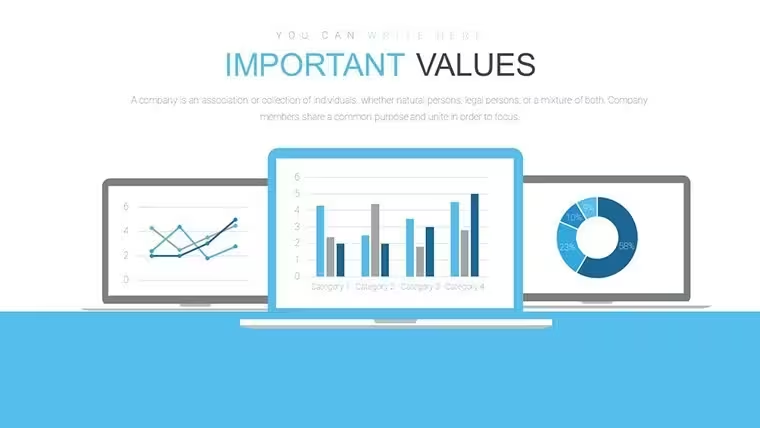
No generic charts here radar charts with circular line style plus bubble preference bars pie bar and line graphs deliver multi-attribute comparison in 28 editable slides.
Ready to edit.
The $18 paid version includes the complete collection of all 28 slides while files follow standard KEY formats compatible with current installations.
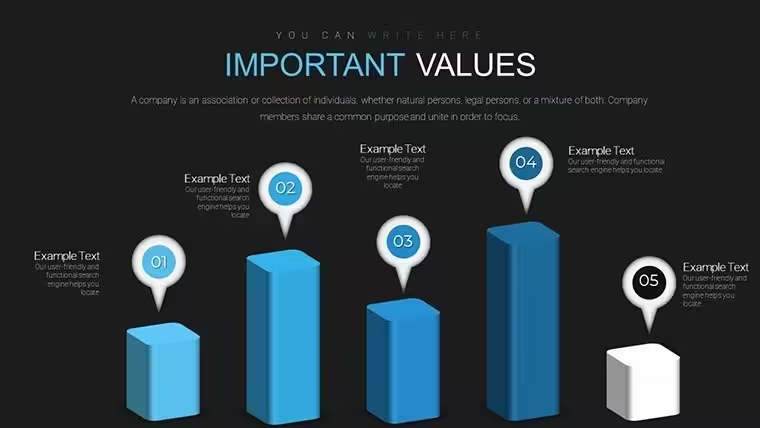
When you need to summarize survey results for marketing teams the preference bars handle instant ranking updates.
Radar structures support prioritization analysis that lets viewers decide top attributes at a glance.
Market researchers typically use this set for customer preference mapping.
In most cases you only replace text and adjust colors.
The circular line style keeps comparisons readable on one slide and prevents overcrowded layouts.
Use this instead of building diagrams manually in Keynote.
It works best for structured preference data not open narrative slides and is not ideal for highly creative concept illustrations.
You can duplicate slides and reuse the same structure for ongoing research reports.
FeatureDetailsSlides / diagrams28 editable slides including radar bubble preference bars pie bar and line graphsFile formatKEYSoftware versionCompatible with current Keynote installations on macOSColor schemesCustomizable via slide master for segment-specific palette changesEditable elementsData points lines bars and labels resize and recolor independentlyAspect ratio16:9 widescreenFree vs PaidPaid version includes complete 28-slide collection of all diagram typesMasters / BackgroundsSlide masters enable one-click color and layout updatesSee also Business Analysis Work Plan Keynote Charts Template or Business Analysis Solution Keynote Charts.
Does this work with Keynote 2016/2019/365 on Mac?The files follow standard KEY format and run on current Keynote versions including 2016 2019 and 365 releases on macOS.
Older versions may require minor layout tweaks but vector elements remain crisp.
Test on your setup before large edits.
How do I change colors across all slides?Open the template in Keynote and switch to slide master view.
Select the master slide then update theme colors or individual fills for shapes and text.
Return to normal view and the changes apply instantly to every slide without manual fixes.
Can I use this template for client work?Yes the license allows use in client presentations as long as you do not resell or redistribute the original template files.
Customize then deliver the final deck as part of your service.
Commercial projects are fully permitted under standard terms.
What is the difference between free and paid versions?The paid version includes the complete 28-slide collection of all diagram types.
No free version is listed for this exact template.
Check the product page for any bundle options.
What are the refund conditions?Refunds are processed within 7 days of purchase if the template does not meet your requirements.
Contact support with order details and reason for a smooth resolution.
Free templates have no refund since no payment is involved.
Works for structured analysis.
Download and start editing immediately
Good for
- Project roadmaps and sprint plans
- Product launch timelines
- Quarterly or annual review decks
- Company history and milestone summaries
Licence
reviews
Used this for a school presentation and the chart styles were easy to understand
Added it to a meeting update and the flow diagrams helped explain steps
Worked fine for basic data slides
Just used it quickly and it was okay
Some slides have too many icons
FAQ
Will it work in Google Slides?
Are fonts embedded?
Can I use this for client work?
What's the refund policy?
Do you update the template after purchase?
Similar templates
See all Keynote Charts →

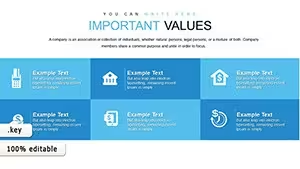

All 28 slides