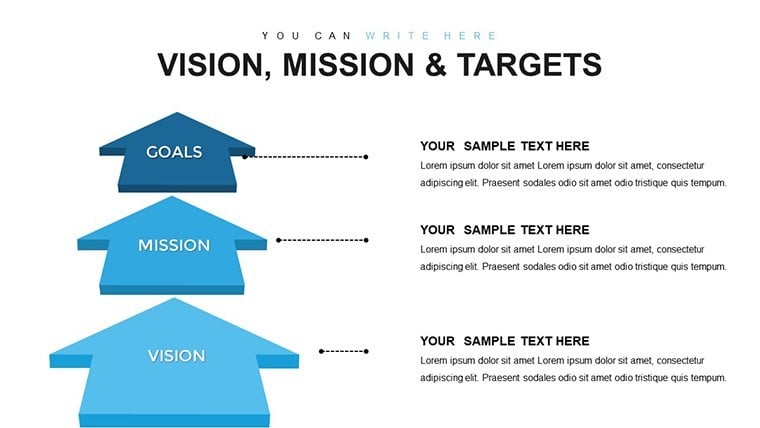
 Click to zoom
Vision Mission Targets - Fully Editable | ImagineLayout
| Format | .pptx |
| Slides | 33 unique layouts |
| Aspect ratio | 16:9 |
| Compatibility | PowerPoint |
| Animated | No |
| Language | English |
| License | Commercial |
| File size | — |
| Version | v1.0 |
| Last updated | March 2026 |
What's inside
Files and Formats Included
33 editable slides ship inside a single .key file.
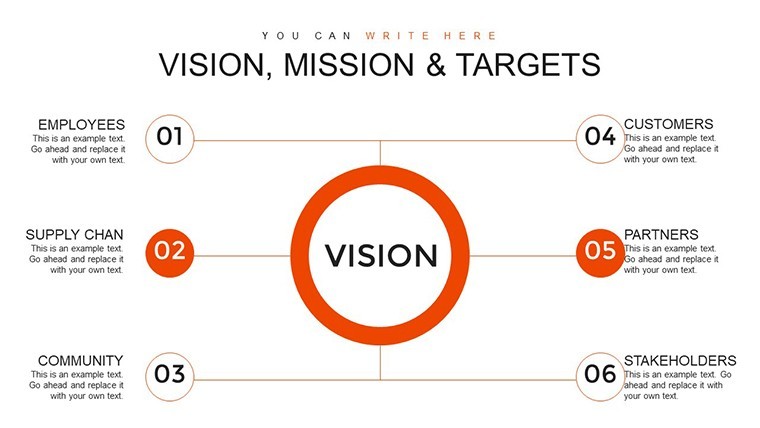
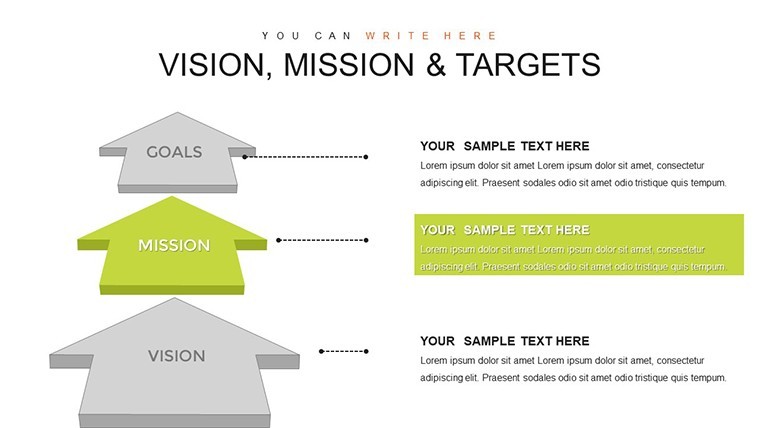
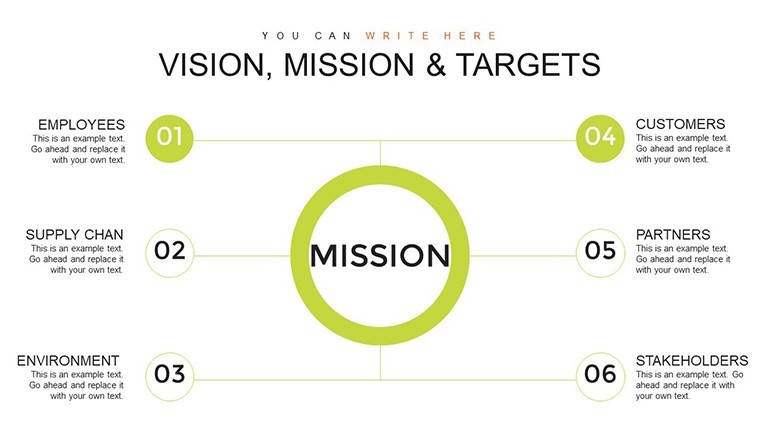
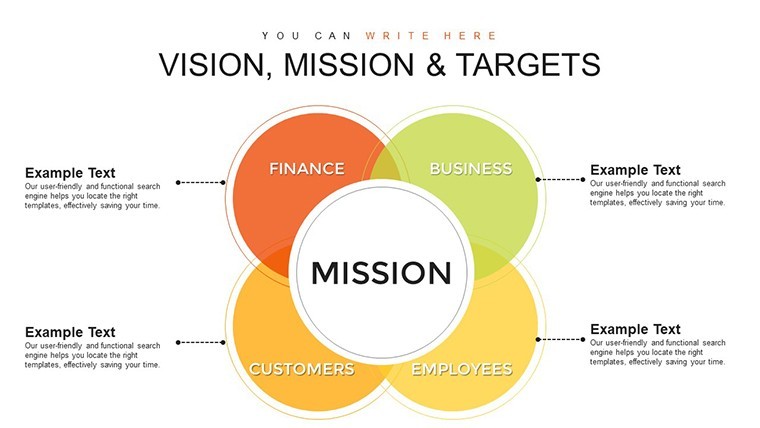
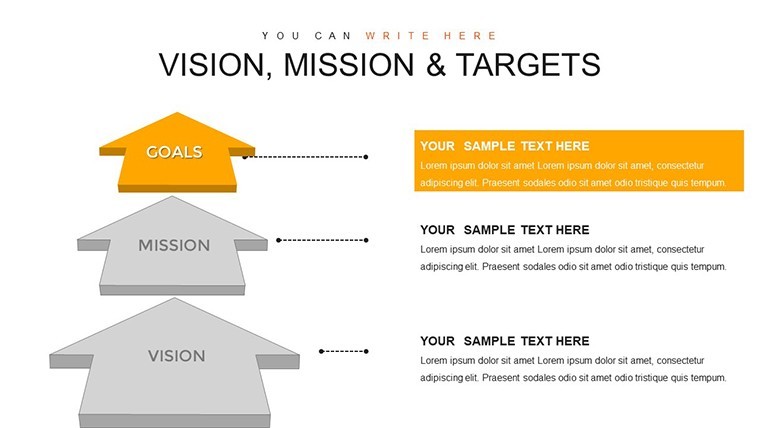
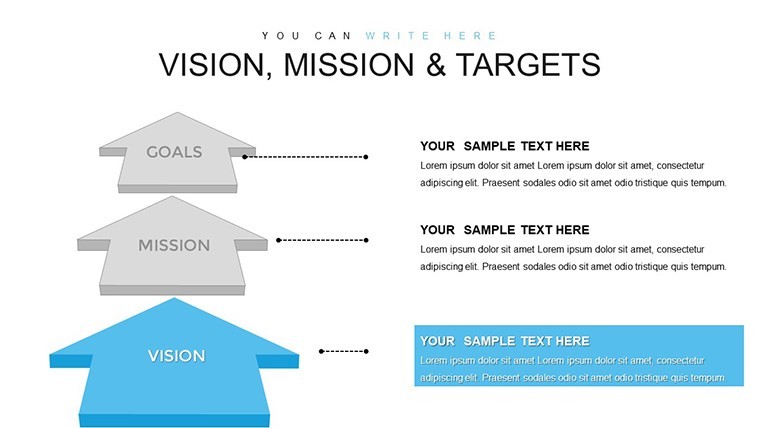
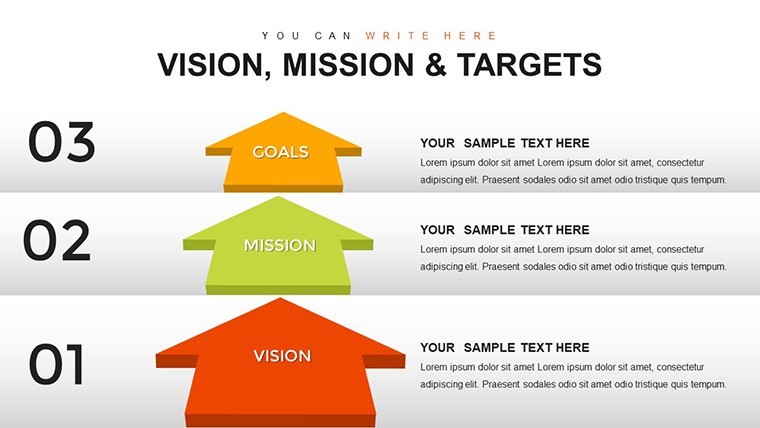
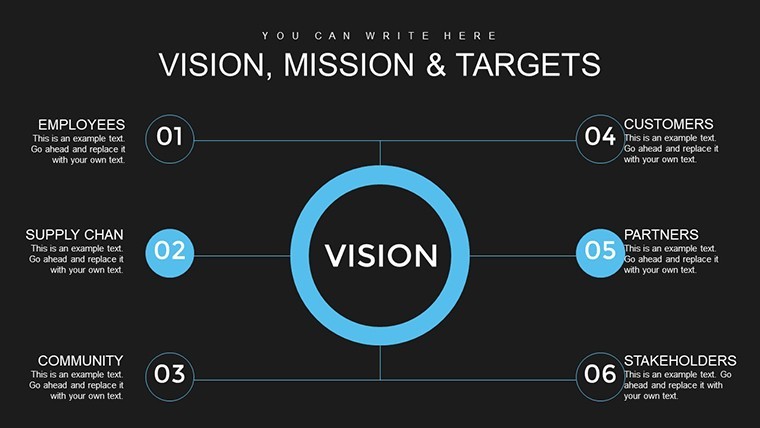
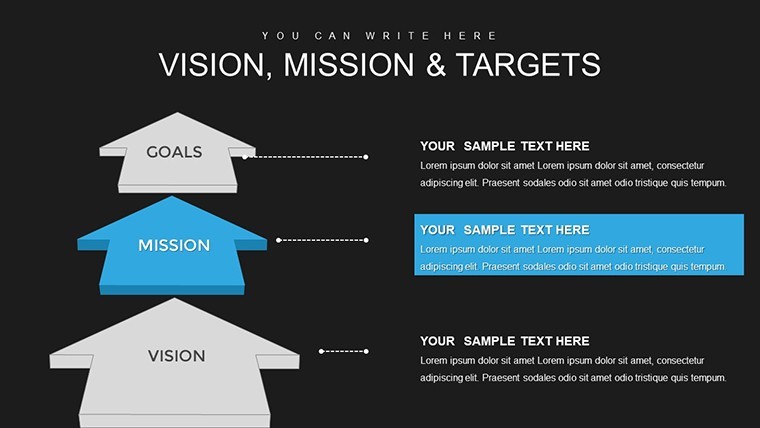
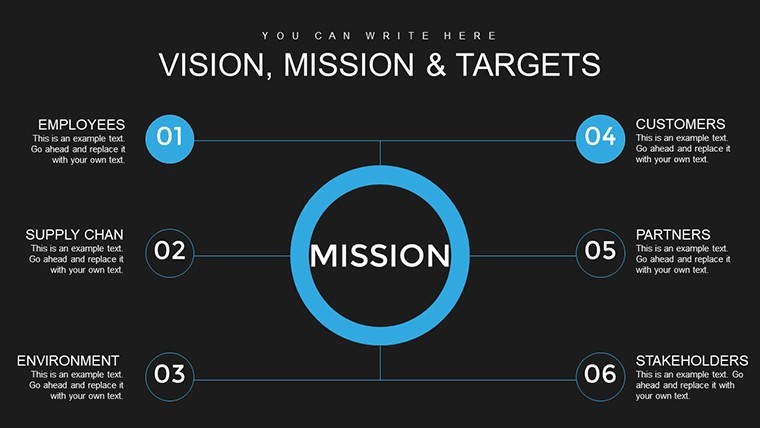
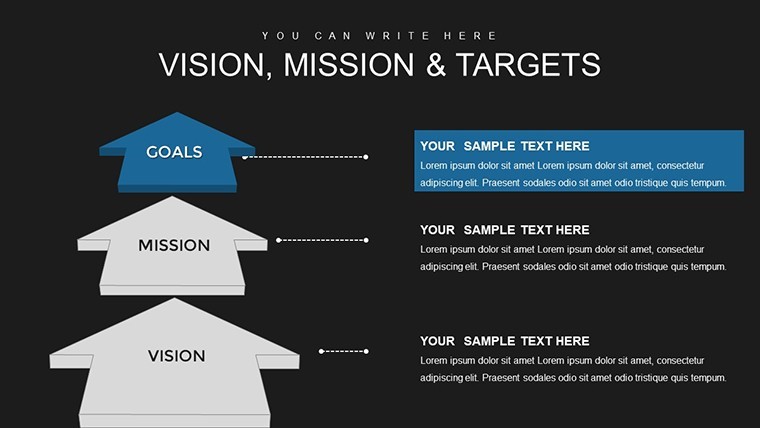
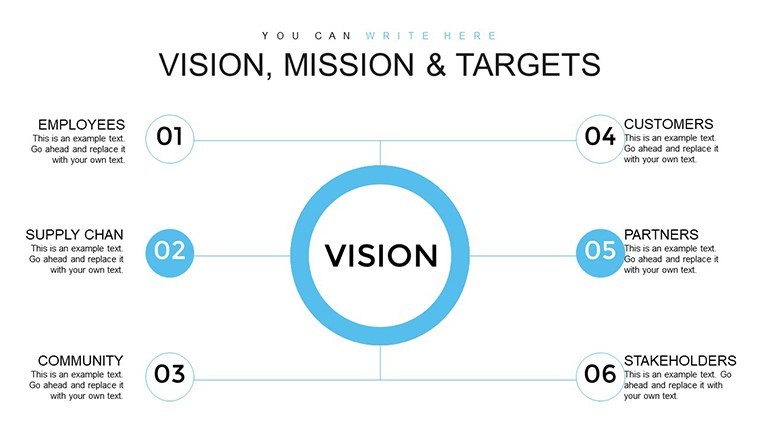
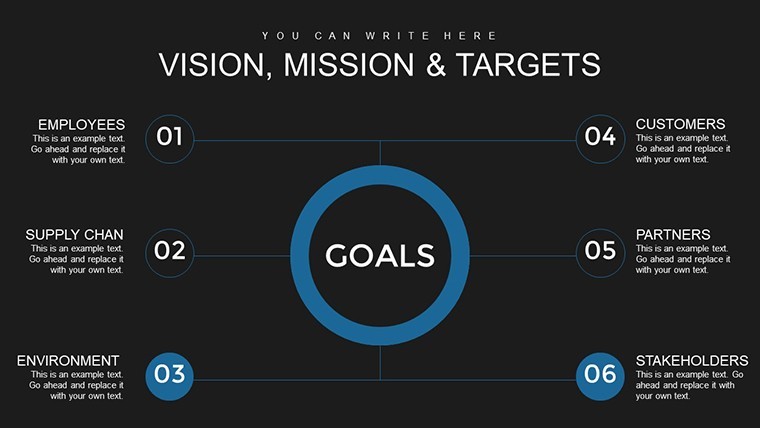
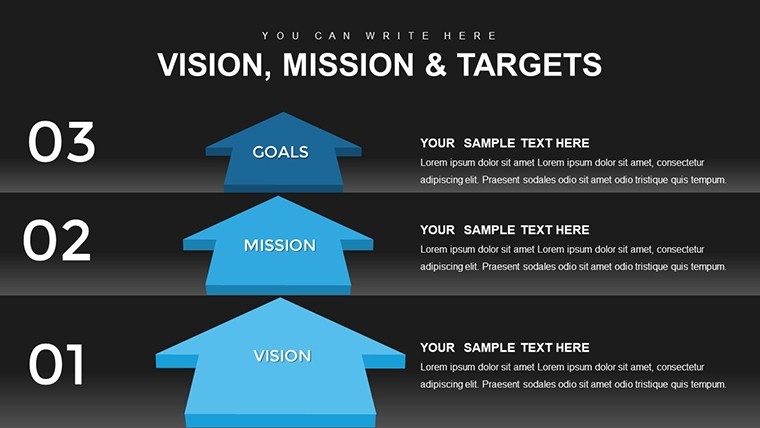
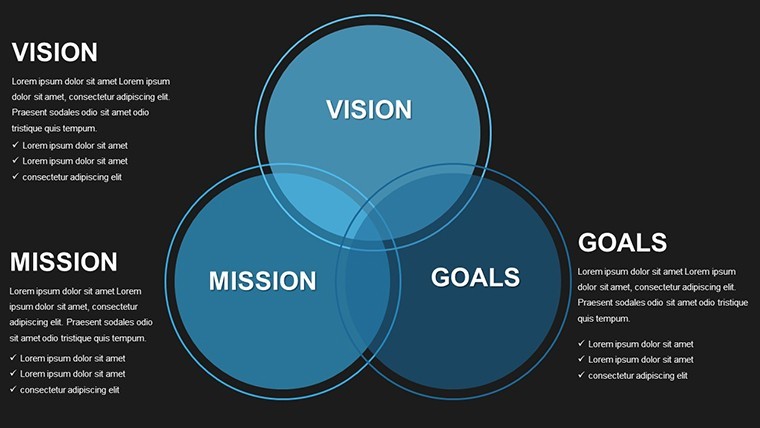
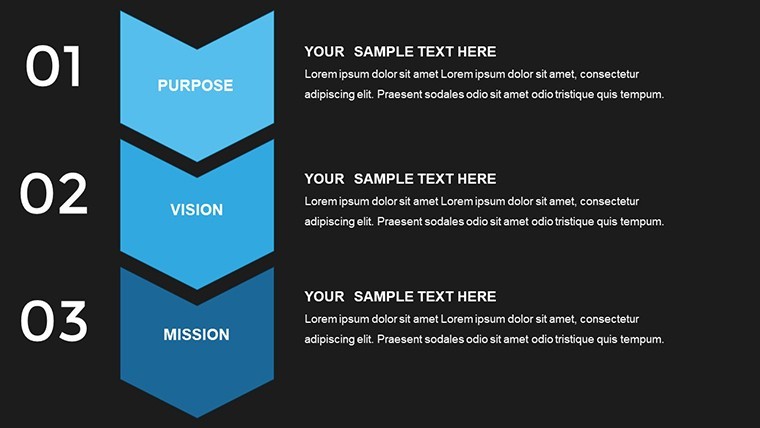
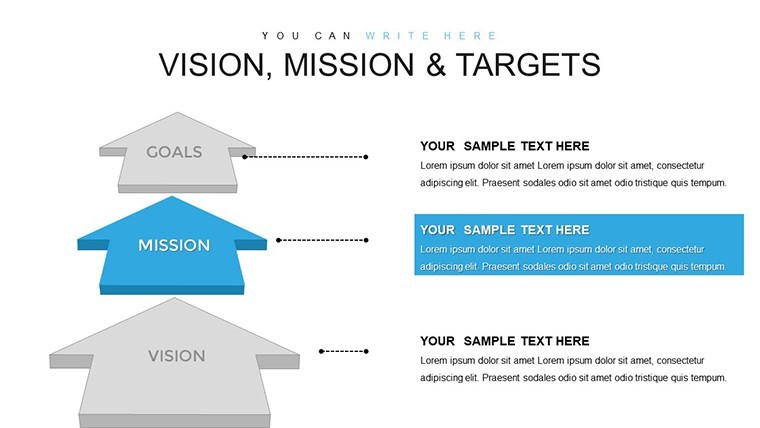
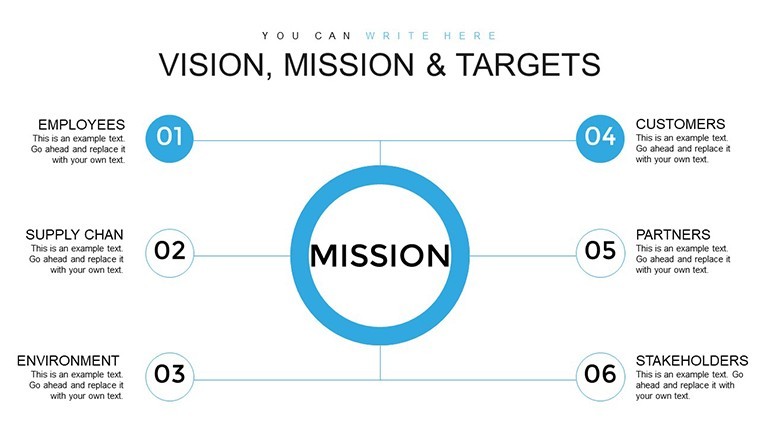
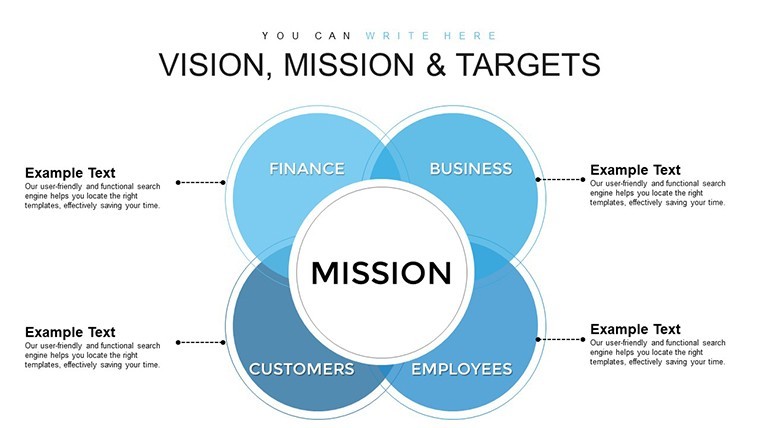
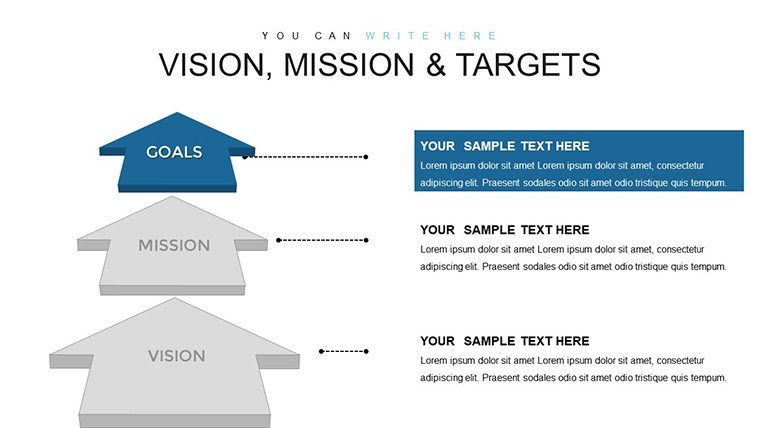
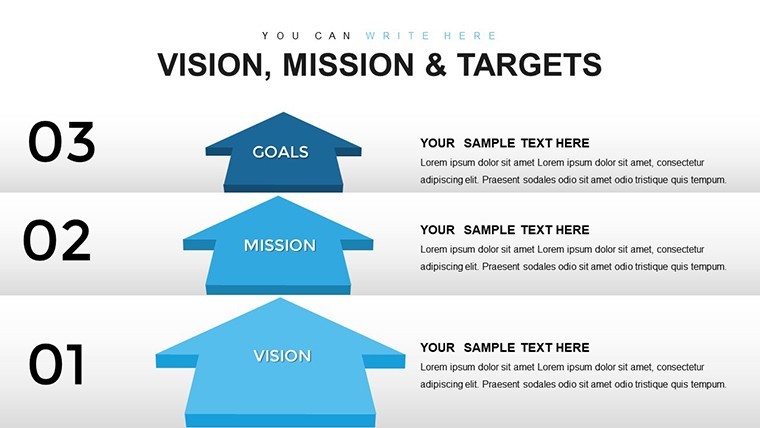
Arrow-driven models and customizable KPI diagrams form the core package.
File formats remain Keynote only.
Editing Capabilities at a Glance
FeatureDetailsSlides included33 editable slides focused on vision mission and targetsEditable elementsarrows and KPI boxes resize and recolor independentlyText placeholderslabels edit without unlocking grouped elementsColor theme adjustmentscompatible with Keynote slide master color paletteDiagram connectorsarrows adjust direction and weight freelyExport optionsKeynote for editing plus PDF for distributionAspect ratiostandard 16:9 across all slidesFrom Download to Final Deck
1. Open the .key file in Keynote 12 or later (1 minute).
2. Replace placeholder text in KPI diagrams (3 minutes).
3. Adjust brand colors via slide master (2 minutes).
4. Edit arrow directions and flow (4 minutes).
5. Apply animation builds if required (2 minutes).
Editing difficulty stays moderate.
Who Reaches for This Template
Executives in corporate strategy use the file for board briefings on organizational goals.
They reuse the same deck across three quarterly reviews by updating KPI values only.
Team leaders in HR departments adapt it for performance review presentations.
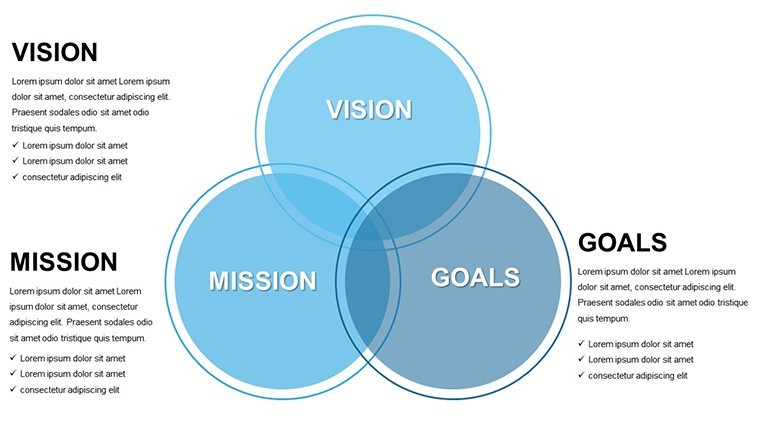
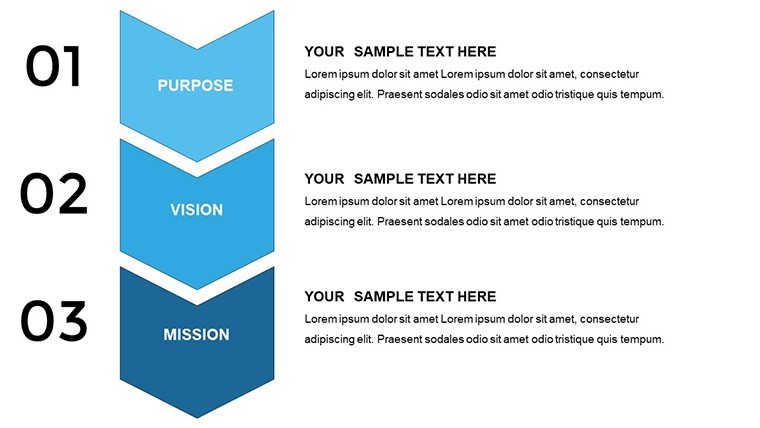
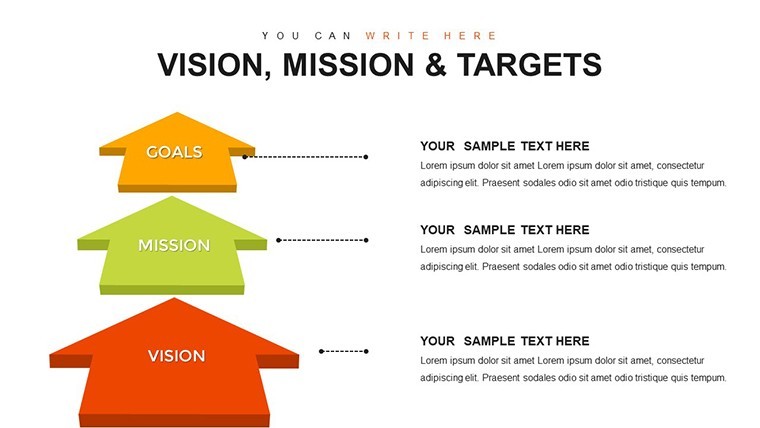
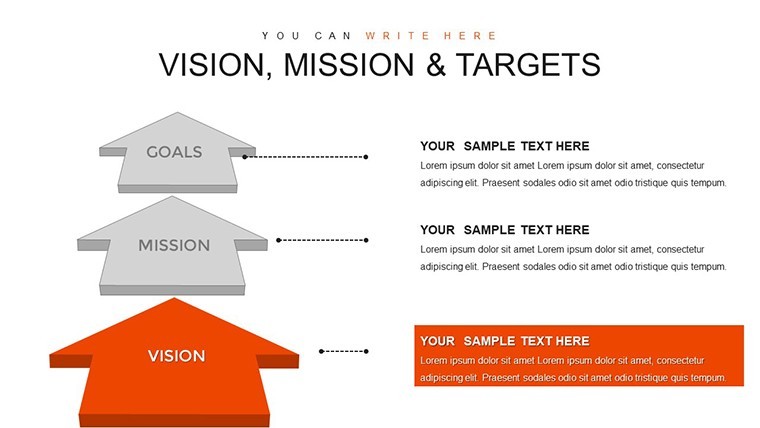
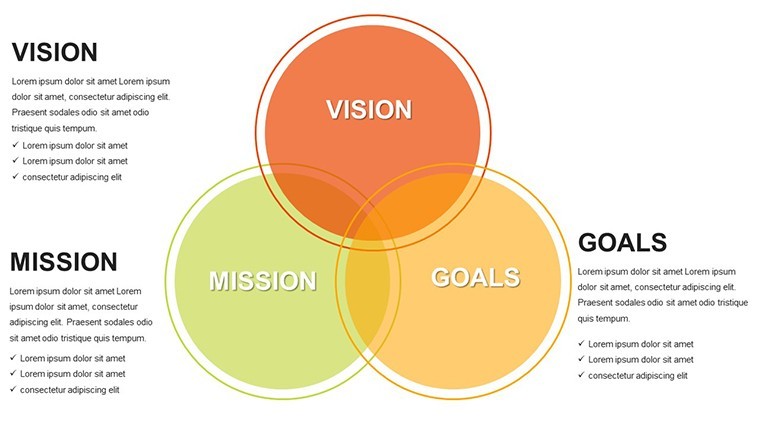
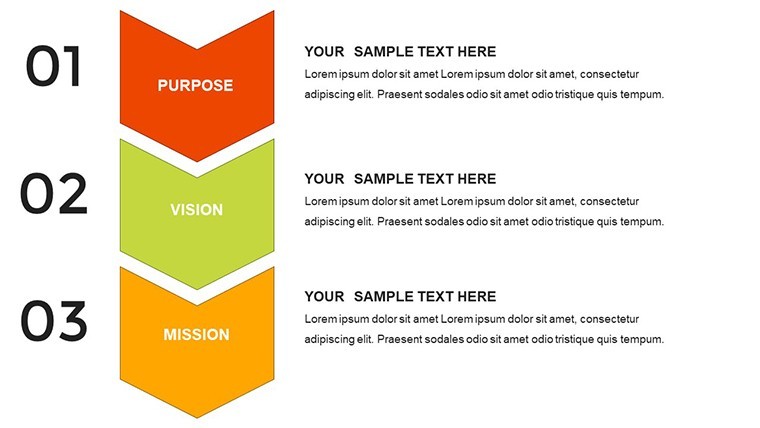
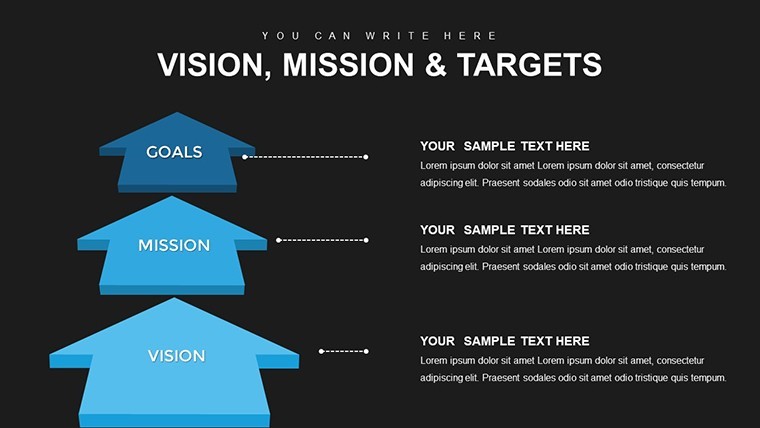
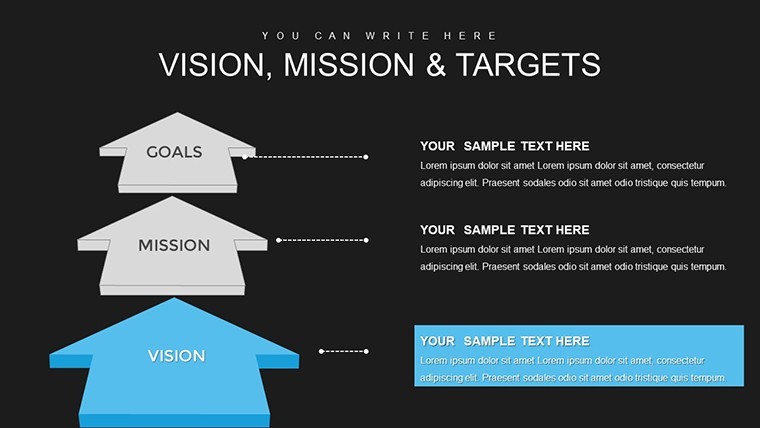
This version works best for executives mapping vision mission targets because arrow-driven models align directly with KPI tracking unlike generic chart packs nearby.
The paid version includes the complete 33 slides and editable connectors that previews omit.
Download now to clarify your next strategy meeting
Compared to Starting From Zero
Building equivalent KPI models from scratch consumes four hours and advanced skills.
Here the arrow structure already exists so only content changes.
Many decks bury targets inside crowded boxes yet that reduces visual hierarchy on large screens.
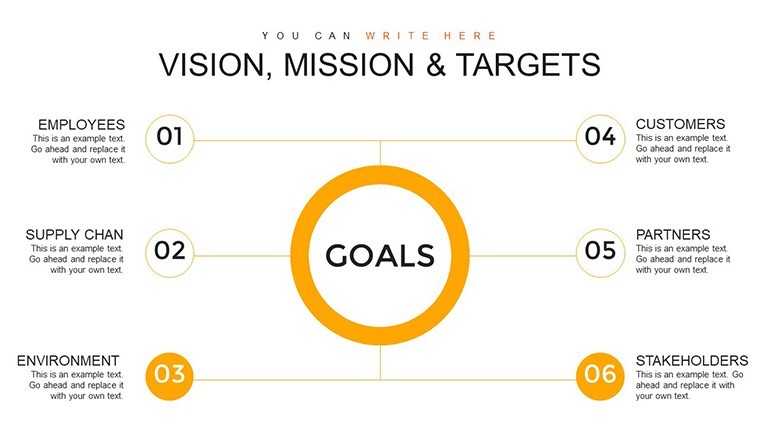
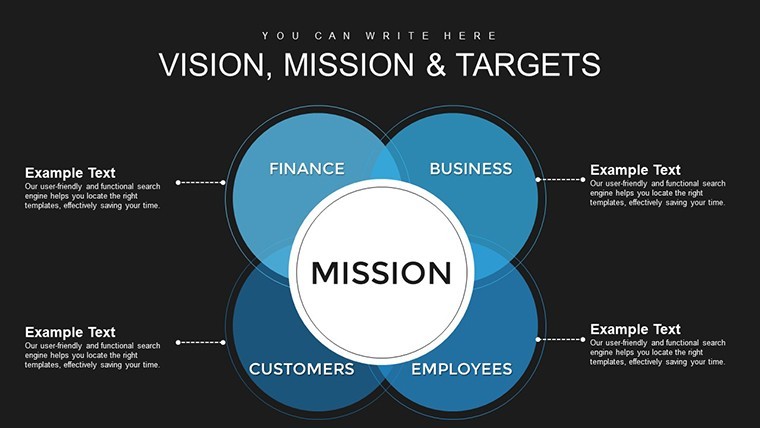
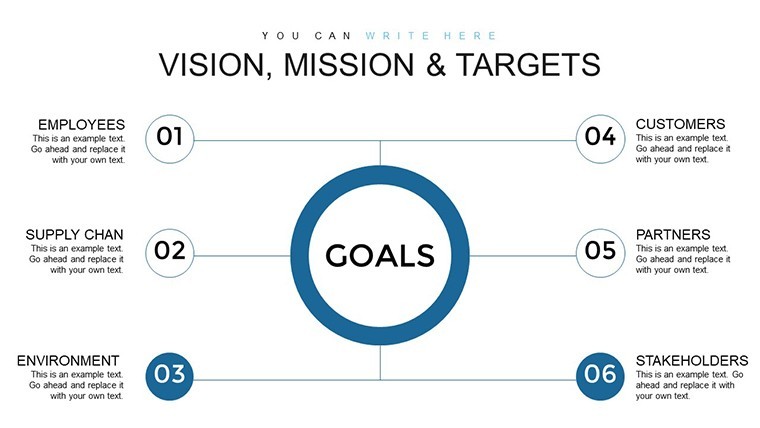
This layout places targets in separate zones connected by arrows raising clarity during board briefings.
Browse more Keynote Charts templates when combining with timeline slides.
Get the template and save hours on your next business presentation
Which Keynote versions does the file support?The .key file opens correctly in Keynote 12 and all later releases including the latest 14.x versions.
Older releases before version 12 may show missing animations or layout shifts.
Always test in your installed version before the final meeting.
No PowerPoint conversion is required since the native format stays Keynote.
How do I change the color scheme?Select any slide then open the slide master view.
Update the theme colors there and they propagate across every arrow and timeline.
Individual shapes can still receive custom fills without affecting the master.
The process takes under two minutes once you locate the master.
Is client work allowed under the license?The license permits use in paid client projects and internal company decks.
Resale of the file itself or distribution as a standalone product remains prohibited.
Sublicensing or sharing the original .key with third parties also violates terms.
Modified exports in PDF or image format stay fully compliant for client delivery.
What separates the paid version from free previews?The paid download supplies all 33 slides plus the complete animation suite.
Free previews contain only static JPEG exports of the first two slides.
Layered editable elements and timelines appear exclusively in the paid file.
No watermarks exist once you complete the purchase.
Which file formats are included?Only the native .key format ships with the purchase.
Keynote remains the required software to open and edit the content.
Export to PDF or image happens inside Keynote after customization.
No POTX or PowerPoint files accompany the package.
What is the refund policy?Refunds process within 14 days of purchase if the file fails to open in your Keynote version.
You must provide proof of the compatibility issue before approval.
Opened and edited files no longer qualify for refund.
Contact support directly through the account dashboard to start the request.
Good for
- Project roadmaps and sprint plans
- Product launch timelines
- Quarterly or annual review decks
- Company history and milestone summaries
Licence
reviews
Needed something with comparison charts and this one did the job.
The icons are a little outdated maybe but still usable.
I don’t really care about design stuff, just needed charts that fit numbers fast.
Good amount of editable slides. Didn’t crash Keynote at least.
Used only 4 slides from the pack but they looked decent in the meeting.
FAQ
Will it work in Google Slides?
Are fonts embedded?
Can I use this for client work?
What's the refund policy?
Do you update the template after purchase?
Similar templates
See all Keynote Charts →
All 33 slides