 Click to zoom
Vision Mission Strategy Charts - Editable | ImagineLayout
| Format | .pptx |
| Slides | 38 unique layouts |
| Aspect ratio | 16:9 |
| Compatibility | PowerPoint |
| Animated | No |
| Language | English |
| License | Commercial |
| File size | — |
| Version | v1.0 |
| Last updated | August 2026 |
What's inside
Vision Mission Strategy Keynote Charts Template
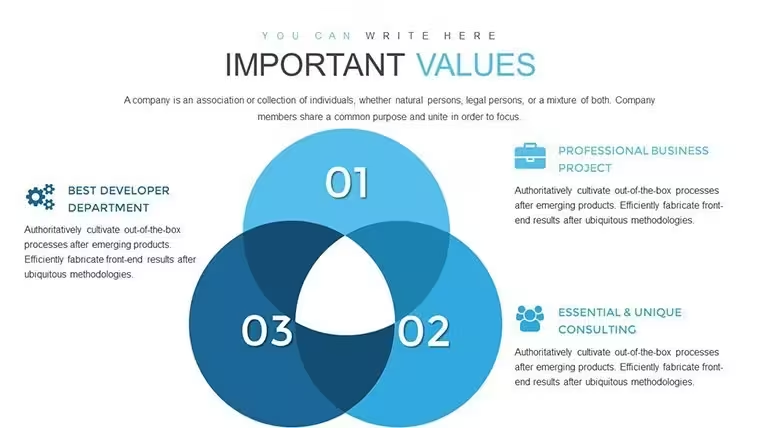
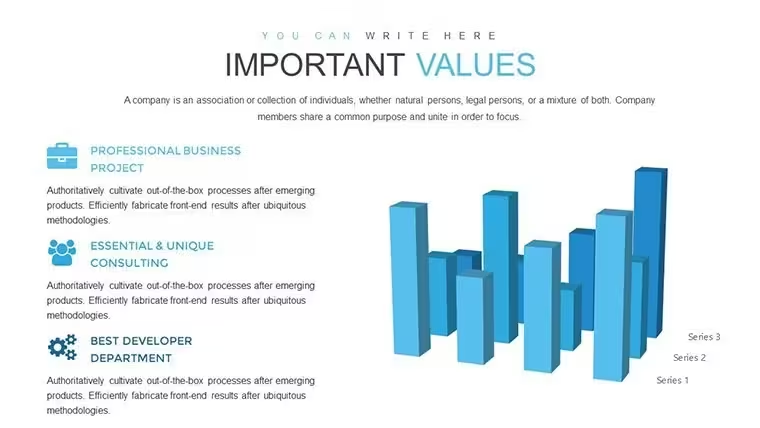
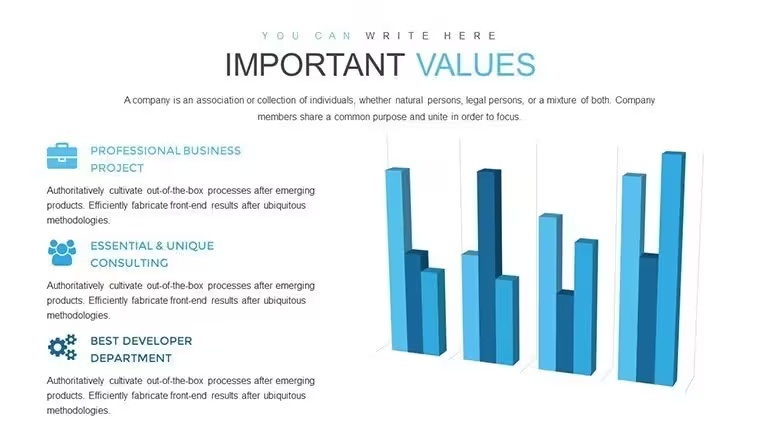
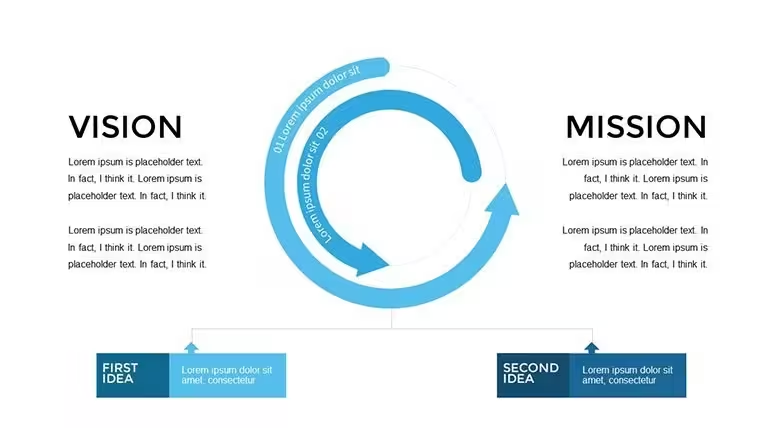
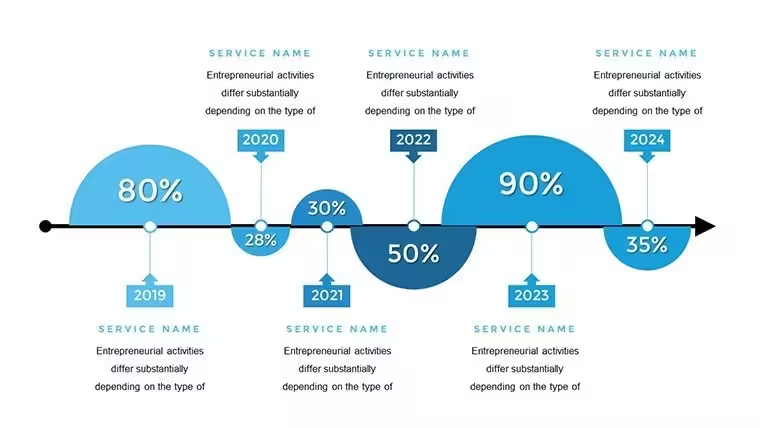
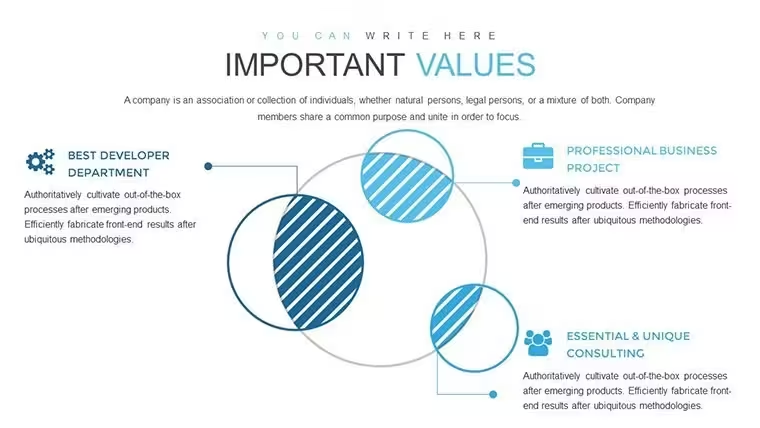
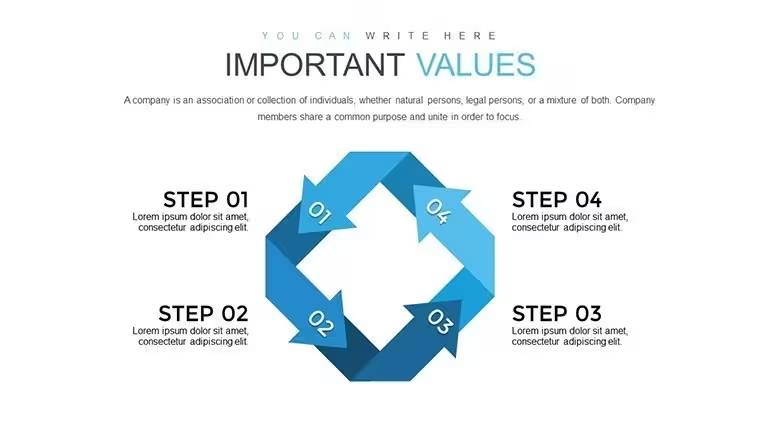
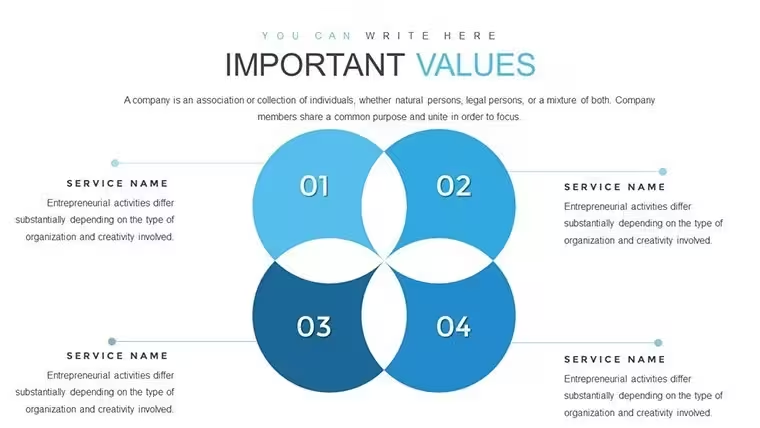
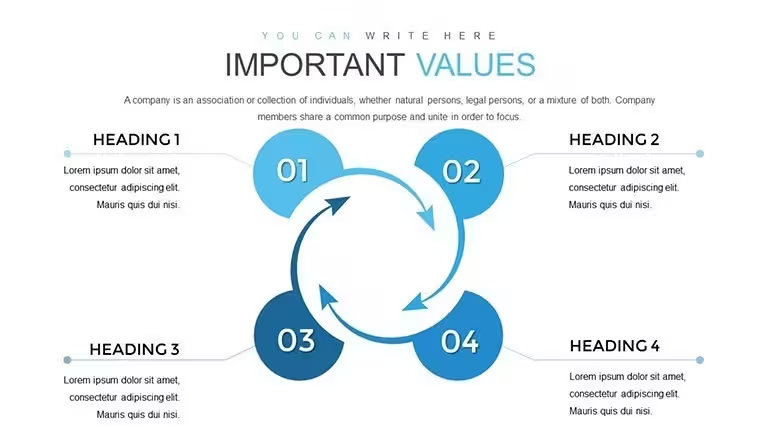
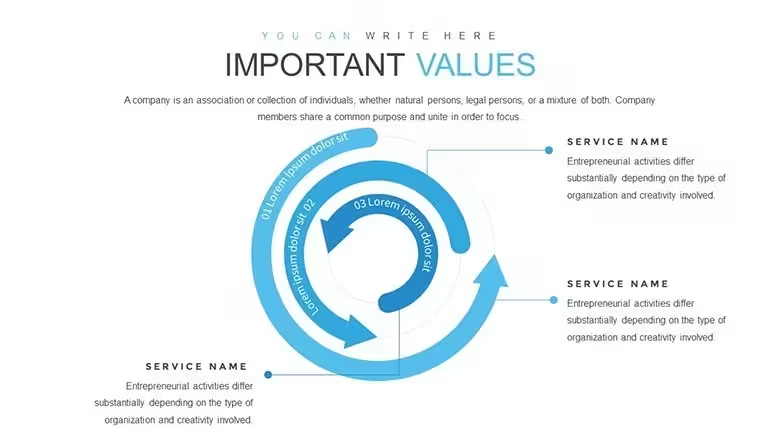
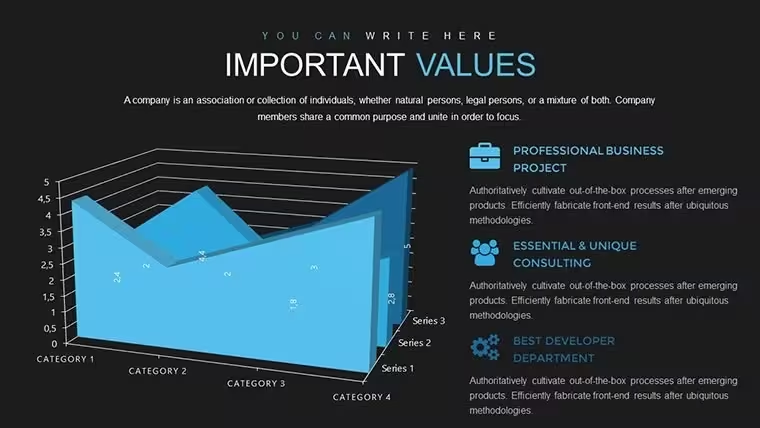
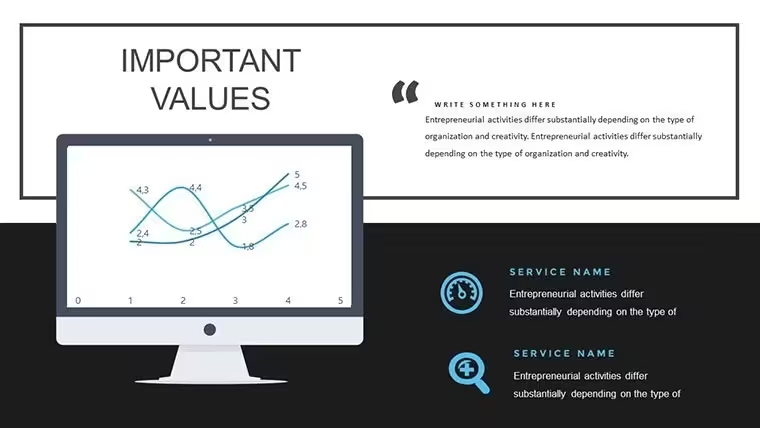
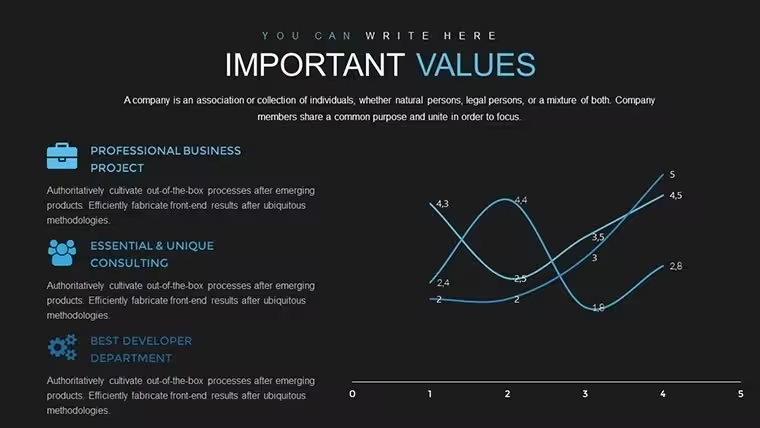
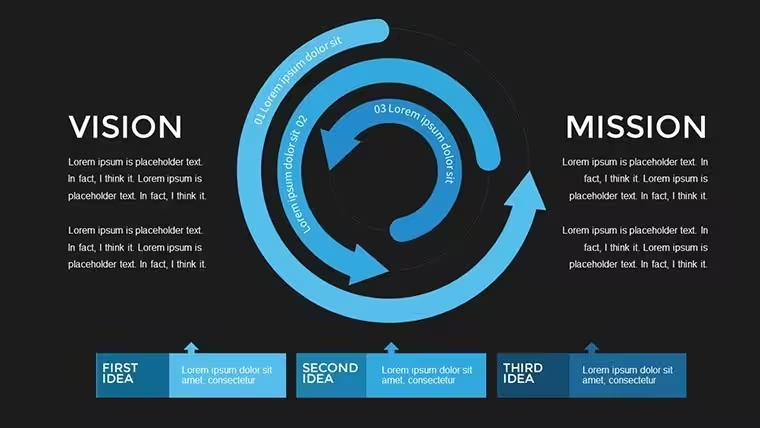
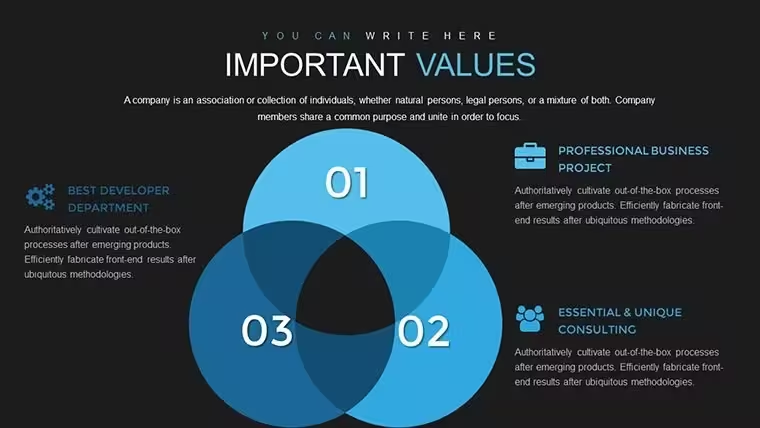
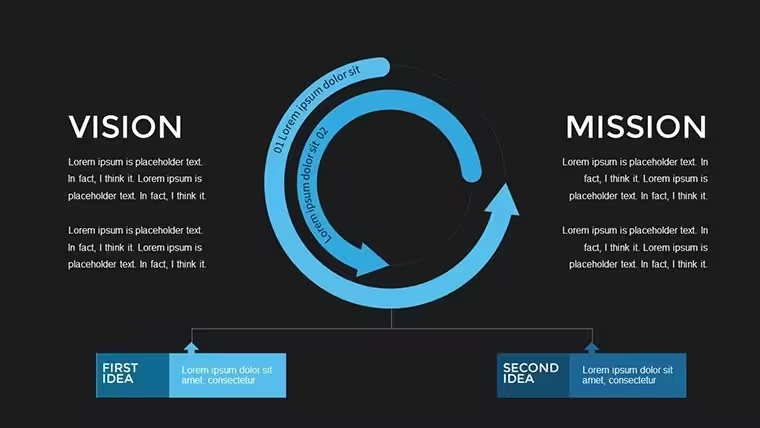
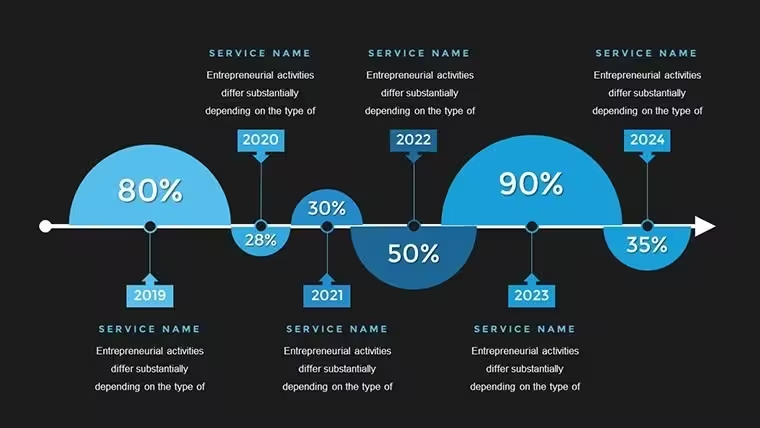
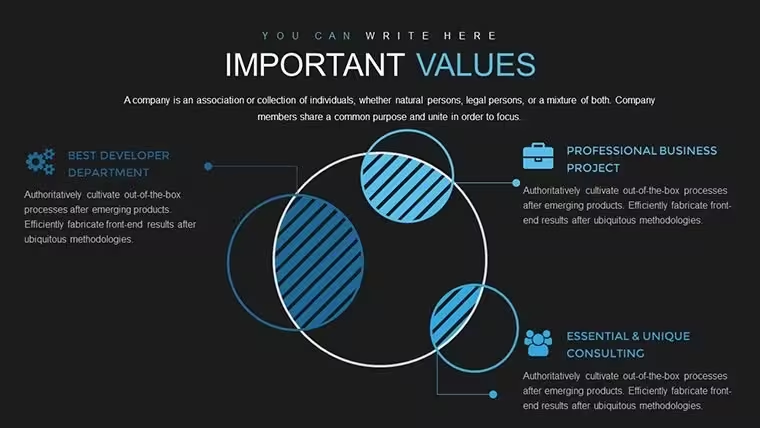
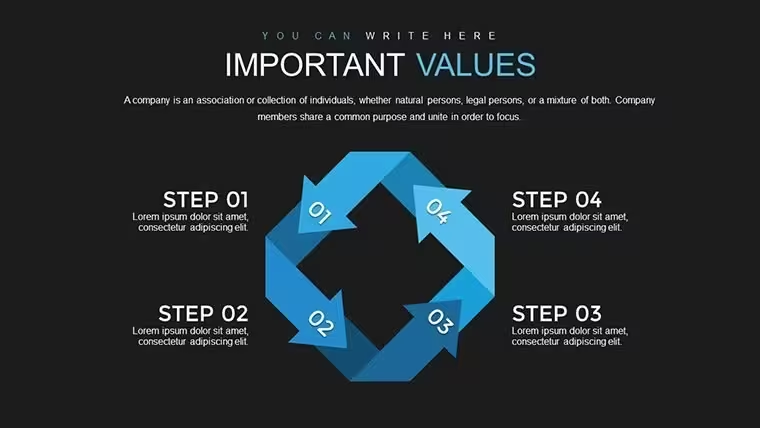
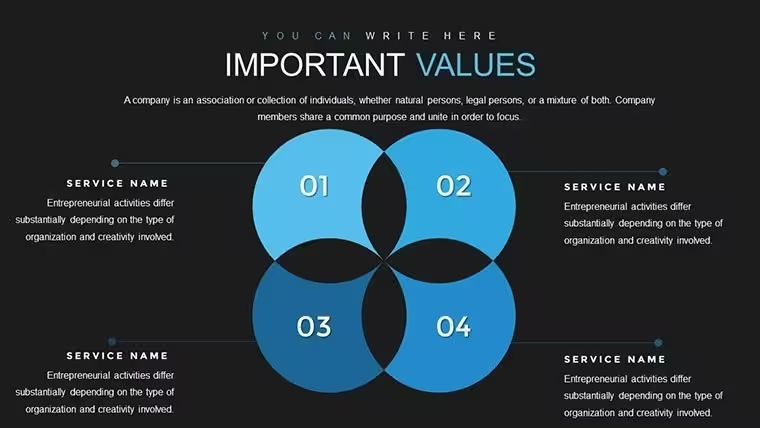
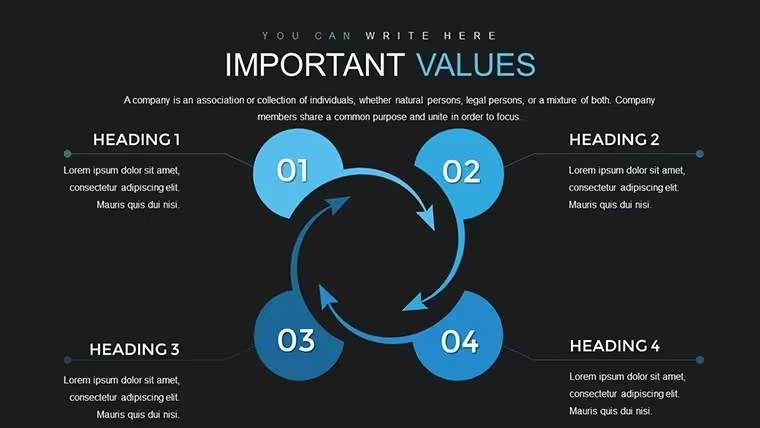
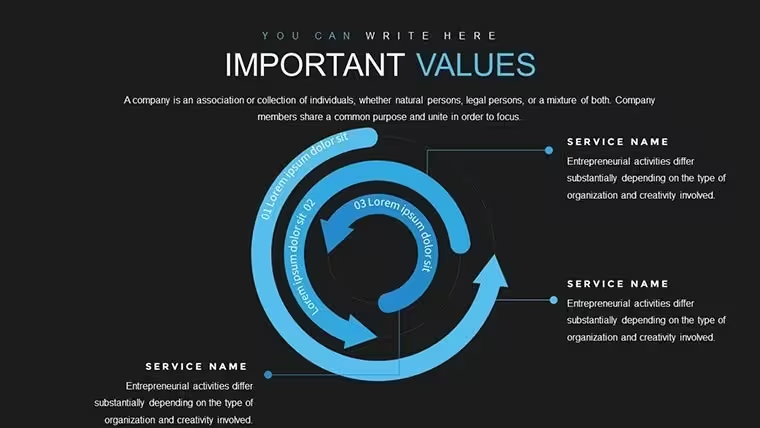
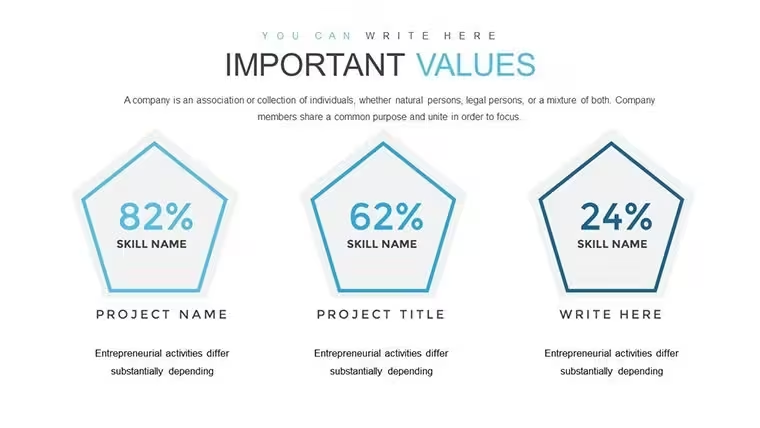
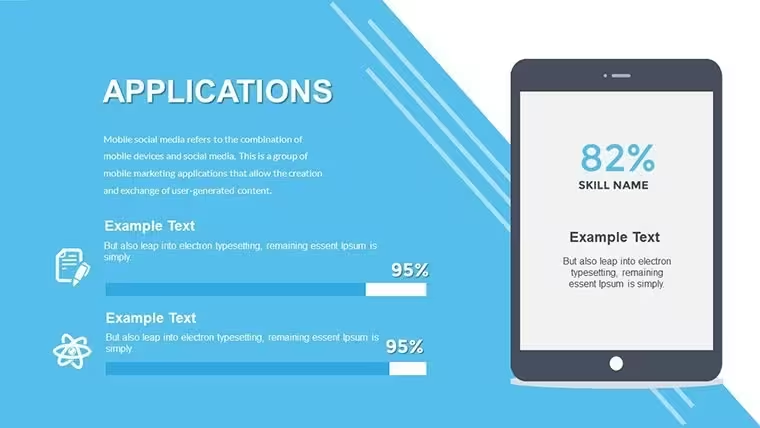
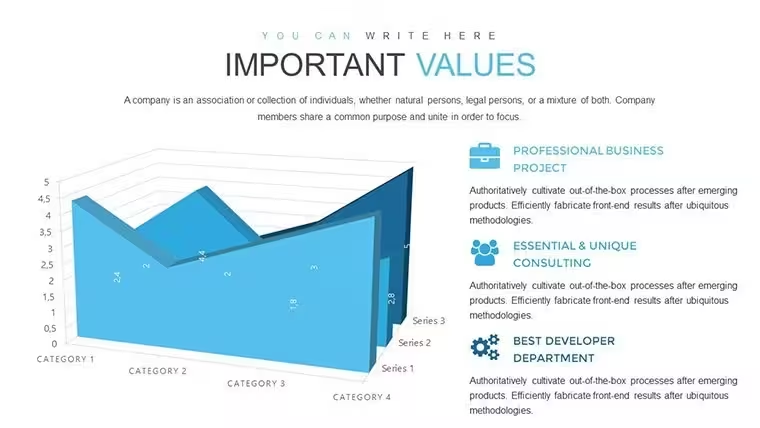
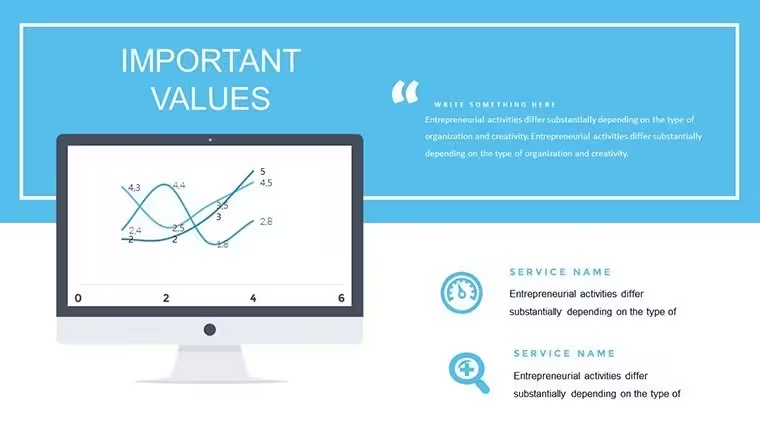
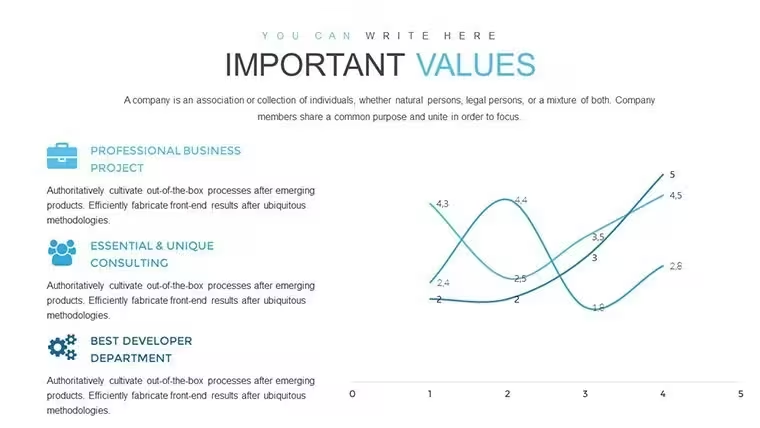
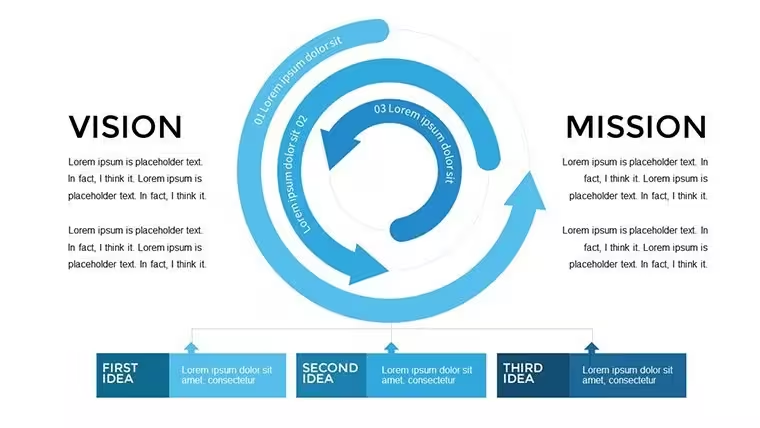
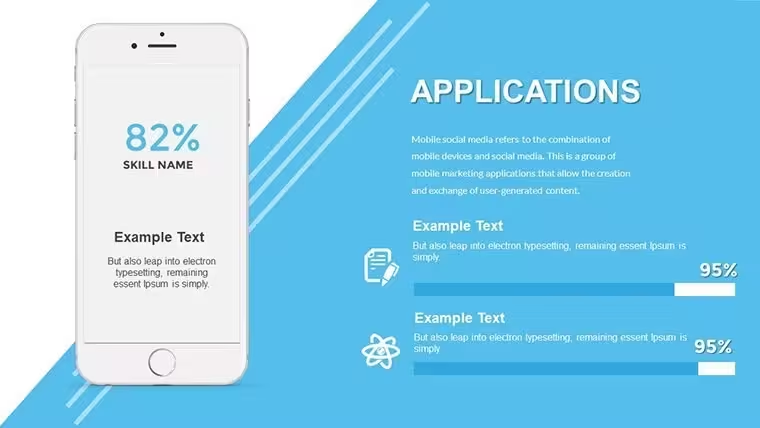
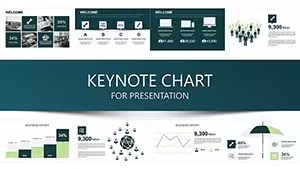
The file comes with 38 editable slides full of relationship diagrams built for vision mission strategy work.
And it is a .key file that opens in Keynote on Apple platforms. Paid version at $18 gets you all 38 slides while free version is not specified so you basically pay for the complete set.
But the horizontal layout direction with even spacing and medium density is what makes it actually usable. Outline style icons keep things simple and you drop in your data.
To be honest it is not ideal for number-heavy charts. Works best when the focus stays on concepts and alignment.
You know that situation when the deck is due tomorrow - this is exactly when you grab something like this for a strategy consultant prepping a board update.
Executives and strategy folks use it all the time. I always change the colors in the slide master first before filling in any data.
The color switching is slightly confusing the first time but once you find the slide master it takes under a minute. honestly the horizontal alignment here is what makes it actually usable.
This one layout saved me from rebuilding the whole thing. The horizontal flow layouts are genuinely well-structured - each step connects without crowding the slide.
Honestly I just opened it changed the colors and it looked fine. Took maybe five minutes. that's it. No extras.
If your team regularly presents project updates this set covers most of what you'll need without any redesign. The color system is one of the better-built parts - one change in the master and the whole deck updates. That alone saves real time.
For anyone who presents quarterly reviews or stakeholder updates this gives you a solid starting point that doesn't look generic.
FeatureDetailsSlides/diagrams38 editable relationship chartsFile format.keySoftware versionKeynote 6 and later on all Apple platformsColor schemespre-set palettes switch via slide masterEditable elementsevery diagram text and color resizes and recolors independentlyAspect ratio16:9 typical for KeynoteFree vs Paidpaid includes full 38 slides for $18 free not availableMasters/Backgroundsslide master for instant color updatesSee also Hierarchy Org Structure Keynote Charts Template and 4-Level 3D Block Pyramid Keynote Charts.
Download and start editing immediately
What Keynote version and macOS does this need?So basically it runs on Keynote 6 and later across macOS and iOS. Works on Mac and iPad no problem. In most cases any recent version is fine.
How do I change colors via slide master?Honestly the easiest way is open slide master view pick the master slide update the theme colors and it applies everywhere. Select the elements you want then adjust. Works fine.
Can I use this for client work?It's the same license most marketplaces use - one buyer one project commercial use is fine for client work as long as you don't resell the template itself. That's basically it.
What are the free vs paid differences?The paid version gives you the full 38 slides while free if it exists is limited or not specified. To be honest the paid is what you want for the complete set. Depends a bit on what you need.
What are the refund conditions?Refunds are available if the file doesn't work as described but check the terms. In most cases they process it quickly. Oh and you can also contact support for any issues.
Good for
- Project roadmaps and sprint plans
- Product launch timelines
- Quarterly or annual review decks
- Company history and milestone summaries
Licence
reviews
Used this during my internship report and it worked better than expected.
The chart blocks were easy to resize.
Some layouts were repetitive but still usable.
I liked the clean spacing between graphs and text.
Simple template that gets the job done fast.
FAQ
Will it work in Google Slides?
Are fonts embedded?
Can I use this for client work?
What's the refund policy?
Do you update the template after purchase?
Similar templates
See all Keynote Charts →

All 38 slides