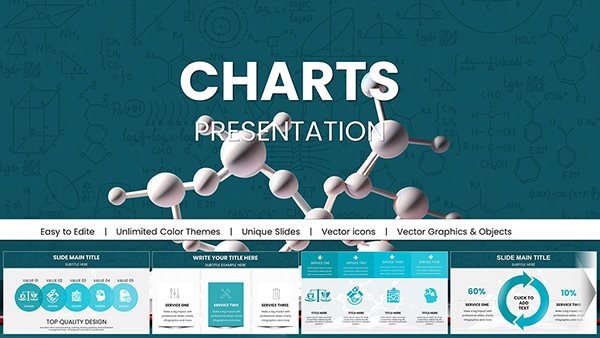
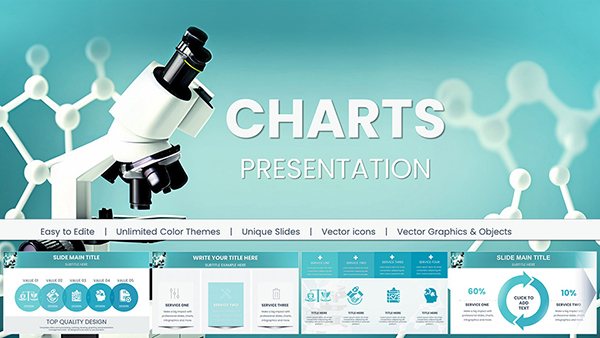
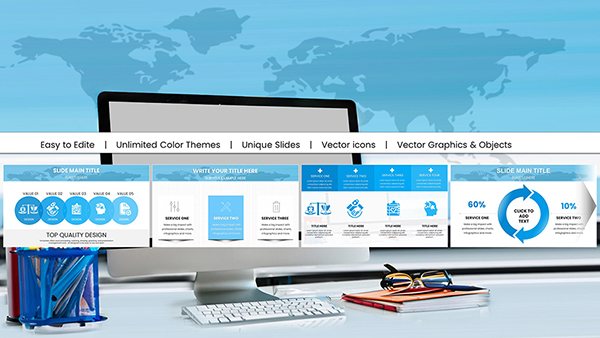
Keynote Charts for Analytical Market Research - Fully Editable | ImagineLayout












Type: Keynote Charts template
Category: Analysis
Sources Available: .key
Product ID: KC00707
Template incl.: 46 editable slides
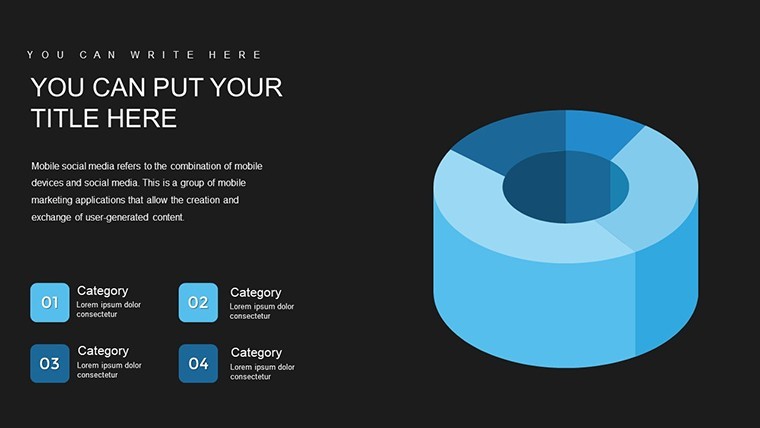
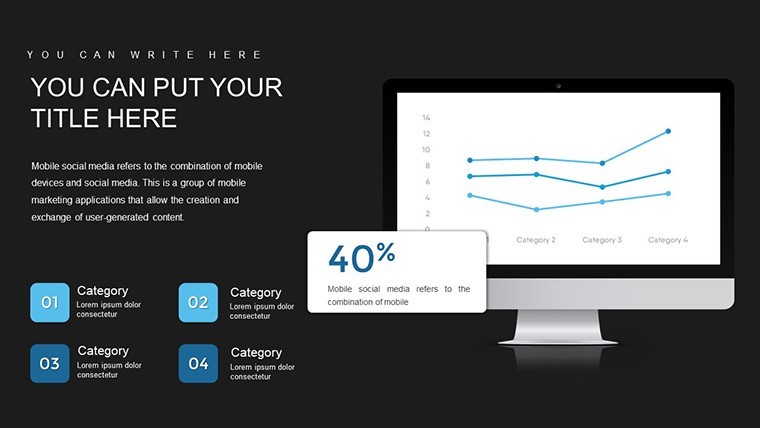
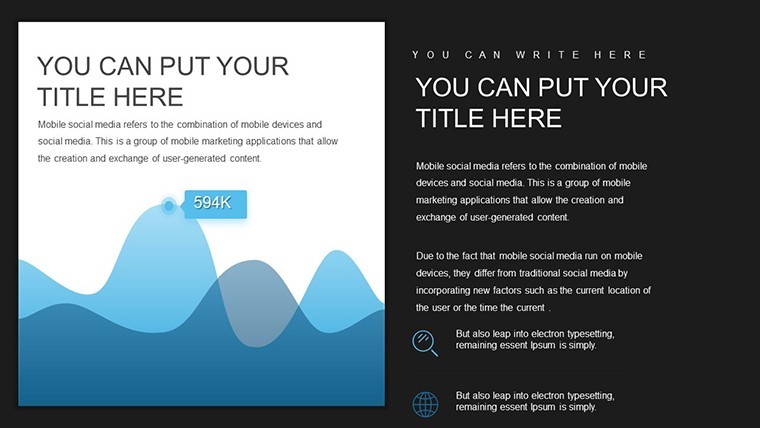
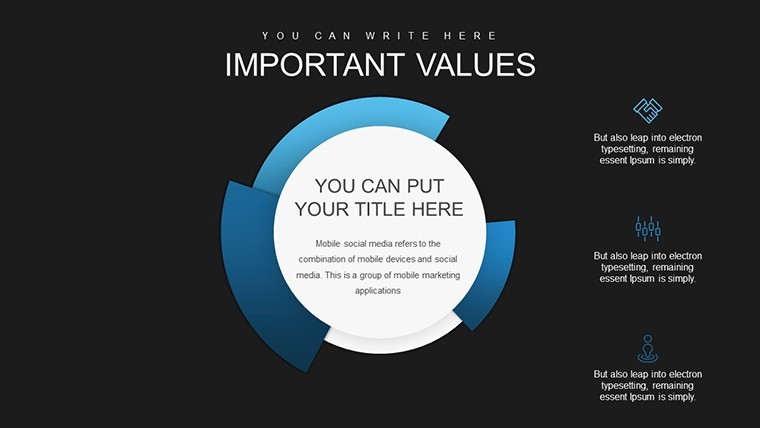
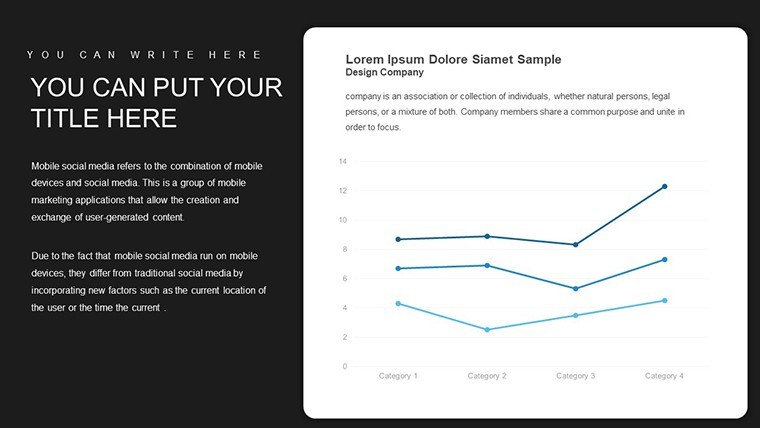
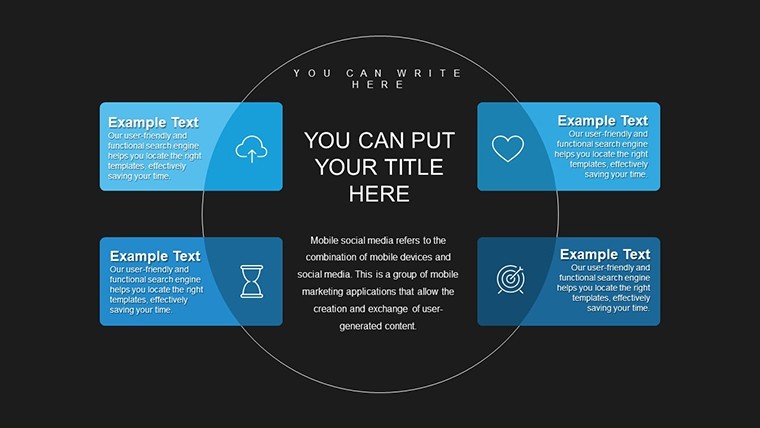
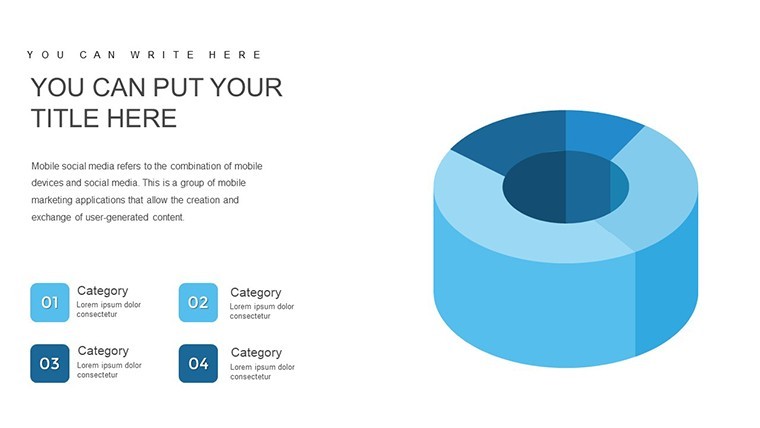
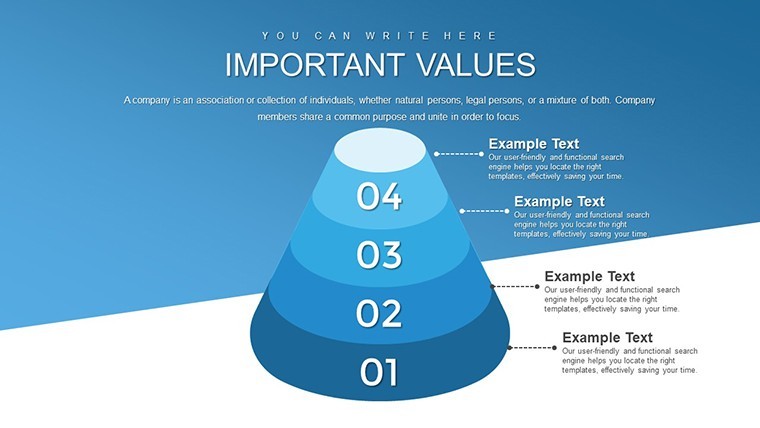
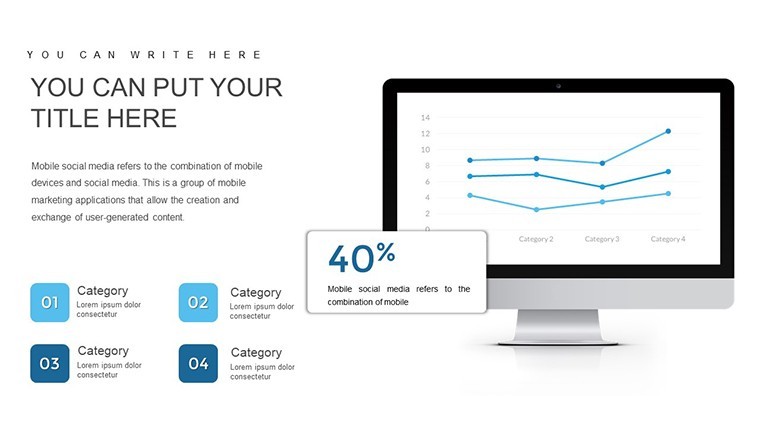
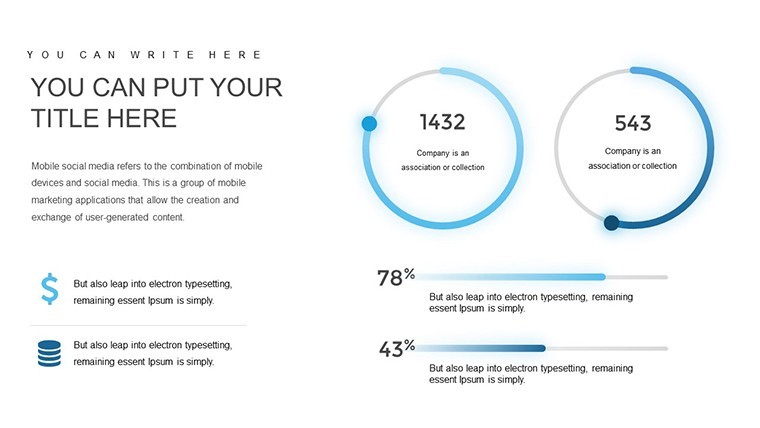
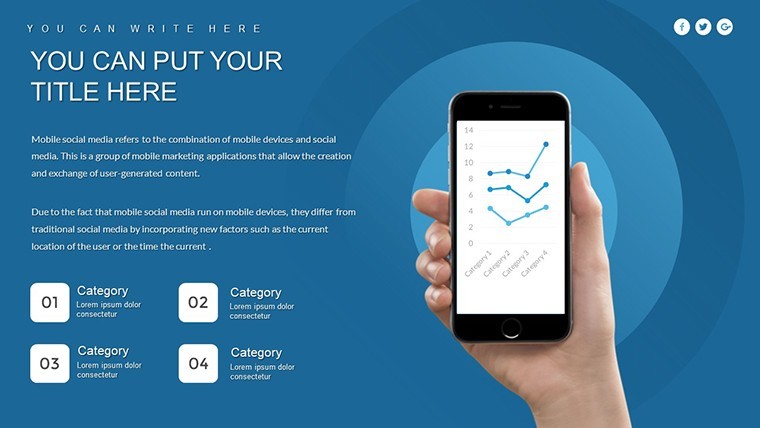
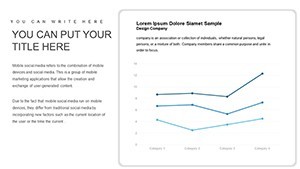
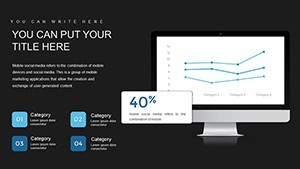
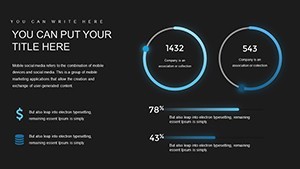
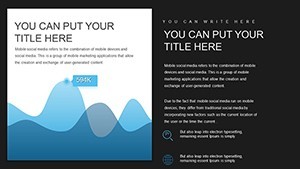
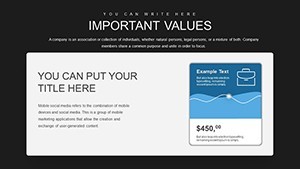
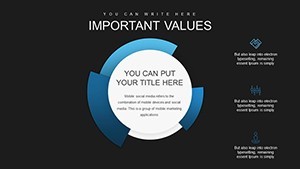
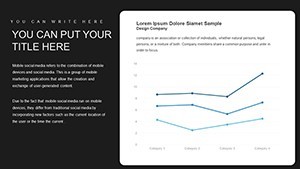
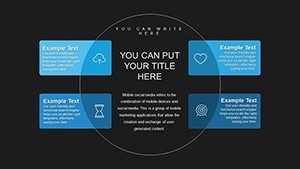
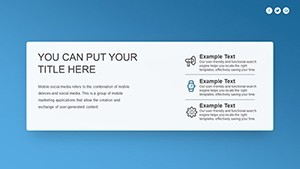
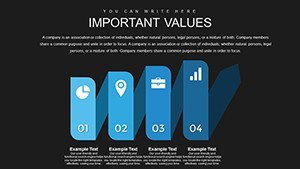
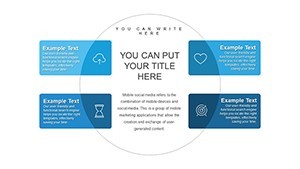
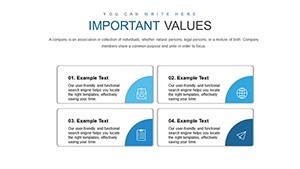
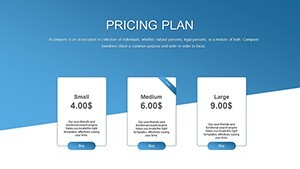
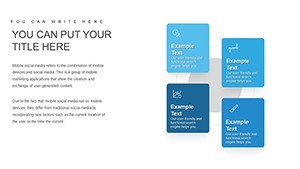
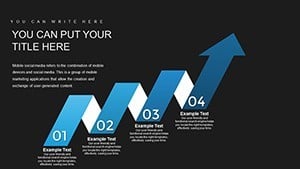
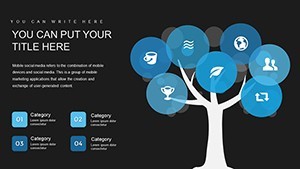
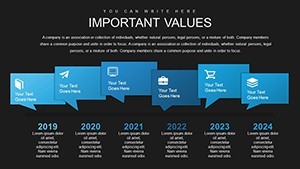
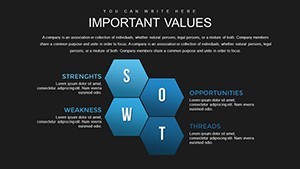
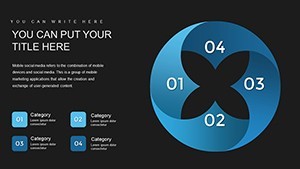
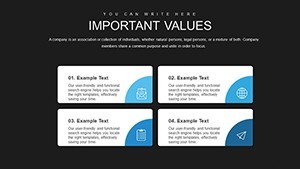
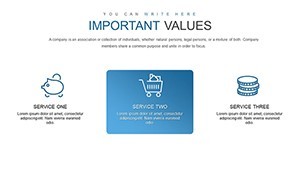
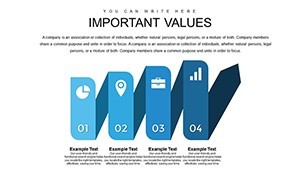
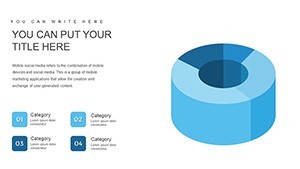
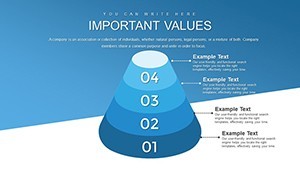
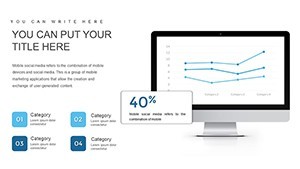
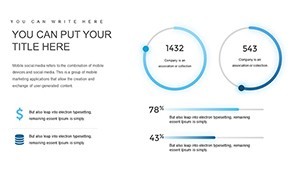
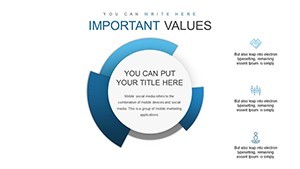
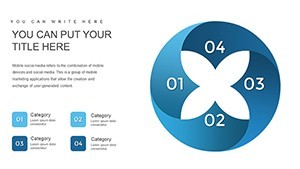
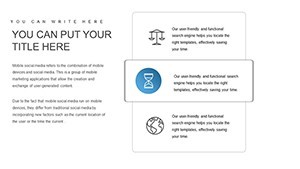
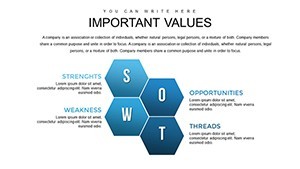
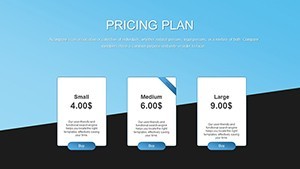
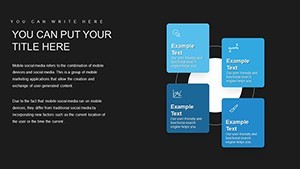
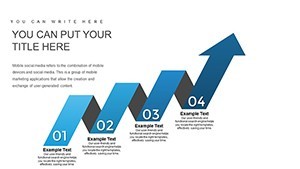
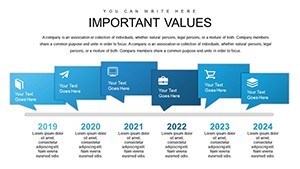
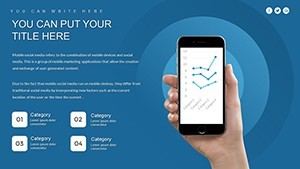
46 charts for analytical market research.
You get exactly 46 diagrams suited for competitor positioning and trend mapping.
The KEY file opens straight in Keynote and lets you replace numbers and labels in minutes instead of building charts from scratch.
In most cases teams reuse the same file across quarterly reports. The paid version includes all 46 editable slides while no free version details appear on the page.
Files follow standard KEY formats compatible with current installations.
No setup needed.
The layouts support side-by-side comparison analysis so you can decide which market segments deserve priority after one review.
This template suits analysts who run regular market updates for internal or client teams.
Best used when data stays structured and numbers drive the story.
It is not ideal for open-ended creative storytelling slides.
Use this when you need to show market share breakdowns without manual alignment work.
See also the Chemical Charts Keynote Template and Keynote Charts Template for Chemical and Biochemical Engineering.
| Feature | Details |
|---|---|
| Slides / diagrams | 46 analytical charts |
| File format | KEY |
| Software version | Keynote 10+ on macOS (standard compatibility) |
| Color schemes | Switch entire palette via master slide in one click |
| Editable elements | Data points, labels, and chart bars resize and recolor independently |
| Aspect ratio | 16:9 |
| Free vs Paid | Paid delivers full 46 editable slides; no free version listed |
| Masters / Backgrounds | Single master for instant color updates |
Which Keynote versions and macOS are supported?
The .key files work with Keynote 10 and newer on macOS Ventura or later. In practice most current Mac setups handle them without issues. You can also open them in older versions in most cases.
How do I change colors via slide master?
Open the file, go to View > Slide Master. Select the master slide and update the color palette there. All slides update automatically. This takes under a minute and keeps consistency across the entire deck.
Can I use this for client work?
Yes, one purchase allows you to use the template in client presentations and reports. You cannot resell or redistribute the original file. The license covers commercial use for your projects.
What is the difference between free and paid?
The paid version includes the full set of editable slides. No free version is listed on the page. You get the complete KEY file ready for customization upon purchase.
What are the refund conditions?
Refunds are available within 14 days if the file does not meet your needs. Contact support with your order details. The process is straightforward and handled case by case.
Everything is already structured.
Download and start editing immediately