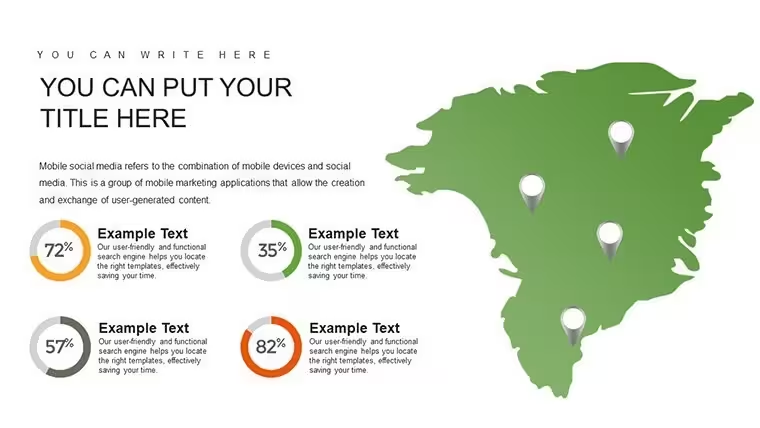
 Click to zoom
Network Marketing Keynote Charts Template - Fully Editable | ImagineLayout
| Format | .pptx |
| Slides | 22 unique layouts |
| Aspect ratio | 16:9 |
| Compatibility | PowerPoint |
| Animated | No |
| Language | English |
| License | Commercial |
| File size | — |
| Version | v1.0 |
| Last updated | September 2026 |
What's inside
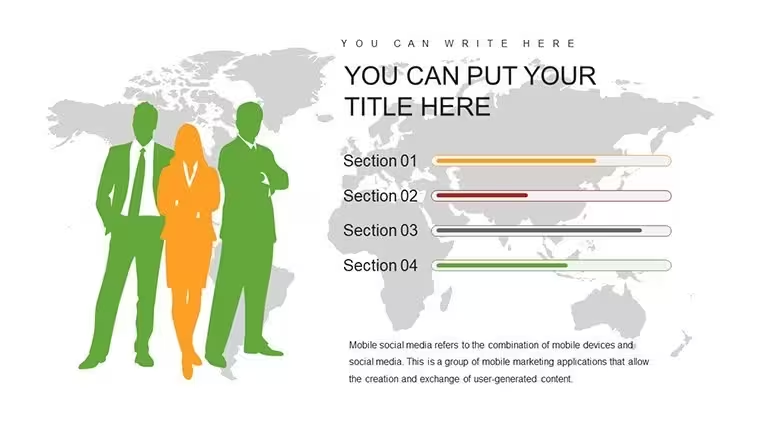
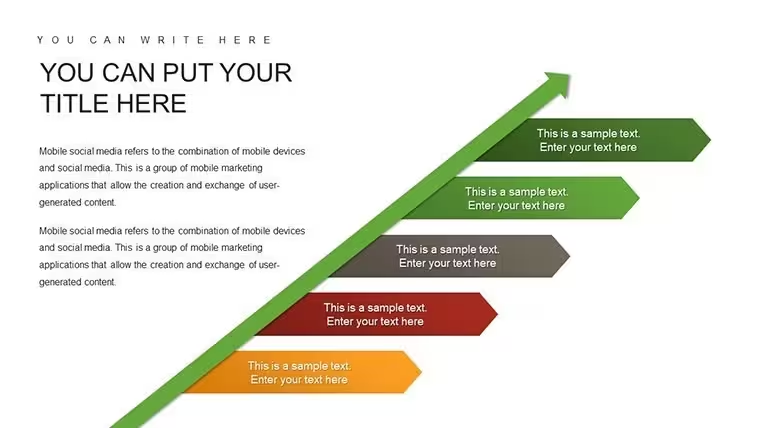
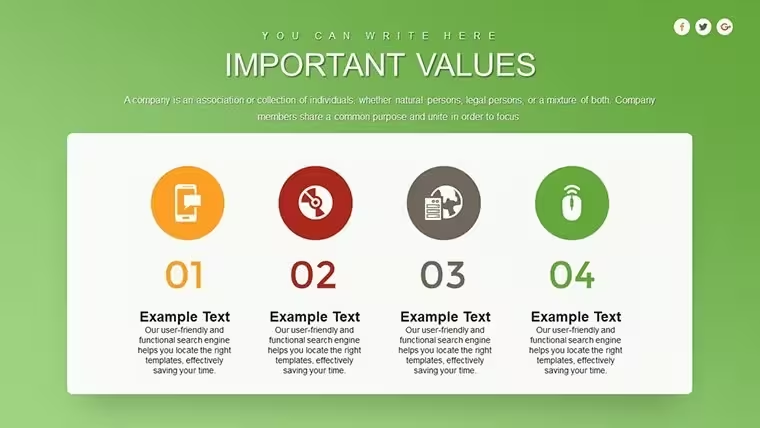
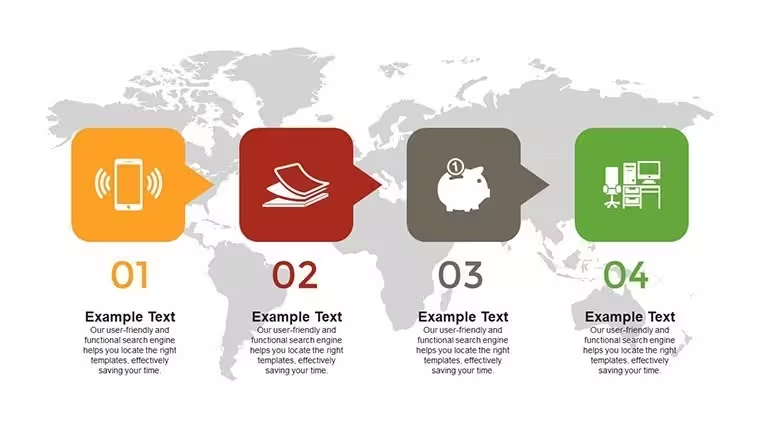
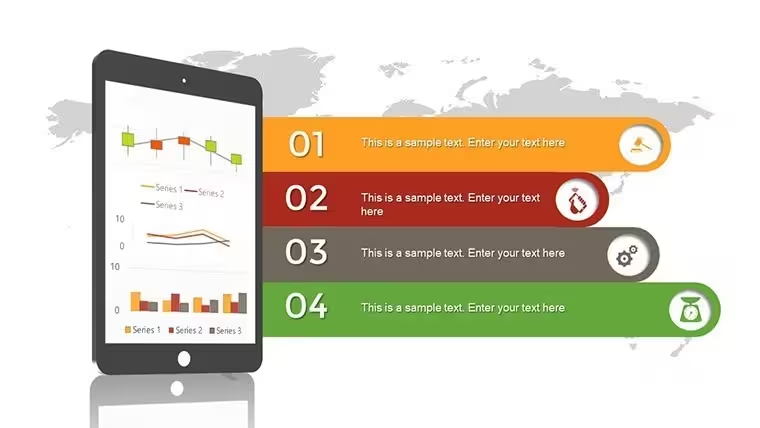
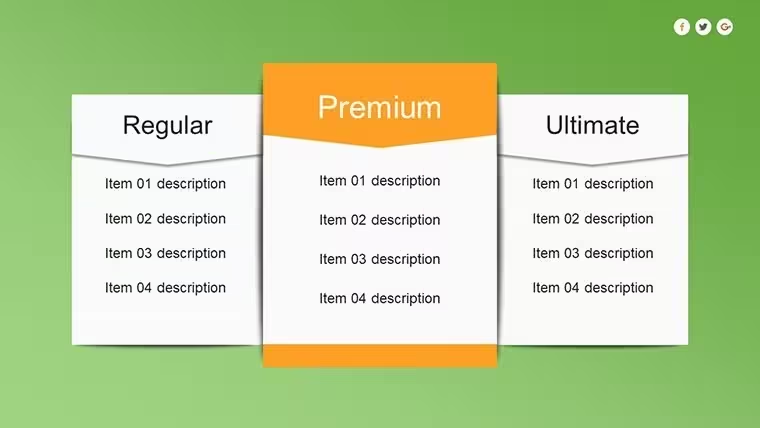
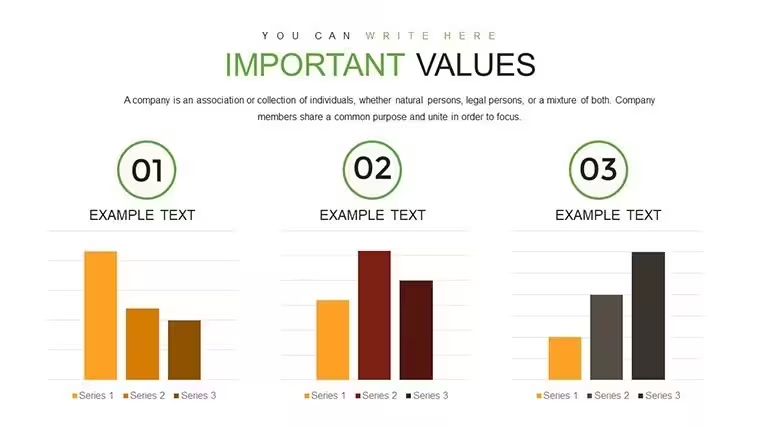
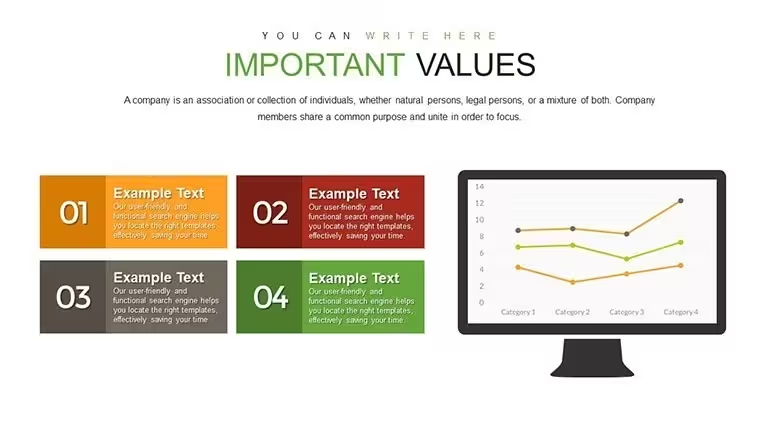
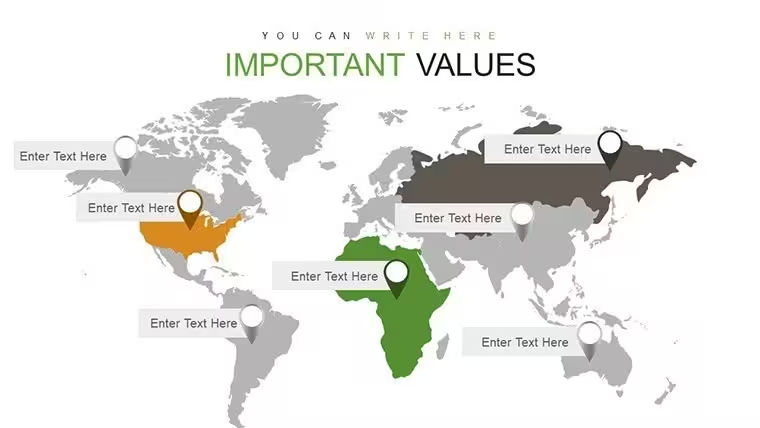
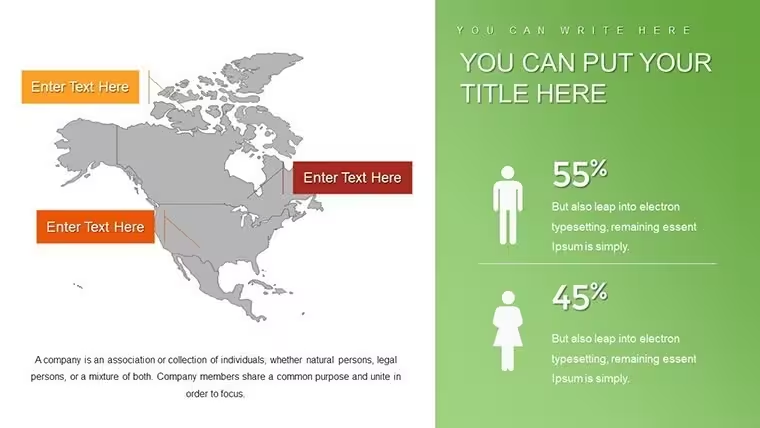
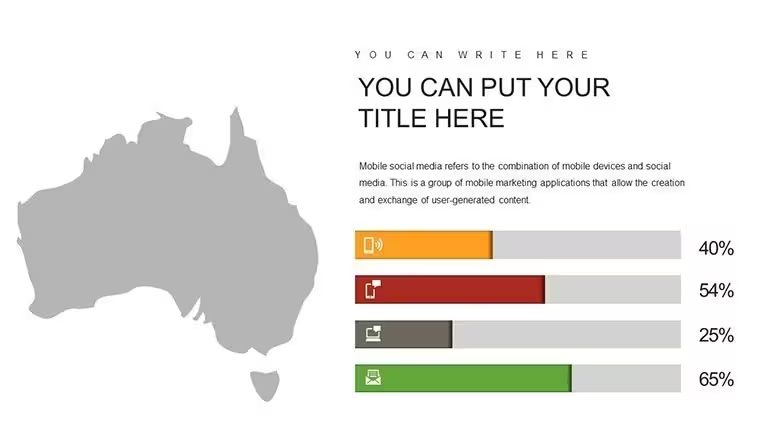
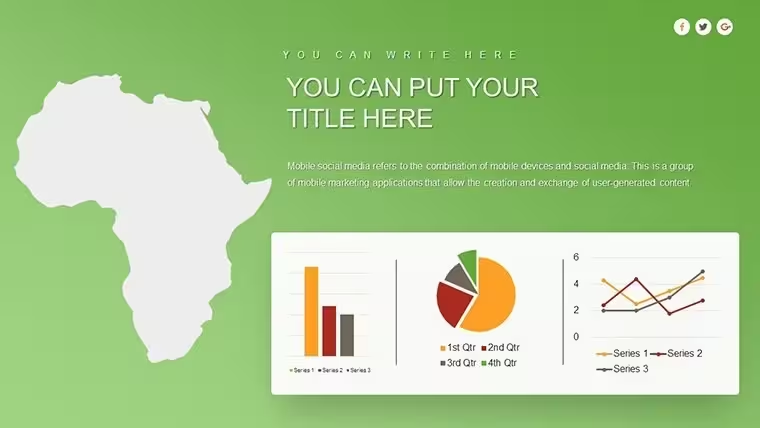
No photo placeholders, no gradients - just structured network charts.
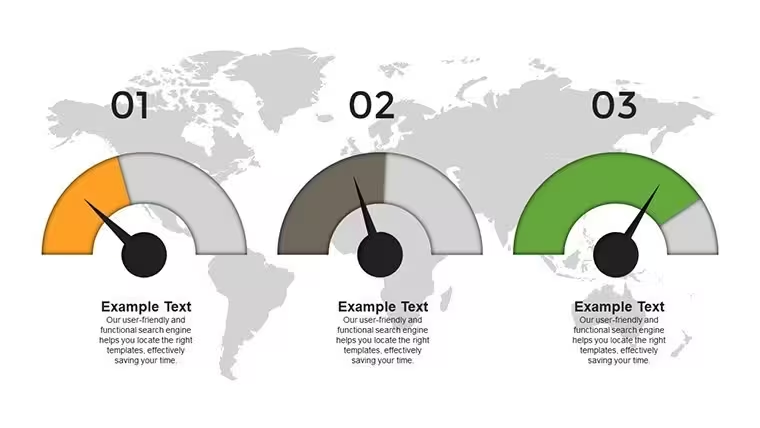
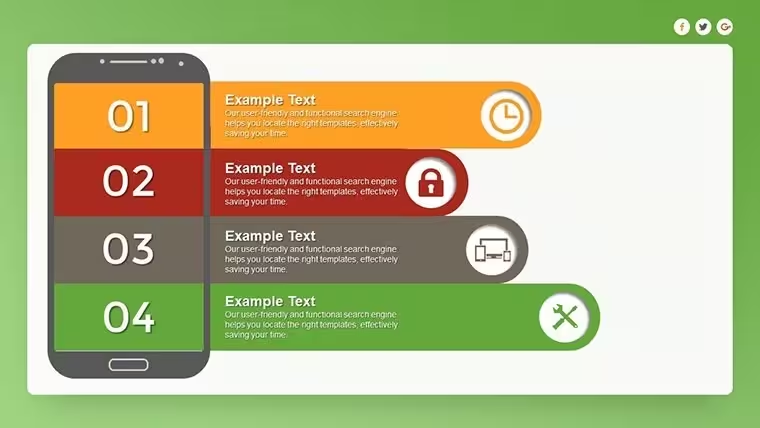
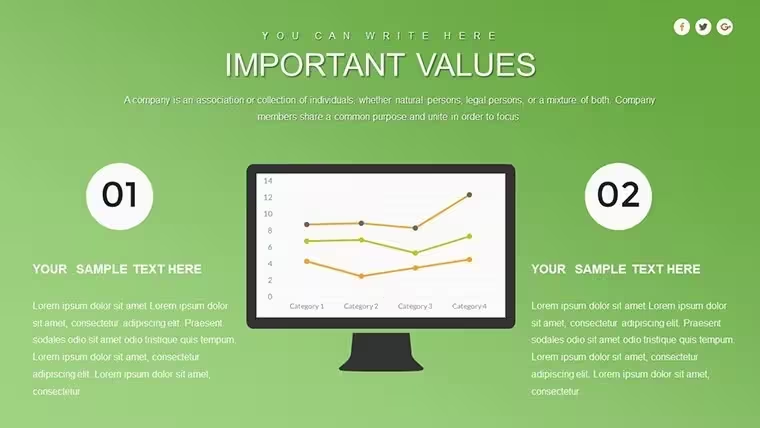
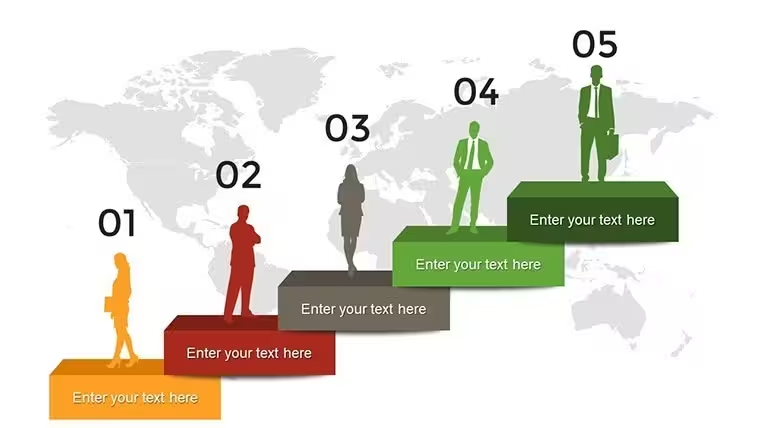
Open the .key file and you get 22 editable slides built for network marketing flows.
The paid version includes the full 22 slides while the page lists no free option.
Files follow standard KEY formats compatible with current installations.
You can duplicate slides and reuse the same structure.
The diagrams support hierarchy mapping so you can clarify commission paths and team growth after one presentation.
This template suits network managers who update compensation overviews for distributors.
It works best for structured process slides and is not designed for image-heavy creative decks.
Use this when you need to explain multi-level marketing flows without manual table creation.
See also the Internet Marketing Keynote Charts Template and Business Analysis Work Plan Keynote Charts Template.
FeatureDetailsSlides / diagrams22 network marketing chartsFile format.keySoftware versionKeynote 10+ on macOS (standard compatibility)Color schemesSwitch entire palette via master slide in one clickEditable elementsData points, labels, and chart bars resize and recolor independentlyAspect ratio16:9Free vs PaidPaid delivers full 22 editable slides; no free version listedMasters / BackgroundsSingle master for instant color updatesWhich Keynote versions and macOS are supported?The .key files work with Keynote 10 and newer on macOS Ventura or later. In practice most current Mac setups handle them without issues. You can also open them in older versions in most cases.
How do I change colors via slide master?Open the file, go to View > Slide Master. Select the master slide and update the color palette there. All slides update automatically. This takes under a minute and keeps consistency across the entire deck.
Can I use this for client work?Yes, one purchase allows you to use the template in client presentations and reports. You cannot resell or redistribute the original file. The license covers commercial use for your projects.
What is the difference between free and paid?The paid version includes the full set of editable slides. No free version is listed on the page. You get the complete KEY file ready for customization upon purchase.
What are the refund conditions?Refunds are available within 14 days if the file does not meet your needs. Contact support with your order details. The process is straightforward and handled case by case.
Everything is already structured.
Download and start editing immediately
Good for
- Project roadmaps and sprint plans
- Product launch timelines
- Quarterly or annual review decks
- Company history and milestone summaries
Licence
reviews
Downloaded this before a morning presentation and survived somehow.
The chart animations were minimal which I liked.
Some slide titles were oddly placed.
The layouts made my data easier to follow.
Would use again for quick reports.
FAQ
Will it work in Google Slides?
Are fonts embedded?
Can I use this for client work?
What's the refund policy?
Do you update the template after purchase?
Similar templates
See all Keynote Charts →
All 22 slides