5-Level Sales Funnel Keynote Template - Editable Keynote | ImagineLayout
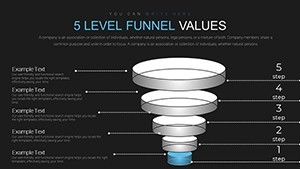
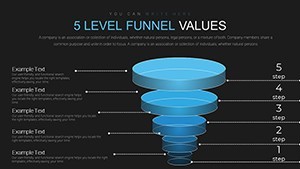
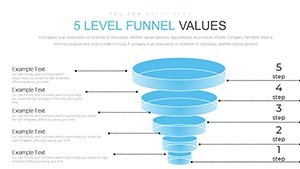
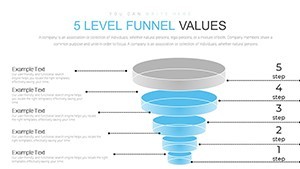
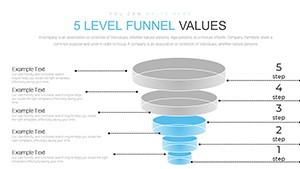
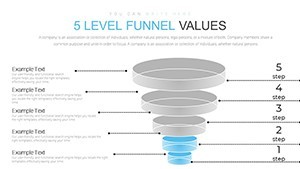
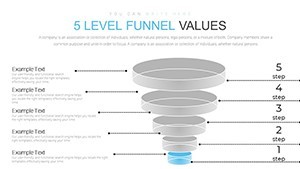
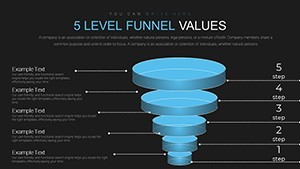
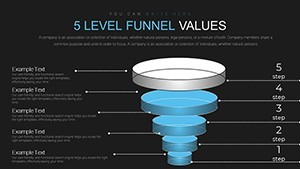
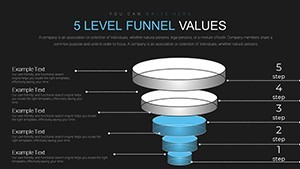
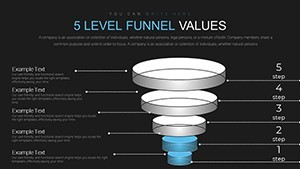
Type: Keynote Charts template
Category: Flow
Sources Available: .key
Product ID: KC00661
Template incl.: 12 editable slides
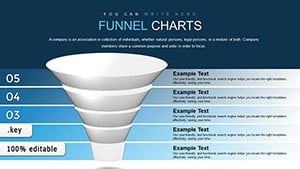
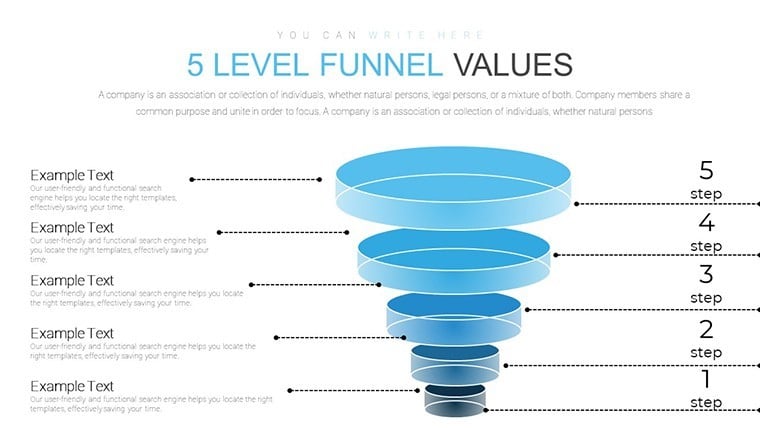
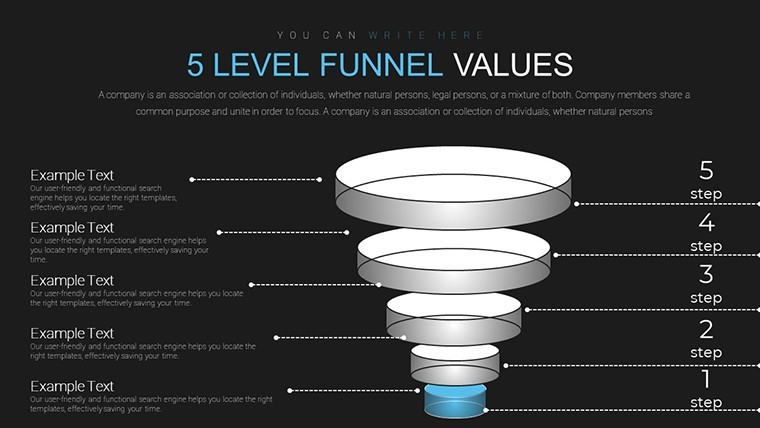
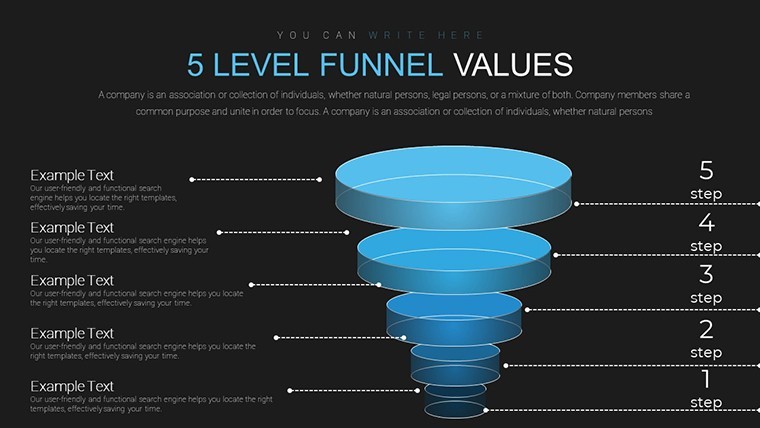
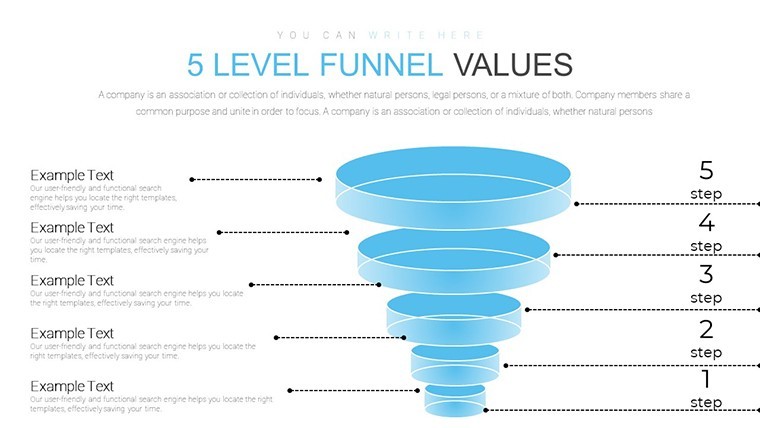
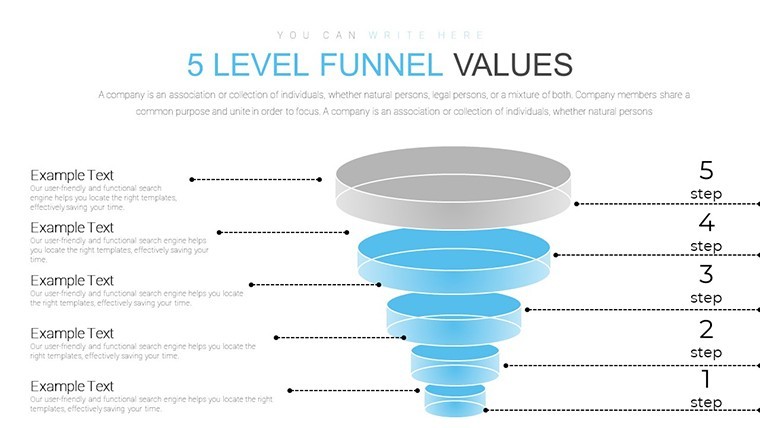
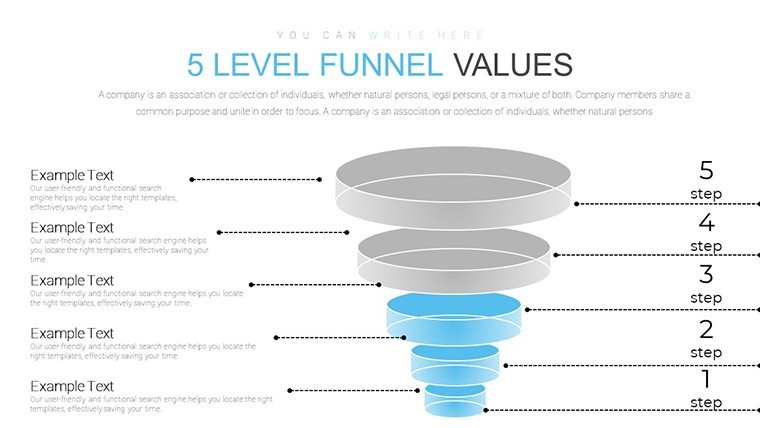
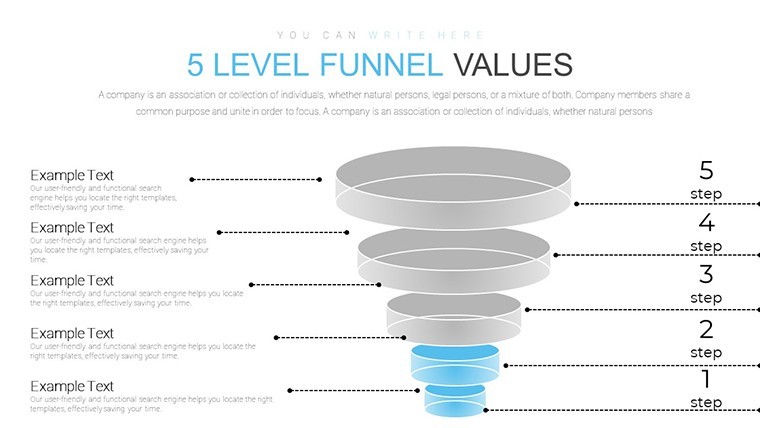
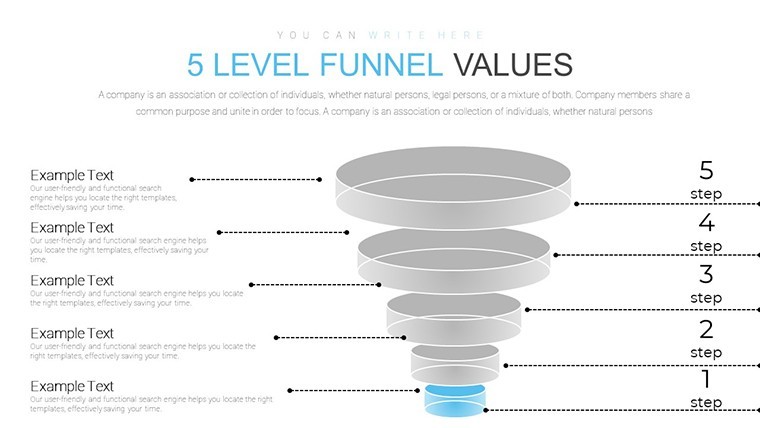
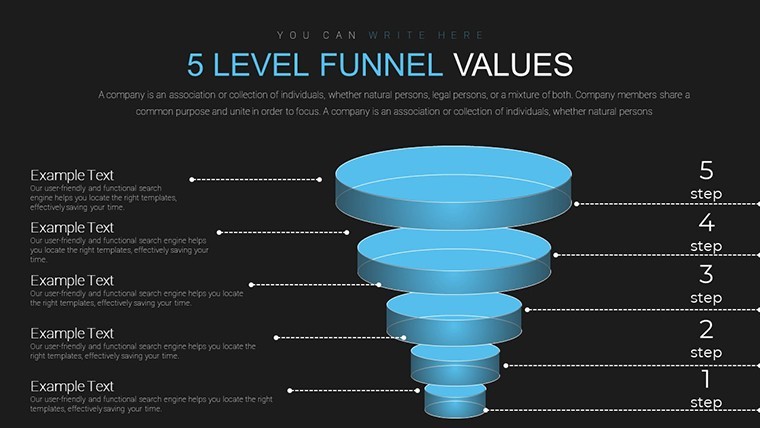
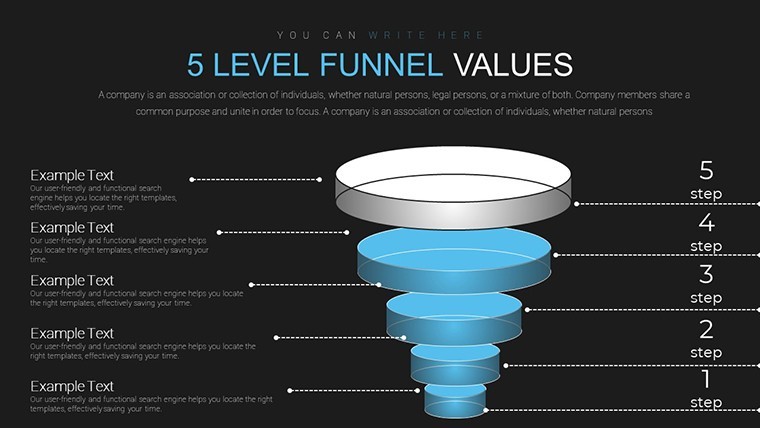
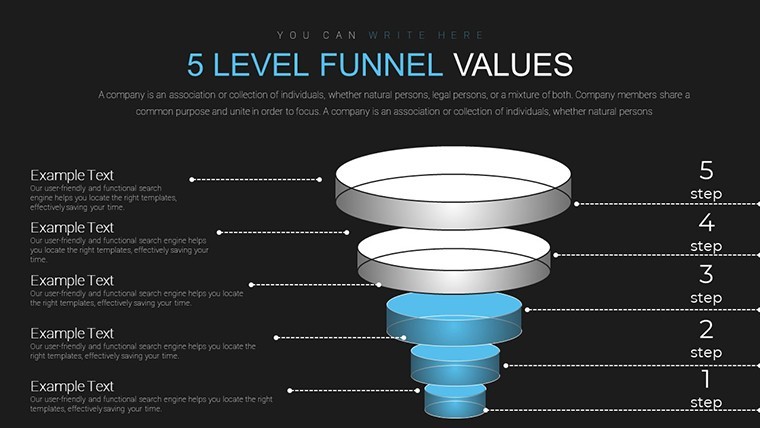
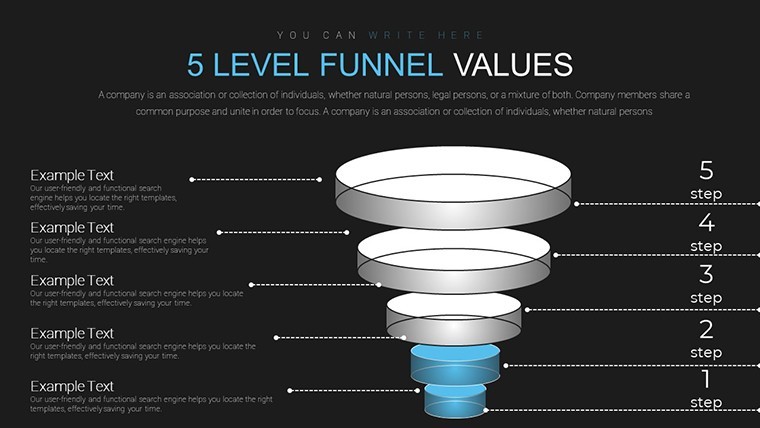
Open the KEY file and you get 12 editable slides built around 5-level funnel structures with flow-based designs for sales journey mapping.
No complex layouts just structured blocks.
The $12 version provides the complete collection while files remain compatible with current Keynote installations.
When you need to show customer progression to executives the predefined stages replace manual funnel creation.
Color-coded levels support process breakdown analysis that helps identify drop-off points and decide where to allocate budget.
Sales managers in e-commerce typically apply it to checkout optimization.
In most cases you drop in metrics and the flow works.
The vertical flow keeps everything aligned on one slide so you avoid spacing adjustments slide by slide.
Use this instead of building funnels manually in Keynote.
It works best for structured sales processes not open-ended brainstorming and is not ideal for non-linear storytelling.
You can duplicate slides and reuse the same structure across quarterly reports.
| Feature | Details |
|---|---|
| Slides / diagrams | 12 editable slides covering Awareness Interest Decision Action Loyalty stages |
| File format | KEY |
| Software version | Compatible with current Keynote installations on macOS |
| Color schemes | Customizable via slide master for stage-specific palette changes |
| Editable elements | Flow shapes text metrics and color fills resize and recolor independently |
| Aspect ratio | 16:9 widescreen |
| Free vs Paid | Paid version includes complete 12-slide collection with animations |
| Masters / Backgrounds | Slide masters enable instant theme updates across all funnel levels |
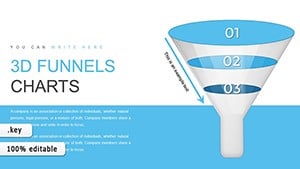
See also 3D Funnel Keynote Chart Template or Creative Funnel Charts Keynote Template.
Does this work with Keynote 2016/2019/365 on Mac?
The files follow standard KEY format and run on current Keynote versions including 2016 2019 and 365 releases on macOS.
Older versions may require minor layout tweaks but vector elements remain crisp.
Test on your setup before large edits.
How do I change colors across all slides?
Open the template in Keynote and switch to slide master view.
Select the master slide then update theme colors or individual fills for shapes and text.
Return to normal view and the changes apply instantly to every slide without manual fixes.
Can I use this template for client work?
Yes the license allows use in client presentations as long as you do not resell or redistribute the original template files.
Customize then deliver the final deck as part of your service.
Commercial projects are fully permitted under standard terms.
What is the difference between free and paid versions?
The paid version includes the complete 12-slide collection with full animations and stages.
No free version is listed for this exact template.
Check the product page for any bundle options.
What are the refund conditions?
Refunds are processed within 7 days of purchase if the template does not meet your requirements.
Contact support with order details and reason for a smooth resolution.
Free templates have no refund since no payment is involved.
Ready to edit.
Download and start editing immediately