Animated Keynote charts are designed for professionals who need to explain data clearly, progressively, and with impact. When presenting financial results, performance metrics, forecasts, or analytical findings, static charts often overwhelm audiences. Animated chart templates for Keynote allow you to reveal information step by step, guiding attention and improving decision-making clarity. These templates are built specifically for business reporting, strategic analysis, and executive communication where structured data storytelling matters more than decoration.
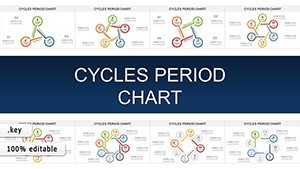

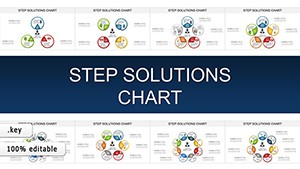
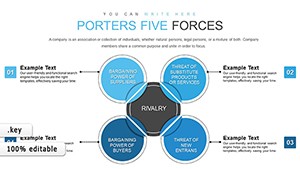

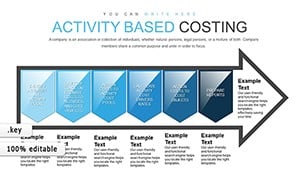
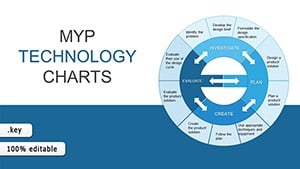

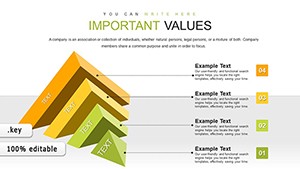
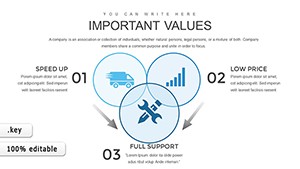
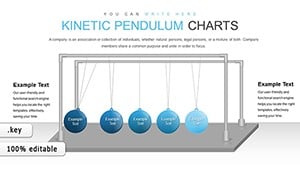
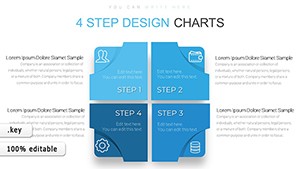
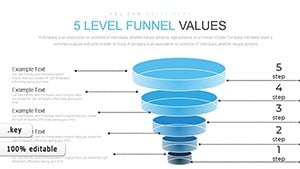
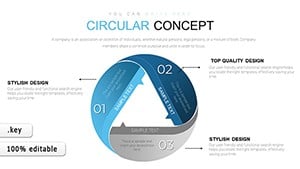

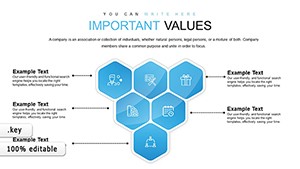
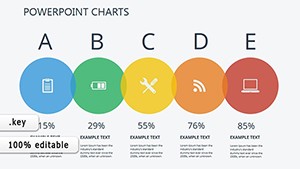
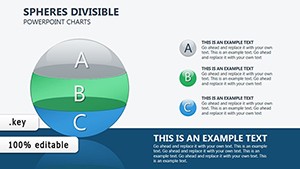
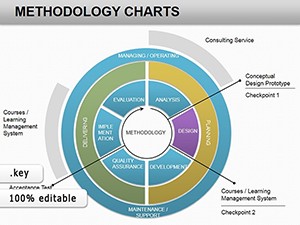
In business environments, clarity drives decisions. Standard Keynote shapes and default chart animations often lack structure and intentional sequencing. Animated chart templates are built with controlled transitions that introduce data in logical layers. Instead of showing all metrics at once, you can reveal quarterly results sequentially, highlight performance gaps, or compare targets versus actual results without distracting the audience.
This approach reduces cognitive overload. Executives and stakeholders absorb information more effectively when charts unfold progressively. Animated elements direct focus to the most important numbers first, then expand context gradually.
These animated Keynote charts are structured for:
Each layout ensures data hierarchy is clear. Titles, data labels, and motion timing are balanced to support professional environments where precision and credibility matter.
Animation in business presentations should not feel decorative. It should clarify relationships between numbers. For example, when presenting revenue growth across regions, animated bar progression allows you to compare markets sequentially. When explaining trend evolution, line charts can appear gradually to emphasize turning points and patterns.
This controlled motion helps consultants, analysts, and managers structure their narrative logically rather than relying on verbal explanation alone.
Animated charts are especially useful when:
Unlike static slides built from default Keynote tools, these templates integrate pre-built timing and transitions. This saves preparation time while maintaining professional consistency.
Standard chart templates focus on layout design. This category focuses on presentation flow. The primary value is not only visual clarity but controlled sequencing. These animated charts are developed specifically for presenters who need to manage audience attention in high-stakes business settings.
Rather than providing decorative effects, these templates prioritize:
To maximize effectiveness:
In consulting, education, and corporate strategy presentations, animated charts improve engagement without sacrificing professionalism. They transform raw data into a structured narrative that supports confident decision-making.
Yes. These templates are designed with professional timing and restrained transitions that support formal executive environments without appearing distracting.
All charts are fully editable in Keynote. You can modify values, labels, colors, and animation timing according to your reporting needs.
Templates are built for modern versions of Keynote. It is recommended to use updated software to ensure smooth transitions and compatibility.
If your presentation requires rapid slide transitions or contains minimal data, static charts may be sufficient. Animation is most effective when explaining layered insights or complex comparisons.
Copyright © 2009-2026 ImagineLayout All rights reserved.


