Important Questions Cycle Keynote Charts - Editable KEY | ImagineLayout
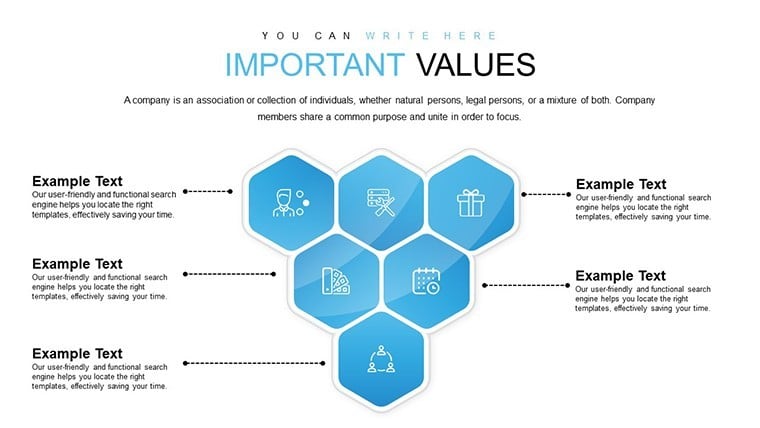
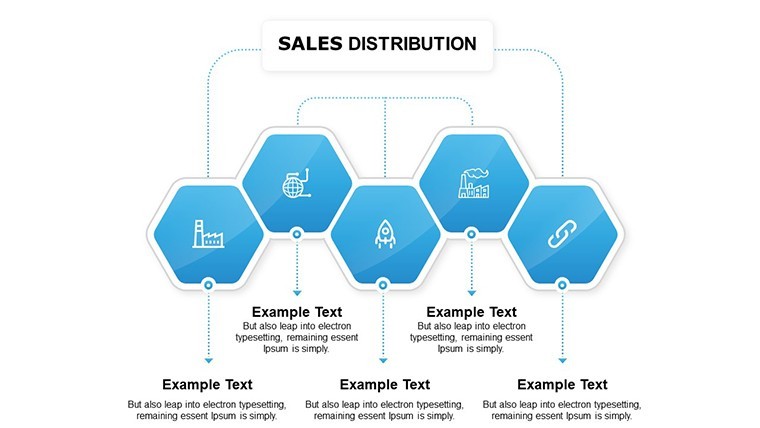
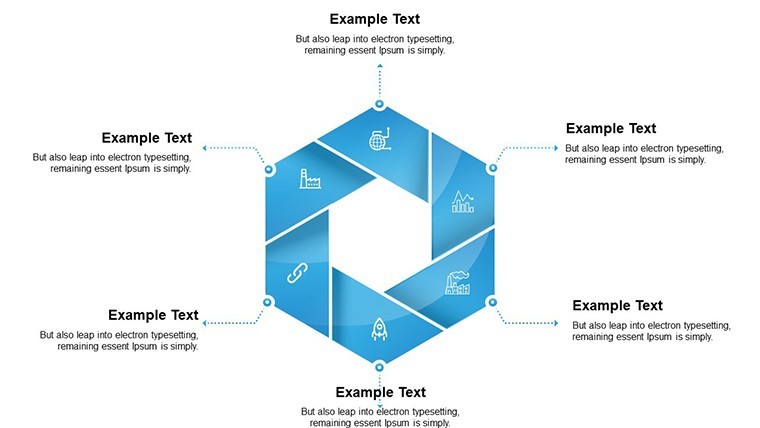
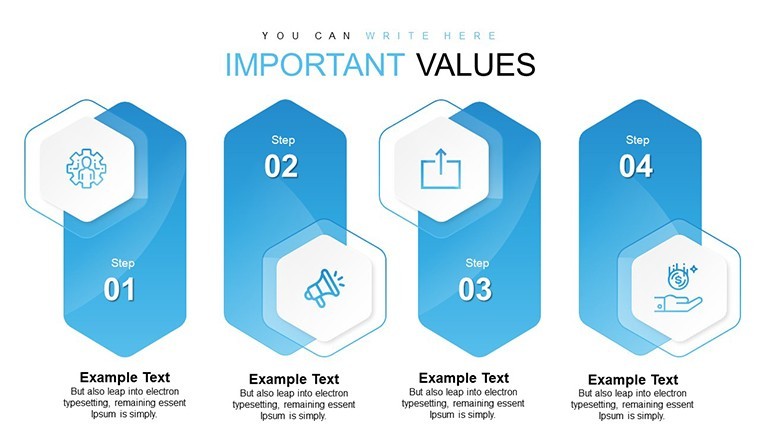
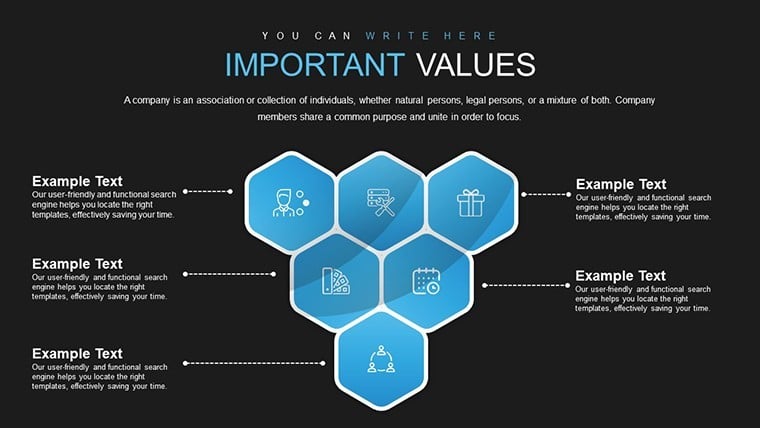
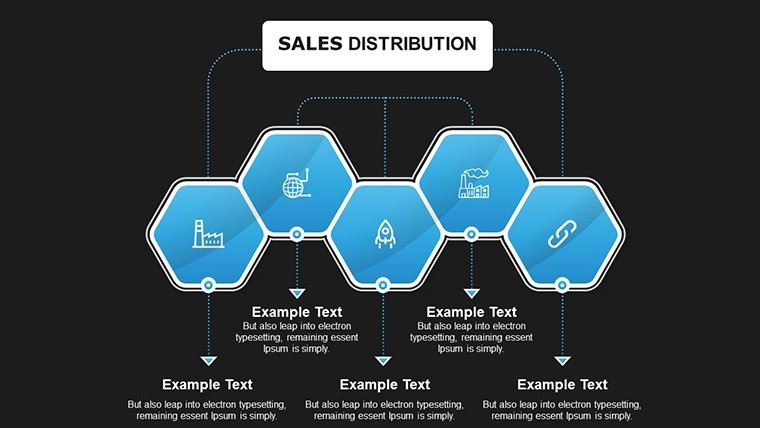
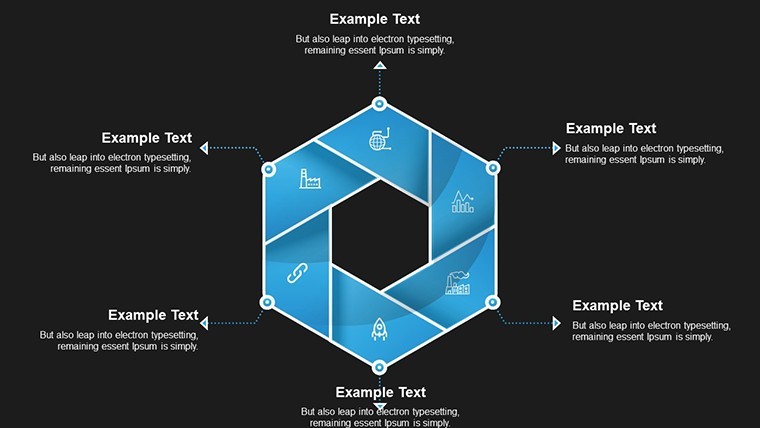
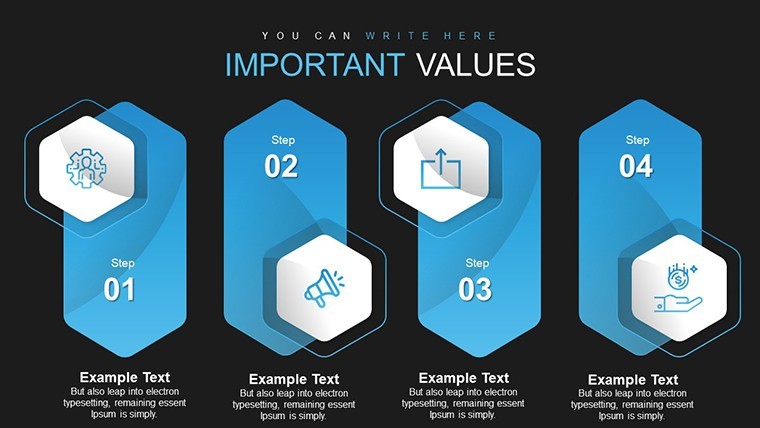
Type: Keynote Charts template
Category: Cycle
Sources Available: .key
Product ID: KC00623
Template incl.: 8 editable slides
Important Questions Cycle Keynote Charts Template
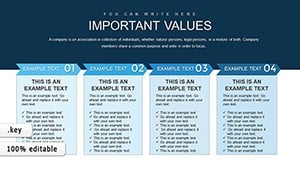
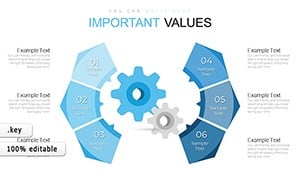
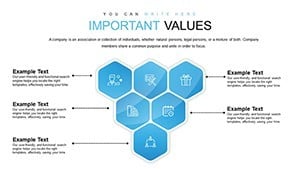
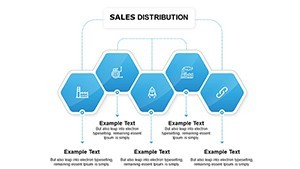
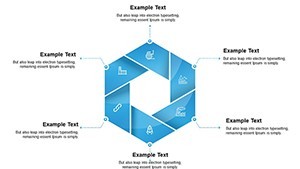
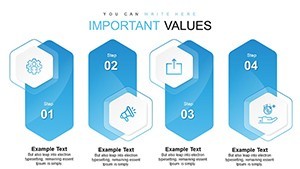
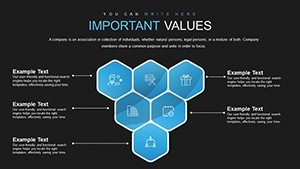
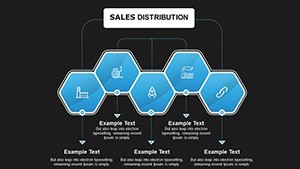
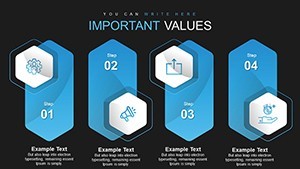
No photo placeholders no gradients - just 8 cycle diagrams with question segments in the paid KEY file for focused analysis.
Everything is already structured.
In practice you replace the default labels like Who What When Why and the circular structure holds while the files follow standard KEY formats compatible with current Keynote installations.
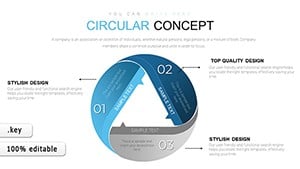
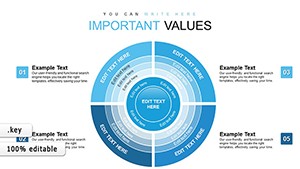
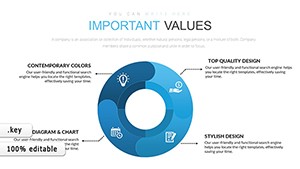
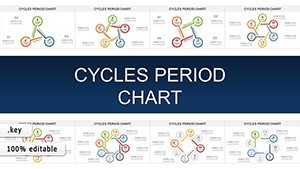
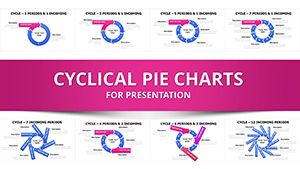
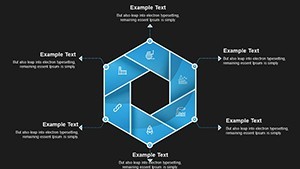
When you need to map important questions for stakeholders in brainstorming sessions the multi-segment wheel layouts with looping arrows handle that circular structure out of the box.
This Keynote chart template represents relationship mapping in cycles helping solve recurring problem identification in strategy planning with input data typically being key questions or process steps so the viewer concludes on next actions.
Typically teams use it for quarterly review cycles.
The paid version includes 8 editable slides featuring color variations custom animations and vector icons.
Use this instead of building cycle diagrams manually in Keynote because the predefined circular structure with query bubble and lightbulb icons keeps everything aligned.
It suits facilitators who lead problem-solving workshops.
Best used when you have sequential questions to cycle through yet not ideal for linear timelines.
This template works best for structured diagrams not open-ended creative slides.
You change colors via the slide master.
For similar circular visuals see the Important Sector Circle Free Keynote Charts Template or the Circular Concept Keynote Charts.
| Feature | Details |
|---|---|
| Slides / diagrams | 8 cycle diagrams |
| File format | KEY |
| Software version | Keynote (current versions) |
| Color schemes | Color variations included editable via master |
| Editable elements | Text colors vector icons and segments resize independently |
| Aspect ratio | 16:9 |
| Free vs Paid | Paid version includes 8 editable slides featuring color variations custom animations and vector icons |
| Masters / Backgrounds | Not specified on page |
You open the file and start editing.
Download and start editing immediately
How do I change colors via slide master in this Keynote chart template?
The process starts by opening the file in Keynote and navigating to the View menu to select Slide Master. From there you select the master slide and modify the color fills for the cycle segments which updates all 8 slides automatically. This saves time when you need to match company branding across multiple reports.
Can I use this template for client work?
The license permits commercial use including client presentations as long as you do not resell the template itself or distribute the original files. You can customize and deliver the finished decks to your clients without additional fees. Always check the license terms included in the download for full details.
What is the difference between free and paid versions?
The paid version includes the complete set of 8 editable slides with color variations custom animations and vector icons. The free version is not specified on the page. In most cases the paid edition covers all needs for cycle question mapping.
What are the refund conditions?
Refunds are available if the template does not meet your expectations within the first 7 days after purchase. Contact the support team with your order details for assistance. Full refund applies if the file has not been modified.
What Keynote version and macOS requirement is there?
The template works with current Keynote installations on macOS. It follows standard KEY format compatible with Keynote 10 and above though the exact version is not listed on the page. In practice it opens without issues on the latest macOS versions.