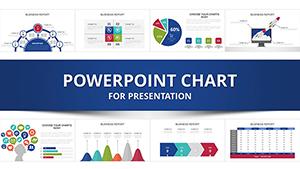
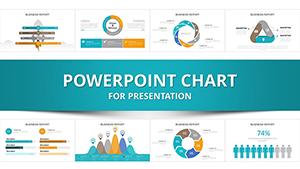
Startup Financial Model PowerPoint Template - Editable PPTX























Type: PowerPoint Charts template
Category: Analysis
Sources Available: .pptx
Product ID: PC01130
Template incl.: 32 editable slides
Startup financial model KPI dashboard PowerPoint template
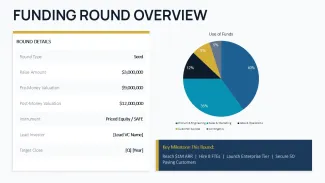
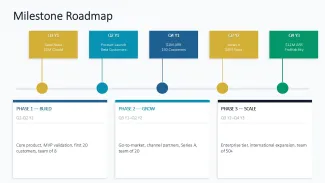
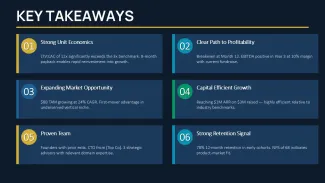
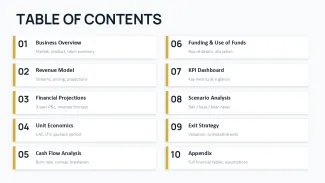
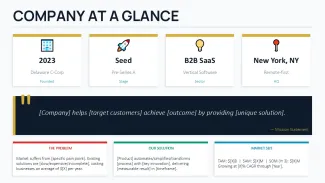
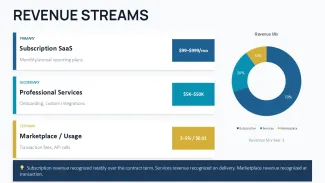
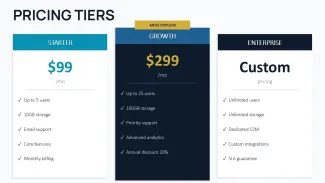
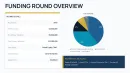
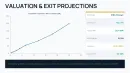
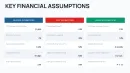
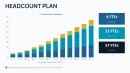
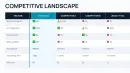
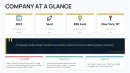
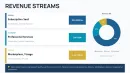
This startup financial model PowerPoint template is built around a very clear structure - and you feel that immediately when you open the file. It`s not just random slides. It follows the exact flow investors expect: business overview - revenue model - financial projections - unit economics - cash flow - funding - KPI dashboard - scenarios.
I opened it and went slide by slide. What stood out is how consistent the logic is. Each section feels like it belongs to the same model, not separate pieces stitched together. And that matters when you`re actually presenting numbers, not just visuals.
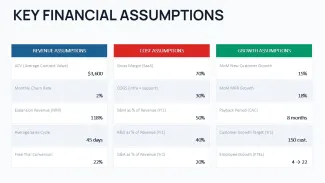
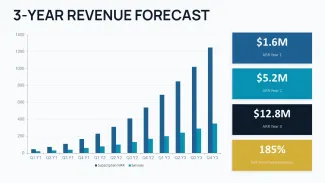
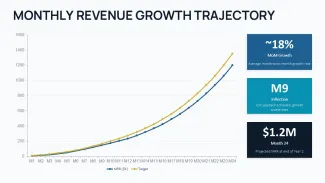
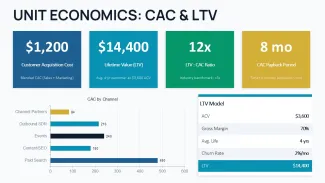
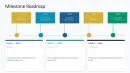
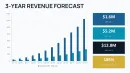
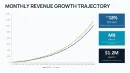
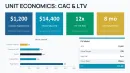
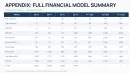
You get about 10 core slides, and each one focuses on a specific financial block. The revenue projections slide uses a horizontal progression with ARR growth across 3 years, while the unit economics section is more of a grid with CAC, LTV, payback period grouped tightly. Medium density, not overloaded. Works as-is.
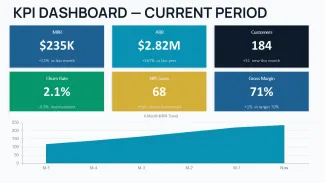
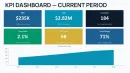
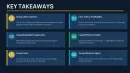
The KPI dashboard PowerPoint slide is probably the most useful one in practice. It`s built as a grid with clear metric separation - MRR, ARR, churn, customers - each in its own block. Honestly, I liked how easy it is to scan. You drop in your data, and it already looks structured.
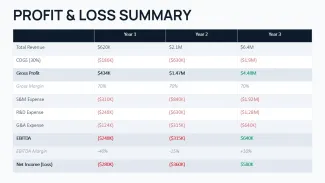
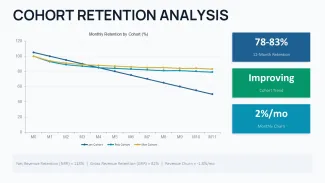
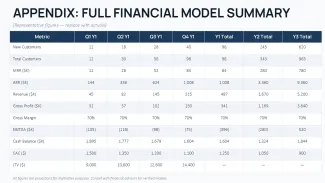
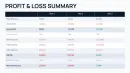
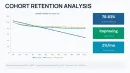
And yes, this is clearly a financial projections PowerPoint template, not a generic business deck. The P&L and revenue forecast slides are simplified, but they follow real SaaS logic (ARR, MRR growth, retention). That`s actually useful if you`re building something investor-facing.
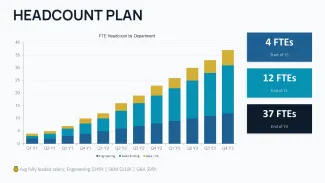
But one limitation - there are no detailed charts with editable Excel data. Everything is more presentation-level, not deep modeling. So if you need heavy financial calculations, you`ll still do that outside. This is for explaining, not calculating.
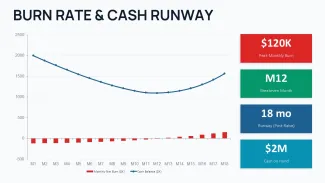
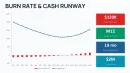
The cash flow analysis PowerPoint slide uses a simple vertical stack: burn rate, runway, breakeven. It`s straightforward, almost minimal, but in a real pitch that`s usually enough. You don`t want to overload that part anyway.
Editing is simple. I always change colors in the master first - here it works нормально, though took me a second to find the right layout group. After that, everything updates consistently. In practice, this saves time. Also, aspect ratio is 16:9.
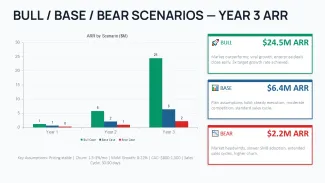
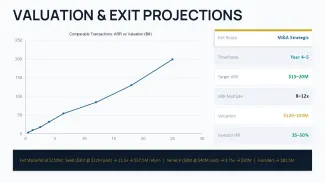
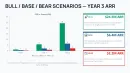
This startup financial model PowerPoint template fits founders, CFOs, and analysts preparing investor decks. You know that situation when the pitch is tomorrow - this is exactly when you grab something like this. It already has CAC, LTV, scenario analysis, even exit logic. That`s it.
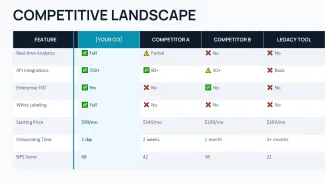
Compared to free templates, this one is more structured. Free ones usually give generic charts. Here you get a full financial narrative. Not perfect, but usable.
startup financial model presentation editable pptx
If you specifically need a startup financial model presentation editable pptx, this one works because everything is already logically grouped. You`re not rearranging slides - you`re filling them. That`s a big difference when time is tight.
| Feature | Details |
|---|---|
| Slides/diagrams | 10 structured slides: revenue projections, P&L, KPI dashboard, unit economics, scenarios |
| File format | PPTX - opens directly in PowerPoint without conversion |
| Software version | PowerPoint 2016+ and Microsoft 365 - no compatibility issues noticed |
| Color schemes | Single theme controlled via slide master - global color swap updates all slides |
| Editable elements | Text blocks, metric cards, icons and shapes resize independently without breaking layout |
| Aspect ratio | 16:9 widescreen - optimized for modern displays and pitch screens |
| Masters/Backgrounds | Centralized layout system - headers, colors, and spacing controlled in master slides |
| Best used for | Startup financial model PowerPoint template for investor decks with KPI dashboard PowerPoint and financial projections PowerPoint template logic |
FAQ
How do I change colors in this template?
So basically, you go to View - Slide Master and edit the theme colors there. Once you change the primary palette, all slides update automatically. Took me a second to find it, but after that it`s quick.
Can I use this startup financial model PowerPoint template for client work?
It`s the same license most marketplaces use - one purchase, one project. Commercial use is fine, including client presentations. Just don`t resell the template itself as a product.
What`s the difference between free and paid versions?
Usually free versions include only a few slides or reduced layouts. The full version gives you the entire structure - all financial sections, KPI dashboard, and scenario slides. Depends a bit on the marketplace, but that`s the pattern.
Does this include detailed financial calculations?
The short answer is no. This is a presentation layer - you show metrics like CAC, LTV, revenue projections. Calculations usually happen in Excel first, then you paste results here. Works fine.
Is this a startup financial model presentation editable pptx with KPI and projections?
Yeah, that`s basically what it is. You get KPI dashboard, revenue projections, unit economics - all editable directly in PowerPoint. No external tools required. Oh, and you can export to PDF from there too.