Keynote Zig Zag Process Charts - Fully Editable | ImagineLayout
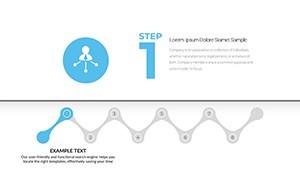
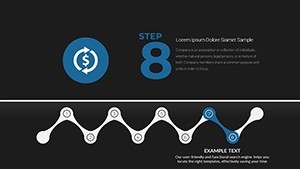
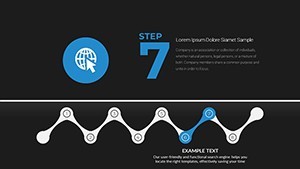
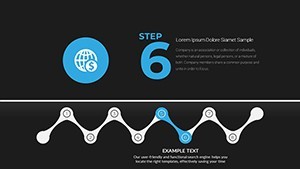
Type: Keynote Charts template
Category: Process
Sources Available: .key
Product ID: KC00684
Template incl.: 19 editable slides
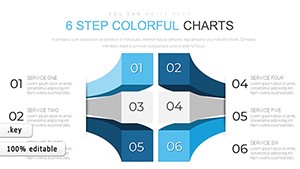
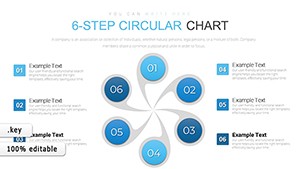
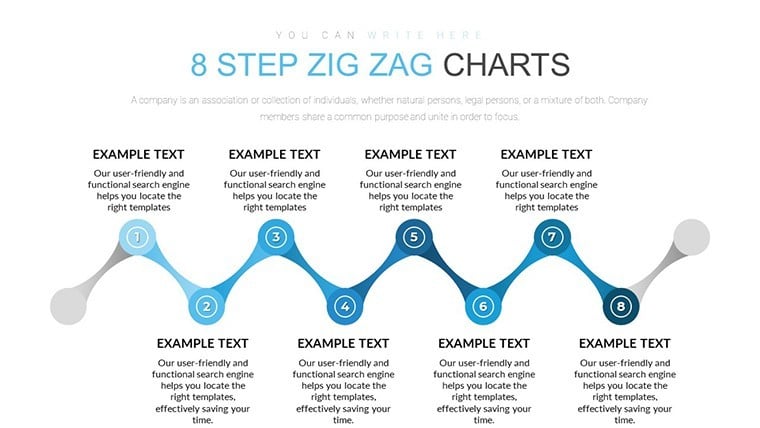
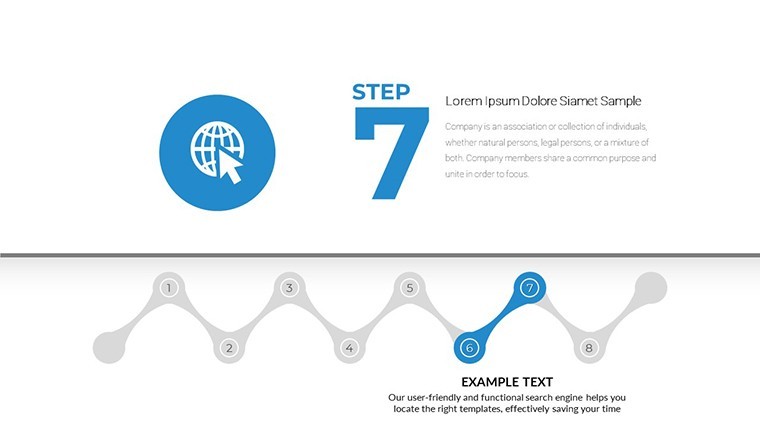
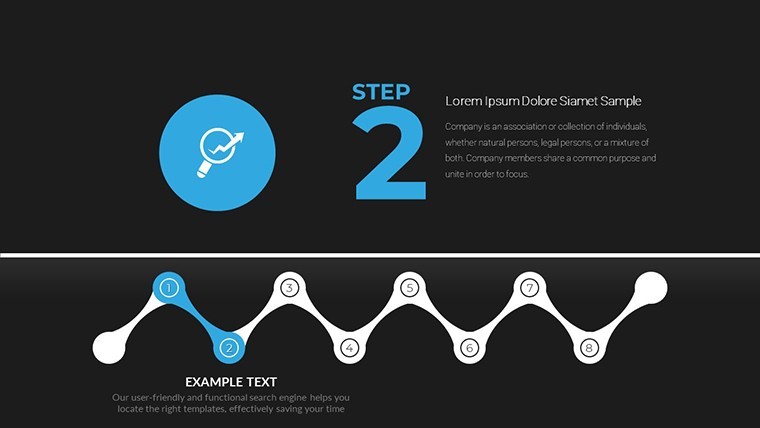
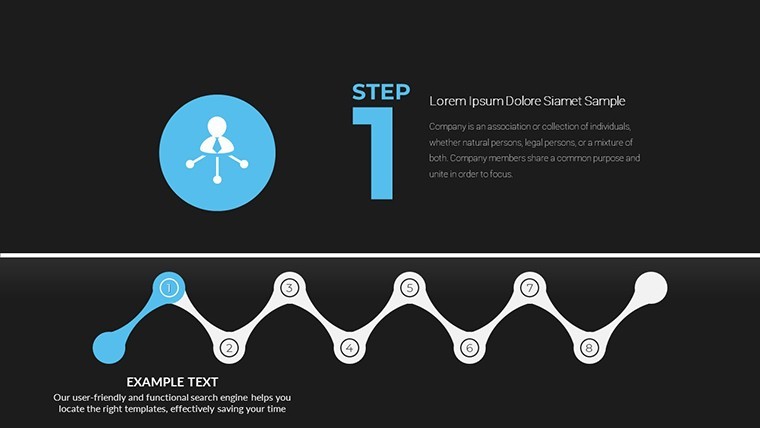
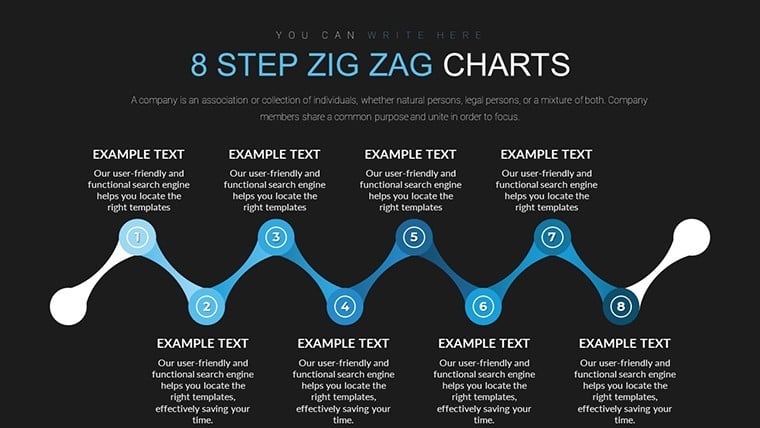
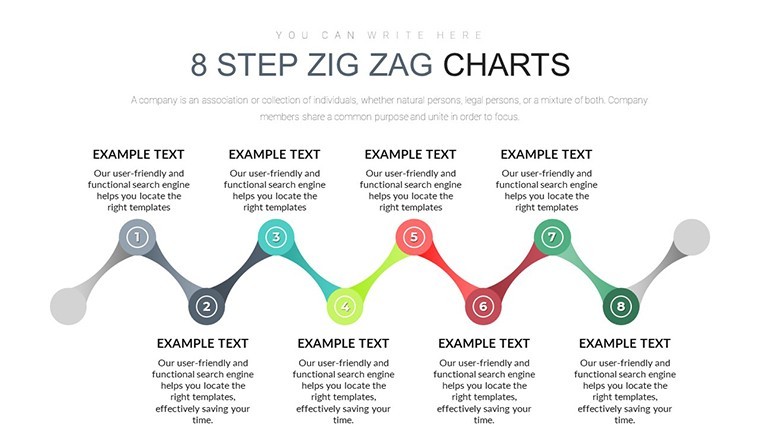
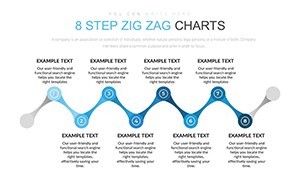
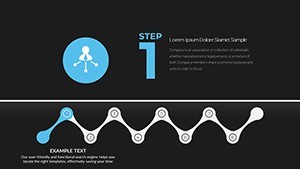
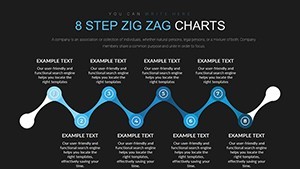
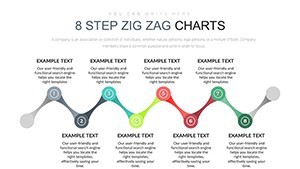
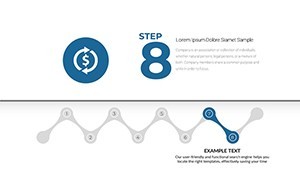
Keynote diagram template for step processes
For quarterly board decks with no designer the 19 step zig zag charts deliver instant structure.
No photo placeholders no gradients - just clean zig zag flows.
You can duplicate slides and reuse the same structure.
Paid version supplies all 19 editable slides in KEY format. The page does not list color schemes or free version details yet the files remain fully compatible with current Keynote.
Marketing coordinators use these when presenting campaign timelines to executives. The zig zag layout supports prioritization analysis so viewers decide which steps need acceleration.
Works well if your workflow data fits sequential steps not radial comparisons.
Typically you only replace text and the alignment stays perfect.
| Feature | Details |
|---|---|
| Slides / diagrams | 19 step zig zag charts |
| File format | KEY |
| Software version | Keynote 12+ |
| Color schemes | Not listed - master slide palette switch |
| Editable elements | Step boxes connectors and labels resize independently |
| Aspect ratio | 16:9 |
| Free vs Paid | Paid unlocks all 19 editable slides |
| Masters / Backgrounds | Unified master for instant theme updates |
Download and start editing immediately
How do I change colors across all charts?
Select View > Master Slides first. Update the theme colors in the Format panel on the right. This instantly refreshes every zig zag step in the 19 diagrams. In practice the change takes under 30 seconds and applies globally without touching individual slides.
Can I use these charts for client work?
Yes the license permits commercial use in client presentations. One purchase covers one project. You may not resell the template itself or share the source file. For multiple client projects purchase additional licenses.
What is the difference between free and paid versions?
The page does not list free version details. Paid version provides the complete 19 editable step zig zag charts in KEY format. Free downloads if offered contain limited previews only.
What are the refund conditions?
Refunds are available within 14 days of purchase if the KEY file fails to open in current Keynote. Submit the support ticket with proof of incompatibility. Refunds are not issued after successful download and editing.
What Keynote version and macOS do I need?
Files work in Keynote 12 or newer on macOS Ventura and later. Older versions may open with reduced editability for advanced segment effects. Test in your current installation before full rollout.
Explore process Keynote charts templates or Free Decision Making Keynote Charts Template.