 Click to zoom
Marketing Compass Keynote Charts - Fully Editable | ImagineLayout
| Format | .pptx |
| Slides | 16 unique layouts |
| Aspect ratio | 16:9 |
| Compatibility | PowerPoint |
| Animated | No |
| Language | English |
| License | Commercial |
| File size | — |
| Version | v1.0 |
| Last updated | April 2026 |
What's inside
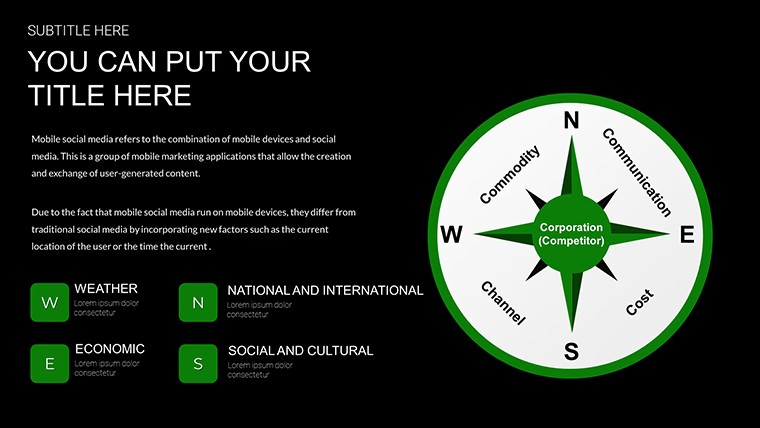
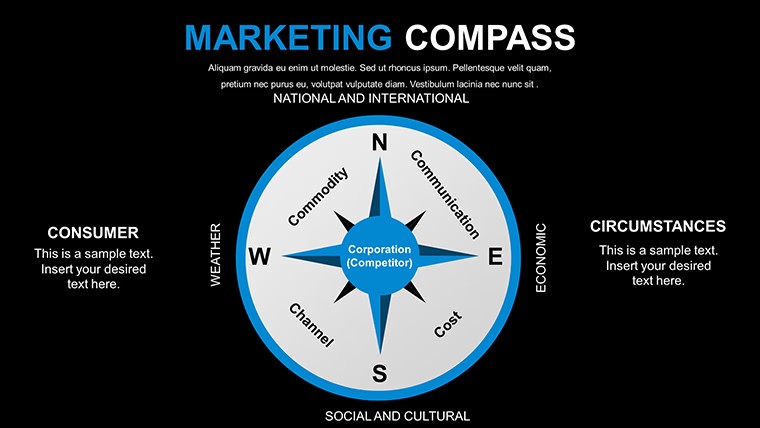
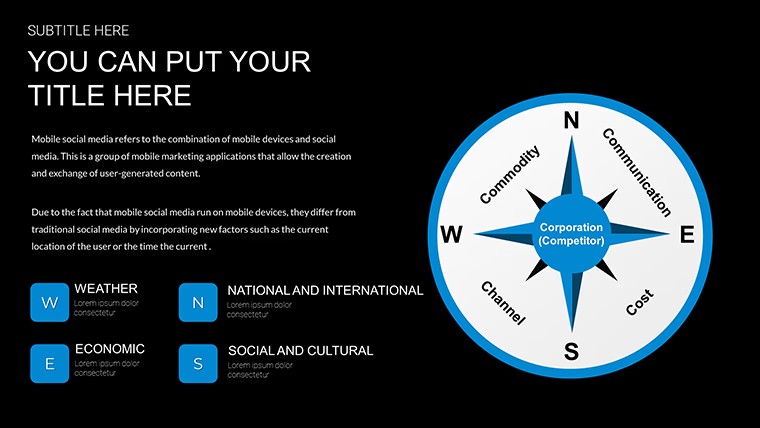
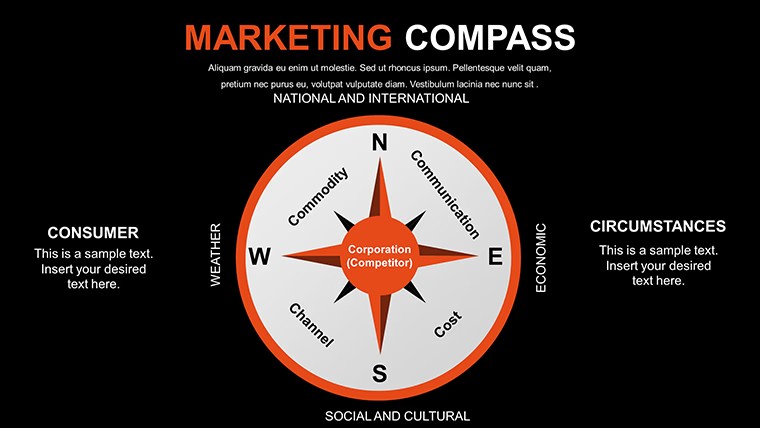
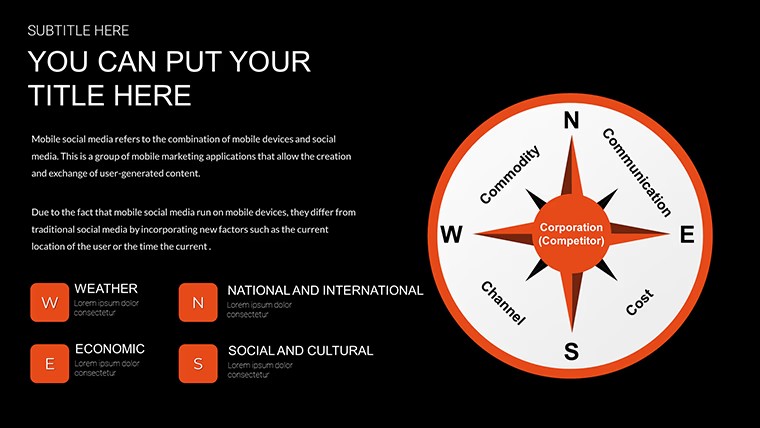
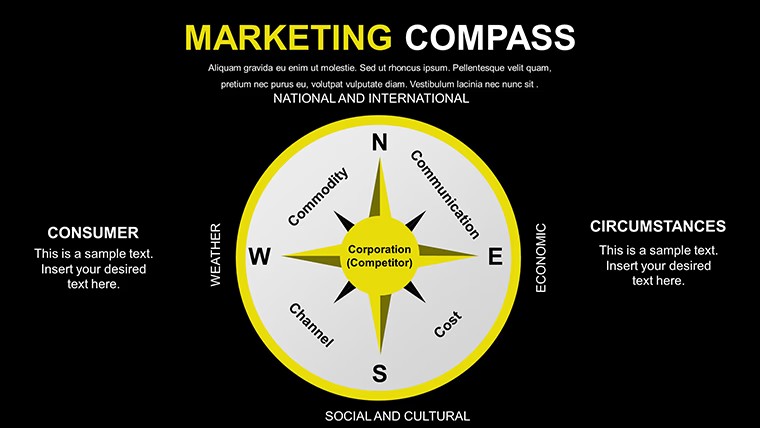
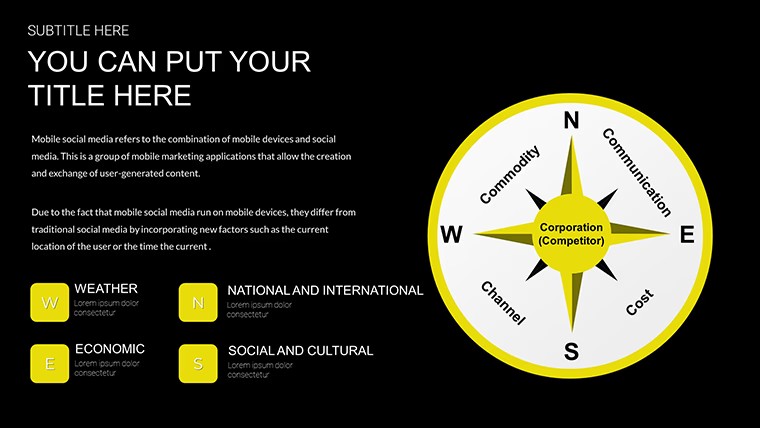
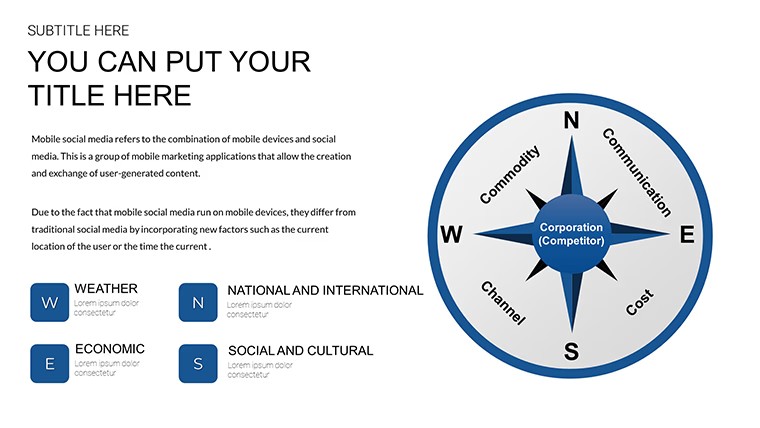
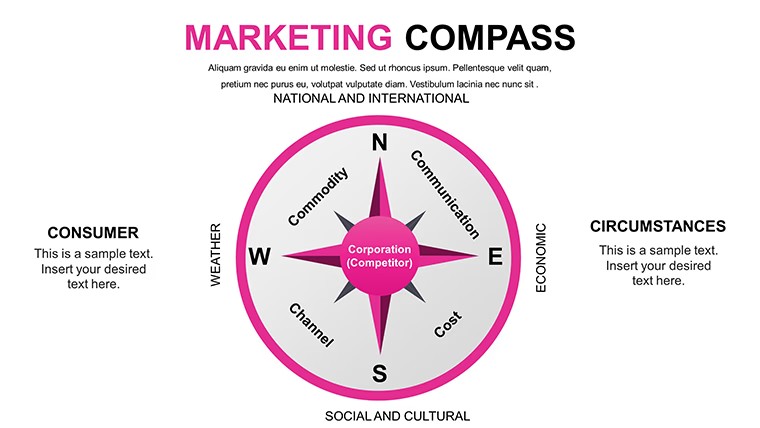
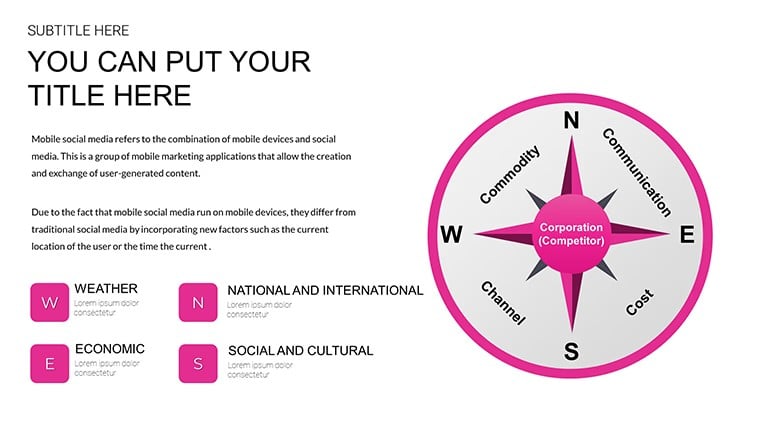
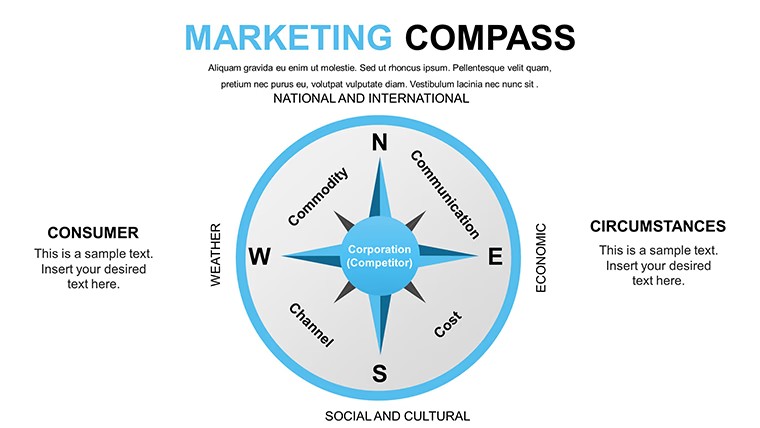
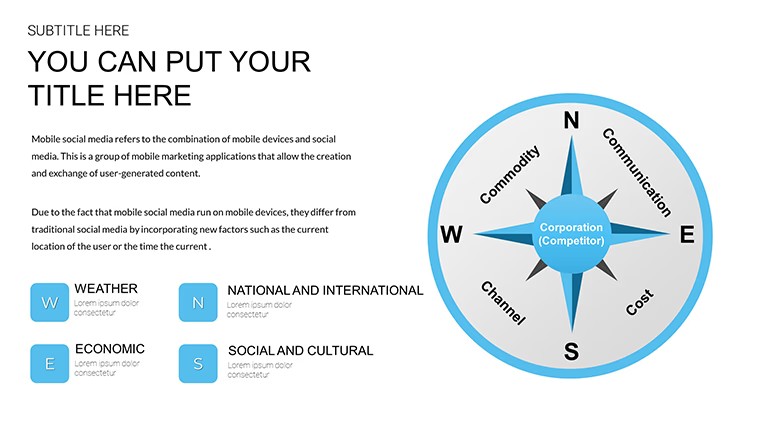
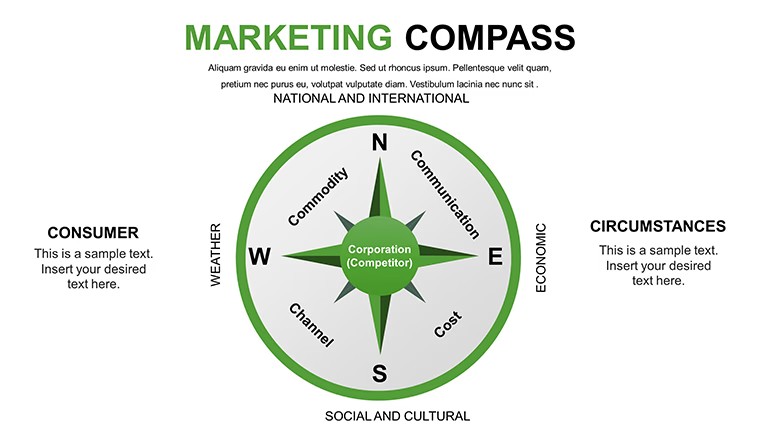
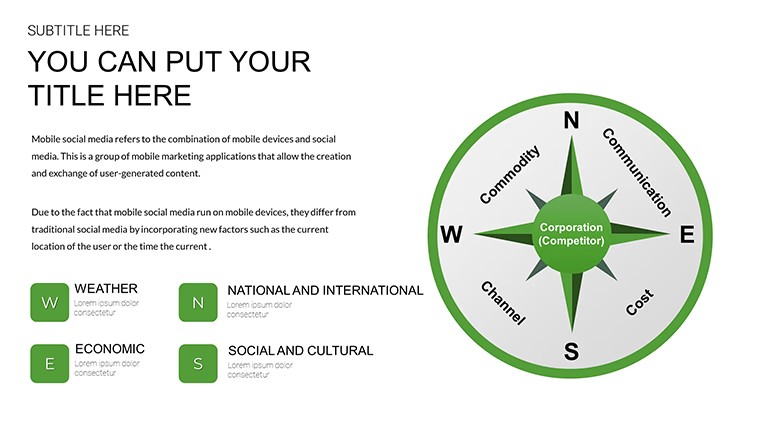
Marketing Compass Keynote Charts: Navigate Strategies with Precision
Marketing teams mapping campaign directions get clear strategic visuals from the 16 editable compass slides in KEY format.
You insert your objectives and the models point the way without extra layout work in most cases.
No complex layouts just structured blocks.
This Keynote chart template fits when consultants advise on market positions or business owners align growth tactics. The compass structures keep every mix and target visible on one slide and reuse easily across quarterly planning.
The page does not list exact preview details or paid options but the files follow standard KEY formats compatible with current installations.
Use this instead of building direction diagrams manually in Keynote. Predefined compass blocks prevent misaligned elements and deliver decisive visuals.
It is not designed for purely creative mood boards without strategic data.
You can duplicate slides and reuse the same structure.
Professionals rely on it for campaign reviews because the directional elements update via the slide master in seconds.
FeatureDetailsSlides / diagrams16 editable compass chartsFile formatKEYSoftware versionKeynote 12+ on macOS and iOSColor schemesUpdate via slide master for instant deck-wide changesEditable elementsText icons and compass elements resize and recolor independentlyAspect ratio16:9 widescreenFree vs PaidFull set of 16 slides included at no cost no paid version listedMasters / BackgroundsMaster slides enable global palette switchesEverything is already structured.
Download and start editing immediately
How do I change colors across all slides?Access slide master view update the theme colors once and all compass models refresh instantly. No need to edit each slide separately. This keeps branding consistent for every campaign update.
Can I use this template for client work?Yes the license permits client work under standard terms. Deliver finished presentations created with the template as part of your services. You cannot resell or redistribute the original KEY files themselves.
What is the difference between free and paid versions?This template is offered completely free with all 16 slides included. No paid version appears on the page so the download gives you the full set immediately. Everything required for editing is already inside the file.
What are the refund conditions?As a free template no refund process applies. Download and open the file in Keynote to verify compatibility first. Reach out to support only if the KEY file fails to load on supported software.
Which Keynote version do I need?The template runs on Keynote 10 and newer for macOS. It also opens on current iOS and iPadOS versions. Check your app version before editing to ensure full feature support.
Good for
- Project roadmaps and sprint plans
- Product launch timelines
- Quarterly or annual review decks
- Company history and milestone summaries
Licence
reviews
Used it for a class report and the charts helped show results
Added it to an office presentation and it looked fine
Worked fine for simple slides
Just needed quick presentation and it worked
FAQ
Will it work in Google Slides?
Are fonts embedded?
Can I use this for client work?
What's the refund policy?
Do you update the template after purchase?
Similar templates
See all Keynote Charts →
All 16 slides