Chevron Steps Keynote Charts - Editable Keynote | ImagineLayout
Type: Keynote Charts template
Category: Free Templates, Arrows
Sources Available: .key
Product ID: KC00611
Template incl.: 24 editable slides
Simple Chevron Steps Free Keynote Charts Template
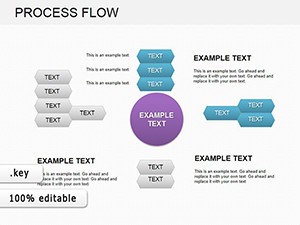
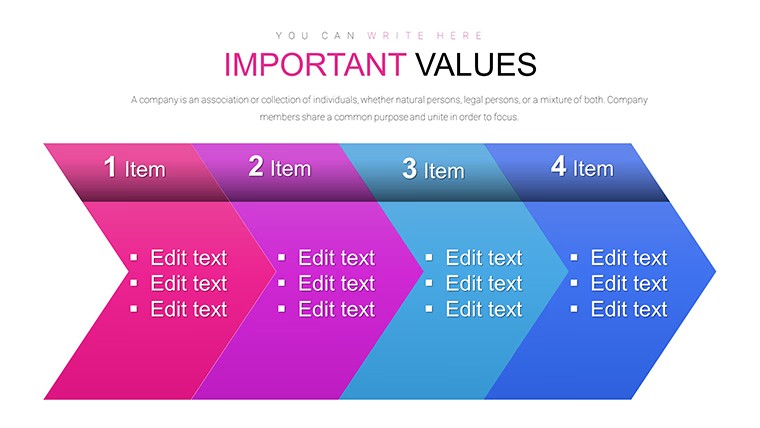
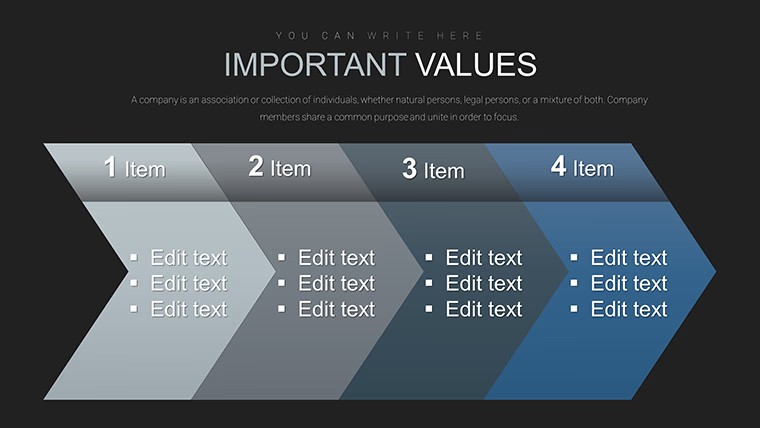
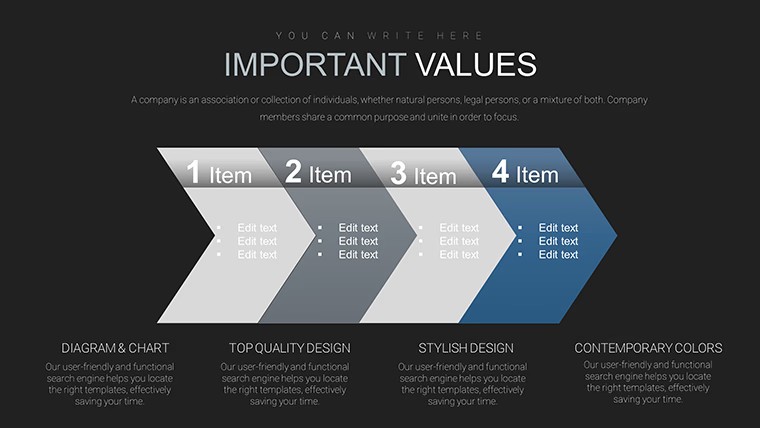
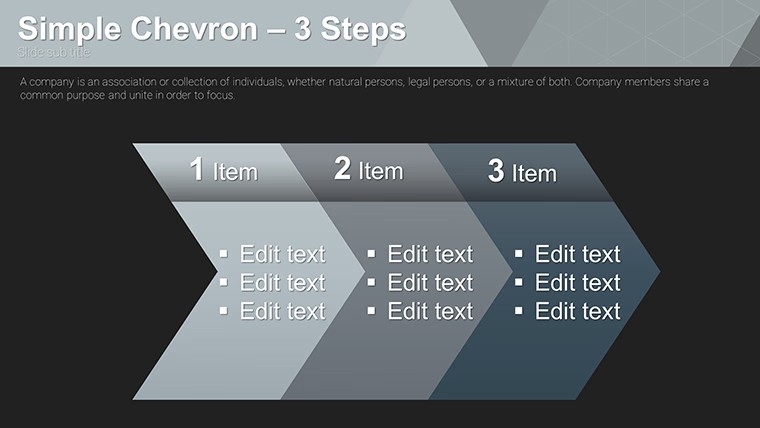
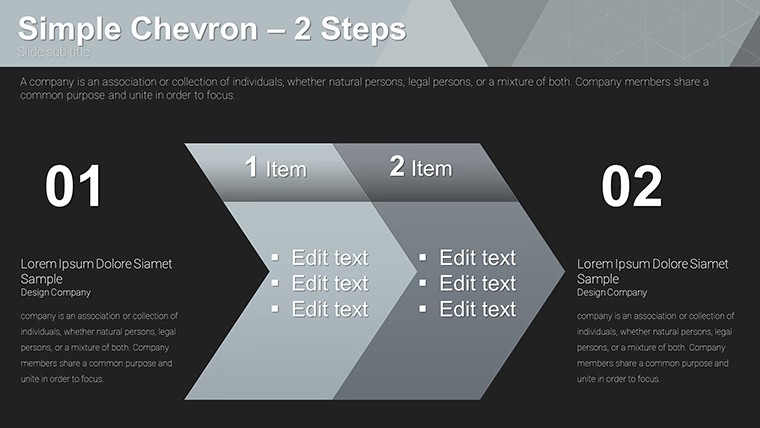
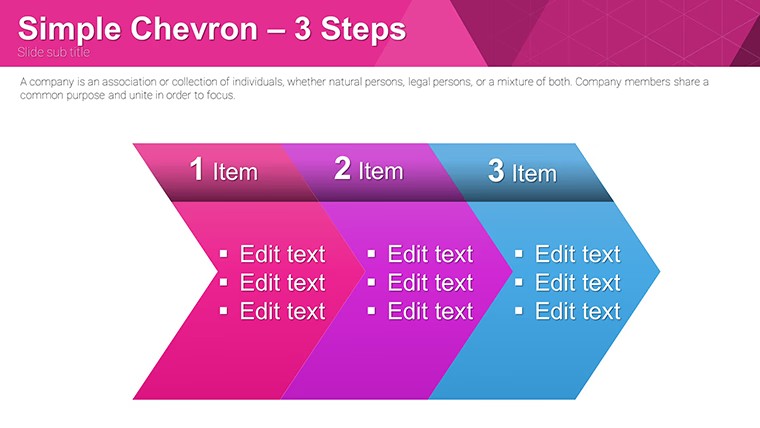
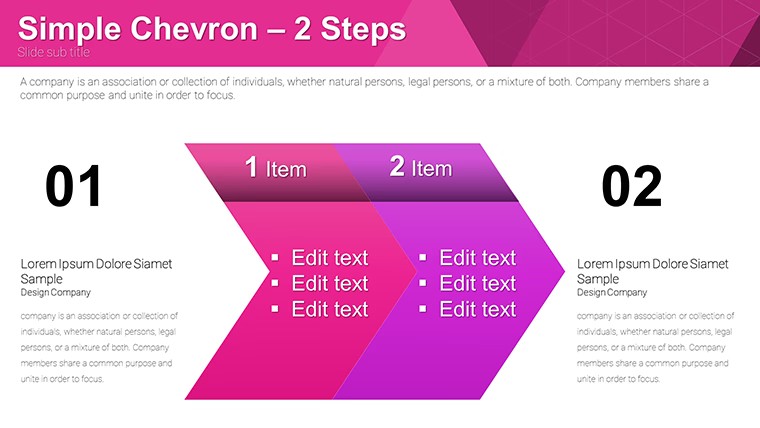
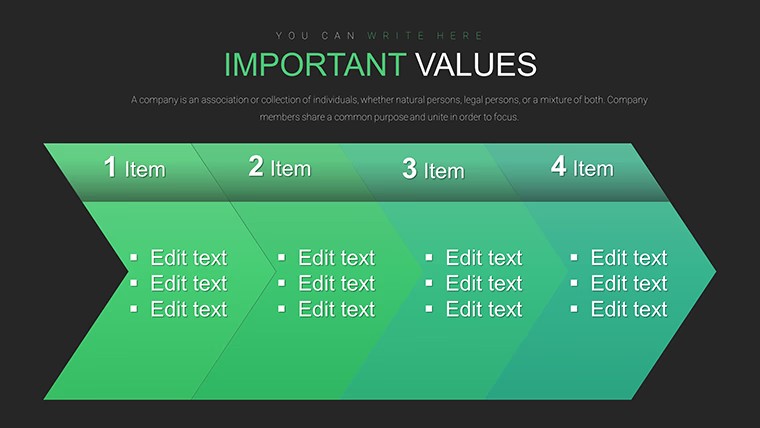
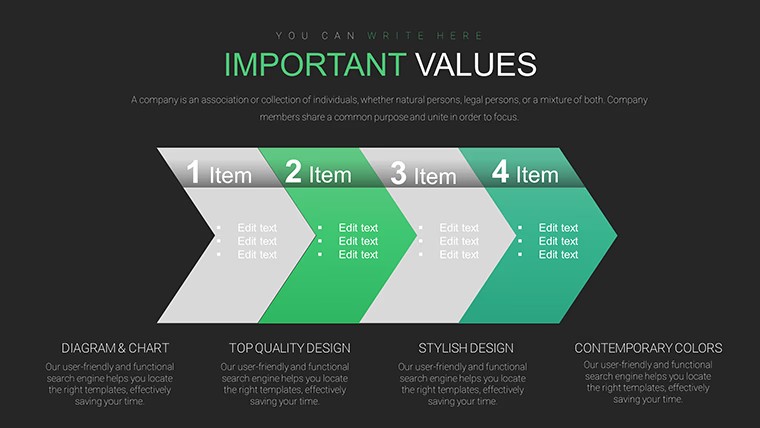
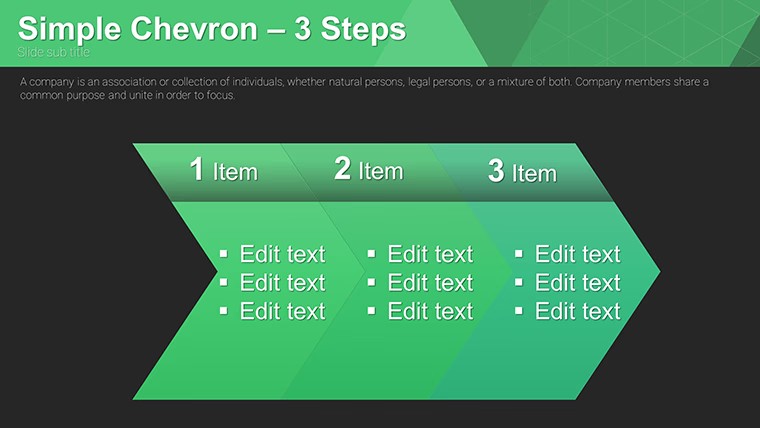
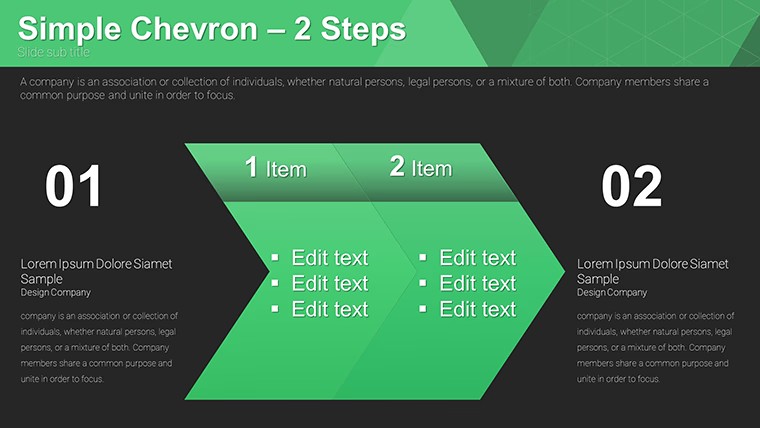
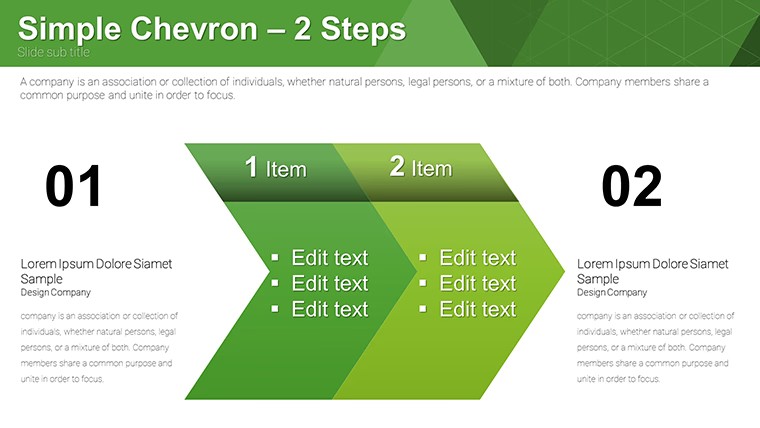
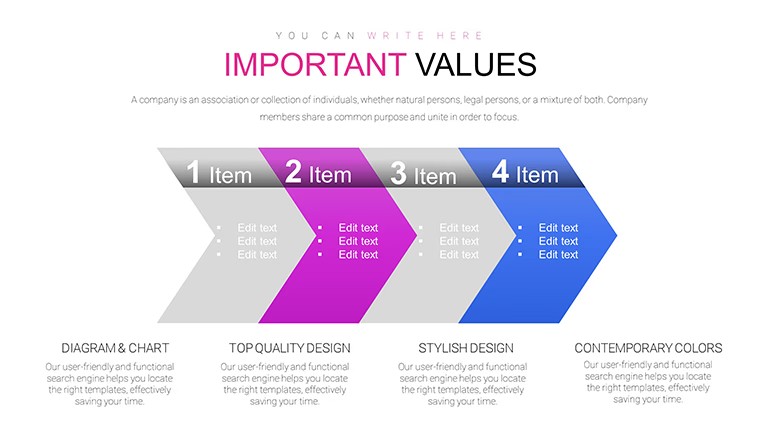
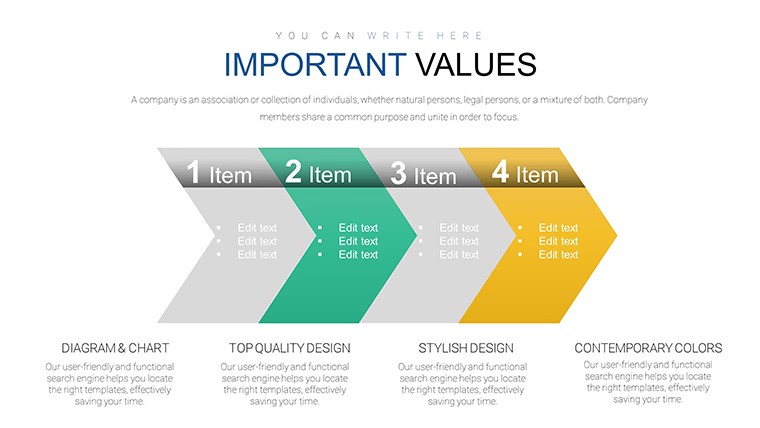
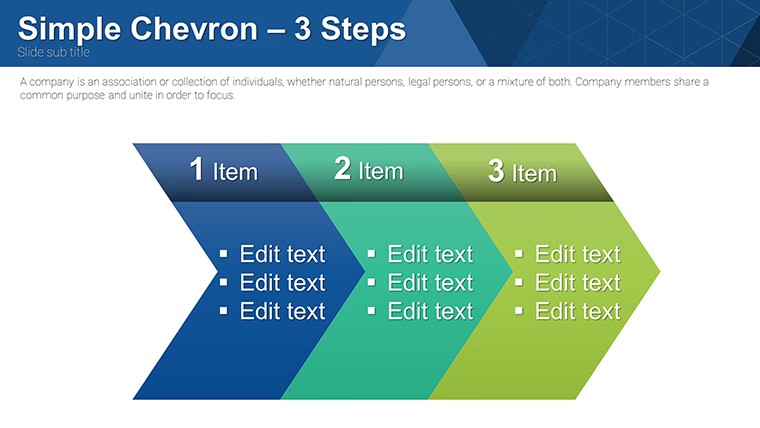
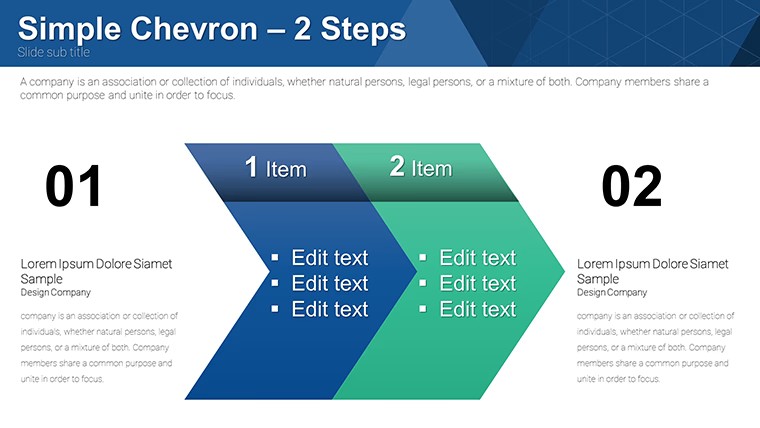
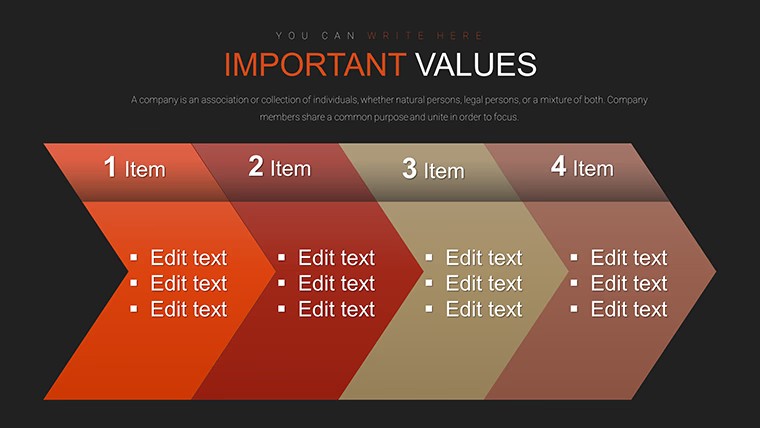
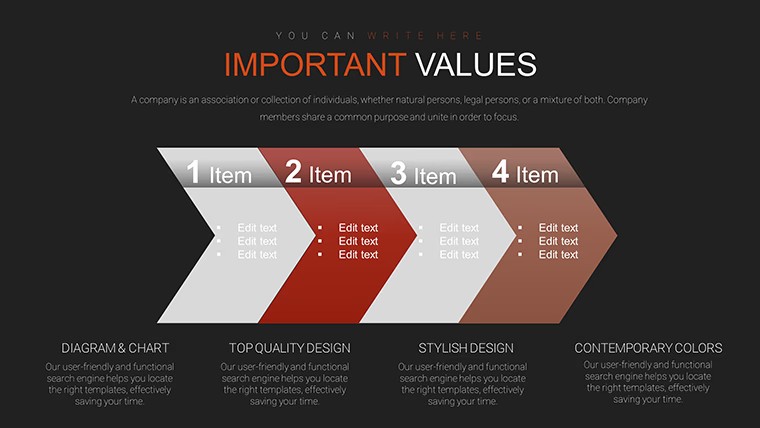
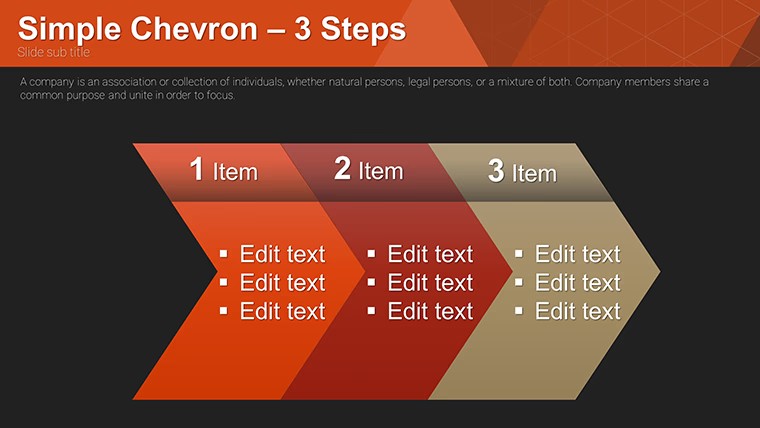
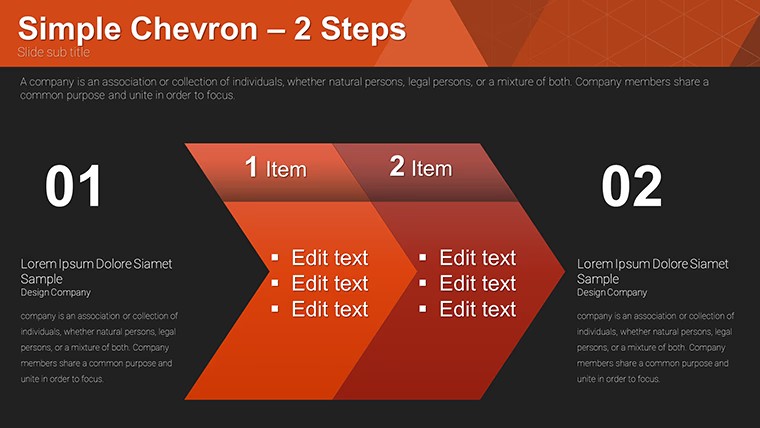
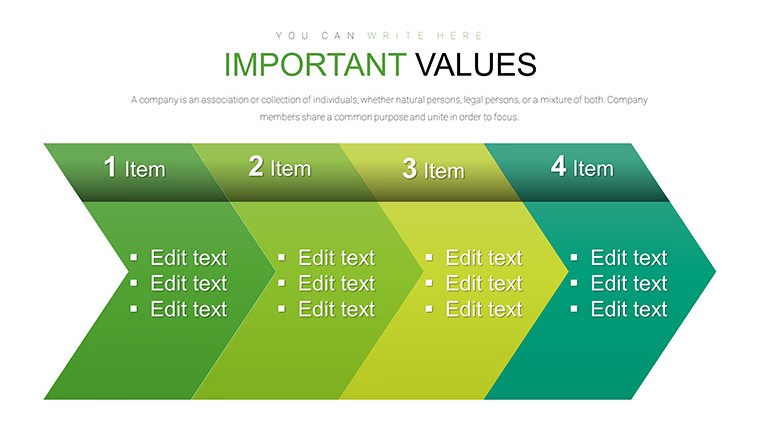
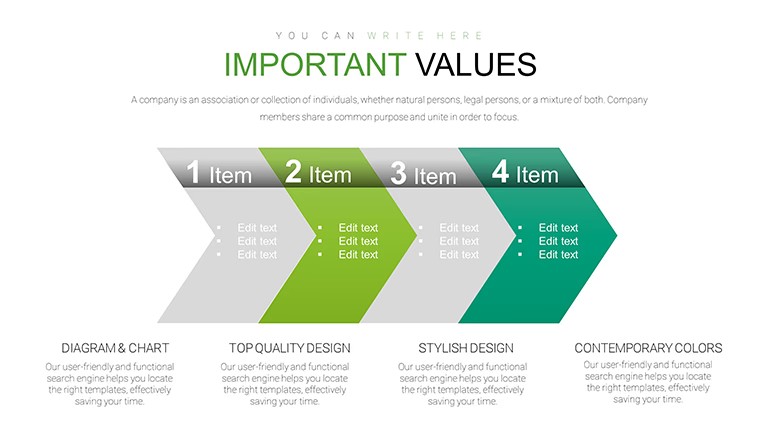
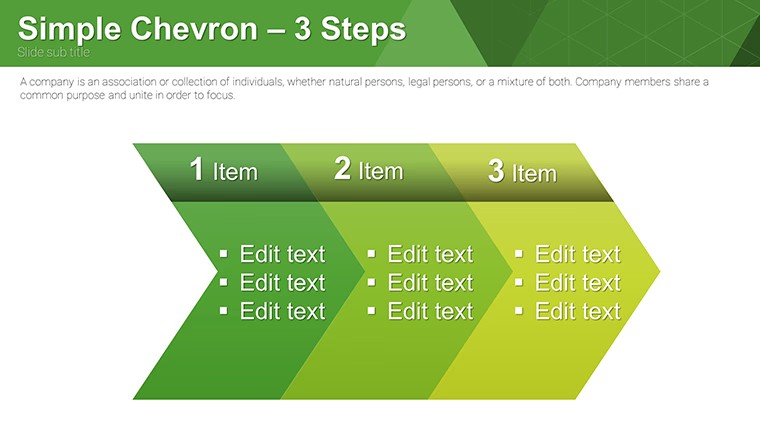
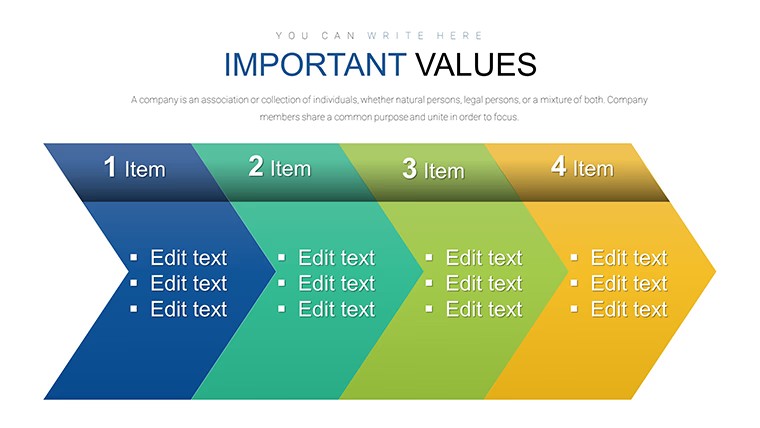
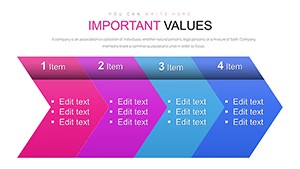
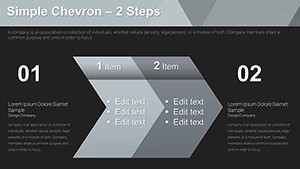
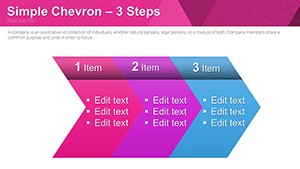
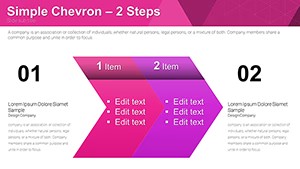
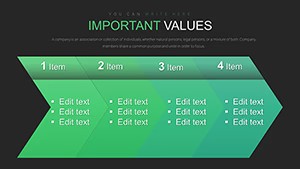
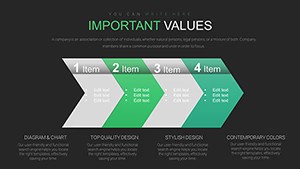
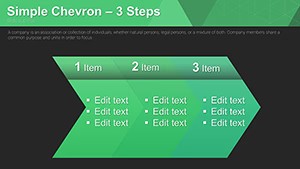
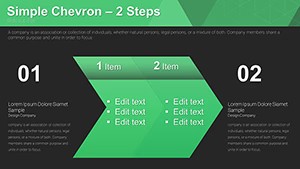
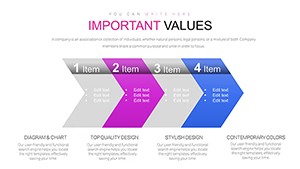
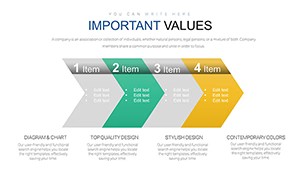
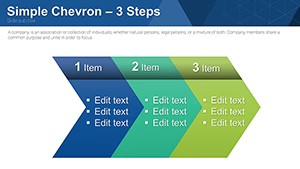
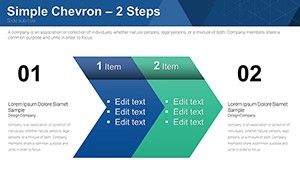
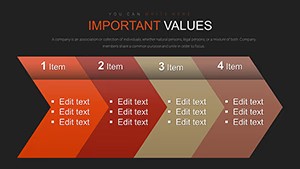
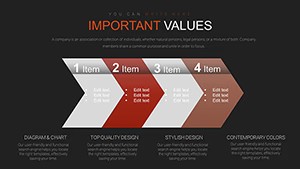
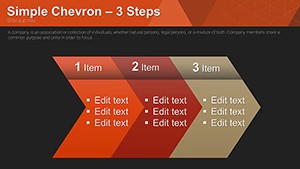
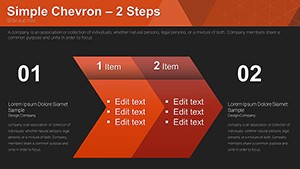
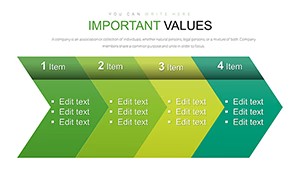
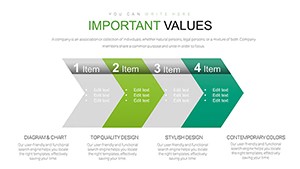
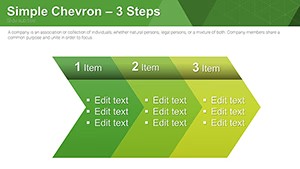
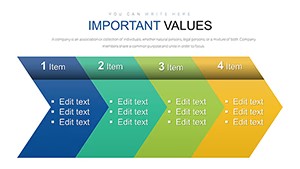
Open the KEY file and you get 24 chevron step structures ready for timelines or process flows.
No complex layouts, just structured blocks.
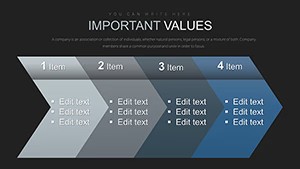
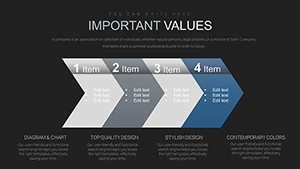
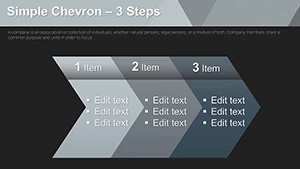
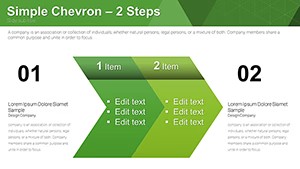
Each chevron points right in a horizontal stepped flow that builds suspense while keeping every stage clearly separated and readable at a glance.
Project managers drop milestone data into the predefined arrows and the entire sequence aligns automatically instead of arranging shapes one by one.
This free version supplies all 24 editable slides with no paid difference listed.
Vibrant color variations switch across the deck through the slide master in seconds.
The horizontal direction works best for linear sequences yet it is not suited for hierarchical org charts that need branching.
When you present a multi-stage workflow to the team the chevron steps replace manual arrow drawing and keep the layout clean on one slide.
In most cases you only replace text and the structure stays intact for reuse in recurring status updates.
You can duplicate slides and reuse the same structure.
The file prevents overcrowded layouts because each step sits inside its own chevron block.
Not ideal for creative storytelling slides that require freeform visuals.
| Feature | Details |
|---|---|
| Slides / diagrams | 24 chevron step diagrams |
| File format | KEY |
| Software version | Keynote on Mac and iOS current installations |
| Color schemes | Vibrant variations switch via slide master |
| Editable elements | Chevron shapes resize text recolors independently |
| Aspect ratio | 16:9 standard |
| Free vs Paid | Fully free version with all 24 slides included |
| Masters / Backgrounds | Editable slide masters for quick palette switch |
See also Business Process Flow Keynote Charts Template and Creative Funnel Charts Keynote Template.
How do I change colors across all slides?
Edit the slide master once and every diagram updates automatically. Select the chevron element in master view to adjust fill or stroke. This applies the new scheme to the full deck in seconds.
Does the license allow client work?
The license permits use in client presentations as long as you do not resell or redistribute the original template files. One license covers one user for editing. Teams or agencies purchase additional copies for multiple editors.
What is the difference between free and paid versions?
This free version provides the complete set of 24 editable slides with no additional cost. No paid version appears on the page so the full content is available upfront. You download once and begin customizing immediately.
What are the refund conditions?
Digital downloads do not qualify for refunds once files are accessed due to instant availability. If the KEY file fails to open in your Keynote version contact support within 48 hours. Most cases receive a quick compatibility fix instead of refund.
Can multiple team members use one license?
One license is intended for a single user. Collaborative editing requires separate licenses per person who modifies the file. Contact support for volume licensing options.
Download and start editing immediately