How to Design AI-Powered Business Presentations
AI can draft your deck in minutes — but it still can't tell you which number matters most, and that's usually the difference between a deck that lands and one that doesn't.
Design tips, tutorials, product updates, and industry insights.

AI can draft your deck in minutes — but it still can't tell you which number matters most, and that's usually the difference between a deck that lands and one that doesn't.

The deadline isn't the problem — building the story after the slides are already half-built is.
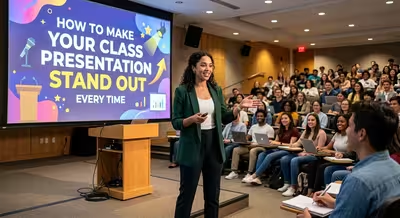
Why do some class presentations get remembered while most blur into one after the twentieth — and it isn't the intro that decides it.

Turning off every animation is easy — the harder part is figuring out what's supposed to replace the movement you just deleted.

Sixty seconds isn't enough time to explain your idea — which turns out to be exactly the point.
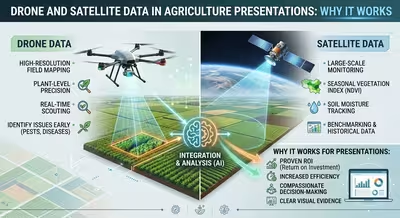
Why does a thermal drone map hold a room that the same yield numbers on a bar chart never could — and where does that trick fall apart?

Your FarmTok feed and your investor deck are telling two completely different stories about agriculture — here's how to close that gap.

Two AI models, one slide deck — here's how to split the work between ChatGPT and Claude so the text doesn't read like either of them wrote it.
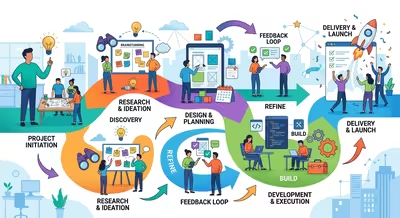
Most process slides get ignored because they're built as documentation, not as an argument — here's how to fix that.