
Agriculture & Animals Word templates
This collection covers Word templates built around agriculture, livestock, and nature subjects - from operational farm reports and crop documentation to decorative florals and wildlife-themed layouts. The range is broader than the category name suggests: you`ll find structured multi-page documents designed for real field use alongside thematic backgrounds suited to publications, guides, and educational materials.
A farm operations manager preparing a seasonal livestock performance report has different needs than a wildlife researcher compiling field observations for a grant submission - and both situations are genuinely covered here. One notable detail from working with similar structured documents: the multi-page layouts, like the 50-page Lamb Farming template, use section-based formatting that holds together across pagination in a way that blank documents simply don`t.
If your document needs to combine narrative, tabular data, and imagery without collapsing under revision pressure, these templates give you a structured starting point. Browse the collection and adapt what fits your workflow.
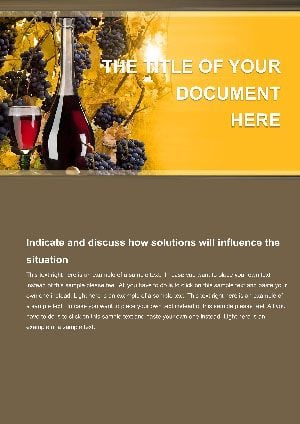 (150)
(150) Make Wine Word Template: Your Blueprint to Home VintagesID: #WT01499$10.00
 (1127)
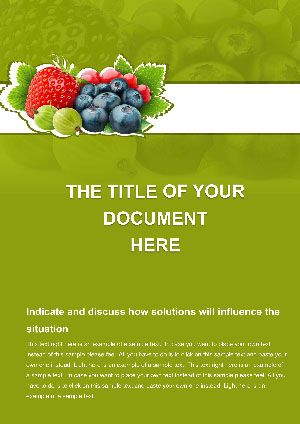
 Berry Garden Word Template: Cultivate Stunning DocumentsID: #WT01479$9.00
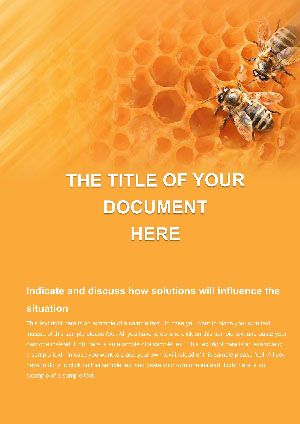 (498)
Honey Bee Word Template: Sweeten Your StorytellingID: #WT01478$8.00
(498)
Honey Bee Word Template: Sweeten Your StorytellingID: #WT01478$8.00 (984)
Basket of Flowers Word Template: Infuse Your Documents with Natural CharmID: #WT01471$8.00
(984)
Basket of Flowers Word Template: Infuse Your Documents with Natural CharmID: #WT01471$8.00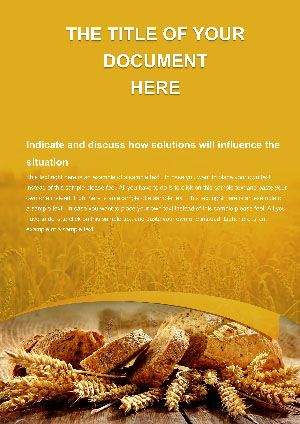 (965)
(965) Bread and Wheat Word Template: Ground Your Documents in Rustic AuthenticityID: #WT01470$12.00
 (107)
Gift Flowers Word Template: Celebrate with Floral FlairID: #WT01193$5.00
(107)
Gift Flowers Word Template: Celebrate with Floral FlairID: #WT01193$5.00 (453)
(453) Elegant Secret Flower Free Word TemplateID: #WT01159free
 (639)
Lamb Farming Word Template 50 Pages Agriculture | ImagineLayoutID: #WT01075$8.00
(639)
Lamb Farming Word Template 50 Pages Agriculture | ImagineLayoutID: #WT01075$8.00 (340)
Maize Cultivation Word Template: Sow Ideas, Reap ResultsID: #WT01067$8.00
(340)
Maize Cultivation Word Template: Sow Ideas, Reap ResultsID: #WT01067$8.00 (201)
Corn Production Word Template for AgribusinessID: #WT01066$8.00
(201)
Corn Production Word Template for AgribusinessID: #WT01066$8.00 (182)
Field and Tractors Word Template: Cultivate Documents That Yield ResultsID: #WT01034$12.00
(182)
Field and Tractors Word Template: Cultivate Documents That Yield ResultsID: #WT01034$12.00 (306)
Eco Earth Word Template for Green ReportsID: #WT01031$8.00
(306)
Eco Earth Word Template for Green ReportsID: #WT01031$8.00 (306)
Grain Harvest Agriculture Word TemplateID: #WT00996$10.00
(306)
Grain Harvest Agriculture Word TemplateID: #WT00996$10.00 (883)
Roses with Greeting Word Template: Bloom Words of EleganceID: #WT00932free
(883)
Roses with Greeting Word Template: Bloom Words of EleganceID: #WT00932free (764)
Elegant Purple Flower Word Background TemplateID: #WT00868$8.00
(764)
Elegant Purple Flower Word Background TemplateID: #WT00868$8.00 (269)
Exquisite Mushroom Word Template: Where Nature Meets NarrativeID: #WT00852$10.00
(269)
Exquisite Mushroom Word Template: Where Nature Meets NarrativeID: #WT00852$10.00 (474)
Autumn Acorns Word Template: Harvesting Visual WarmthID: #WT00850$12.00
(474)
Autumn Acorns Word Template: Harvesting Visual WarmthID: #WT00850$12.00 (265)
Agriculture Green Environment Word Template: Cultivating Professional Eco-DocsID: #WT00826$5.00
(265)
Agriculture Green Environment Word Template: Cultivating Professional Eco-DocsID: #WT00826$5.00 (968)
Wildlife Conservation Word TemplateID: #WT00798free
(968)
Wildlife Conservation Word TemplateID: #WT00798free (503)
Lily Word Template: Blossoming Narratives for Rural RealmsID: #WT00772$14.00
(503)
Lily Word Template: Blossoming Narratives for Rural RealmsID: #WT00772$14.00 (324)
Horses Word Template - Equine Document DesignsID: #WT00743$10.00
(324)
Horses Word Template - Equine Document DesignsID: #WT00743$10.00 (618)
Roses Flower Delivery Word Template: Blooming Expressions of LoveID: #WT00724$12.00
(618)
Roses Flower Delivery Word Template: Blooming Expressions of LoveID: #WT00724$12.00 (963)
Exquisite Wine Guide Word Template for Enthusiasts | ImagineLayoutID: #WT00532$8.00
(963)
Exquisite Wine Guide Word Template for Enthusiasts | ImagineLayoutID: #WT00532$8.00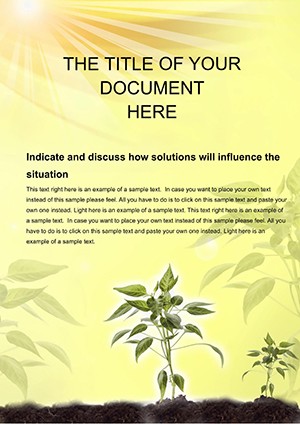 (1121)
Growing Plants Word Template: Seeds of Success in Every SpreadID: #WT00448$10.00
(1121)
Growing Plants Word Template: Seeds of Success in Every SpreadID: #WT00448$10.00 (461)
Rare Plants Word Template: Cultivate Compelling Breeding DocumentsID: #WT00447$10.00
(461)
Rare Plants Word Template: Cultivate Compelling Breeding DocumentsID: #WT00447$10.00 (416)
Leopard Wildlife Word Template for Nature Docs | ImagineLayoutID: #WT00422$8.00
(416)
Leopard Wildlife Word Template for Nature Docs | ImagineLayoutID: #WT00422$8.00 (357)
Soar with Butterfly Word TemplatesID: #WT00331$10.00
(357)
Soar with Butterfly Word TemplatesID: #WT00331$10.00 (326)
Rare Butterfly Word Template: Wings of Wonder in Every PageID: #WT00323$10.00
(326)
Rare Butterfly Word Template: Wings of Wonder in Every PageID: #WT00323$10.00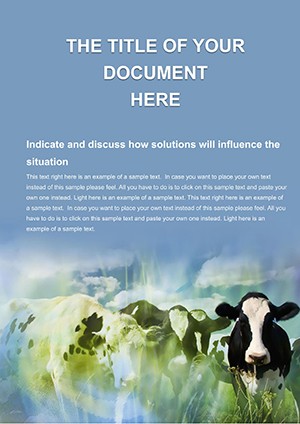 (496)
Cows and Farm Word Template: Cultivating Clear Agricultural NarrativesID: #WT00296$10.00
(496)
Cows and Farm Word Template: Cultivating Clear Agricultural NarrativesID: #WT00296$10.00 (505)
Aquarium Fish Word Template: Vibrant BackgroundsID: #WT00283$10.00
(505)
Aquarium Fish Word Template: Vibrant BackgroundsID: #WT00283$10.00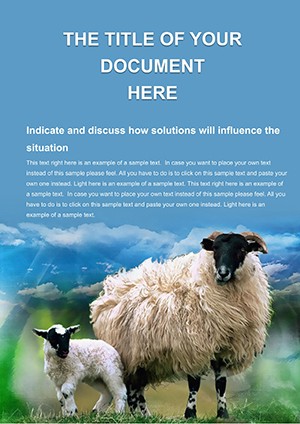 (63)
Sheep Farm Word Template: Rural EssentialsID: #WT00280$8.00
(63)
Sheep Farm Word Template: Rural EssentialsID: #WT00280$8.00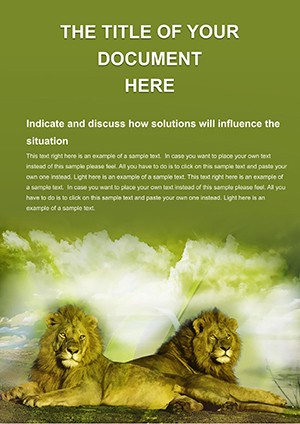 (328)
Lions Word Template: Roar into Wildlife NarrativesID: #WT00275$10.00
(328)
Lions Word Template: Roar into Wildlife NarrativesID: #WT00275$10.00 (168)
Lion Park Word TemplateID: #WT00262$8.00
(168)
Lion Park Word TemplateID: #WT00262$8.00
What this collection actually contains - and the honest split worth knowing
The agriculture and animals category at ImagineLayout covers two distinct document types, and it`s worth being clear about the difference before you start browsing. On one side, you have operational documents: multi-page structured layouts for livestock farming, grain harvest reporting, crop cultivation, and agribusiness proposals. These are built with section headings, table structures, and image placeholders that reflect how real operational documents get used - revised over weeks, expanded with new data, and eventually exported to PDF for external review.
On the other side, there are thematic background templates - floral designs, butterfly imagery, botanical aesthetics - that serve a completely different purpose. These work well for publications, educational handouts, certificates, or any document where the visual tone matters more than structured data output. They`re not operational documents, and they`re not trying to be.
Knowing which half of the collection fits your project saves time. If you`re building a livestock health assessment or a grant proposal for crop expansion, go straight to the agricultural report layouts. If you`re preparing a nature-themed publication or a gardening guide, the decorative templates are genuinely useful for that purpose.
Where structured agricultural Word documents actually break down
In practice, Word documents in farming and agribusiness projects carry more structural weight than most people expect when they start writing. A livestock performance report typically needs to hold narrative, comparative tables, photographic evidence, and compliance data - all in one document, across 20 to 50 pages, that gets revised multiple times before submission.
The specific failure points are predictable. Adding a column to a livestock metrics table breaks the layout if the table was built manually rather than through Word`s native table object. Inserting a field photograph on page 12 shifts everything after it by half a page if image anchoring isn`t configured correctly. Section breaks disappear when someone copies content between files, leaving the document formatted inconsistently across revisions.
From working on multi-page operational reports, I liked how the structured templates in this collection handle these issues at the style level rather than through manual formatting. Spacing between sections is controlled by paragraph styles, not empty line breaks - which means scaling from 10 pages to 40 doesn`t require reformatting anything. That sounds minor until you`ve done it manually once.
Real document scenarios this collection covers
A veterinary consultant compiling a regional livestock health assessment needs a document that combines diagnostic summaries, treatment protocol tables, and field photographs in a readable sequence. The challenge isn`t the writing - it`s getting the document to hold together when content from multiple sources is consolidated into a single file. Structured templates with predefined image anchoring and stable table styles make that consolidation practical.
An agribusiness analyst preparing a funding proposal for maize or corn production expansion needs financial projection tables alongside narrative justification - both readable for a grant committee and editable by a team. The Maize Cultivation and Corn Production templates in this collection handle that dual requirement, with table structures that don`t break when values are updated.
A farm owner documenting seasonal yield data for internal review or investor reporting needs a document that looks credible without requiring a design budget. The Field and Tractors and Grain Harvest layouts serve that function without overcomplicating the editing process.
An academic researcher summarizing animal behavior field studies for publication needs structured sections - methodology, observations, analysis, conclusions - with consistent heading hierarchy. The Wildlife Conservation template handles that structure cleanly, and it`s free. Oh, and the layouts export to PDF without page-break surprises, which matters when submission deadlines are involved.
When to choose this category over adjacent Word template categories
If your document is industry-specific to agriculture, livestock, horticulture, or wildlife - with imagery and thematic context that signals domain knowledge to the reader - this is the right category. But there are situations where adjacent categories serve better.
The Business Word templates work better for generic corporate proposals and operational documents that don`t require domain-specific visual context. If you`re writing an agribusiness strategy memo for a corporate audience where industry imagery would feel out of place, a neutral business layout will read more cleanly than a thematic agricultural one.
The Food & Beverage Word templates overlap slightly for products like wine guides and artisan food documentation - but that category focuses more on consumer-facing materials, menus, and product sheets rather than operational farm reporting. If your document is a wine production guide for retail distribution, it belongs there. If it`s a vineyard yield report for an investor, it belongs here.
The Industry & Production Word templates are worth checking if your agribusiness document is more supply-chain and logistics-oriented than field-and-farm-oriented - distribution metrics, processing facility reports, that kind of output.
A technical note on expanding tables in Word - because you will need to
Almost every agricultural report eventually needs a table that wasn`t exactly the right size from the start. You add a livestock metric you forgot, a new crop variety gets included, a second time period needs a column. This is where a lot of editing goes wrong.
The correct approach in Word: place your cursor inside the last cell of the last row and press Tab to add a new row automatically. This preserves the table`s internal style, border definition, and cell padding. What breaks things is copying a row from a different table or document and pasting it in - the source formatting overrides the destination table style and you end up with inconsistent borders and spacing that`s tedious to fix.
I`ve seen this trip up even experienced users, but here`s the quick fix if it happens: select the affected rows, clear direct formatting (Ctrl+Q), then reapply the template`s table style from the Table Design tab. Slightly annoying at first, but once you know the behavior it takes about 20 seconds.
Why these layouts work better than a blank document for long-form agricultural writing
Starting from a blank Word document for a 30-page operational report means making dozens of small decisions that have nothing to do with the content: heading sizes, table border weights, page margin settings, image anchor behavior, footer content. Each decision gets made once and then quietly drifts as the document evolves across revisions.
Structured templates fix those decisions at the document foundation level - through styles, not through manual formatting. When you update a heading style once, every heading in the document updates. When a table style defines cell padding, you don`t need to reset it every time you add a row. That consistency matters most in long documents that multiple people touch over time. It`s the kind of thing that`s easy to undervalue when you`re starting a document and easy to regret when you`re revising it.
Also works for shorter operational documents - not just the 50-page comprehensive reports. A 6-page quarterly livestock summary benefits from the same structural logic.
Can I expand a table in these templates without breaking the formatting?
Yes, in most cases - but the method matters. The safest way to add rows is to click inside the last cell of the last row and press Tab. Word adds a new row automatically and carries the table style forward. What breaks things is pasting rows from external sources: the pasted content brings its own direct formatting, which overrides the template`s table style and leaves you with mismatched borders or inconsistent cell padding. If that happens, select the affected rows, press Ctrl+Q to clear direct formatting, then reapply the table style from the Table Design tab. Takes about 20 seconds once you know the process.
Are these templates suitable for grant submissions and formal agricultural proposals?
The structured operational layouts - the multi-page farming and crop templates - hold up well for formal submissions. They use consistent heading hierarchies and table formatting that reviewers read clearly. The decorative background templates in this same category are not suited for grant submissions - those are for publications and visual documents. For a formal proposal, look specifically at the agribusiness and crop-focused templates rather than the thematic botanical or floral ones. If in doubt, check the preview for section structure: a grant-ready template will show clear headings, numbered sections, and data table placeholders.
How do I insert field photographs without disrupting the page layout?
So basically - the key is using "In Line with Text" wrapping rather than floating images. Floating images (Square, Tight, Behind Text) look flexible but cause pagination issues in longer documents: they move independently of the text flow, which means they end up on different pages than the content they`re meant to support when revisions shift the surrounding text. Inline images anchor to the paragraph they sit in and move with the text. The templates in this collection use inline image placeholders for that reason. Replace them by clicking the placeholder, deleting it, and inserting your image in the same paragraph position.
What file format are these templates and which versions of Word do they work with?
They`re .docx files - the standard Word format since Office 2007. They open in Word 2016, 2019, Microsoft 365, and on Mac via Word for Mac without conversion. LibreOffice Writer opens .docx files as well, though some style rendering differs slightly between Word and LibreOffice, particularly for advanced table borders. If you`re editing in LibreOffice and the table borders look different than the preview, that`s a rendering difference, not a file corruption - export to PDF and it typically resolves. Oh, and Keynote doesn`t open .docx files natively, so these are Word-only.
Can I use these templates for commercial projects and client deliverables?
It`s the same license structure most marketplaces use - one buyer, one project, commercial use included. You can use these templates for client deliverables, funded research reports, and business proposals. What`s not covered is reselling the template itself or distributing it as a starting point for other people`s projects. If you`re using it to produce a finished document - a report, a proposal, a publication - for a client or your own business, that`s covered by the standard license.
How do these multi-page templates handle section breaks and chapter pagination?
Honestly, this is where structured templates earn their value most clearly. Multi-page documents in this collection use explicit section breaks rather than manual blank lines to create page separations. That means headers, footers, and page numbering can differ between sections - useful when your report has a cover page, a contents section, and a data section that all need different treatments. The short answer: section breaks in these templates are structural, not cosmetic. If you need to add a new section mid-document, insert a Next Page section break from the Layout tab rather than pressing Enter repeatedly. Manual line breaks will shift with content changes; section breaks stay anchored.


