
Cars - Transportation Word templates
This collection includes car and transportation Word templates built for structured documents-fleet reports, logistics briefs, and technical write-ups that need to read clearly without layout work. It`s aimed at operations teams, consultants, and anyone turning raw notes into client-ready documents inside Microsoft Word.
Picture a logistics manager preparing a weekly fleet performance summary for a regional review. The content exists, but the structure doesn`t. These templates handle hierarchy-headings, tables, callouts-so the document reads like a finished report instead of a draft. In practice, that`s the difference between "we`ll tidy this later" and sending it today.
Start with a layout that already matches your document type, swap in your data, and export to PDF when you`re done.
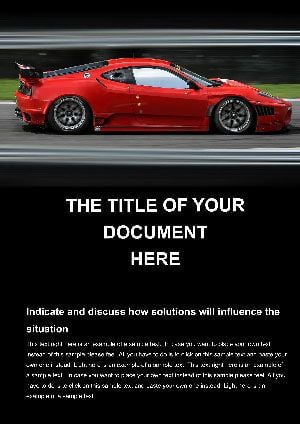 (143)
(143) Speed Concept Car Word Template: Ignite Your Automotive VisionID: #WT01433$12.00
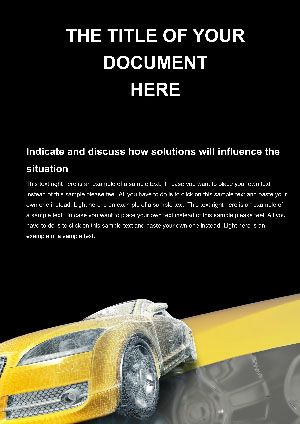 (258)
(258) Style Car Word Template: Accelerate Your Professional EdgeID: #WT01350$8.00
 (517)
(517) Project Cars Word Template: Rev Your Custom VisionsID: #WT01349$8.00
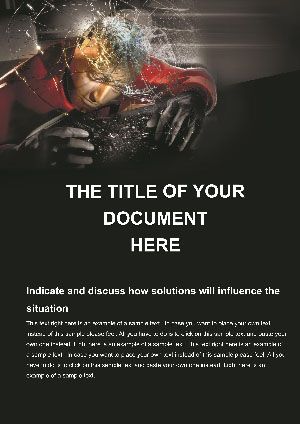 (716)
Crash Test Car Word Template: Bracing for Impact in Safety NarrativesID: #WT01174$8.00
(716)
Crash Test Car Word Template: Bracing for Impact in Safety NarrativesID: #WT01174$8.00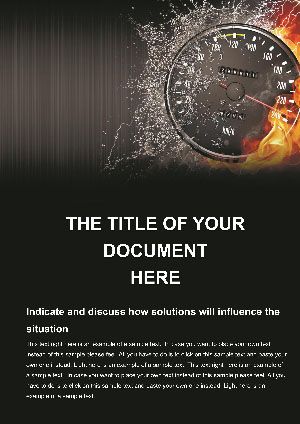 (509)
(509) Driving High Speed Word Template: Accelerate Your Workflow VelocityID: #WT01144$12.00
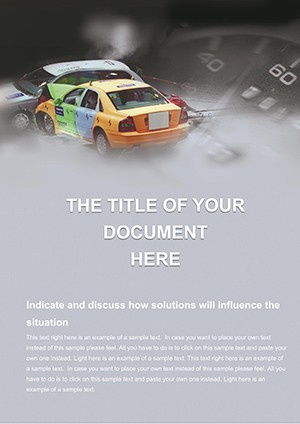 (163)
Vehicle Test Safety Word Template: Impact InsightsID: #WT01055$8.00
(163)
Vehicle Test Safety Word Template: Impact InsightsID: #WT01055$8.00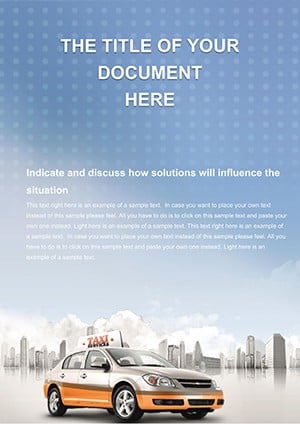 (910)
Professional Taxi Service Word TemplateID: #WT01022$10.00
(910)
Professional Taxi Service Word TemplateID: #WT01022$10.00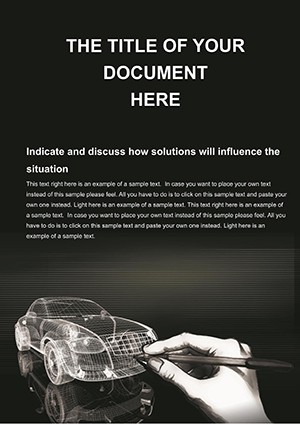 (380)
Car 3D Drawing Word Template: Precision Sketches for Automotive InnovationID: #WT00978$13.93
(380)
Car 3D Drawing Word Template: Precision Sketches for Automotive InnovationID: #WT00978$13.93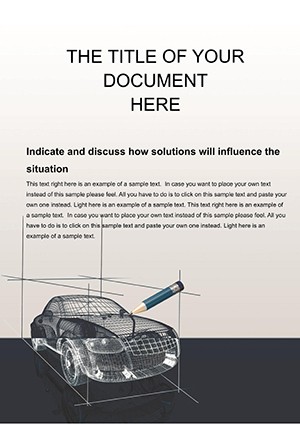 (1084)
Car 3D Modeling Word Template: Building Blueprints in Bold DetailID: #WT00977$14.00
(1084)
Car 3D Modeling Word Template: Building Blueprints in Bold DetailID: #WT00977$14.00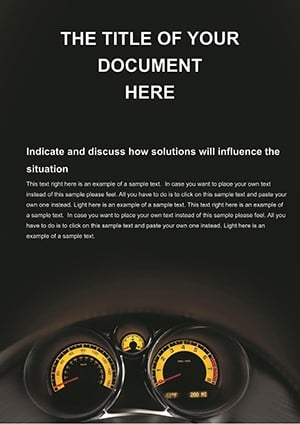 (834)
Car Speedometer Word Template: Dialing in Automotive InsightsID: #WT00974$12.00
(834)
Car Speedometer Word Template: Dialing in Automotive InsightsID: #WT00974$12.00 (310)
Urban Word Template for Transit PlansID: #WT00973$8.00
(310)
Urban Word Template for Transit PlansID: #WT00973$8.00 (826)
Subway Word Templates: Navigate Transport Documentation with EaseID: #WT00971$8.00
(826)
Subway Word Templates: Navigate Transport Documentation with EaseID: #WT00971$8.00 (324)
Airport and Passengers Word Template: Streamline Travel NarrativesID: #WT00911$12.00
(324)
Airport and Passengers Word Template: Streamline Travel NarrativesID: #WT00911$12.00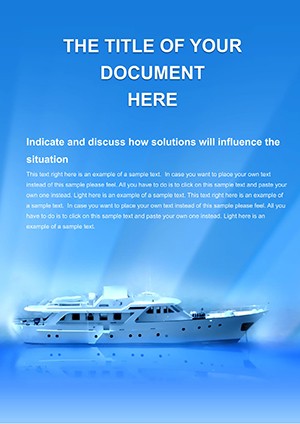 (722)
Cruise Ships Word Template: Navigate Stunning Travel NarrativesID: #WT00608$10.00
(722)
Cruise Ships Word Template: Navigate Stunning Travel NarrativesID: #WT00608$10.00 (279)
Business Aircraft Word Template: Elevate Your Aviation DocumentsID: #WT00585$10.00
(279)
Business Aircraft Word Template: Elevate Your Aviation DocumentsID: #WT00585$10.00 (301)
Freight Shipping Services Word Template: Charting Efficient Cargo JourneysID: #WT00582$12.00
(301)
Freight Shipping Services Word Template: Charting Efficient Cargo JourneysID: #WT00582$12.00 (1136)
Professional Auto Trip Word TemplateID: #WT00358$9.00
(1136)
Professional Auto Trip Word TemplateID: #WT00358$9.00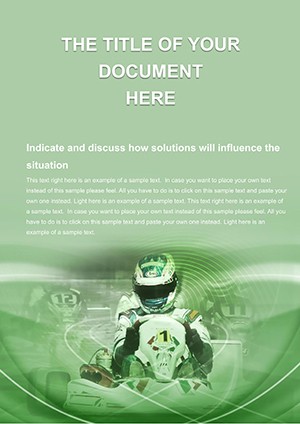 (83)
Racing Kart Word Templates: Fuel Your Trackside DocumentationID: #WT00343$12.00
(83)
Racing Kart Word Templates: Fuel Your Trackside DocumentationID: #WT00343$12.00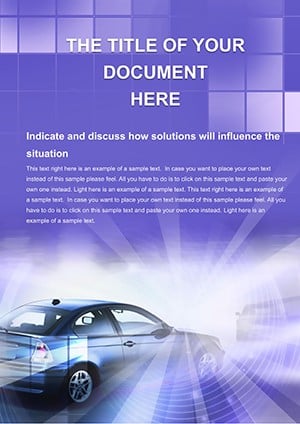 (30)
Cars for Sale Word Template: Drive Home Compelling Automotive StoriesID: #WT00164$10.00
(30)
Cars for Sale Word Template: Drive Home Compelling Automotive StoriesID: #WT00164$10.00 (725)
Car Parts Word Template: Deal a Winning Hand in Gaming DocumentsID: #WT00154$12.00
(725)
Car Parts Word Template: Deal a Winning Hand in Gaming DocumentsID: #WT00154$12.00 (1006)
Car Rental Business Word Template: Design DocumentID: #WT00128$5.00
(1006)
Car Rental Business Word Template: Design DocumentID: #WT00128$5.00 (429)
Urban Transport Schedule Word Template: Navigate Your Planning with EaseID: #WT00113free
(429)
Urban Transport Schedule Word Template: Navigate Your Planning with EaseID: #WT00113free
Where these templates fit in real document workflows
A transport operations lead preparing a quarterly fleet utilization report usually has spreadsheets, not a narrative. The missing step is turning numbers into a readable document. Here, the sections are pre-structured-summary, metrics, notes-so the logic is already there. You drop in your data. Done.
I`ve used similar layouts for client deliverables where Word-not PowerPoint-was the required format. The key difference is how tables and headings behave across pages. When pagination holds and tables don`t split awkwardly, the document feels intentional. Slightly boring, but that`s what you want in ops reporting.
CTA: Pick a document type that matches your report and adapt the sections rather than building a structure from scratch.
What makes transportation documents harder than they look
Transport and fleet documents tend to mix three things: narrative explanation, tabular data, and visual references like vehicle specs. Word handles each well on its own, but combining them is where layouts usually break. Tables stretch, captions drift, headings lose consistency.
These templates solve that by locking in a hierarchy: headline, subhead, table, note. It`s simple, but it keeps the reading order predictable. And in practice, that predictability is what lets someone skim a 12-page report in five minutes.
Common use cases across this collection
You`ll see recurring document types: fleet maintenance logs, vehicle comparison sheets, logistics summaries, and proposal-style documents for transport services. Each one leans heavily on tables-not decorative, just structured rows that carry meaning.
A consultant comparing vehicle procurement options, for example, needs all variables visible at once. That`s where a table beats any chart. Rows carry the comparison logic. It`s not flashy, but it works.
Why this works better than a blank Word file
The friction in Word isn`t writing-it`s formatting decisions you didn`t plan to make. Font pairings, spacing between headings, table borders that look slightly off. You know the situation: the document is due, and you`re still fixing alignment.
Here, those decisions are already made. The style set is consistent, tables follow the same grid, and section spacing doesn`t drift. Honestly, that`s what makes it usable in real projects. Not design-consistency.
Technical note: tables and page breaks in Word
From experience, the biggest issue in Word templates is how tables behave across pages. Some break mid-row, others push content unpredictably. These layouts generally use controlled row heights and avoid merged cells where possible, which helps pagination stay stable.
If you need to extend a table, keep the same style and avoid copying from external sources-paste as plain text first. It keeps borders and spacing intact. Small thing, but it saves time later.
When to use Word templates vs slides or brochures
If your output is a detailed document that needs to be read, not presented, stay here. For visual storytelling or live presentations, you`re better off with PowerPoint templates where layout hierarchy is built for slides, not pages.
If you need something more marketing-oriented-visual spreads, product overviews-look at business brochure templates. Those are designed for print-style reading, not structured reporting.
And if your content is diagram-heavy, with flows or processes, you`ll likely move faster with Keynote diagram templates instead.
Why this collection feels practical
There`s not much decorative padding here. Most layouts prioritize text flow and table clarity over visuals. That makes them less flexible for branding-heavy documents, but more reliable for operational use.
The first time you open the styles panel, it looks like a lot. But once you see how headings map across sections, it becomes straightforward. And that`s basically the point-set it once, reuse it everywhere.
CTA: Choose a layout that matches your document type, adjust the style set once, and reuse it across your reporting cycle.
FAQ
Are these templates compatible with all versions of Microsoft Word?
The short answer is yes, in most cases. They`re typically built for modern versions of Microsoft Word (2016 and newer), where style sets and table formatting behave consistently. Older versions may open the files, but you might see minor differences in spacing or fonts. If that happens, resetting styles usually fixes it. Works fine after that.
Can I add more rows to tables without breaking the layout?
Honestly, this is where some templates fail-but here it`s handled well. Tables are usually set up with consistent row styles, so adding rows keeps borders and spacing intact. From experience, avoid copying rows from outside documents. Add them directly inside the table and keep the style applied. That`s it.
Can I export these documents to PDF without layout issues?
Usually yes, but it depends a bit on your content. If you stick to the existing styles and avoid resizing tables manually, export to PDF works cleanly. Page breaks remain stable, and formatting holds. I`ve seen issues only when users heavily modify spacing or paste in complex external content. Keep it simple and it`s reliable.
Do these templates support team collaboration?
They work like any standard Word file, so yes-you can share them via OneDrive or similar tools. The main thing is to keep style consistency across edits. If multiple people override styles manually, the document can drift. I always lock in the style set first before sharing. Saves cleanup later.
What kind of license comes with these templates?
It`s the same license most marketplaces use-one buyer, one project, commercial use included. You can edit and distribute the final document, but not resell the template itself. Pretty standard. Nothing unusual here.


