
World Keynote Maps
A global sales director preparing the annual territory review for the executive committee needs to show market penetration by region. Blank slides force hours of tracing country borders. These world Keynote maps templates provide vector outlines ready for color coding and data labels right out of the box.
When the supply-chain lead must demonstrate sourcing risk across continents, the pre-grouped map slides let her highlight specific countries in seconds. The audience grasps the global picture on first view because the hierarchy of continents, countries and callouts is already established.
Choose the map set that fits your current geography story and open the file.
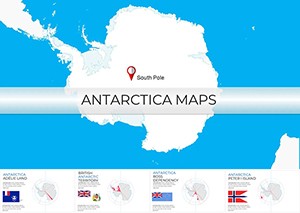 (203)
(203) Antarctica Keynote Map Template - Instant DownloadID: #KM00226$15.00
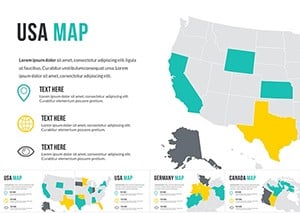 (77)
(77) World Map Keynote Template: Editable Global SlidesID: #KM00171$30.00
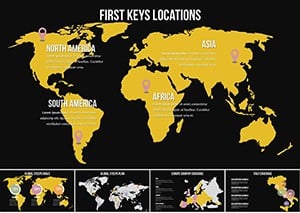 (675)
Global World Map Keynote Template - Instant Download | ImagineLayoutID: #KM00170$20.00
(675)
Global World Map Keynote Template - Instant Download | ImagineLayoutID: #KM00170$20.00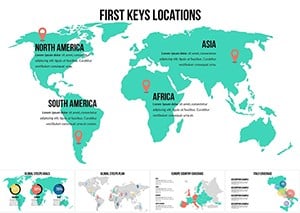 (699)
Interactive World Country Keynote Maps: Elevate Global PresentationsID: #KM00169$26.00
(699)
Interactive World Country Keynote Maps: Elevate Global PresentationsID: #KM00169$26.00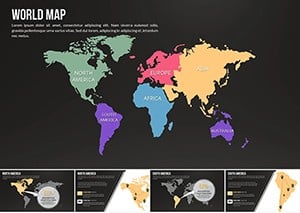 (539)
(539) World Map with Country Keynote Presentation TemplateID: #KM00168$26.00
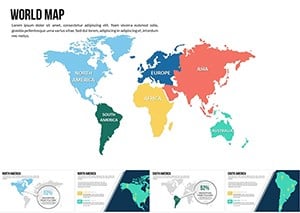 (665)
World Map Countries Keynote Presentation TemplateID: #KM00167$25.00
(665)
World Map Countries Keynote Presentation TemplateID: #KM00167$25.00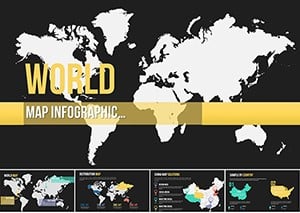 (1186)
High-Quality World Maps Keynote: 10 Editable GemsID: #KM00164$20.00
(1186)
High-Quality World Maps Keynote: 10 Editable GemsID: #KM00164$20.00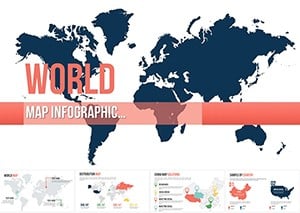 (823)
World Map Keynote Template - Fully Editable, Instant DownloadID: #KM00163$20.00
(823)
World Map Keynote Template - Fully Editable, Instant DownloadID: #KM00163$20.00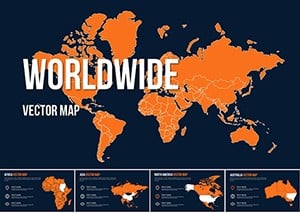 (576)
Customizable World Maps Keynote: 10 Pro SlidesID: #KM00162$20.00
(576)
Customizable World Maps Keynote: 10 Pro SlidesID: #KM00162$20.00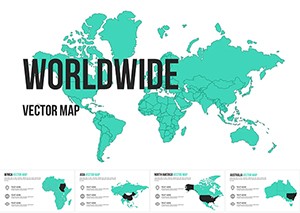 (685)
Worldwide Vector Map for Keynote: Vectors That Venture FarID: #KM00161$20.00
(685)
Worldwide Vector Map for Keynote: Vectors That Venture FarID: #KM00161$20.00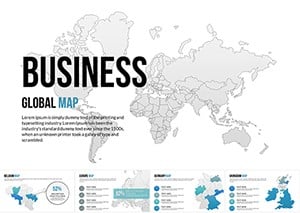 (548)
Global World Keynote Map Presentation: Your Passport to Worldwide ImpactID: #KM00160$30.00
(548)
Global World Keynote Map Presentation: Your Passport to Worldwide ImpactID: #KM00160$30.00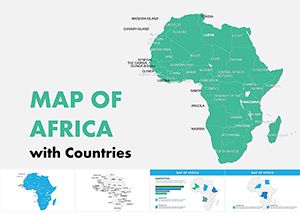 (21)
Africa Maps Keynote Template: Unlock Visual StoriesID: #KM00158$16.00
(21)
Africa Maps Keynote Template: Unlock Visual StoriesID: #KM00158$16.00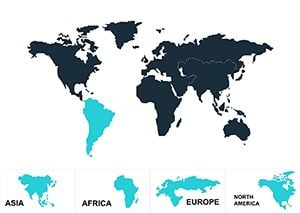 (241)
Animated World Map Keynote Template - Download High-Quality DesignsID: #KM00088$14.00
(241)
Animated World Map Keynote Template - Download High-Quality DesignsID: #KM00088$14.00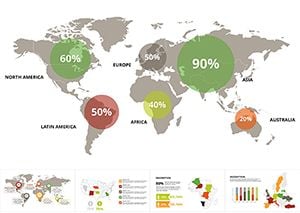 (857)
Modern World Map Keynote TemplateID: #KM00087$20.00
(857)
Modern World Map Keynote TemplateID: #KM00087$20.00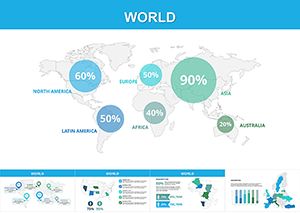 (1127)
World Map Keynote Template: Globalize Your Vision with EaseID: #KM00086$20.00
(1127)
World Map Keynote Template: Globalize Your Vision with EaseID: #KM00086$20.00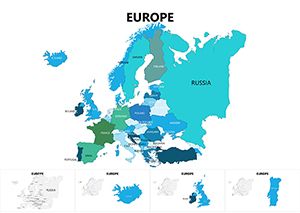 (503)
Europe Keynote Maps: Continent-Wide Visual MasteryID: #KM00084$25.00
(503)
Europe Keynote Maps: Continent-Wide Visual MasteryID: #KM00084$25.00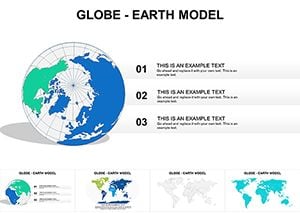 (328)
Globe World Map Keynote: Chart the World with PrecisionID: #KM00067$15.69
(328)
Globe World Map Keynote: Chart the World with PrecisionID: #KM00067$15.69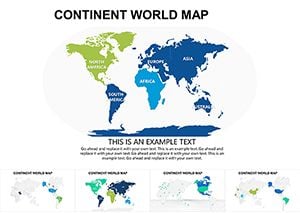 (25)
(25) Modern World Keynote Maps: Unlock Global Insights with EaseID: #KM00066$18.00
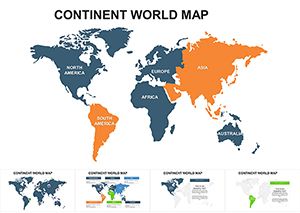 (332)
Global Continent Maps Keynote TemplateID: #KM00065$22.00
(332)
Global Continent Maps Keynote TemplateID: #KM00065$22.00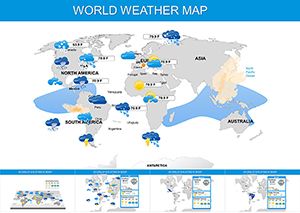 (17)
Dynamic World Weather Keynote Maps TemplateID: #KM00060$29.00
(17)
Dynamic World Weather Keynote Maps TemplateID: #KM00060$29.00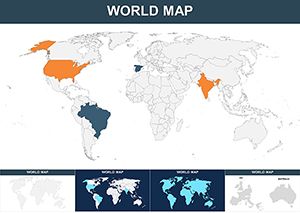 (103)
Global World Countries Keynote Maps TemplateID: #KM00061$35.00
(103)
Global World Countries Keynote Maps TemplateID: #KM00061$35.00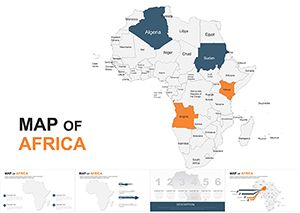 (207)
Editable Africa Keynote Maps 2020: Continental Storytelling at Your FingertipsID: #KM00053$45.00
(207)
Editable Africa Keynote Maps 2020: Continental Storytelling at Your FingertipsID: #KM00053$45.00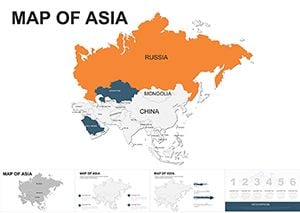 (907)
Asia Keynote Maps: Customizable Slides for Impactful TalksID: #KM00039$45.00
(907)
Asia Keynote Maps: Customizable Slides for Impactful TalksID: #KM00039$45.00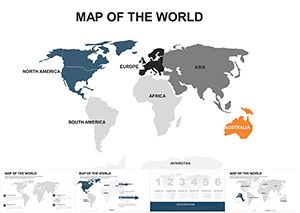 (663)
World Map Editable Keynote Template: Navigate Global Narratives EffortlesslyID: #KM00032$45.00
(663)
World Map Editable Keynote Template: Navigate Global Narratives EffortlesslyID: #KM00032$45.00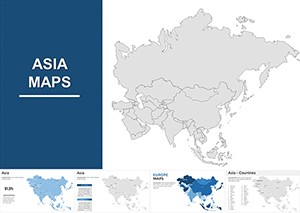 (106)
Editable Political Asia Map Keynote Template: Visualize Geopolitical DynamicsID: #KM00026$55.00
(106)
Editable Political Asia Map Keynote Template: Visualize Geopolitical DynamicsID: #KM00026$55.00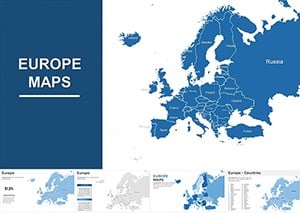 (154)
Comprehensive Europe Map Keynote Template: Global Visions at Your FingertipsID: #KM00025$58.00
(154)
Comprehensive Europe Map Keynote Template: Global Visions at Your FingertipsID: #KM00025$58.00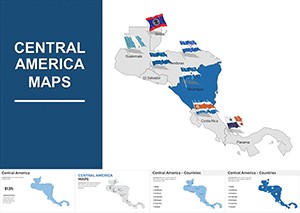 (285)
Central America Keynote Map Template: Bridge Ideas Across BordersID: #KM00011$44.00
(285)
Central America Keynote Map Template: Bridge Ideas Across BordersID: #KM00011$44.00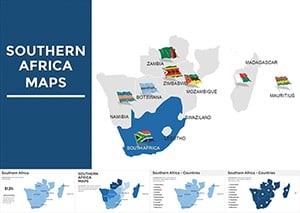 (323)
South Africa Keynote Map Template: Visualize Your Ideas with PrecisionID: #KM00009$44.00
(323)
South Africa Keynote Map Template: Visualize Your Ideas with PrecisionID: #KM00009$44.00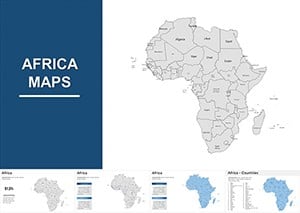 (294)
Africa Maps Keynote Presentation Template - Download NowID: #KM00008$45.00
(294)
Africa Maps Keynote Presentation Template - Download NowID: #KM00008$45.00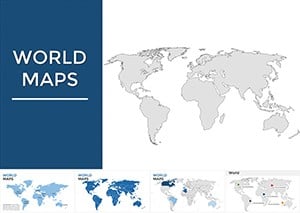 (15)
Maps of World Keynote Presentation: Global Insights at Your FingertipsID: #KM00002$38.00
(15)
Maps of World Keynote Presentation: Global Insights at Your FingertipsID: #KM00002$38.00
How Vector World Maps in Keynote Strengthen Geographic Arguments in Board Meetings
Geography arguments collapse the moment a low-resolution map pixelates on the projector. These templates lock vector precision and logical zoom levels so the audience sees exactly the regions that matter without distraction.
The Real Cost of Building World Maps from Scratch in Keynote
You lose the first hour tracing country borders by hand. Another 40 minutes go to aligning labels so they do not overlap at 16:9. Then you spend time fixing color fills that shift when the map is scaled. Those hours come straight out of strategy discussion time.
Four Scenarios Where These Templates Delivered Results Under Deadline Pressure
The international expansion manager at a retail chain must present new market entry options to the board. She selects the world map template, colors the target countries, adds sales projections as callouts, and the slide instantly communicates risk and opportunity. The board approves the budget in one pass.
A policy analyst at an NGO prepares the annual impact report for donors. The vector world map lets her shade regions by program reach and overlay icons for project locations. Donors follow the global footprint without asking for clarification slides.
A travel consultant building a destination portfolio deck for corporate clients highlights key cities on the editable world map. She adds flight-route lines that stay connected when she repositions markers. The client signs the contract the same day.
The logistics director at a manufacturing firm shows supplier locations across continents. Using the pre-grouped country outlines she highlights risk zones in red and the team immediately identifies diversification needs.
Keynote-Specific Techniques That Maximize These Maps
All country outlines are vector paths so you can change fill colors or stroke weights without quality loss. When exporting to PDF choose the vector option in Keynote's export settings to keep every border crisp on print. The slide master already includes a 16:9 safe zone so legends never fall off the edge during widescreen projection.
What Makes This Collection Stand Apart for Day-to-Day Corporate Work
No low-resolution raster images that blur when zoomed. Every country group remains editable while the overall layout stays balanced. The templates contain only the elements needed for business storytelling so you never delete decorative globes or unnecessary grids.
Browse the full list below and download the templates that fit your current project.
Finding the Right Visual Tools on the Site
If your deck also needs numerical relationships to accompany the geography, move straight to the . When the story centers on hierarchies or decision flows inside regions, the give you the matching style language.
Are these Keynote data diagram templates compatible with the latest version of Keynote?
Yes, every file has been tested and works on Keynote 14 and all prior versions back to Keynote 12. The grouped shapes and placeholders remain fully selectable and editable. If you open an older version and notice a connector line has shifted, simply select the group and choose Arrange > Ungroup then regroup after minor adjustment. No elements rely on features introduced after 2023 so you never lose functionality.
What file format do I receive upon download?
You receive a standard .key file that opens directly in Apple Keynote. No conversion or third-party plugins are required. Inside the file you will find multiple slides with fully editable charts, graphs and flowcharts already placed on the slide master. The package preserves all vector shapes so scaling never introduces pixelation.
Can I share the downloaded templates with my team members?
Yes, the license permits internal team use within your organization. Each team member can open and edit the files on their own machines. For client work the same license covers delivery of the final exported PDF or video; simply remove the template slide master before sharing the source file externally to stay compliant.
Do the diagrams support data updates from external sources like Excel?
Yes, copy any Excel range and paste directly into the placeholder chart frames. The template's style guide applies automatically so colors and fonts stay consistent. For live links keep the Excel file in the same folder and use Keynote's chart data editor to refresh values; the visual hierarchy never breaks.
Is there any restriction on commercial use in client presentations?
No restriction exists for commercial use inside client decks. You may export the finished slides as PDF, video or images and deliver them to clients. The only limit is redistribution of the original .key source file outside your organization; keep the master template internal and you stay fully compliant.


