
Religious - Spiritual Word templates
Formerly known as religious & spiritual Word templates - this collection now includes church bulletins, worship programs, pastoral letters, event flyers, prayer guides, and congregation announcements formatted as fully editable Microsoft Word documents.
These church Word templates are built for faith communities that produce regular written materials - weekly bulletins, seasonal service programs, fundraiser notices, and ministry correspondence - without a dedicated graphic design resource. Each layout arrives pre-formatted with appropriate typography, section spacing, and placeholder content that you replace with your own text. If you're a church administrator, a ministry coordinator, or a volunteer handling communications for a congregation of any size or denomination, this collection reduces document preparation from hours to minutes. Open the file in Word, update the text, and print or share digitally - the formatting holds.
 (1185)
 Heavenly Salvation Word Template: Illuminate Your Faith JourneyID: #WT01475$10.00
 (285)
(285) Belief Prayer Word Templates: Weave the Cross into Daily DevotionID: #WT01423$12.00
 (572)
Bible Gospels Word Template: Weave Faith into Every PageID: #WT01422$12.00
(572)
Bible Gospels Word Template: Weave Faith into Every PageID: #WT01422$12.00 (58)
Salvation Cross Word Templates: Symbols of Hope and RedemptionID: #WT01421$12.00
(58)
Salvation Cross Word Templates: Symbols of Hope and RedemptionID: #WT01421$12.00 (820)
(820) Religion Cross Word Template: Weave Faith into Every WordID: #WT01410$12.00
 (240)
Personalized Prayer to God Word Print TemplateID: #WT01021$10.00
(240)
Personalized Prayer to God Word Print TemplateID: #WT01021$10.00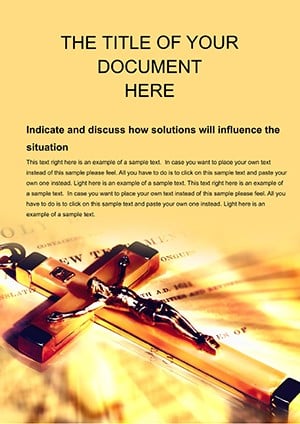 (764)
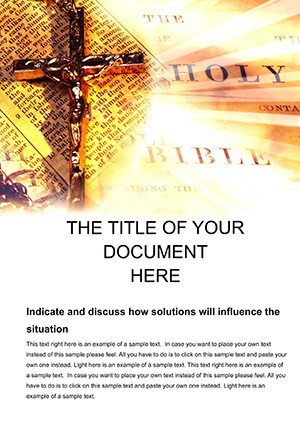
(764) World Christian Word Template: Weave Global Faith NarrativesID: #WT00471$12.00
 (1139)
Holy Bible Word Template: Illuminate Sacred Texts with GraceID: #WT00470$12.00
(1139)
Holy Bible Word Template: Illuminate Sacred Texts with GraceID: #WT00470$12.00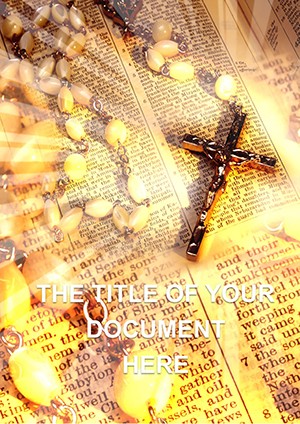 (43)
Bible and Prayer Word Template: Crafting Sacred NarrativesID: #WT00469$12.00
(43)
Bible and Prayer Word Template: Crafting Sacred NarrativesID: #WT00469$12.00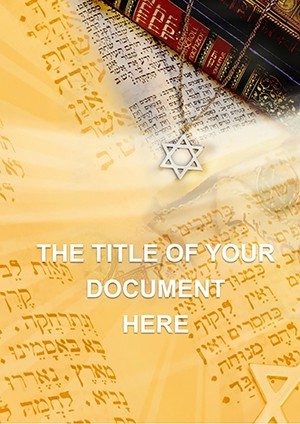 (91)
Jewish Scriptures Word Template: Illuminating Ancient WisdomID: #WT00468$14.00
(91)
Jewish Scriptures Word Template: Illuminating Ancient WisdomID: #WT00468$14.00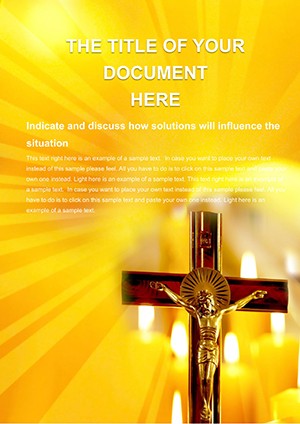 (537)
Crucifixion of Jesus Christ Word Template: Narratives of Sacrifice and RedemptionID: #WT00467$14.00
(537)
Crucifixion of Jesus Christ Word Template: Narratives of Sacrifice and RedemptionID: #WT00467$14.00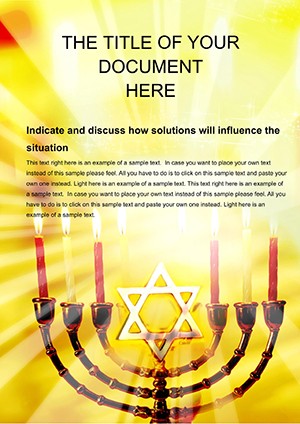 (464)
Jewish Candle Word Template: Kindling Festive FlamesID: #WT00466$10.00
(464)
Jewish Candle Word Template: Kindling Festive FlamesID: #WT00466$10.00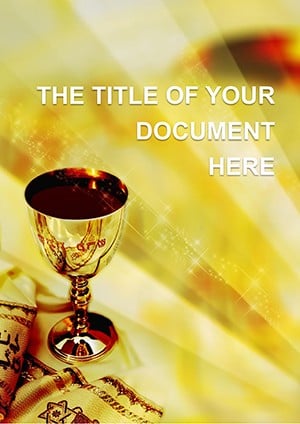 (593)
Bowl Atonement Word Template: Vessels of ForgivenessID: #WT00465$12.00
(593)
Bowl Atonement Word Template: Vessels of ForgivenessID: #WT00465$12.00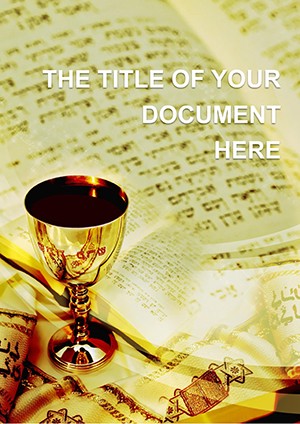 (33)
Holiday Passover (Pesach) Word Template: Tables of LiberationID: #WT00464$10.00
(33)
Holiday Passover (Pesach) Word Template: Tables of LiberationID: #WT00464$10.00 (257)
Free Hinduism God Word Template: Portals to the DivineID: #WT00463free
(257)
Free Hinduism God Word Template: Portals to the DivineID: #WT00463free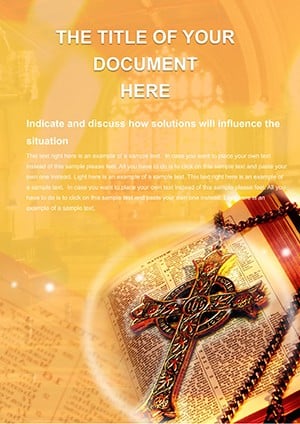 (1142)
Preach Gospel Word Template: Ignite Hearts with Divine DesignID: #WT00460$10.00
(1142)
Preach Gospel Word Template: Ignite Hearts with Divine DesignID: #WT00460$10.00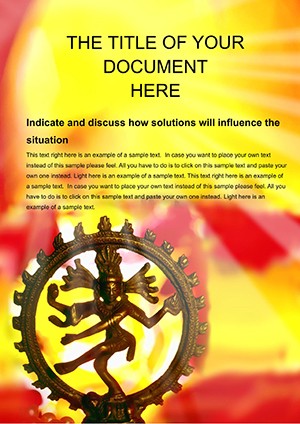 (697)
Free Indian Religions Word Template Download | ImagineLayoutID: #WT00459free
(697)
Free Indian Religions Word Template Download | ImagineLayoutID: #WT00459free (1181)
Jewish Tradition Word Templates: Echoes of Eternal WisdomID: #WT00458$10.00
(1181)
Jewish Tradition Word Templates: Echoes of Eternal WisdomID: #WT00458$10.00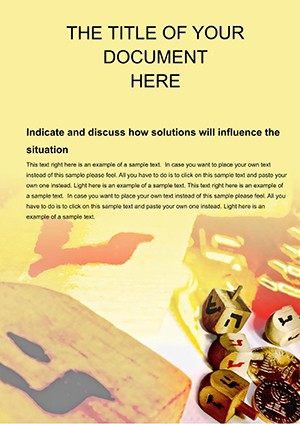 (535)
Jewish Game Word Template: Where Play Meets Sacred StoriesID: #WT00457$12.00
(535)
Jewish Game Word Template: Where Play Meets Sacred StoriesID: #WT00457$12.00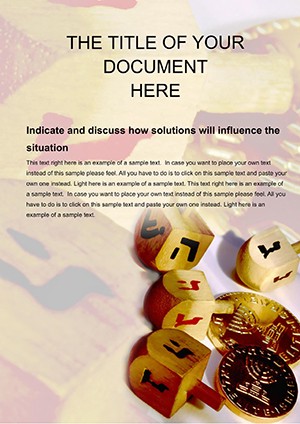 (897)
Free Jewish Culture Word Template: Weave Threads of Timeless LegacyID: #WT00456free
(897)
Free Jewish Culture Word Template: Weave Threads of Timeless LegacyID: #WT00456free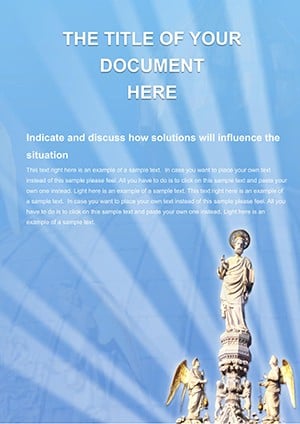 (916)
Holy Apostle Word Template: Channels of Celestial CallingID: #WT00455$10.00
(916)
Holy Apostle Word Template: Channels of Celestial CallingID: #WT00455$10.00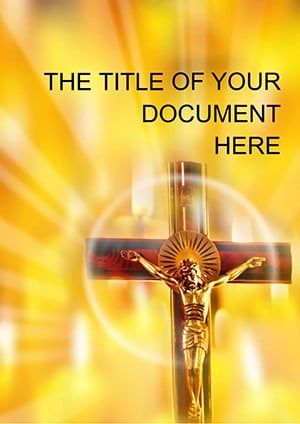 (427)
Christian Cross Word Template: Weave Faith into Every WordID: #WT00452$10.00
(427)
Christian Cross Word Template: Weave Faith into Every WordID: #WT00452$10.00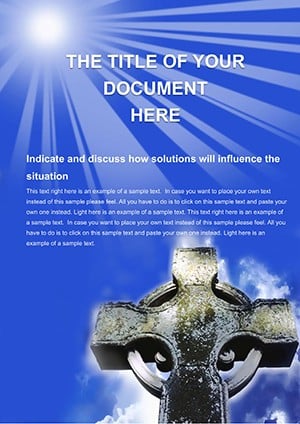 (406)
Celtic Cross Word Template: Knots of Faith in Fluid FormID: #WT00451$10.00
(406)
Celtic Cross Word Template: Knots of Faith in Fluid FormID: #WT00451$10.00
Why Pre-Designed Church Templates Outperform Blank Word Documents
Starting a church bulletin or worship program from a blank Word document creates the same problem every time: font choices, margin settings, header placement, and column layouts have to be rebuilt from scratch for each new document. For a congregation that produces weekly bulletins, that's 52 individual formatting decisions per year for a single document type - before accounting for seasonal programs, special services, and event announcements.
A well-structured church Word template eliminates this entirely. The document structure is already established: two-column bulletin layouts are set, heading styles are defined, and scripture citation formatting is consistent. The person preparing the document focuses entirely on the content - the hymn list, the sermon topic, the prayer requests - rather than spending time adjusting tab stops and font sizes. This matters particularly in smaller congregations where the same volunteer handles communications alongside several other responsibilities.
Five specific advantages over blank Word documents for church communications:
- Pre-set two-column and single-column bulletin layouts that print correctly on standard 8.5x11 paper without manual margin adjustment
- Consistent heading hierarchy across bulletin sections - service order, announcements, prayer list, giving information
- Placeholder text formatted in the correct style so replacements maintain visual consistency
- Print-ready formatting including correct bleed margins and fold lines for bifold programs
- Editable color accents that can be updated to match your church's visual identity without breaking the layout
Who These Templates Serve
Church and religious Word templates serve a broader range of roles than most people initially expect. The common use case is the Sunday bulletin, but the communication needs of a faith community extend considerably further throughout the year.
Church Administrators and Office Coordinators
Administrative staff responsible for weekly communications benefit most directly from this collection. Bulletin templates, announcement sheets, and order-of-service layouts reduce weekly document preparation time significantly. When a template is reused week to week, the administrator simply updates variable content - dates, scripture references, speaker names, announcements - while the structure remains intact. This is particularly valuable during high-volume seasons like Advent, Easter, and major fundraising periods when communication volume increases sharply.
Pastors and Ministry Leaders
Clergy who write regular pastoral letters, newsletter columns, or ministry updates benefit from letter and document templates that carry a consistent visual identity without requiring design knowledge. A well-formatted pastoral letter - with appropriate header, salutation structure, and signature block - communicates care and organization to recipients. These templates make that consistency achievable regardless of the pastor's comfort level with Word formatting.
Event and Program Coordinators
Special events - memorial services, baptism ceremonies, wedding programs, holiday concerts, and community outreach events - each require printed programs that reflect the occasion's significance. Event program templates in this collection are formatted for bifold and single-sheet layouts, with placeholder sections for order of events, participant names, and acknowledgments. The coordinator fills in specifics; the template provides the structure and visual weight appropriate for the occasion.
Volunteer Communications Teams
Many congregations rely on rotating volunteers for communications tasks. A strong template library means that document quality doesn't depend on which volunteer is handling communications that week. Templates act as a style guide embedded in the document itself - whoever opens the file works within the same structure and produces consistent output. This is particularly important for smaller churches without dedicated staff.
Best Practices for Church Word Templates
Using a template well requires a few deliberate habits that pay off over repeated use.
Save a Master Copy Before Editing
Before entering any weekly content, save a copy of the original template file under a new name - for example, "Bulletin_2026-03-09.docx." Keep the original template file untouched in a shared folder accessible to everyone who prepares communications. This way, the template is always available for the next use without re-downloading, and no accidental formatting changes carry over from week to week.
Use Word's Styles Panel, Not Manual Formatting
These templates use Word's built-in Styles system to manage heading levels, body text, and callout formatting. If you need to change a font or size, update the Style definition rather than formatting individual text runs manually. This ensures consistency throughout the document and makes future updates - like changing the body font for the entire bulletin - a single action rather than a find-and-replace exercise across every text block.
Technical Tip: Managing Two-Column Bulletin Layouts
The bifold bulletin templates use Word's section break with column formatting rather than a table or text boxes. This is intentional - it allows text to flow naturally between columns when content length changes week to week. If you find that content in one column is overflowing into the other, place your cursor at the end of the first column's content and insert a Column Break (Layout > Breaks > Column) rather than adding blank lines. This forces column balance without creating spacing problems that appear in print. Avoid using the Enter key to push content down - it creates invisible paragraph marks that accumulate over repeated uses and eventually misalign the layout.
How These Templates Differ From Other Church Template Sources
Free church bulletin templates are widely available across the web, but most fall into a predictable pattern: generic clip art borders, outdated typography, and layouts that weren't designed for modern printing or digital distribution. They require significant cleanup before they're usable, and they carry a visual aesthetic that communicates dated production rather than considered design.
The church Word templates at ImagineLayout are built with current typography standards and clean layout principles that work equally well for print distribution and digital PDF sharing. The design choices - spacing, hierarchy, color use - reflect how modern congregations actually communicate, not how church bulletins looked in 2005. This matters because the written materials a church distributes are a direct reflection of the organization's care and attention.
It's also worth clarifying how this category relates to other template collections on the site. ImagineLayout offers PowerPoint and Keynote templates suited to faith-based presentations - sermon outlines, ministry reports, and conference materials. Those serve a different context entirely: the screen, the projector, the live presentation. This Word template category is specifically for printed and distributed documents - the materials that go into hands, get taken home, or arrive by email as attachments. Choosing between the two isn't a design decision; it's a distribution decision. If the output is a printout or a PDF document, these Word templates are the right starting point.
Download any template from this collection, open it in Microsoft Word 2016 or later, and your document is ready to edit in under two minutes.
Frequently Asked Questions
What version of Microsoft Word do I need to use these templates?
These templates are built in standard .docx format and work with Microsoft Word 2016, 2019, 2021, and Microsoft 365 on both Windows and macOS. They can also be opened in LibreOffice Writer and Google Docs, though some advanced formatting elements - particularly multi-column section layouts and custom paragraph styles - may render with minor differences in those applications. For the most accurate print preview and full style editability, Microsoft Word is the recommended application.
Are these templates suitable for all Christian denominations and other faith traditions?
The templates are designed with neutral, adaptable layouts that work across denominations and faith traditions. They don't include denomination-specific symbols or liturgical terminology by default - placeholder text is generic and intended to be replaced with your congregation's specific content. Catholic parishes, Protestant congregations, Orthodox communities, and interfaith organizations can all adapt these templates to reflect their own language, structure, and visual identity. Color accents and header graphics are fully editable to align with your community's preferences.
Can I use these templates for printed bulletins as well as digital distribution?
Yes. The templates are formatted for both print and digital use. Print layouts use standard 8.5x11 paper dimensions with appropriate margins for home and office printers. For digital distribution, you can export any template directly to PDF from Word (File > Save As > PDF) - the formatting holds correctly in the exported file, including column layouts, font rendering, and graphic elements. Bifold program templates are designed to print as a single sheet folded in half, with content positioned correctly for that format.
Can our church use these templates repeatedly each week without purchasing a new license?
Yes. A single download covers ongoing, repeated use within your congregation. You can use the same template to produce weekly bulletins, seasonal programs, and recurring documents indefinitely. The license covers use within a single organization - your church or faith community - for both internal and distributed materials. You are not required to purchase a new license each time you produce a new bulletin from the same template. If you wish to share the template file itself with another organization or include it in a template library for distribution, a separate extended license would apply.
How do I add our church logo to the template?
Each template includes a designated image placeholder in the header area. To replace it with your church logo, click the placeholder image, then use the Picture Format tab and select Change Picture to insert your logo file. For best results, use a PNG file with a transparent background - this prevents a white box from appearing around the logo on colored header backgrounds. If your logo is a JPEG, set the image's text wrapping to "In Line with Text" and resize it within the placeholder boundaries to maintain layout integrity. Logos in square or horizontal formats work best with the header zones in these templates.


