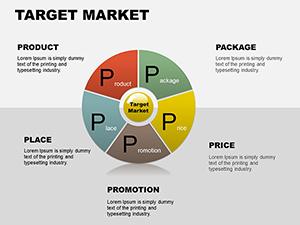
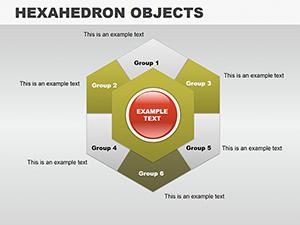
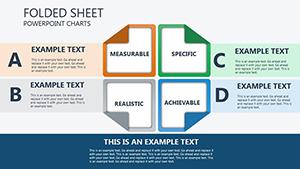
Popularity of Specializations PowerPoint Template and Charts




















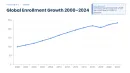

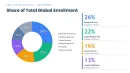
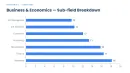
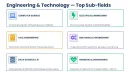



Overview
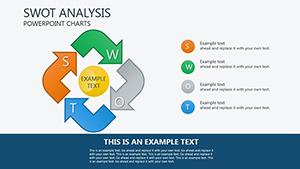
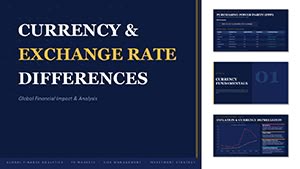
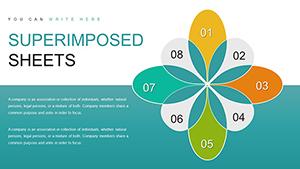
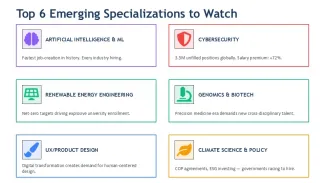
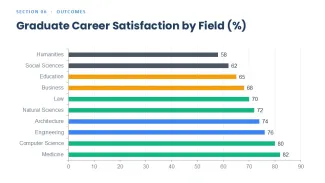
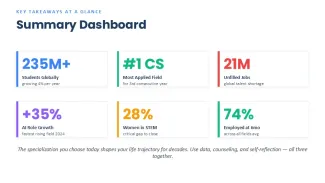
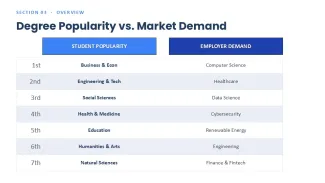
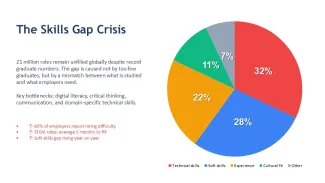
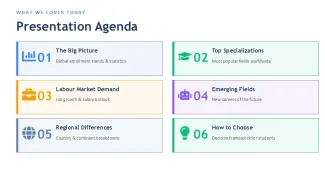
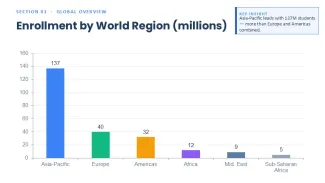
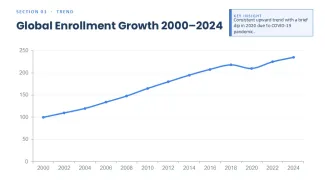
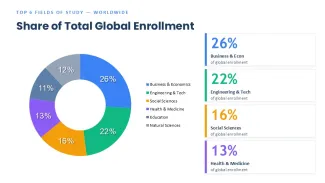
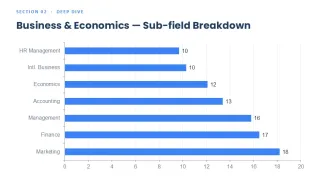
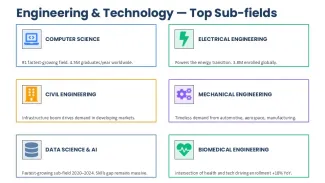
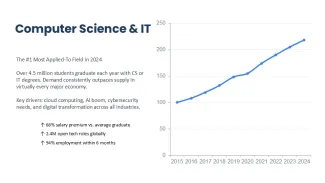
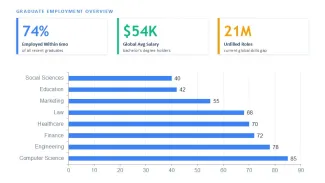
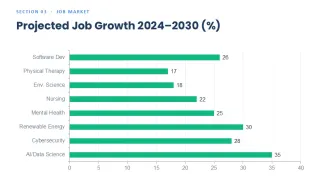
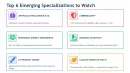
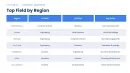
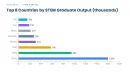
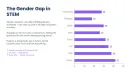
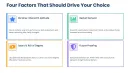
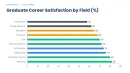
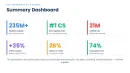
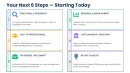
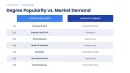
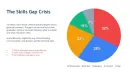
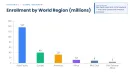
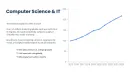
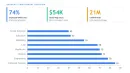
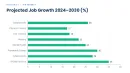
This PowerPoint template contains 32 slides focused on visualizing the popularity of various specializations. It is designed for analysts, HR specialists, educational institutions, and consultants who need to present distribution, ranking, and comparison data clearly and professionally.
The layouts solve the common problem of displaying multi-category popularity metrics without creating cluttered or misaligned slides.
Practical Editing Behavior
Chart placeholders automatically adjust when data is changed while keeping label alignment and grid proportions. Duplicated slides maintain consistent positioning thanks to Slide Master layouts. Grouped elements such as legends, icons, and callouts remain fully editable vectors and update correctly with theme color changes.
Technical Advantages
- 32 ready-to-use slides with different chart combinations for quick section building
- Slide Master theme control updates all colors and fonts across the entire deck
- Linked data tables allow direct value editing with automatic chart refresh
- Layouts handle long category names with proper text wrapping and spacing
- Standard PowerPoint objects support easy addition or removal of data series
Technical Specifications
| Property | Details |
|---|---|
| Number of Slides | 32 editable slides |
| File Format | .pptx |
| Aspect Ratio | 16:9 widescreen |
| Editable Elements | Charts, icons, text placeholders, shapes, SmartArt |
| Color Customization | Slide Master theme colors + individual object overrides |
| Software Compatibility | PowerPoint 2016 and newer (desktop version recommended) |
FAQ
Can I use this template in older versions of PowerPoint?
Yes. All charts and layouts are built with standard PowerPoint objects and work in version 2016 and above. Some advanced effects may require newer versions.
How do I change colors across all slides?
Edit colors in the Slide Master - this updates all connected chart elements and accents at once. Individual slides can be customized separately if needed.
Are the elements fully editable for commercial projects?
Yes. All icons, shapes, and charts are native editable vectors, suitable for client work and internal corporate presentations.