PowerPoint Chart Doughnut Template - Editable PPTX | ImagineLayout
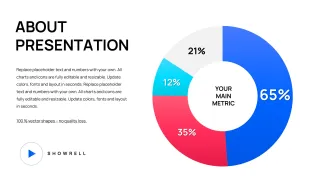
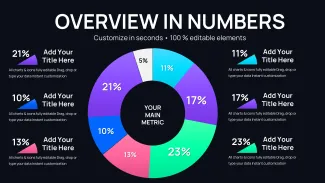
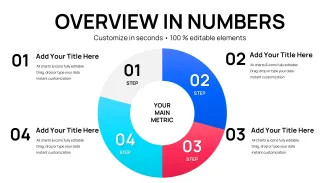
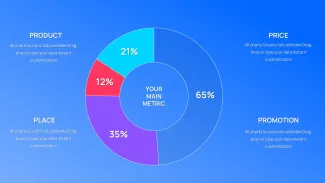
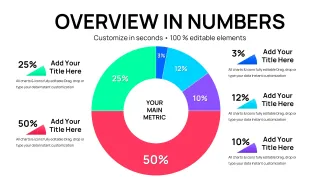
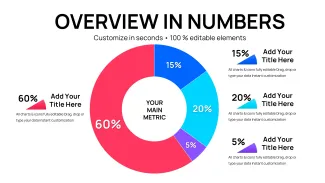
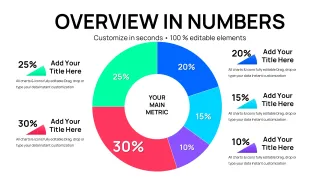
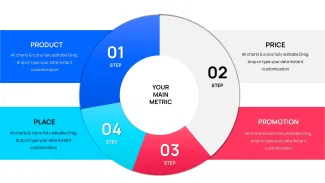
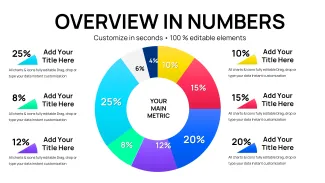
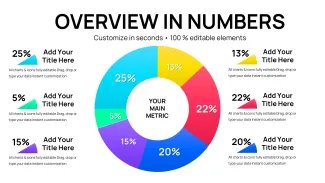
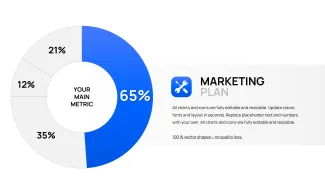
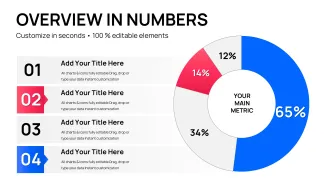
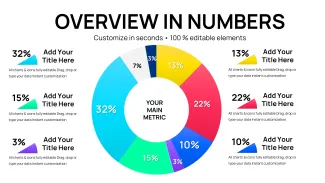
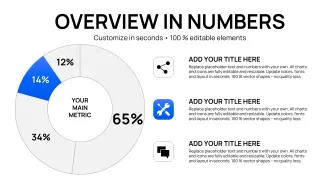
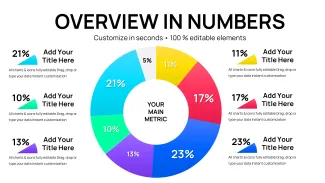
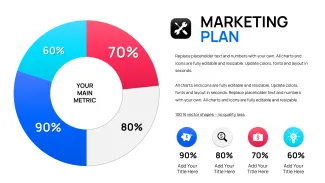
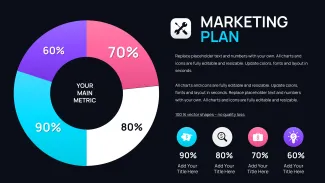
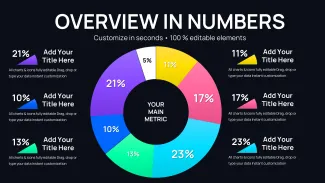
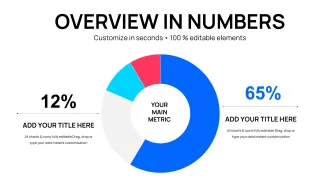
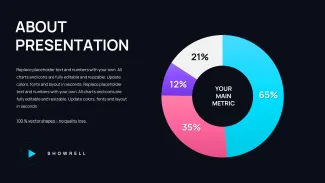
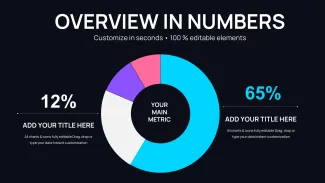
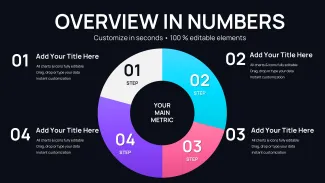
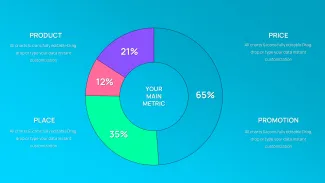
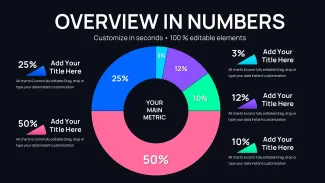
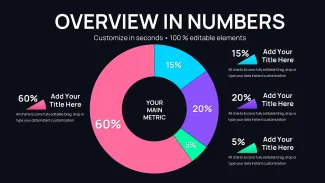
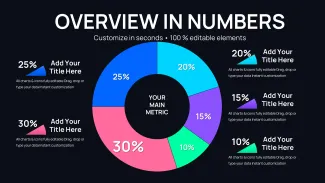
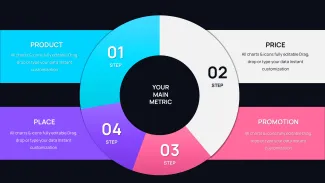
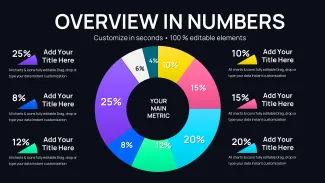
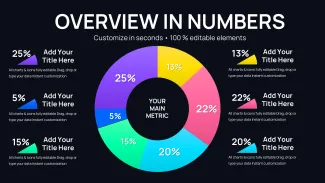
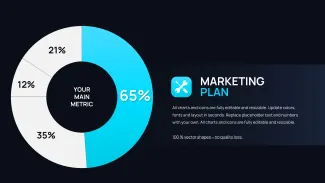
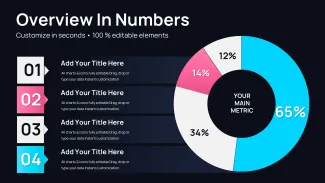
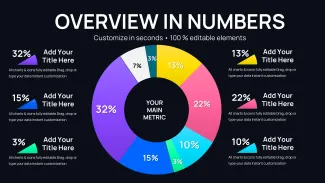
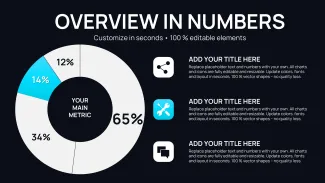
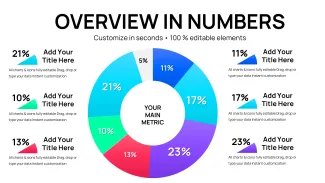
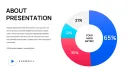
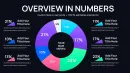
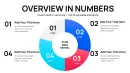
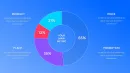
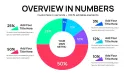
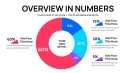
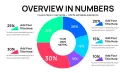
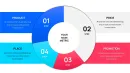
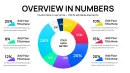
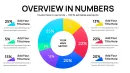
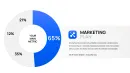
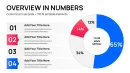
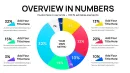
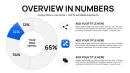
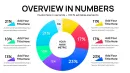
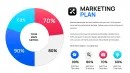

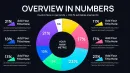
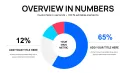
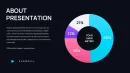
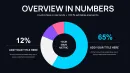
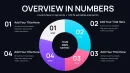
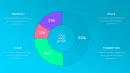
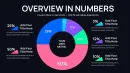
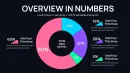
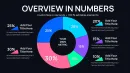
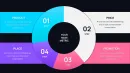
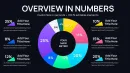
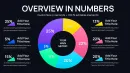

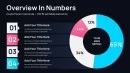
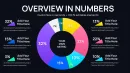
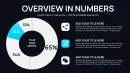
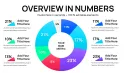
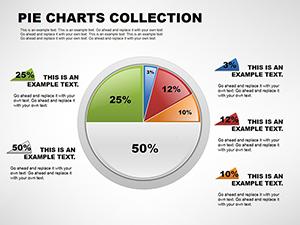
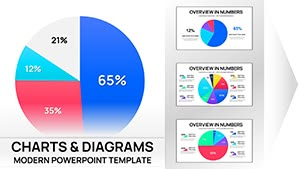
34 doughnut chart slides, one .pptx file, priced at $15. No thematic backgrounds, no photo placeholders - this is a PowerPoint diagram template built entirely around circular ring charts for proportion and part-to-whole data.
The central hole is what separates doughnut layouts from standard pie charts. That open space holds summary totals, KPI callouts, or percentage figures without crowding the ring segments themselves. External labels then handle smaller slices where wedge labels would overlap. It is a structural choice, not an aesthetic one, and every slide in this set is built around it.
Single rings, multi-ring concentric layouts, and labeled segment variants are all represented across the 34 slides. Segment fill, stroke color, and label text all resize and recolor independently - nothing is rasterized or locked. Color changes work best through the slide master: open Master View, update the theme palette, and every chart refreshes across all 34 slides in one pass. Editing individual slides directly is slower and produces inconsistent brand output across a deck.
The file requires PowerPoint 2016 or later on Windows or Mac; Microsoft 365 works identically. No add-ins are needed. Doughnut ring effects render at full fidelity in all supported versions.
Analysts, strategy consultants, and marketing managers who regularly build share-of-market or budget-allocation slides will cover most use cases with this set. The 34-slide count is enough to vary layouts between sections without repeating the same structure in a single deck.
Chart data updates by right-clicking any doughnut, selecting Edit Data, and replacing figures in the embedded spreadsheet. Segments, labels, and center-hole callouts all update automatically. Export via File → Export as PDF to lock layout for distribution while keeping the .pptx editable for future revisions.
For related proportion charts see the Comprehensive Pie Charts PPT Template Collection, or browse additional circular chart options in the Pie Charts PowerPoint Template for Analysis.
Download and start editing immediately
Specifications
| Feature | Details |
|---|---|
| Slides | 34 editable slides - single-ring, multi-ring, and labeled doughnut variants |
| File format | .pptx |
| Software version | PowerPoint 2016, 2019, 2021, Microsoft 365 (Windows and Mac) |
| Color schemes | Not specified on page - switch palette globally via slide master theme colors |
| Editable elements | Ring segments, center callout text, external labels, and connector lines recolor and resize independently |
| Aspect ratio | Not specified on page |
| Free vs Paid | Paid only - $15 for full 34-slide file; no free version listed |
| Masters | Not specified on page - color control via slide master palette |
Frequently Asked Questions
Does the template work in PowerPoint 2016, 2019, and Microsoft 365 on Mac?
The file opens and edits in PowerPoint 2016, 2019, 2021, and Microsoft 365 on both Windows and Mac. All doughnut ring effects and label positions render correctly without any add-ins. If you are on an older version such as 2013, basic ring shapes remain editable but some theme-based color behaviors may not transfer fully. Opening the file in a supported version first ensures full layout integrity before sharing with others.
How do I change the color scheme across all 34 slides at once?
Go to View → Slide Master, then open the Colors dropdown and either select a built-in theme palette or define custom colors using your brand hex values. Once you close the Master View, every doughnut chart across all 34 slides updates to reflect the new palette. Avoid editing ring colors slide by slide - that approach overrides the master link and makes future brand updates far more time-consuming. Segment-level overrides are still possible for individual call-out slides after the master change is applied.
Can I use this template for paid client work?
The license permits use in internal company presentations and in deliverables created for paying clients. You may not resell the original template files, redistribute them as part of a template bundle, or sub-license them to third parties. One license covers a single user or a single team account depending on the purchase tier. For enterprise deployments covering multiple users across an organization, contact ImagineLayout support to discuss volume licensing options.
Is there a free version, and what does the paid version include?
No free version is listed for this product. The paid purchase at $15 gives immediate access to the complete 34-slide .pptx file with all doughnut layout types - single ring, multi-ring, and labeled segment variants - plus full editing rights. There are no watermarks or locked layers in the paid file. Future updates to the product are included with the original purchase.
What is the refund policy?
Refunds are available within 14 days of purchase if the file does not open or does not behave as described on the product page. To request a refund you need to provide your proof of purchase and a clear description of the problem encountered. Digital downloads that have been successfully opened and used are considered non-refundable. The policy is designed to protect buyers against faulty files while acknowledging the nature of digital goods.