
Medicine - Pharma Word templates
Formerly known as medicine_pharma-word-templates - this collection now covers medical and pharmaceutical Word documents. These .docx files deliver structured layouts for reports, protocols, and patient records so a hospital administrator never wastes time setting margins or table styles before the content begins. They serve clinicians, compliance officers, and pharma teams who must produce audit-ready documents on short notice.
An emergency-department coordinator facing a regulatory audit deadline opens the Hospital Emergency Word Template, inserts procedure logs, and the section headings, page numbers, and disclaimer blocks are already in place and branded.
Select the document type you need and start editing.
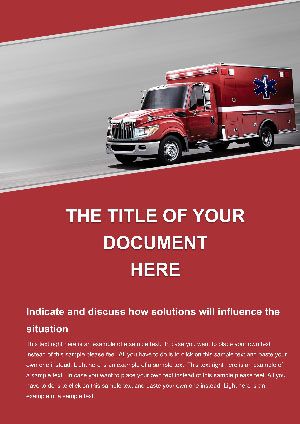 (102)
(102) Hospitalist Emergency Procedures Word Template: Precision in Every ProtocolID: #WT01513$10.00
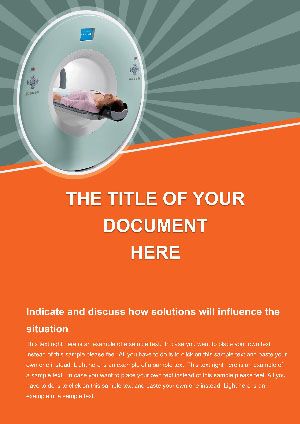 (271)
Tomography Medical Documentation Word Template: Clarity in Cross-SectionsID: #WT01512$8.00
(271)
Tomography Medical Documentation Word Template: Clarity in Cross-SectionsID: #WT01512$8.00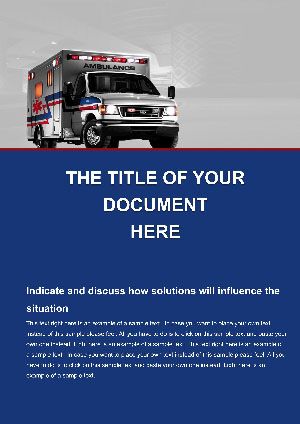 (818)
(818) First Aid Emergency Word Template: Your Lifeline in DocumentationID: #WT01511$12.00
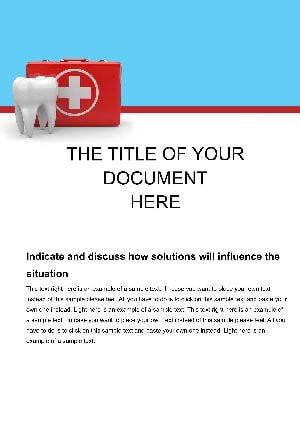 (872)
Modern Dental Center Word Template: Design Documents That Smile BackID: #WT01510$12.00
(872)
Modern Dental Center Word Template: Design Documents That Smile BackID: #WT01510$12.00 (342)
(342) Hospital Emergency Word Template: Anchor Preparedness in Every PageID: #WT01508$12.00
 (43)
Emergency Medical Word Template: Craft Reports That Matter in MomentsID: #WT01507$12.00
(43)
Emergency Medical Word Template: Craft Reports That Matter in MomentsID: #WT01507$12.00 (478)
Healing Process Word Template: Charting Paths to RecoveryID: #WT01463$8.00
(478)
Healing Process Word Template: Charting Paths to RecoveryID: #WT01463$8.00 (336)
Anesthesia in Patients Word Template: Precision in Perilous CombinationsID: #WT01462$12.00
(336)
Anesthesia in Patients Word Template: Precision in Perilous CombinationsID: #WT01462$12.00 (1200)
Take Medication Word Template: Guiding Safe Intake PracticesID: #WT01461$12.00
(1200)
Take Medication Word Template: Guiding Safe Intake PracticesID: #WT01461$12.00 (212)
(212) Lung Infection Medical Word TemplateID: #WT01459$12.00
 (1190)
Lung Cancer Awareness Word TemplateID: #WT01458$10.00
(1190)
Lung Cancer Awareness Word TemplateID: #WT01458$10.00 (312)
Heart Disease Word Template: Pulse-Perfect Documentation for Cardiac CareID: #WT01457$8.00
(312)
Heart Disease Word Template: Pulse-Perfect Documentation for Cardiac CareID: #WT01457$8.00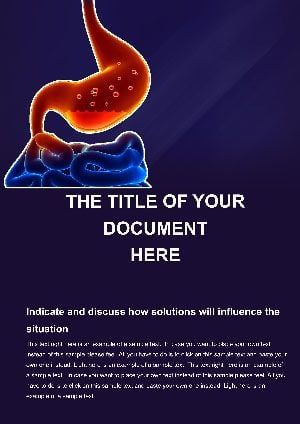 (122)
5-Page Medical Word Template for Disease Education | ImagineLayoutID: #WT01456$5.00
(122)
5-Page Medical Word Template for Disease Education | ImagineLayoutID: #WT01456$5.00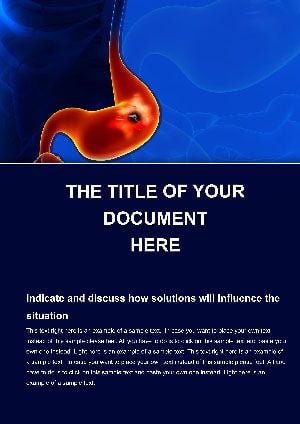 (899)
Gastric Ulcer Word Template: Heal the Documentation DivideID: #WT01455$12.00
(899)
Gastric Ulcer Word Template: Heal the Documentation DivideID: #WT01455$12.00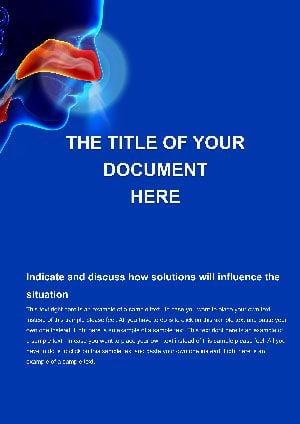 (257)
Airway Inflammation Word Template: Clear the Path to Respiratory ClarityID: #WT01454$12.00
(257)
Airway Inflammation Word Template: Clear the Path to Respiratory ClarityID: #WT01454$12.00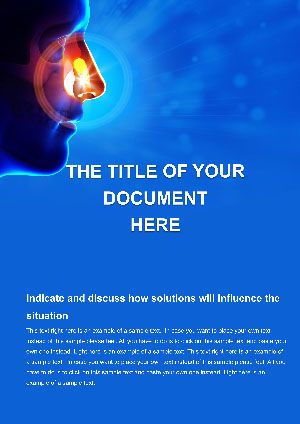 (129)
Nasal Diseases Word Template: Scent the Path to Sinus SavvyID: #WT01453$12.00
(129)
Nasal Diseases Word Template: Scent the Path to Sinus SavvyID: #WT01453$12.00 (639)
Microbiology Diagnostics Word Template: Precision in Every DetailID: #WT01450$12.00
(639)
Microbiology Diagnostics Word Template: Precision in Every DetailID: #WT01450$12.00 (383)
Surgical Research Word TemplatesID: #WT01407$8.00
(383)
Surgical Research Word TemplatesID: #WT01407$8.00 (523)
Pain Clinicians Word Template: Navigating Acute Care with PrecisionID: #WT01401$8.00
(523)
Pain Clinicians Word Template: Navigating Acute Care with PrecisionID: #WT01401$8.00 (916)
Cardiology Heart Disease Word Template: Algorithms for Lifesaving CareID: #WT01400$12.00
(916)
Cardiology Heart Disease Word Template: Algorithms for Lifesaving CareID: #WT01400$12.00 (551)
Medical Devices Conference Word Template: Precision in Every PageID: #WT01399$8.00
(551)
Medical Devices Conference Word Template: Precision in Every PageID: #WT01399$8.00 (213)
QuickCare Emergency Medicine Word Template: Focus on Care, Not PaperworkID: #WT01398$6.00
(213)
QuickCare Emergency Medicine Word Template: Focus on Care, Not PaperworkID: #WT01398$6.00 (1006)
20-Page Medical Conference Word TemplateID: #WT01395$8.00
(1006)
20-Page Medical Conference Word TemplateID: #WT01395$8.00 (317)
Medical Congress Word TemplateID: #WT01394$10.00
(317)
Medical Congress Word TemplateID: #WT01394$10.00 (21)
DNA Studies Word Template: Science EssentialsID: #WT01374$8.00
(21)
DNA Studies Word Template: Science EssentialsID: #WT01374$8.00 (1178)
Red Cross Blood Transfusion Word Template: Elevate Your Health Advocacy EffortsID: #WT01360$12.00
(1178)
Red Cross Blood Transfusion Word Template: Elevate Your Health Advocacy EffortsID: #WT01360$12.00 (791)
Ebola Virus Structure Word Template: Illuminating Viral RealitiesID: #WT01329$12.00
(791)
Ebola Virus Structure Word Template: Illuminating Viral RealitiesID: #WT01329$12.00 (662)
Ebola Mutating Word Template: Decoding Genetic EvolutionID: #WT01328$8.00
(662)
Ebola Mutating Word Template: Decoding Genetic EvolutionID: #WT01328$8.00 (440)
Ebola Symptoms Word Template: Navigating the Spectrum of Viral ImpactID: #WT01327$12.00
(440)
Ebola Symptoms Word Template: Navigating the Spectrum of Viral ImpactID: #WT01327$12.00 (911)
Virus Interaction Word Template: Decoding Cellular DialoguesID: #WT01326$5.00
(911)
Virus Interaction Word Template: Decoding Cellular DialoguesID: #WT01326$5.00 (171)
Ebola Word Template: Professional Designs for Medical InsightsID: #WT01325$10.00
(171)
Ebola Word Template: Professional Designs for Medical InsightsID: #WT01325$10.00 (381)
Ebola Hemorrhagic Fever Word Template: Informative Health Document EssentialsID: #WT01324$12.00
(381)
Ebola Hemorrhagic Fever Word Template: Informative Health Document EssentialsID: #WT01324$12.00 (978)
Virus Treatment and Management Word Template: Strategies for Effective CareID: #WT01323$8.00
(978)
Virus Treatment and Management Word Template: Strategies for Effective CareID: #WT01323$8.00
Why Medical Documentation Demands Preset Structure More Than Most Business Files
Regulatory language, mandatory disclaimers, and consistent table formatting are not optional. These templates embed the required sections so a compliance officer can focus on clinical accuracy instead of chasing paragraph styles across 40 pages.
Four Real Moments When Ready Word Templates Removed Last-Minute Formatting Panic
A hospitalist must submit emergency-procedure updates before the Joint Commission visit. The Hospitalist Emergency Procedures Word Template already contains the protocol table format and signature blocks; she adds the new steps and the document is auditor-ready in under an hour.
A dental practice manager prepares patient-intake forms for 200 new patients. Using the Modern Dental Center Word Template she swaps the clinic logo and the forms print with uniform branding across every location.
An anesthesia coordinator compiles pre-op risk assessments. The Anesthesia in Patients Word Template includes the risk-matrix layout; the team reviews and signs digitally without reformatting.
A pharma regulatory specialist assembles adverse-event reports for FDA submission. The Healing Process Word Template provides the required timeline and footnote structure; the submission package meets formatting guidelines on first review.
The Specific Formatting Decisions You Avoid When You Stop Starting Blank
You no longer set heading levels that survive track-changes, create repeating table headers for multi-page logs, or insert page-numbering schemes that restart after disclaimers. Those decisions are preset so the clinical content receives your full attention.
How Teams Maintain Consistency Across 100+ Annual Reports
One shared style set in the template ensures every department uses the same font stack, margin settings, and disclaimer wording. When legal updates the boilerplate text the change propagates to every new document opened from the master file.
One Non-Obvious Word Setting That Prevents Table Breakage
Keep "Allow row to break across pages" turned off for protocol tables. The templates already apply this; it forces entire procedure rows to stay together so auditors never see a critical step split mid-sentence across pages.
What Makes These Files Distinct for Regulated Use
Every element is unlocked yet the required regulatory blocks are protected from accidental deletion. You retain full editing freedom while the structure stays compliant by design.
Selecting the Companion Collection for Your Next Project
When you need visual hierarchies instead of text documents the pyramid chart templates for PowerPoint and Keynote handle layered concepts. For relationship mapping the relationship keynote templates provide connector diagrams. For print vehicle materials the automotive brochure templates manage sales specs.
If your next medical report is the current priority download the full set and populate the matching template.
Are these Word templates compatible with current Microsoft Word versions?
Yes, the .docx files open in Word 2016 and all later versions including Microsoft 365. Styles survive track-changes and the table structures remain intact. If you open in Word 2013 some advanced table styles may need reapplication but the core layout and headings are preserved.
Can I customize the headers and footers for my hospital branding?
Every template includes editable header and footer sections with logo placeholders and page numbering already configured. Update once on the first page and the setting applies throughout the document automatically.
Does the license allow sharing across multiple hospital locations?
The license covers unlimited use inside your organization including all clinics and departments. You may distribute the files internally and use the generated documents for patient or regulatory purposes. Resale of the original .docx files is prohibited.
How do I keep the same style set when multiple users edit the document?
Attach the template to your corporate style set via Developer > Document Template. All new sections inherit the exact font, margin, and table rules so a compliance review finds zero formatting drift even when six authors contribute.
Will the tables survive export to PDF for submission?
Yes, the templates use standard Word table styles that render cleanly in PDF. Choose File > Export > Create PDF/XPS and select “Best for printing.†Headers, footers, and repeating table rows stay intact on every page.


