Male Reproductive System Keynote Shapes - Instant Download | ImagineLayout


Type: Keynote Shapes template
Category: Medicine - Pharma, Illustrations
Sources Available: .key
Product ID: KS00009
Template incl.: 12 editable slides
What is a Keynote anatomy shapes template? A Keynote anatomy shapes template is a .key file containing layered vector illustrations of human body systems, designed so medical educators and clinicians can edit labels, recolor regions, and present anatomical relationships without building diagrams from scratch in Keynote.
Files and Formats Included
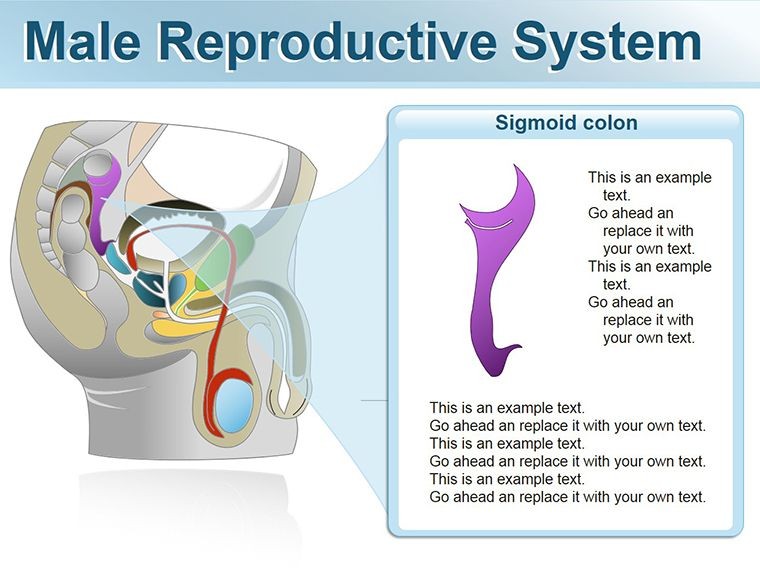
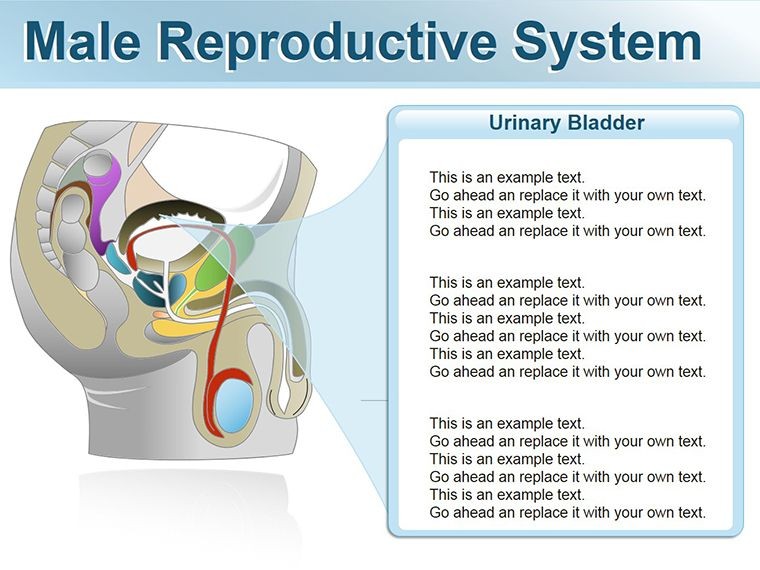
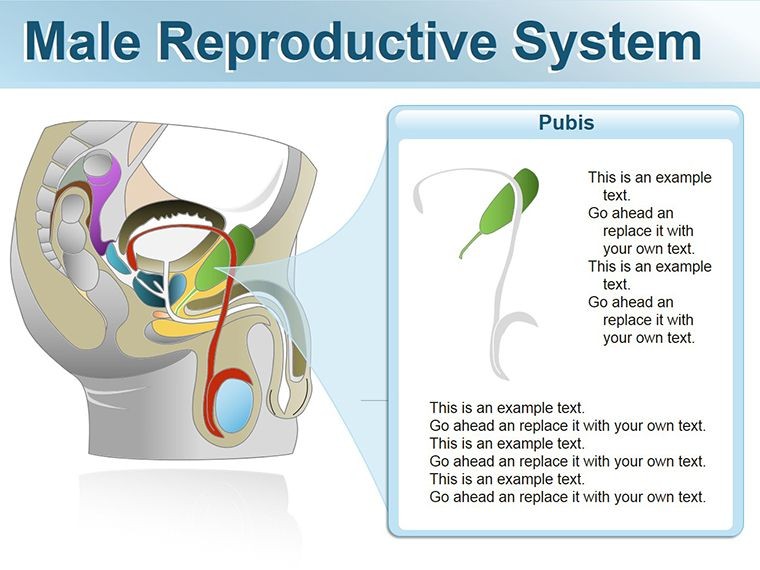
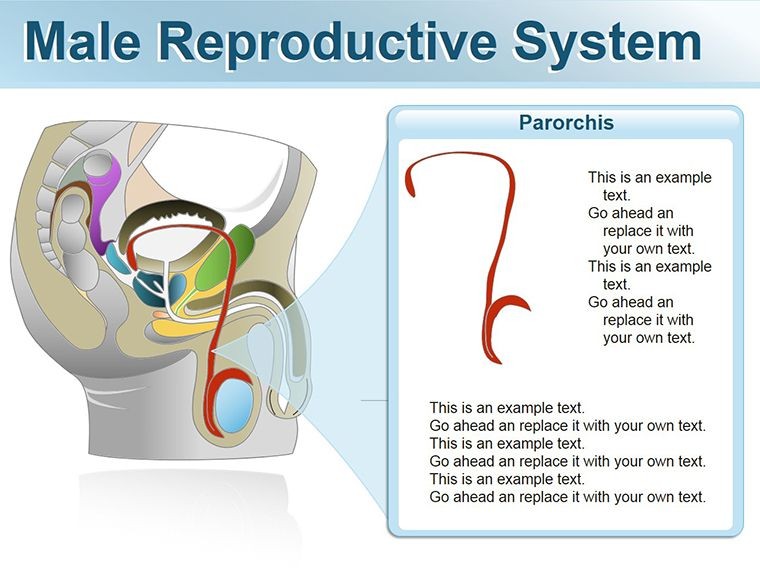
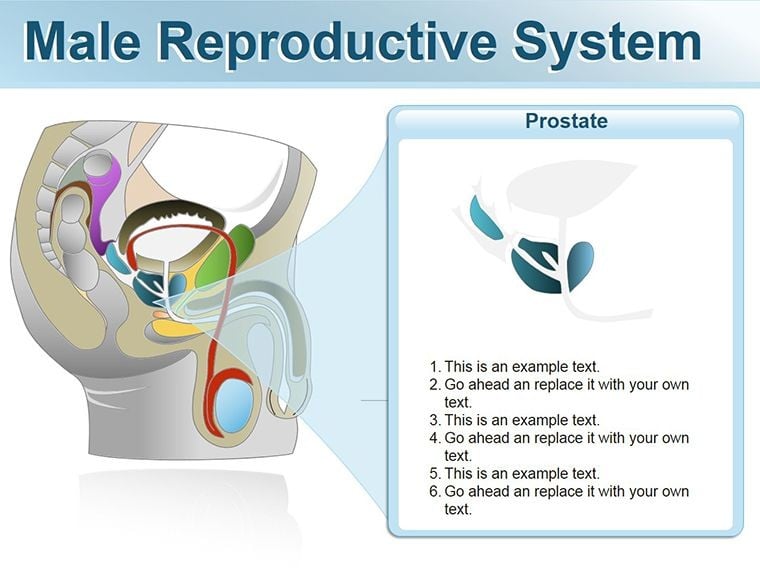
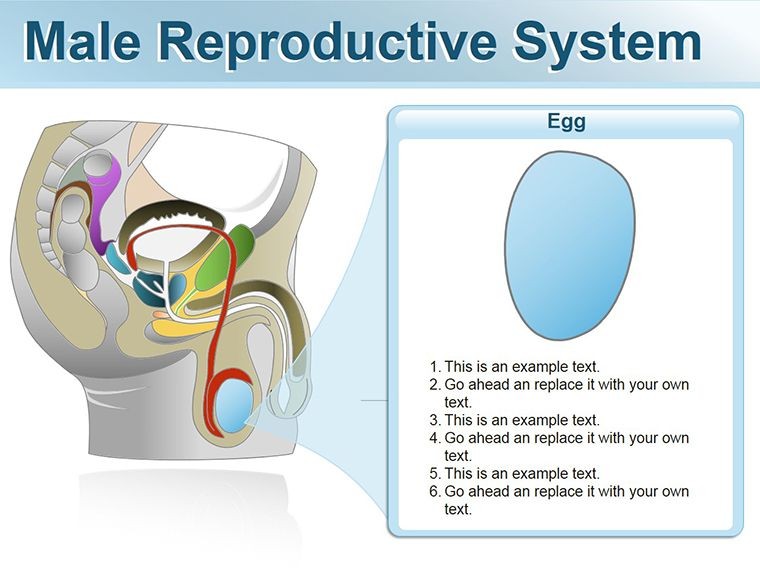
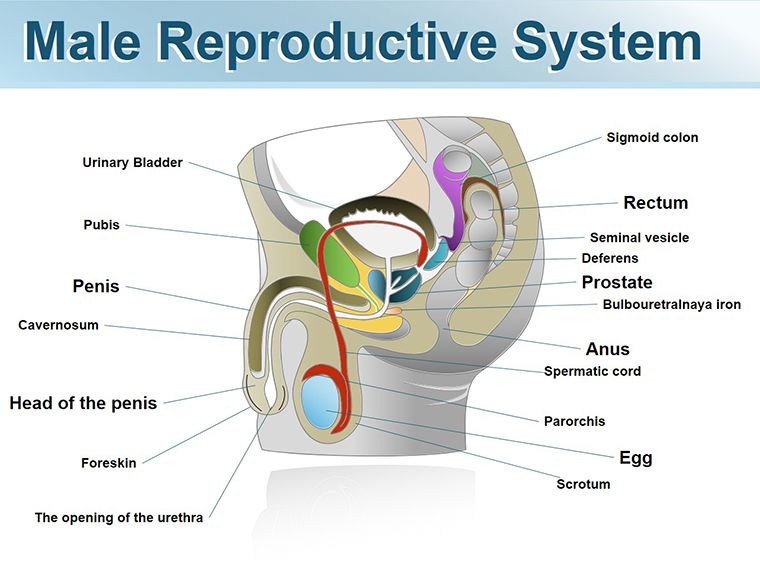
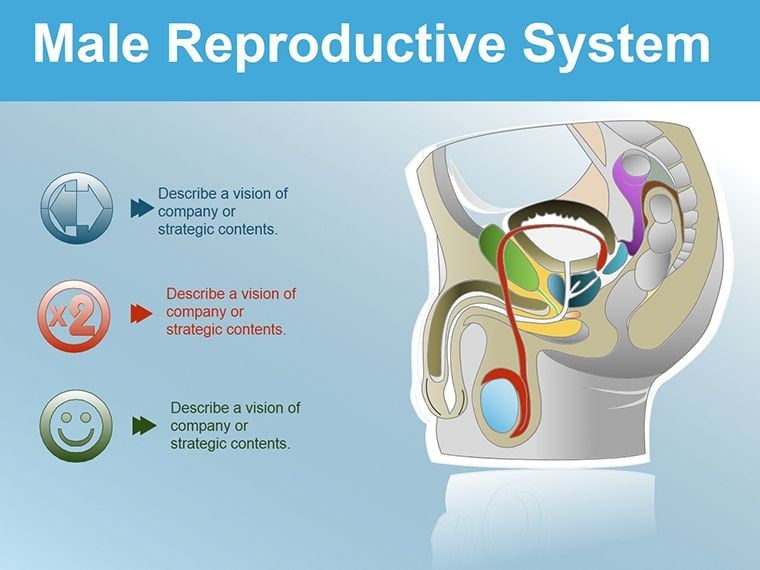
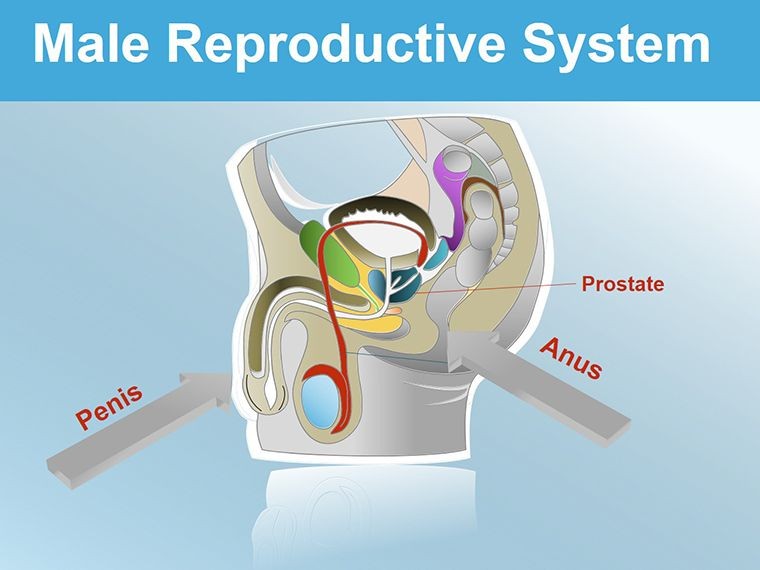
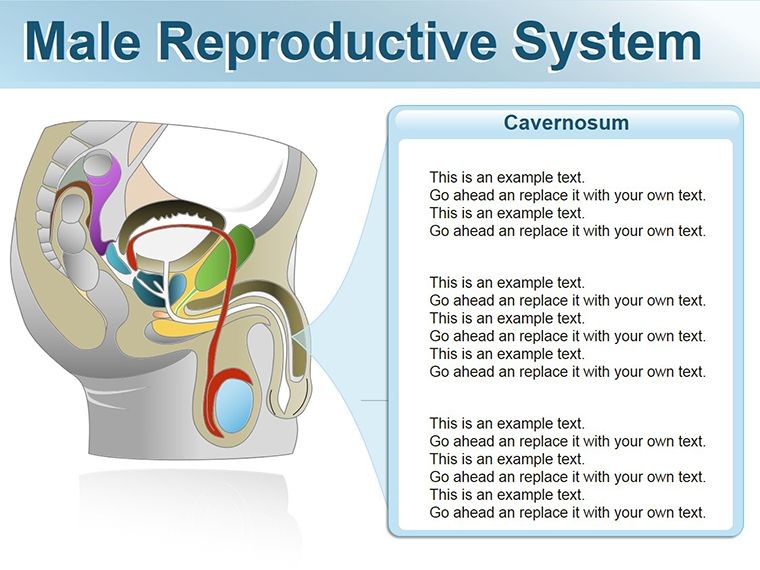
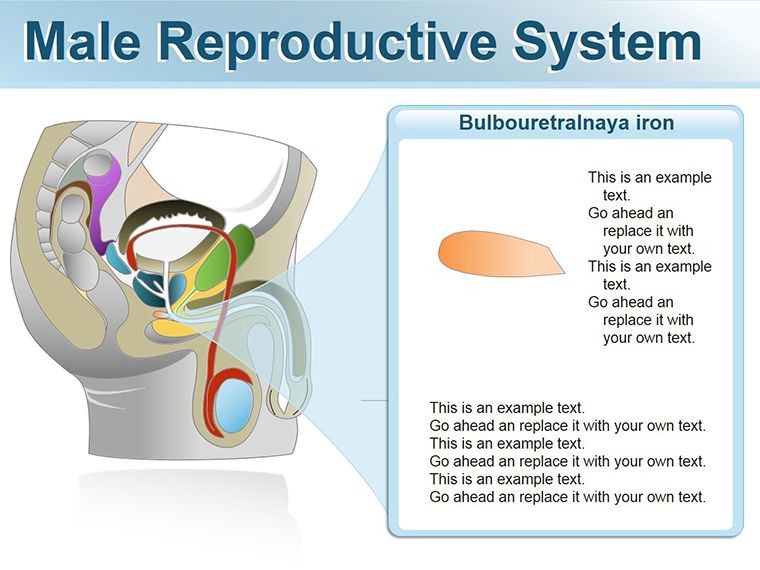
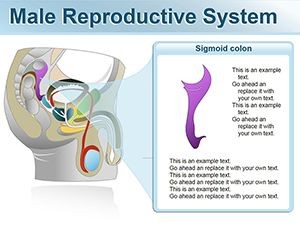
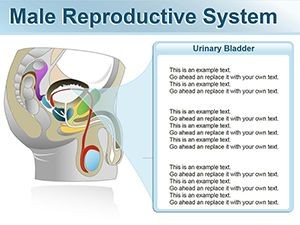
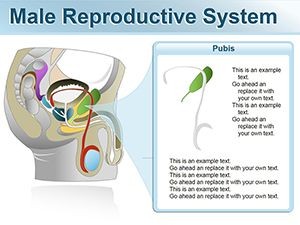
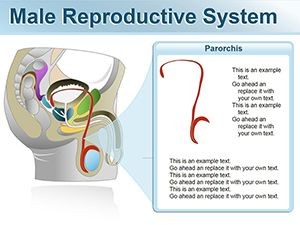
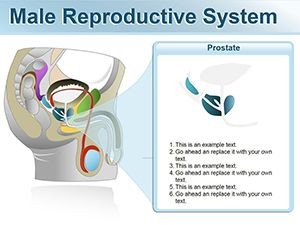
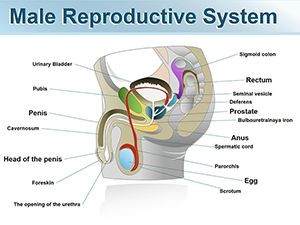
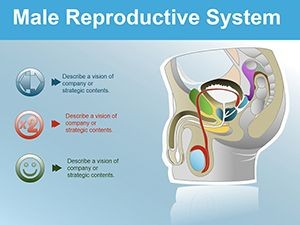
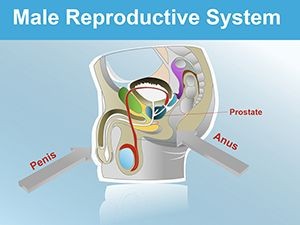
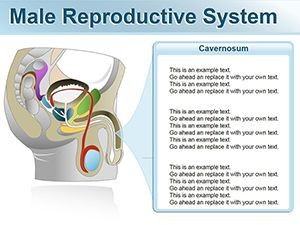
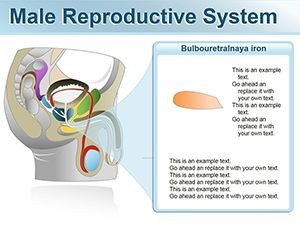
12 editable slides ship in a single .key file. The set maps the male reproductive system at both the systemic and organ level: an overview of the full anatomical arrangement, dedicated slides for the testes, epididymis, vas deferens, seminal vesicles, prostate gland (overview), bulbourethral glands, urethra, and penile structure. Two slides address functional relationships - one covering spermatogenesis pathway and one illustrating the ejaculatory sequence from production to emission. Each illustration uses flat vector construction with clear zone separation between organs and connecting ducts.
The color approach uses neutral anatomical tones - warm tans, muted blues, and soft grays - with accent fills on connecting structures to draw attention to pathway flow. Labels sit in detached text boxes linked by thin lines rather than embedded inside shape fills, which keeps annotation readable when any region is recolored for emphasis. The .key format means every element responds to Keynote's standard Format panel controls without requiring third-party plugins or unlocking protected groups.
Where single-organ sets cover one structure in depth, this library covers the system as a connected whole. A clinician explaining fertility evaluation, for instance, needs to show the relationship between testicular production, epididymal maturation, and ductal transport on one slide - not jump between three separate files. That systemic coverage distinguishes this set from organ-focused alternatives in the same category.
Key Specifications At a Glance
| Feature | Details |
|---|---|
| Slides included | 12 editable slides covering full system, individual organs, and two functional pathway diagrams |
| Vector elements | All organs and connectors are independent vector objects; resize without pixelation at any projection scale |
| Label placement | External text boxes with connector lines; repositionable without affecting underlying shape geometry |
| Color scheme | Neutral anatomical palette; recolor via Format panel fill controls per shape or globally via master slide |
| Aspect ratio | 16:9 widescreen; shapes scale proportionally on dimension change |
| File format | .key file; export to PDF for distribution, JPEG for figure use in documents |
| Keynote compatibility | Keynote 2016 and later on macOS; iOS Keynote compatible for tablet annotation |
| Animation support | Build effects applicable to individual organ layers for sequential reveal during live teaching |
Who Reaches for This Template
A reproductive endocrinologist at a fertility clinic needed a concise visual for a patient consultation explaining the pathway from spermatogenesis to ejaculation. Using the systemic overview slide and the spermatogenesis pathway slide, she produced a two-slide handout in 30 minutes - replacing the laminated poster the team had used for three years. Patients consistently asked more specific questions after the consultation, which the team attributed to being able to follow a labeled diagram rather than listen to a verbal description alone.
In a urology residency program, an attending physician used the ductal anatomy slides for a six-week andrology module. The same file ran across all six sessions; he swapped only the callout labels to align with each week's topic - vas deferens anatomy in week two, seminal vesicle pathology in week four, ejaculatory duct obstruction in week six. Total file preparation time across all six sessions combined was under 90 minutes. Pair this set with a prostate-specific anatomy shapes file when your curriculum requires deeper coverage of glandular zones, or explore the full Medicine - Pharma Keynote shapes library for complementary organ sets.
Medical school faculty in human reproduction courses use the full 12-slide library for lecture sequences, reserving the functional pathway slides for summative sessions where students need to trace the complete reproductive process in one view. One faculty member reported reusing the template across three academic terms by updating label text only, with no structural edits to the underlying illustrations across any of those iterations.
Download and start editing immediately - 12 slides, one .key file, no installation required.
From Download to Final Deck
Editing difficulty: Beginner. Keynote's standard selection and Format panel controls are sufficient for all customization tasks.
- Step 1 - Open the .key file in Keynote 2016 or later (1 minute)
- Step 2 - Click a slide in the navigator to select the organ or pathway view you need (30 seconds)
- Step 3 - Click a shape to select it; use the Format panel Fill swatch to recolor for your department's coding standard (2 minutes)
- Step 4 - Click any label text box and type your annotation - clinical term, value, or stage descriptor (3 minutes per slide)
- Step 5 - Add a build sequence via the Animate panel if presenting live, then export to PDF for handout distribution (2 minutes)
To apply a department or institution color palette across all 12 slides simultaneously, open Edit Master Slides from the View menu, update the accent and fill colors in the master, and close. The change propagates to every slide that references those color tokens - no per-slide editing required.
Why This Template, Not a Blank Slide
Building anatomically proportioned illustrations of the male reproductive system in Keynote without a reference template typically takes 3-5 hours for someone without medical illustration experience, and the resulting shapes rarely maintain correct scale relationships between structures. Getting the size ratio of the testes relative to the epididymis plausible enough for educational use requires either tracing a reference image or extensive trial and error with Keynote's shape tools.
A specific structural detail worth noting: the connecting duct pathways in reproductive anatomy diagrams are often drawn as straight lines between organ shapes, which misrepresents the coiled and folded nature of structures like the epididymis and vas deferens. Curved connector paths that suggest the actual route of sperm transport give the audience a more accurate spatial model. Building those curved connectors manually in Keynote - and keeping them connected to organ shapes that may be moved during editing - is the kind of time-consuming precision work this file handles in advance.
The flat vector construction also avoids a common manual-build problem: medical educators who sketch anatomy slides tend to use gradients and shadows to suggest three-dimensionality, which adds visual noise and increases file size without improving comprehension. Flat shapes with zone separation through color rather than shadow render faster, project more cleanly, and resize to any screen without quality loss.
Download and start editing immediately - 12 anatomically structured slides ready in one .key file.
Which Keynote versions are compatible with this file?
The .key file opens correctly in Keynote 2016 and all later versions on macOS, including the App Store release current as of 2026. Keynote for iOS and iPadOS also supports the file, which is useful for tablet-based annotation during bedside teaching or clinic consultations. Keynote 12 or later on macOS is recommended for the best animation build support. Older supported versions will open the file with full shape and text editability, but may require you to manually reapply any build sequences that were created in a newer release.
How do I recolor individual organ shapes without changing the whole slide?
Each organ is a separate vector object or grouped set of objects. Click directly on the organ shape to select it - if it is part of a group, double-click to enter the group and then click the specific shape. With the shape selected, open the Format panel on the right side of the Keynote interface, click the Fill color swatch, and choose your replacement color. The change applies only to the selected object. Other organs on the same slide are unaffected. To shift all organ fills simultaneously - for example, to match a new institution palette - update the relevant color token in the master slide via View > Edit Master Slides.
What does the license cover for educational and clinical use?
The single-purchase license permits use in educational presentations, clinical consultations, patient education sessions, conference talks, and internal reports within your practice or institution. You may export slides to PDF for handouts and include static exports in published documents or journal submissions. The license does not permit redistribution of the original .key file, sublicensing to third parties, or inclusion of the file in commercially sold course packages. For institutional multi-user licensing, contact ImagineLayout through the site's contact form before purchasing.
What is the refund policy for this template?
Refunds at ImagineLayout are available when the delivered file is technically defective - for instance, a .key file that cannot be opened in a supported Keynote version. Requests based on design preference after download are handled case by case. Before purchasing, review the full Refund Policy page on ImagineLayout.com for current conditions. If you have compatibility questions before buying, the contact page allows you to ask the support team directly rather than purchasing speculatively.
Can animation builds be added or removed after purchase?
Yes. Build animations in Keynote are fully user-controlled and are not locked in this file. Open the Animate panel (View > Animate) while a slide is selected, and add, modify, or delete any build effect on any shape. For sequential organ-by-organ reveals during live teaching, set each shape layer to appear on click. For static use - PDF handouts or journal figures - animations have no effect on export; every shape renders in its final visible state regardless of any build settings applied.