 Click to zoom
Executive Infographics - Fully Editable | ImagineLayout
| Format | .pptx |
| Slides | 11 unique layouts |
| Aspect ratio | 16:9 |
| Compatibility | PowerPoint |
| Animated | No |
| Language | English |
| License | Commercial |
| File size | — |
| Version | v1.0 |
| Last updated | September 2026 |
What's inside
What's Inside the Download
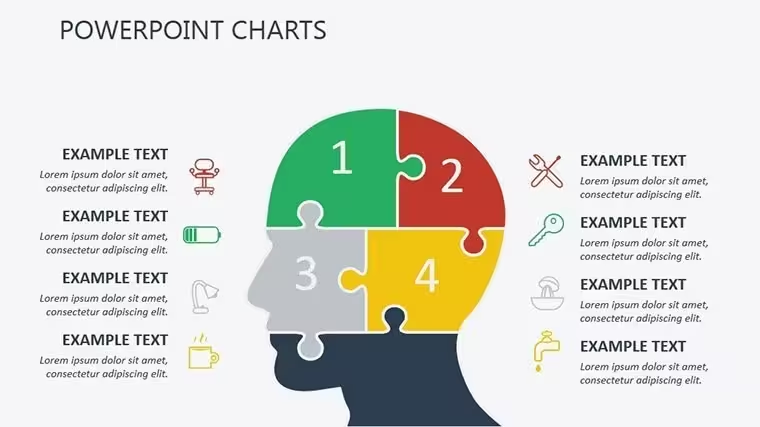
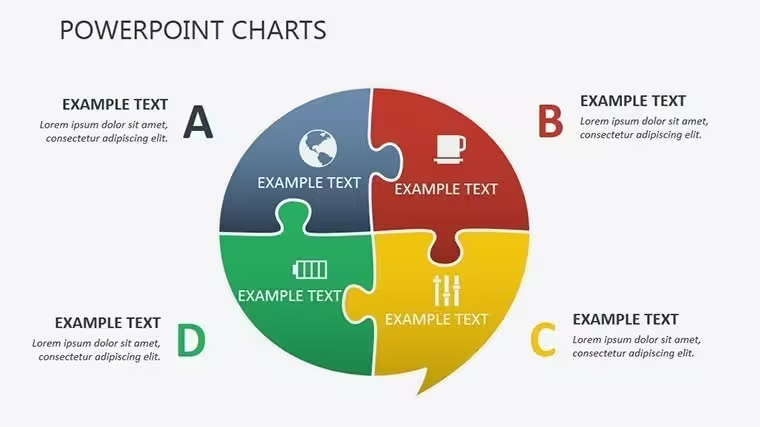
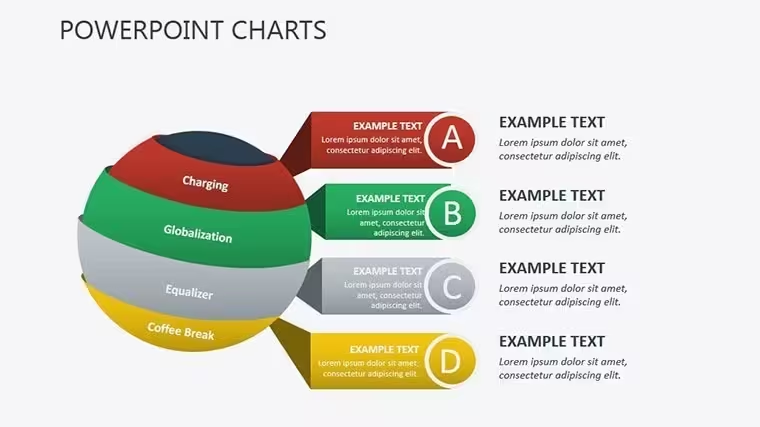
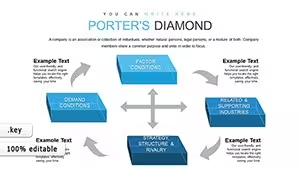
11 editable slides arrive in one .key file built around 3D puzzle infographics with interconnections and volumetric depth.
These diagrams map decision branches in strategy meetings by showing how options link through puzzle assembly.
The volumetric depth here sets it apart from workflow-focused sets by emphasizing interdependencies rather than linear flows. This makes the layout ideal for executive decision tasks where hierarchy perception matters most.
Key Specifications
FeatureDetailsSlides included11 editable diagrams focused on executive infographicsEditable shapespuzzle segments resize and recolor independentlyText placeholderslabels update without unlocking grouped elementsColor theme adjustmentscompatible with Keynote slide master paletteDiagram connectorsinterconnection lines adjustable in direction and weightExport options.key for editing PDF for distribution
Typical Use Cases by Role
A financial consultant in banking prepares a client proposal on investment decisions and reuses the puzzle infographics to show risk overlaps. Deck preparation drops from three hours to 45 minutes.
A strategy director in tech maps team structures during quarterly reviews. The same file adapts across five consecutive briefings via color swaps.
Download the editable .key file now for your next board briefing.
Customization in 5 Steps
1. Open the .key file in Keynote 12 or later (1 minute).
2. Replace placeholder text with your content (3 minutes).
3. Adjust brand colors through the master slide palette (2 minutes).
4. Edit puzzle labels and connectors (4 minutes).
5. Export as .key or PDF (1 minute).
Editing difficulty Moderate.
Why This Template, Not a Blank Slide
Building equivalent 3D puzzles from scratch requires hours of layering and alignment. Here the process takes under 15 minutes total.
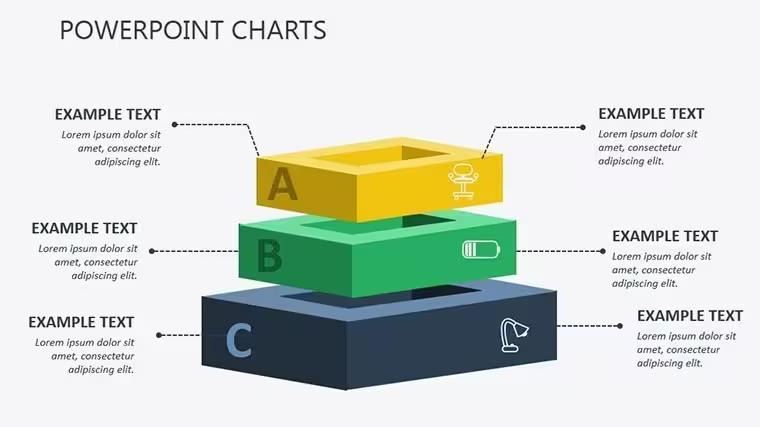
Many presentations place labels directly inside shapes. That works on a laptop screen yet becomes hard to read on a projection screen. This layout places labels outside the shapes connected by thin lines. Readability stays high during live meetings without added editing complexity.
Labels sit outside diagram shapes rather than inside. Colors segment phases rather than decorate. The approach fits data structures that need clear zone segmentation.
Get the full set and start editing today.
Which Keynote versions does this support?
Keynote 12 and later on macOS 12 or higher opens the .key file without issues. Earlier versions may show missing effects on 3D elements. Always check your macOS version before purchase. The file uses standard master slides compatible across recent updates.
How do I change the color scheme?Select View then Slide Master in Keynote. Update the theme colors in the palette. All puzzle segments and connectors inherit the changes automatically. Save the master and return to normal view. The entire deck updates in seconds.
What does the license allow?Internal company use and client work are permitted. Resale or sublicensing of the file itself is not allowed. You may present the edited deck in paid consulting projects. The original masters stay with the buyer only.
What is the difference between free and paid?The paid version includes all 11 editable slides in .key format. Free tier details do not appear on the page so the purchase covers the complete set. Color schemes and interconnections are fully available only after download. No partial files are offered separately.
What software opens the file?Keynote on Mac opens the .key format directly. PowerPoint cannot import it natively. Export to PDF works for sharing after edits. The file contains no external dependencies beyond standard Keynote features.
What is the refund policy?Contact support within 30 days if the file does not open in Keynote 12 or later. Provide proof of compatibility issue for review. Refunds process only for technical failures not for change of mind after successful download. The policy covers download errors only.
Good for
- Project roadmaps and sprint plans
- Product launch timelines
- Quarterly or annual review decks
- Company history and milestone summaries
Licence
reviews
Used this for an office budget review and it worked without much editing.
The layouts looked simple in a good way. Not distracting.
I liked the circular diagram slides the most.
A few pages had too many tiny icons for my taste.
Helped me survive a last minute presentation honestly.
FAQ
Will it work in Google Slides?
Are fonts embedded?
Can I use this for client work?
What's the refund policy?
Do you update the template after purchase?
Similar templates
See all Keynote Charts →
All 11 slides