Plumbing Charts Keynote Template - Fully Editable 43 Slides | Instant Download

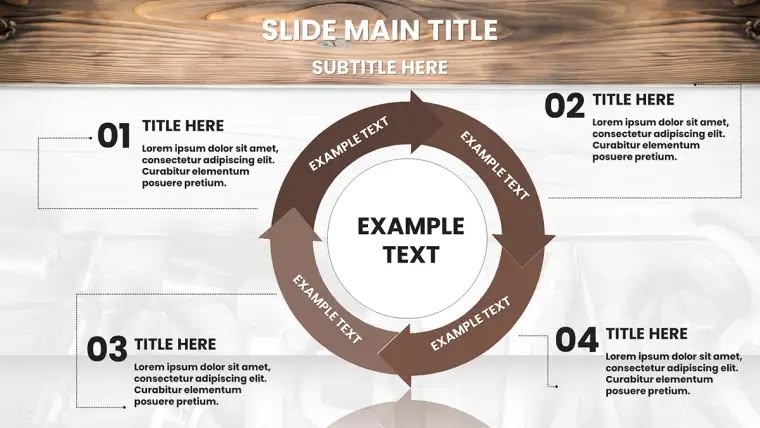

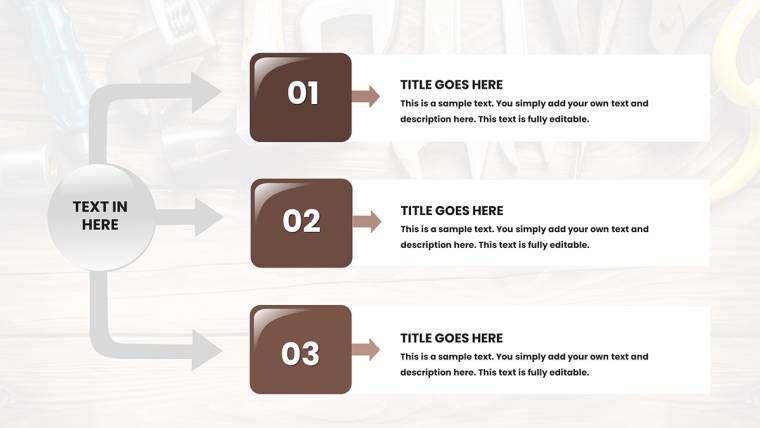
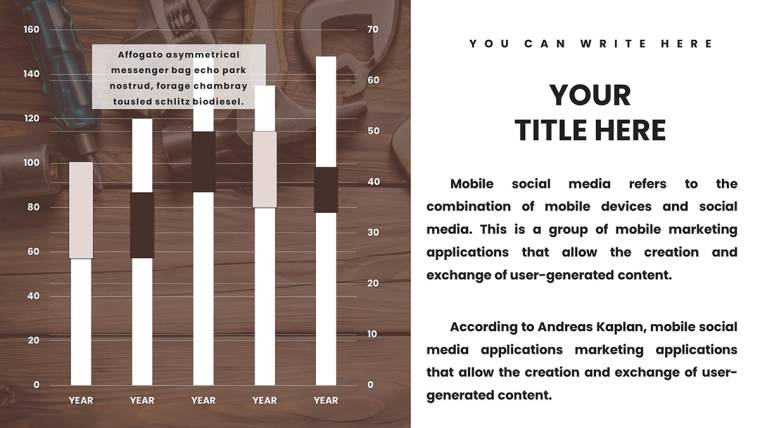
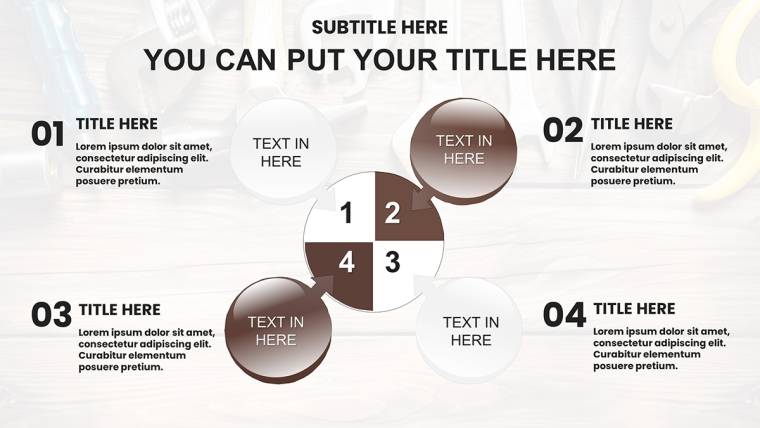
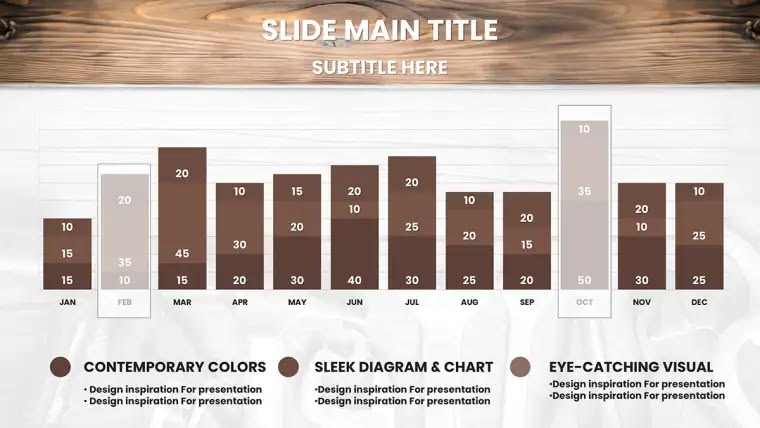
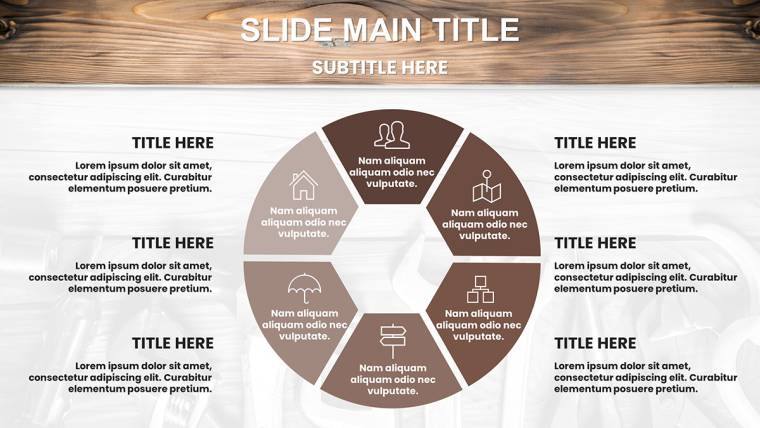

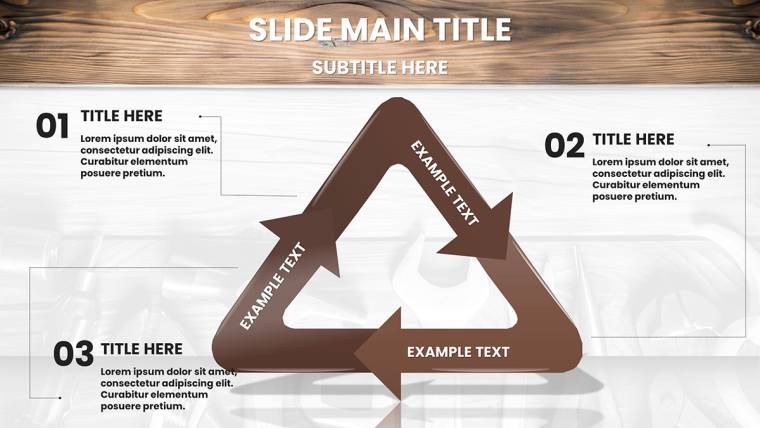
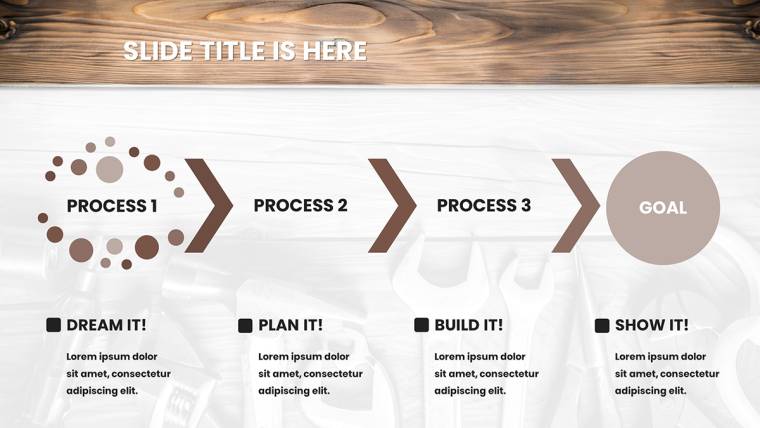





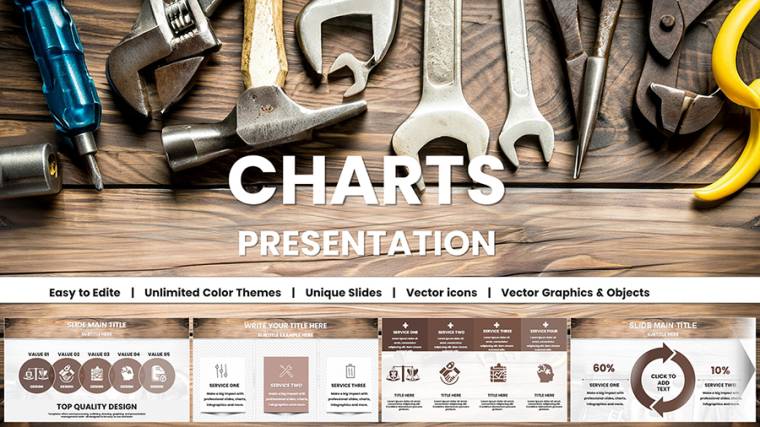































Download the Plumbing Charts Keynote Template with 43 fully editable slides for contractors. Visualize pipelines, repair schedules, service packages and water pressure metrics using drag-and-drop flowcharts and timelines in native Keynote format. Instant .key download tailored for professional plumbing presentations.
What's Included
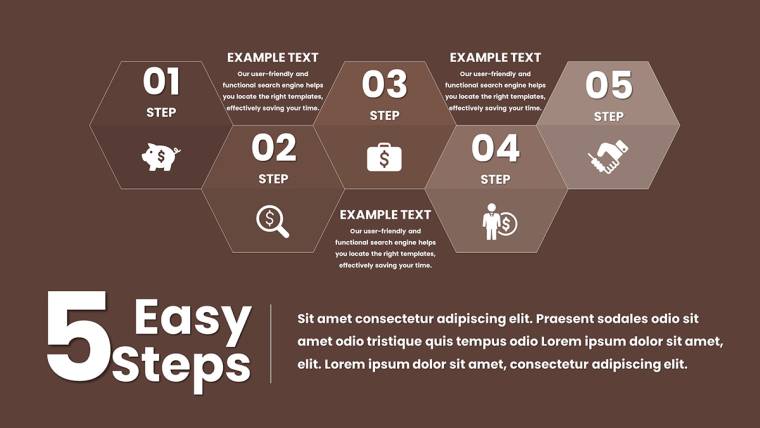
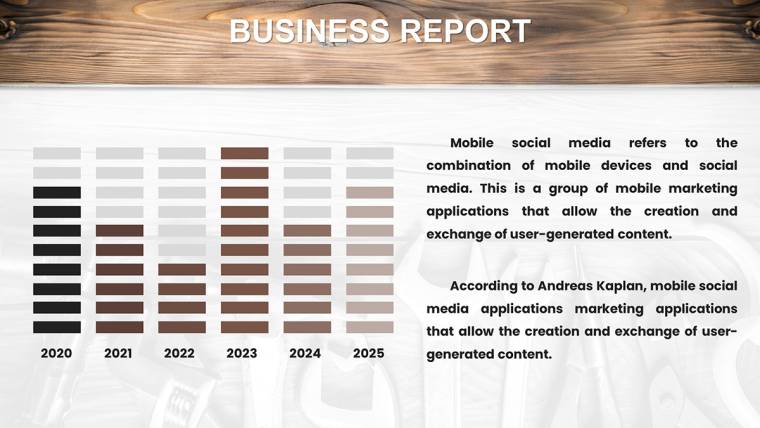
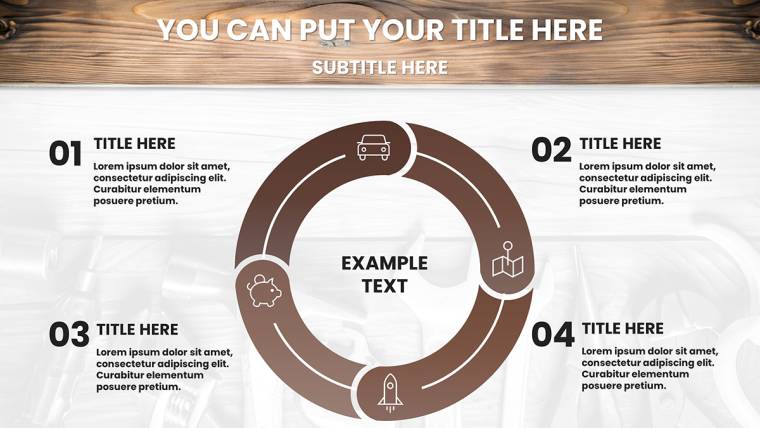
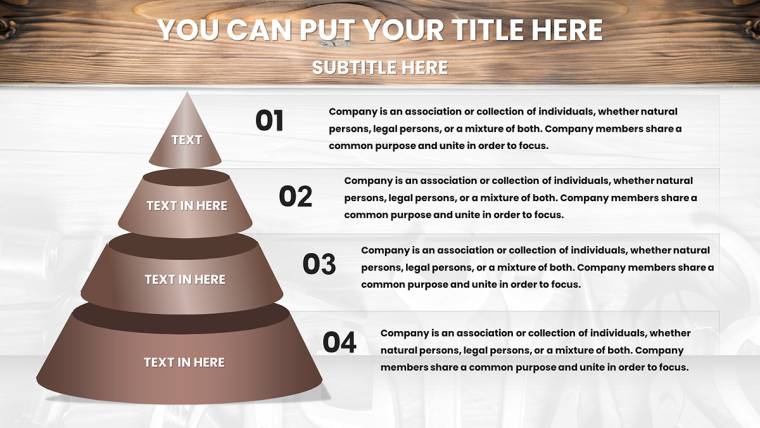
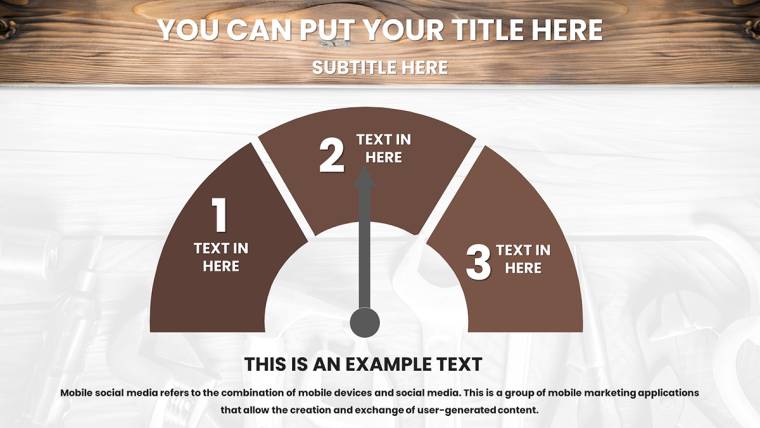
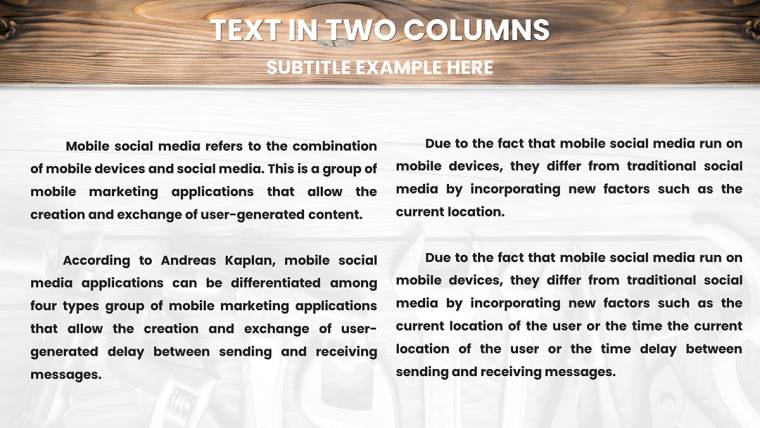
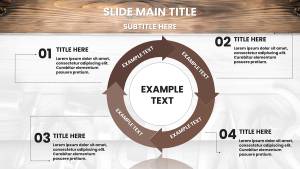
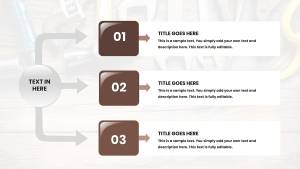
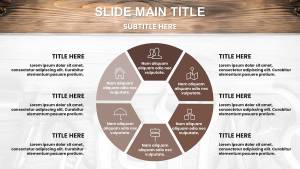
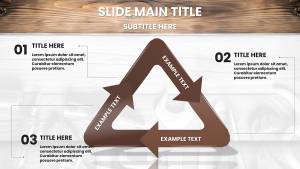
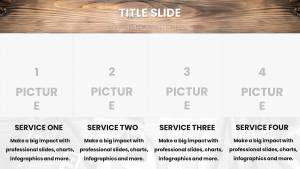
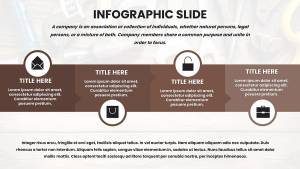
The Plumbing Charts Keynote Template delivers exactly 43 editable slides in native .key format designed exclusively for plumbing workflows. Every slide contains drag-and-drop placeholders for text, vector icons of pipes valves and tools that remain sharp at any scale, and fully adjustable flow paths. You receive dedicated slides for system layout flowcharts, installation sequence diagrams, project phase timelines, service package comparison tables, efficiency metric gauges showing water pressure stats, and complete service stage diagrams that map diagnosis through testing to final handover.
Core Slide Functions
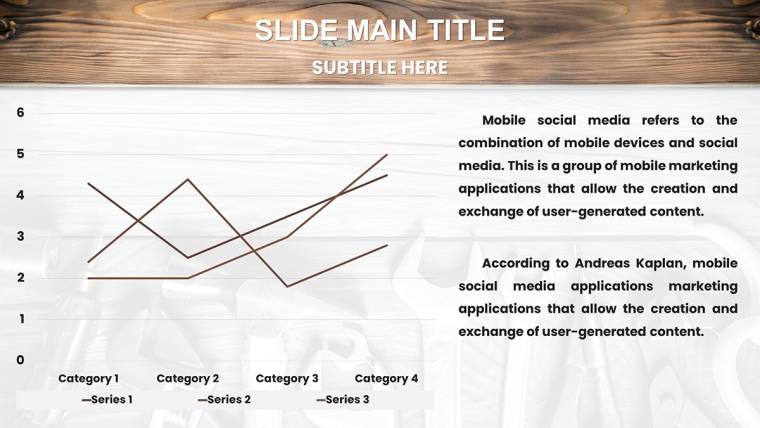
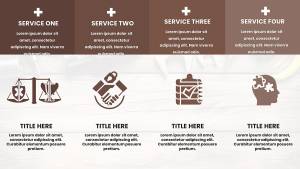
Pipeline overview slides provide global system mapping while regional zoom slides let you highlight specific distribution hubs or problem areas. Repair schedule timelines include milestone markers and dependency arrows that update automatically when dates change. Comparison tables allow side-by-side service package breakdowns with editable pricing rows and checkmark icons.
Key Features
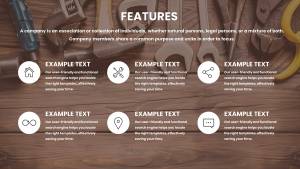
All 43 slides use a professional color scheme with blues representing water flow and reds marking hazard zones, directly inspired by American Society of Plumbing Engineers standards. Vector icons scale without quality loss and every flowchart path, color fill, and text placeholder can be modified in seconds inside Keynote. The template supports iPad field demos and includes interactive presenter notes for live Q&A sessions.
Editable Elements List
| Element | Customization Options |
|---|---|
| Flowchart paths | Add/remove segments, change direction, recolor |
| Icon layers | Pipes, valves, tools - swap or resize |
| Metric gauges | Update pressure values and color thresholds |
| Timeline bars | Extend or shorten phases, add labels |
| Comparison tables | Add rows, edit pricing, toggle icons |
| Color fills | Match company branding instantly |
Professional Use Cases
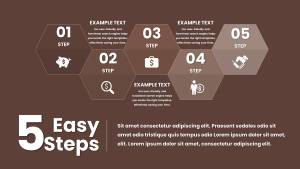
A licensed plumbing contractor at a mid-size firm preparing a major renovation bid used the service stage diagram slide to map every step from initial diagnosis to final testing. The client immediately understood the sequence, asked fewer clarification questions, and approved the project on the spot. Another example: a technical educator training new field teams replaced placeholder text on the installation sequence flowchart with company-specific steps and exported the deck as PDF for on-site reference, cutting training time by allowing instant visual reference instead of handwritten sketches.
Boardroom Pitch Scenario
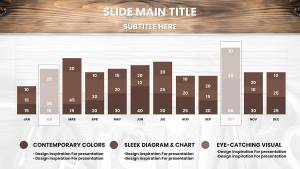
Regional sales directors at logistics-linked plumbing suppliers use the water pressure metrics slide to demonstrate efficiency gains to facility managers, swapping sample data for actual client readings and highlighting cost savings with the red hazard zones now turned green after recommended upgrades.
How to Customize
Download the .key file, open directly in Keynote, click any placeholder text to replace with your project details, drag vector icons into position, and adjust flowchart paths by selecting and editing individual segments. Change the entire color scheme from water blues and hazard reds to your corporate palette in one click using the format panel. Duplicate any slide to extend presentations and add Keynote build animations for phased reveals during client meetings.
Time-Saving Comparison
Building equivalent flowcharts and timelines from scratch in Keynote typically requires 8-10 hours of manual drawing, alignment, and testing. This template reduces that to under 30 minutes because all layouts, icons, and data placeholders are pre-built and professionally aligned to ASPE visual standards.
Why Choose This Template
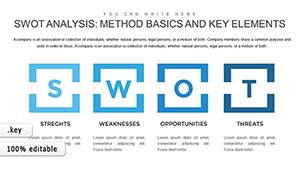
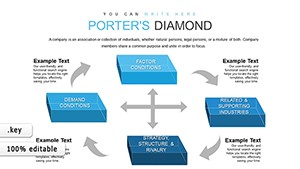
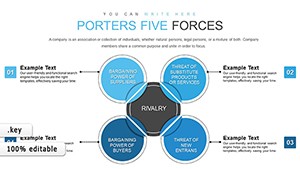
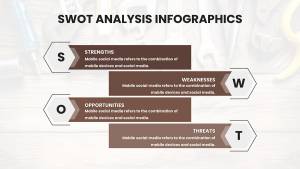
Unlike general SWOT or Porter’s templates listed in related products, this one contains plumbing-specific icons, hazard coding, and service stage sequences that no other chart pack on the site offers. The 43-slide depth covers every stage from diagnosis to completion while remaining fully editable without breaking layout integrity.
Frequently Asked Questions
How do I edit the plumbing flowcharts?
Open the .key file in Apple Keynote, select any flowchart segment, and drag the connection points to reroute paths. Change colors via the format panel to match your branding or safety coding. All text placeholders update instantly when clicked and every vector icon can be recolored or replaced without losing sharpness. The process takes seconds per slide and preserves perfect alignment across the entire 43-slide deck.
Is this template compatible only with Keynote?
Yes, the file is native .key format created specifically for Apple Keynote on Mac, iPad, or iCloud. It will not open correctly in PowerPoint or Google Slides. All animations, vector scaling, and drag-and-drop behavior are optimized for Keynote’s ecosystem, ensuring professional results when presented on Apple devices or exported to PDF.
Can I use the template for commercial client projects?
The template is sold as a digital product intended for unlimited personal and commercial use within your own presentations. You may customize and deliver the finished decks to clients as part of paid services. The included vector icons and layouts remain your editable assets after purchase.
How many slides can I duplicate or remove?
All 43 slides are fully independent. You can duplicate any slide to extend a presentation or delete unused ones without affecting the rest of the deck. The drag-and-drop placeholders and vector elements stay intact on every copy, allowing you to build longer project proposals or training modules exactly as needed.
What file format will I receive after purchase?
You receive one clean .key file containing all 43 slides ready to open in Keynote. No additional fonts, images, or external assets are required. The download link is provided immediately after payment and remains available in your account.