Affiliate Marketing Charts - Editable Keynote | ImagineLayout

2
804 ratings
Affiliate Marketing Charts - Editable Keynote | ImagineLayout - Slide Affiliate Marketing Keynote charts
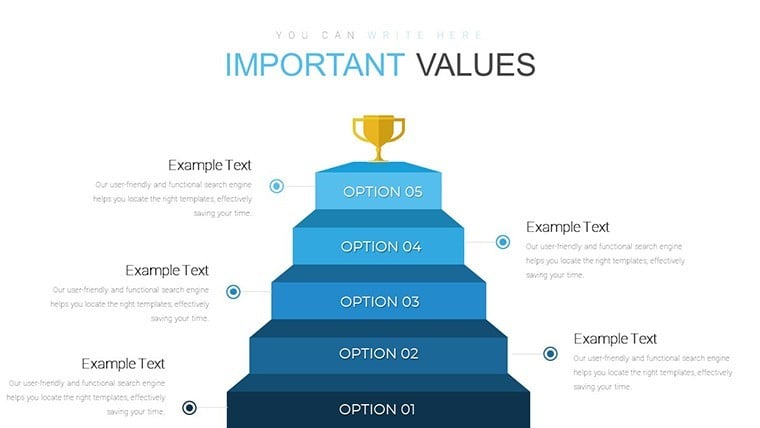
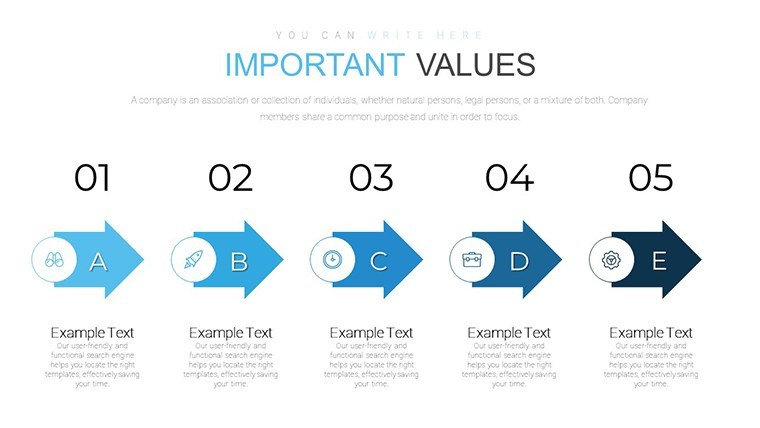
Affiliate Marketing Charts - Editable Keynote | ImagineLayout - Slide #1
Affiliate Marketing Charts - Editable Keynote | ImagineLayout - Slide #2
Affiliate Marketing Charts - Editable Keynote | ImagineLayout - Slide #3
Affiliate Marketing Charts - Editable Keynote | ImagineLayout - Slide #4
Affiliate Marketing Charts - Editable Keynote | ImagineLayout - Slide #5
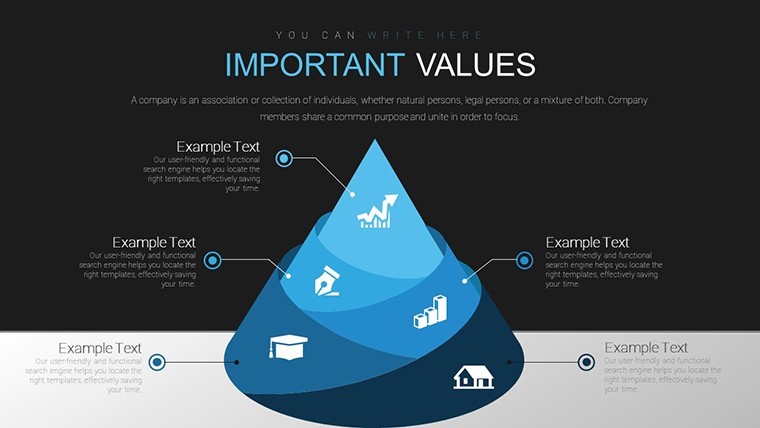
Affiliate Marketing Charts - Editable Keynote | ImagineLayout - Slide #6
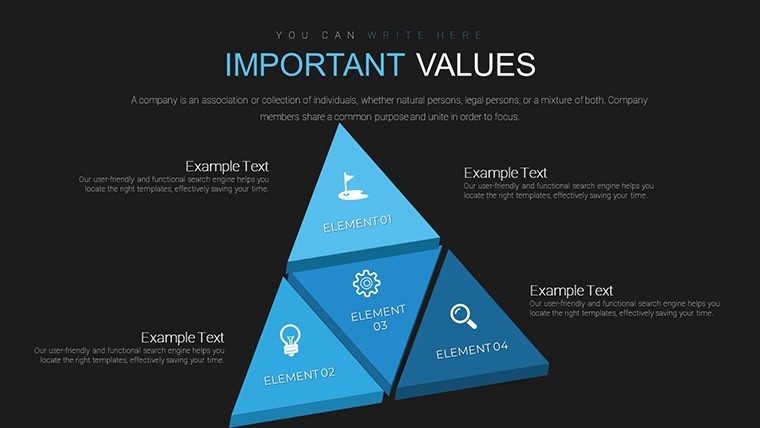
Affiliate Marketing Charts - Editable Keynote | ImagineLayout - Slide #7
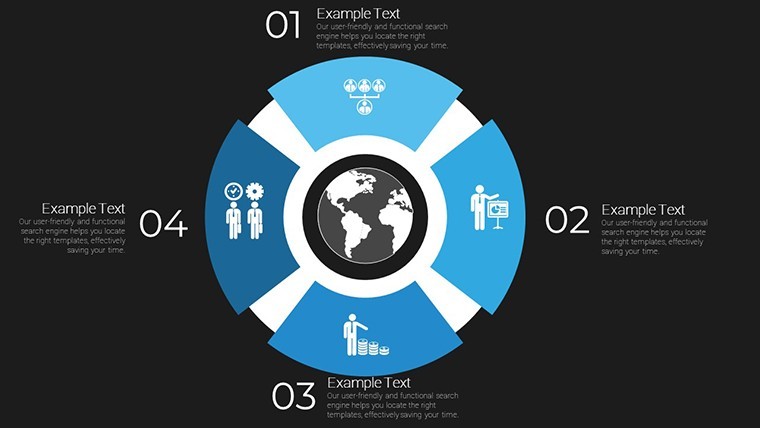
Affiliate Marketing Charts - Editable Keynote | ImagineLayout - Slide #8
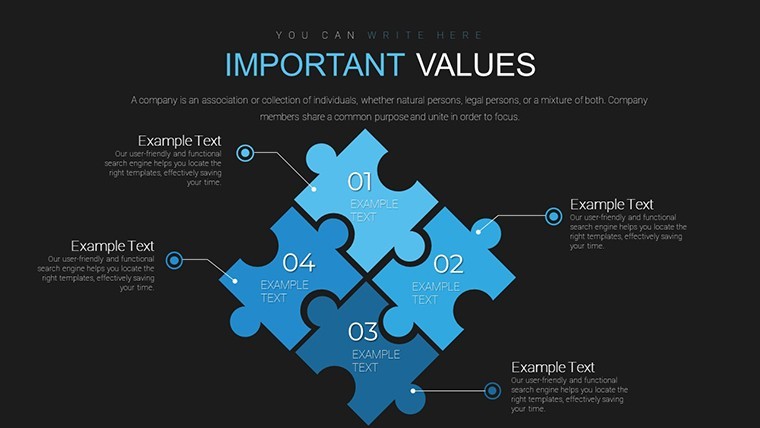
Affiliate Marketing Charts - Editable Keynote | ImagineLayout - Slide #9
Affiliate Marketing Charts - Editable Keynote | ImagineLayout - Slide #10
Affiliate Marketing Charts - Editable Keynote | ImagineLayout - Slide #11
Affiliate Marketing Charts - Editable Keynote | ImagineLayout - Slide #12
Affiliate Marketing Charts - Editable Keynote | ImagineLayout - Slide #13
Affiliate Marketing Charts - Editable Keynote | ImagineLayout - Slide #14
Affiliate Marketing Charts - Editable Keynote | ImagineLayout - Slide #15
Affiliate Marketing Charts - Editable Keynote | ImagineLayout - Slide #16
Affiliate Marketing Charts - Editable Keynote | ImagineLayout - Slide #17
Affiliate Marketing Charts - Editable Keynote | ImagineLayout - Slide #18
Affiliate Marketing Charts - Editable Keynote | ImagineLayout - Slide #19
Affiliate Marketing Charts - Editable Keynote | ImagineLayout - Slide #20
Affiliate Marketing Charts - Editable Keynote | ImagineLayout - Slide #21
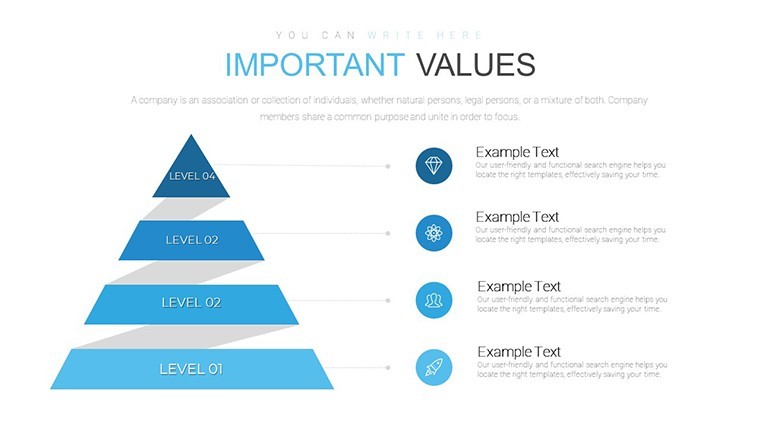
Affiliate Marketing Charts - Editable Keynote | ImagineLayout - Slide #22
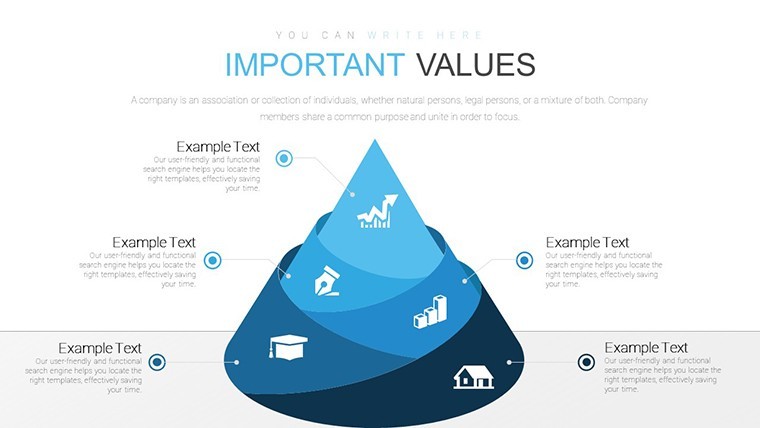
Affiliate Marketing Charts - Editable Keynote | ImagineLayout - Slide #23
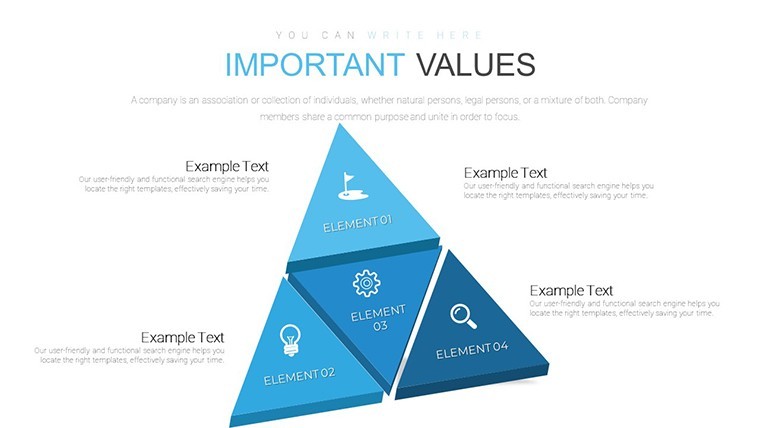
Affiliate Marketing Charts - Editable Keynote | ImagineLayout - Slide #24
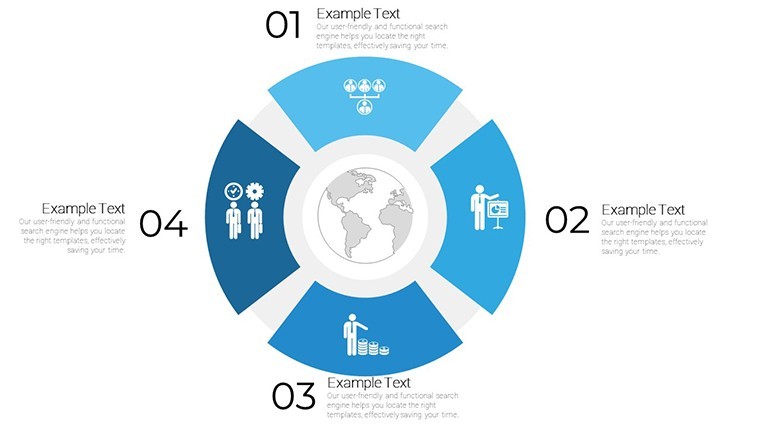
Affiliate Marketing Charts - Editable Keynote | ImagineLayout - Slide #25
Affiliate Marketing Charts - Editable Keynote | ImagineLayout - Slide #26
Affiliate Marketing Charts - Editable Keynote | ImagineLayout - Slide #27
Affiliate Marketing Charts - Editable Keynote | ImagineLayout - Slide #28
Affiliate Marketing Charts - Editable Keynote | ImagineLayout - Slide #29
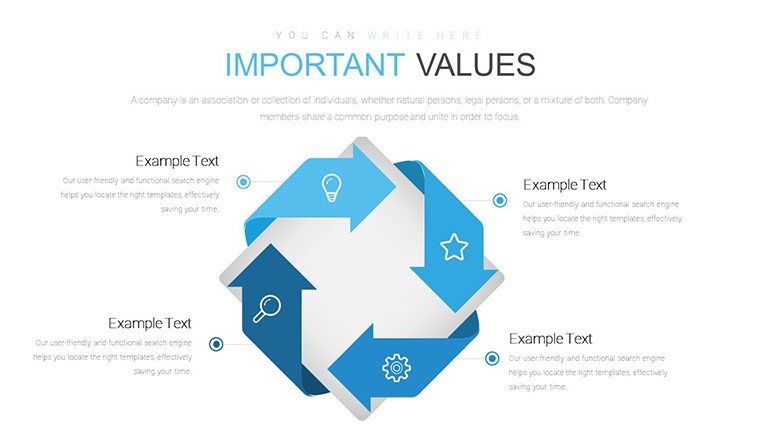
Affiliate Marketing Charts - Editable Keynote | ImagineLayout - Slide #30
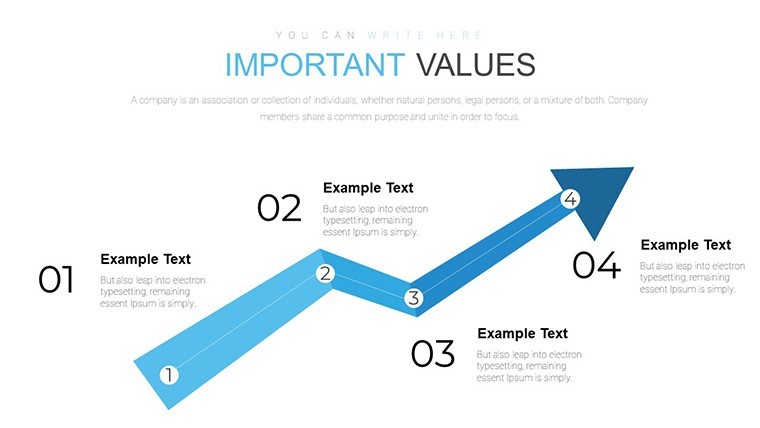
Affiliate Marketing Charts - Editable Keynote | ImagineLayout - Slide #31
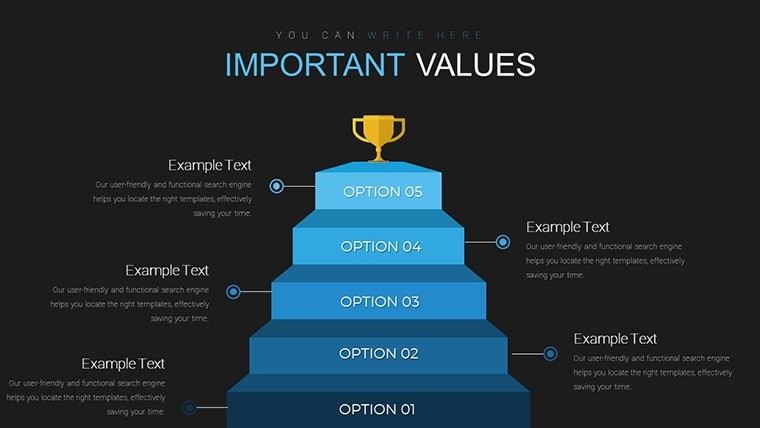
Affiliate Marketing Charts - Editable Keynote | ImagineLayout - Slide #32
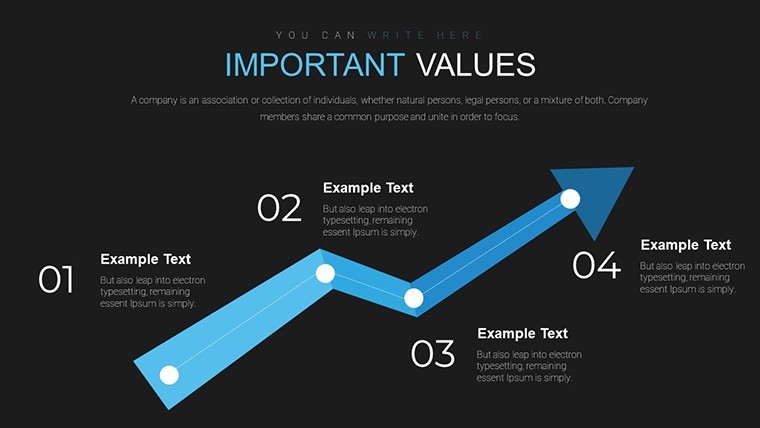
Affiliate Marketing Charts - Editable Keynote | ImagineLayout - Slide #33
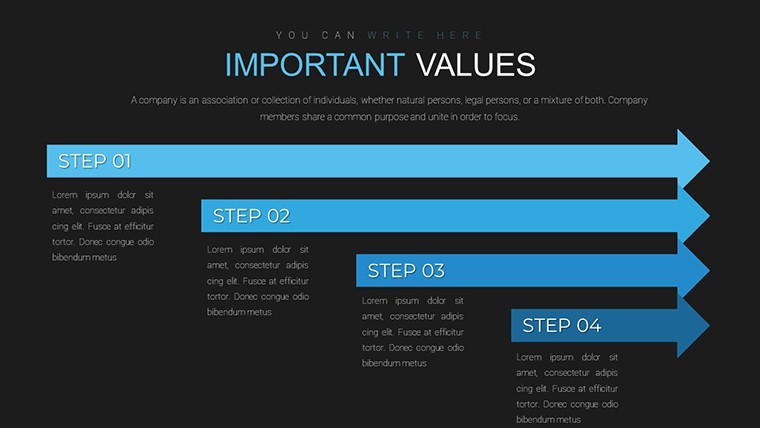
Affiliate Marketing Charts - Editable Keynote | ImagineLayout - Slide #34
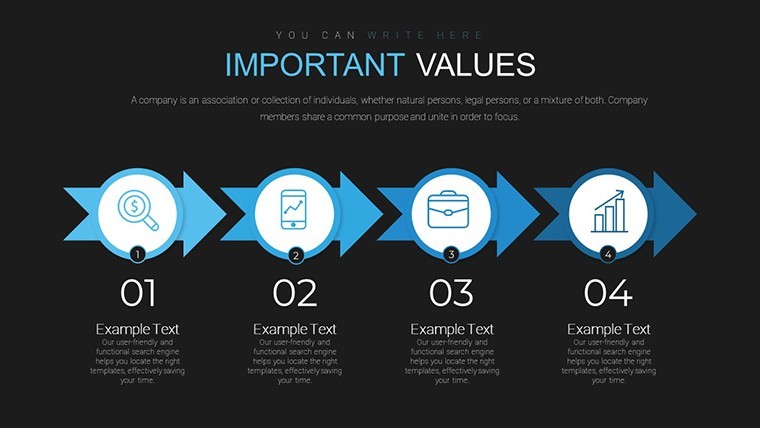
Affiliate Marketing Charts - Editable Keynote | ImagineLayout - Slide #35
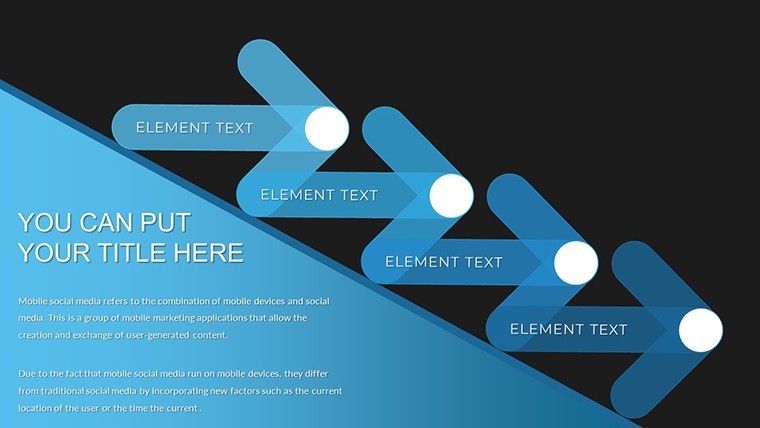
Affiliate Marketing Charts - Editable Keynote | ImagineLayout - Slide #36
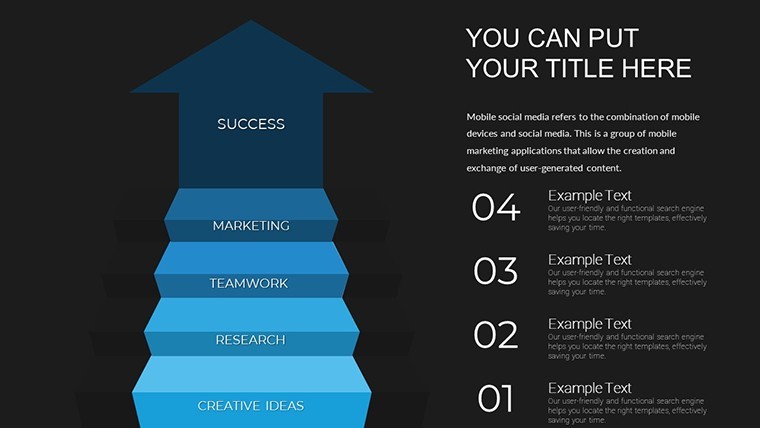
Affiliate Marketing Charts - Editable Keynote | ImagineLayout - Slide #37
thumbnail slide #0
thumbnail slide #1
thumbnail slide #2
thumbnail slide #3
thumbnail slide #4
thumbnail slide #5
thumbnail slide #6
thumbnail slide #7
thumbnail slide #8
thumbnail slide #9
thumbnail slide #10
thumbnail slide #11
thumbnail slide #12
thumbnail slide #13
thumbnail slide #14
thumbnail slide #15
thumbnail slide #16
thumbnail slide #17
thumbnail slide #18
thumbnail slide #19
thumbnail slide #20
thumbnail slide #21
thumbnail slide #22
thumbnail slide #23
thumbnail slide #24
thumbnail slide #25
thumbnail slide #26
thumbnail slide #27
thumbnail slide #28
thumbnail slide #29
thumbnail slide #30
thumbnail slide #31
thumbnail slide #32
thumbnail slide #33
thumbnail slide #34
thumbnail slide #35
thumbnail slide #36
thumbnail slide #37

Type: Keynote Charts template

Category: Cycle, Arrows, Puzzles

Sources Available: .key

Product ID: KC00736
Template incl.: 38 editable slides

Purchase this template
$ 22.00

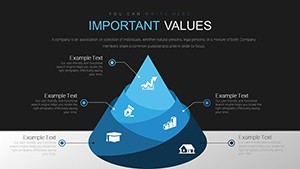
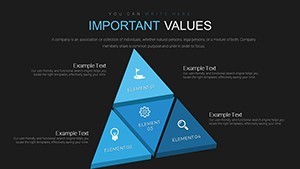
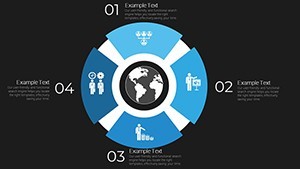
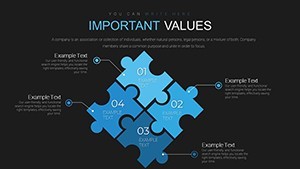
Affiliate Marketing Charts for Partnership Growth

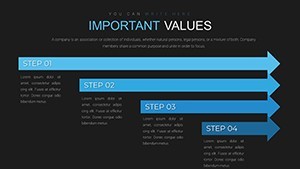
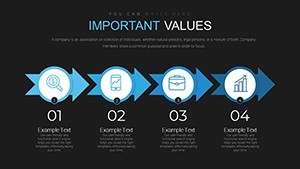
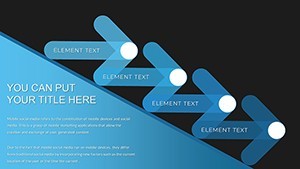
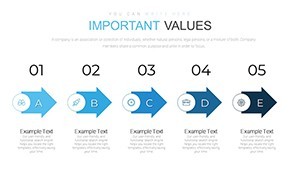
38 editable slides in KEY format deliver ready-to-use charts for affiliate marketing partnerships.

No setup needed.

The paid version unlocks the complete 38-slide deck while previews stay limited to samples only and the files follow standard KEY format compatible with current Keynote installations.

Marketing managers rely on these when they must show partner contribution breakdowns to stakeholders without redrawing anything from scratch.

In most cases you only replace text and adjust colors.

These charts support analysis of revenue streams from different affiliates so teams can prioritize high performers and cut underperforming ones after one glance at the data.

Not ideal for creative storytelling slides without clear data focus.

Use this instead of building diagrams manually in Keynote.

The predefined structure keeps everything aligned so you don`t end up adjusting spacing slide by slide and works across multiple reports.

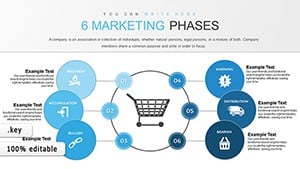
See also Market Analysis Keynote Charts or 6 Marketing Phases Keynote Charts for complementary layouts.

Specifications

Slides / diagrams38 editable charts focused on affiliate marketing partnerships
File formatKEY
Software versionKeynote 12+
Color schemesEditable via slide master (number not specified on page)
Editable elementsText, icons, colors and layouts resize independently
Aspect ratio16:9
Free vs PaidPaid includes full 38 slides; free limited to preview
Masters / BackgroundsSlide masters for instant color updates
How do I change colors via slide master?

The slide master controls all colors across the deck. Open the master view in Keynote, select the background or text style you want to change, update the fill or font color, and close the master to apply it to all slides instantly. This works even if you duplicate slides later and typically takes under one minute.

Can I use the template for client work?

You can use the template for client projects under the standard license. Credit to ImagineLayout is not required but appreciated in the footer if space allows. One license covers one user or team for unlimited client work as long as the final presentation is not resold as a template.

What is the difference between the free and paid version?

The paid version unlocks the complete set of editable slides while the free download offers a limited preview with watermarks. You get all 38 slides only in the paid file with no restrictions on editing or commercial use. Switching between versions is not needed since the paid one includes everything.

What are the refund conditions?

Refunds are available within 14 days if the file does not open in your Keynote version or if it does not match the described slides. Contact support with your order ID to start the process. No refunds after the file has been downloaded and used in your presentation.

What Keynote version is required?

The templates work in Keynote 12 and newer on macOS Ventura or later. Older versions may show layout shifts on some slides but the core structure remains intact. Test in your current installation before final edits.

Everything is already structured.

Download and start editing immediately
See more in Cycle Keynote Chart →