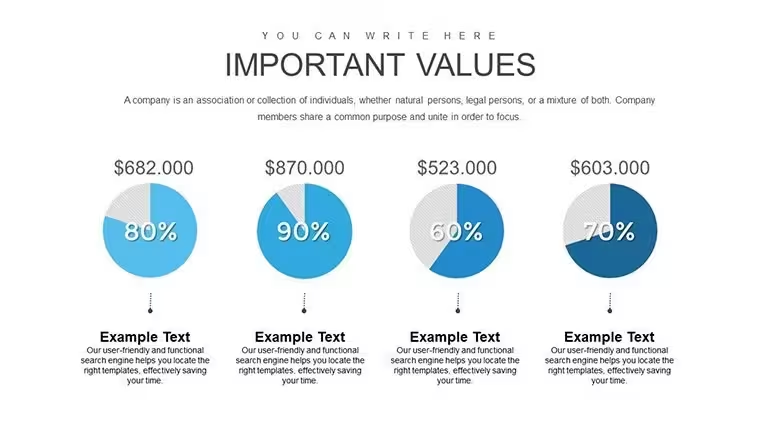
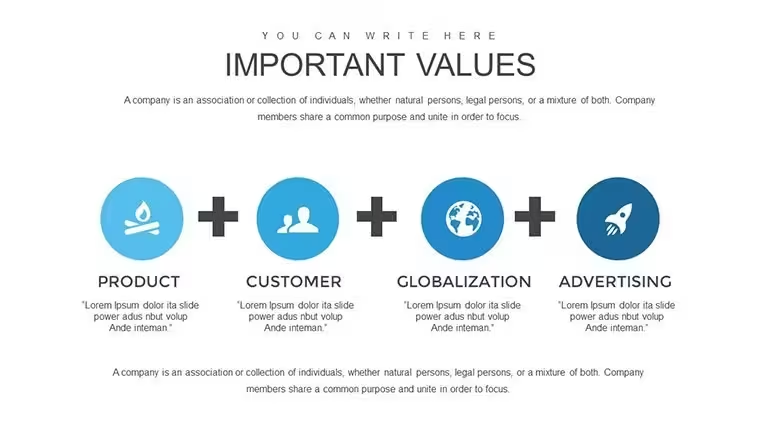
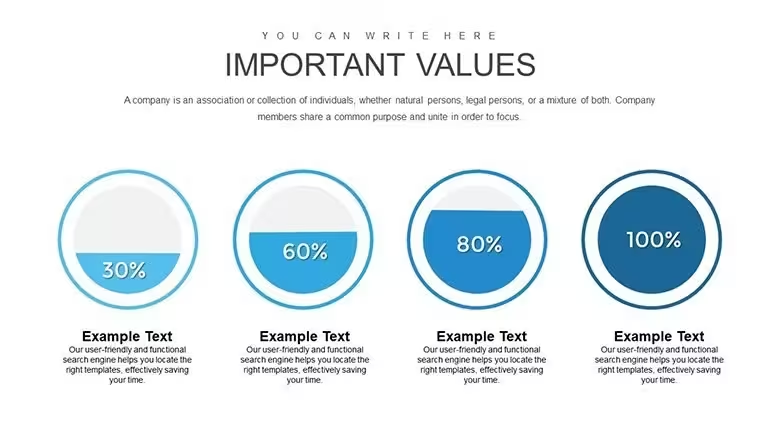
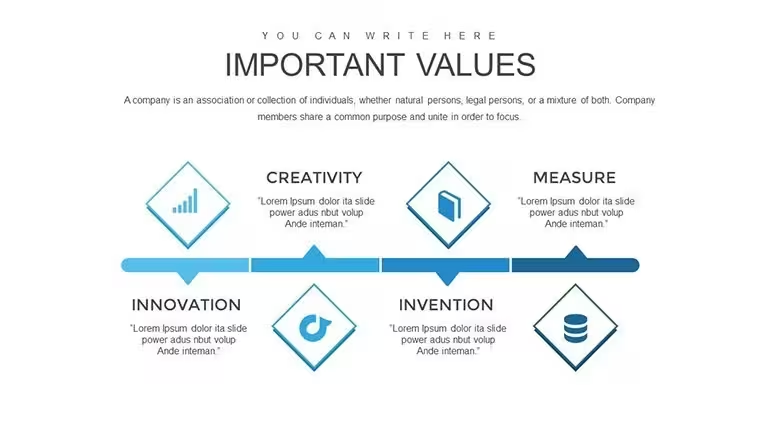
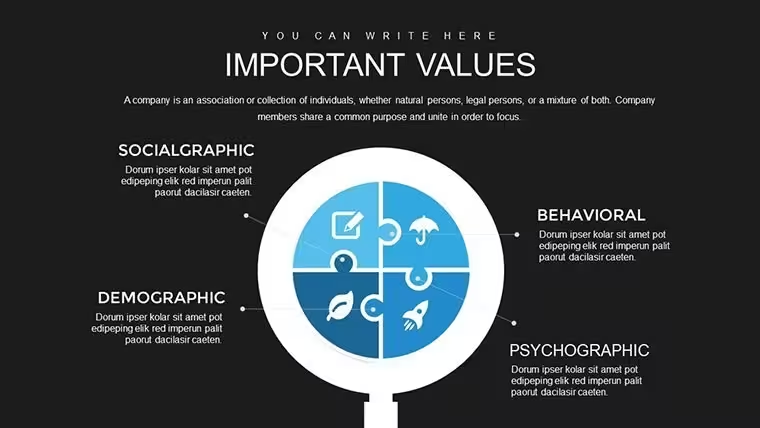
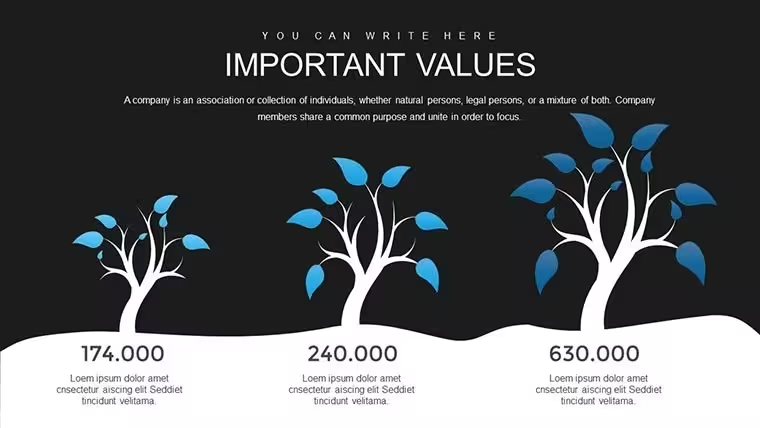
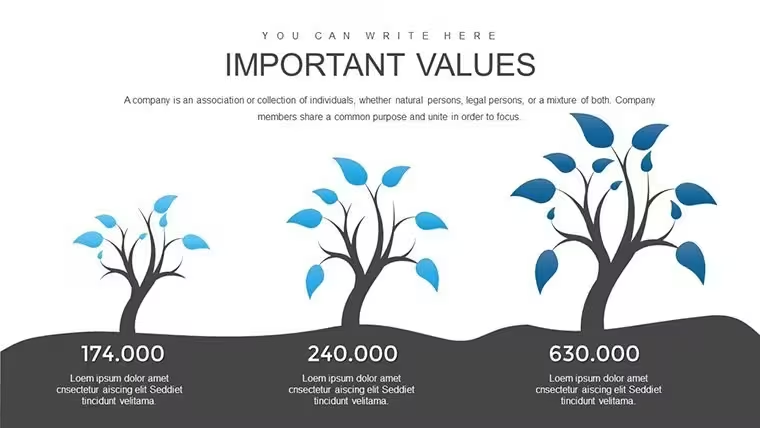
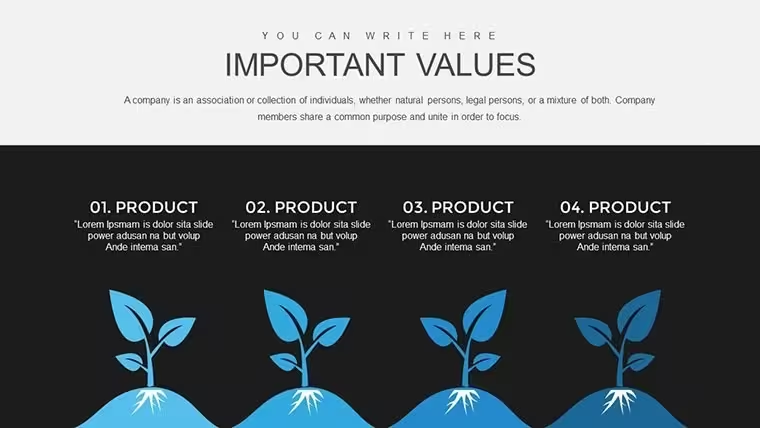
 Click to zoom
Time Management Keynote Charts - Editable Keynote | ImagineLayout
| Format | .pptx |
| Slides | 34 unique layouts |
| Aspect ratio | 16:9 |
| Compatibility | PowerPoint |
| Animated | No |
| Language | English |
| License | Commercial |
| File size | — |
| Version | v1.0 |
| Last updated | August 2026 |
What's inside
Time Management Keynote Charts for Marketers: Optimize Your Workflow
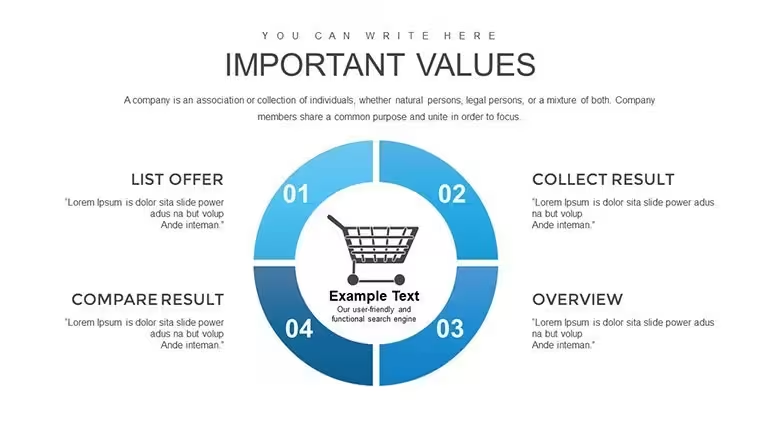
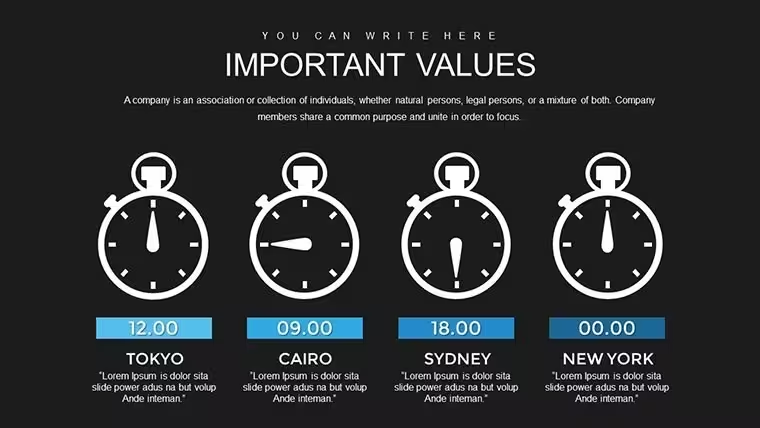
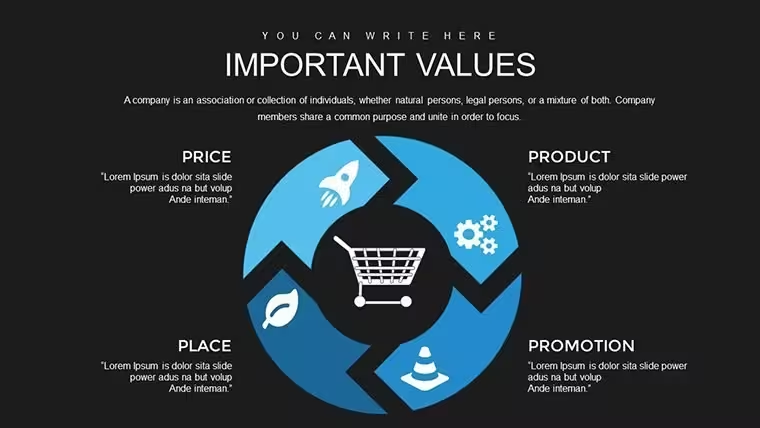
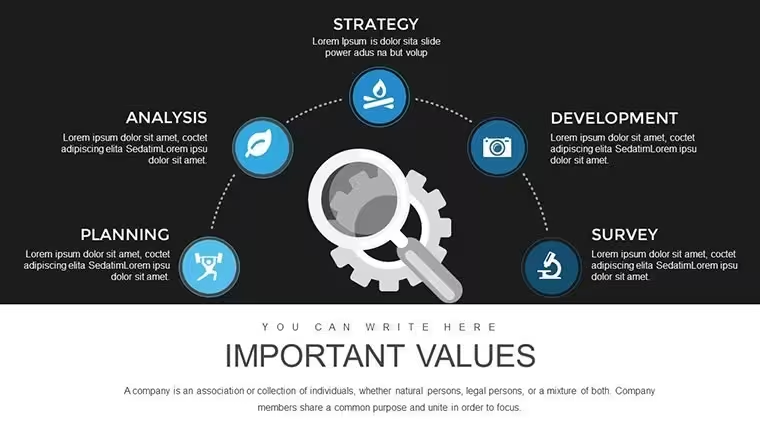
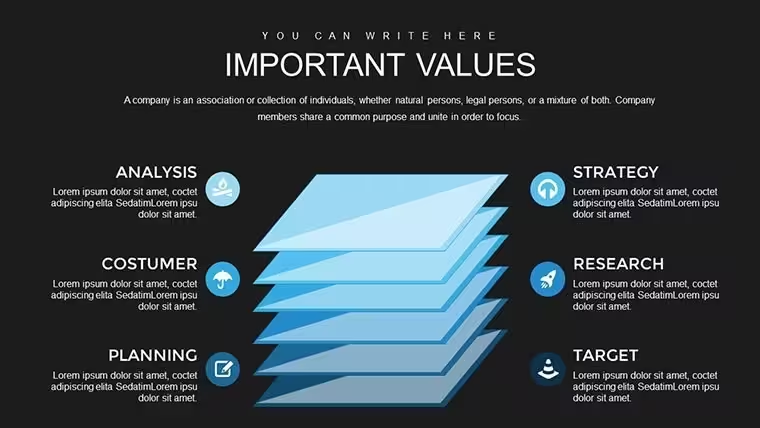
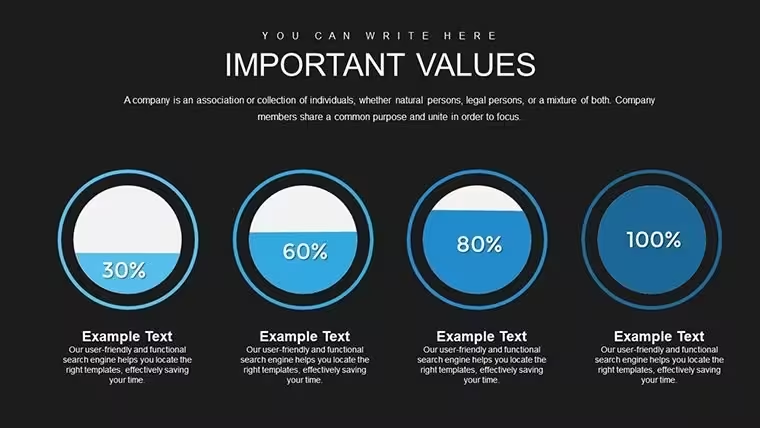
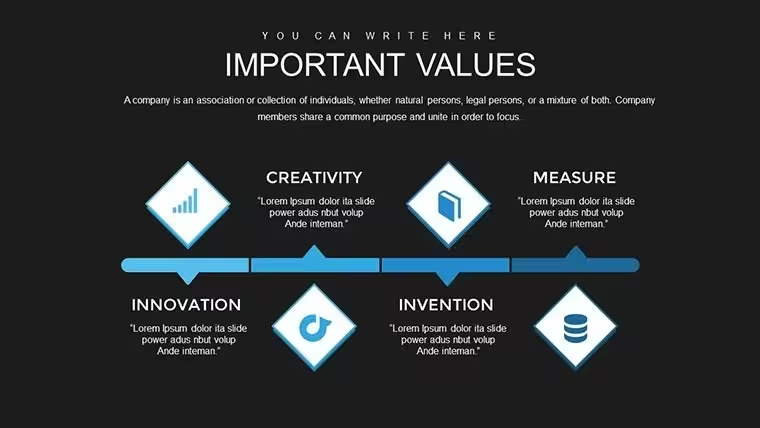
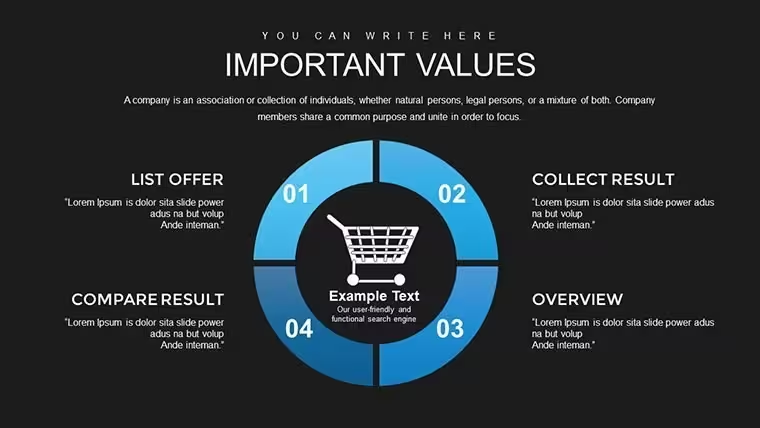
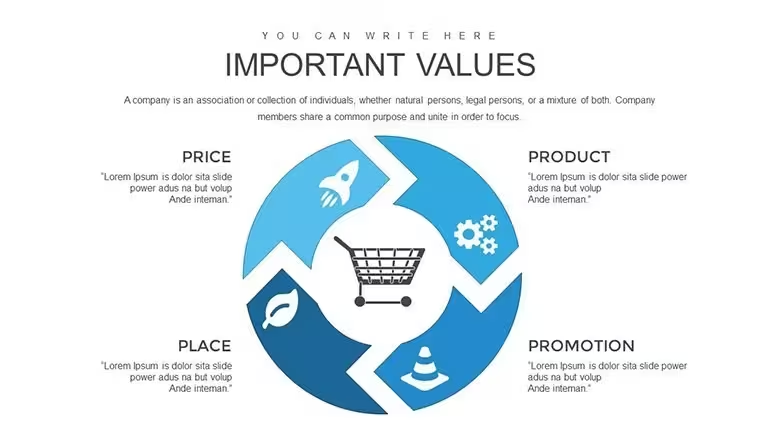
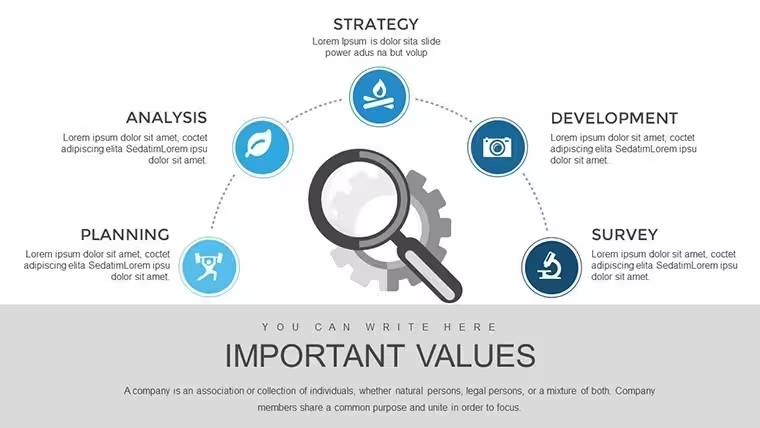
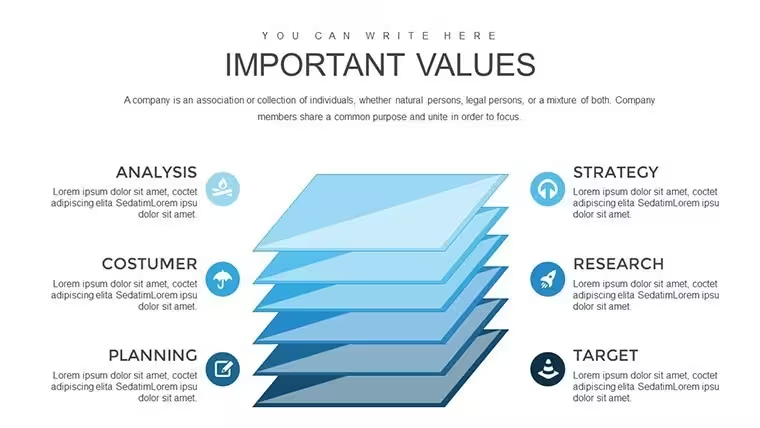
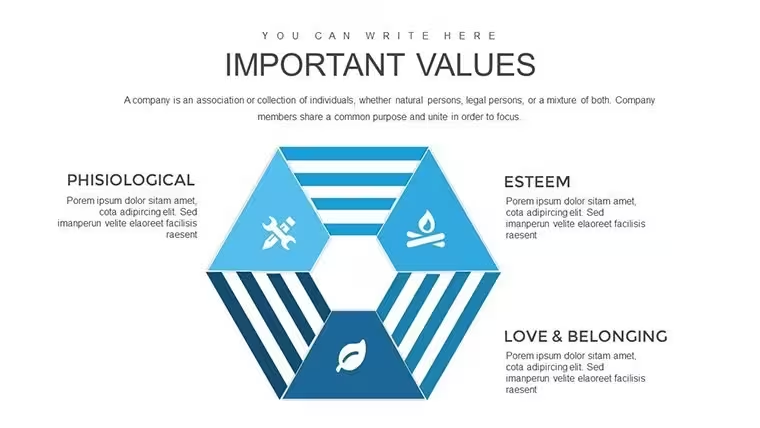
For marketers optimizing workflow timelines the .key file opens to 34 editable slides compatible with current Keynote installations.
No complex layouts just structured blocks.
In most cases you drop in your data and it works while the paid version includes the full 34 slides and free version details are not specified on the page.
Color changes happen via slide master so the entire deck updates in seconds.
Project coordinators rely on this file when they present daily schedules to cross-functional teams.
The charts enable prioritization analysis that clarifies bottlenecks and leads to better resource decisions.
During a team sprint review the structures showed exactly where hours were lost in approval loops.
Instead of building from scratch the layouts keep everything readable and reuse across multiple reports.
It is not ideal for long narrative storytelling decks.
Avoid this when your presentation requires photo placeholders or freeform illustrations.
Typically teams reuse the same diagram across weekly reports without rearranging blocks manually.
What Keynote version and macOS is required?
The template works with Keynote 10 and newer. It runs on macOS Big Sur or later in most cases. Test your installation to ensure smooth compatibility before presenting.
How do I change colors via slide master?Open Keynote and go to View then Master Slides. Select the appropriate master and modify the color palette there. All slides update automatically without individual adjustments.
Can I use this for client work?Yes the commercial license permits use in client projects. You may deliver the final presentation but not share or resell the original .key file. One license covers one user for commercial applications.
What is the difference between free and paid versions?The page does not specify free version details. The paid version delivers the complete set of 34 editable slides. You get full access to all charts for immediate customization.
What are the refund conditions?Refunds are not offered for digital downloads after purchase in most cases. Contact support immediately if the file has technical issues. We review each case individually for fair resolution.
Ready in minutes.
Download and start editing immediately
Good for
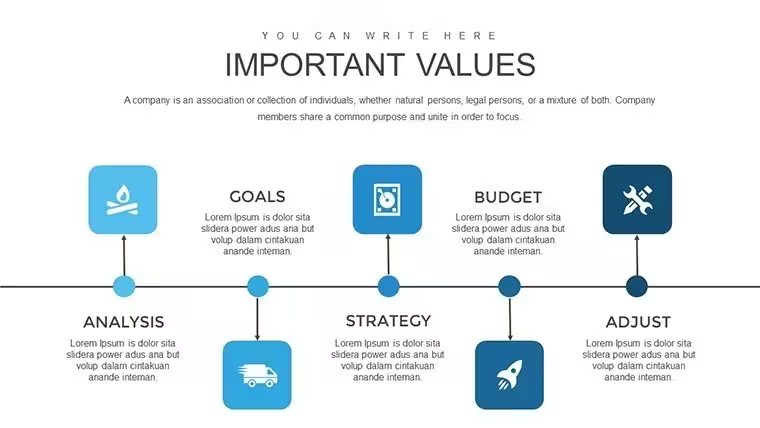
- Project roadmaps and sprint plans
- Product launch timelines
- Quarterly or annual review decks
- Company history and milestone summaries
Licence
reviews
Needed a clean template for monthly numbers and this worked.
The infographic slides looked better after changing the colors.
Nothing super creative but it’s practical.
I appreciated that the charts were already spaced correctly.
Saved me maybe two hours of formatting.
FAQ
Will it work in Google Slides?
Are fonts embedded?
Can I use this for client work?
What's the refund policy?
Do you update the template after purchase?
Similar templates
See all Keynote Charts →

All 34 slides