 Click to zoom
Timeline Concept Keynote Charts - Instant Download | ImagineLayout
| Format | .pptx |
| Slides | 36 unique layouts |
| Aspect ratio | 16:9 |
| Compatibility | PowerPoint |
| Animated | No |
| Language | English |
| License | Commercial |
| File size | — |
| Version | v1.0 |
| Last updated | September 2026 |
What's inside
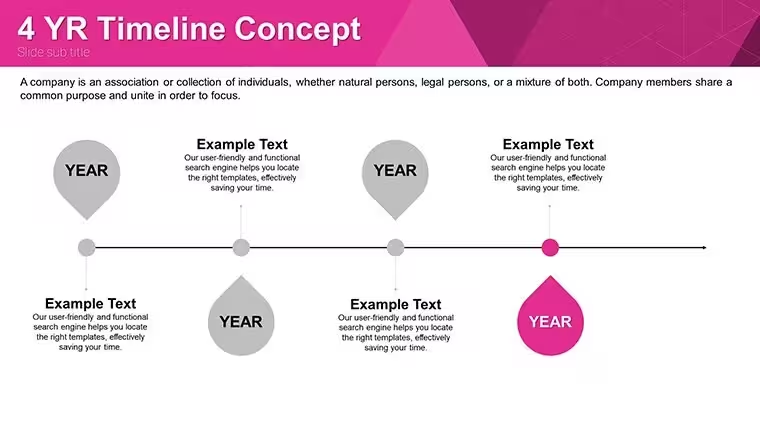
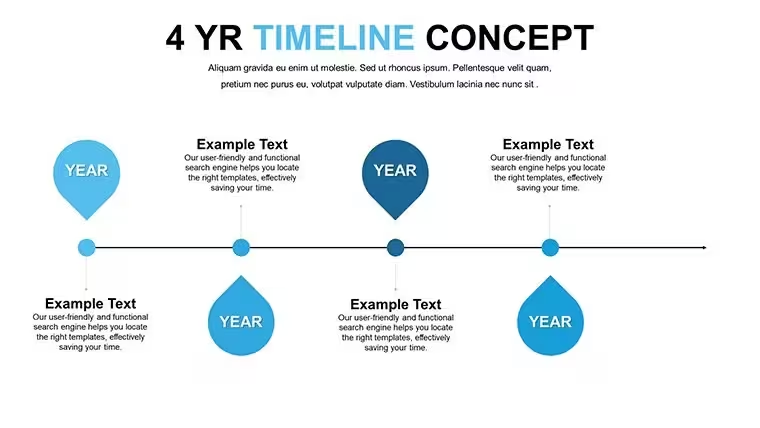
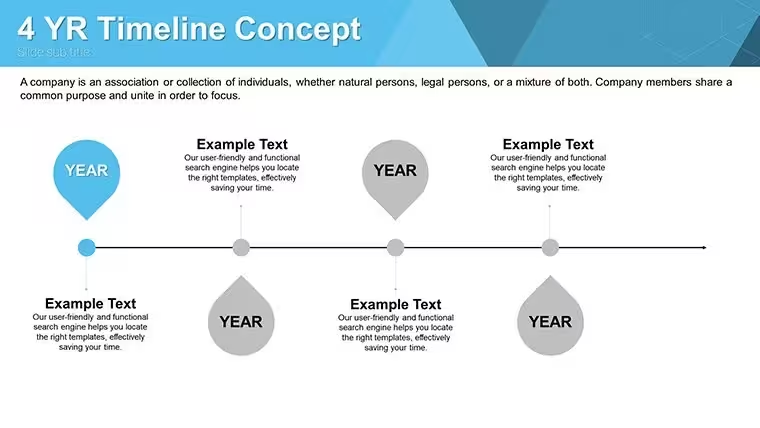
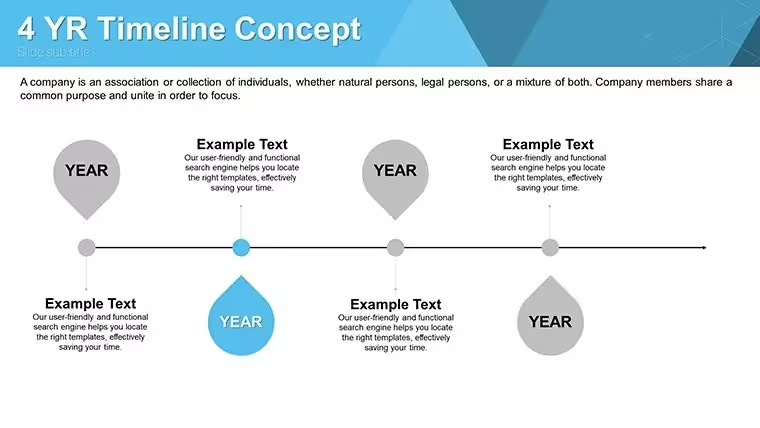
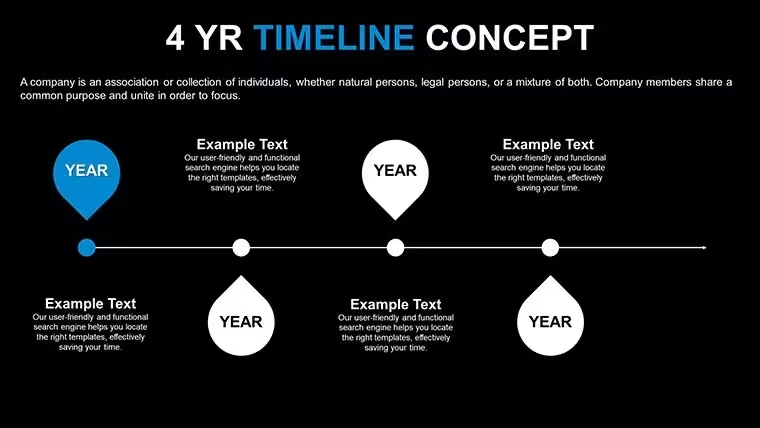
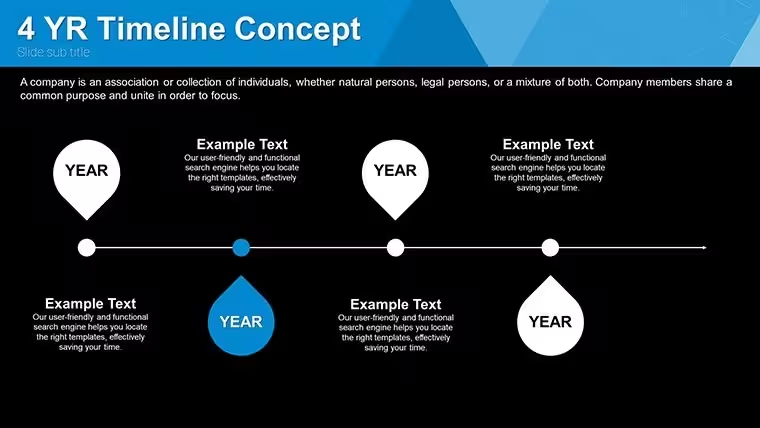
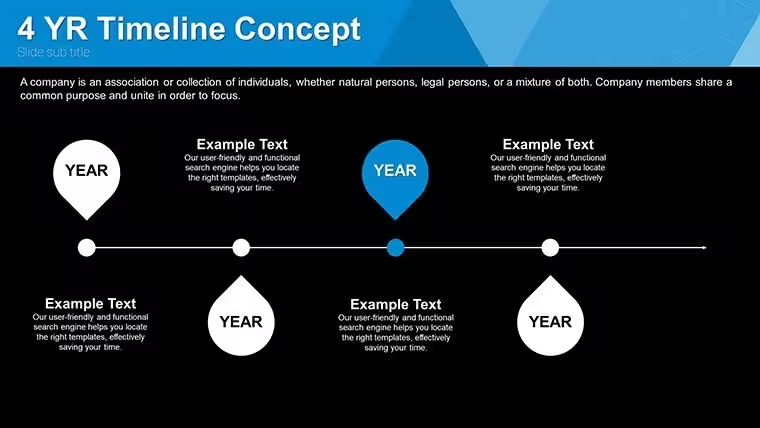
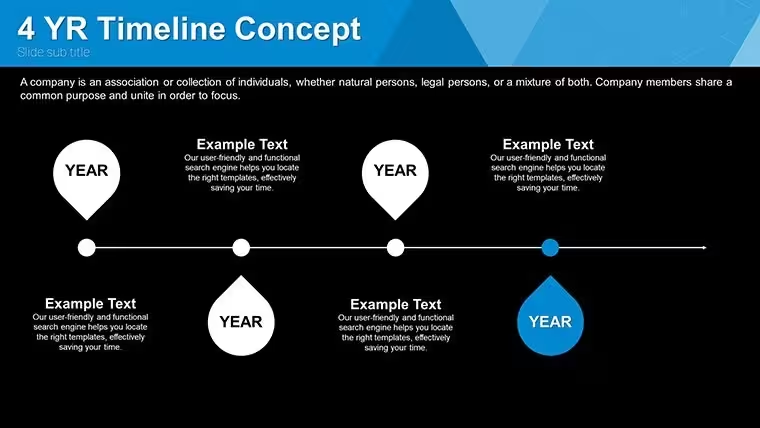
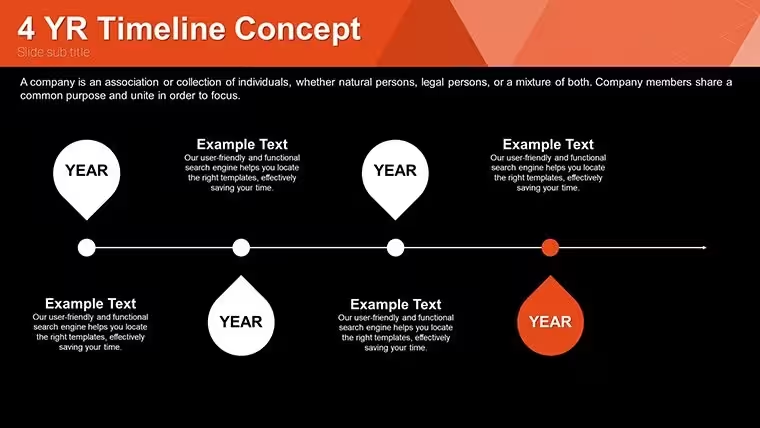
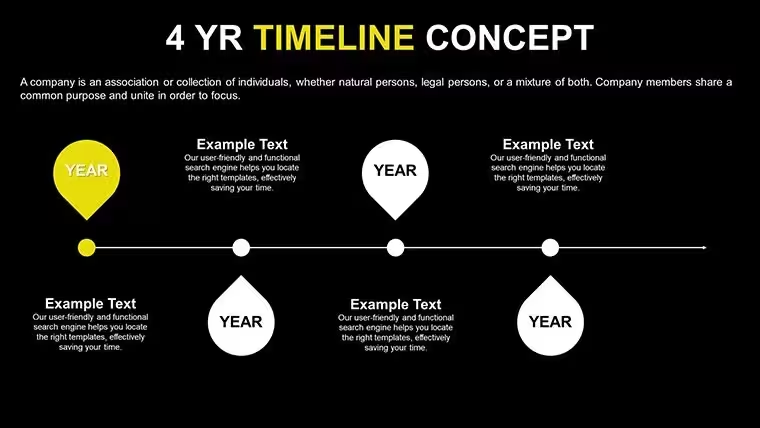
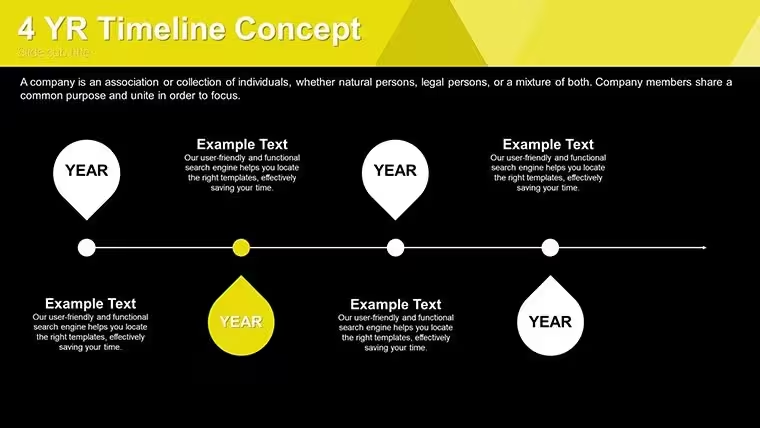
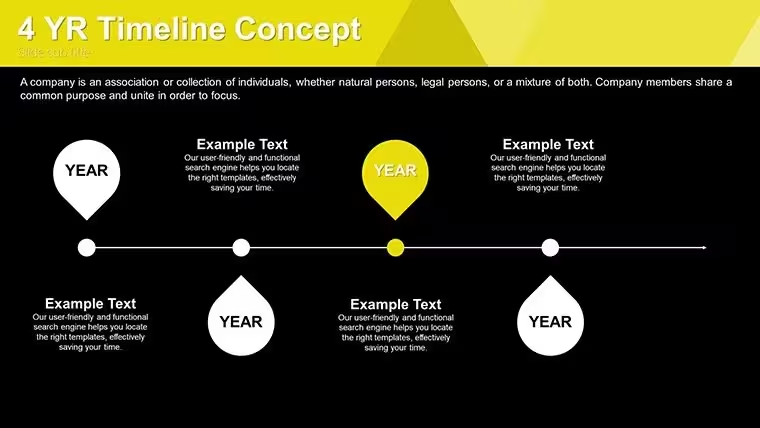
Timeline Concepts for Sequence Visualization
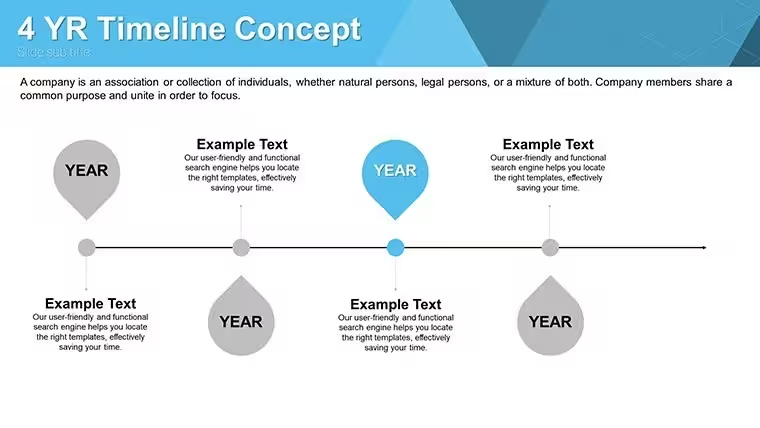
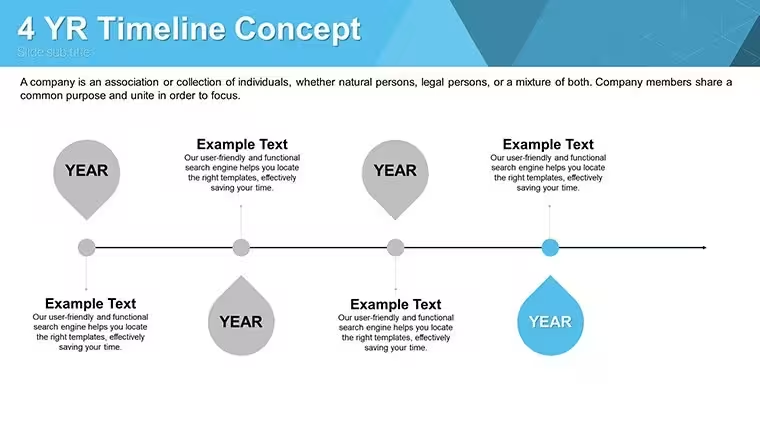
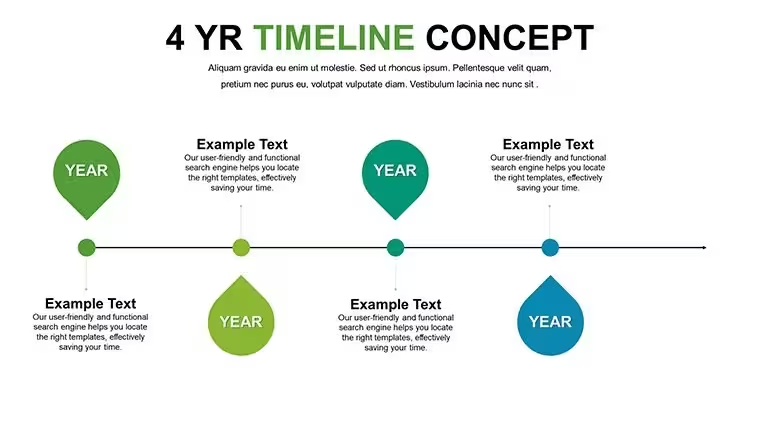
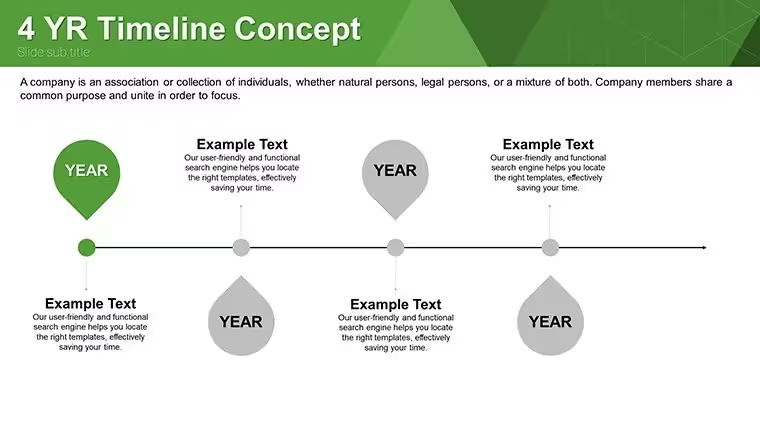
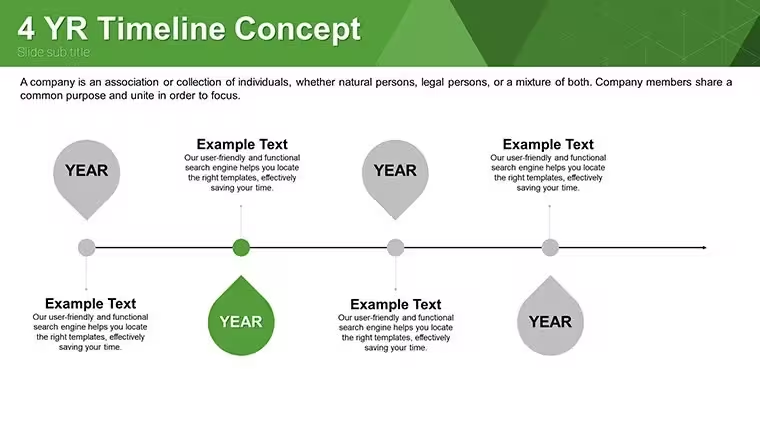
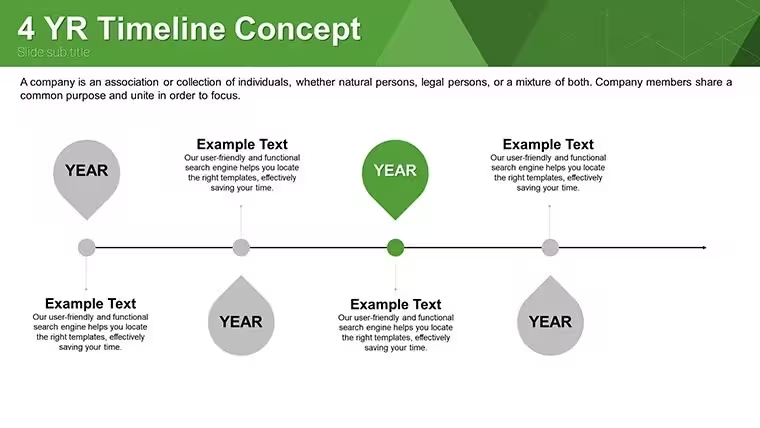
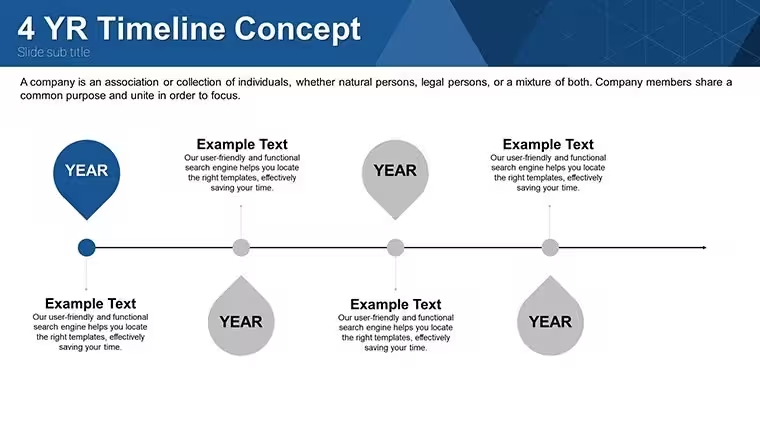
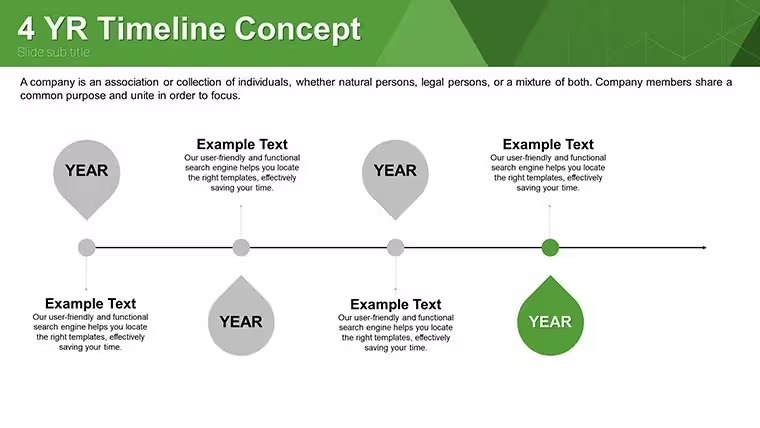
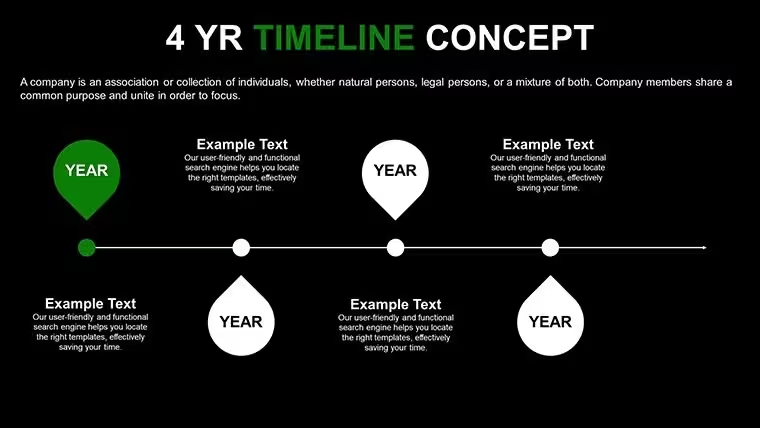
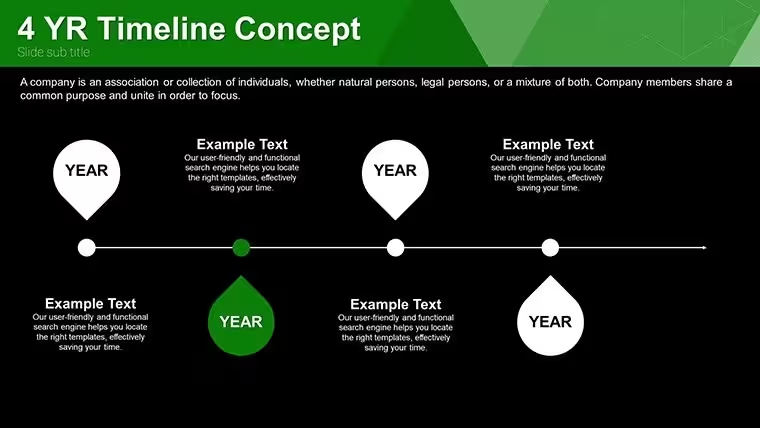
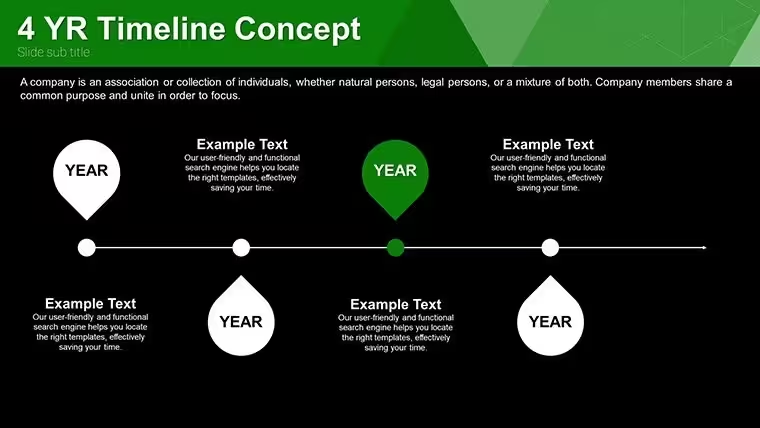
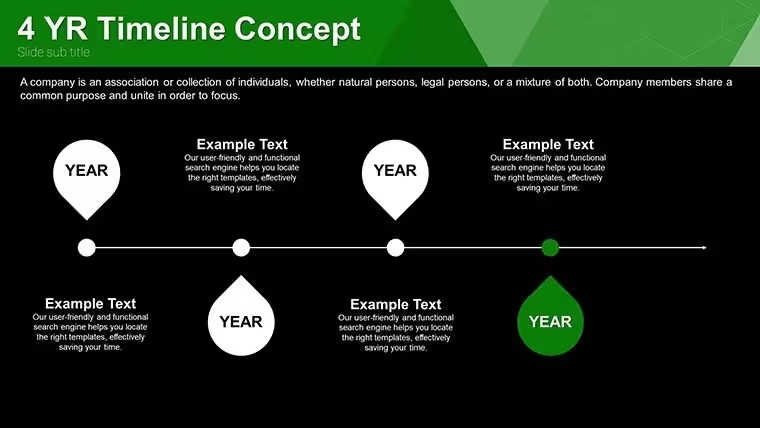
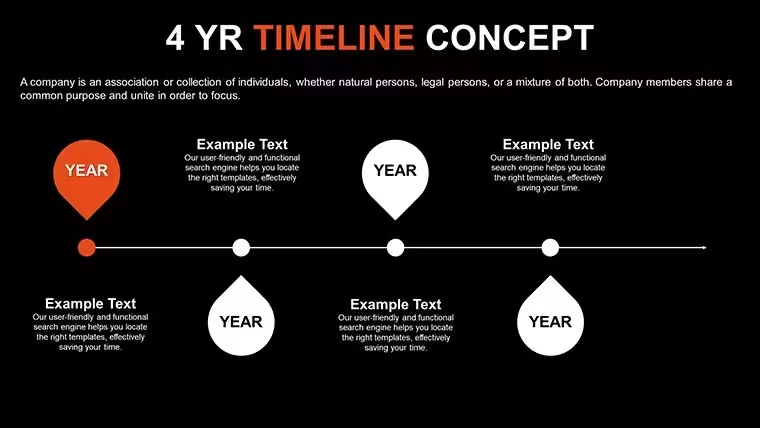
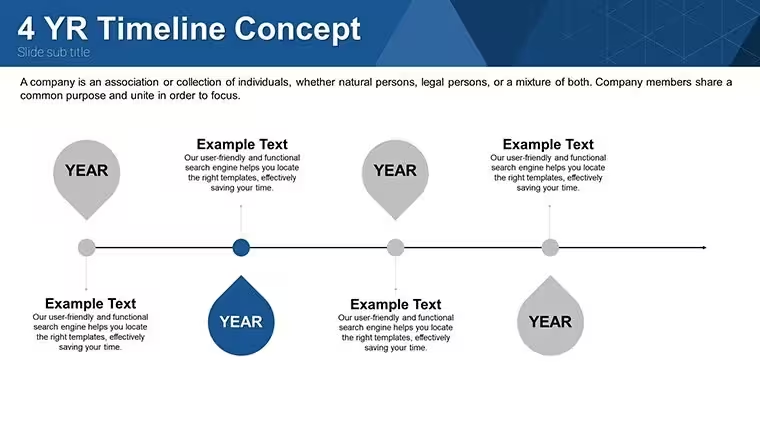
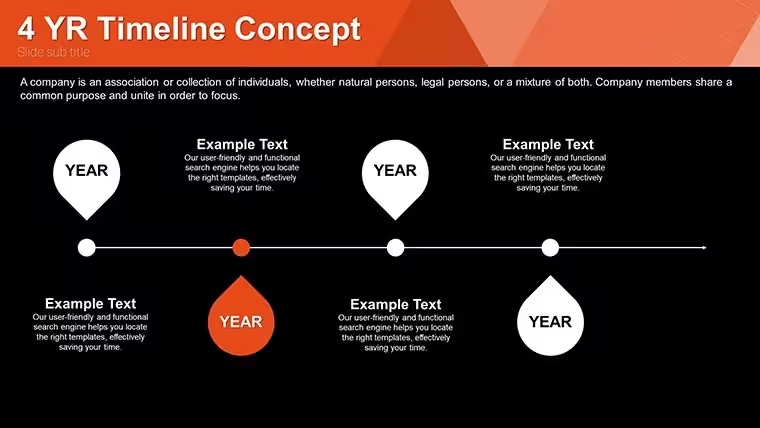
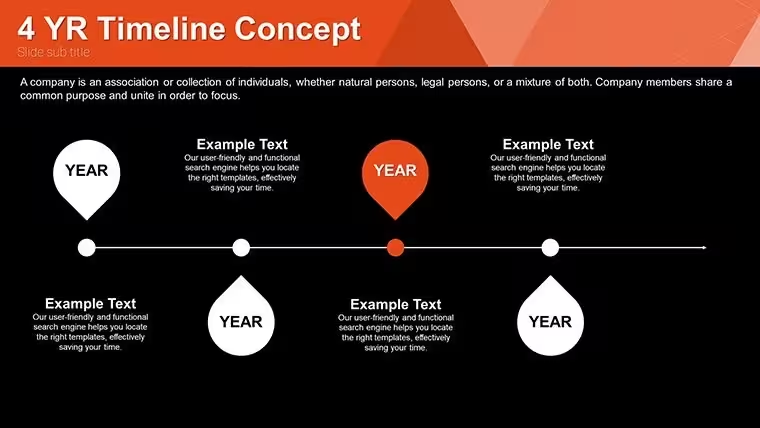
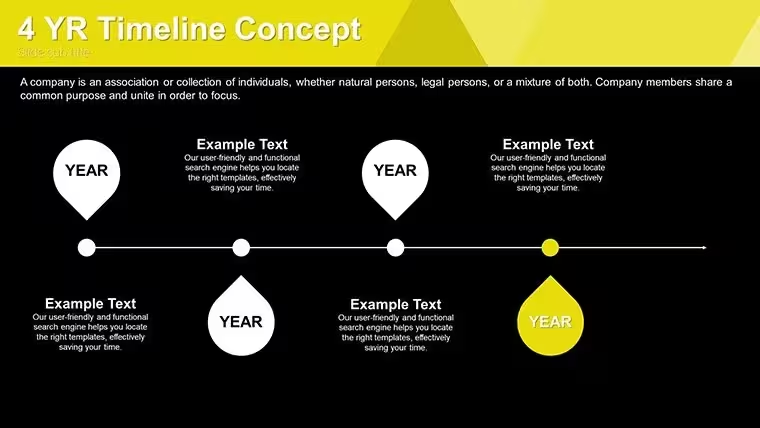
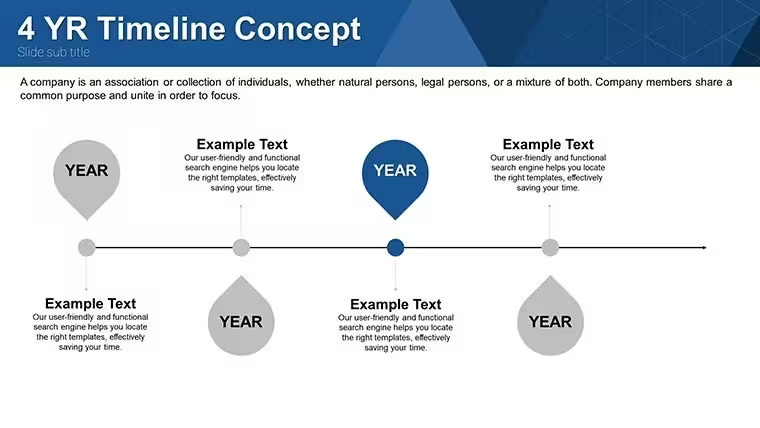
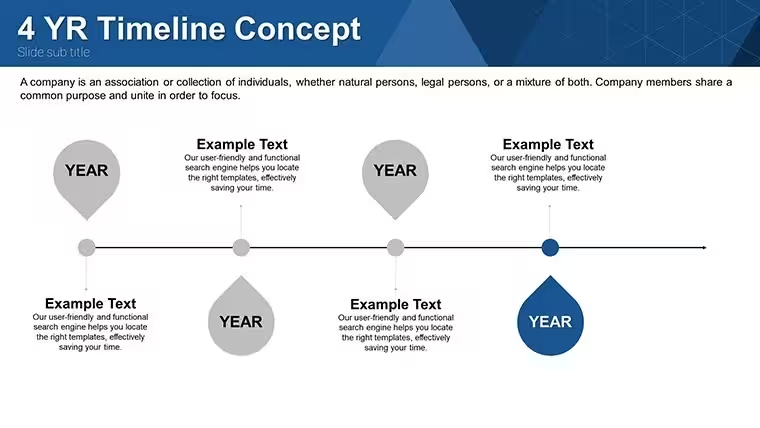
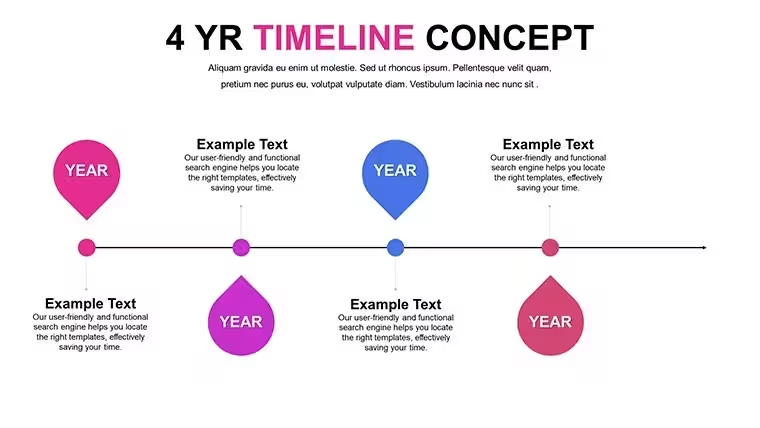
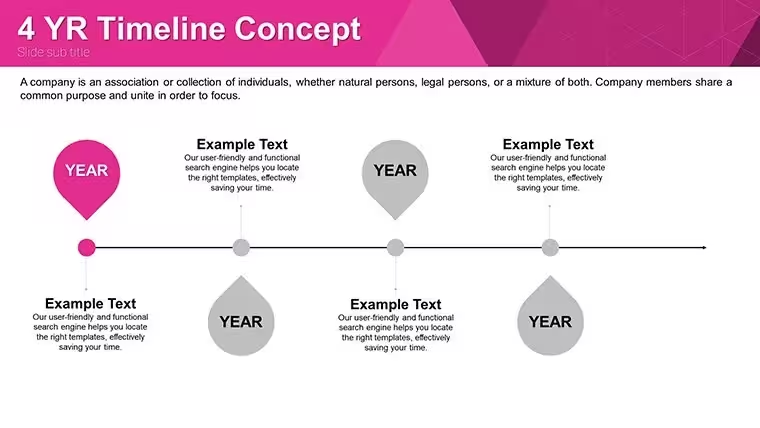
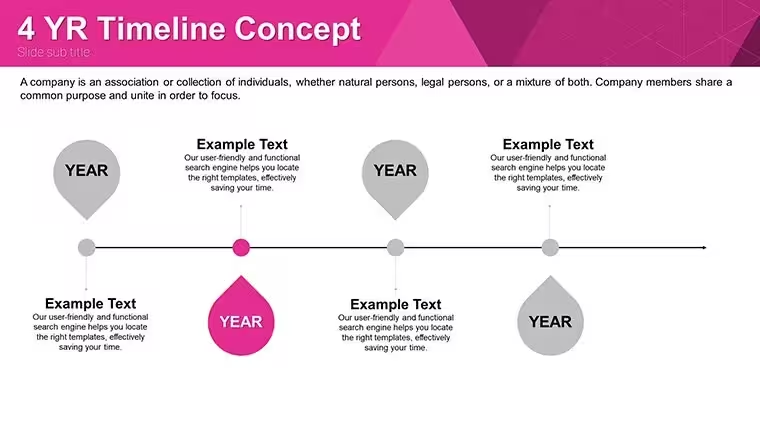
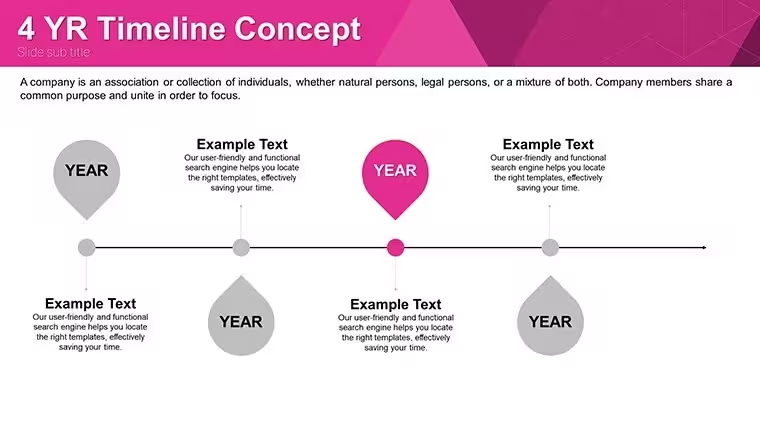
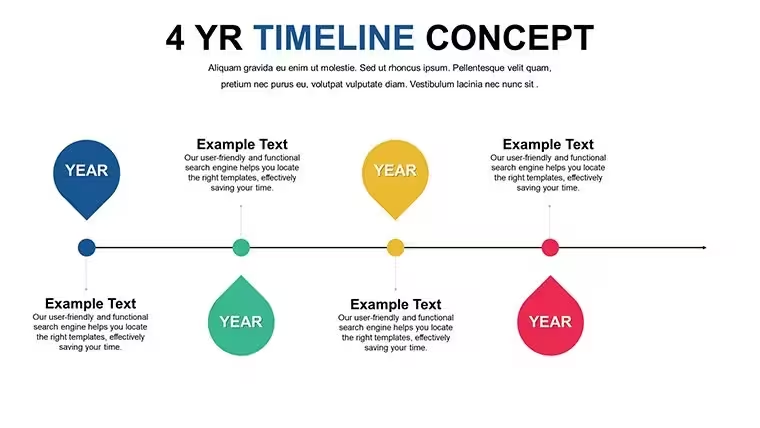
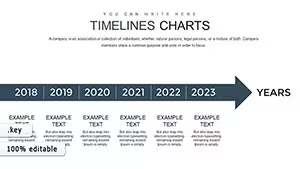
36 timeline concepts come ready for engaging presentations when you need to show evolution of ideas to marketing teams.
Open the .key file and you get vertical horizontal curved and zigzag structures that handle complex branching without extra work.
The layouts keep structure readable on one slide so you prevent overcrowded slides when adding metrics or dates.
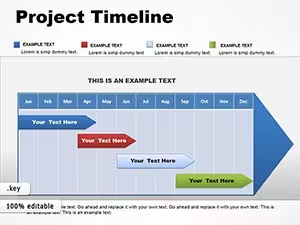
Marketing coordinators use this file instead of building diagrams manually when presenting campaign timelines to executives.
You can duplicate slides and reuse the same structure for monthly planning cycles.
Typically teams only replace text and the alignment holds.
It works best for structured timelines not open-ended brainstorming slides.
This is not designed for data-heavy dashboards with live charts.
FeatureDetailsSlides / diagrams36 timeline diagrams (linear branched curved zigzag)File format.keySoftware versionKeynote 6 and laterColor schemesEditable via slide masterEditable elementsText icons branches resize independentlyAspect ratio16:9 widescreenFree vs PaidFree includes full 36 slides; paid details not listedMasters / BackgroundsSlide masters for global updatesEverything aligns automatically.
Download and start editing immediately
How do I change colors via slide master?Open slide master view in Keynote. Select the timeline element. Change color and it updates across all 36 slides at once.
Can I use this for client work?The license permits commercial use including client projects. You may not resell or redistribute the original template files. Customized output belongs to you.
What is the difference between free and paid version?This free version includes the complete 36 editable slides. Paid options may contain additional variants but are not detailed on this page.
What are the refund conditions?Refunds are available within 14 days if the file does not work as expected and has not been used in any project. Contact support with order details.
Export options to PDF video or web?Export directly from Keynote to PDF video or web formats. The timeline layouts remain crisp in all outputs.
Circular Timeline Keynote Chart Template or Company Timeline Keynote Charts Template.
Good for
- Project roadmaps and sprint plans
- Product launch timelines
- Quarterly or annual review decks
- Company history and milestone summaries
Licence
reviews
Used it for a class task and the graphs were easy
Added it to an office presentation and it stayed fine
Worked fine for simple data explanation
Just needed quick slides and it worked
FAQ
Will it work in Google Slides?
Are fonts embedded?
Can I use this for client work?
What's the refund policy?
Do you update the template after purchase?
Similar templates
See all Keynote Charts →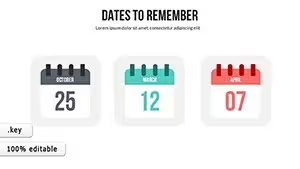
All 36 slides