 Click to zoom
28 Circular Timeline Charts Keynote - Fully Editable | ImagineLayout
| Format | .pptx |
| Slides | 28 unique layouts |
| Aspect ratio | 16:9 |
| Compatibility | PowerPoint |
| Animated | No |
| Language | English |
| License | Commercial |
| File size | — |
| Version | v1.0 |
| Last updated | September 2026 |
What's inside
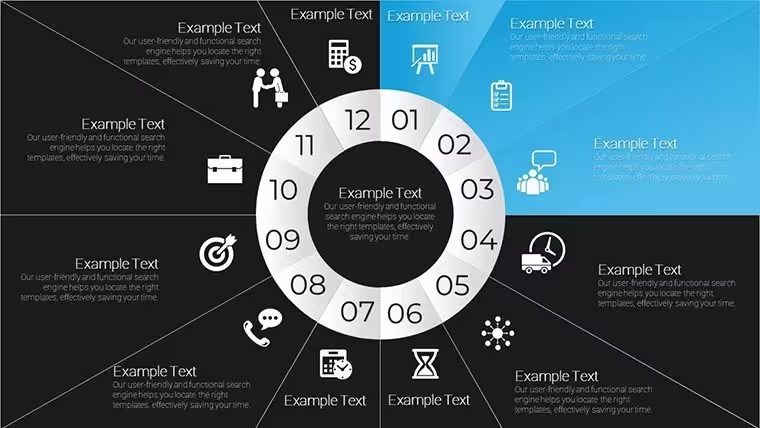
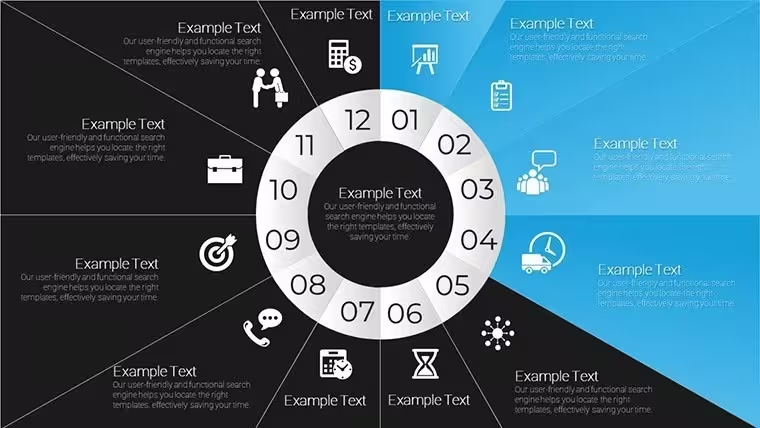
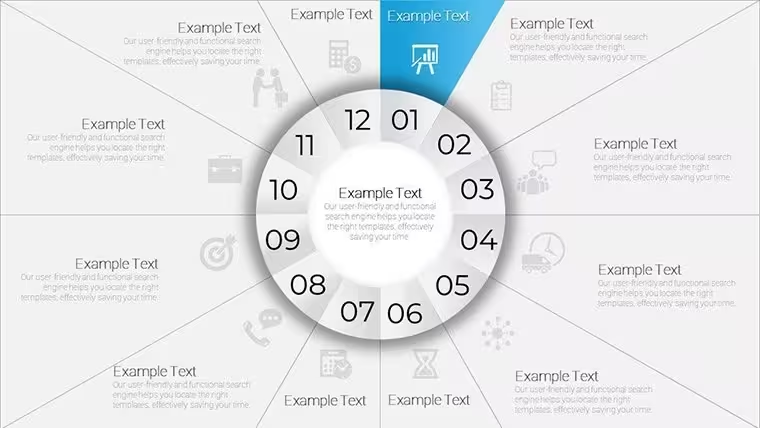
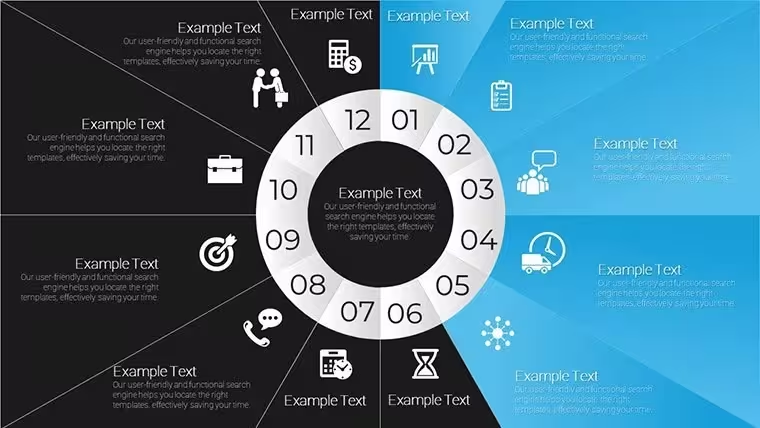
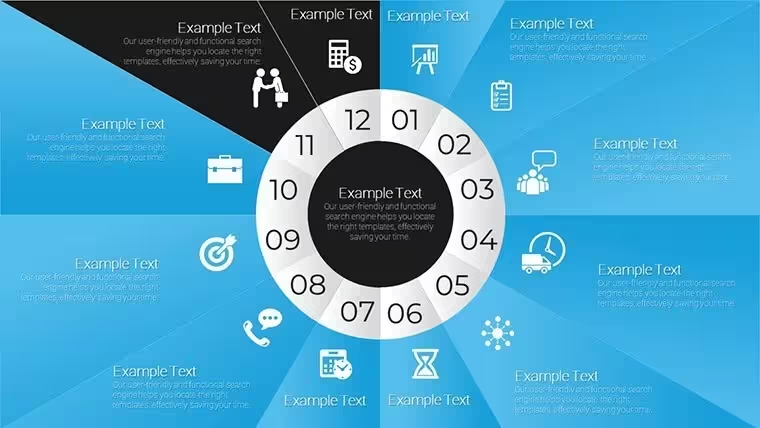
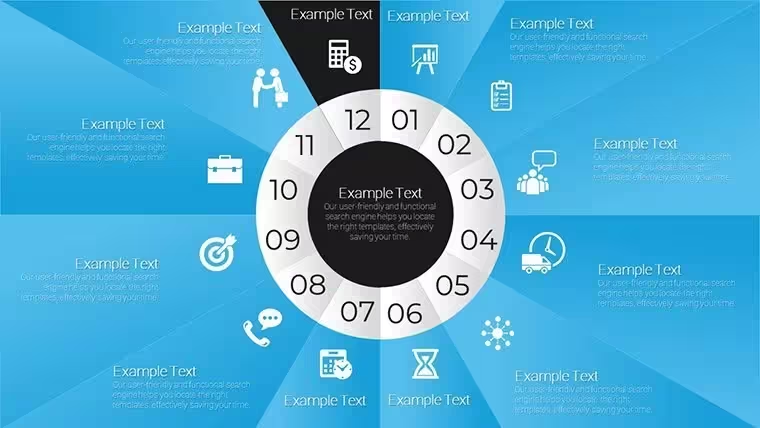
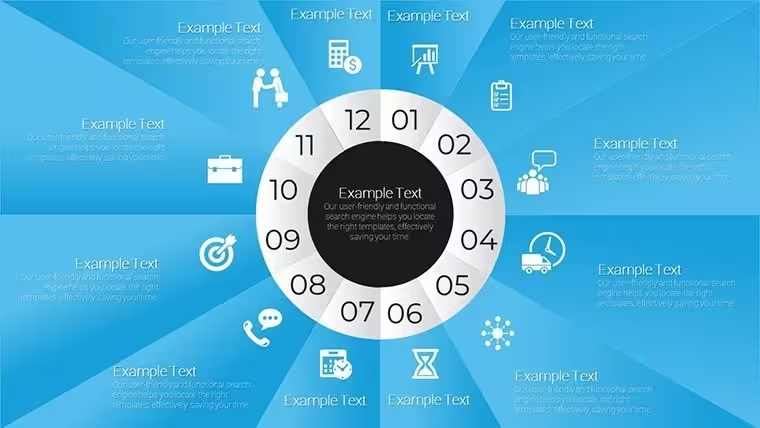
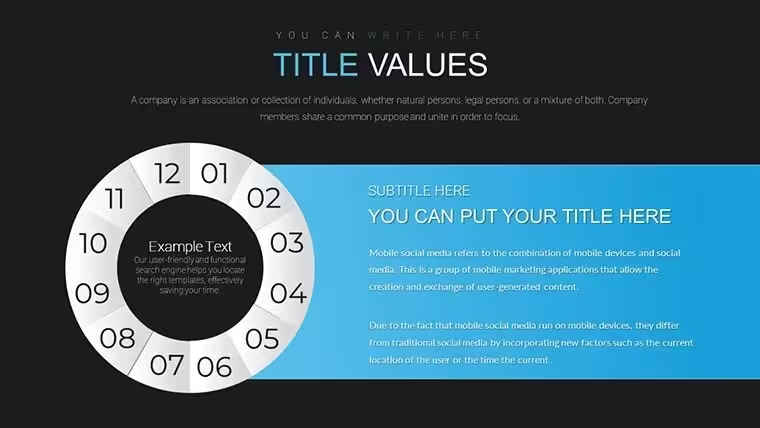
Editable Circles Time Clock Keynote Charts: 28 Slides
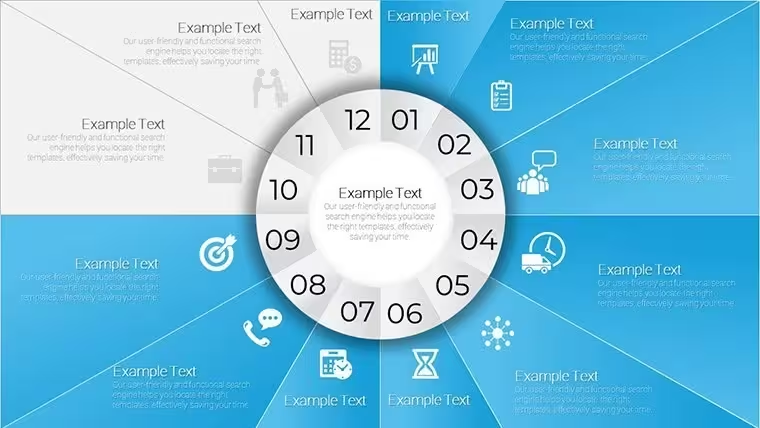
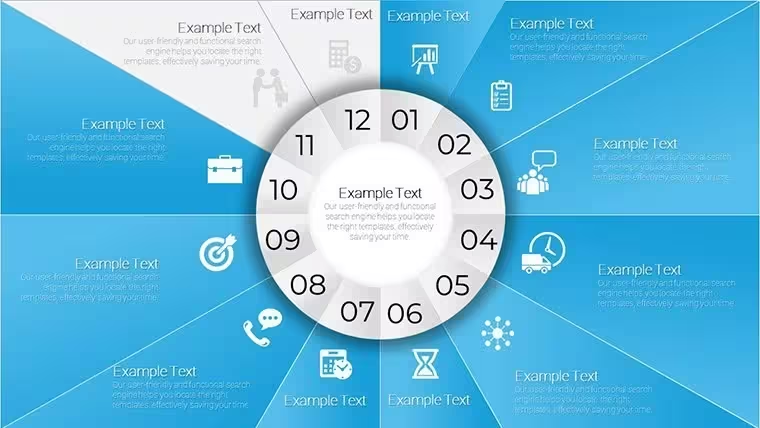
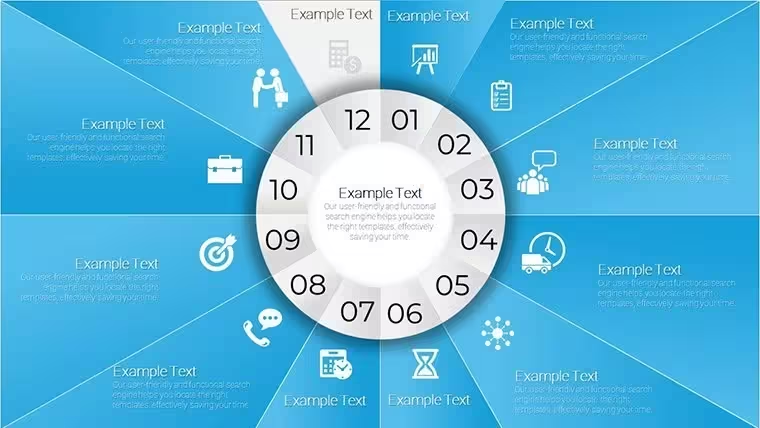
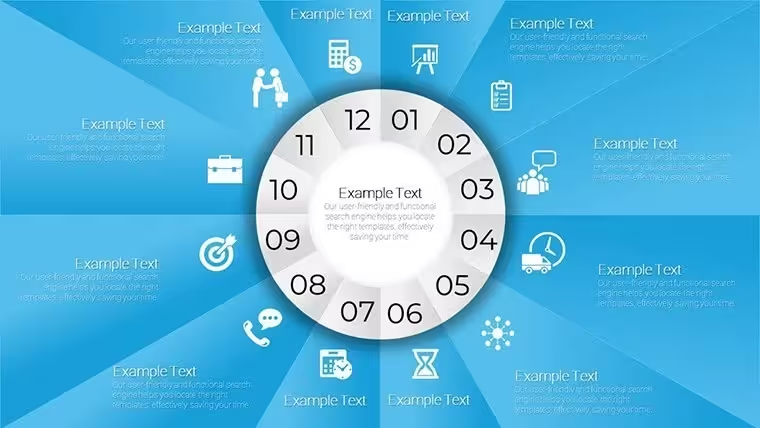
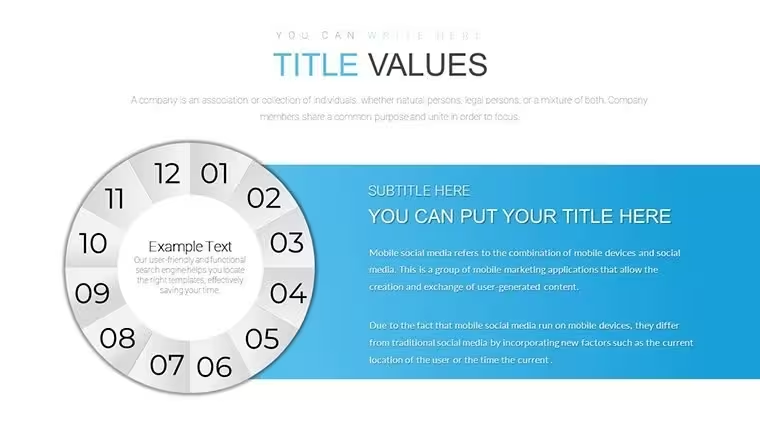
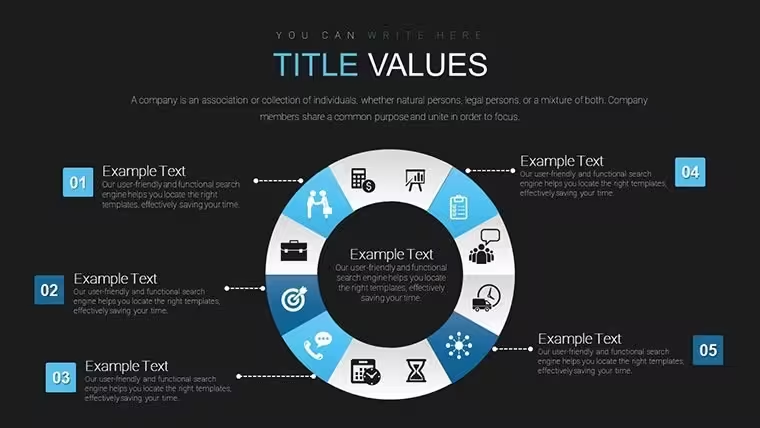
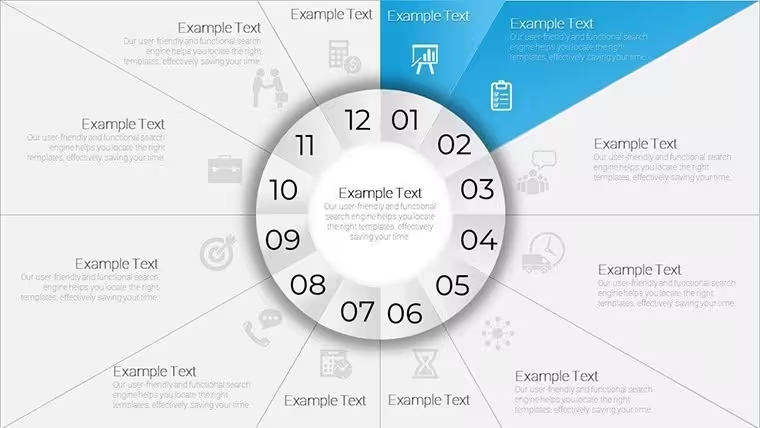
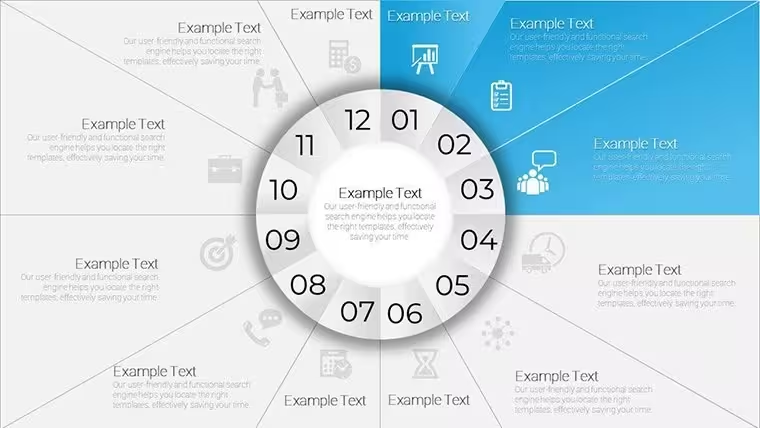
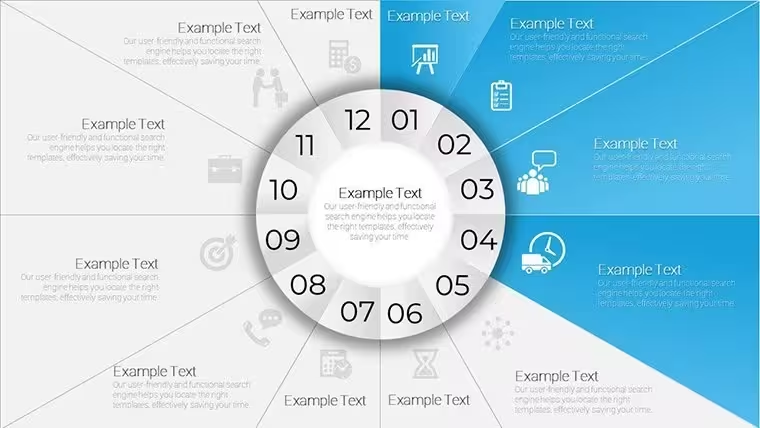
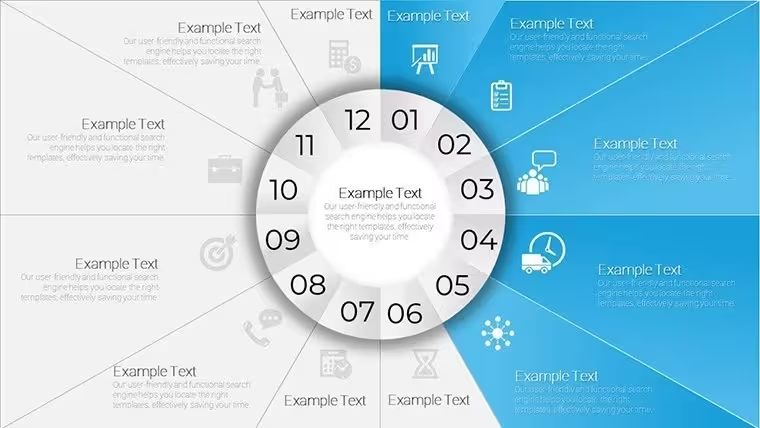
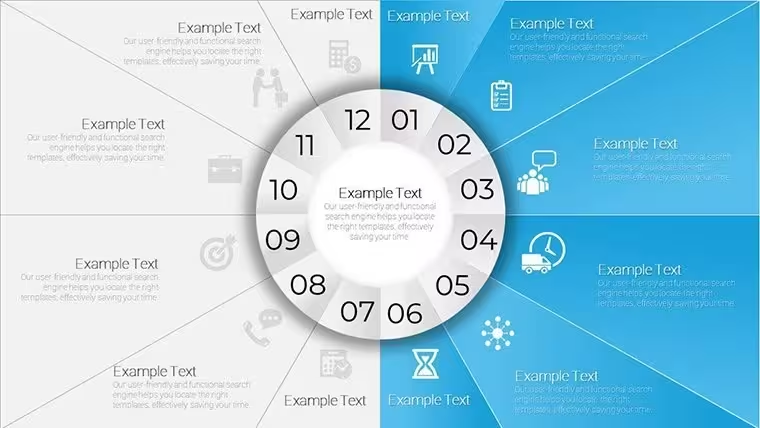
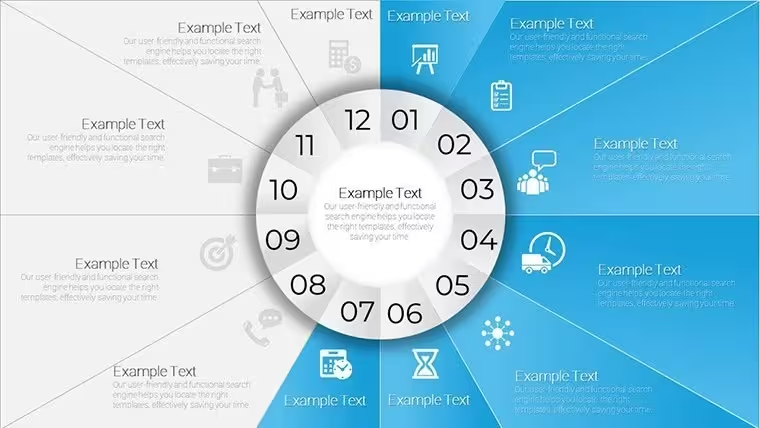
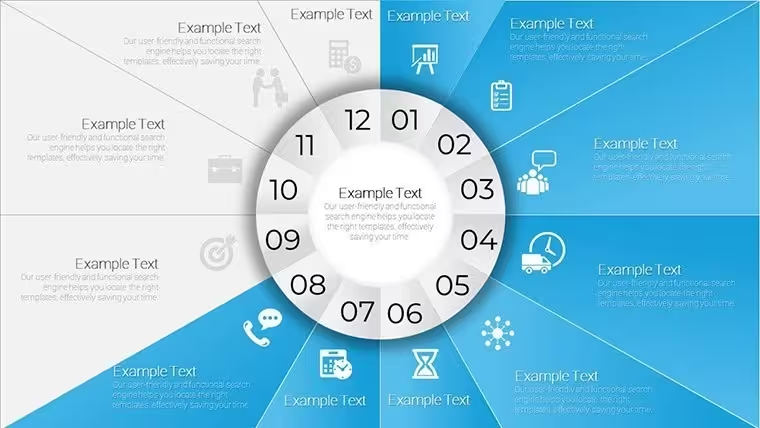
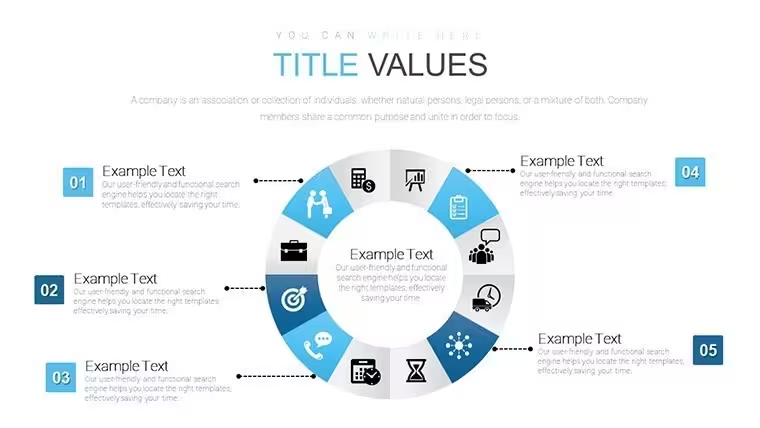
For project planning with circular time views the 28 slides deliver concentric rings and sector timelines.
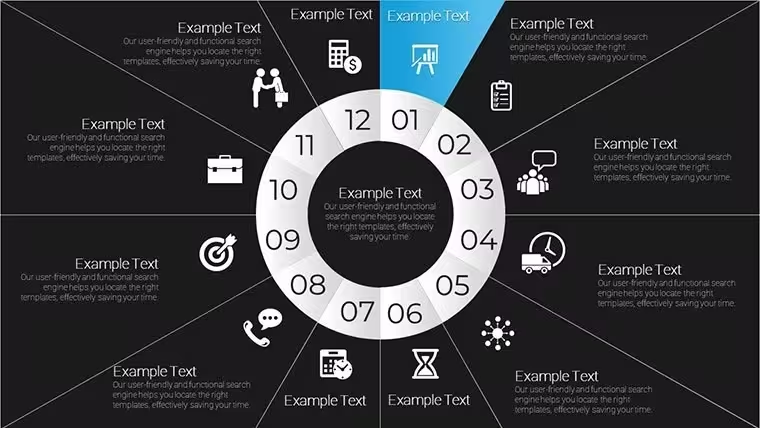
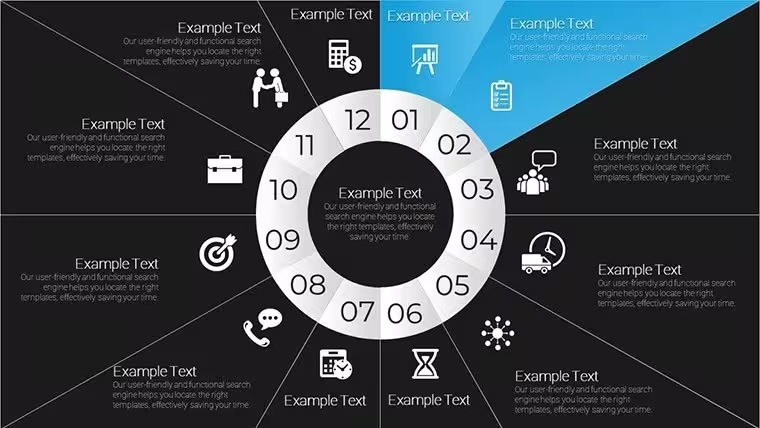
When you need to show project milestones or tender sequences to executives the clock-face layouts map phases without manual rotation or alignment.
No photo placeholders no gradients - just clean sector fills.
Typically teams reuse the same diagram across recurring planning cycles instead of redrawing.
The paid version includes 28 editable slides in KEY format while the files follow standard formats compatible with current installations.
This Keynote chart template represents cycle and timeline analysis so you can highlight delays and dependencies at a glance.
Central text fields and icon zones make every phase instantly understandable.
Use this instead of building diagrams manually in Keynote.
The predefined concentric structure keeps everything aligned so you don`t end up adjusting spacing slide by slide.
It supports prioritization analysis and lets the viewer decide which phase needs immediate attention.
After the presentation stakeholders see the full sequence and agree on adjustments.
Not designed for data-heavy dashboards.
Works best for structured diagrams not creative storytelling slides.
FeatureDetailsSlides / diagrams28 circular timelines pies donuts and multi-ring sectorsFile format.KEYSoftware versionKeynote 12+ standard for current KEY filesColor schemesAdjustable via slide master for instant palette switchEditable elementsSectors text icons and rings resize and recolor independentlyAspect ratio16:9 widescreenFree vs PaidPaid version includes full 28 editable slidesMasters / BackgroundsEditable masters for quick updates across the deckSee also Timeline Concept Keynote Charts or Project Timeline Keynote Charts Template.
What is the Keynote version compatibility and macOS requirement?The template works with Keynote 12 and later on macOS Ventura or newer. In practice test on your version first to ensure full compatibility with vector elements. Current installations handle the files without conversion.
How do I change colors via slide master?Open the slide master view in Keynote select the master slide and update the color palette there. This applies changes across all 28 slides instantly. No need to edit each chart individually.
Does the license allow client work?Yes the license permits use in client projects once purchased. You can deliver the edited decks to clients without additional fees. Always retain the original file for your records.
What is the difference between free and paid versions?The paid version includes the complete set of 28 editable slides. Free version details are not specified on the page but the paid one provides full access to all charts and structures.
What are the refund conditions?Refunds are available within 14 days if the template does not meet your needs. Contact support with your purchase details for processing. Note that digital downloads have strict policies after opening the file.
Download and start editing immediately
Good for
- Project roadmaps and sprint plans
- Product launch timelines
- Quarterly or annual review decks
- Company history and milestone summaries
Licence
reviews
Used this for a school task and the chart layout was easy to follow
Added it to a work update and it kept things organized
Worked fine for basic data presentation
Just used it for a quick slideshow and it was okay
FAQ
Will it work in Google Slides?
Are fonts embedded?
Can I use this for client work?
What's the refund policy?
Do you update the template after purchase?
Similar templates
See all Keynote Charts →
All 28 slides