Reliance Trends World Keynote Charts - Editable Keynote | ImagineLayout

5
429 ratings
Reliance Trends World Keynote Charts - Editable Keynote | ImagineLayout - Slide #0
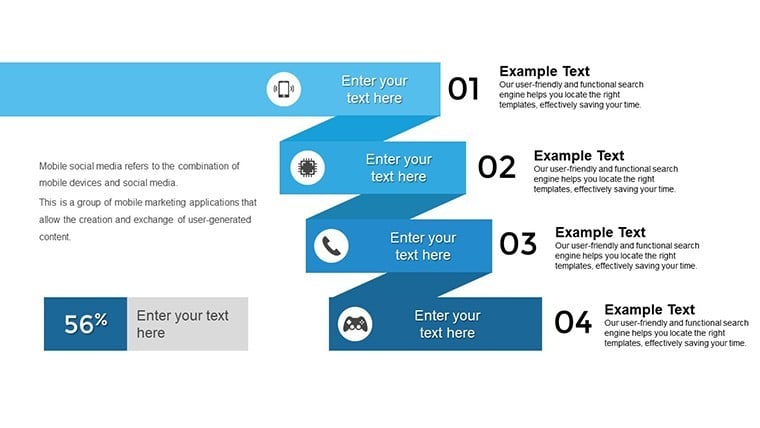
Reliance Trends World Keynote Charts - Editable Keynote | ImagineLayout - Slide #1
Reliance Trends World Keynote Charts - Editable Keynote | ImagineLayout - Slide #2
Reliance Trends World Keynote Charts - Editable Keynote | ImagineLayout - Slide #3
Reliance Trends World Keynote Charts - Editable Keynote | ImagineLayout - Slide #4
Reliance Trends World Keynote Charts - Editable Keynote | ImagineLayout - Slide #5
Reliance Trends World Keynote Charts - Editable Keynote | ImagineLayout - Slide #6
Reliance Trends World Keynote Charts - Editable Keynote | ImagineLayout - Slide #7
Reliance Trends World Keynote Charts - Editable Keynote | ImagineLayout - Slide #8
Reliance Trends World Keynote Charts - Editable Keynote | ImagineLayout - Slide #9
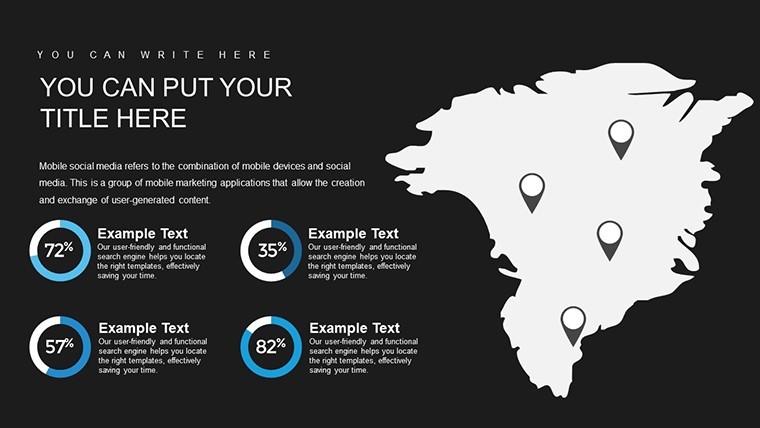
Reliance Trends World Keynote Charts - Editable Keynote | ImagineLayout - Slide #10
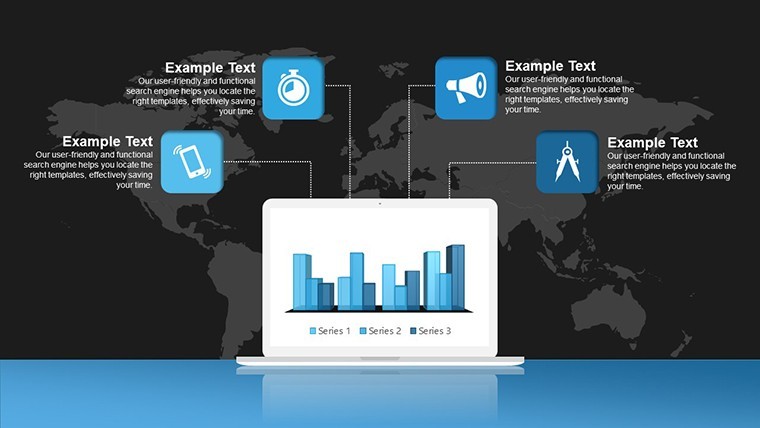
Reliance Trends World Keynote Charts - Editable Keynote | ImagineLayout - Slide #11
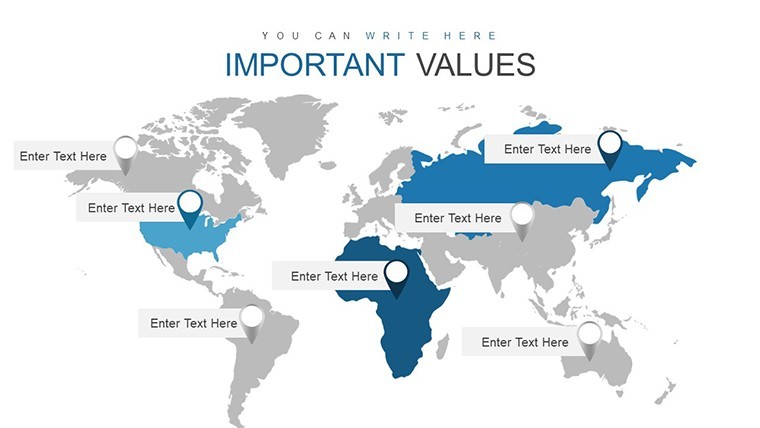
Reliance Trends World Keynote Charts - Editable Keynote | ImagineLayout - Slide #12
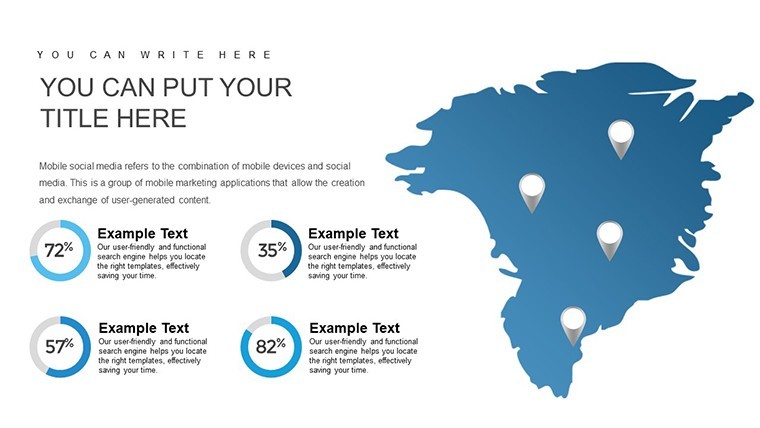
Reliance Trends World Keynote Charts - Editable Keynote | ImagineLayout - Slide #13
Reliance Trends World Keynote Charts - Editable Keynote | ImagineLayout - Slide #14
Reliance Trends World Keynote Charts - Editable Keynote | ImagineLayout - Slide #15
Reliance Trends World Keynote Charts - Editable Keynote | ImagineLayout - Slide #16
Reliance Trends World Keynote Charts - Editable Keynote | ImagineLayout - Slide #17
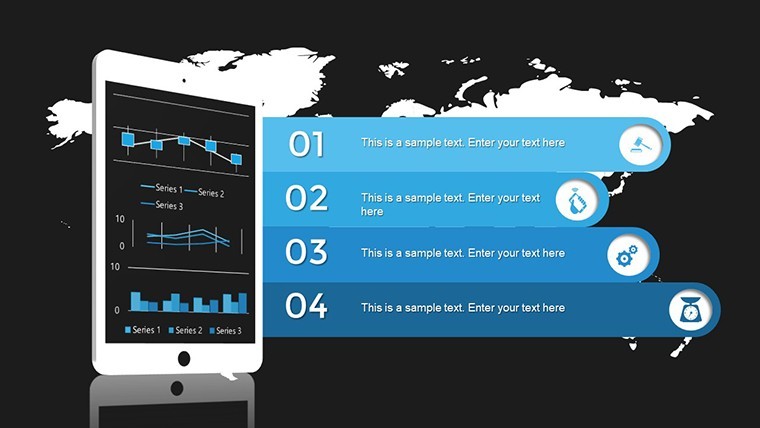
Reliance Trends World Keynote Charts - Editable Keynote | ImagineLayout - Slide #18
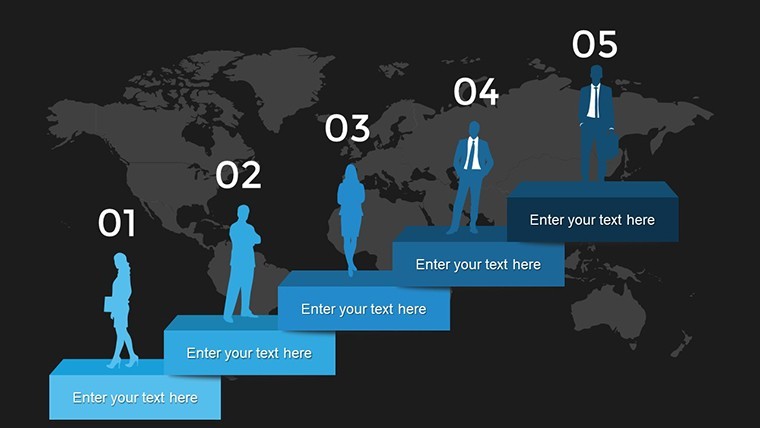
Reliance Trends World Keynote Charts - Editable Keynote | ImagineLayout - Slide #19
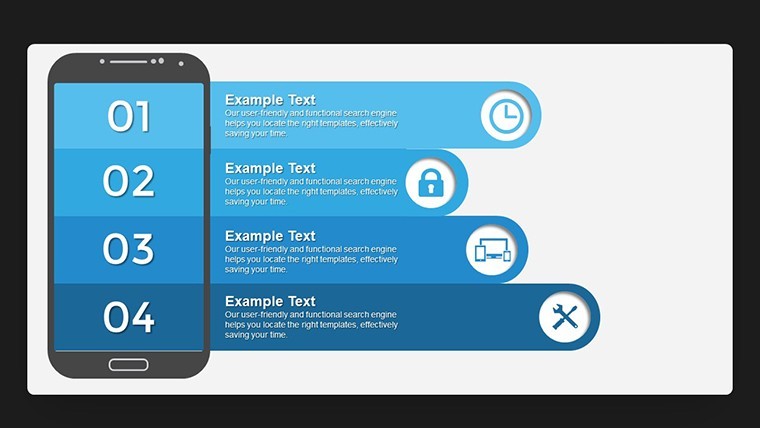
Reliance Trends World Keynote Charts - Editable Keynote | ImagineLayout - Slide #20
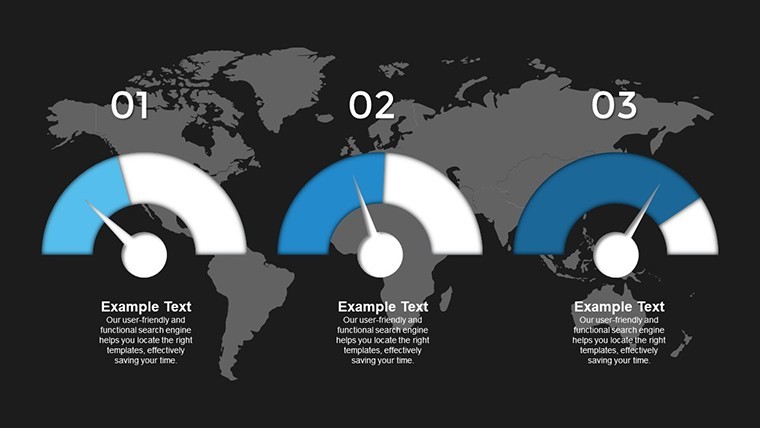
Reliance Trends World Keynote Charts - Editable Keynote | ImagineLayout - Slide #21
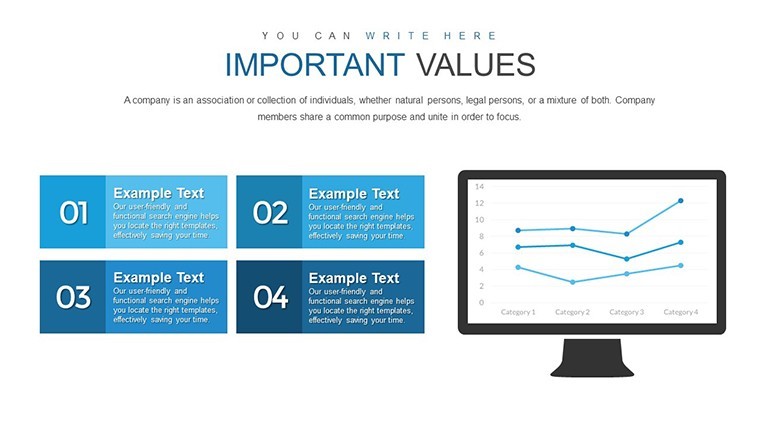
Reliance Trends World Keynote Charts - Editable Keynote | ImagineLayout - Slide #22
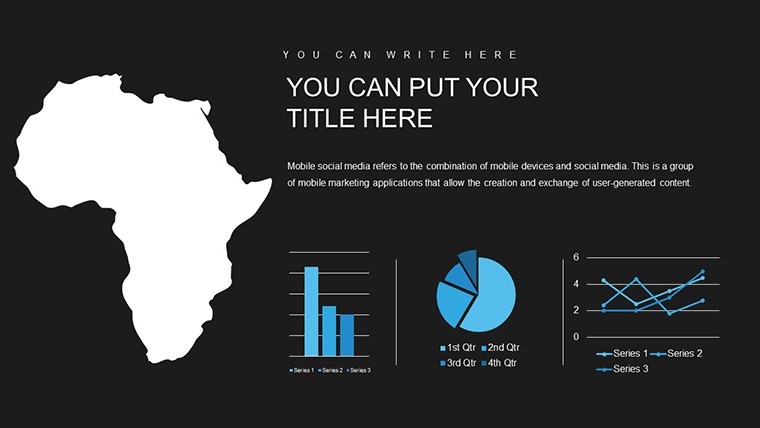
Reliance Trends World Keynote Charts - Editable Keynote | ImagineLayout - Slide #23
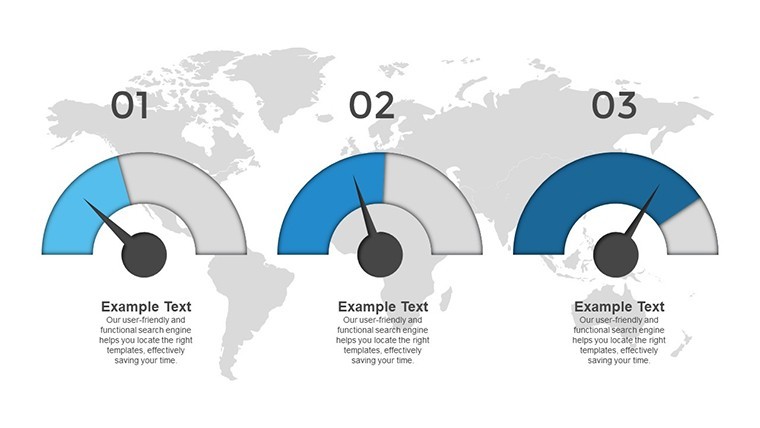
Reliance Trends World Keynote Charts - Editable Keynote | ImagineLayout - Slide #24
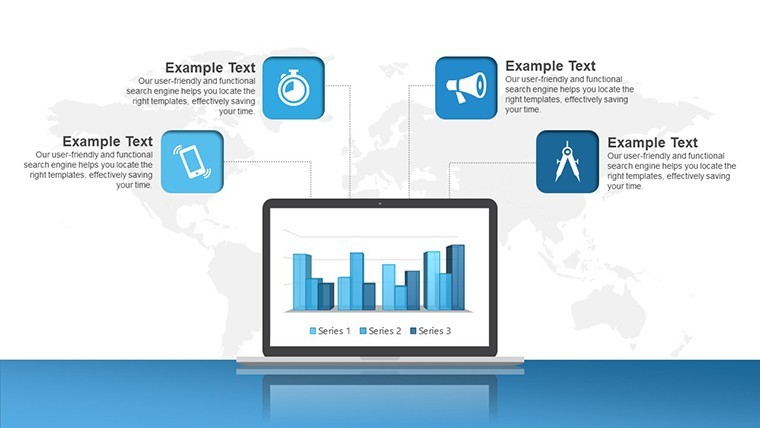
Reliance Trends World Keynote Charts - Editable Keynote | ImagineLayout - Slide #25
Reliance Trends World Keynote Charts - Editable Keynote | ImagineLayout - Slide #26
Reliance Trends World Keynote Charts - Editable Keynote | ImagineLayout - Slide #27
Reliance Trends World Keynote Charts - Editable Keynote | ImagineLayout - Slide #28
Reliance Trends World Keynote Charts - Editable Keynote | ImagineLayout - Slide #29
Reliance Trends World Keynote Charts - Editable Keynote | ImagineLayout - Slide #30
Reliance Trends World Keynote Charts - Editable Keynote | ImagineLayout - Slide #31
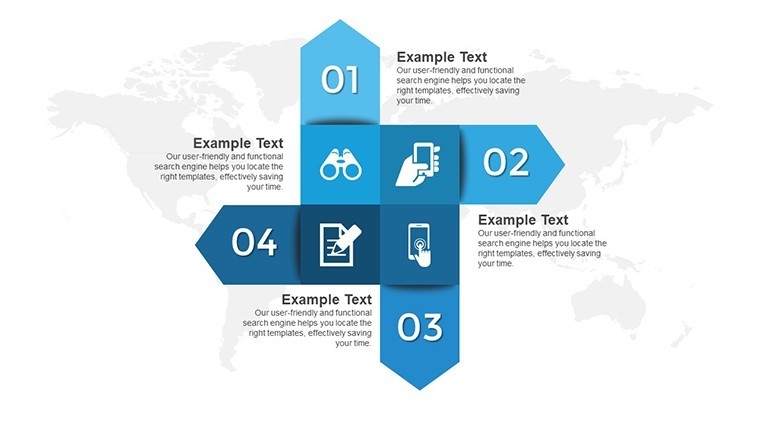
Reliance Trends World Keynote Charts - Editable Keynote | ImagineLayout - Slide #32
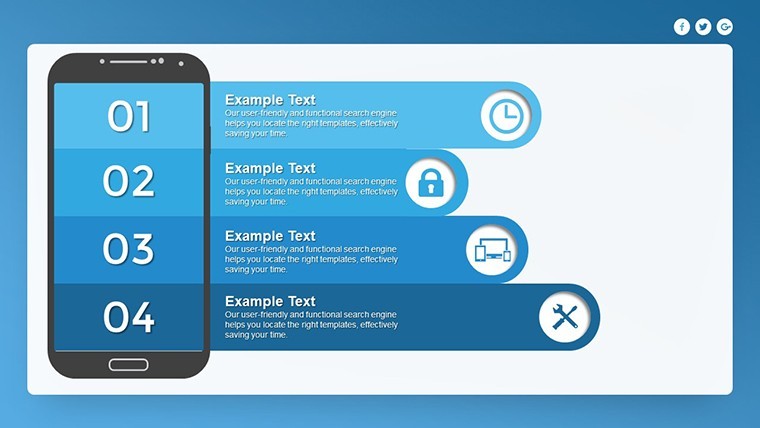
Reliance Trends World Keynote Charts - Editable Keynote | ImagineLayout - Slide #33
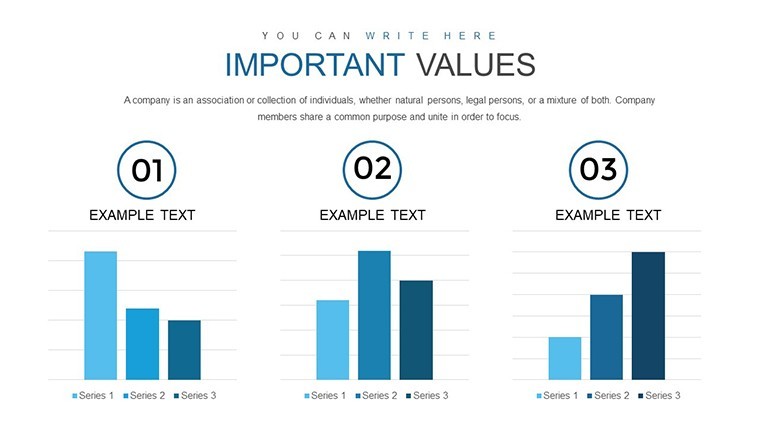
Reliance Trends World Keynote Charts - Editable Keynote | ImagineLayout - Slide #34
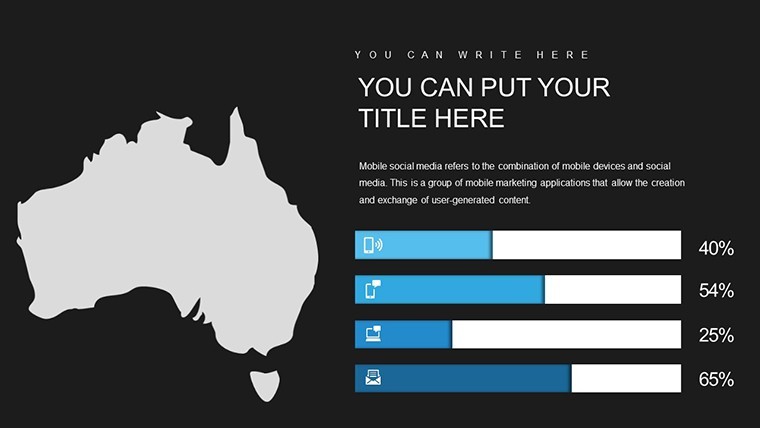
Reliance Trends World Keynote Charts - Editable Keynote | ImagineLayout - Slide #35
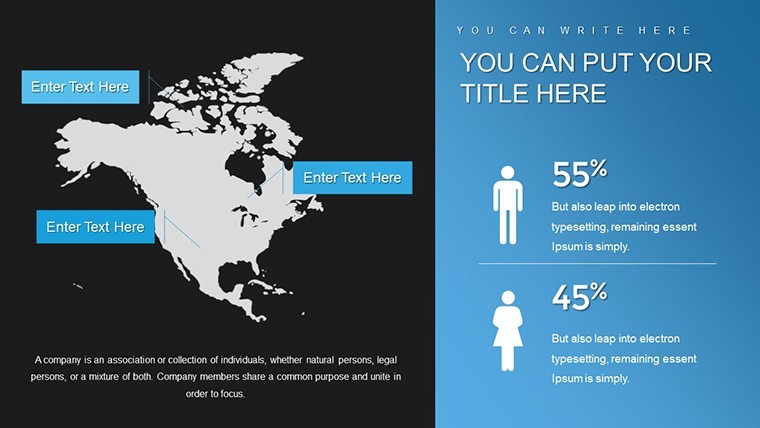
Reliance Trends World Keynote Charts - Editable Keynote | ImagineLayout - Slide #36
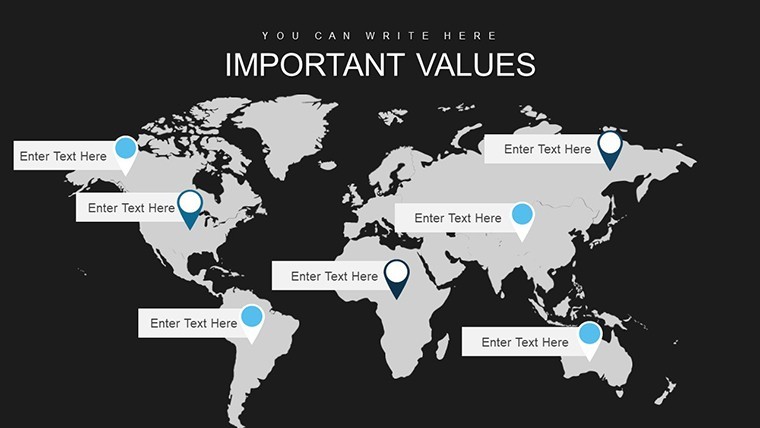
Reliance Trends World Keynote Charts - Editable Keynote | ImagineLayout - Slide #37
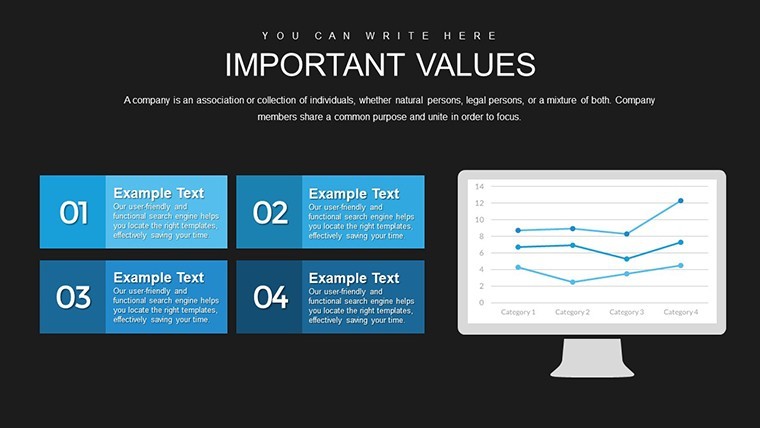
Reliance Trends World Keynote Charts - Editable Keynote | ImagineLayout - Slide #38
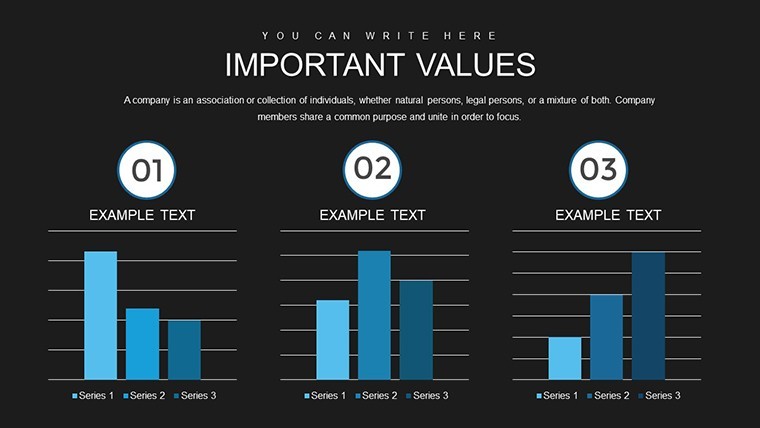
Reliance Trends World Keynote Charts - Editable Keynote | ImagineLayout - Slide #39
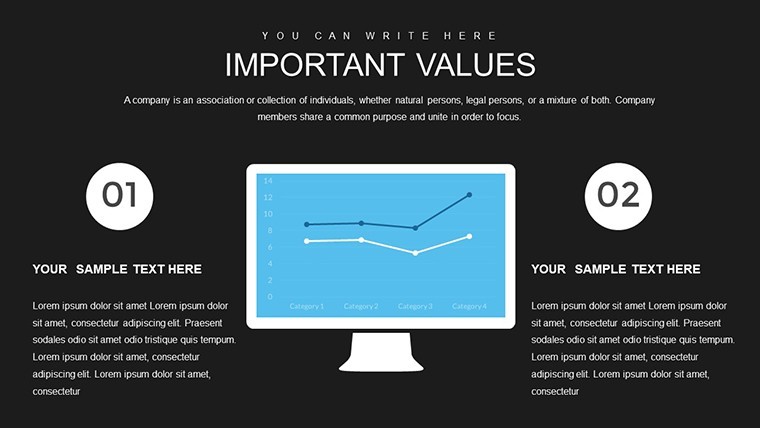
Reliance Trends World Keynote Charts - Editable Keynote | ImagineLayout - Slide #40
Reliance Trends World Keynote Charts - Editable Keynote | ImagineLayout - Slide #41
Reliance Trends World Keynote Charts - Editable Keynote | ImagineLayout - Slide #42
Reliance Trends World Keynote Charts - Editable Keynote | ImagineLayout - Slide #43
thumbnail slide #0
thumbnail slide #1
thumbnail slide #2
thumbnail slide #3
thumbnail slide #4
thumbnail slide #5
thumbnail slide #6
thumbnail slide #7
thumbnail slide #8
thumbnail slide #9
thumbnail slide #10
thumbnail slide #11
thumbnail slide #12
thumbnail slide #13
thumbnail slide #14
thumbnail slide #15
thumbnail slide #16
thumbnail slide #17
thumbnail slide #18
thumbnail slide #19
thumbnail slide #20
thumbnail slide #21
thumbnail slide #22
thumbnail slide #23
thumbnail slide #24
thumbnail slide #25
thumbnail slide #26
thumbnail slide #27
thumbnail slide #28
thumbnail slide #29
thumbnail slide #30
thumbnail slide #31
thumbnail slide #32
thumbnail slide #33
thumbnail slide #34
thumbnail slide #35
thumbnail slide #36
thumbnail slide #37
thumbnail slide #38
thumbnail slide #39
thumbnail slide #40
thumbnail slide #41
thumbnail slide #42
thumbnail slide #43

Type: Keynote Charts template

Category: Arrows, Illustrations

Sources Available: .key

Product ID: KC00708

Template incl.: 44 editable slides

Purchase this template
$ 22.00

For tracking global trends without a designer.

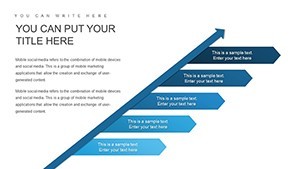
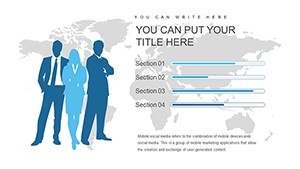
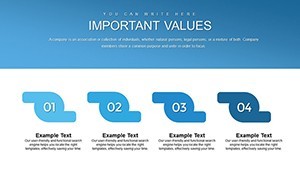
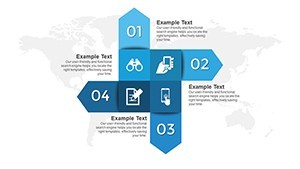
Open the .key file and you get 44 editable slides focused on trend visualization.

The paid version delivers the complete set while no free details appear on the page.

Files follow standard KEY formats compatible with current installations.

No complex layouts, just structured blocks.

The charts support relationship mapping so you can clarify priority between trend drivers after one glance.

This file suits marketing teams who update trend overviews for stakeholders every month.

It works best for data-driven decks and is not designed for purely narrative slides.

Use this when you need to show reliance patterns without manual chart creation.

See also the Pictorial Meaning Illustrations Keynote Template and Business Marketing Keynote Charts.

FeatureDetails
Slides / diagrams44 trend charts
File format.key
Software versionKeynote 10+ on macOS (standard compatibility)
Color schemesSwitch entire palette via master slide in one click
Editable elementsData points, labels, and chart bars resize and recolor independently
Aspect ratio16:9
Free vs PaidPaid delivers full 44 editable slides; no free version listed
Masters / BackgroundsSingle master for instant color updates
Which Keynote versions and macOS are supported?

The .key files work with Keynote 10 and newer on macOS Ventura or later. In practice most current Mac setups handle them without issues. You can also open them in older versions in most cases.

How do I change colors via slide master?

Open the file, go to View > Slide Master. Select the master slide and update the color palette there. All slides update automatically. This takes under a minute and keeps consistency across the entire deck.

Can I use this for client work?

Yes, one purchase allows you to use the template in client presentations and reports. You cannot resell or redistribute the original file. The license covers commercial use for your projects.

What is the difference between free and paid?

The paid version includes the full set of editable slides. No free version is listed on the page. You get the complete KEY file ready for customization upon purchase.

What are the refund conditions?

Refunds are available within 14 days if the file does not meet your needs. Contact support with your order details. The process is straightforward and handled case by case.

You open the file and start editing.

Download and start editing immediately
See more in Arrows Keynote Chart →