3D Dodecahedron Keynote Charts - Editable KEY | ImagineLayout
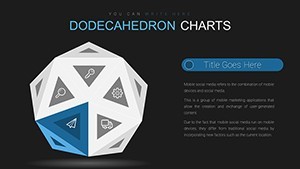
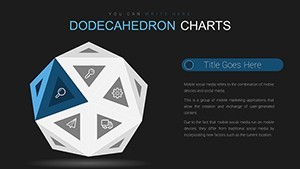
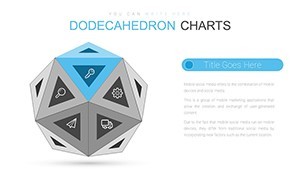
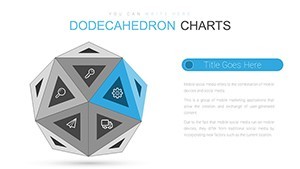

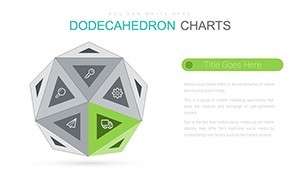
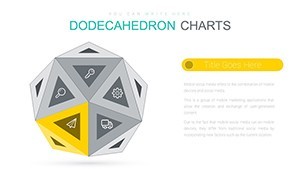
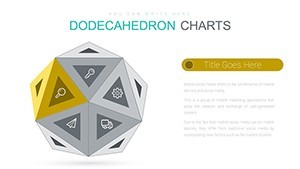
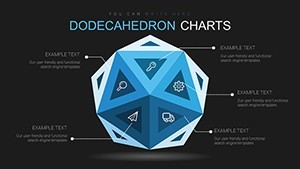
Type: Keynote Charts template
Category: 3D
Sources Available: .key
Product ID: KC00691
Template incl.: 21 editable slides
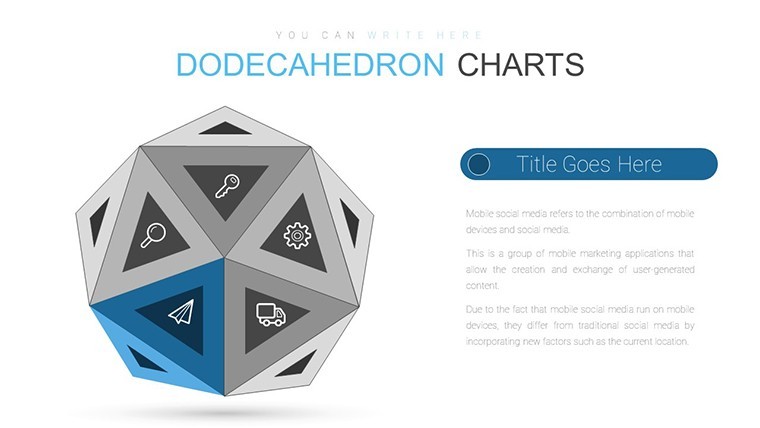
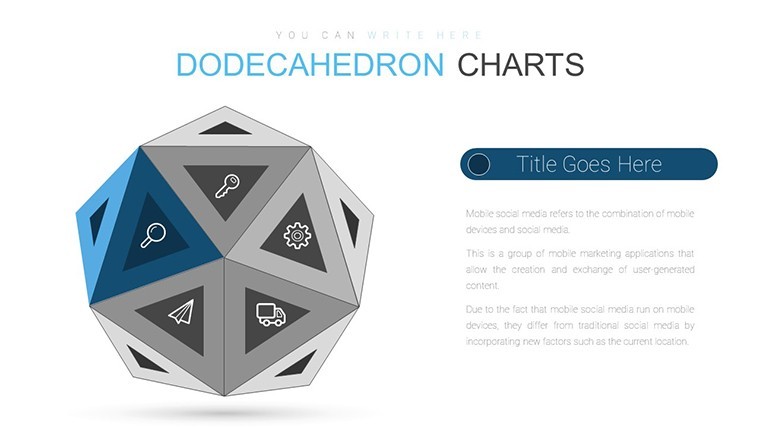
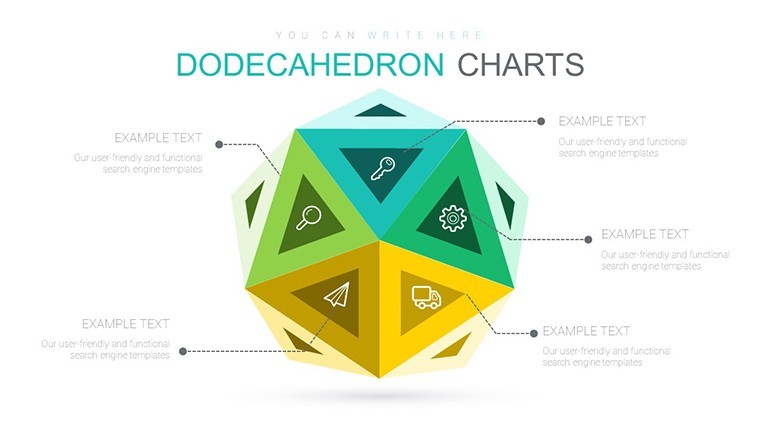
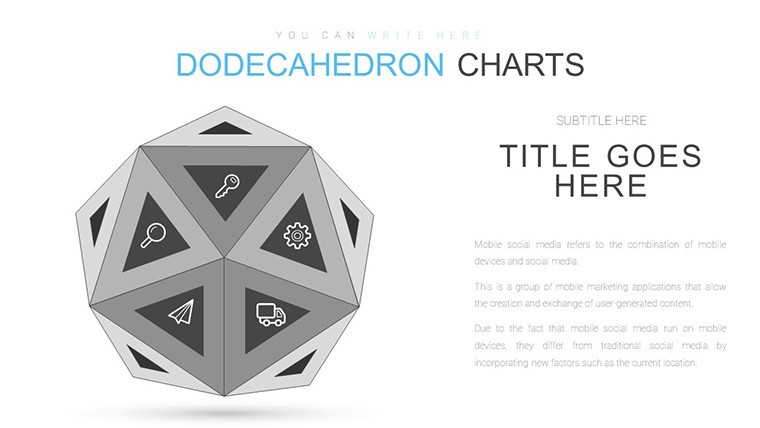
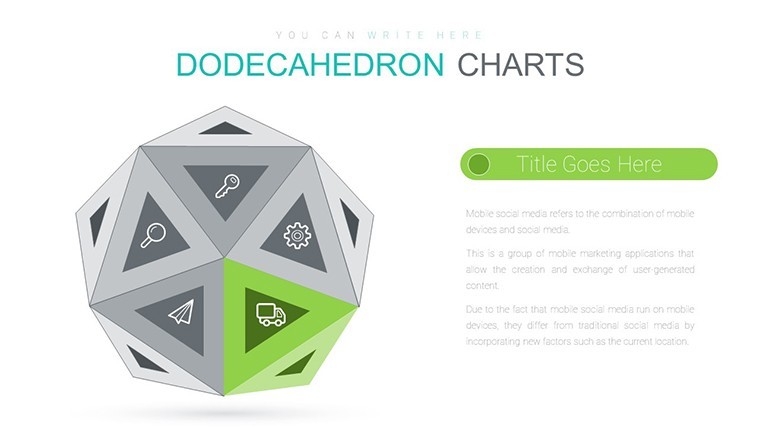
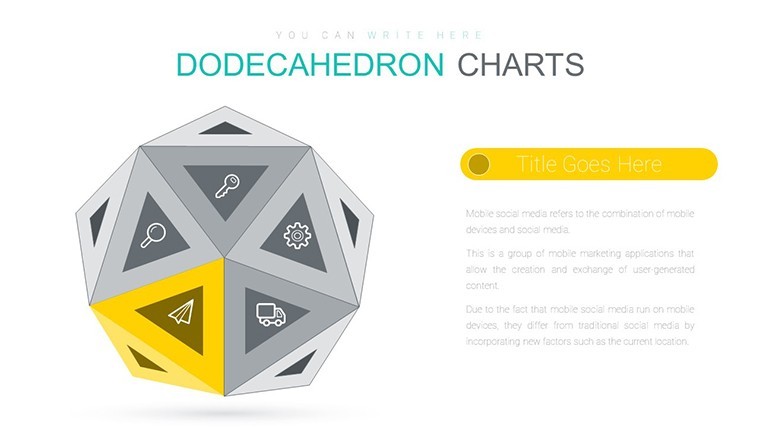
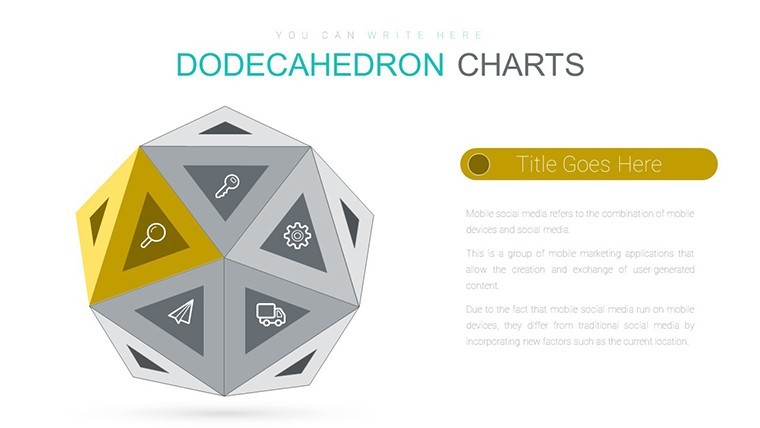
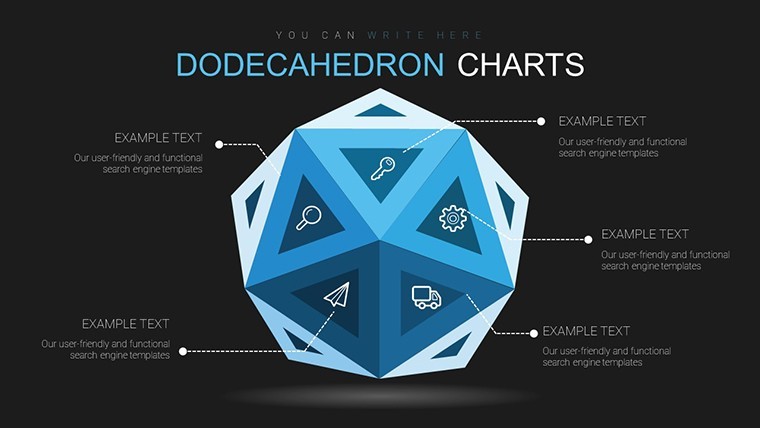
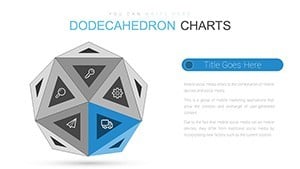
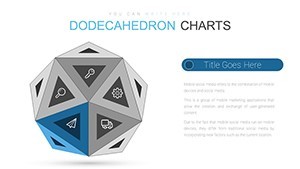
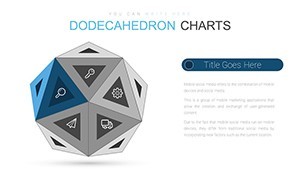
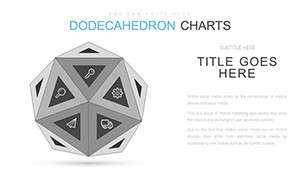
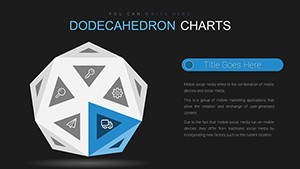
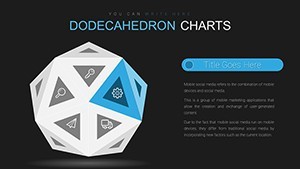
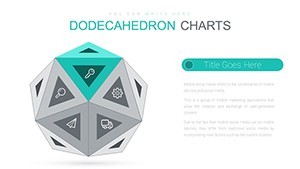
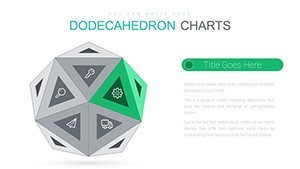
Dodecahedron Geometric Keynote Charts for Multidimensional Analysis
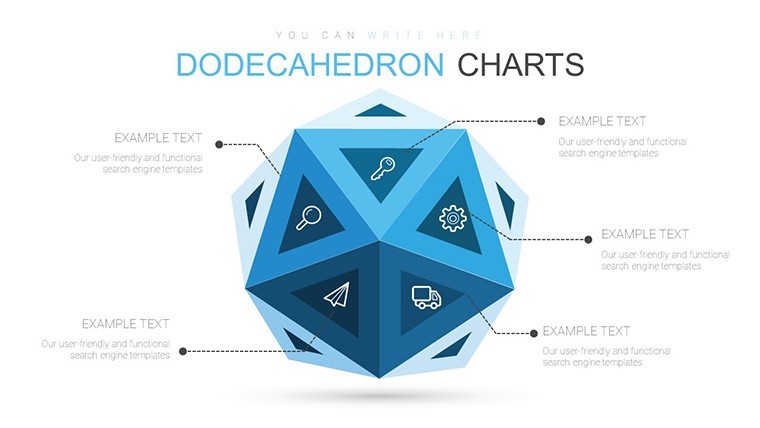
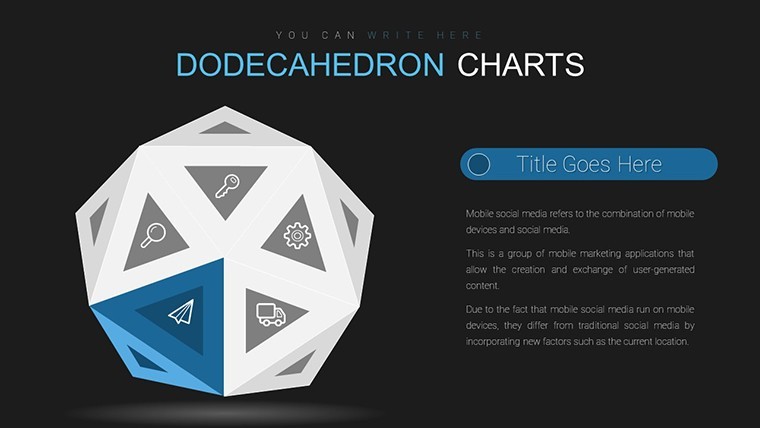
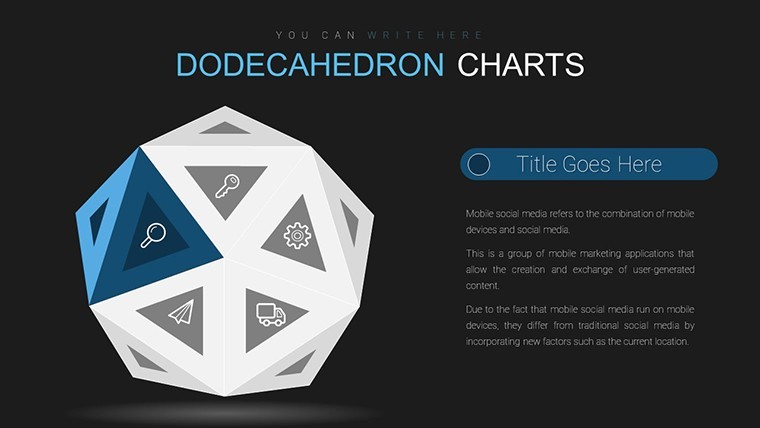
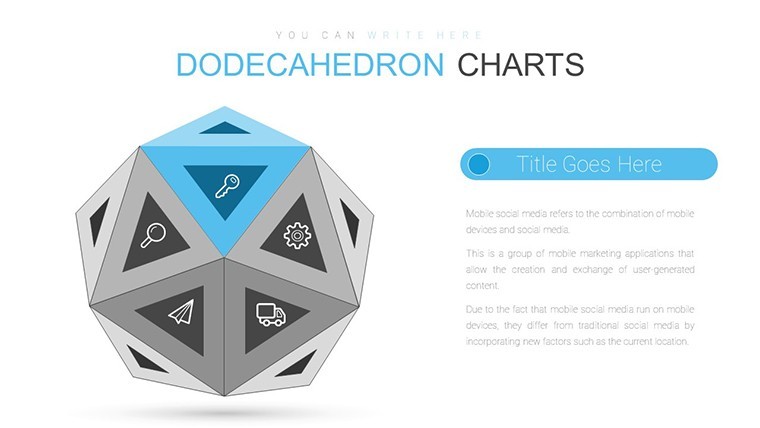
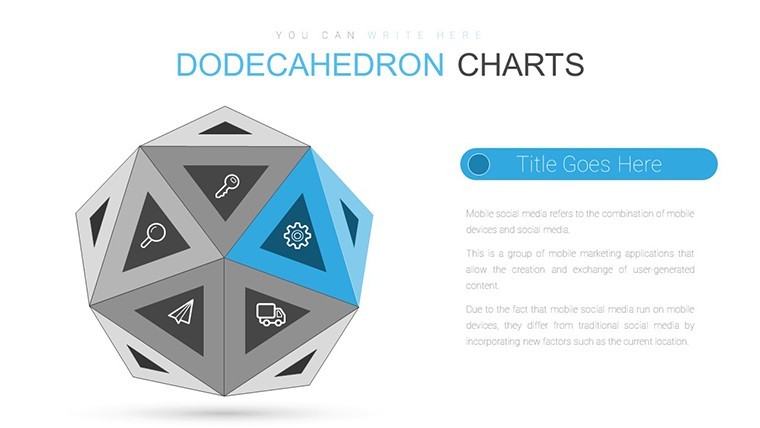
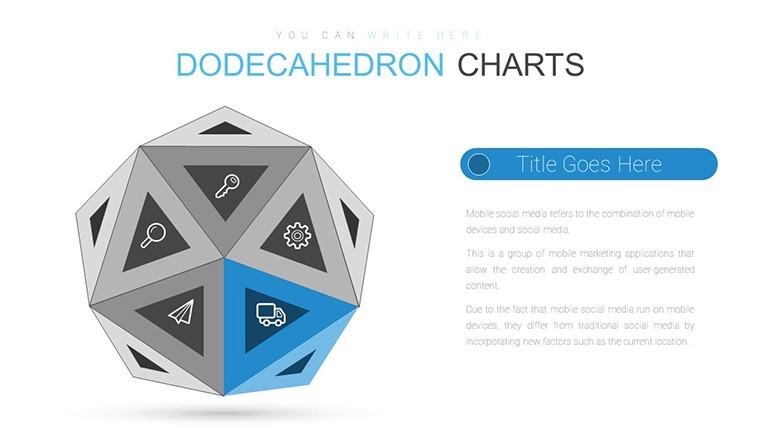
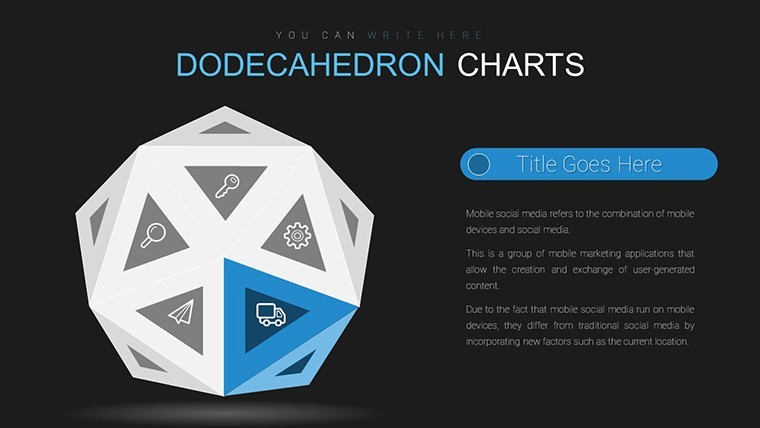
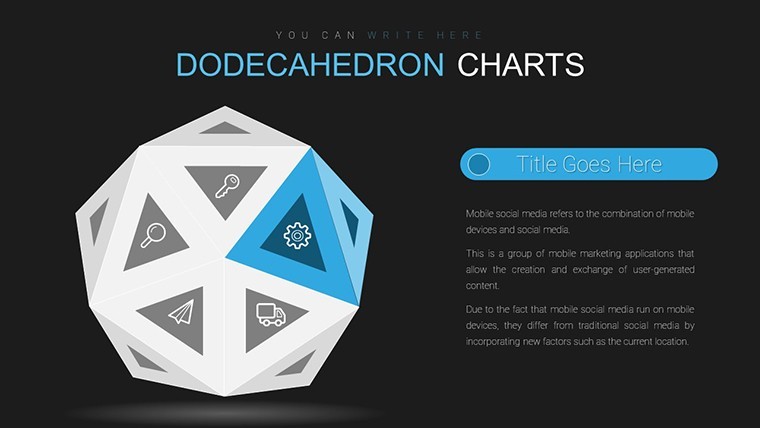
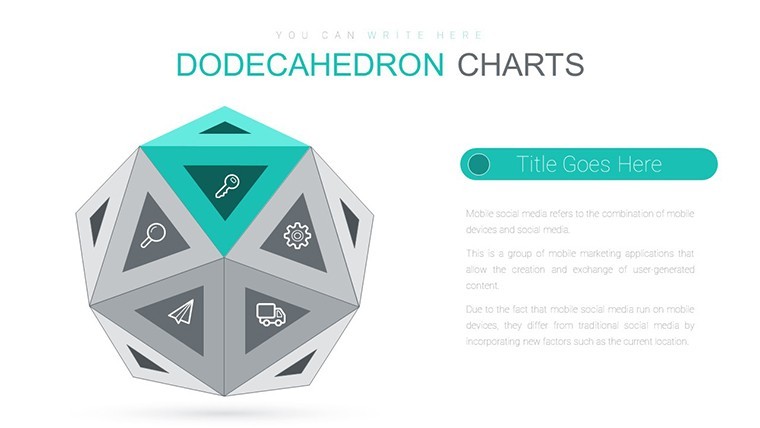
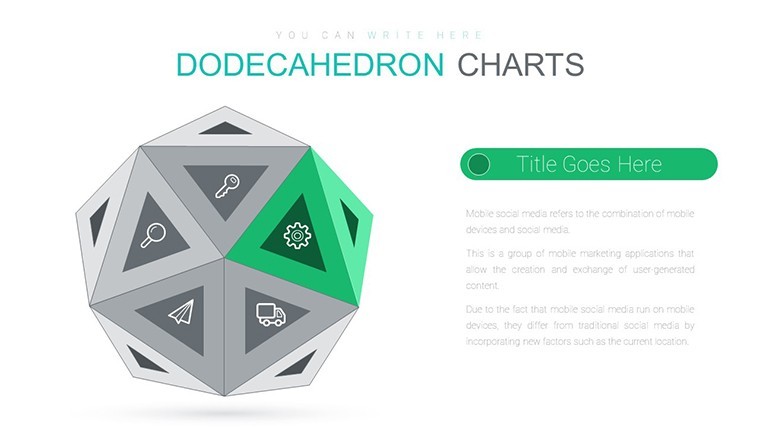
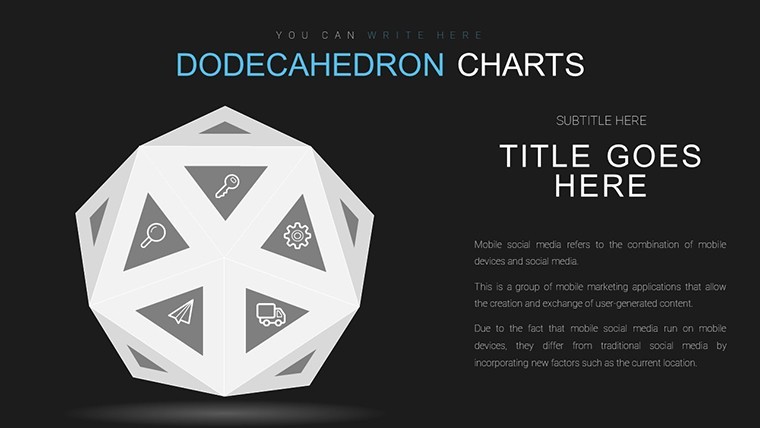
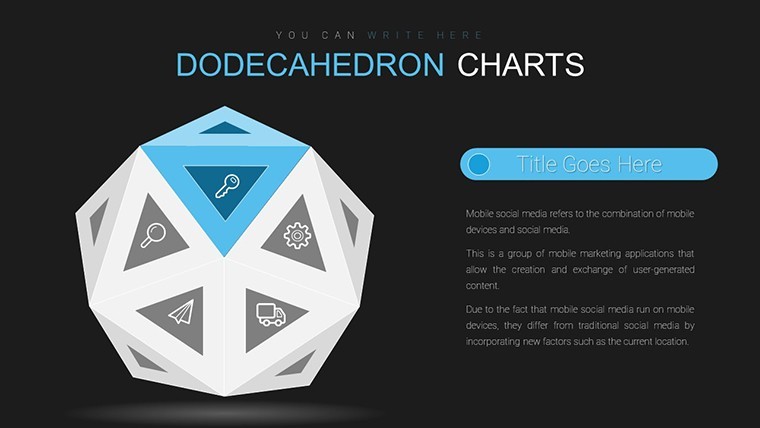
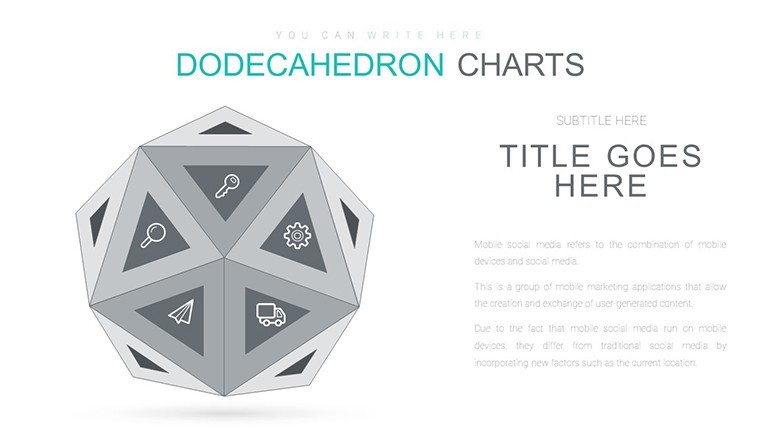
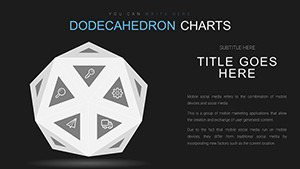
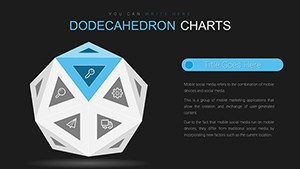
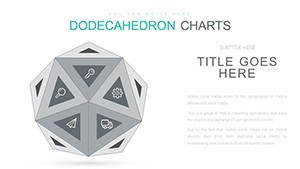
21 geometric diagrams fill the KEY file and suit multidimensional data analysis in presentations.
The paid version gives you the full set for quick customization.
No setup needed.
Dodecahedron geometric structures let you place input data into facets for clear comparison while you drop in your metrics and the layout holds without manual adjustments in most cases teams reuse the same file for recurring strategy sessions instead of building from scratch.
The layout helps organize complex content into one slide and prevents overcrowded layouts.
Use this when you need to show multifaceted relationships to stakeholders without arranging shapes manually.
The predefined dodecahedron structure keeps everything aligned so you don`t end up adjusting spacing slide by slide.
This Keynote diagram template supports analysis where multiple variables interact.
After using it viewers can decide which aspects to prioritize based on the visual facets and it clarifies connections that are hard to explain in text alone.
The file works best for structured diagrams not creative storytelling slides.
It is not designed for data-heavy dashboards with endless rows and not ideal when you need simple bullet lists.
Analysts handling multidimensional data find it fits their task perfectly.
You can change colors via the slide master to match your brand in under a minute.
See also the Pyramids and Geometric Keynote Charts Template or explore more in 3D Keynote charts templates.
Everything aligns on the 3D facets so decisions come faster.
Specifications
| Feature | Details |
|---|---|
| Slides / diagrams | 21 dodecahedron geometric charts |
| File format | KEY |
| Software version | Keynote 12+ |
| Color schemes | Switch via slide master |
| Editable elements | Text colors and shapes resize independently |
| Free vs Paid | Paid version includes full 21-slide KEY file |
| Masters / Backgrounds | Slide masters for global edits |
You open the file and start editing.
Download and start editing immediately
Color change via slide master (step-by-step)
Color changes happen directly through the slide master in Keynote. Open the file go to View then Master Slides select the master and update the theme colors once. All diagrams update automatically across the deck in practice and you avoid editing each slide individually.
License: client work - yes or no + conditions
The license permits client work under standard commercial terms. You can use the file in paid projects for one client per purchase. Multiple clients require separate licenses and commercial use is allowed without extra fees in most cases.
Free vs paid - specific differences
The page does not list free version details but the paid download includes the complete set of editable slides in KEY format. Paid buyers receive all diagrams ready for immediate customization. No free full version is listed on the page.
Refund conditions
Refunds are processed if the template does not match your expectations. Submit a request within 30 days of purchase with your order details. Support reviews each case individually and typically approves valid requests quickly.
Multiple team members - one license?
One license covers a single user or team workspace. Multiple team members require individual licenses for each active editor. Shared access on one computer is allowed but simultaneous editing on separate machines needs extra licenses.