Chain Sequence Process Charts Keynote - Fully Editable | ImagineLayout
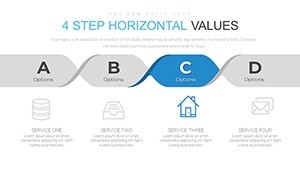
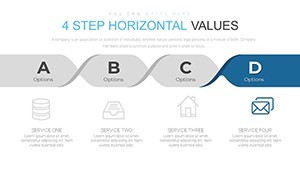
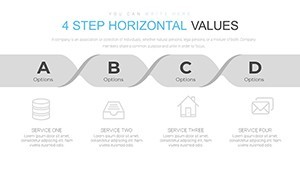
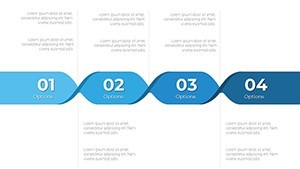
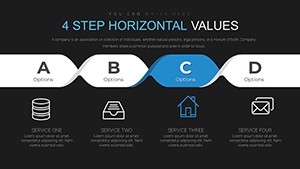
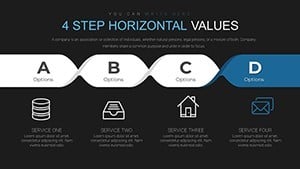
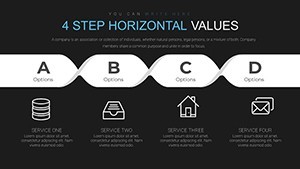
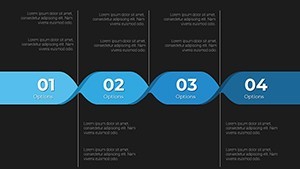
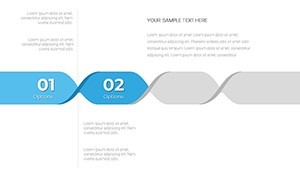
Type: Keynote Charts template
Category: Process
Sources Available: .key
Product ID: KC00680
Template incl.: 22 editable slides
Chain Sequence Process Charts Template Keynote
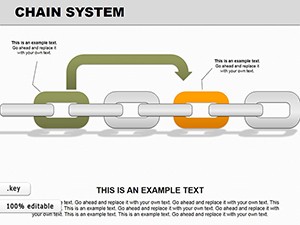
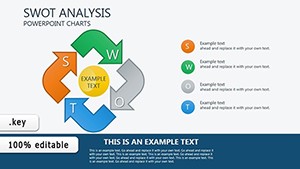
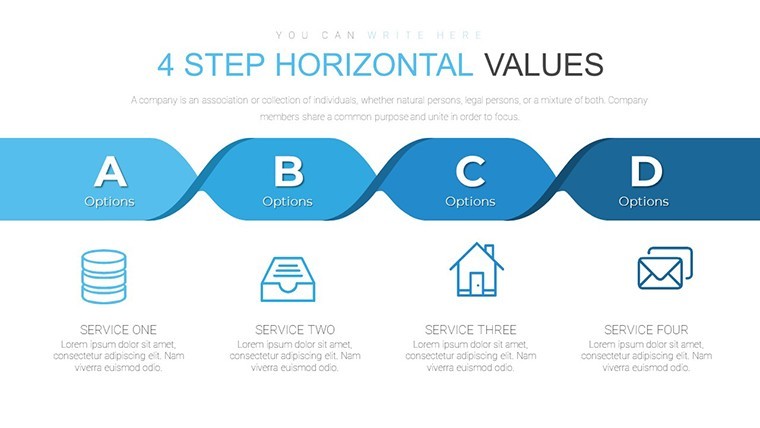
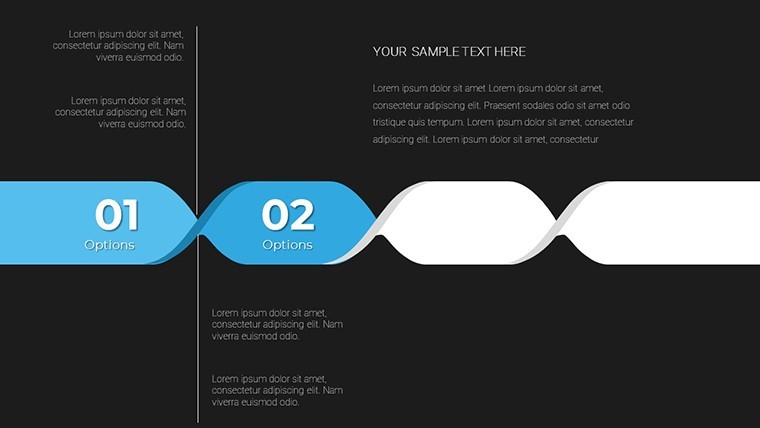
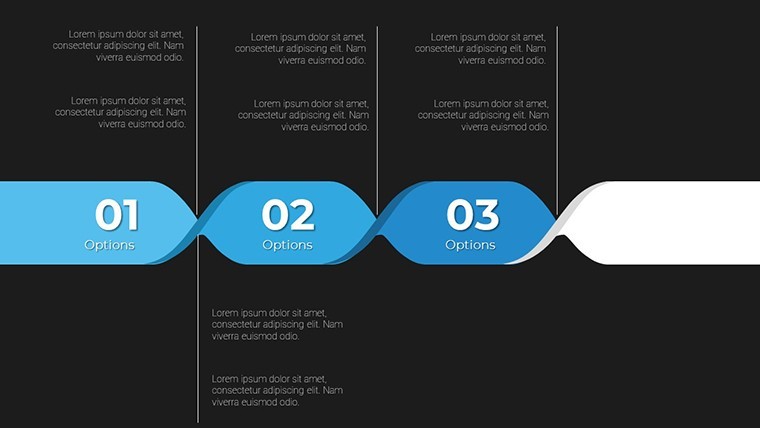
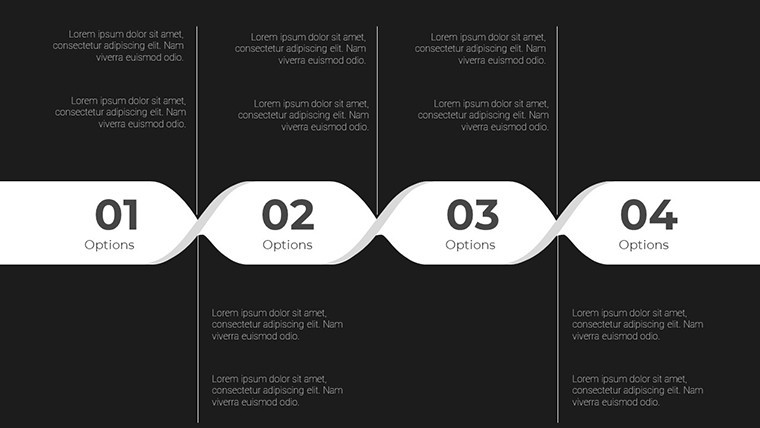
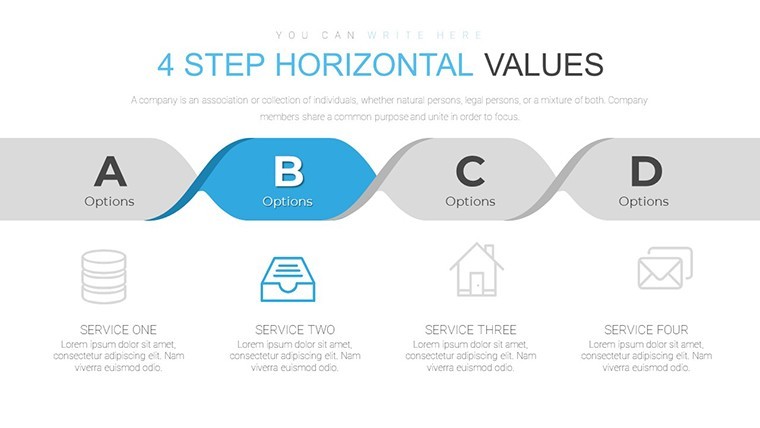
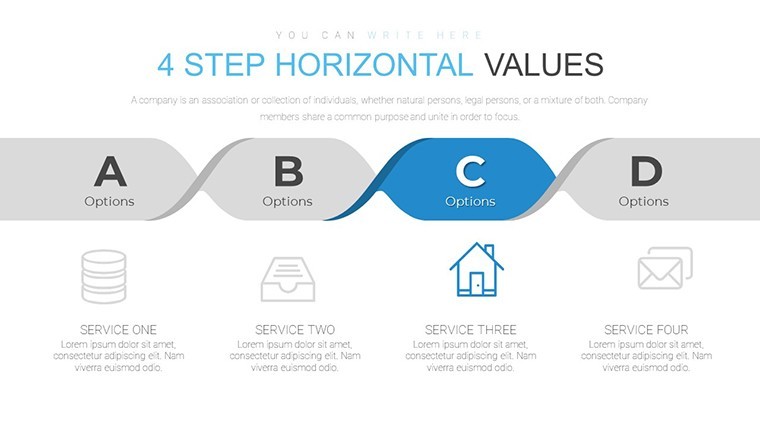
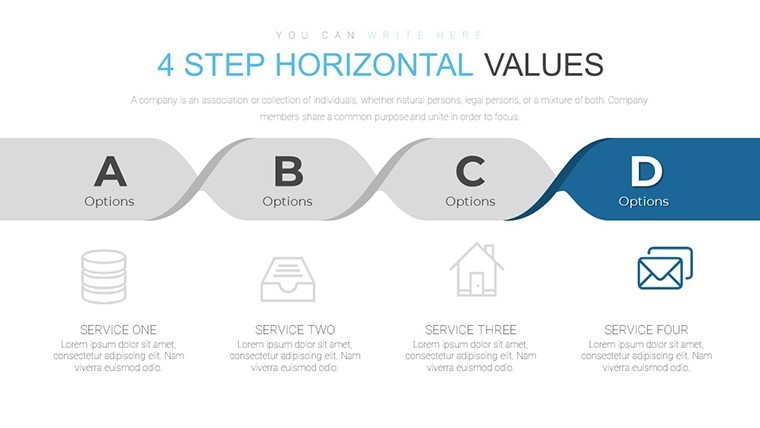
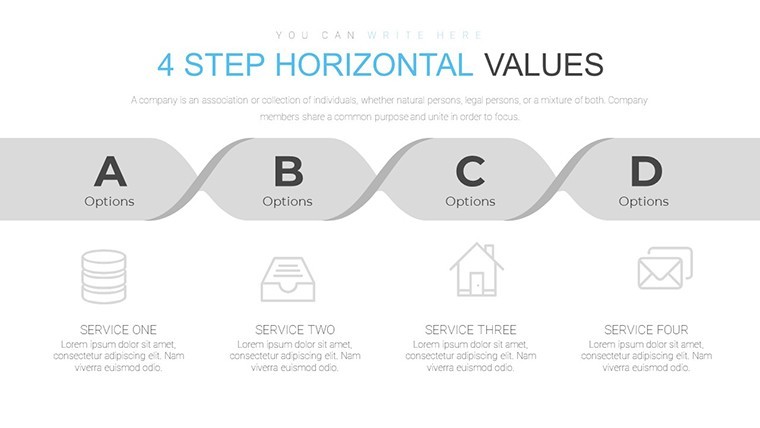
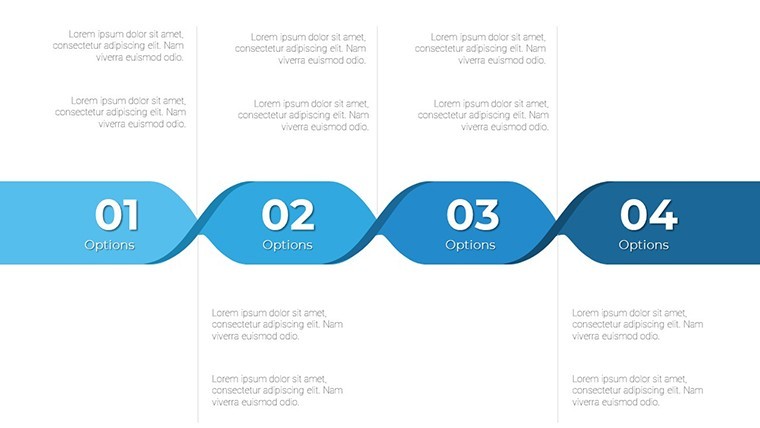
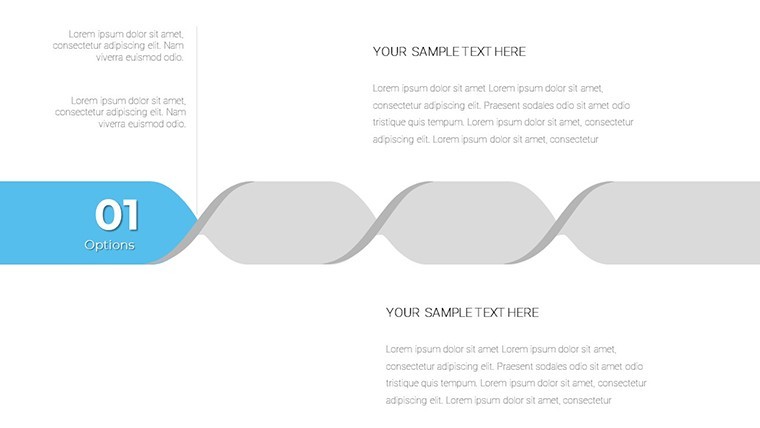
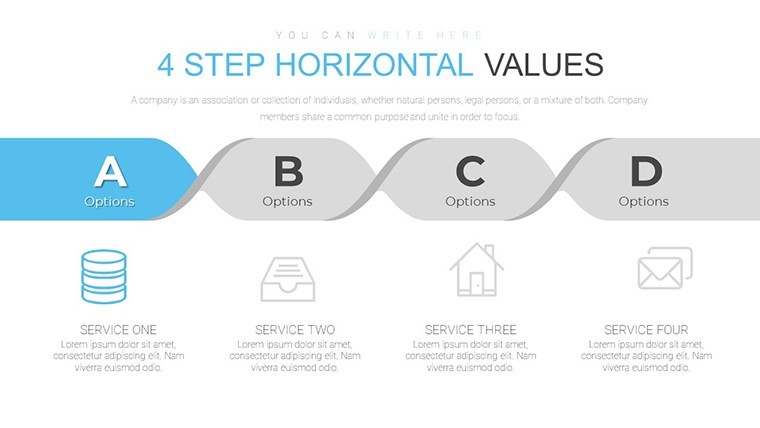
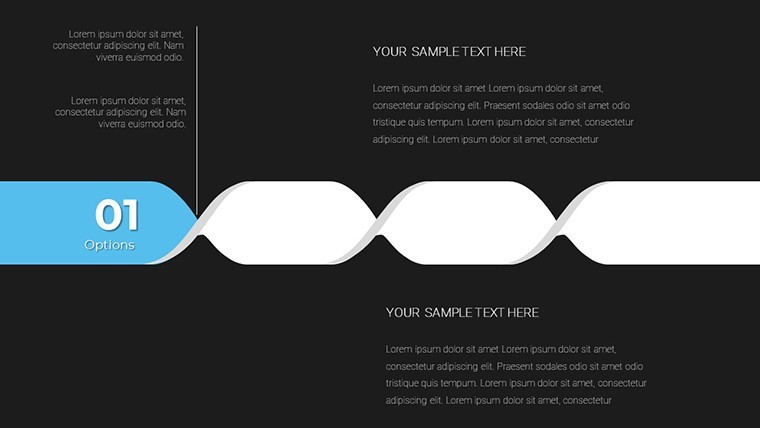
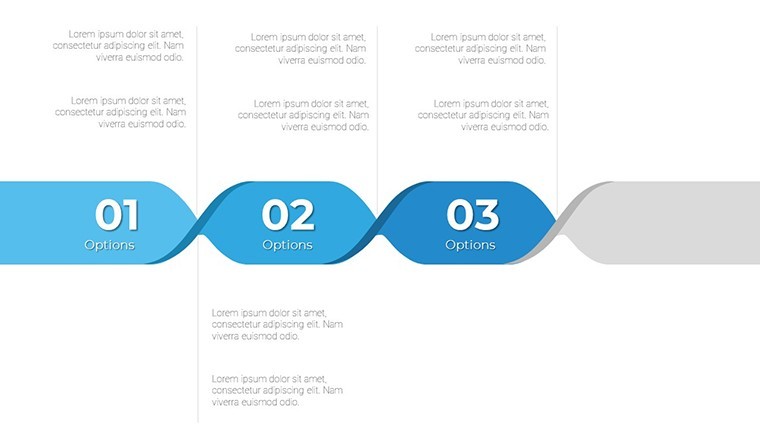
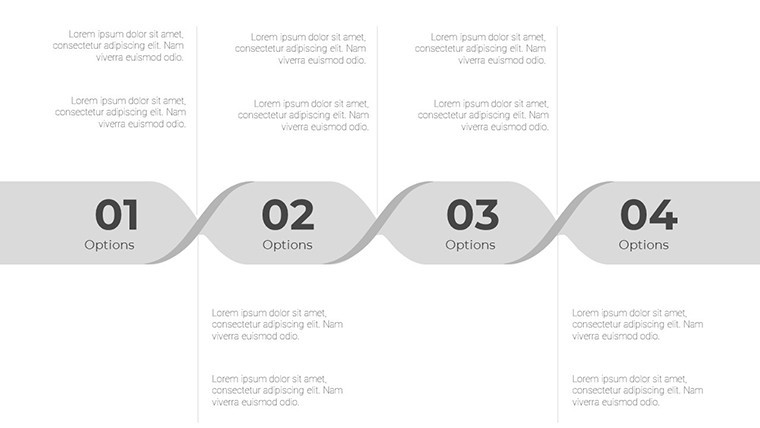
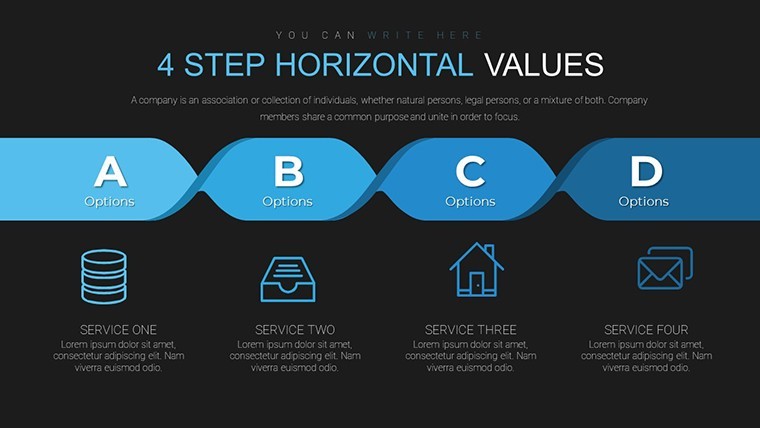
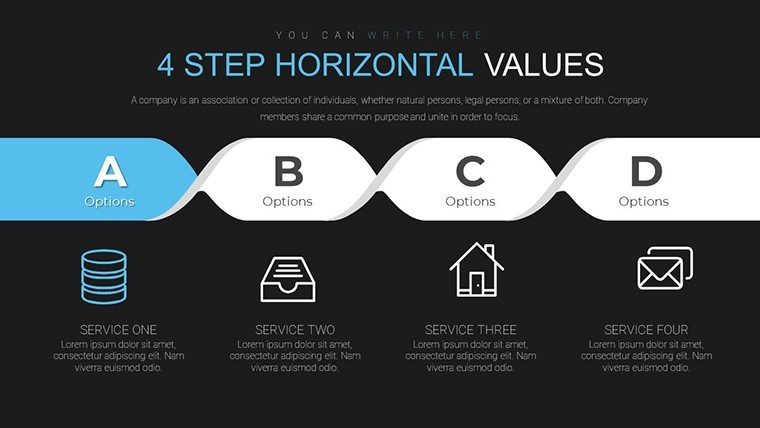
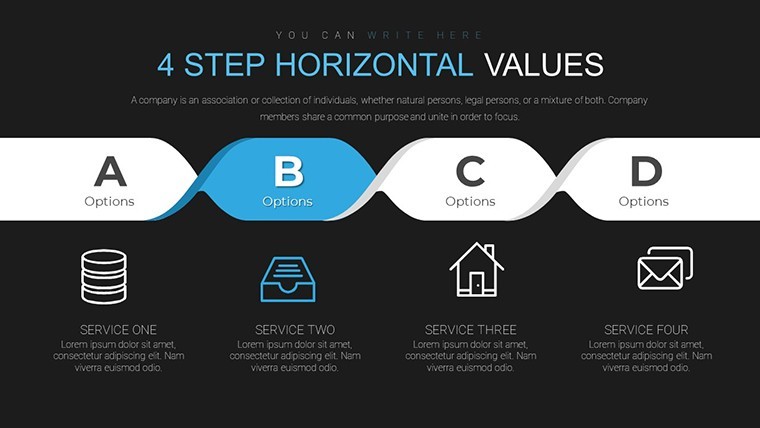
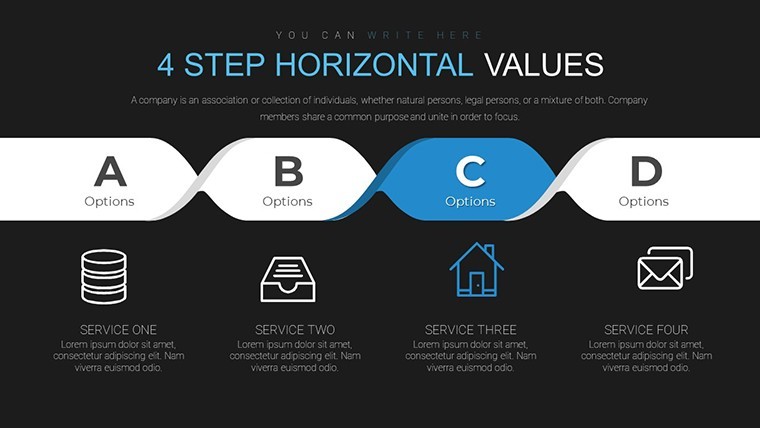
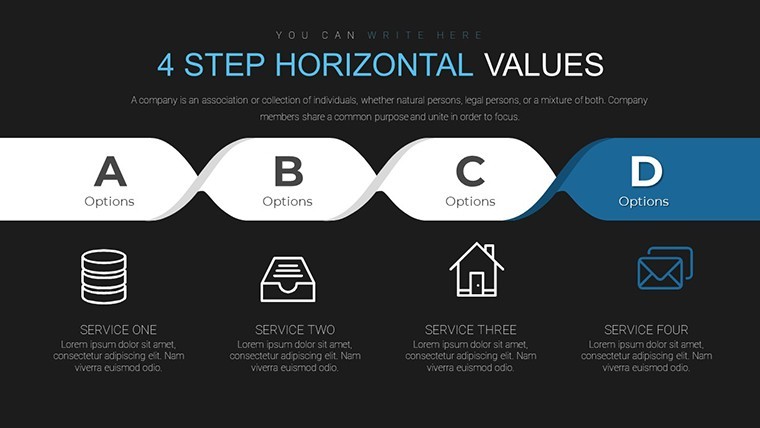
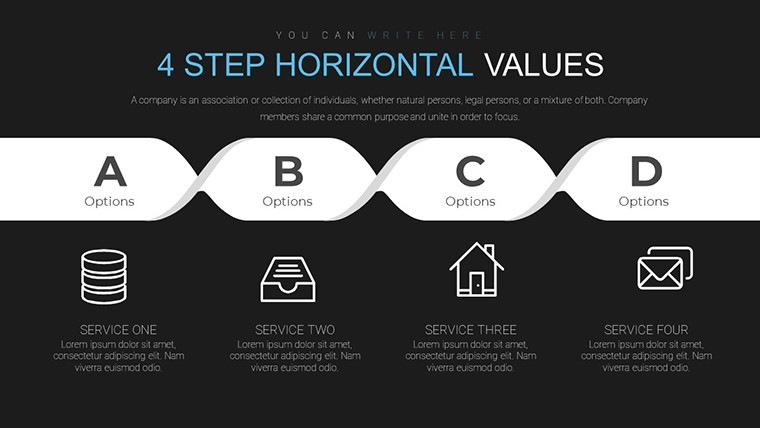
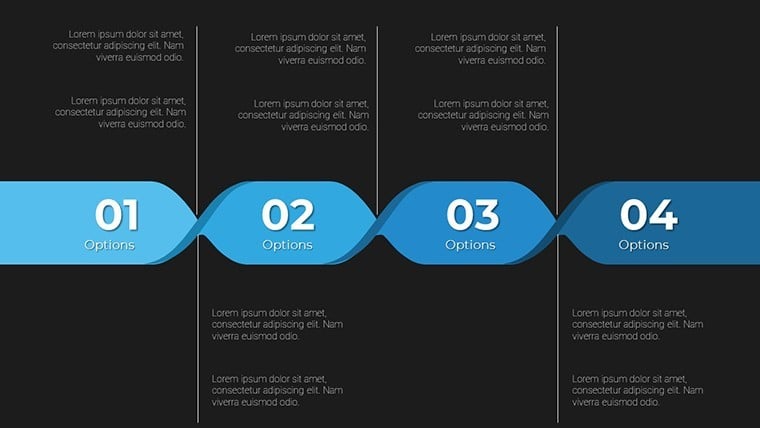
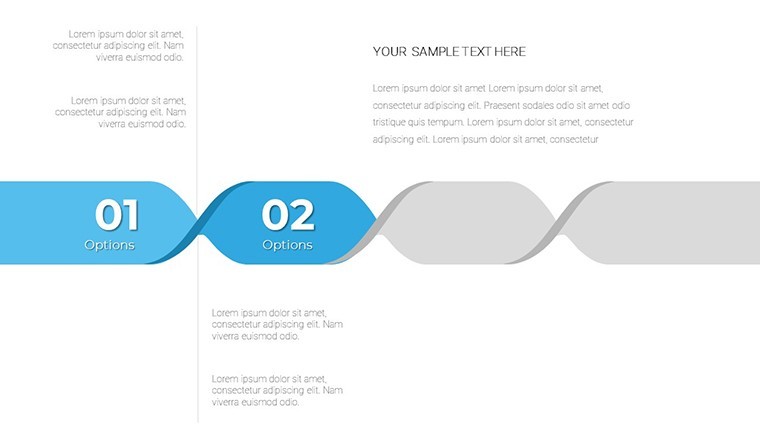
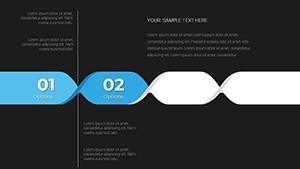
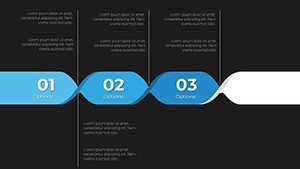
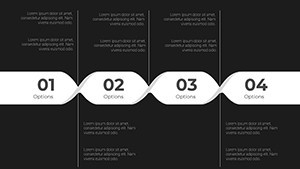
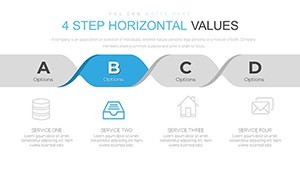
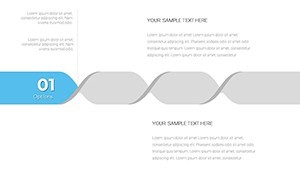
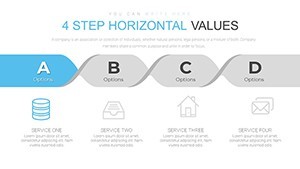
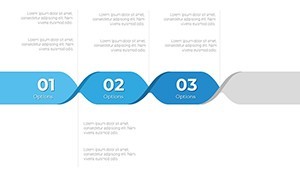
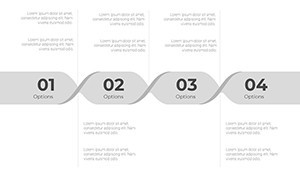
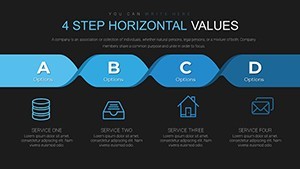
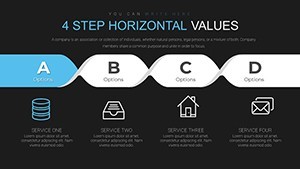
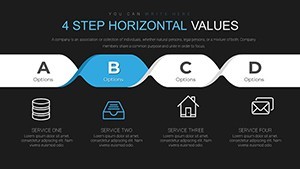
22 chain sequence diagrams come inside the KEY file for process storytelling. Open the file and you get linked steps ready to fill.
You can duplicate slides and reuse the same structure.
The paid version provides the complete deck while free version details remain unspecified on the page. Built-in animations enhance sequence reveals in Keynote.
Project managers mapping workflows to teams use this layout to show dependencies without manual linking. The file removes the need to redraw connections slide by slide.
Typically you edit links directly in Keynote and add icons from the library. Color changes happen via the slide master. The chain structure keeps everything aligned.
This Keynote chart template supports process breakdown analysis. After using it stakeholders see the full sequence and decide on improvements to bottlenecks or handoffs.
It works best for linear process overviews not radial data displays. The file is not ideal when your content requires free-form creative layouts.
See also Chain System Keynote Charts and Strategic Analysis Value Chain Keynote Charts.
Specifications
| Feature | Details |
|---|---|
| Slides / diagrams | 22 chain sequence process charts |
| File format | KEY |
| Software version | Keynote with built-in animations |
| Color schemes | Not specified on page, edit via master |
| Editable elements | links, icons and text fully modifiable |
| Aspect ratio | 16:9 |
| Free vs Paid | Paid includes full 22 editable slides |
| Masters / Backgrounds | Slide master for sequence edits |
How do I change colors via the slide master?
To change colors open the slide master view in Keynote. Select the master slide and update the color palette for all objects. Apply the changes and they propagate to every diagram automatically in most cases. The process takes under a minute once you know the steps.
Can I use this template for client work?
You can use the template for client work under the standard license. The file remains your property but you cannot resell the original design as is. Contact support for enterprise licensing if needed for multiple users.
What is the difference between free and paid?
The paid version delivers the complete set of 22 editable slides. The page does not specify what the free version includes exactly. In practice you get the full diagrams only with the paid purchase.
What are the refund conditions?
Refunds are processed if the file does not open correctly in your Keynote version. Submit a request within 30 days with your download details. The team reviews and issues a refund if the issue cannot be resolved with support guidance.
Can multiple team members use one license?
One license covers a single user account. For team use purchase additional licenses or contact support for volume options. The template itself can be shared within approved client projects.
Everything is already structured.
Download and start editing immediately